Blog Customer FeedbackIn-App Surveys: A Practical Guide for SaaS Teams
In-App Surveys: A Practical Guide for SaaS Teams
In-app surveys catch users in the moment and get 2-3x the response rate of email. Here's how to run in-app surveys that collect feedback you can actually act on.


✨ Start running surveys & collecting feedback with Featurebase for free →
Most product teams guess why users drop off. They stare at analytics, watch the churn number climb, and fill in the blanks themselves.
The problem with guessing is that behavioral data shows you what happened, never why. A user bounced from onboarding, but you have no idea what they were stuck on.
In-app surveys fix that. You ask users directly, inside your product, while the experience is still fresh, and you get far higher response rates than a cold email ever will.
In this guide, I'll cover what in-app surveys are, the types and formats that work, and how to run them without annoying anyone. 👇
Key takeaways
- In-app surveys are short questionnaires shown inside your web or mobile product, usually triggered by something the user just did.
- They beat email on response rate because they reach people in context: around 27% on web and 36% on mobile, compared to roughly 15% for email.
- General (relationship) surveys track overall sentiment, while contextual (transactional) surveys ask about a specific action right after it happens.
- The main types are NPS, CSAT, CES, PMF, feature feedback, churn, and welcome surveys.
- Good surveys are short, well-timed, and targeted. Keep them to 1-3 questions and close the loop afterward.
- You can run targeted, multi-step in-app surveys with Featurebase✨, then act on the results in the same place you manage the rest of your feedback.
What are in-app surveys?
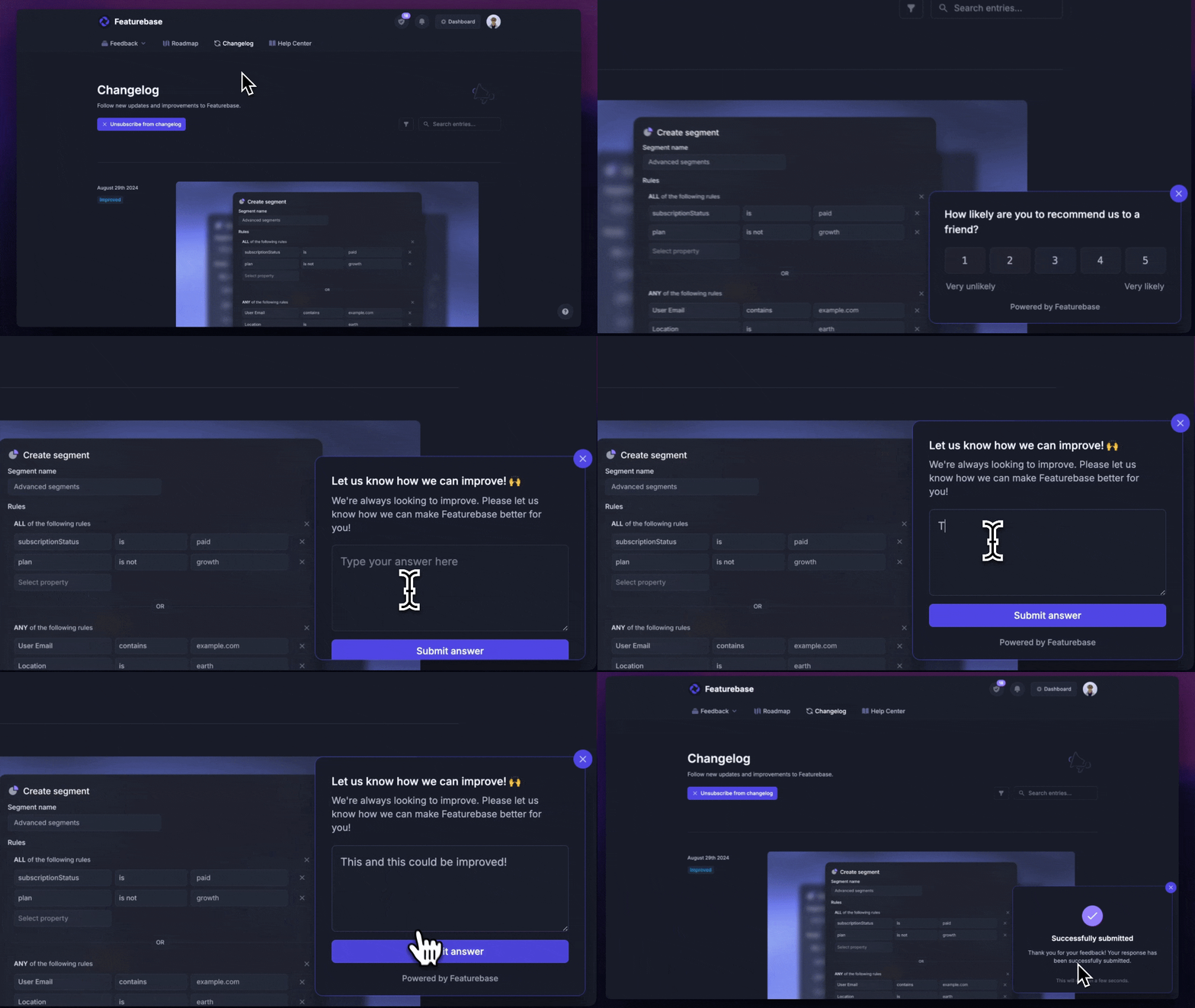
An in-app survey is a short questionnaire that appears directly inside your product while someone is using it. Instead of sending users off to an external link or waiting on an email reply, you ask the question in the flow of the experience and collect the answer on the spot.
Because the feedback is tied to what the user is doing right now, it tends to be more accurate and more actionable than feedback gathered days later. These are often called in-product surveys or microsurveys, and they sit under the broader umbrella of in-app feedback.
General vs. contextual in-app surveys
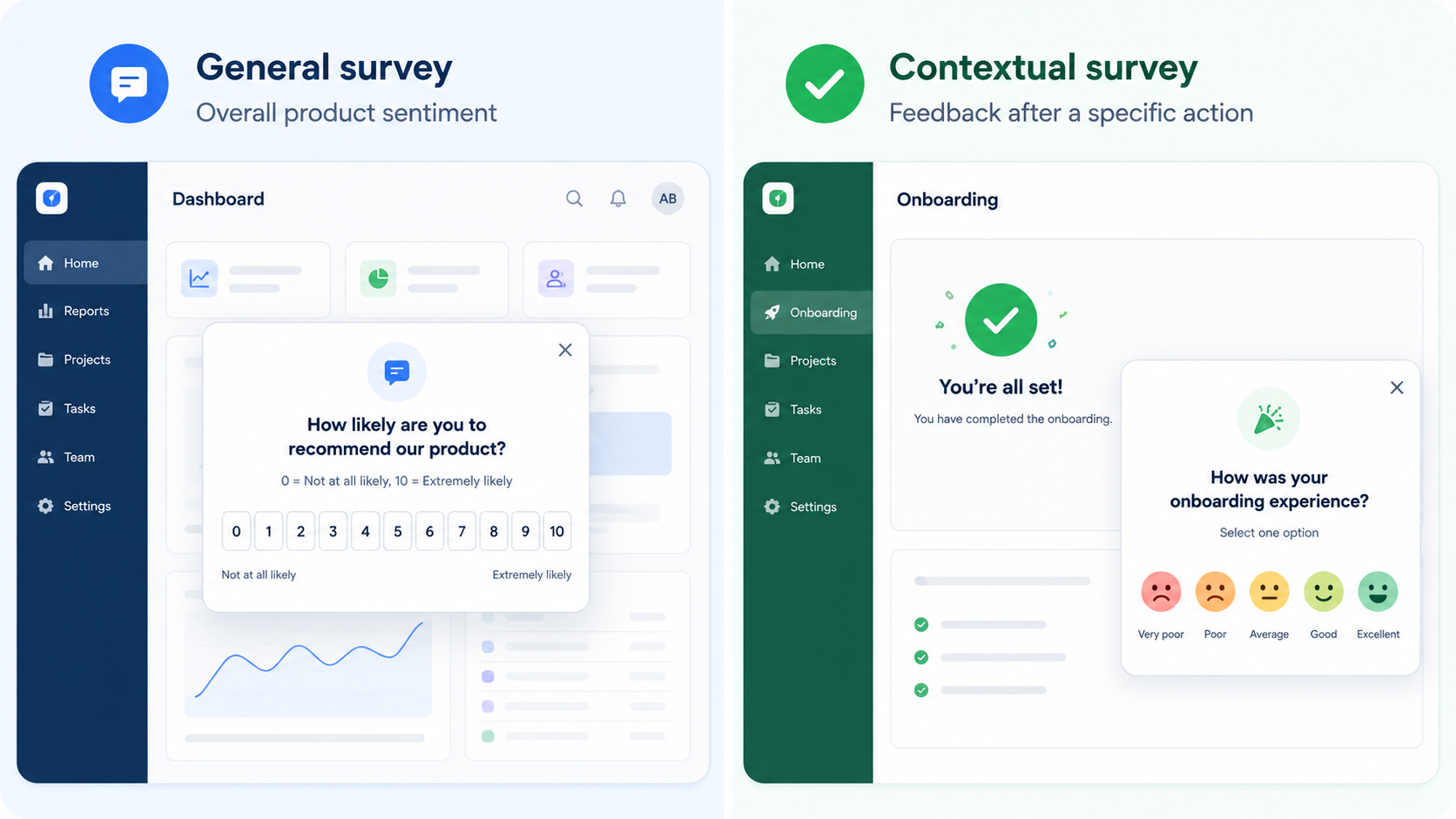
Before you pick a format, it helps to know which kind of feedback you actually need.
A general (relationship) survey is not tied to a single interaction. It captures overall sentiment about your product, like an NPS check you run on a regular cadence. A contextual (transactional) survey is tied to a specific action, such as finishing onboarding or trying a new feature, and it fires right after that moment while the experience is still fresh.
Most teams end up running both. A general survey tells you how people feel about the product overall, and a contextual one tells you why a specific flow is or isn't working.
Why in-app surveys work
The short version: they get answered.
According to Refiner's 2025 in-app survey response rate report, which analyzed 1,382 surveys and over 50 million views, in-app surveys average a 27.52% response rate on web and 36.14% on mobile. Compare that to email, which Delighted's own benchmark puts at around 15%. That's less than half the response rate of a channel most teams still reach for first.
The reason is timing. When you ask someone inside your product, they're already engaged and the context is loaded in their head. They don't have to switch to their inbox, remember what they were doing, and mentally reconstruct the experience.
That timing matters more than it looks, because the window is short. More than 90% of app users churn within 30 days of installing. If you wait for a quarterly email survey, most of the people you wanted to hear from are already gone.
There's a second reason in-app surveys matter now. As AI agents handle more of what users used to do by hand, behavioral signals get thinner. You can see that someone re-ran the same prompt three times, but only a survey tells you what wasn't good enough. Real-time, contextual questions are the only way to capture the "why" that clicks and drop-offs never explain.
The main types of in-app surveys
You don't need to run all of these. Pick the ones that map to a decision you're actually trying to make.
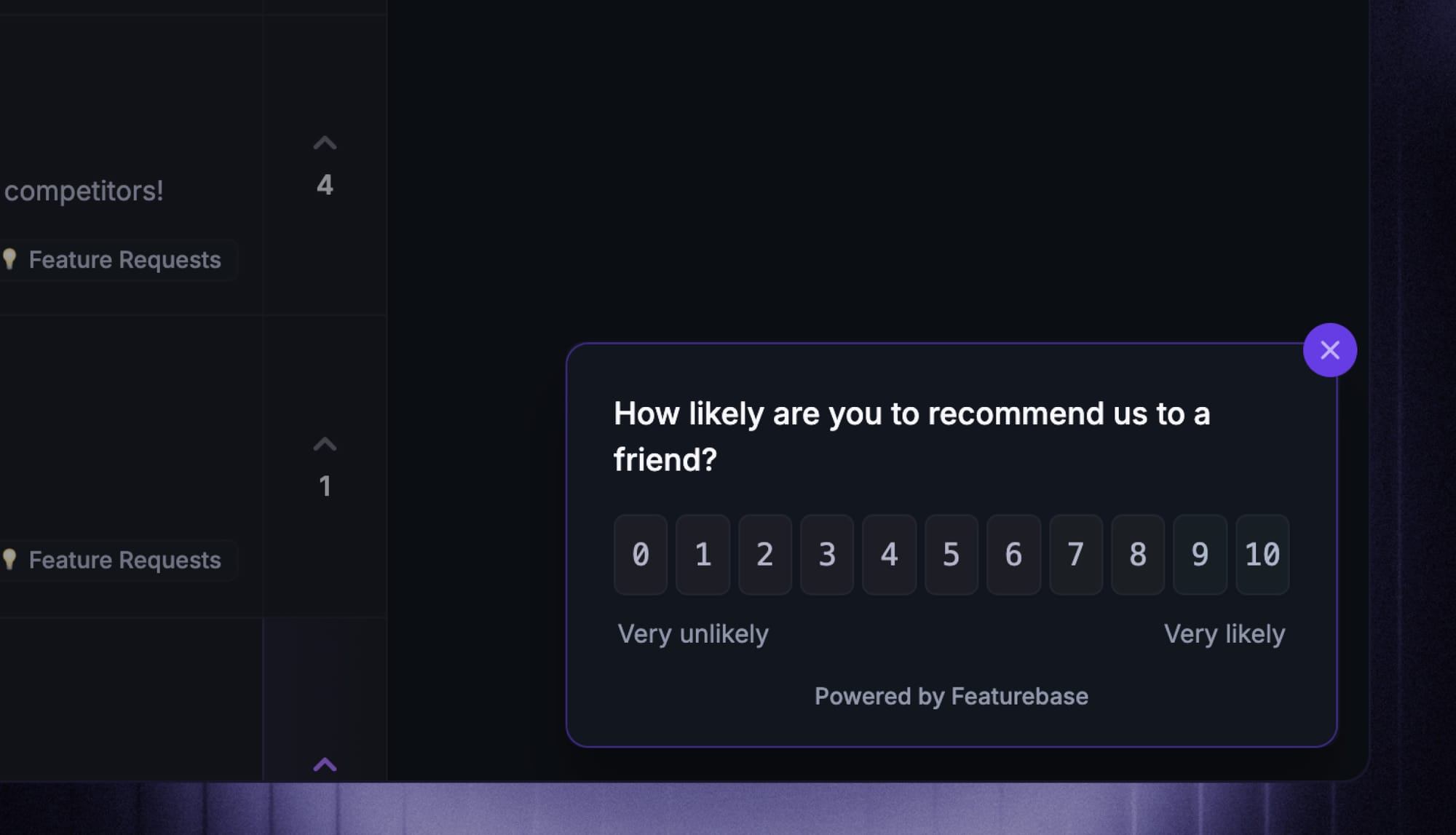
- Net Promoter Score (NPS): Asks how likely someone is to recommend you, on a 0-10 scale. Best run once a user has experienced real value, not on their first day. It's a loyalty signal, so pair it with a follow-up asking for the reason behind the score.
- Customer Satisfaction (CSAT): Asks how satisfied someone was with a specific experience, like a feature or a support interaction. It works right after the moment you want to measure.
- Customer Effort Score (CES): Asks how easy it was to complete a task. Great after onboarding or a complex workflow, where friction is the thing you're trying to reduce.
- Product-market fit (PMF): Asks how users would feel if they could no longer use your product. Only meaningful with power users and long-term customers who have something to lose.
- Feature feedback: Asks whether a feature helped users do what they came to do. Fire it after the first use, or a few uses, depending on how complex the feature is. This is where a lot of product feedback and feature requests come from.
- Churn and exit surveys: Ask why someone is leaving, shown before a cancellation is final. The answers are blunt, but they're some of the most useful data you'll get.
- Welcome surveys: Ask who a new user is and what they're trying to accomplish, in the first session, so you can route them to the right experience.
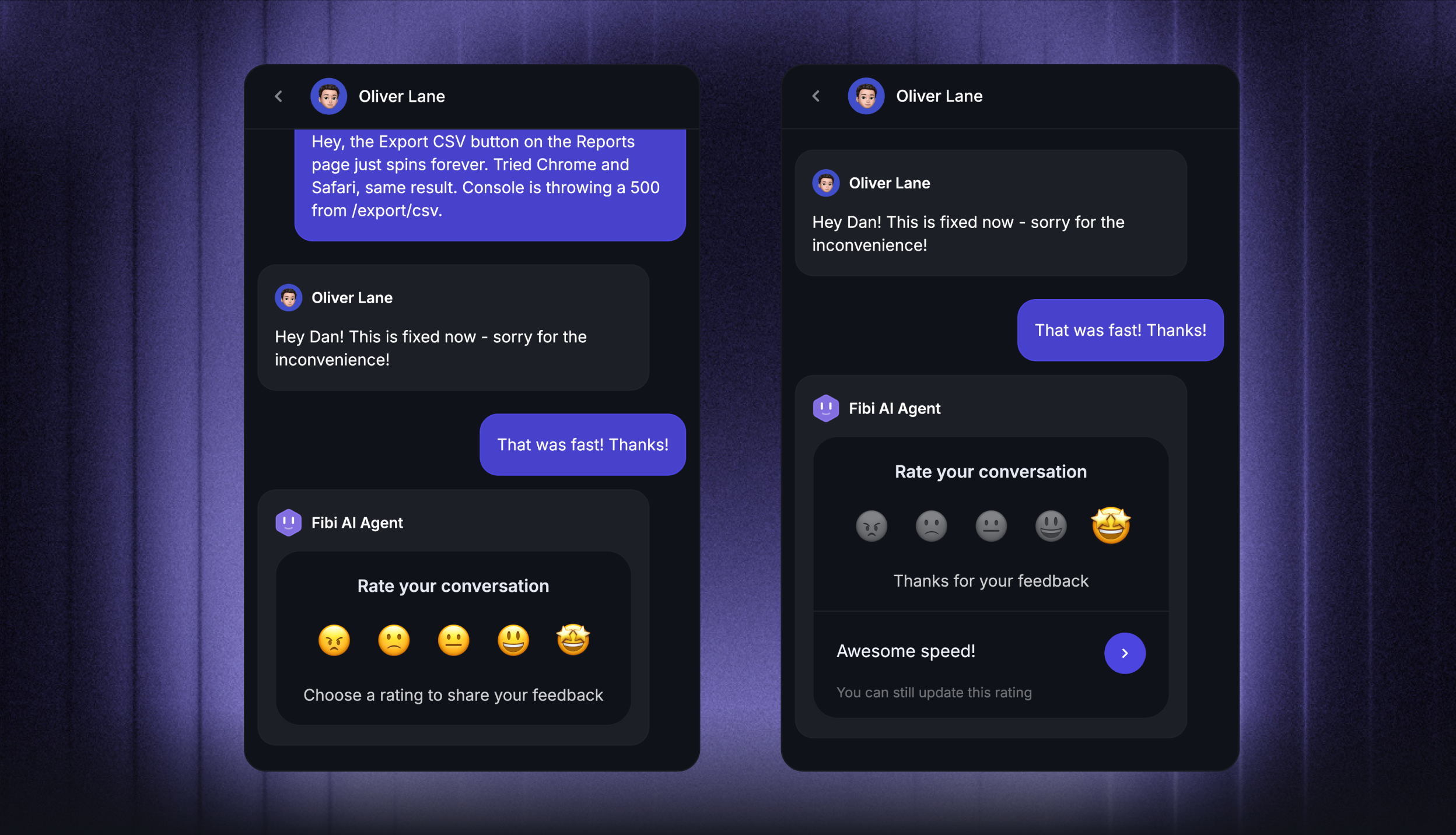
If you're weighing NPS against CSAT for ongoing measurement, our breakdown of NPS vs. CSAT covers when each one earns its place.
In-app survey formats (and when to use each)
The same question lands very differently depending on how you present it. Here are the formats worth knowing.
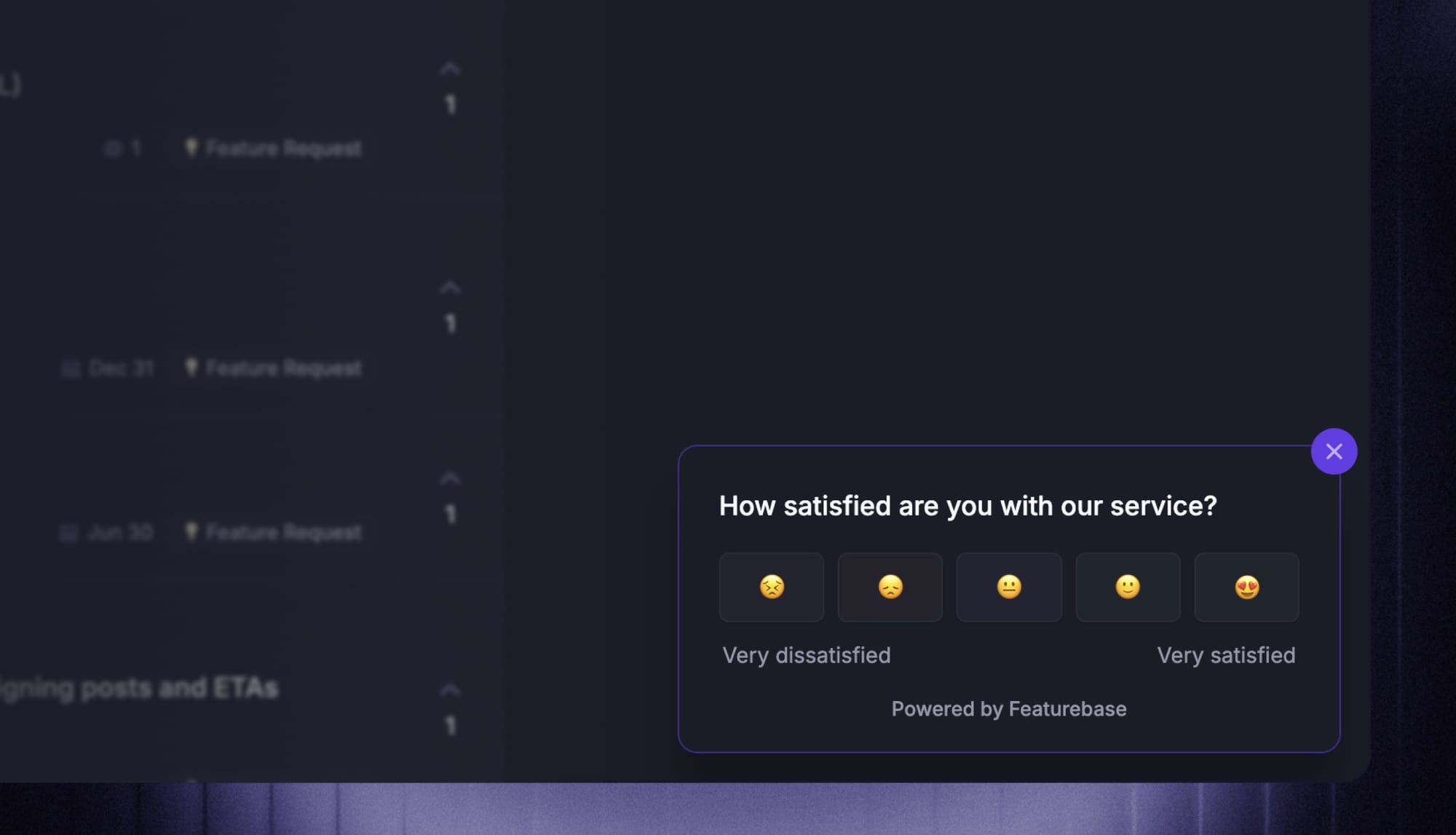
- Modal or pop-up: Appears center-screen, often dimming the background. Grabs attention for a quick one-question ask, but it interrupts, so use it sparingly.
- Slide-in or banner: Eases in from a corner or the edge of the screen. Less disruptive than a modal, which makes it a good fit for contextual prompts while someone keeps working.
- Embedded survey: Lives inside a page as a natural part of the interface. Ideal for longer or multi-question formats where a pop-up would feel heavy.
- Micro-survey: A single question, sometimes just an emoji or thumbs up/down. Almost frictionless, which is why response rates stay high.
- Persistent feedback button: A passive prompt that sits in your UI and waits for users to come to it. Tools like Miro and Figma have quietly run these for years, and passive surveys often outperform proactively triggered ones because the user chose the moment.
The format only works if the right person sees it at the right time. That's where targeting comes in: with Featurebase you can show a survey to a specific user segment, on a specific page, or only after someone has spent enough time on it, so the prompt stays relevant instead of firing at random. A feedback question on the pricing page hits differently than the same question on a settings screen.
How to design in-app surveys people actually complete
A survey that gets ignored is worse than no survey, because it also nudges users toward dismissing the next one. A few principles keep them useful.
- Time it around intent, not your calendar: Send surveys after meaningful moments like finishing onboarding, using a new feature, or hitting a milestone. Firing an NPS survey at someone who has used your product for 20 minutes just teaches them to close your prompts.
- Keep it short: Stick to 1-3 questions. If you need an open-ended question, put it last and make it optional, since an empty text box is where completion rates go to die.
- Write neutral, specific questions: "Why do you love our new dashboard?" assumes an answer, while "How helpful was the dashboard in your last session?" doesn't. Ask one thing at a time, skip the jargon, and avoid bundling "design and performance" into a single question. If you want more help here, we have a full list of customer feedback questions to borrow from.
- Branch based on answers: A user who scores you a 2 should not get the same follow-up as one who scores a 9. This is where conditional logic earns its place. With Featurebase you can build multi-step surveys that route to a different next question based on how someone answered, so a low NPS score triggers a "what went wrong?" prompt while a high score can lead to a testimonial ask.
- Close the loop: Collecting responses is only half the job. Tell users what changed because of their input, even with a small in-app note. It's the difference between a survey program that keeps working and one that quietly dies as people stop replying. Our guide on the customer feedback loop goes deeper on this.
Common in-app survey mistakes to avoid
Most in-app surveys fail for the same handful of reasons.
- Surveying too often: Hitting the same user with prompt after prompt causes fatigue and dismissals. Use frequency caps and target specific events instead of blanketing everyone.
- Asking too many questions: Long surveys tank completion rates. If it feels like homework, it's over.
- Interrupting core actions: Never drop a survey in the middle of checkout, a key task, or gameplay. Wait until after the moment.
- Biased or vague wording: Leading questions and fuzzy rating scales produce data you can't trust. Test your questions internally first.
- Ignoring the responses: If you collect feedback and do nothing visible with it, users notice, and they stop answering.
- Poor mobile UX: Tiny tap targets, unclear exit buttons, and low-contrast text turn a 30-second survey into a chore.
How to run in-app surveys with Featurebase
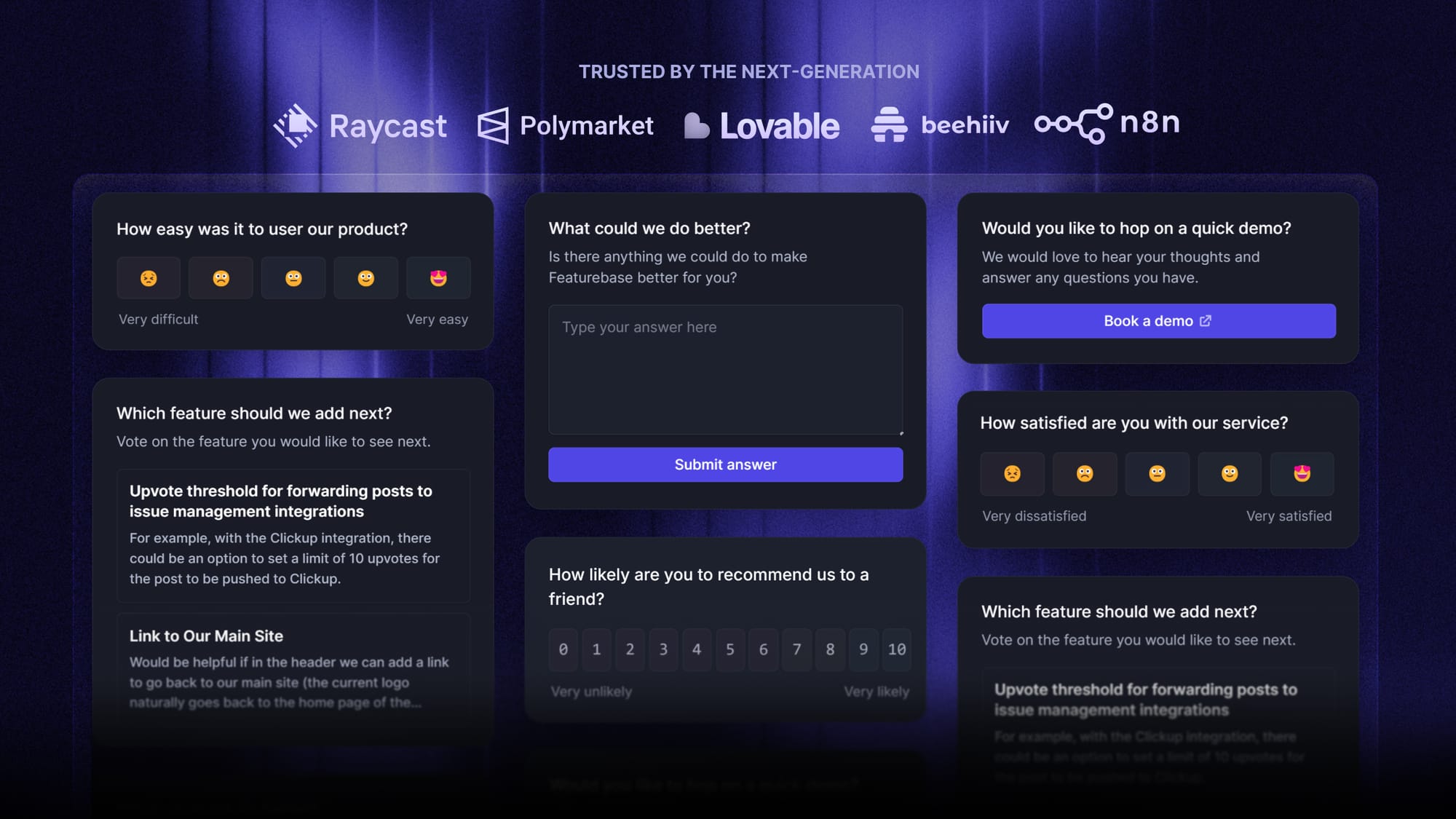
Featurebase is a modern feedback & support platform that helps product teams collect feedback through multi-step surveys, integrations, and a feedback portal, all in one place, to make better product decisions. It's loved by thousands of product teams from companies like Lovable, Raycast, and n8n. 💫
Top features:
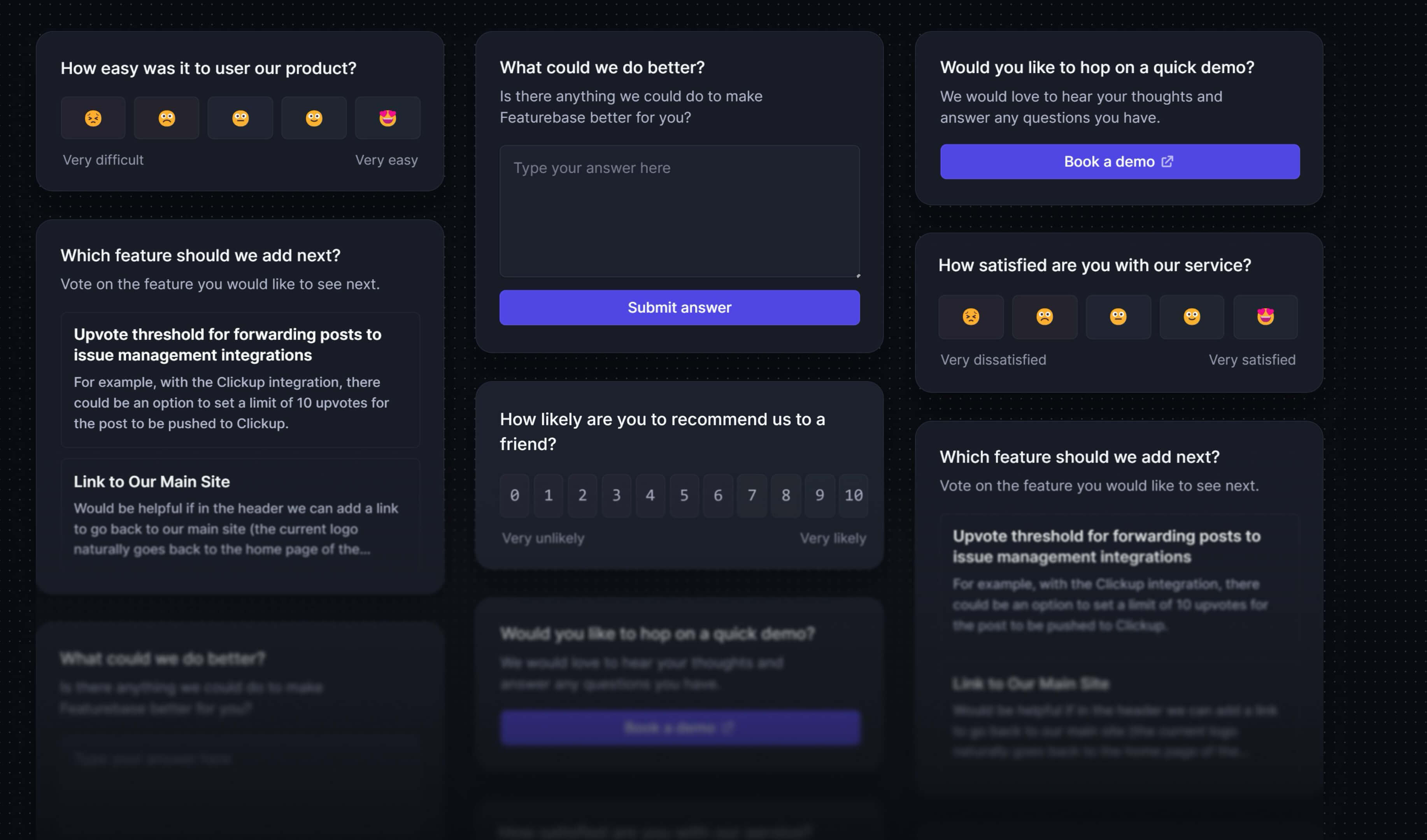
- Surveys (NPS, CSAT, etc) – Create targeted no-code surveys to ask users anything and measure customer satisfaction.
- User targeting – Target specific user segments based on properties like plan, role, location, etc.
- Conditional multi-step surveys – Ask follow-up questions based on conditional logic and users' answers
- In-app widgets – Collect ideas, bug reports, and suggestions directly from your website or webapp with interactive widgets
- Feedback forum – Public feedback forum where users can submit ideas and vote on features helping you know what customers want
- Prioritize by revenue – Link feedback with customer revenue, company size, and much more to better understand the impact of ideas
- Integrations – Connects with Slack, Linear, Jira, HubSpot, and more
- Plus, help center, product roadmaps, release notes, and customer surveys – all in one place
Pricing: Free plan available with unlimited survey responses and feedback. Paid plans start at $29/seat/mo.
Instead of having 4+ different tools, Featurebase enables you to replace all your customer-facing tools by bringing your feedback collection, product updates, support, and help center together in one place, helping you build products your users love.

Start running surveys & collecting feedback
Create targeted NPS, CSAT, multiple-choice, or text response surveys for free
Conclusion
In-app surveys are the fastest way to close the gap between what your analytics show and what your users are actually thinking. Ask in context, keep it short, target the right people, and act on what comes back.
Featurebase is a modern feedback tool that helps you collect all of your product feedback in one place with targeted multi-step surveys, in-app widgets, integrations, and a public feedback forum. You can then connect that feedback to customer revenue and data to prioritize what really matters.
It comes with a Free plan that includes unlimited survey responses, and the onboarding is quick with no credit card required, so there's no downside to trying it. 👇
✨ Start running surveys & collecting feedback with Featurebase for free →
FAQs
When should you use an in-app survey instead of an email survey?
Use an in-app survey when you want quick, contextual feedback from users who are actively in your product, like right after onboarding or trying a feature. Email works better for longer, reflective surveys or for re-engaging users who have gone quiet. Many teams run both: an in-app survey to catch the moment, and email to reach people who aren't currently logged in.
What tools let you run in-app NPS surveys?
Most product feedback and product experience platforms support in-app NPS, including Featurebase, along with dedicated survey tools and product analytics suites. The thing to look for is targeting and triggering, so you can show the NPS prompt only to users who have used your product long enough to have a real opinion. Featurebase lets you run NPS, CSAT, and other survey types in-app and manage the responses next to the rest of your feedback.
How often should you show the same user an in-app survey?
Less often than you think. A common rule is to wait around 30 days before re-showing a survey someone dismissed, and roughly 90 days if they already responded. Frequency caps and throttling matter here, because the fastest way to kill your response rate is to prompt the same person repeatedly.
Can you run in-app surveys on both web and mobile?
Yes. Web apps use a small snippet or JavaScript SDK, and native mobile apps use a mobile SDK, but the survey logic works the same way. Response rates actually tend to run higher on mobile, so if you have both, mobile is often the better place to prioritize.
What's the difference between in-app surveys and in-app feedback?
In-app surveys are structured, usually proactive prompts you trigger to ask specific questions. In-app feedback is the broader category, which also includes passive channels like an always-on feedback button or a bug-report widget that users reach for on their own terms. Surveys are one tool inside a wider in-app feedback strategy.
Are in-app surveys still effective?
Yes, and arguably more so than before. As product experiences get more automated, behavioral data alone tells you less about how users actually feel. A short, well-timed in-app survey remains one of the only ways to capture the reasoning behind what people do, which is exactly the data you can't get from clicks and drop-offs.