Blog Product ManagementProduct Demos: Types, Tips, and How to Create One
Product Demos: Types, Tips, and How to Create One
A product demo shows buyers your product in action. Here are the main types of product demos, what makes a great one, and how to create a demo that converts.


✨ Create internal & public roadmaps with Featurebase for free →
Most product demos lose the buyer in the first 2 minutes. The rep opens with a company slide, clicks through every feature, and never touches the one problem the buyer actually came to solve.
A good product demo does the opposite. It shows the right people the right value, fast.
In this guide, I'll break down what a product demo really is, the main types, what separates a forgettable demo from one that converts, and how to build and measure your own. 👇
Key takeaways
- A product demo shows your product in action: it walks a prospect or user through how your product solves their specific problem, not just what buttons it has.
- There's no single format: live sales demos, recorded demo videos, interactive self-serve demos, and webinars each fit different buyers and stages.
- Great demos are tailored, problem-first, and short: they lead with the buyer's pain and show value before features.
- Interactive, self-serve demos are rising fast: buyers increasingly want to explore a product on their own before they ever talk to sales.
- Featurebase✨ lets you turn demo interest into a public roadmap that shows buyers what's coming next, and capture the feature requests a demo surfaces.
What is a product demo?
A product demo (short for product demonstration) is a walkthrough that shows how your product works and how it solves a real problem for the person watching.
It can be live or recorded, one-to-one or one-to-many, guided by a rep or self-serve. The format changes, but the goal never does: help the viewer picture their own work getting easier with your product in it.
A product demo is not the same as a sales demo, even though people use the terms interchangeably. A product demo can be broad and educational, aimed at anyone evaluating the product. A sales demo is tailored to one specific prospect's use case and sits inside an active deal. Every sales demo is a product demo, but not every product demo is a sales demo.
Why product demos matter
A demo is often the moment value clicks. A landing page tells someone what your product does. A demo shows them, in their context, why it matters.
That moment carries more weight than it used to, because buyers now do most of their research alone. In a recent Gartner survey, 67% of B2B buyers said they prefer a rep-free buying experience. They want to see the product before they commit to a call, not after.
So a strong product demo does double duty. It helps prospects self-educate and qualify themselves, and it gives your sales team a warmer, better-informed buyer by the time a conversation happens.
The main types of product demos
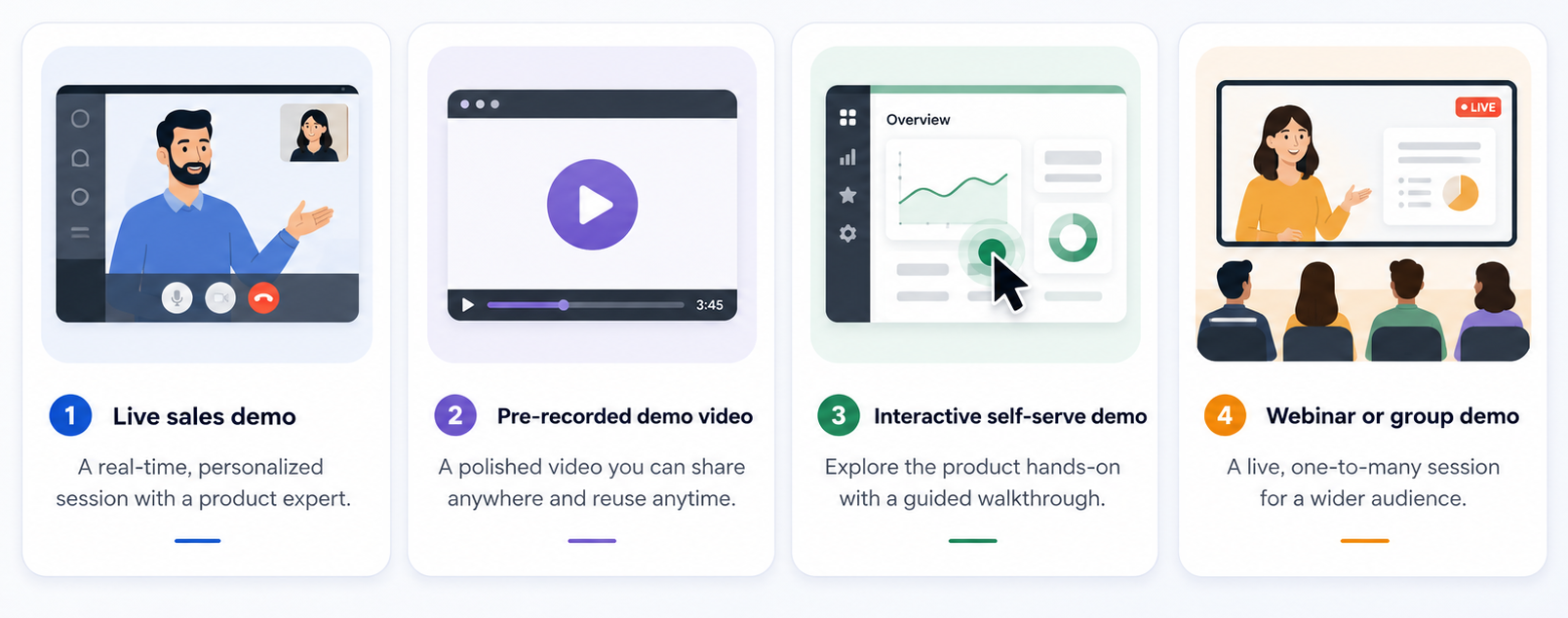
There's no single right way to demo a product. The best format depends on who you're showing it to and where they are in their journey.
- Live sales demo: a rep walks a prospect through the product in real time, usually over a call. It's the most personal format and the easiest to tailor, but it doesn't scale and it needs a booked meeting.
- Pre-recorded demo video: a short, polished product demo video you can put on your site, in emails, or in ads. It scales infinitely and never has an off day, but it can't answer questions or adapt to the viewer.
- Interactive (self-serve) product demo: a clickable, guided walkthrough of your real product that buyers explore on their own. It combines the "show, don't tell" of a live demo with the reach of a video.
- Webinar or group demo: a one-to-many session for a live audience, often mixing education with a product walkthrough. It's efficient for warming up many leads at once.
Interactive demos in particular have moved from nice-to-have to standard. Interactive demos on top B2B websites have grown roughly 80% since 2022, as more teams add "take a tour" buttons next to "book a demo."
Higgsfield fits there with an AI Avatar Generator, letting a presenter walk through the product on camera without booking an actual person or a studio.
What makes a great product demo
The best product demos aren't the ones that show the most features. They're the ones that make the viewer feel understood. A few things separate them from the rest:
- They lead with the problem: great demos open with the pain the buyer feels, then show the product as the fix. Features come second, always.
- They're tailored to the viewer: a demo for a marketer looks different from a demo for an engineer. The more the walkthrough mirrors the viewer's world, the more it lands.
- They tell a story: instead of a feature tour, they follow a narrative ("here's the mess, here's the fix, here's the result") that's easy to remember.
- They're short and focused: a tight demo that nails 3 key moments beats a 45-minute tour of everything. Cut anything that doesn't move the viewer toward value.
- They end with a clear next step: whether it's booking a call, starting a trial, or watching the next demo, the viewer should never wonder what to do next.
How to create a product demo that converts
You don't need a studio or an engineering team to build a demo that works. You need a clear plan and the right focus. Here's a simple way to approach it:
- Start with one audience and one problem: pick the specific buyer you're demoing to and the single problem you'll solve. A focused demo beats a generic one every time.
- Script the story, not the clicks: map out the narrative first (the problem, the turning point, the payoff), then figure out which screens support it.
- Show the "aha" moment early: don't save the best part for the end. Get the viewer to the moment of value fast, before you lose their attention.
- Choose a format that fits: use a live demo for high-intent, complex deals, a demo video for reach, and interactive demo software for hands-on, self-serve exploration.
- Add a clear call to action: close every demo with an obvious next step that matches the buyer's readiness.
This is where interactive product demos pull ahead. Because the buyer clicks through the real product instead of watching passively, they engage more and remember more. Navattic's research found that prospects who view an interactive demo are 6x more likely to convert than those who don't.
How to measure product demo success
A demo you can't measure is a demo you can't improve. The metrics that matter depend on the format, but a few are worth tracking for almost any product demo:
- Demo-to-close rate: the share of demos that turn into paying customers. It's the clearest signal that your demo is doing its job.
- Demo conversion rate: for self-serve demos, how many viewers take the next step, like signing up, booking a call, or starting a trial.
- Engagement and completion: for interactive demos, how far viewers get and how many steps they click through before dropping off.
- Time to value: how quickly the viewer reaches the "aha" moment. The faster they get there, the better the demo is working.
Track these over time, not once. The point is to spot where viewers lose interest so you can fix that exact moment in the next version.
Common product demo mistakes to avoid
Even experienced teams fall into the same traps. Watch out for these:
- Talking features instead of problems: a feature tour bores buyers. Always tie what you're showing back to a problem they care about.
- Making it too long: attention drops fast. If a demo can be 5 minutes, don't stretch it to 20.
- Using one demo for every buyer: a generic walkthrough speaks to no one. Personalize the demo to the viewer's role and use case.
- Forgetting a clear next step: if the viewer finishes and doesn't know what to do, the demo failed, no matter how good it looked.
- Ignoring what happens after the demo: a demo almost always surfaces feature requests, objections, and "can it also do X?" questions. If those disappear into a rep's notebook, you lose them.
That last one is the easiest to fix and the most often skipped. A demo almost always creates interest and unanswered questions, and the teams that win are the ones that capture that interest and give buyers a reason to stay engaged after the call ends.
Why a public roadmap makes your demos more convincing
A demo shows buyers what your product does today. It rarely answers the other question every serious buyer has: is this product going to keep getting better, and will it eventually close the gap I noticed during the demo?
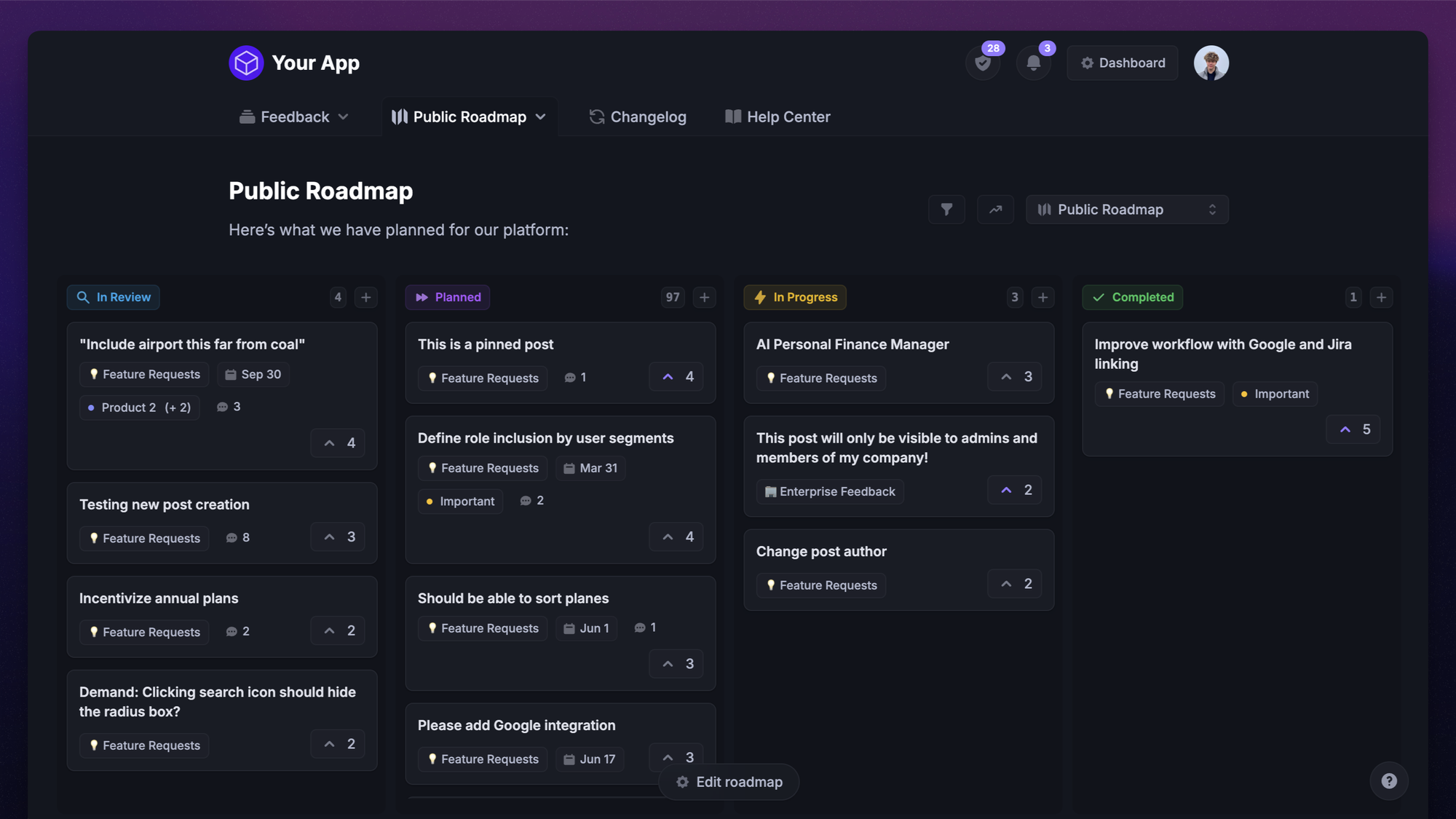
That's where a public roadmap comes in. If the demo shows the present, the roadmap shows the trajectory, and buyers choosing a long-term tool care a lot about trajectory.
A public roadmap does 3 things a demo alone can't:
- It answers "can it also do X?": when a prospect raises a missing capability, you can point to it on the roadmap instead of losing momentum over a gap.
- It builds trust: a visible, active roadmap signals a product that ships, which is a big part of why a public roadmap is worth having for any product-led team.
- It turns viewers into participants: buyers can vote and comment on what's coming, so the demo becomes the start of a relationship instead of a one-off.
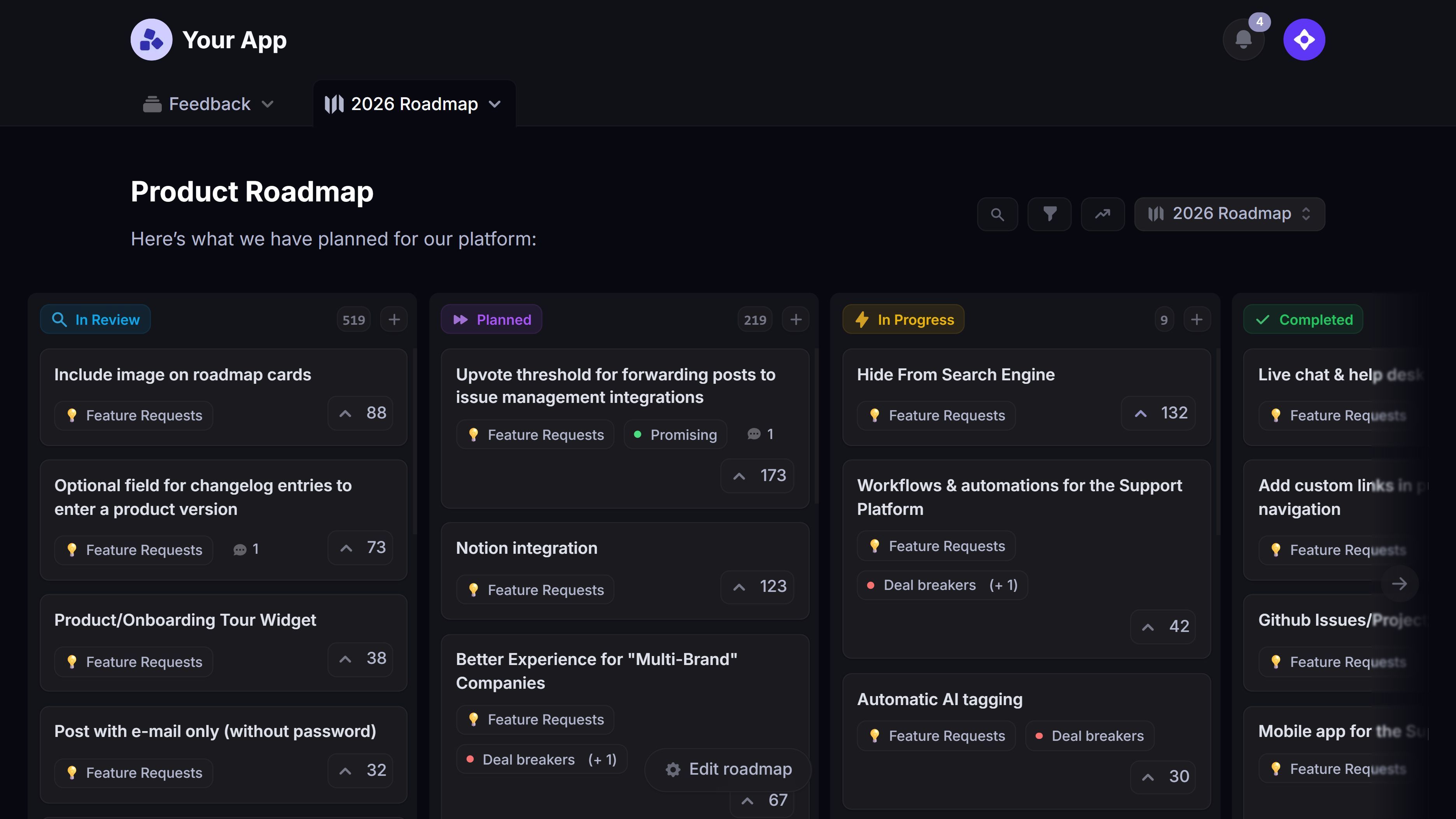
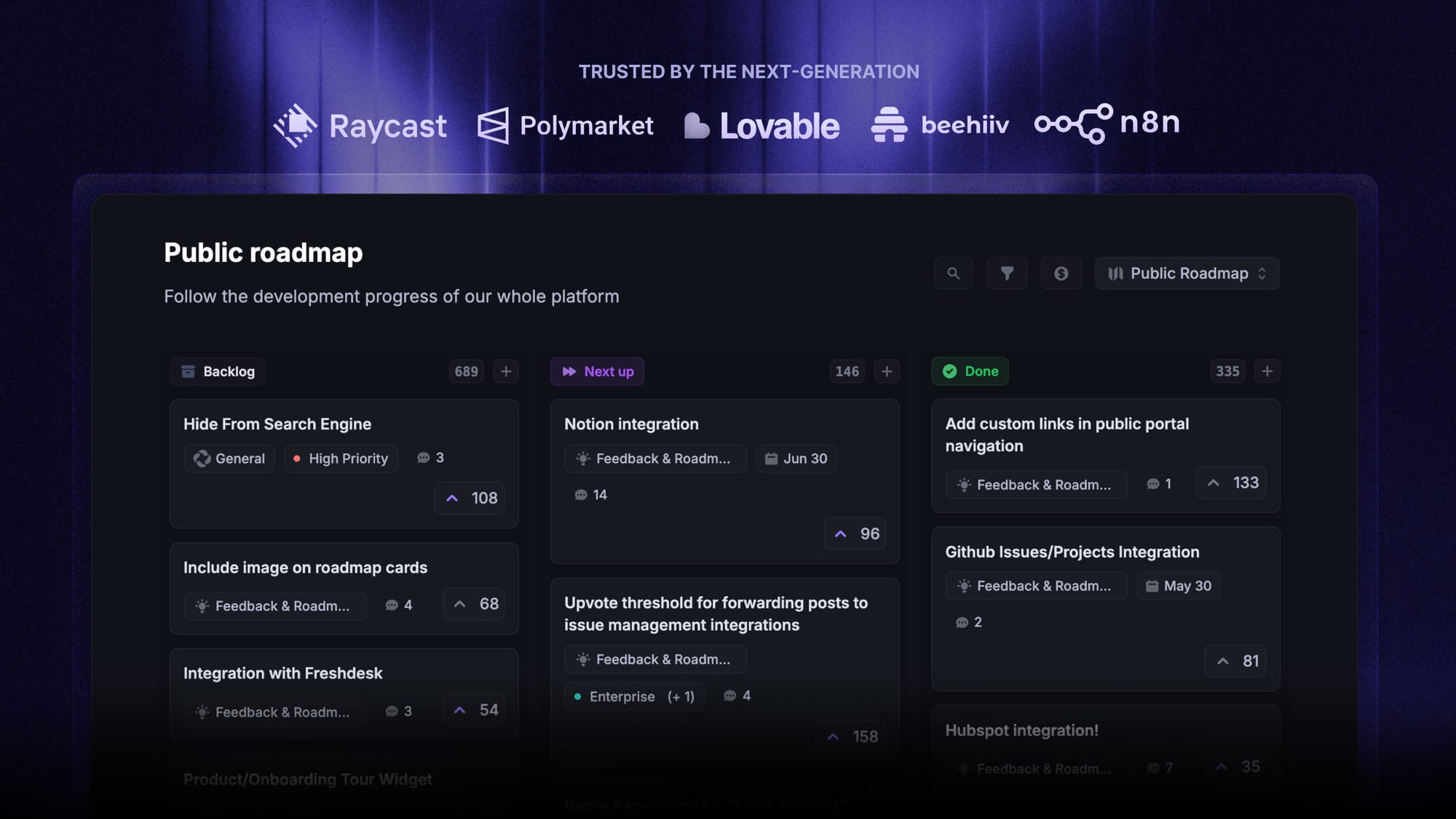
This is where Featurebase fits. You can publish internal and public roadmaps, let demo viewers vote on the features that matter to them, and capture the requests a demo surfaces in one place, so the interest a demo creates actually goes somewhere.

Start creating product roadmaps for free
Share what you’re building & keep teams and users aligned with modern roadmaps
Conclusion
A product demo is your chance to turn interest into conviction. Get the format, the focus, and the follow-up right, and the demo becomes the moment a curious visitor decides your product is worth paying for.
Featurebase is a product management tool that lets you build public and internal roadmaps, collect and prioritize the feedback a demo generates, and close the loop with users. You can show buyers exactly what's coming next and keep them engaged with in-app widgets, feature voting, and product updates.
It comes with a Free plan, and the onboarding is quick with no credit card required, so there's no downside to trying it. 👇
✨ Create internal & public roadmaps with Featurebase for free →
FAQs
What's the difference between a product demo and a sales demo?
A product demo shows how your product works and can be broad or educational, aimed at anyone evaluating it. A sales demo is tailored to one specific prospect's use case and happens inside an active deal. Every sales demo is a product demo, but a product demo (like a demo video on your homepage) isn't always a sales demo.
How long should a product demo be?
It depends on the format and the buyer's stage. A live sales demo usually runs 15 to 30 minutes, while a self-serve demo video or interactive walkthrough should be much shorter, often just a few minutes. The rule of thumb: make it only as long as it needs to be to show value, then stop.
How do you create a product demo without engineering?
No-code interactive demo platforms and screen-capture tools let go-to-market teams build product demos on their own. You can record or replicate your product's interface, add guided steps and tooltips, and publish without touching your codebase or waiting on developers.
Can interactive product demos work for complex enterprise products?
Yes. Complex products are often where interactive demos help most, because they let buyers explore at their own pace instead of sitting through a long call. You can build guided paths for different personas and use cases, so each viewer sees the part of the product that's relevant to them.
What tools do you need to create product demos?
For a basic product demo you need a screen recorder and simple editing software. For interactive, self-serve demos you'll want a dedicated demo platform that captures and guides users through your product. It also helps to have a way to collect feedback after the demo so you can improve it and act on what buyers ask for.
How do you follow up after a product demo?
Follow up quickly while the demo is fresh, share any resources the viewer asked about, and give them a clear next step. It also pays to capture the feature requests and questions the demo raised. With Featurebase, you can collect that feedback and point buyers to a public roadmap so they can see what's coming next.