22 Top Website Feedback Tools for 2026
A selection of the best website feedback tools to help you collect customer insights immediately on your pages.


On this page
Website feedback tools make it easy for visitors to report bugs, request features, or answer quick questions without leaving the page they’re on.
Instead of vague emails like “something’s broken,” you get context-rich feedback (page URL, screenshots, device/browser details, and user intent) - so your team can fix issues faster and ship what customers actually want.
Below, we’ve rounded up the best website feedback tools to streamline user experiences and boost customer satisfaction!
In short - Here are the best website feedback tools for 2026
- ✨ Featurebase - Best modern tool for collecting website feedback, managing feature requests, and updating users in one seamless interface.
- Usersnap - Best for gathering visual website feedback through screenshots, annotations, and technical data.
- Hotjar - Best for combining user behavior insights with on-site feedback collection like polls and comment boxes.
- Zonka Feedback - Best for multi-channel website surveys with real-time alerts and customizable forms.
- Mopinion - Best for collecting structured user feedback on websites with strong targeting and reporting options.
- Google Forms - Best for simple, no-cost website feedback collection via embedded or linked forms.
- SurveyMonkey - Best for running structured website surveys with branching logic and analytics.
- Typeform - Best for engaging users with interactive, conversational feedback forms embedded on your site.
- UserVoice - Best for collecting and prioritizing feature requests and feedback from website visitors.
- Pendo - Best for collecting in-app feedback and combining it with behavioral data from web users.
- Qualaroo - Best for capturing quick, targeted feedback from site visitors using behavior-triggered popups and customizable feedback forms.
- Rapidr - Best for collecting and managing website suggestions and bug reports on public or private boards.
- UserTesting - Best for in-depth, real-time video feedback on website usability from real users.
- UseResponse - Best for combining website feedback, support requests, and public forums in one tool.
- Jotform - Best for creating flexible, embeddable user feedback forms with advanced logic and integrations.
- Userback - Best for collecting annotated screenshots and video feedback directly from your website.
- Qualtrics - Best for enterprise-level website feedback and digital experience management across multiple touchpoints.
- VWO - Best for linking website feedback with A/B testing and conversion rate optimization.
- Marker.io - Best for collecting visual, technical website feedback from users, clients, or testers.
- BugHerd - Best for website bug tracking and in-context feedback from clients during QA or design phases.
- Sprinklr - Best for large organizations capturing website feedback as part of multichannel CX efforts.
- Alchemer - Best for targeted website surveys with advanced logic and strong analytics tools for customer insights.
- Forms.app - Best for businesses that need a free form builder with unlimited responses.
What is a website feedback tool?
A website feedback tool is software integrated into your website that allows visitors to leave feedback about the page or your product.
For example, there’s a bug, the information is outdated, they can’t reach the next page, or anything else that’s ruining the user experience.
Website feedback forms, surveys, live chat boxes, and similar tools let visitors share contextual feedback right where it matters, on the page they’re actually using. And you don’t need a massive number of responses to uncover real issues: University of Minnesota Duluth’s usability testing guidance cites that just five users can uncover about 85% of usability problems, which is exactly why making feedback easy and in-the-moment is so valuable.
If you force visitors to jump through hoops (like writing an email) to report an issue, most won’t bother, and the problems stay hidden.
How to choose the right website feedback tool
When people search “website feedback tools,” they usually want one of four outcomes: collect ideas, capture bugs, understand friction, or measure sentiment. The best tool for you depends on how you collect feedback and what you need to do with it afterward.
Here are the key things to evaluate (with what “good” looks like):
| Your goal | Best tool type | Key features to look for | Best picks from this list |
|---|---|---|---|
| Collect feature requests + prioritize what to build | Feedback widget + voting board | Public/private boards, upvotes, status labels (Planned/In progress/Shipped), user segmentation, changelog/updates | Featurebase, UserVoice, Rapidr, UseResponse |
| Capture website bugs with context (no back-and-forth) | Visual feedback/bug reporting | Annotated screenshots, console logs, environment data (browser/OS), video capture, 1-click issue creation to Jira/Linear | Usersnap, Userback, Marker.io, BugHerd |
| Ask “why?” on key pages (pricing/checkout/signup) | On-site surveys/popups | URL + behavior targeting (scroll/exit intent), branching logic, templates for NPS/CSAT/CES, frequency caps | Qualaroo, Mopinion, Zonka Feedback, Alchemer |
| Run structured surveys with branching + analytics | Survey platform/form builder | Logic jumps, question banks, clean reporting, exports, and embed options | Featurebase, SurveyMonkey, Typeform, Jotform (and Google Forms for simple/free) |
| Understand friction with behavior data, then ask for feedback | Heatmaps + session replay + feedback | Heatmaps, recordings, funnels, on-page polls, targeted questions | Hotjar, VWO |
| Collect in-app feedback + segment by usage | Product experience platform (PX) | In-app surveys, segmentation by events, guides/announcements, usage analytics | Featurebase, Pendo |
| Enterprise voice-of-customer + governance across touchpoints | VoC / Experience Management | Advanced survey logic, text analytics/sentiment, role-based dashboards, routing workflows, compliance controls | Qualtrics, Sprinklr |
Best website feedback tools for collecting customer feedback
Collecting customer feedback is as easy as setting up the right tool and letting the feedback data from your website visitors come in. Below, we gathered some of the many website feedback tools to get valuable insights quickly and efficiently. 👇
1. Featurebase ✨
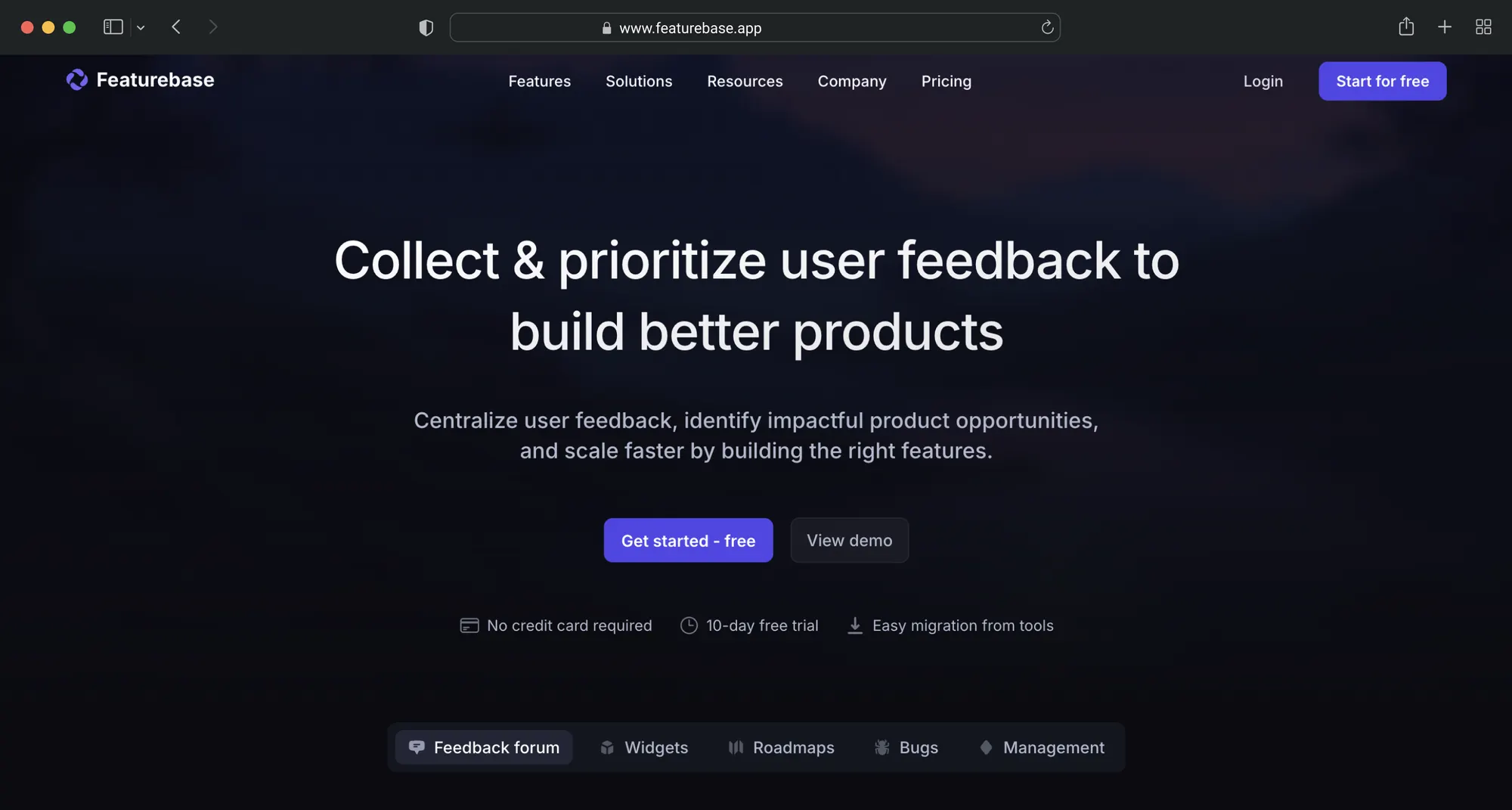
Featurebase is a modern support & feedback tool built for SaaS. It makes it easy to collect user feedback, track bugs, manage feature requests, and close the loop with customers, all directly from your website. Featurebase is loved by thousands of marketing, product, and support teams from companies like Lovable, Polymarket, and Beehiiv. 💫
Top features
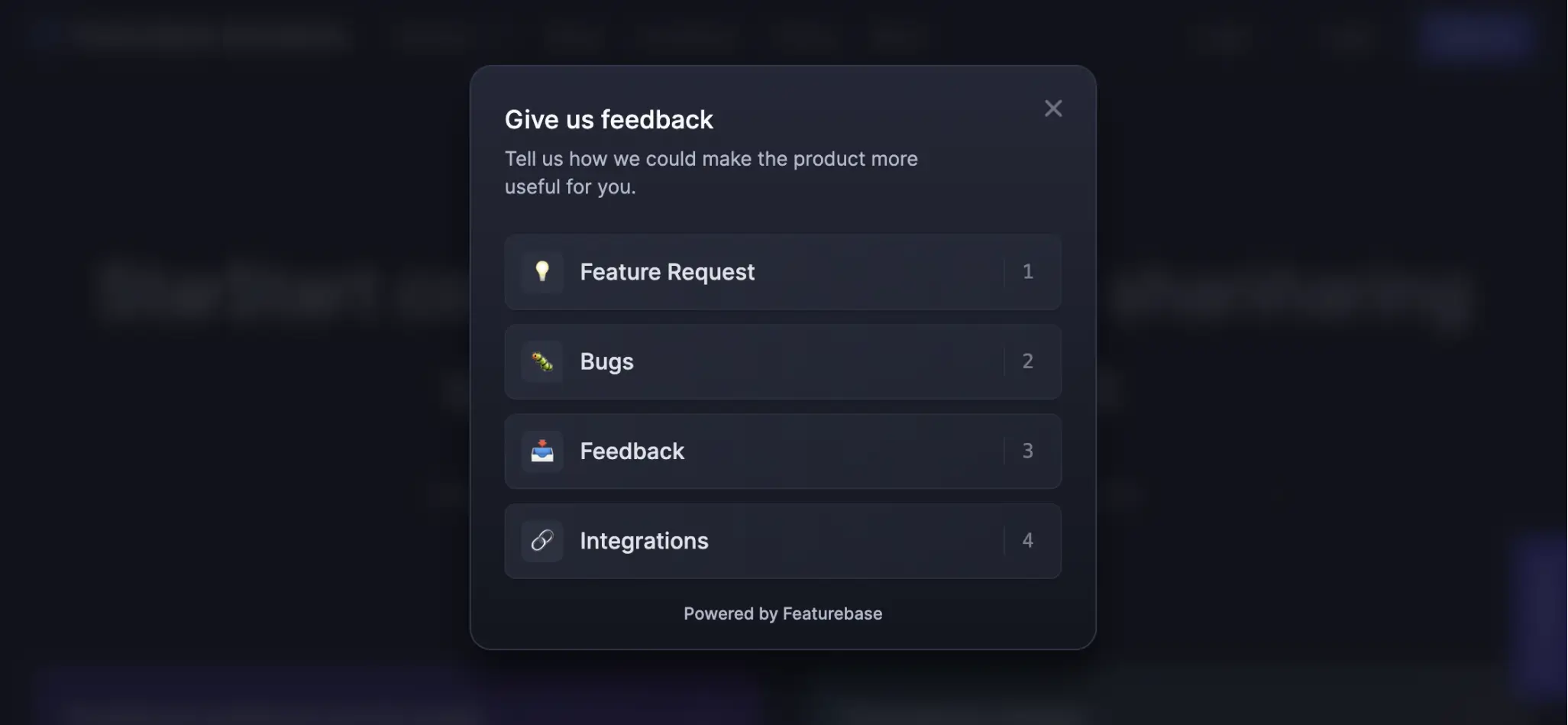
- Embedded feedback widgets – Collect ideas, bug reports, and suggestions directly from your website or webapp with an interactive feedback widget
- Anonymous submissions – Allow users to share honest, anonymous feedback without requiring a login
- Customizable widget design – fully customizable and fits right into your website content regarding design and user experience
- Automated email updates – Automatically notify users when their requested features are implemented
- Voting and commenting – Let users upvote and discuss feedback, helping you prioritize based on real demand
- User segmentation – Connect feedback with customer data like revenue and company size to group important customers and prioritize feedback by revenue
- Integrations – Slack, Linear, Intercom, Jira, Hubspot, Zendesk, Clickup, and many others
- Plus, help center, live chat, product roadmaps, release notes, and customer surveys – all in one place
Pricing: Featurebase offers a free plan with unlimited feedback. Paid plans start at $29 per user per month. The onboarding is super fast, so there's no downside to trying it. 👇
Start collecting & managing feedback with Featurebase for free
2. Usersnap
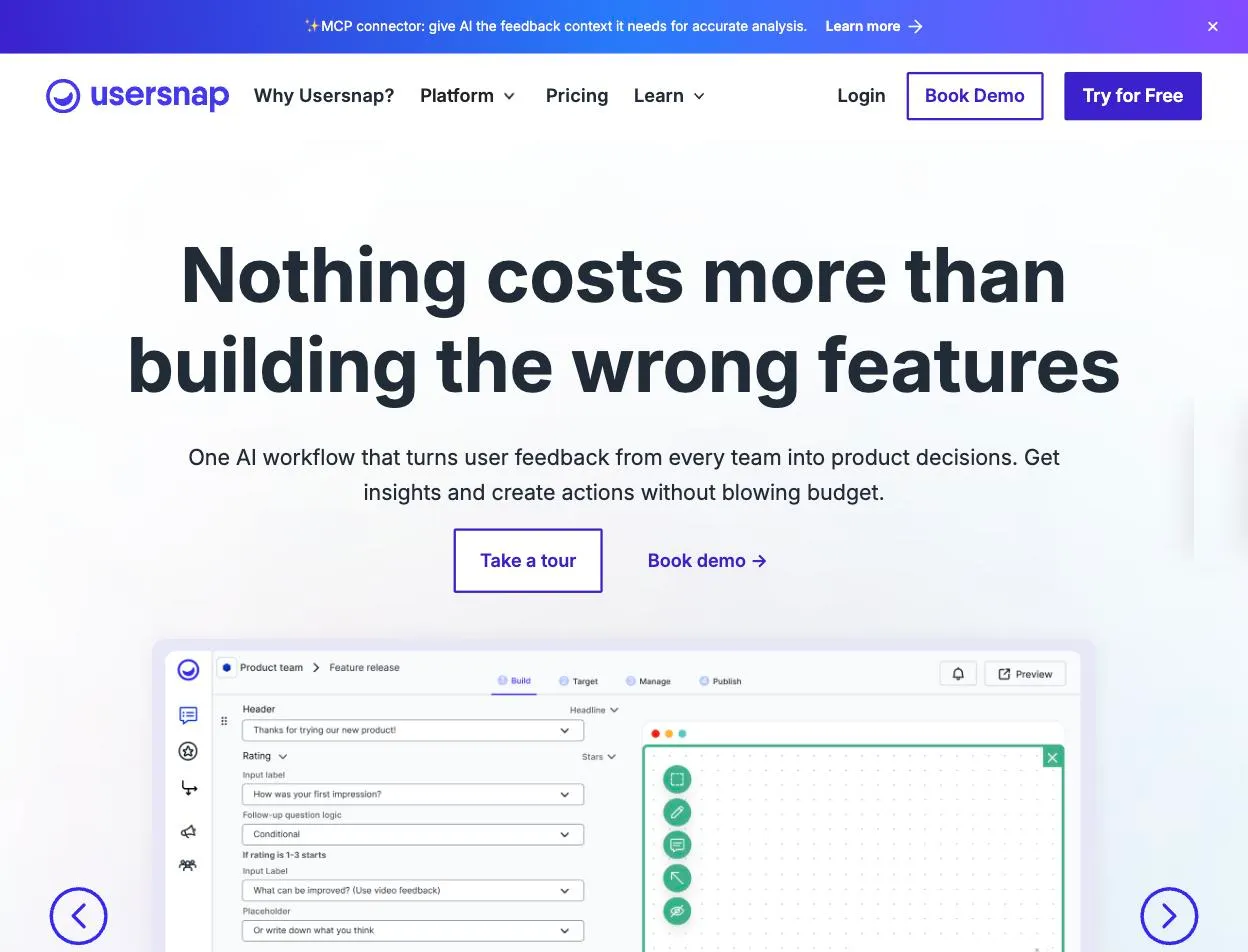
Usersnap is a product evidence platform that turns website feedback into product decisions. Visitors report a bug, request a feature or answer a survey without leaving the page, and every submission arrives with the technical detail a developer needs to reproduce it. From there, the AI ranks the trends and gaps by frequency and impact, the opportunities worth committing to sync two ways with Jira, and announcements tell the people who raised them that it shipped.
Top features
- On-site feedback widget: visitors report a bug, request a feature or answer a quick survey without leaving the page.
- Screenshot annotation and screen recording:every submission carries browser and OS data plus console log errors, so developers can reproduce the issue without a long chain of follow-up questions.
- In-app surveys: NPS, CSAT and CES micro-surveys fire on user behaviour or on a segment such as returning users, so you catch sentiment while it is fresh.
- AI analysis: incoming feedback is clustered into topics and scored for sentiment, so recurring themes surface without anyone reading every comment. Part of the AI sidekick add-on.
- From feedback to roadmap: the Opportunities Board scores what to commit to and syncs two ways with Jira, with native connectors for Azure DevOps, Linear, Slack, Intercom and Zendesk to move items where the team already works.
Pros
✅ Visual bug reports with the technical detail developers need, including console logs
✅ Website feedback, in-app surveys and ingested support conversations in one place
✅ Feedback ends in a prioritised opportunity rather than a ticket queue
✅ The AI runs on a GDPR and ISO 27001-compliant AWS platform and never trains on your data
Cons
❌ Built for digital products, less suited to offline feedback
❌ AI features sit in an add-on rather than in the base plans
❌ Web-based, no native mobile app yet, and the mobile feedback form is in beta
Pricing: Start free with the first 20 feedback items, with no time limit and no credit card. Paid plans scale with feedback volume and team size at usersnap.com/pricing.
3. Hotjar
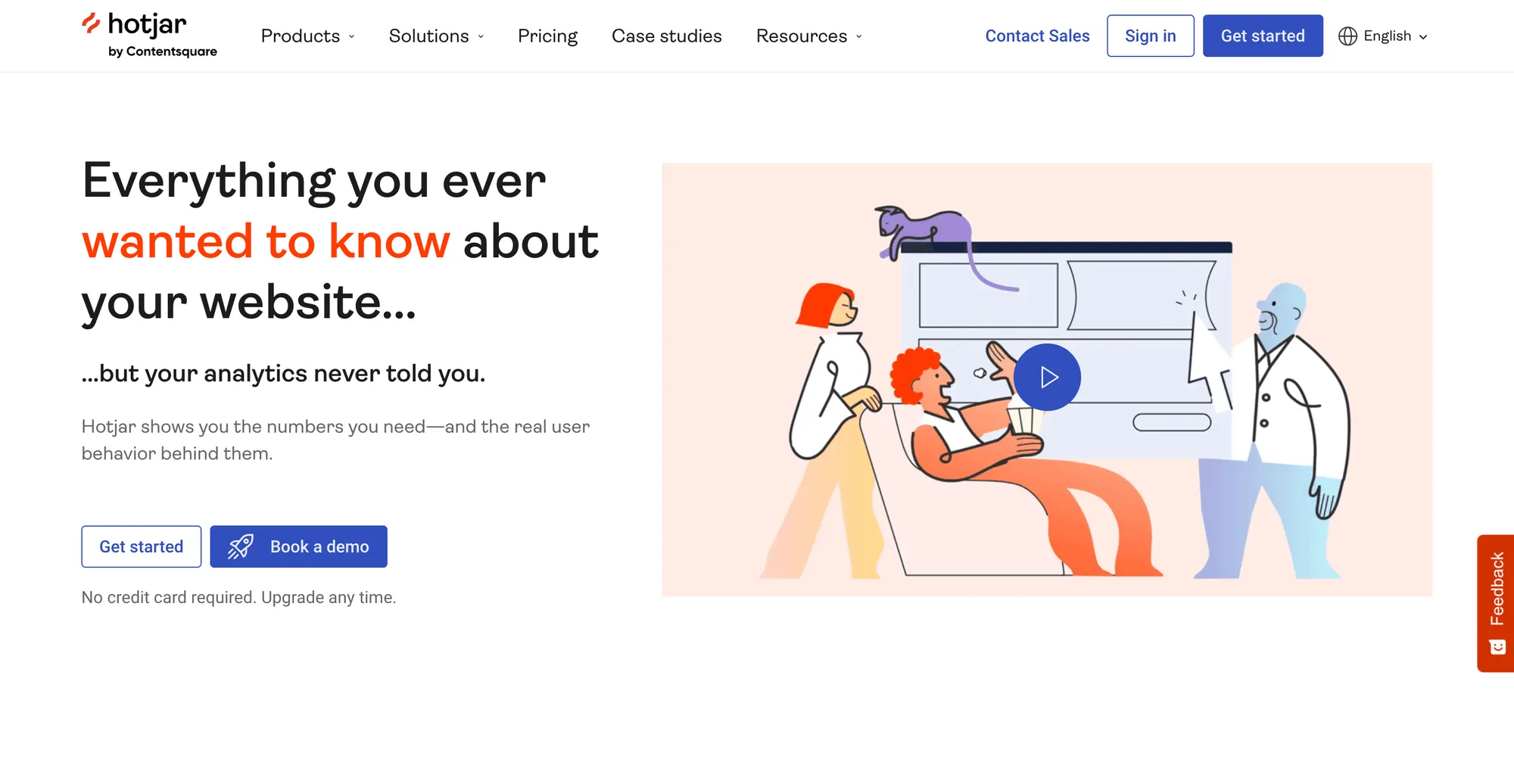
Hotjar combines behavioral analytics with customer feedback tools to help you understand how visitors interact with your website and what they’re thinking. It’s ideal for product and UX teams looking to combine feedback with heatmaps, session replays, and click data.
Top features
- Feedback widgets: Let users highlight elements and leave real-time comments.
- Surveys and polls: Trigger quick questions based on user behavior or timing.
- Heatmaps and session recordings: Pair feedback with actual user behavior for better insights.
- Exit intent surveys: Capture feedback just before a user leaves your site.
- Targeted feedback based on URL or scroll depth: Show the right form to the right user at the right time.
Pros and cons
✅ Combines behavioral data with direct feedback
✅ Easy to set up and run on most websites
✅ Free plan available with core tools
❌ More geared toward UX than structured survey data
❌ Limited customization on feedback widgets
❌ Video replays can take time to review manually
Pricing: Starts at $39 per month.
4. Zonka Feedback
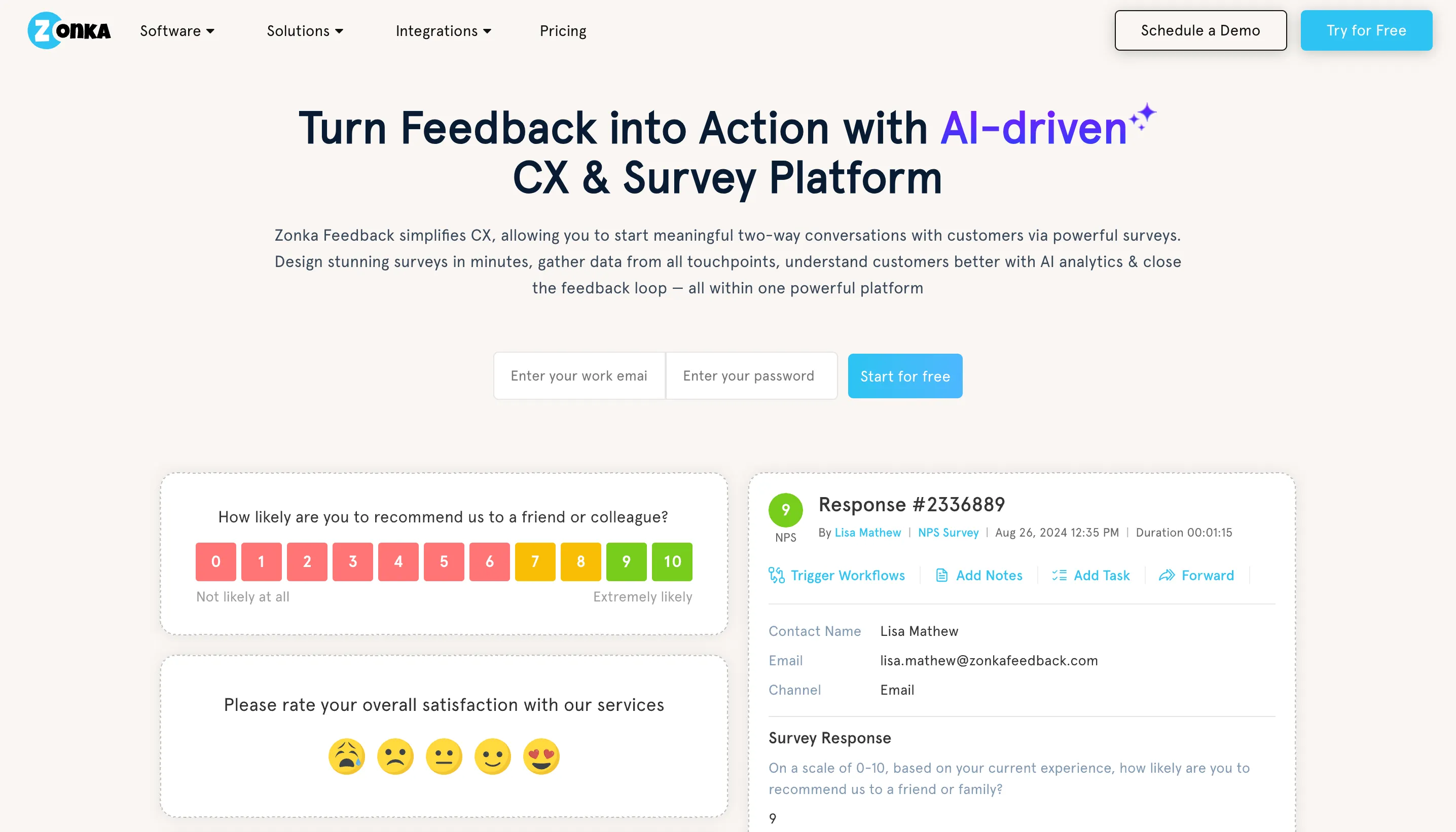
Zonka Feedback offers multi-channel feedback collection with tools tailored for websites, apps, email, and offline use — with strong support for collecting structured feedback on web pages. It’s best for companies that want a unified system to collect and act on real-time visitor input.
Top features
- On-site survey popups: Trigger short NPS, CSAT, or custom surveys at specific visitor touchpoints.
- Feedback forms and widgets: Add simple, branded forms directly to your website.
- Real-time alerts: Get notified instantly when negative or urgent feedback is submitted.
- Response tagging and segmentation: Break down insights by device, page, or response type.
- Custom dashboards and reports: Share customer insights across teams or departments.
Pros and cons
✅ Easy to deploy across web and mobile
✅ Great for structured feedback at specific moments
✅ Clean and flexible form editor
❌ Reporting dashboards feel basic without customization
❌ Integration options are growing but still limited
❌ Entry-level pricing starts higher than basic form tools
Pricing: Starts at $49 per month.
5. Mopinion
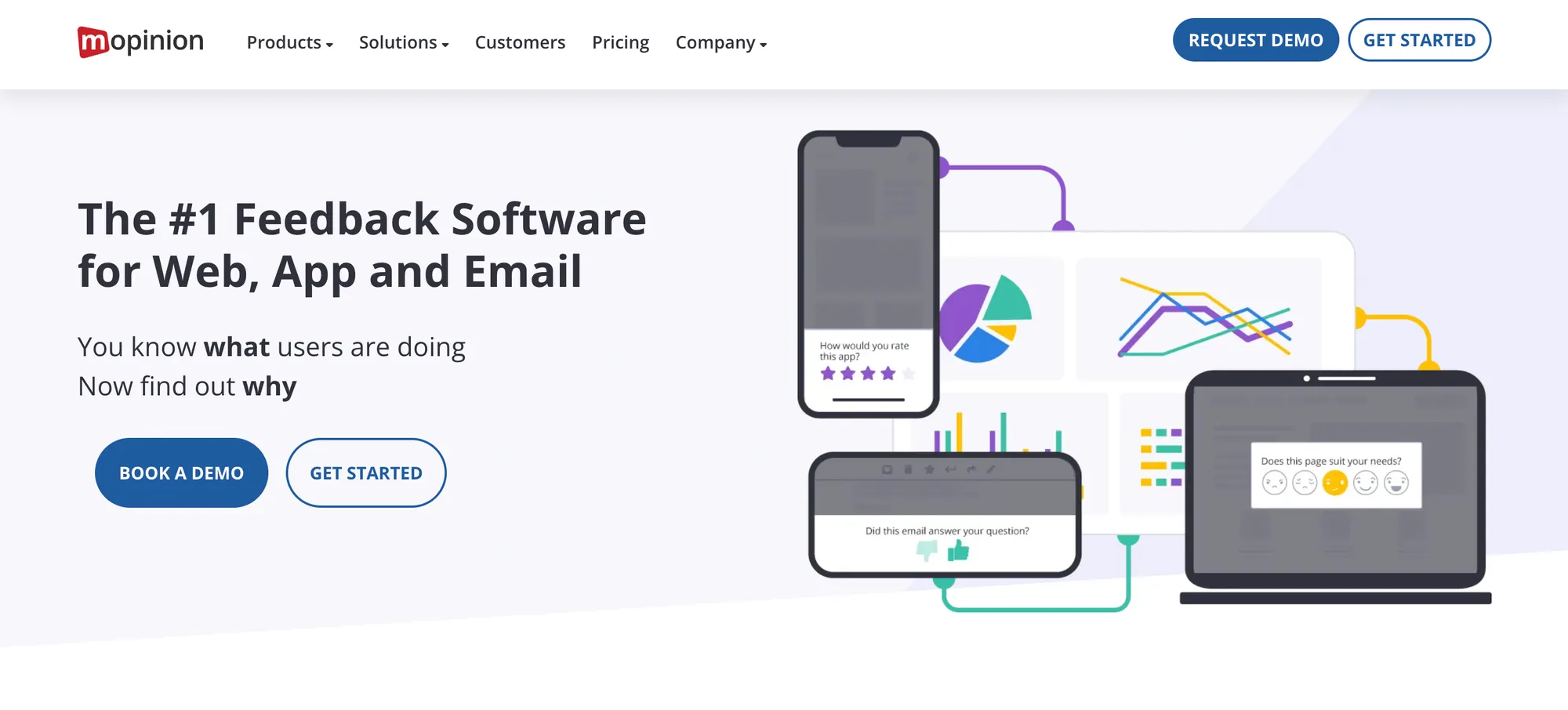
Mopinion is a user feedback platform built specifically for digital channels, helping businesses collect structured input from website visitors in real time. It’s ideal for UX teams, marketers, and product managers looking to improve specific pages or flows.
Top features
- Website feedback widgets: Trigger forms on specific pages, actions, or scroll depth.
- Form builder: Customize questions to fit your goals — from bugs to general UX input.
- Feedback tagging and sentiment analysis: Categorize and interpret feedback at scale.
- Custom dashboards: Visualize feedback data by team, topic, or urgency.
- Integrations with analytics and CRM tools: Send feedback into existing systems.
Pros and cons
✅ Built for structured website feedback collection
✅ Great form targeting and trigger controls
✅ Helpful reporting tools for large teams
❌ Can feel complex for first-time users
❌ Limited visual polish in widget customization
❌ Higher entry price compared to simpler tools
Pricing: Starts at $229 per month.
6. Google Forms

Google Forms is a free, simple tool for collecting website feedback via embeddable forms or links. It’s best for teams that want a no-cost, no-friction solution for gathering basic visitor input.
Top features
- Embed anywhere: Add forms to your website or link out to them.
- Multiple question types: Use open-ended, multiple-choice, rating scales, and more.
- Anonymous submission option: Disable email tracking to keep responses private.
- Google Sheets integration: Automatically collect and analyze responses in a spreadsheet.
- Basic charts and summaries: View simple feedback stats without extra tools.
Pros and cons
✅ Completely free and easy to use
✅ Great for quick surveys or bug reports
✅ Automatically syncs with Google tools
❌ Limited design and branding options
❌ No logic branching or advanced targeting
❌ Lacks built-in feedback alerts or notifications
Pricing: Free
7. SurveyMonkey
SurveyMonkey is one of the most widely used survey tools, with robust features for collecting feedback through popups, embedded forms, or external links. It’s best for teams looking to run structured surveys on their websites and analyze results quickly.
Top features
- Custom website surveys: Embed feedback forms or launch popups at key visitor moments.
- Question logic and branching: Guide users based on their answers.
- NPS and CSAT templates: Start fast with built-in question banks.
- Anonymity settings: Choose whether to track responses or keep them anonymous.
- Data exports and dashboards: Analyze trends or share results with your team.
Pros and cons
✅ Reliable for structured feedback and user surveys
✅ Easy to implement on any site
✅ Rich data analysis and export options for your feedback process
❌ Customization is limited on lower plans
❌ Survey builder can feel dated compared to newer tools
❌ Free plan lacks advanced features
Pricing: Starts at $25 per user per month.
8. Typeform
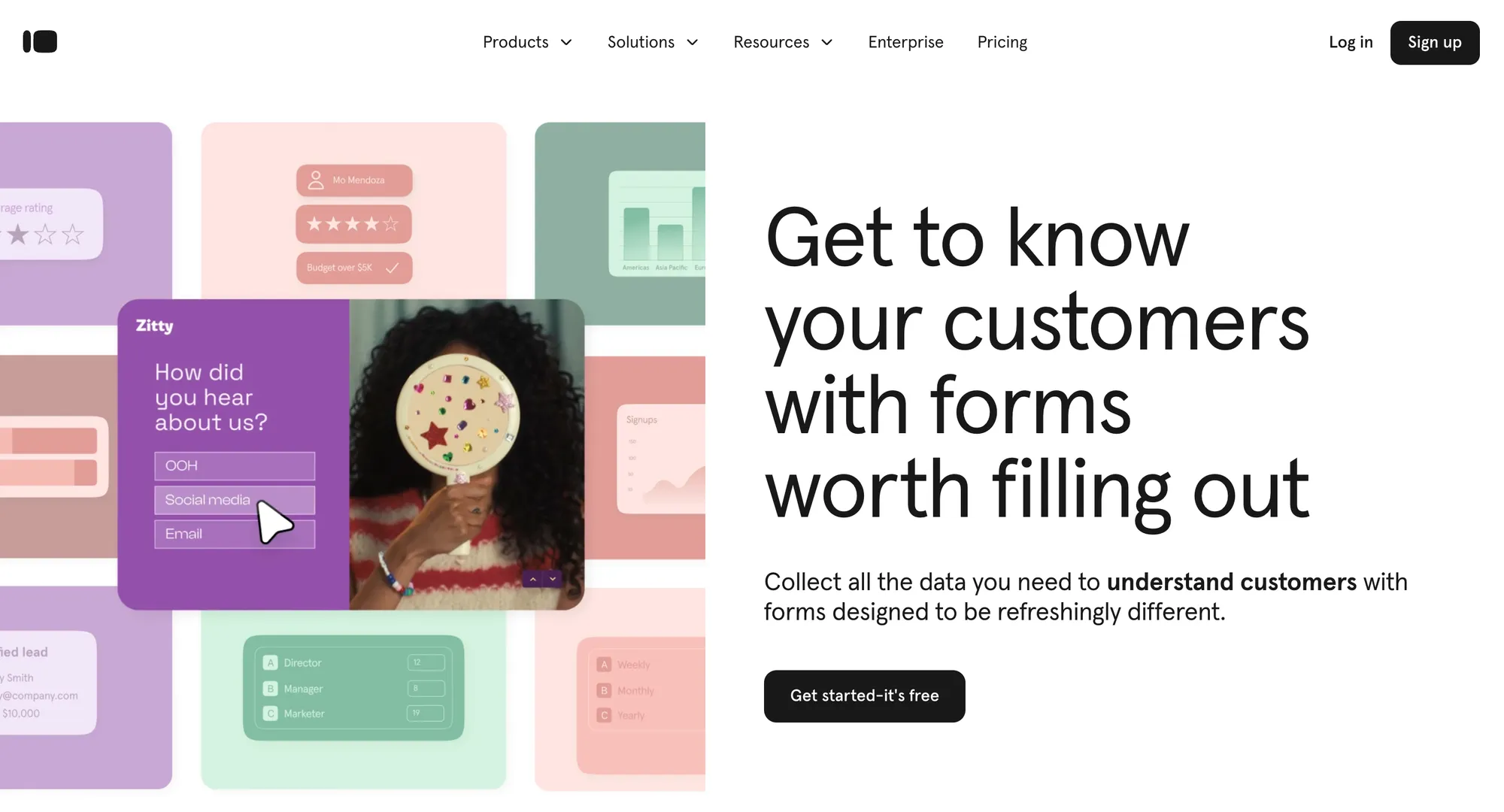
Typeform is a flexible survey and form builder known for its user-friendly, one-question-at-a-time experience, and it works well for collecting website feedback in a more conversational way. It’s ideal for marketers, designers, or UX teams looking for higher engagement rates.
Top features
- Embedded feedback forms: Add branded, interactive forms directly to web pages.
- Custom thank-you messages and redirects: Personalize what users see after submitting.
- Logic jumps: Tailor follow-up questions based on user responses.
- Anonymous response settings: Collect feedback without storing personal data.
- Integrations with web and CRM tools: Send responses to tools like Slack, Airtable, and HubSpot.
Pros and cons
✅ Very high user engagement thanks to conversational design
✅ Easy to embed into any website
✅ Good balance between UX and survey depth
❌ Limited layout control unless on high-tier plans
❌ Reporting is fairly basic unless exported
❌ Pricier than basic form builders
Pricing: Starts at $25 per month.
9. UserVoice
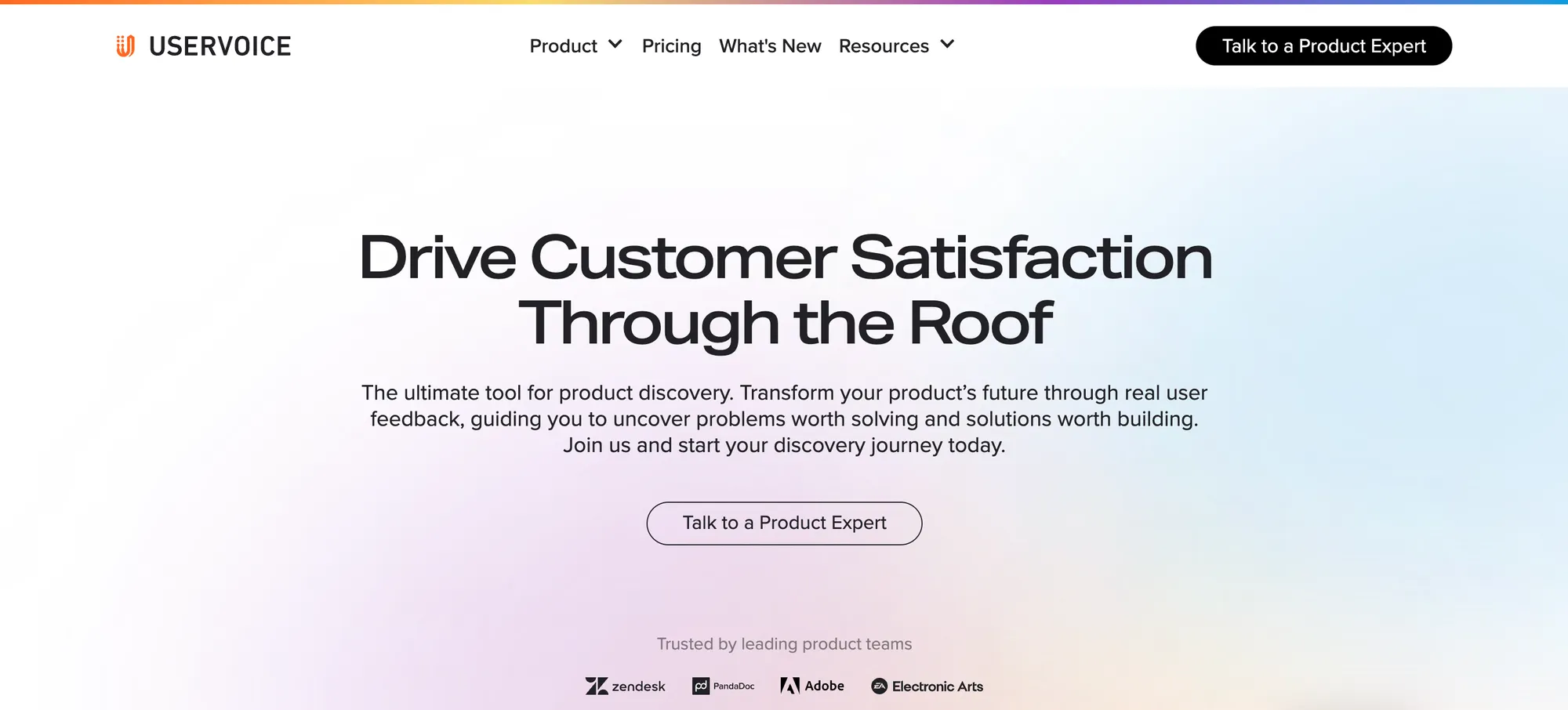
UserVoice is a customer feedback platform that helps product teams collect suggestions, bug reports, and ideas directly from users on websites and apps. This website feedback software is ideal for SaaS companies and digital products that want structured, ongoing feedback.
Top features
- Embedded feedback widget: Collect ideas and bug reports right from your website or app.
- Public and private suggestion boards: Let users submit and vote on suggestions transparently.
- Feedback prioritization tools: Score ideas based on user demand and business impact.
- Changelog and updates: Close the loop with customers by announcing fixes and changes.
- CRM and support integrations: Pull feedback in from tools like Zendesk and Salesforce.
Pros and cons
✅ Strong for managing feature and bug requests
✅ Good feedback visibility through voting and public boards
✅ Helps align product teams around real user needs
❌ Pricing is high for smaller teams
❌ Limited survey or research-style tools
❌ Reporting dashboards are functional but not very customizable
Pricing: UserVoice prices start at a very steep $899 per month, and there is no option for a free trial.
10. Pendo

Pendo is a product experience platform that helps teams collect website feedback and analyze user behavior through in-app surveys, guides, and usage tracking. It’s best for SaaS teams that want to pair behavioral analytics with customer feedback.
Top features
- On-page surveys: Trigger polls or feedback requests based on visitor behavior.
- User sentiment tracking: Use NPS and custom surveys to monitor how users feel over time.
- No-code UI elements: Launch feedback widgets without engineering support.
- In-app guides and announcements: Pair feedback with onboarding or feature announcements.
- Segmentation tools: Target surveys to specific audiences based on actions or roles.
Pros and cons
✅ Great for combining feedback with usage data
✅ Easy to deploy without code changes
✅ Supports anonymous and targeted website feedback
❌ Pricing is high for small or mid-sized teams
❌ Can be complex to configure for first-time users
❌ Not ideal for casual feedback collection across marketing sites
Pricing: Pendos's pricing starts at $7,000 per year (custom pricing only).
Check out some more affordable Pendo alternatives here
11. Qualaroo
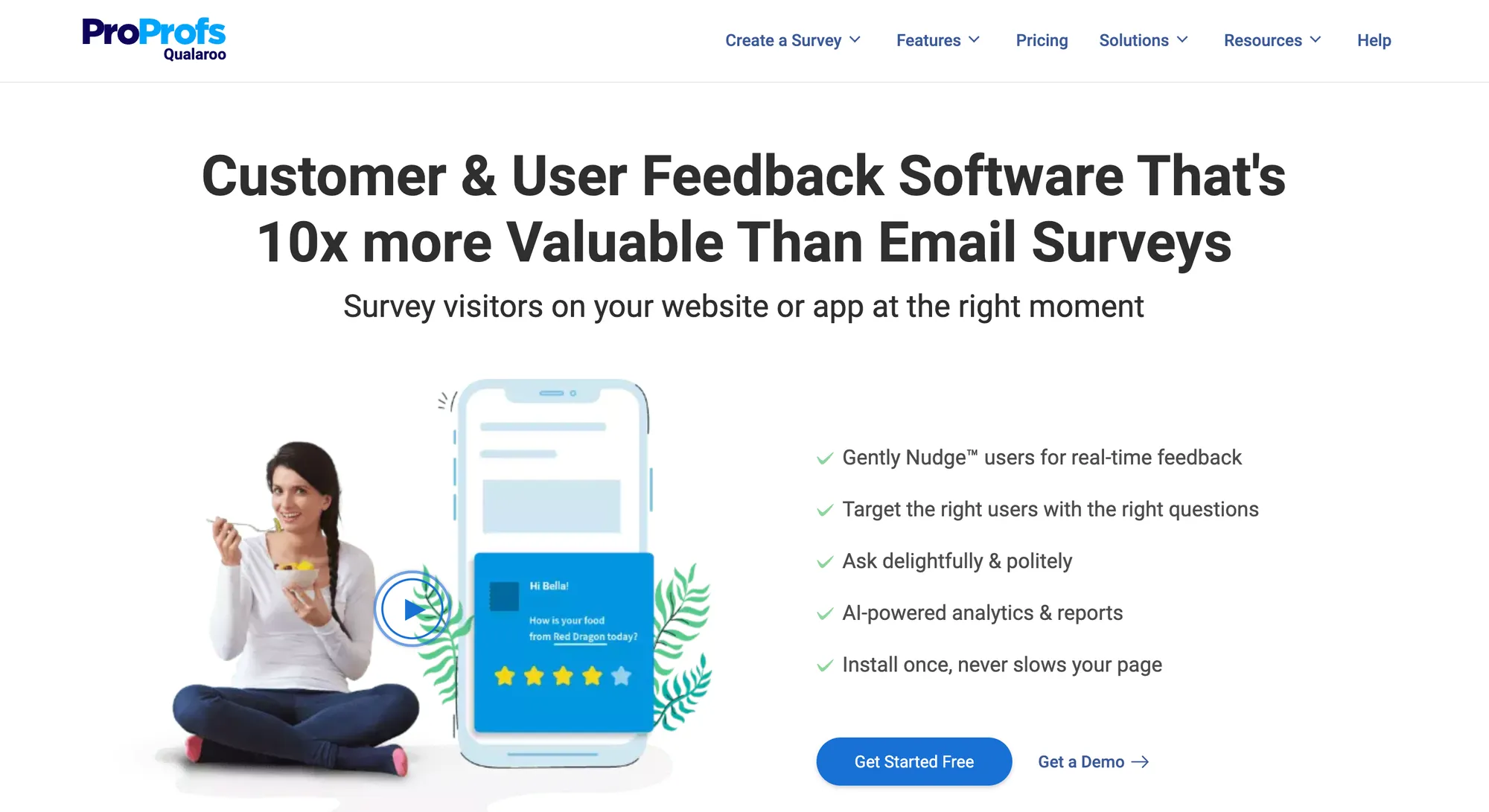
Qualaroo is a website survey tool that lets you collect user feedback through short, targeted questions triggered by behavior or context. It’s ideal for marketing, UX, and product teams looking for lightweight, timely feedback from actual site visitors.
Top features
- Nudge-style feedback prompts: Ask short questions without interrupting the user experience.
- Behavioral targeting: Trigger surveys based on time on page, scroll depth, exit intent, or device type.
- Question branching and logic: Guide users through relevant follow-ups based on answers.
- AI-powered sentiment analysis: Automatically detect user tone in open-ended responses.
- Templates for common survey types: Start quickly with NPS, CES, and product feedback surveys.
Pros and cons
✅ Great for quick, context-aware website feedback
✅ Minimal disruption to user sessions
✅ Good targeting options for specific audience segments
❌ Not suited for long or complex surveys
❌ Basic reporting features unless upgraded
❌ Pricey for smaller teams needing basic functionality
Pricing: Starts at $80 per month.
12. Rapidr
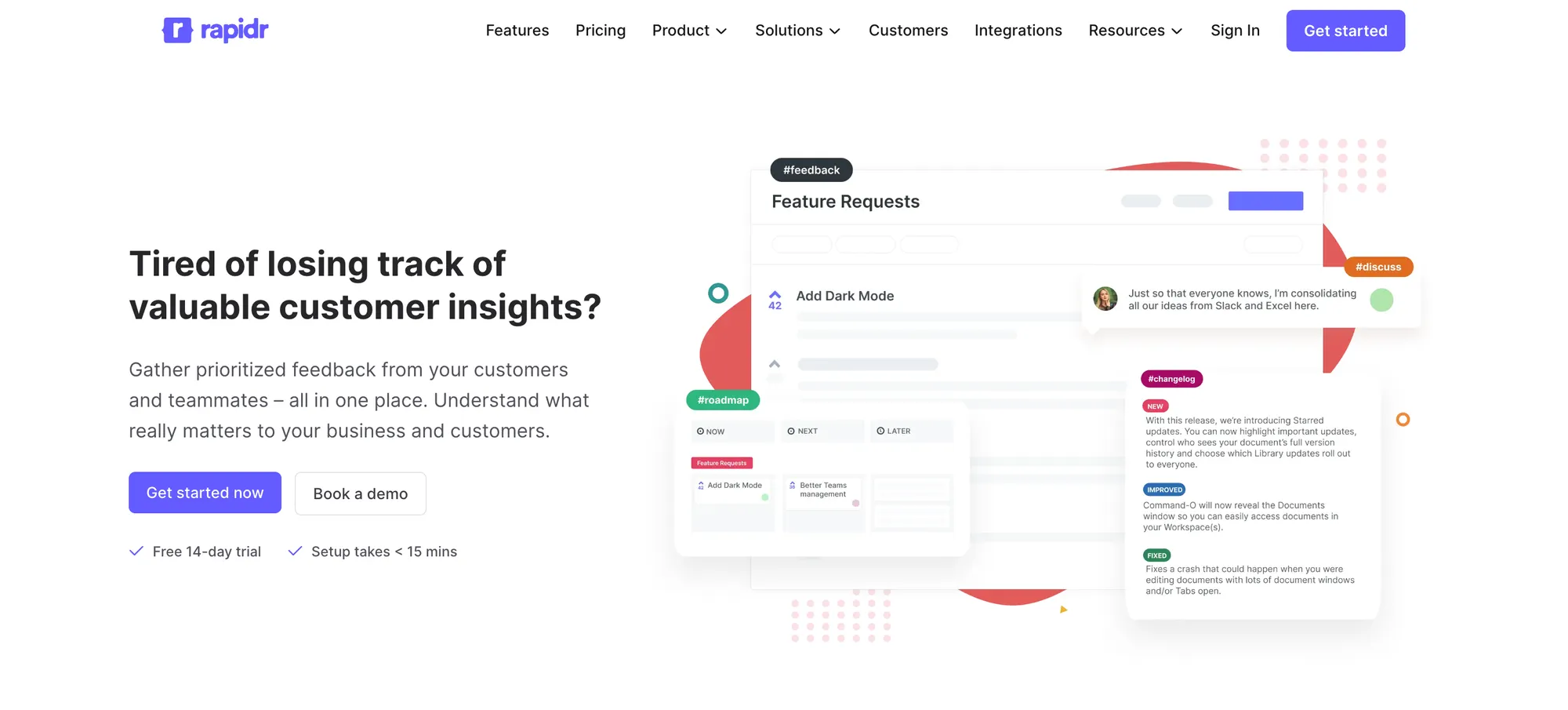
Rapidr is a product feedback and feature request platform that includes tools for collecting structured feedback directly from your website. It’s best for SaaS companies that want to capture, organize, and act on user suggestions, bug reports, and ideas.
Top features
- Website feedback widget: Collect suggestions, bugs, or general feedback from users in a branded, embedded form.
- Public and private boards: Choose whether to display feedback openly or keep it internal.
- User voting and prioritization: Let users vote on submitted items to help guide prioritization.
- Status tracking and changelog: Keep users in the loop as issues are addressed or ideas are shipped.
- Integrations with PM tools: Connect with tools like Slack, Jira, and GitHub to move feedback into development.
Pros and cons
✅ Great for managing feature requests and website suggestions
✅ Clean, focused interface for end users
✅ Helps close the feedback loop with status updates
❌ Less effective for in-depth UX or behavior analysis
❌ Smaller integration library compared to competitors
❌ Fewer analytics features built in
Pricing: Starts at $49 per month.
13. UserTesting
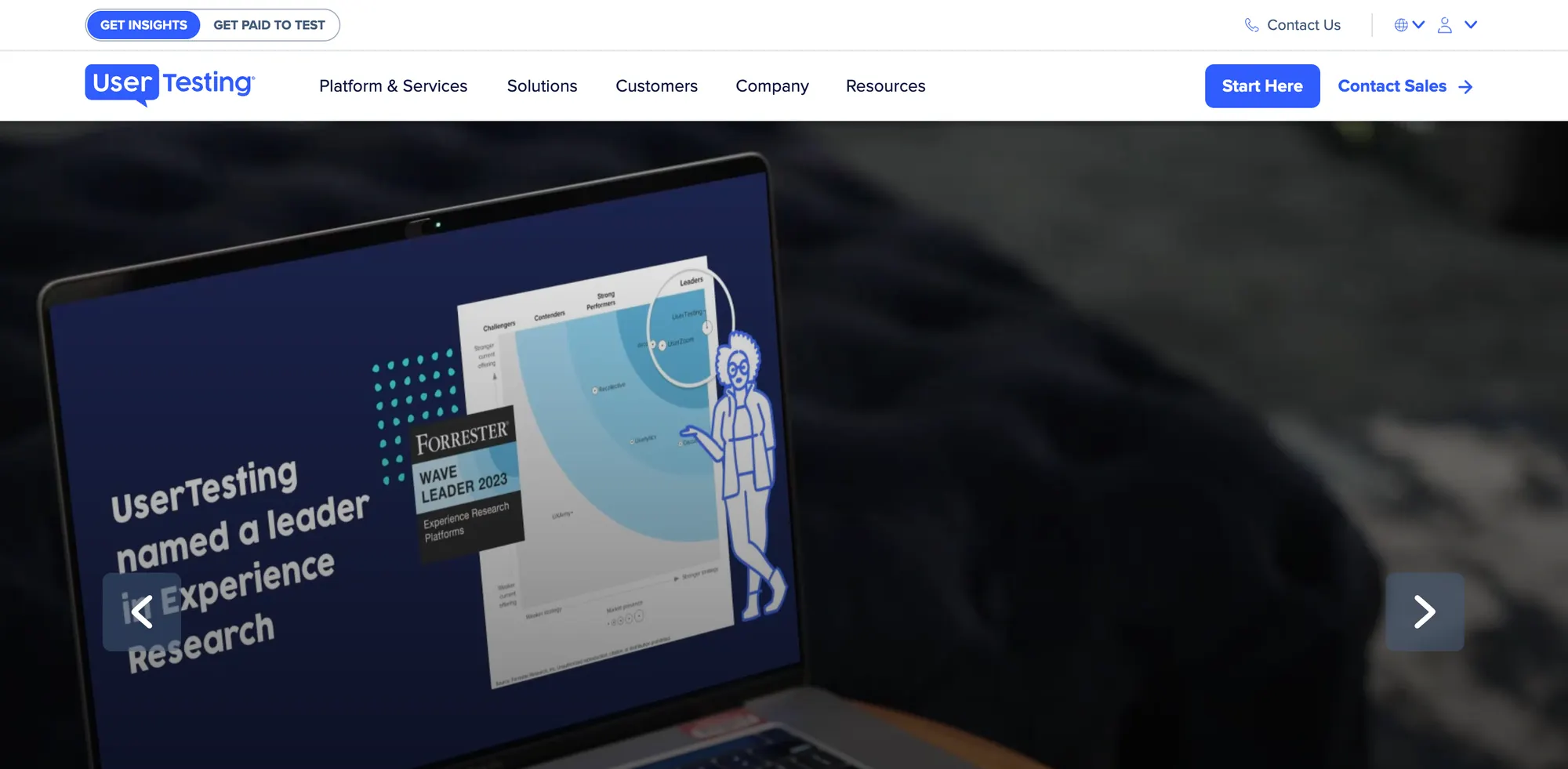
UserTesting is a usability testing platform that gives you direct access to users who can interact with your website and provide recorded feedback. It’s ideal for product teams and UX researchers looking to understand how real people experience their site.
Top features
- Website test recordings: Watch users interact with your site and hear their thoughts in real time.
- Targeted user panels: Choose testers by demographics, location, device, or behavior.
- Written follow-up questions: Ask users to clarify or expand on what they experienced.
- Live interviews: Run moderated sessions to dive deeper into user behavior.
- Transcripts and highlight reels: Clip key moments and share them across your team.
Pros and cons
✅ Incredible depth of feedback from real users
✅ Ideal for usability and navigation testing
✅ Helps uncover issues that traditional surveys miss
❌ Expensive for smaller teams or occasional use
❌ Feedback isn’t anonymous or volume-based
❌ Long turnaround times for scheduling or reviewing sessions
Pricing: Starts at $15,000 per year (enterprise pricing only).
14. UseResponse
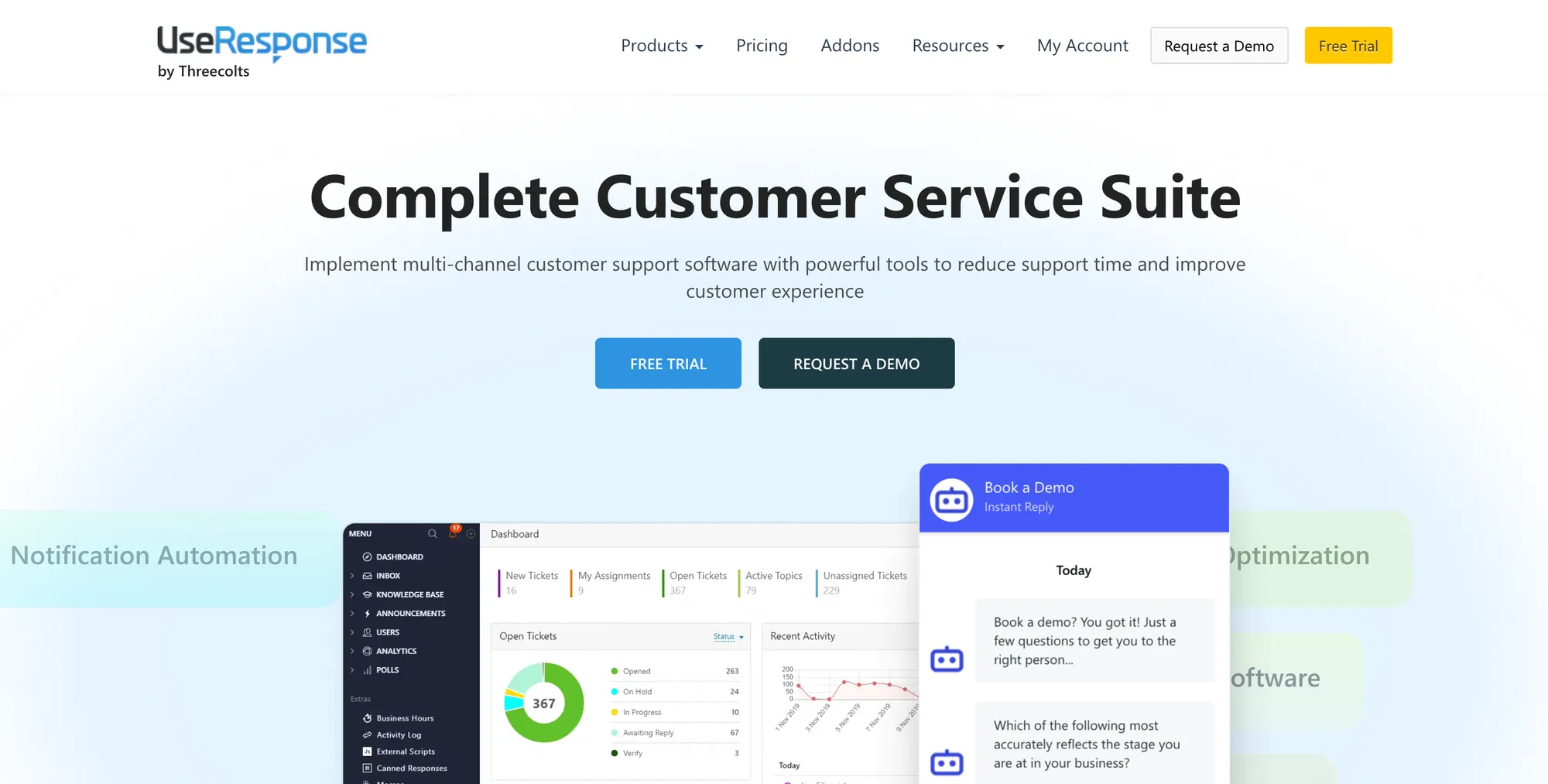
UseResponse is a customer support and feedback platform with features for collecting website feedback, managing public forums, and analyzing suggestions. It’s great for SaaS companies and digital businesses that want to centralize website feedback, bug reports, and community discussions.
Top features
- Feedback widget for websites: Let users submit ideas, questions, or issues without leaving the page.
- Custom feedback forums: Organize user suggestions and allow voting to guide future improvements.
- In-app surveys and forms: Trigger short surveys based on user behavior or page visits.
- Knowledge base integration: Link feedback to helpful articles or announcements when needed.
- Tagging and reporting tools: Categorize and prioritize incoming feedback for action.
Pros and cons
✅ Combines website feedback, support, and forums in one tool
✅ Offers public and private feedback options
✅ Flexible widget placement across your site
❌ UI is more functional than modern or sleek
❌ Setup and customization can take time
❌ Limited automation in lower-tier plans
Pricing: Starts at $49 per month.
15. Jotform
Jotform is a flexible form builder that can be used to gather structured website feedback through embedded forms, popups, or surveys. It’s best for businesses or site owners who want a customizable, no-code solution to collect input directly on their site.
Top features
- Custom website feedback forms: Build forms for bug reports, satisfaction surveys, or suggestions.
- Embed anywhere: Place feedback forms inline, as popups, or in chat-like side panels.
- Conditional logic: Create dynamic forms that adapt to user responses.
- Anonymous submission settings: Allow users to submit feedback without providing personal info.
- Email and third-party integrations: Send responses to Slack, Airtable, or Google Sheets instantly.
Pros and cons
✅ Very customizable for any type of website feedback
✅ Free plan available with generous limits
✅ No coding required to get started
❌ Not built specifically for website testing or bug tracking
❌ Visual design options can feel limited
❌ More powerful workflows require paid plans
Pricing: Starts at $39 per month.
16. Userback
Userback is a visual feedback tool for collecting bug reports, feature suggestions, and general feedback directly on your website. It’s a good fit for product teams, designers, and QA testers looking for a fast, visual way to capture what’s happening in the user’s browser.
Top features
- Website feedback widget: Visitors can leave annotated screenshots and comments without leaving the page.
- Video feedback recording: Capture user behavior and voice commentary to explain bugs or confusion.
- Automatic console logs: Developers get technical details like console errors and environment data with every submission.
- Team collaboration tools: Assign feedback items, tag team members, and set priorities.
- Integration with dev and PM tools: Sync feedback to tools like Jira, GitHub, Slack, or Trello.
Pros and cons
✅ Great for visual and video-based website feedback
✅ Speeds up issue resolution with detailed reports
✅ Works well across product, design, and engineering teams
❌ Not focused on structured survey feedback
❌ Free plan is limited in features and volume
❌ Can get expensive if used across large teams
Pricing: Starts at $59 per month.
17. Qualtrics
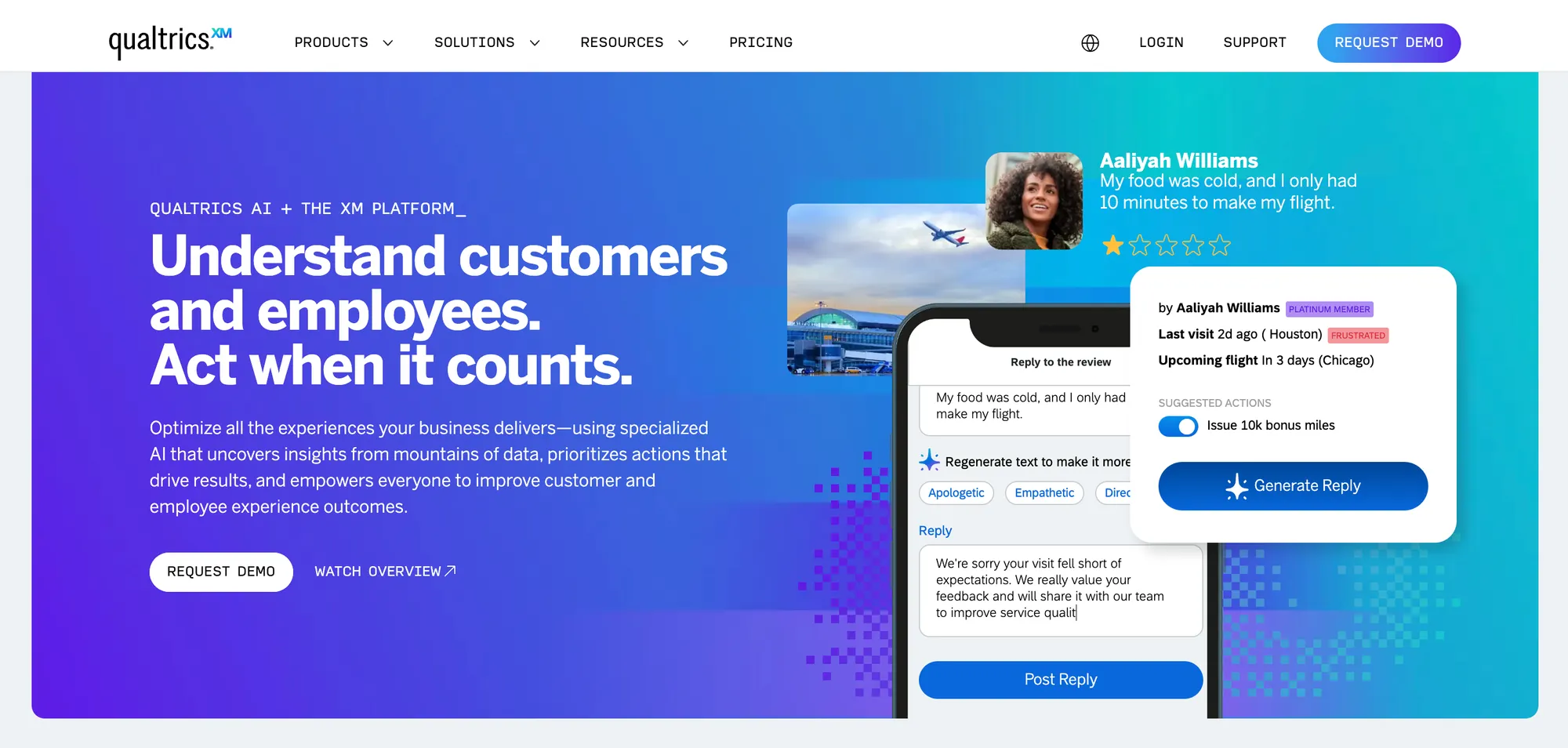
Qualtrics is an enterprise experience management platform that offers detailed website feedback collection as part of its broader suite. It’s best for large organizations needing deep insights into digital experience across websites, apps, and customer touchpoints.
Top features
- Intercept surveys: Trigger targeted feedback forms based on visitor behavior or demographics.
- Custom survey logic: Use advanced branching, skip logic, and scoring to tailor the experience.
- Text analysis and tagging: Automatically sort open-text website feedback by topic and sentiment.
- Role-based dashboards: Share web feedback insights with the right departments across the company.
- Cross-channel feedback integration: Analyze web feedback alongside social, mobile, email, and contact center data.
Pros and cons
✅ Extremely powerful and flexible for complex use cases
✅ Advanced survey logic and analytics capabilities
✅ Great for enterprise teams managing multiple digital properties
❌ Expensive for smaller businesses
❌ Requires training to use effectively
❌ Can be overkill for collecting basic website feedback
Pricing: Custom pricing (enterprise-level plans only).
18. VWO
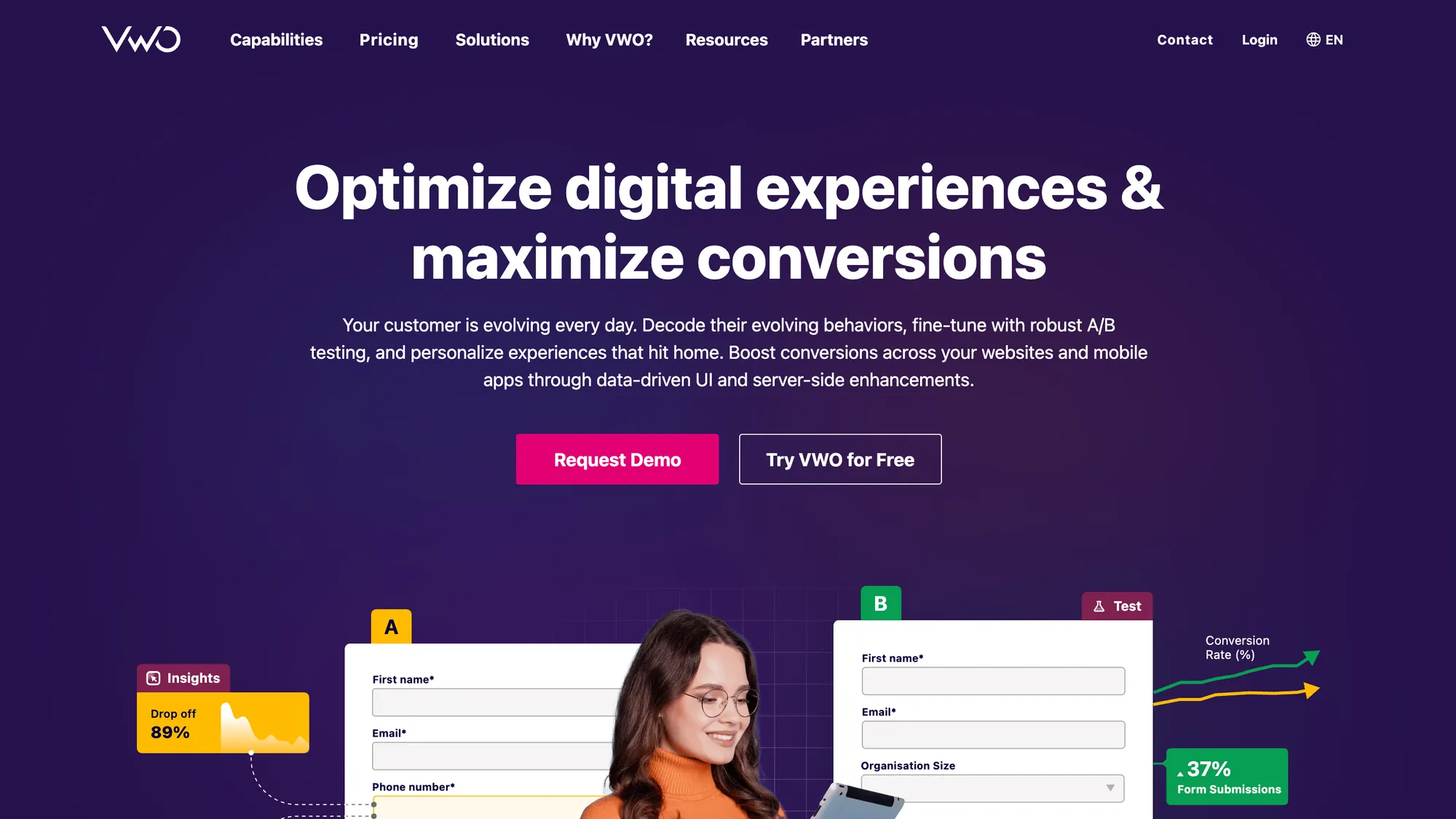
VWO is a website optimization platform that combines A/B testing, behavior analytics, and website feedback tools to help teams with conversion rate optimization and usability. It’s a great fit for CRO teams and UX specialists looking to validate changes with real user input.
Top features
- On-site surveys and polls: Ask website visitors why they didn’t convert, what confused them, or how they rate their experience.
- Exit intent surveys: Trigger feedback forms when users are about to leave your site.
- Heatmaps and session recordings: Combine direct feedback with behavior insights for a full picture.
- A/B testing and personalization: Test changes based on feedback and measure impact directly.
- Targeted feedback based on segments: Show surveys to specific visitor types based on traffic source or page behavior.
Pros and cons
✅ Combines feedback with experimentation tools
✅ Helps pinpoint conversion issues using real user input
✅ Strong targeting for who sees which feedback forms
❌ Requires setup and experimentation knowledge
❌ Can be overwhelming for non-technical users
❌ Survey builder is more limited than dedicated survey tools
Pricing: Starts at $199 per month.
19. Marker.io
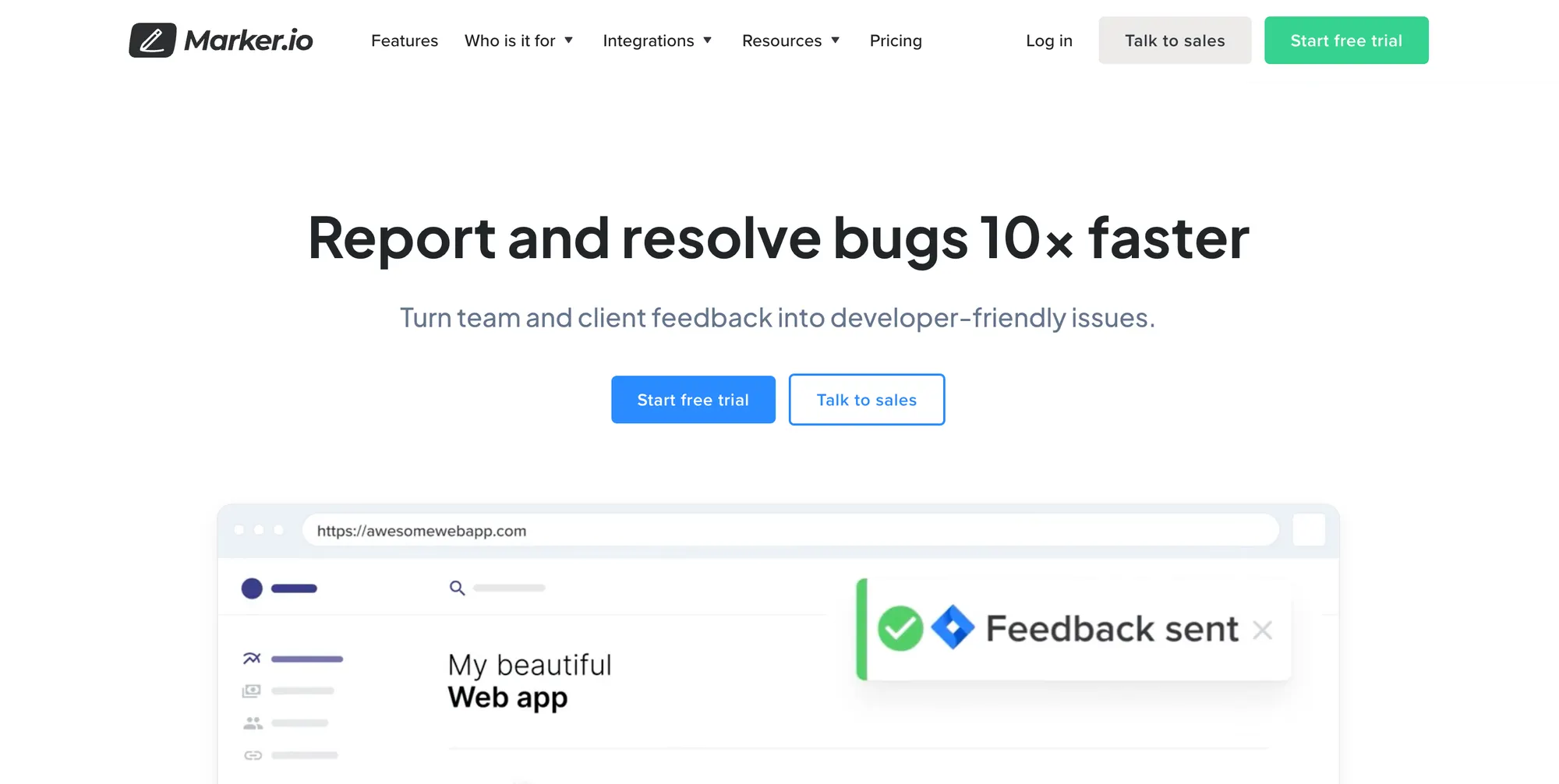
Marker.io is a visual website feedback tool that lets users capture bugs, suggestions, and design comments directly from live websites. It’s ideal for product teams, designers, and QA testers who need clear, actionable feedback from real users or clients.
Top features
- On-page feedback widget: Let users highlight and comment on specific website elements in real time.
- Automatic metadata capture: Each report includes browser info, screen resolution, console logs, and more.
- Screenshot annotation: Users can draw or comment directly on screenshots of the site.
- Integrations with dev tools: Send feedback directly into Jira, Trello, ClickUp, and others as actionable tasks.
- Client-friendly interface: No login required for external users to submit feedback.
Pros and cons
✅ Perfect for collecting visual, context-rich website feedback
✅ Speeds up communication between users and developers
✅ Easy to install and start collecting feedback right away
❌ Focused mostly on bug and UI feedback, not broad surveys
❌ Not ideal for gathering long-form responses or structured data
❌ Can get pricey if used by multiple team members or clients
Pricing: Starts at $49 per month for up to 10 users.
20. BugHerd
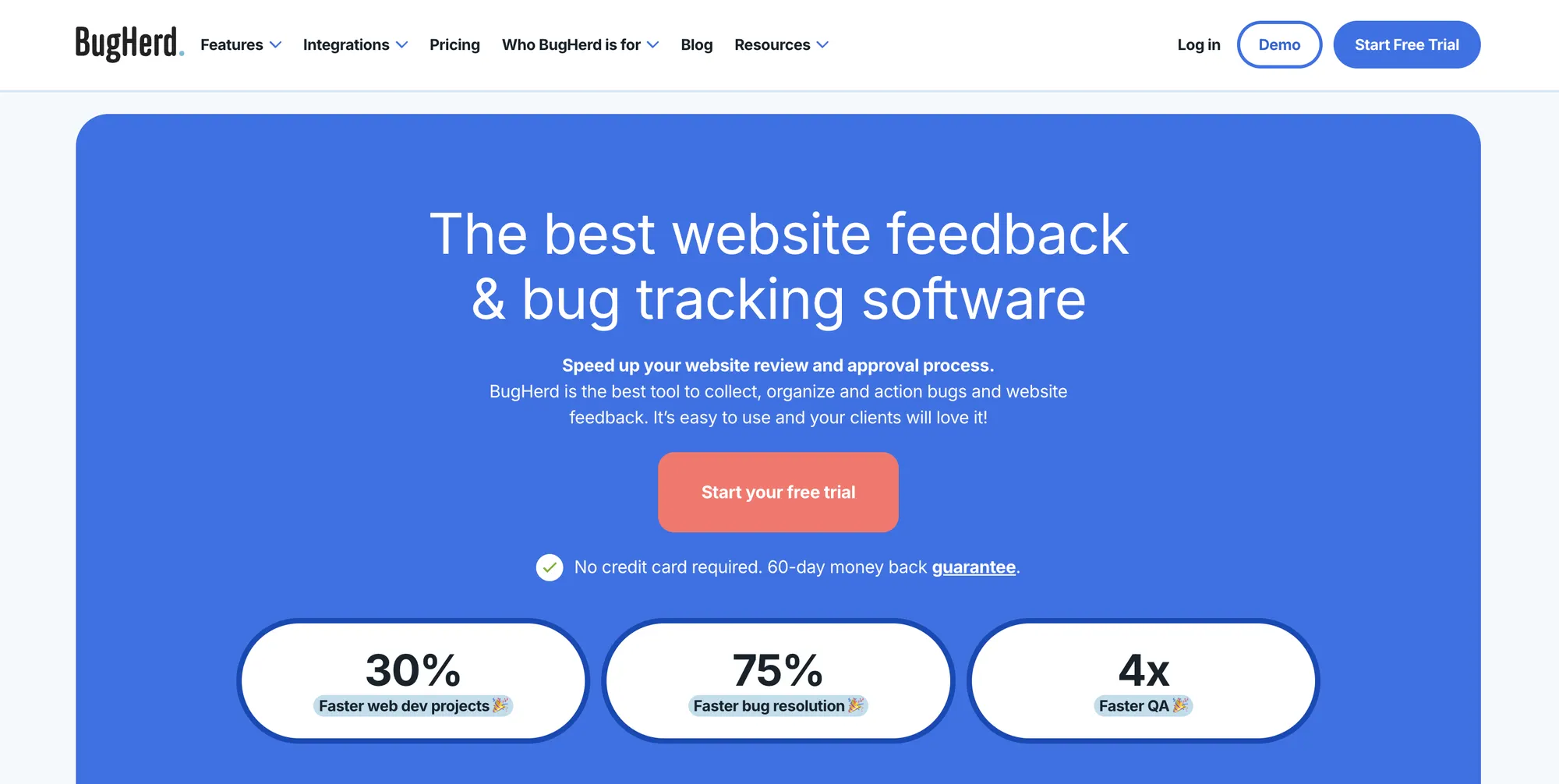
BugHerd is a visual website feedback and bug tracking tool that lets users leave comments and report issues directly on live web pages. It’s ideal for product teams, developers, and agencies working on websites, especially during QA, client review, or redesign stages.
Top features
- On-site feedback sidebar: Users can click any element on a live website to leave a comment or report a bug.
- Automatic context capture: Each report includes a screenshot, browser details, OS, and even screen resolution.
- Kanban-style task board: Turn website feedback into actionable tasks and track progress easily.
- Client-friendly interface: No login required for external reviewers to leave feedback.
- Integrations with tools like Jira and Trello: Push tasks into your project management stack instantly.
Pros and cons
✅ Excellent for visual, in-context website feedback
✅ Easy to onboard non-technical team members and clients
✅ Reduces back-and-forth during website testing
❌ Mainly focused on bug and UI feedback rather than broad surveys
❌ Limited reporting and analytics
❌ UI can feel dated compared to newer tools
Pricing: Starts at $39 per month for up to 5 users.
21. Sprinklr

Sprinklr is an enterprise customer experience platform that includes tools for capturing and analyzing website feedback as part of broader voice-of-the-customer efforts. It’s a better fit for large organizations looking to tie website feedback into multichannel CX insights.
Top features
- Website feedback widgets: Collect comments, ratings, or NPS directly from users during their web sessions.
- Unified CX dashboard: View web feedback alongside data from social, chat, and other touchpoints.
- AI-powered sentiment analysis: Detect tone and urgency in open-text website feedback automatically.
- User journey mapping: Connect feedback to specific steps in the visitor path to spot friction points.
- Feedback tagging and routing: Automatically tag and send insights to the right internal teams.
Pros and cons
✅ Built for enterprise-level CX tracking across all channels
✅ Strong sentiment analysis and AI-based insights
✅ Good for understanding web feedback in context of broader customer journeys
❌ Complex to implement and maintain
❌ Overkill for small-to-mid-sized businesses focused solely on website UX
❌ Requires dedicated training and onboarding
Pricing: Custom pricing (enterprise only).
22. Alchemer
Alchemer (formerly SurveyGizmo) is a powerful survey and feedback platform that helps businesses collect targeted feedback directly from website visitors. It’s ideal for marketers, CX teams, and researchers looking to improve user experience and conversion paths based on direct visitor input.
Top features
- On-site surveys: Launch pop-up or embedded surveys on your website to gather feedback at key moments.
- Targeted survey triggers: Show surveys based on behavior, location, or custom criteria.
- Advanced logic and branching: Guide users through personalized survey flows depending on their responses.
- Custom branding: Match surveys to your website’s look and feel without compromising UX.
- Reporting and dashboards: Analyze website feedback trends with detailed visual reports and exportable data.
Pros and cons
✅ Strong targeting capabilities for feedback collection
✅ Great customization options for survey logic and appearance
✅ Powerful analytics and data export tools
❌ Pricing can be high for advanced features
❌ More complex than lightweight feedback tools
❌ Less suited for quick feedback capture without setup
Pricing: Starts at $55 per user per month.
23. Forms.app
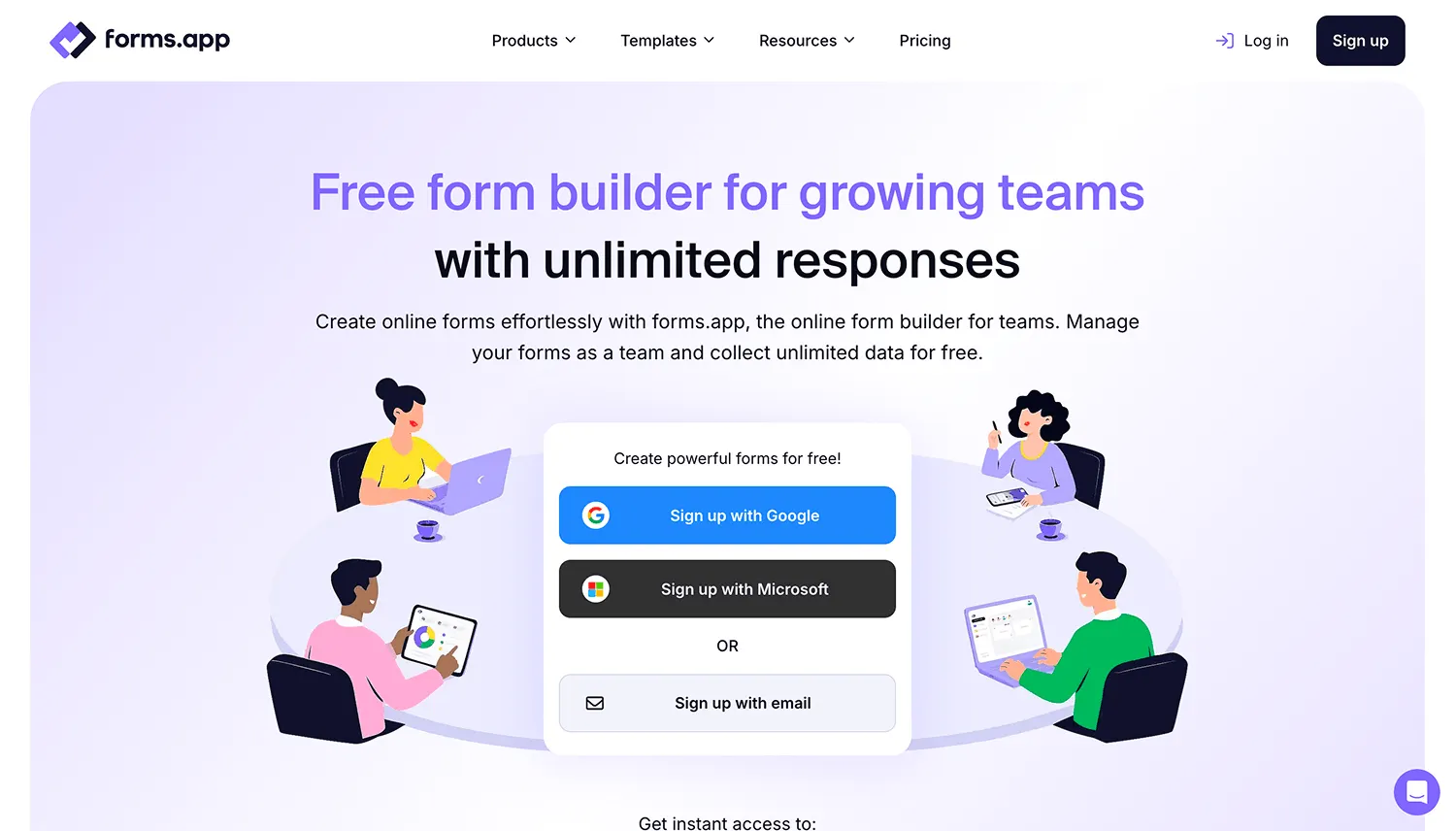
forms.app is an easy-to-use online form builder for creating professional forms. It allows users to create feedback forms that can be embedded on a page or used separately. forms.app offers customization and personalization options to help surveys fit seamlessly into your website.
You can also use ready-made templates or the AI form creator to build forms and surveys. Its free plan includes unlimited responses and unlimited team members, making it a strong option for teams that want to collect data and collaborate without usage or seat limits.
Top features:
- AI form creator - forms.app offers an AI form generator feature, which allows users to create forms and surveys using just a few words
- Unlimited responses & team members - The free plan includes unlimited responses and unlimited team members, making it easy to collaborate and collect data without worrying about usage limits.
- Mobile app - forms.app’s mobile application allows users to create and track surveys on the go
- Personalization - Conditional logic feature to cut unnecessary questions
- Advanced analytics - Users can see historical data, apply filters, analyze drop-off rates, and even see partial responses.
- Easy customization - User-friendly customization options and custom CSS
- Sharing & embedding - Various embedding options, such as pop-up, side-tab, and more
Pros and cons
✅ forms.app has one of the easiest interfaces to use.
✅ forms.app offers advanced features, such as signature collection, multiple languages, and save and continue later.
✅ Generous free plan with unlimited responses and unlimited team members.
✅ forms.app allows good-looking and modern online forms.
❌ forms.app doesn’t have shuffling questions settings.
❌ forms.app doesn’t have a mobile SDK for embedding in mobile apps.
❌ Not built specifically for in-app and bug tracking
Pricing: A free plan is available with unlimited responses and unlimited team members. Paid plans start at $19/month for Basic when billed annually.
Conclusion
When you choose the right website feedback tool, you get an ally in creating a superior experience for your visitors. It can give you actionable feedback on improving customer satisfaction and reducing churn, which new features to launch and where to invest time and resources.
Featurebase is a modern & powerful website feedback tool with surveys, embeddable widgets, bug reporting tools, feedback forums, and much more.
It comes with a free plan and the onboarding is super quick and simple, so there's no downside to trying it out! 👇
Start collecting & managing customer feedback with Featurebase for free


