SurveyMonkey vs Qualtrics: 2026 survey software comparison
SurveyMonkey vs Qualtrics compared: ease of use, available features, survey design, pricing and more to help you choose the best survey tool for your needs.

On this page
- SurveyMonkey vs Qualtrics: quick comparison
- SurveyMonkey vs Qualtrics: survey platforms at a glance
- Qualtrics vs SurveyMonkey: key features compared
- SurveyMonkey vs Qualtrics: ease of use and setup
- SurveyMonkey vs Qualtrics: pricing
- SurveyMonkey vs Qualtrics: which one should you get?
- Why Featurebase is the better option for feedback collection
Psst... Looking for a better SurveyMonkey and Qualtrics alternative? Check out Featurebase
If you're looking for an organized way to collect survey responses, there hasn't been a better time to go shopping for tools.
But despite the variety, some businesses like to stick with what works: tried and tested tools with a good reputation.
For example, SurveyMonkey, which even calls itself the "best survey software," and Qualtrics, the enterprise survey tool for those with deep pockets.
How do the two platforms stack up?
Today, we compare SurveyMonkey and Qualtrics for everything from simple surveys to advanced market research, to help you find your next tool for creating surveys and then some. 👇
SurveyMonkey vs Qualtrics: quick comparison
| SurveyMonkey | Qualtrics | |
|---|---|---|
| Best for | Small teams, marketers, quick surveys | Enterprise companies, research teams, CX programs |
| Core use case | Fast data collection and basic surveys | Ongoing feedback programs and experience management |
| Survey design | Simple, template-driven, quick to launch | Highly customizable with complex logic and testing |
| Logic and customization | Basic conditional logic, limited at scale | Advanced logic, branching, and multi-step workflows |
| Analytics and reporting | Easy dashboards for quick insights | Advanced analytics, segmentation, predictive modeling |
| Data collection | One-off surveys via links, email, embeds | Continuous data collection across multiple channels |
| Ease of use | Very easy, minimal setup required | Steeper learning curve, requires setup and training |
| Setup time | Minutes to launch | Days or weeks, depending on complexity |
| Advanced features | Limited, focused on usability | Extensive advanced tools for large-scale programs |
| Integrations | Standard integrations, and easier to connect | Deeper enterprise integrations, more complex setup |
| Pricing model | Transparent monthly or annual plans | Custom pricing based on usage and requirements |
| Entry price | Free plan available, paid from $39 per month | Starts at $420 per month, enterprise pricing much higher |
| Cost predictability | High, easy to estimate | Low, depends on usage and contract |
| Scalability | Good for small to mid-scale use | Built for large-scale, multi-program deployments |
| Typical limitation | Hits ceiling with complex use cases | Overkill for simple surveys, expensive |
SurveyMonkey vs Qualtrics: survey platforms at a glance
SurveyMonkey and Qualtrics both help you collect survey data, but they are built for completely different situations.
What is SurveyMonkey?
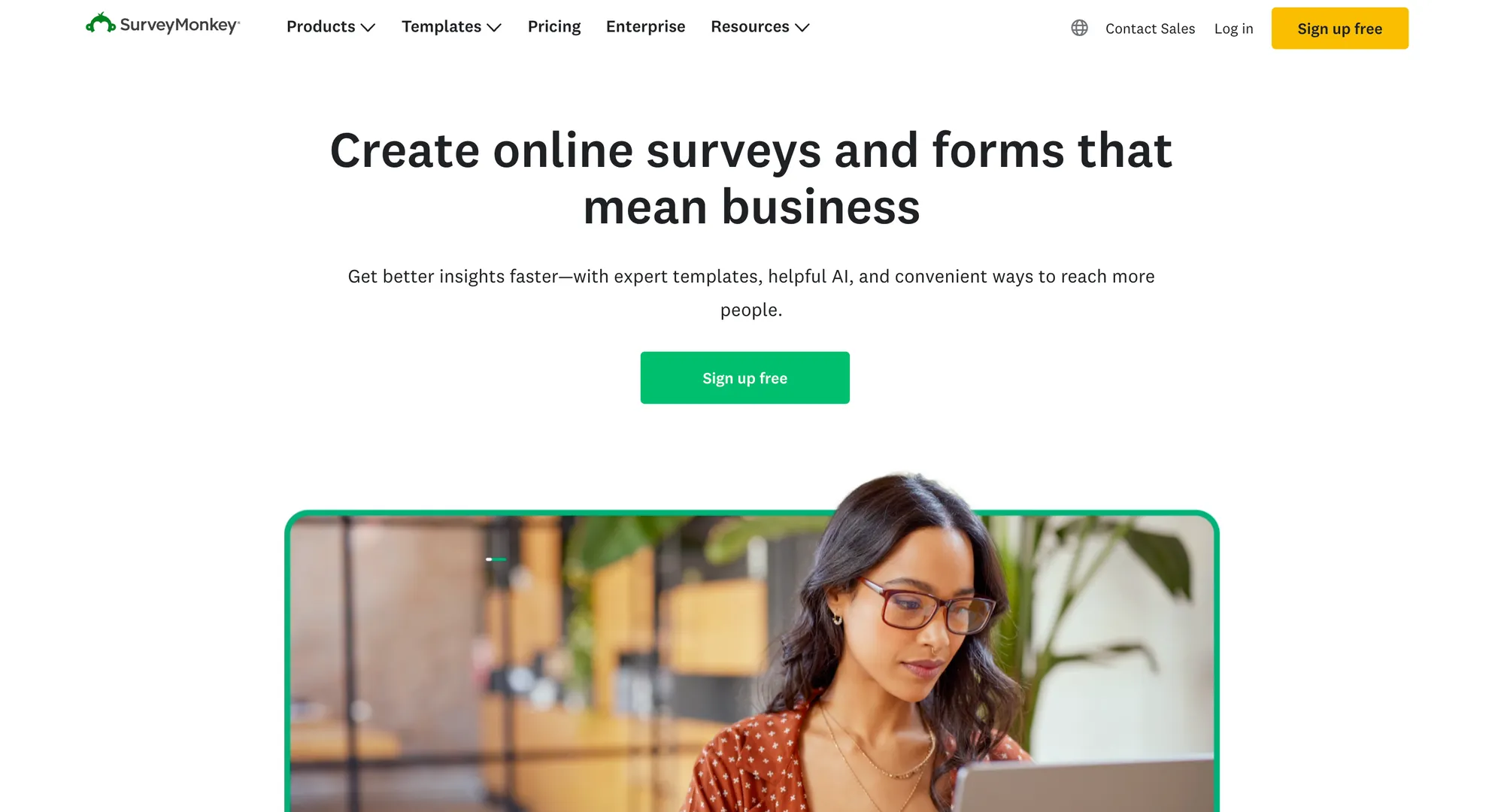
SurveyMonkey is a pretty simple survey tool. You can spin up a survey in minutes, send it out, and start collecting data without thinking too much about setup.
It’s a good fit for small teams, marketers, founders, or anyone who needs fast data collection without getting stuck in configuration.
It covers the basics well, and while it includes some advanced features, the focus is still on speed and ease of use rather than depth.
For most everyday use cases, it gives you enough control to get decent data quality without overcomplicating things.
What is Qualtrics?
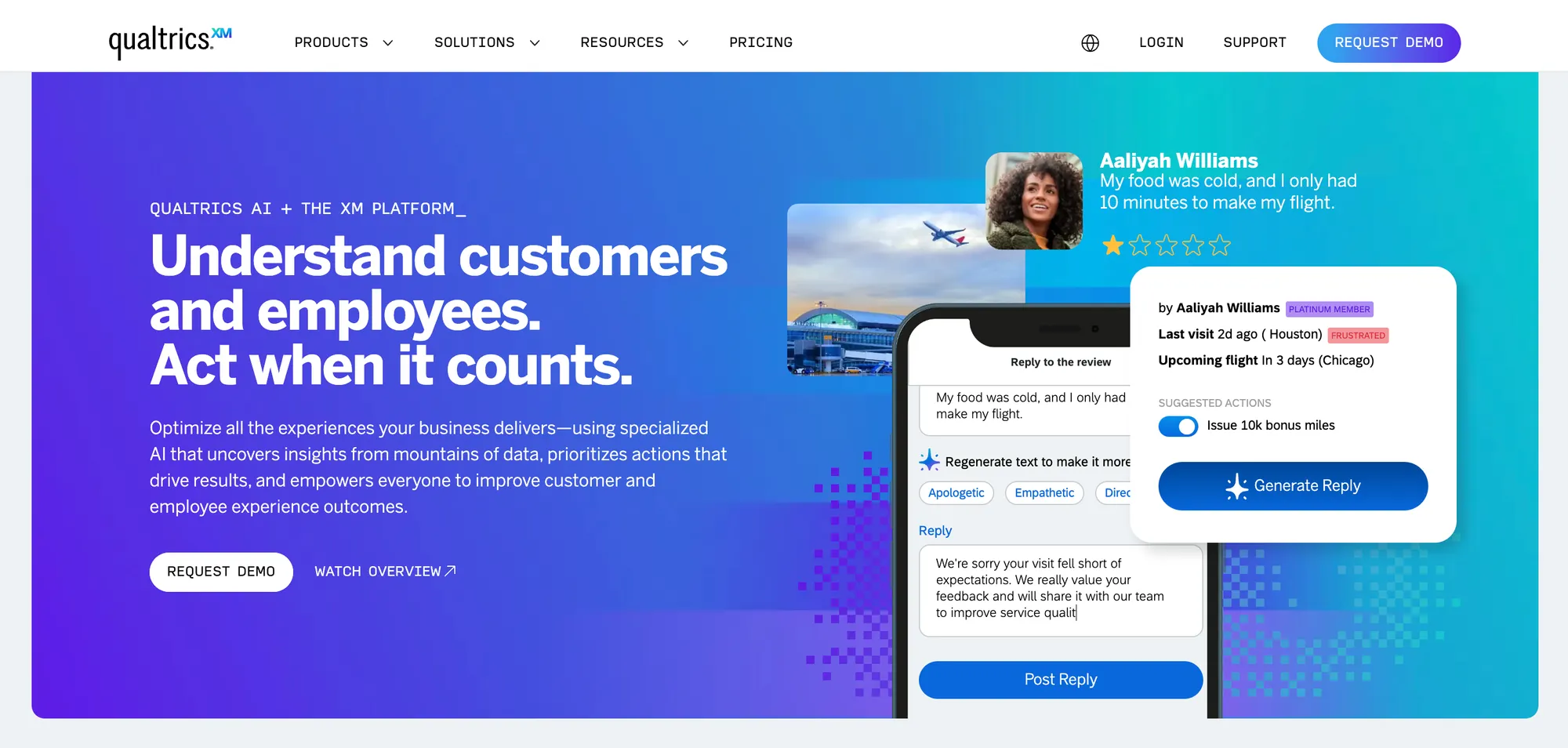
Qualtrics is the exact opposite of that. It’s built for companies running structured research or experience programs at scale.
Instead of one-off surveys, it’s used for continuous quantitative and qualitative data collection across customer journeys, employee feedback, and product research.
The platform offers far more advanced features, especially around analytics, segmentation, and automation.
That also means more setup, more moving parts, and usually a dedicated team managing it.
If you strip it down, the difference is pretty simple.
SurveyMonkey helps you collect survey data quickly and move on.
Qualtrics is built for organizations that care deeply about data quality, need advanced features, and want to turn feedback into ongoing programs rather than one-time surveys.
Qualtrics vs SurveyMonkey: key features compared
Both SurveyMonkey and Qualtrics cover the basics, such as survey design, data collection, and reporting.
The difference becomes obvious once you move beyond basic surveys and start caring about scale, automation, and how far you can push your feedback data.
Survey design
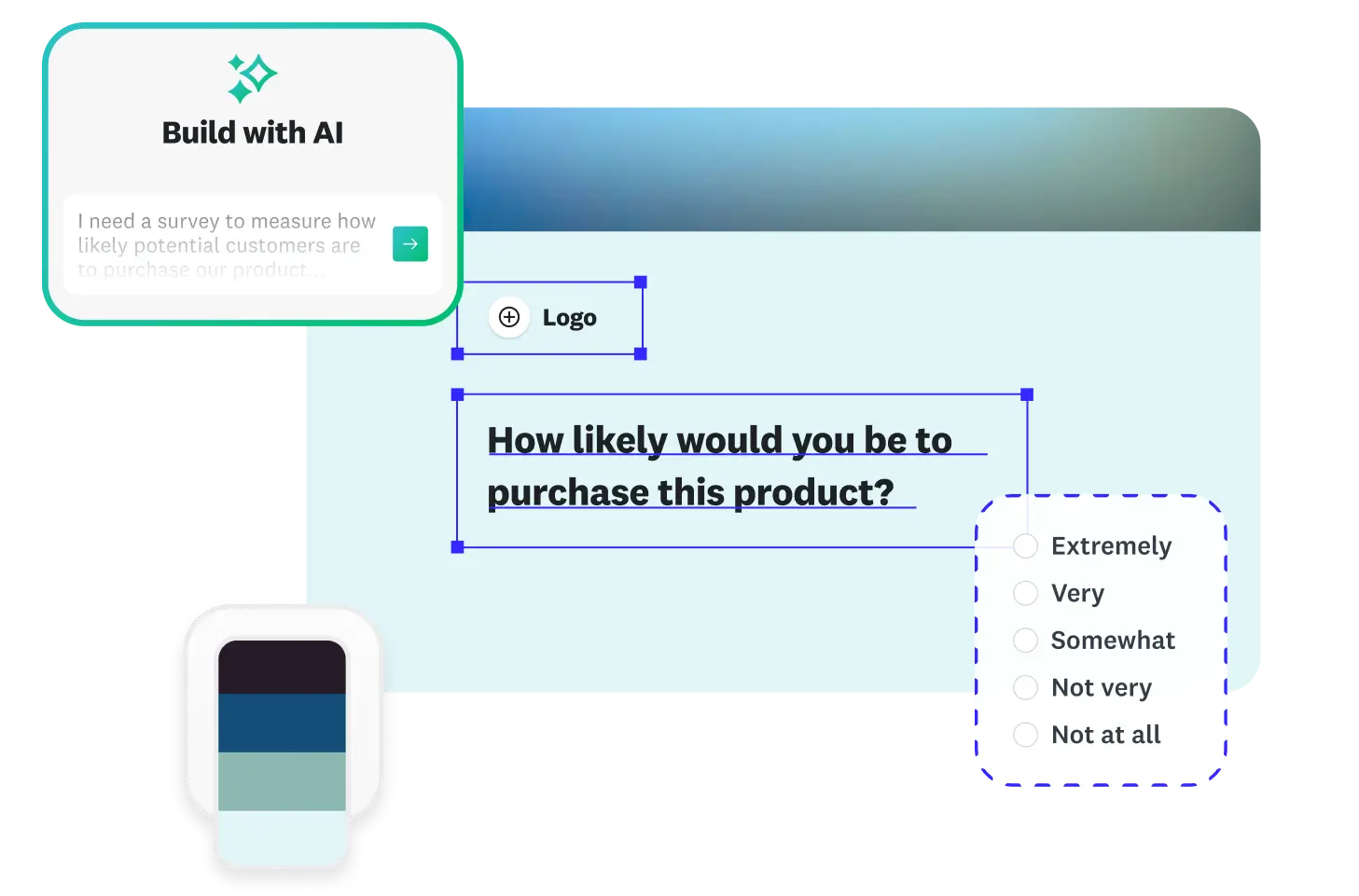
SurveyMonkey keeps survey design simple.
You get survey templates, drag and drop editing, and enough logic to build most basic surveys without friction.
You can go from idea to live survey fast, which is exactly why it’s one of the most popular survey solutions with smaller teams.
Qualtrics is far more flexible.
It supports complex survey design with advanced logic, branching, and testing tools that go well beyond what most users will ever need.
You can create more structured surveys for a tailored survey experience, analyze embedded data, and do predictive intelligence based on survey results.
In short, the tradeoff is obvious: more power, more setup.
Winner: Qualtrics
Qualtrics is stronger for advanced survey design. SurveyMonkey is better if you care more about speed.
Logic and customization
This is where the gap becomes even wider.
SurveyMonkey offers conditional logic and customization, but it’s still designed for straightforward use cases.
Once surveys get too complex, SurveyMonkey starts to feel limiting. You can't run complex analyses and do extensive skip logic.
This simplicity can be SurveyMonkey's good or bad side, depending on your point of view.
Small businesses that just want to collect feedback will appreciate how intuitive it is. Large enterprises that need automation features, sentiment analysis, and more will find SurveyMonkey very limiting.
On the other hand, Qualtrics is built for complexity.
You can create highly customized flows, experimental designs, and multi-step logic across different touchpoints.
It’s designed for teams that treat survey data as part of a larger research or CX program.
Winner: Qualtrics
Qualtrics gives you much more control, but only if you actually need advanced logic and customization.
Reporting and analytics
SurveyMonkey gives you clean, easy-to-understand dashboards.
You can visualize feedback data quickly and share results without much effort.
The reporting capabilities are built for entry-level users, and you won't need a data science background to understand what your NPS surveys are telling you.
Qualtrics goes much deeper.
It includes predictive analytics, statistical modeling, and tools built for analyzing customer satisfaction and behavior across large datasets.
That depth is useful, but only if you actually need it.
This is one of the biggest differences between Qualtrics and SurveyMonkey, and it's often understated.
Whether you're doing academic research or want to get actionable insights on employee engagement, you need to understand what the results are telling you.
And with Qualtrics, that requires a lot of knowledge upfront.
Winner: Qualtrics
Qualtrics wins on analytics depth. SurveyMonkey wins if you want simple dashboards that anyone can understand.
Collecting survey responses
SurveyMonkey focuses on speed.
You can distribute surveys via links, email, or embeds and start collecting responses immediately.
It’s optimized for fast data collection with minimal setup. No matter where your target audience is, you can reach them with link surveys and gather data on their terms.
Qualtrics supports more advanced distribution, including in-app, web, mobile, and triggered feedback across customer journeys.
It’s less about sending one survey, more about continuous data collection.
Once again, Qualtrics comes out on top with how powerful the feature is, but the average business won't need the vast majority of those channels.
Winner: SurveyMonkey for simple surveys, Qualtrics for enterprise programs
SurveyMonkey is better for quick survey distribution. Qualtrics is better for continuous feedback collection across multiple touchpoints.
Integrations
Both tools integrate with common business systems, but neither is fully plug-and-play when it comes to syncing feedback data with CRMs or other tools.
Expect some setup or middleware if you want everything connected properly.
Qualtrics typically offers deeper enterprise integrations, while SurveyMonkey focuses on easier, more accessible connections.
If you just want to export data in a format that another tool can read, both platforms can do this, but neither of them really shines.
Winner: Qualtrics
Qualtrics has deeper enterprise integrations. SurveyMonkey is easier to connect for basic workflows.
SurveyMonkey vs Qualtrics: ease of use and setup
This is one of the clearest differences between the two and the reason why so many small and medium businesses opt for SurveyMonkey instead of Qualtrics.
Getting started
With SurveyMonkey, you can sign up, pick a template, tweak a few questions, and start to collect responses almost immediately.
The whole experience is built around speed.
Most users don’t need onboarding, training, or external help to get their first survey live. In fact, a large majority of users say it’s easy to set up and use from day one.
Qualtrics is a different story.
Setup usually involves configuring projects, logic flows, and data structures before you even send your first survey.
For larger use cases, companies often bring in internal teams or consultants just to get things running properly.
Learning curve
SurveyMonkey has a low learning curve.
The interface is intuitive, templates do most of the heavy lifting, and you can figure things out as you go.
That makes it ideal if you just need to analyze surveys without spending time learning a complex system.
Qualtrics, on the other hand, comes with a noticeable ramp up.
The platform is packed with advanced tools, and while that gives you more control, it also means more complexity.
Users often describe it as powerful but overwhelming at first, especially if you’re not used to enterprise-level software.
This means that choosing Qualtrics means intentionally setting yourself up to get results much slower compared to a simpler tool that is easier to use, such as SurveyMonkey.
Day-to-day usage
Once you’re up and running, SurveyMonkey stays consistent. Creating surveys, collecting responses, and reviewing customer data all follow the same straightforward flow. It’s built for speed and repeatability, not depth.
Qualtrics shines when you need to go deeper. If you’re working with large datasets, running ongoing programs, or trying to connect feedback data across multiple touchpoints, the platform gives you far more control.
Its advanced analytics and automation tools make it possible to handle complex workflows, but they also require more effort to manage.
Bottom line
SurveyMonkey is easier to use and faster to set up, no debate.
Qualtrics trades simplicity for power.
If you need advanced tools and deeper control over customer data, the extra complexity makes sense.
If you just want to collect responses and analyze surveys without friction, SurveyMonkey is the better fit.
Winner: SurveyMonkey
SurveyMonkey is much easier to set up, learn, and use day to day.
SurveyMonkey vs Qualtrics: pricing
This is yet another clear division between the two platforms, as SurveyMonkey has transparent, publicly available pricing, while Qualtrics requires sitting through a demo and a sales call to get pricing info.
SurveyMonkey pricing
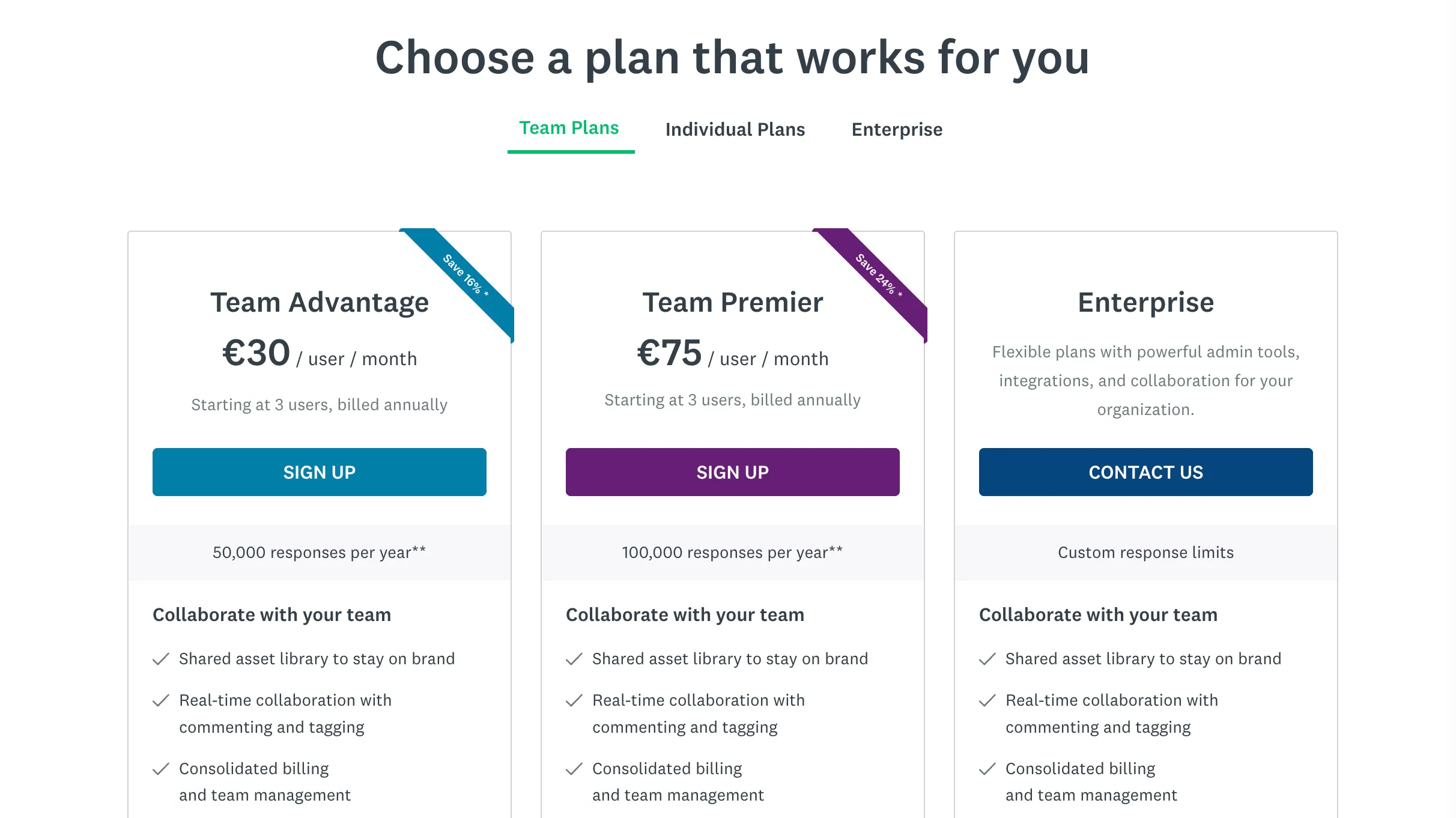
SurveyMonkey uses a transparent subscription model with clearly defined paid plans.
Individual plans
- Advantage: $39 per month, billed annually
- Premier: $139 per month, billed annually
Team plans
- Team Advantage: $30 per user per month, minimum 3 users
- Team Premier: $92 per user per month, minimum 3 users
Free plan
- Limited features and response caps, suitable only for basic surveys
As you move up the tiers, you unlock higher response limits, more advanced tools for survey design, and better ways to analyze surveys and feedback data.
If you exceed response limits, additional responses are billed separately, which can increase the total cost over time.
The main benefit here is clarity and knowing exactly what you’re paying, and you can scale usage without going through sales.
Qualtrics pricing
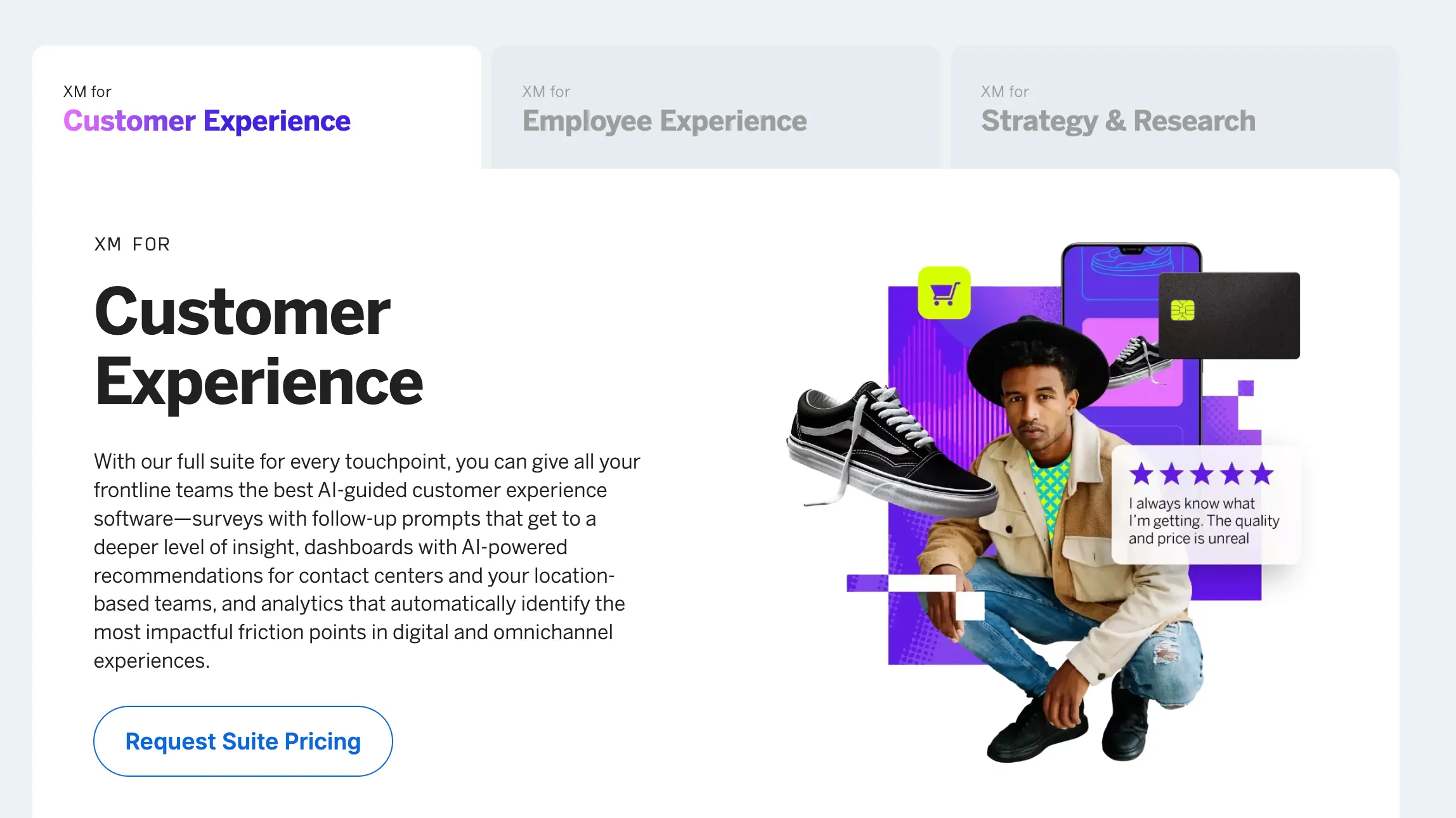
Qualtrics does not publish fixed pricing for most of its products, but average prices hover around $30,000 per year.
Pricing is based on:
- Interaction volume, meaning how much customer data or survey data you collect
- Selected suite, Customer Experience, Employee Experience, or Strategy and Research
- Level of advanced tools, integrations, and support
Most companies need to request a custom quote.
Based on real contracts, pricing typically starts in the tens of thousands per year and can scale into six figures depending on usage and complexity.
There is one publicly available option within the Strategy and Research suite:
- Research Core self-service: $420 per month
This plan is limited in terms of responses and advanced analytics, and it does not reflect how most businesses use Qualtrics in practice.
You're getting an enterprise experience management platform, and that comes with a high price tag, no matter the software.
Verdict on pricing
SurveyMonkey is predictable and accessible. You can pick a plan, start collecting responses, and control costs as you grow.
Qualtrics is flexible but opaque. Pricing depends on how much customer data you handle and which advanced tools you need, which makes it harder to estimate costs upfront.
If you want clear pricing and lower entry costs, SurveyMonkey is the better fit.
If you need enterprise-level capabilities and advanced analytics, Qualtrics justifies the higher, custom pricing model.
Winner: SurveyMonkey
SurveyMonkey wins on pricing transparency and lower entry cost. Qualtrics only makes sense if you need enterprise-level depth.
SurveyMonkey vs Qualtrics: which one should you get?
This isn’t really a “which is better” decision. It’s about how far you actually need to go with survey data.
Smaller companies that just need to run surveys are much better off with SurveyMonkey.
Qualtrics is the go-to platform for enterprise teams, human resources departments, and academics with advanced research needs.
Get SurveyMonkey if:
- You need to launch surveys quickly and start collecting responses the same day
- Your use cases are simple, things like customer satisfaction, NPS, or internal feedback
- You don’t want to deal with onboarding, setup, or training
- Pricing transparency matters and you want to control costs
- Your team is small or doesn’t have dedicated analysts
SurveyMonkey covers most everyday needs.
In fact, many users say it handles the majority of survey use cases while being far easier to use and faster to implement.
Get Qualtrics if:
- You’re running ongoing feedback programs, not just one-off surveys
- You need advanced tools for segmentation, automation, and analysis
- Your focus is on large-scale customer data across multiple channels
- You have a team that can manage a more complex platform
- You care about depth, not speed
Qualtrics makes more sense when surveys are just one part of a broader system.
It’s built for enterprise use cases where customization, integrations, and advanced analytics actually matter.
The honest takeaway
Most companies should start with SurveyMonkey. It’s faster, easier, and covers more use cases than people expect. You don’t hit real limitations until your surveys become part of a larger research or CX program.
Qualtrics is the move when surveys stop being “just surveys” and turn into infrastructure. At that point, the complexity and cost start to make sense.
If you’re unsure, the rule is simple: Start with SurveyMonkey. Move to Qualtrics only when you feel the limits.
But even that can feel like a compromise. If you don't belong in either of these tools' target audiences, you need a third, more flexible option. 👇
Why Featurebase is the better option for feedback collection
SurveyMonkey is easy to use, but limited. Qualtrics is powerful, but expensive and complex.
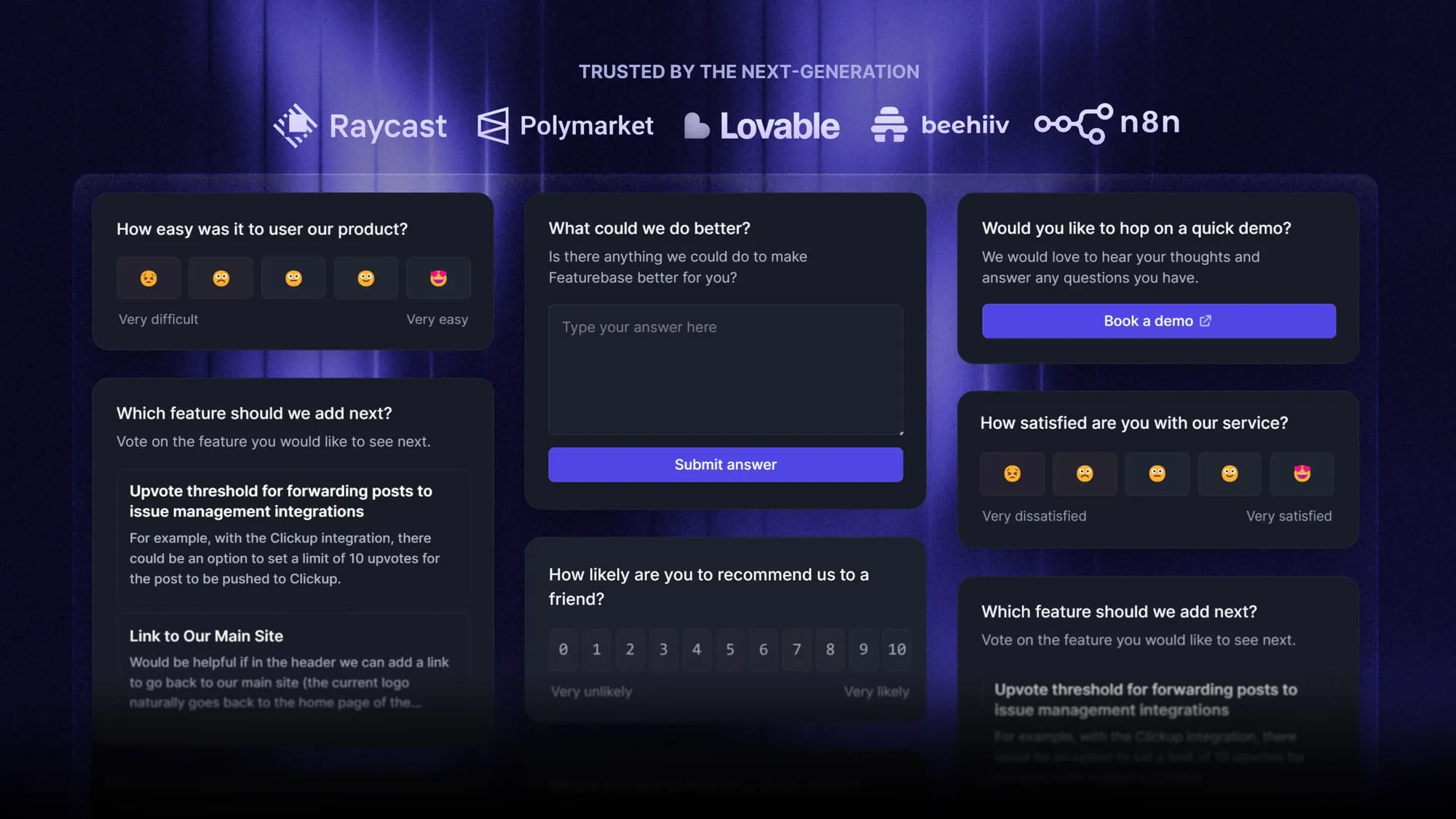
Featurebase is a modern feedback & support platform that helps product teams collect feedback through multi-step surveys, integrations, and a feedback portal, all in one place, to make better product decisions. It’s loved by thousands of product teams from companies like Lovable, Raycast, and n8n. 💫
Top features:
- Surveys (NPS, CSAT, etc.) - Create targeted no-code surveys to ask users anything and measure customer satisfaction
- User targeting - Target specific user segments based on properties like plan, role, location, etc.
- Conditional multi-step surveys - Ask follow-up questions based on conditional logic and users' answers
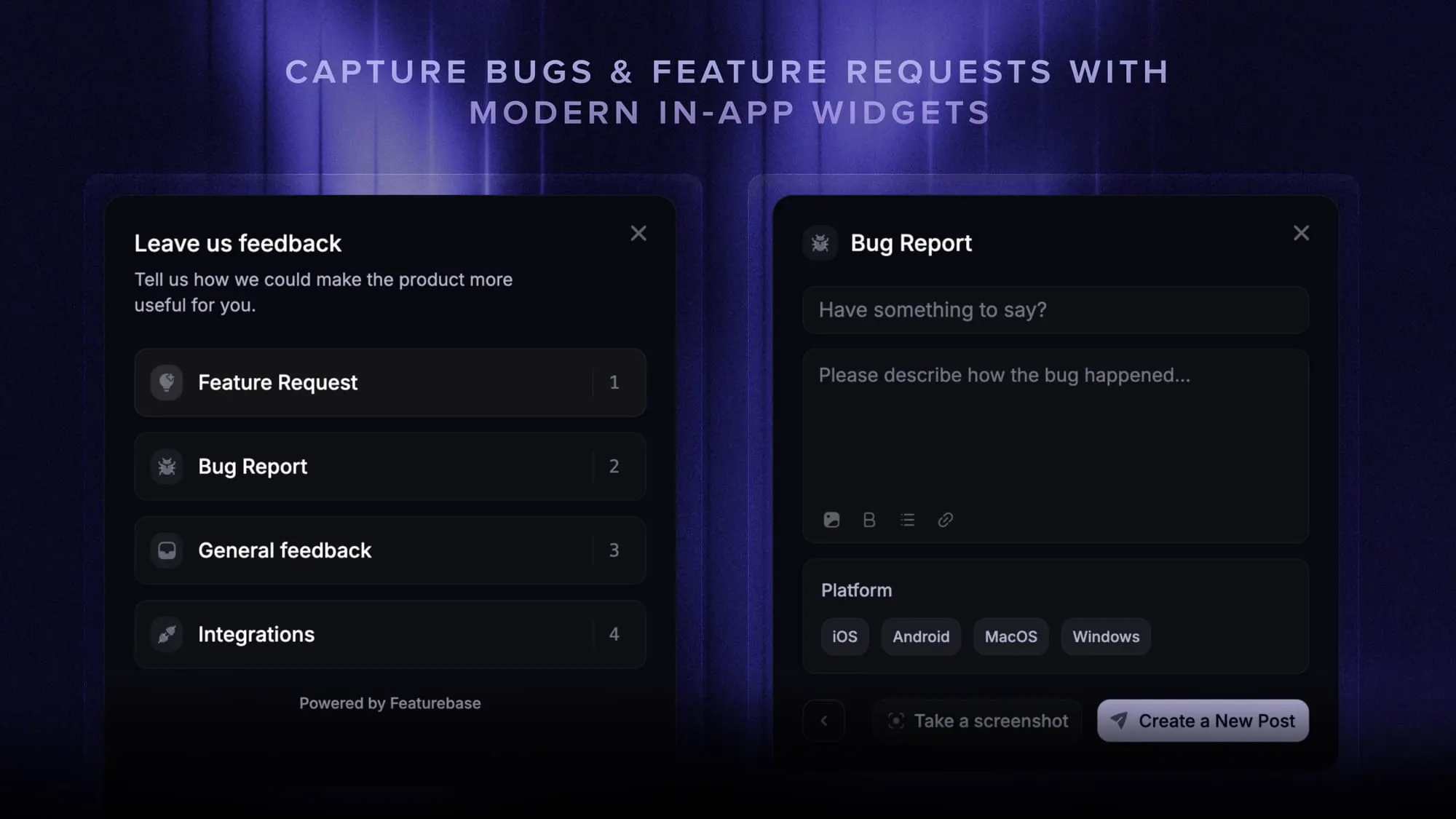
- In-app widgets - Collect ideas, bug reports, and suggestions directly from your website or web app with interactive widgets
- Feedback forum - Public feedback forum where users can submit ideas and vote on features helping you know what customers want
- Prioritize by revenue - Link feedback with customer revenue, company size, and much more to better understand the impact of ideas
- Integrations - Connects with Slack, Linear, Jira, HubSpot, and more
- Plus, help center, product roadmaps, release notes, and customer surveys - all in one place
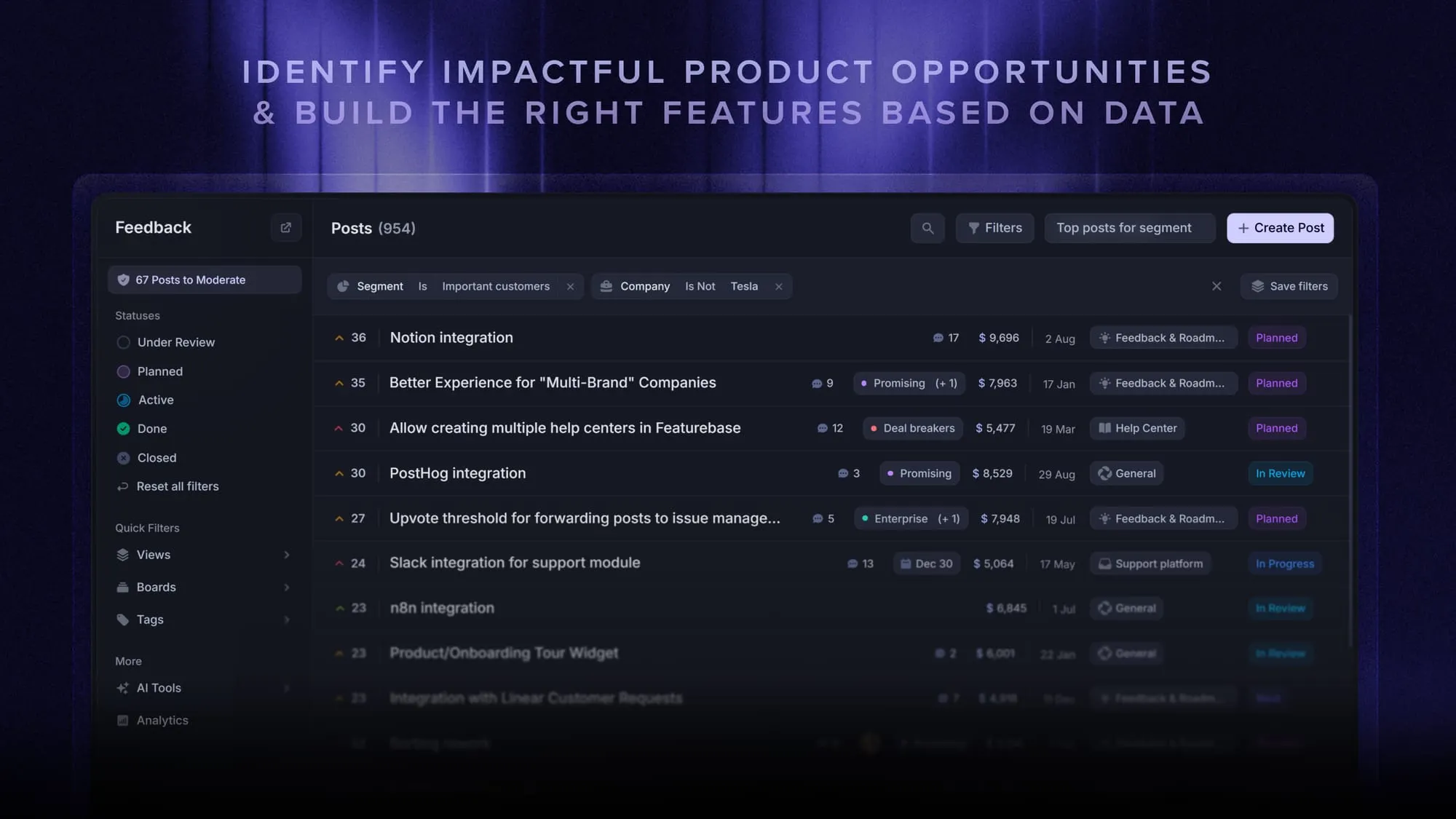
Featurebase gives you the speed and simplicity of SurveyMonkey, but adds the product feedback workflows Qualtrics is usually bought for - prioritization, roadmaps, changelogs, and automated follow-up. So instead of only collecting survey responses, you can actually turn feedback into product decisions.
It comes with a Free plan with unlimited feedback collection. Paid plans start at $29/seat/month, and the onboarding is super fast, so there's no downside to trying it. 👇
Start running surveys & collecting feedback with Featurebase for free