Blog ComparisonsUserback vs Usersnap: 2026 Comparison
Userback vs Usersnap: 2026 Comparison
Userback and Usersnap only have similar names, everything else is different. Here's how they compare in features, use cases, pricing and more.

✨ Looking for a modern & affordable alternative to Userback and Usersnap? Check out Featurebase →
If you're looking for a tool to collect feedback and track and report bugs, you'll run into Userback and Usersnap. Besides having "User" in their name, the tools are completely different. From the feature set, the intended target audience, and the type of feedback you can collect, these platforms are anything but similar.
Today, we take a look at Userback and Usersnap: how they help you collect customer feedback, how well they integrate with your existing tools, and how much they cost. 👇
Quick comparison: Userback vs Usersnap
| Userback | Usersnap | |
|---|---|---|
| Core focus | Visual feedback and bug fixing | Structured feedback and product workflows |
| Primary use case | Debugging, QA, usability issues | Product discovery, feedback systems |
| Visual feedback | Strong, fast, annotation-first | Strong, but more structured |
| Feedback structure | Lightweight, flexible | Structured with categories, metadata, workflows |
| Surveys & research | Available but secondary | Core part of the platform |
| Feature requests | Limited focus | Built-in and central |
| Session replay | Smooth, easy to use | Available with more technical data |
| Metadata capture | Basic context | Detailed technical metadata |
| Workflow depth | Simple, minimal process | Advanced workflows and routing |
| Integrations | Connects to PM tools, lighter usage | Deep integration with popular project management tools |
| Ease of setup | Very fast, minimal setup | Requires more configuration |
| Learning curve | Very low | Moderate |
| Daily usage | Capture → review → fix | Capture → categorize → route → analyze |
| Product roadmap support | Limited | Strong alignment with roadmap decisions |
| Pricing model | Per user | Tiered plans |
| Pricing (entry) | Free, then $7 per user per month | Free, then €39 per month |
| Pricing scaling | Gradual, predictable | Step-based, increases quickly |
| Scalability style | Scales with volume | Scales with structure and complexity |
| Best for | Small teams, agencies, fast-moving teams | Product teams, larger orgs, structured workflows |

Get the best alternative to Userback and Usersnap
Centralize feedback, identify product opportunities, and build the right features
Userback vs Usersnap at a glance
Userback and Usersnap both sit in the same category of user feedback and bug tracking tools, but they're built with different priorities from day one.
Userback
Userback is a visual feedback tool first. It was built around capturing screenshots, landing page testing, session recordings, and user comments, then turning that into tasks developers can act on.
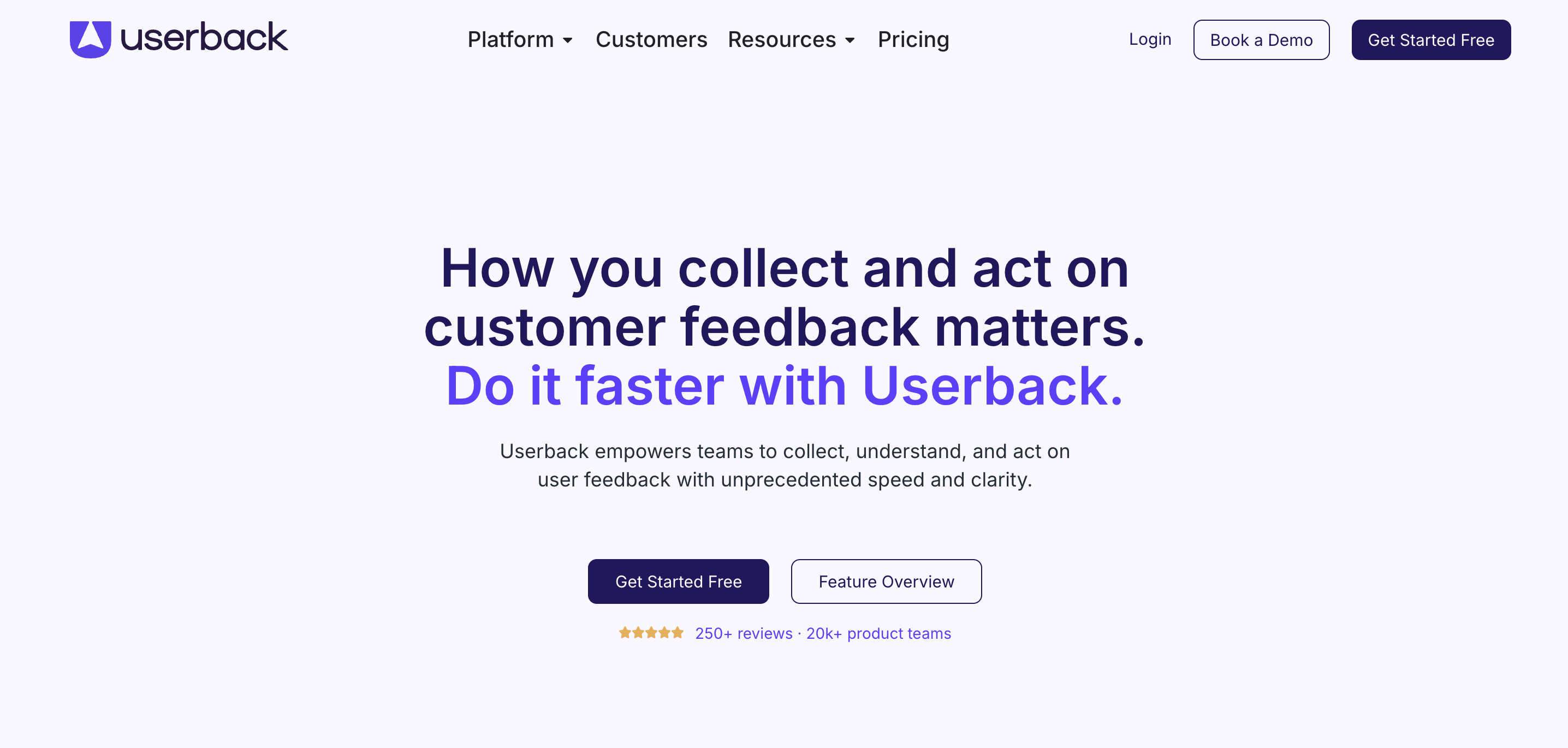
Everything about it is optimized for speed: capture the issue, understand it, fix it. It's widely used by SaaS founders, agencies, and product teams that deal with bugs, UI issues, and usability problems daily. It works well for internal QA and gathering feedback from users on their current page.
Usersnap
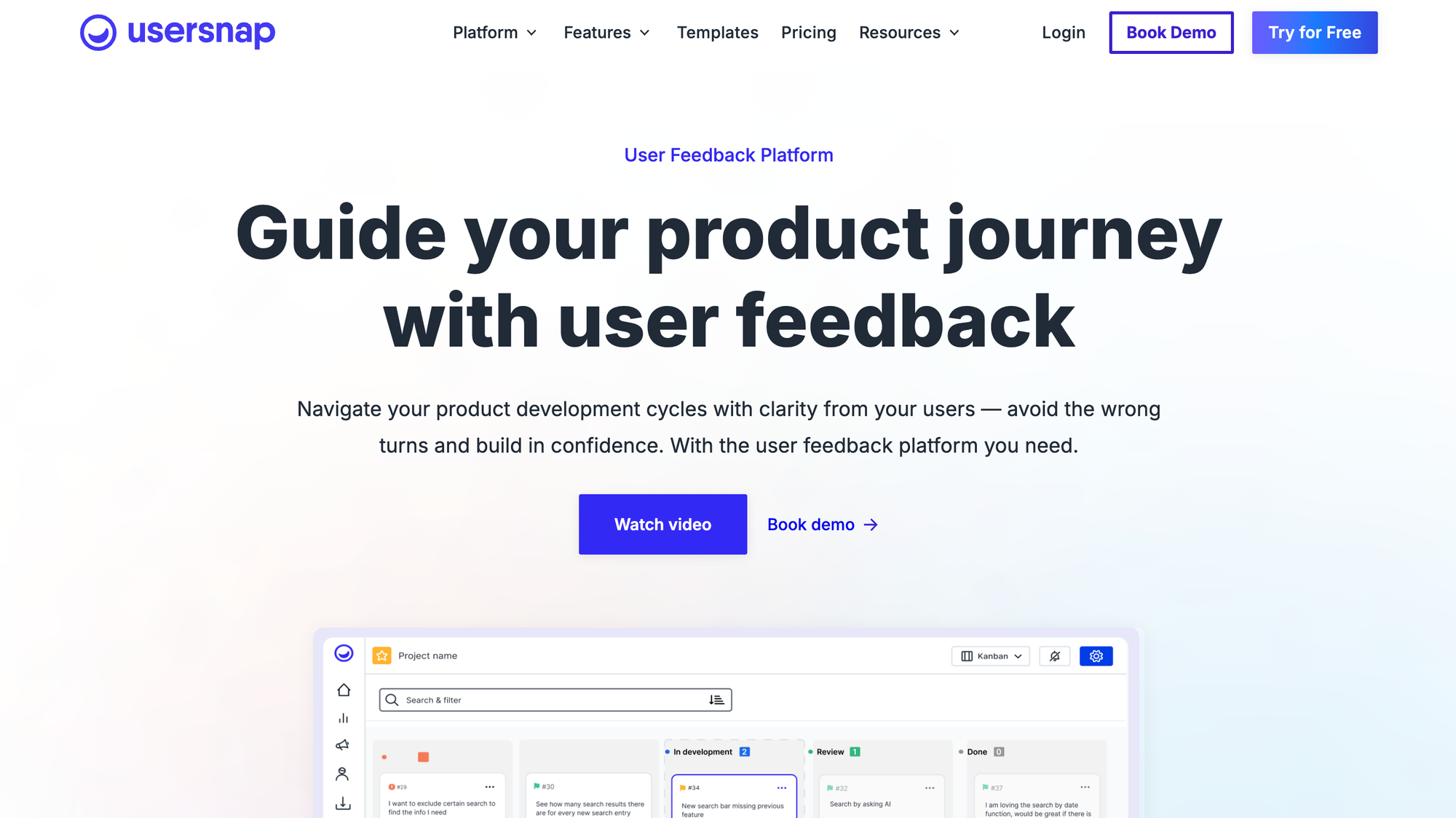
Usersnap is broader in its feature set. It still does visual feedback, screenshots, annotations, bug reporting, all of that is there. But it goes further into structured feedback collection. You can collect feature requests, run surveys, validate ideas, and build a more complete product feedback loop across the product lifecycle.
If you strip it down:
- Userback is built for fast issue capture and debugging
- Usersnap is built for structured feedback management and product workflows
That difference carries through the entire product, so before making a choice, make sure to ask yourself first: what kind of client feedback do I want to collect, and how?
Userback vs Usersnap: key features compared
On paper, they overlap a lot. In practice, they feel very different once you start using them. It's best to try the free plan out first and gather feedback for free before committing and seeing that one of the two platforms just doesn't work for you.
Visual customer feedback and bug reporting
This is where both tools are strong, but Userback feels more natural with its annotated feedback features.
Userback was built around visual feedback. You capture a screenshot, annotate it, maybe record a session, and send it straight to your team. It's fast, clean, and doesn't get in your way with complex feedback forms or feedback processes.
Usersnap offers the same core capabilities, screenshots, annotations, and bug reporting are all there, and it's often used for QA and product testing.
But it's slightly more structured. You're not just sending feedback, you're organizing it into a system.
When you use Usersnap, product feedback isn't just "submitted and forwarded." It's typically captured with structure from the start.
That means:
- Predefined fields like bug type, priority, environment, or category
- Metadata is automatically attached, such as browser, screen size, and console logs
- Status tracking, so each report moves through stages like open, in progress, and resolved
- Assignment workflows, where issues are routed to specific team members
So instead of:
"Here's a screenshot with a comment"
You get something closer to:
"Here's a categorized issue, with technical data, assigned to a developer, tracked through resolution"
Feedback management, collection and surveys
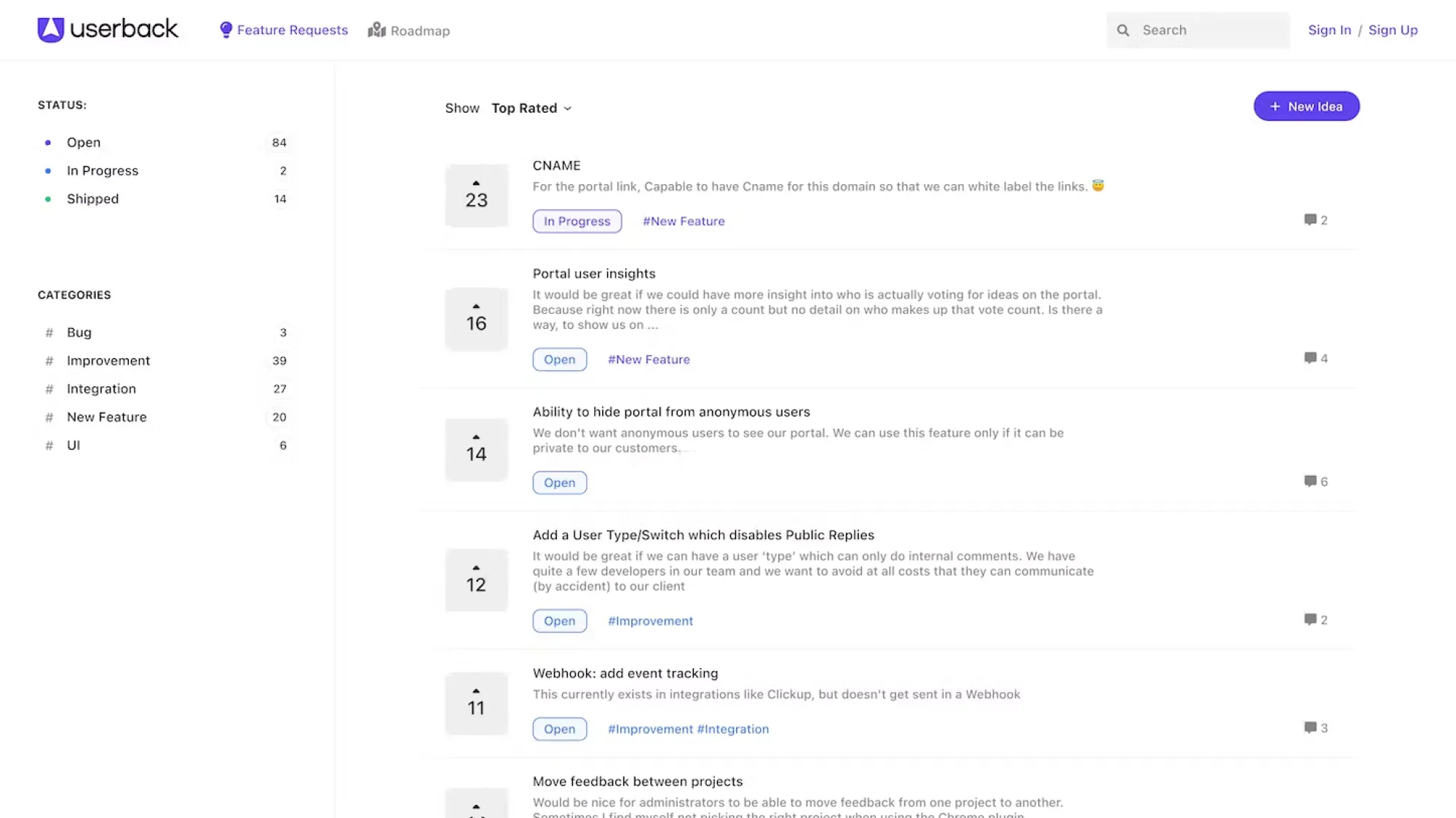
This is where Usersnap starts pulling ahead as the better choice.
Usersnap is designed to collect different types of feedback:
- bug reports and general website feedback
- feature requests
- validation surveys
- targeted research
It supports ongoing feedback loops, not just one-off reports. This complexity is great until you don't need it, and this is why many teams look at Usersnap alternatives.
Userback does include surveys and feedback tools, but they feel secondary compared to annotated screenshots and other visual feedback types. The product still revolves around visual issue tracking.
If your goal is:
- fixing bugs, then Userback is enough
- building feedback systems, then Usersnap is stronger and will work better for product managers and other teams
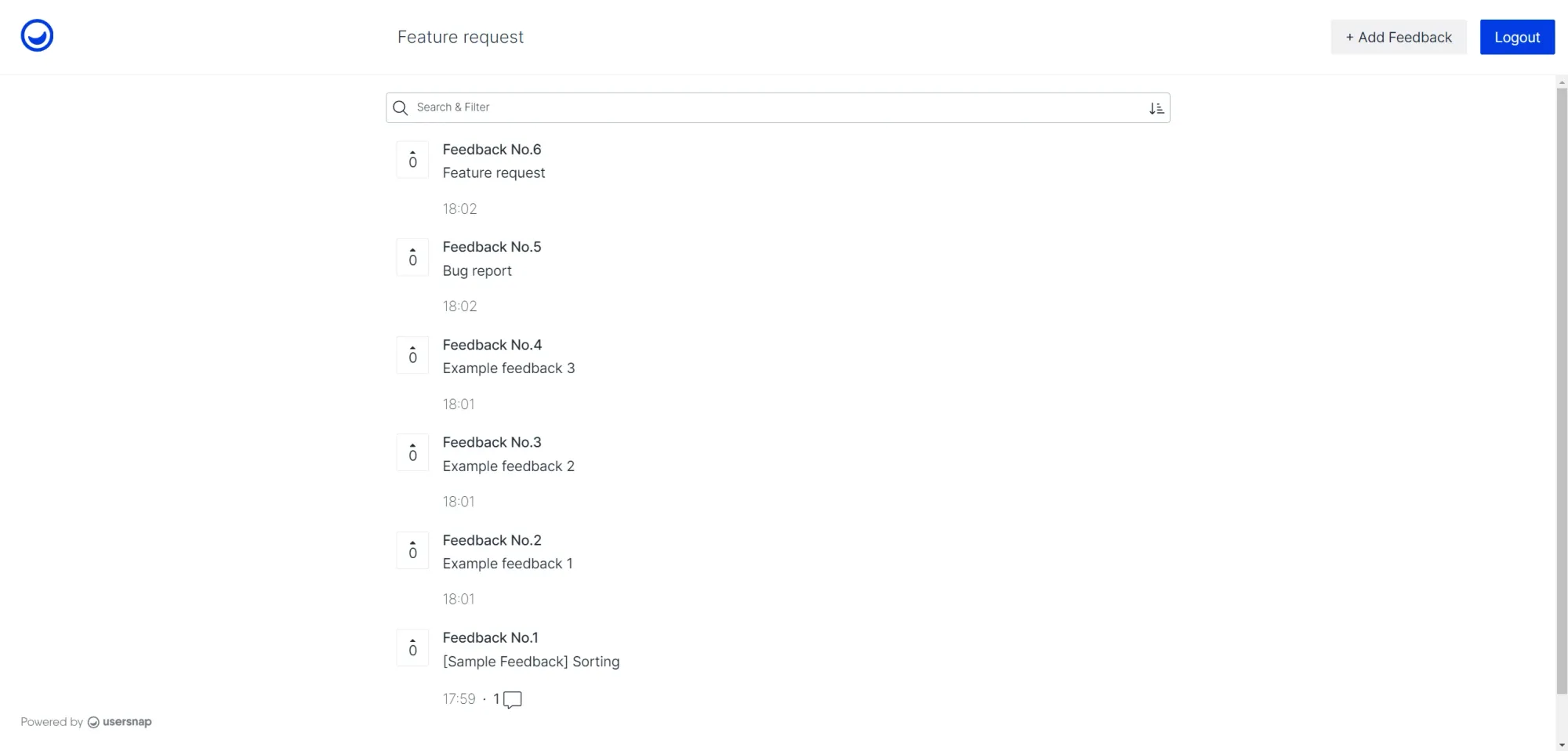
Session replay and user context
Both tools support session replay, which is an incredibly useful tool for in-house teams, web agencies or anyone who wants to collect visual feedback and get powerful insights without annoying website visitors.
Being able to see what a user actually did before submitting feedback removes a ton of guesswork. It's one of the most valuable features in this category.
Userback leans heavily into this with a smooth replay experience tied directly to feedback. Even if you never used a feedback platform with this feature, you'll figure things out in minutes.
Usersnap also supports session replay and captures technical, custom metadata like browser, OS, and environment details. This information can be incredibly valuable if you need to test who views your live website without bothering the visitors with endless questions and feedback forms.
Workflow and integrations
Usersnap is built with structured workflows in mind, not just feedback collection. It integrates with popular project management tools like Jira, Slack, Asana, and others, but the key difference is how that integration is used.
Feedback is routed, categorized, and synced into your development pipeline with context attached. That includes technical metadata, issue types, and status updates, so teams can:
- Automatically turn feedback into tracked tasks or tickets
- Assign issues to the right team members without manual triage
- Keep feedback aligned with sprint planning and QA cycles
- Maintain a clear audit trail from report to resolution
It fits naturally into teams that already rely on structured processes and need feedback to behave like any other work item.
Userback integrates with many of the same project management tools, but the experience is intentionally lighter.
Instead of building a full system around feedback, it focuses on getting feedback into your tools quickly and cleanly. You capture something, send it to Jira or Slack, and handle it there.
There's less emphasis on:
- Rigid workflows
- Status pipelines
- Automated routing logic
And more emphasis on:
- Speed of submission
- Simplicity for the end user
- Flexibility for non-technical teams
Product discovery vs debugging
Userback is centered on identifying and fixing issues. A user reports a problem, attaches a screenshot or recording, and the team can reproduce and resolve it quickly. The focus stays on clarity and speed, which makes it a strong fit for support teams, QA, and anyone handling incoming issues day to day.
Usersnap takes a broader approach. Feedback is treated as input for product decisions, not just bug fixes.
With Usersnap, you're working with features like:
- Validation surveys to test ideas before building
- Feature request collection from real users
- Feedback categorization and tagging to spot patterns
- Segmentation to understand who is asking for what
- Trend tracking across feedback over time
Instead of asking "what's broken?", the tool helps answer:
- What should we build next
- Which requests matter most
- Are users reacting positively to recent changes
That makes it more useful for product managers and teams shaping the roadmap, not just maintaining the product.
Userback vs Usersnap: ease of use
Ease of use looks similar at first glance because both tools offer many of the same features, including visual feedback capture, annotations, and integrations with PM tools. The difference shows up once you actually start using them day to day.
Userback ease of use
Userback is built around speed and low friction. The setup is quick, you install the widget and start collecting feedback within minutes. There is very little configuration required, which makes it a strong fit for teams whose primary need is to capture feedback and act on it immediately.
- Easy setup: install and start collecting feedback almost instantly
- Minimal learning curve: most teams can use it without training
- Simple workflow: collect feedback, review it, fix issues
This simplicity carries through as you scale, which is why it works well for support teams and smaller product teams that want to move fast.
Usersnap ease of use
Usersnap takes a more structured approach. The setup is still straightforward, but it requires more initial decisions if you want to use it properly. You may need to define categories, workflows, and integrations before everything clicks.
- More setup upfront: configure categories, workflows, and routing
- Moderate learning curve: still user-friendly, but not instant
- Layered workflow: collect, categorize, route, and analyze feedback
That extra structure makes it easier to connect feedback to your product roadmap and manage feedback across teams, but it adds a bit more friction in everyday use.
Userback vs Usersnap: pricing
Pricing makes the positioning very clear once you look at the actual numbers.
Userback pricing
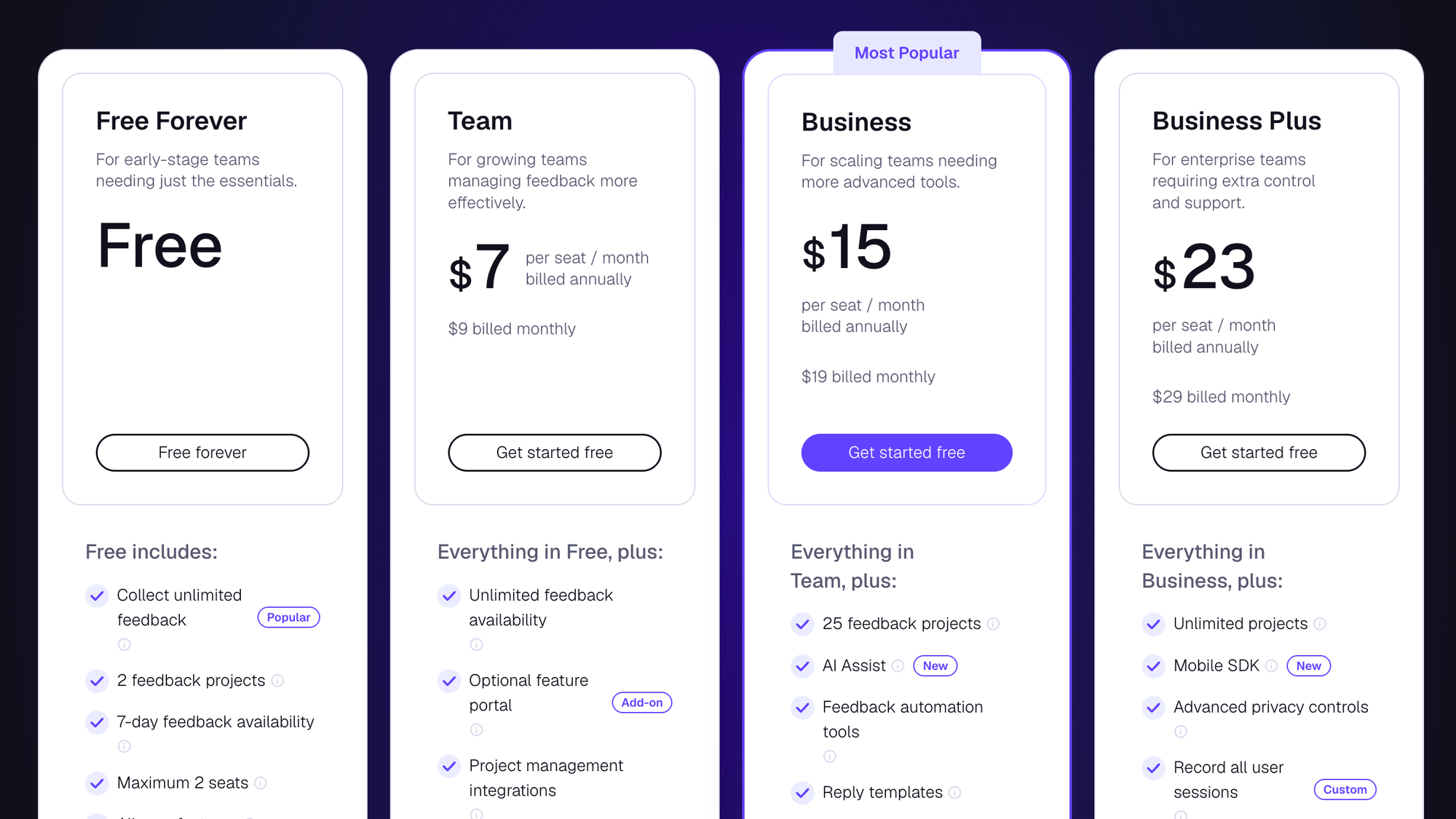
Userback keeps things simple and accessible with a per-user model, so you only pay for your team, not feature tiers.
- Free: $0 per month
- Team: $7 per user per month
- Business: $15 per user per month
- Business Plus: $23 per user per month
That means a team of 5 people pays:
- $35 per month on Team
- $75 per month on Business
- $115 per month on Business Plus
There are no forced jumps between plans, and scaling is predictable. This fits teams whose primary need is to add feedback collection without committing to a large monthly cost upfront.
Usersnap pricing
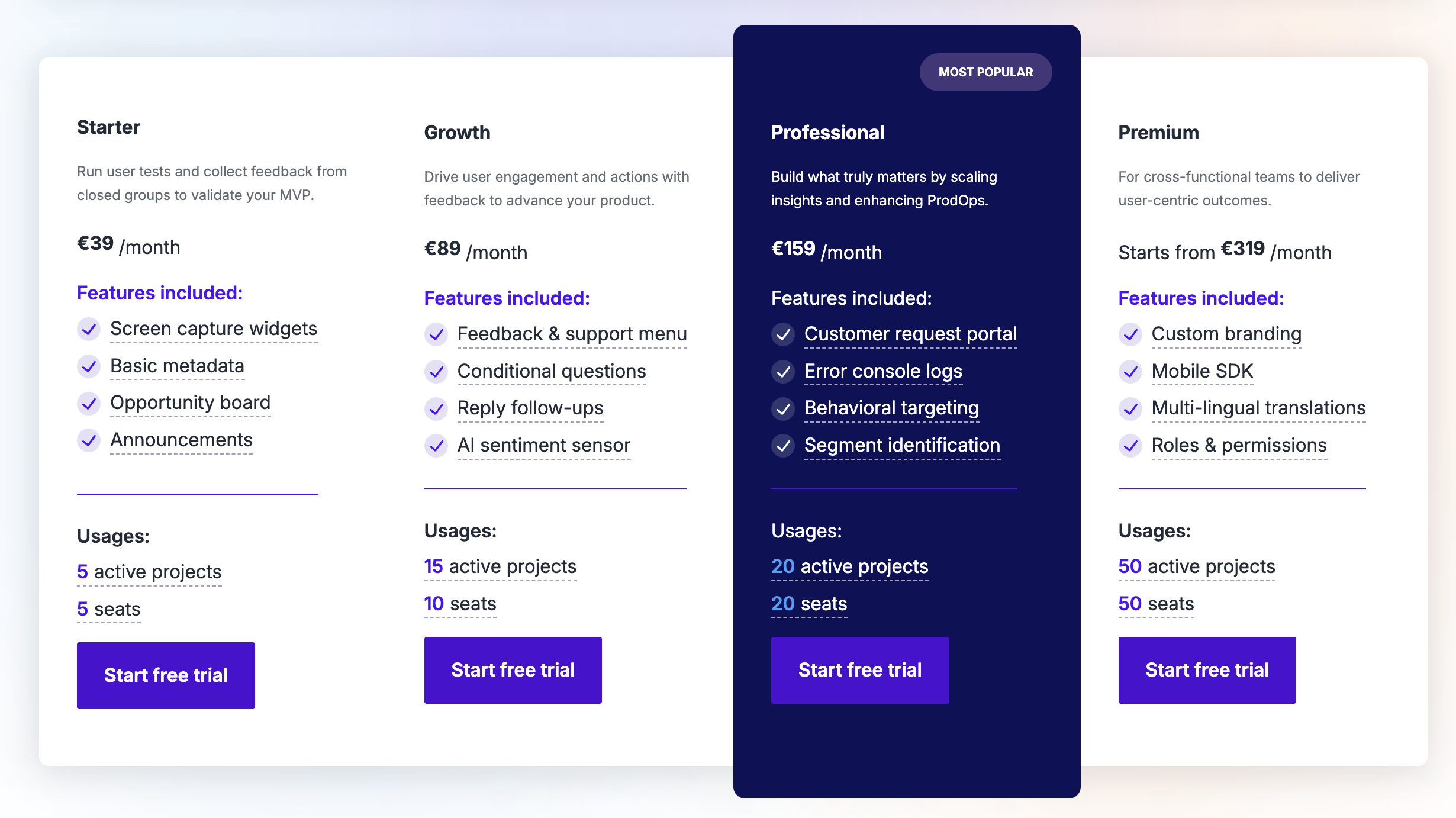
Usersnap uses tiered pricing, where features and limits are tied to each plan.
- Free: €0 per month (up to 20 feedback items)
- Starter: €39 per month
- Growth: €89 per month
- Professional: €159 per month
- Premium: €319 per month
As you move up, you unlock more storage, workflows, and collaboration features. The jump between tiers is significant, especially once you need more advanced capabilities or higher usage limits.
What this means in practice
Userback offers:
- Lower entry cost
- Scales with team size
- No pricing jumps
Usersnap has:
- Higher starting cost
- Pricing tied to features and limits
- Costs increase in steps as you upgrade
Try Featurebase - starting from just $29/mo
Centralize feedback, identify product opportunities, and build the right features
Userback vs Usersnap: scalability
Both tools scale well, but they scale in very different ways, and that matters once your team and product start growing.
Userback
Userback scales by handling more volume without adding much process. You can collect more feedback, support more users, and plug into PM tools as needed, all while keeping things relatively simple. It already includes features like surveys, session replay, and segmentation, so you can expand how you collect feedback without changing how your team works.
- More feedback, same workflow
- Easy to roll out across teams
- Minimal overhead as usage increases
The tradeoff shows up later. As feedback volume grows, you may start to feel the lack of deeper structure, especially if multiple teams need to collaborate or prioritize work across a shared product roadmap.
Usersnap
Usersnap scales in the opposite direction. It is built to support growing complexity across teams and workflows, not just more feedback.
It brings together feedback collection, analysis, prioritization, and delivery in one system, with features like categorization, trend tracking, and workflow alignment across tools.
- Supports multiple teams working in parallel
- Handles structured workflows and prioritization
- Connects feedback directly to product roadmap decisions
This makes it a better fit for larger organizations or product teams that need coordination across design, engineering, and product. The downside is that it becomes heavier to manage, especially if your primary need is just collecting and acting on feedback quickly.
Userback vs Usersnap: which one should you choose?
Still not clear which one you should get? Here's a simple and honest breakdown for when each of these tools makes more sense.
Get Userback if:
- you want to fix bugs quickly
- you need visual feedback and session replay
- speed matters more than structure
- your team is small or mid-sized
Get Usersnap if:
- you want to build a full feedback system
- you rely on surveys and structured feedback
- you need integrations and workflows
- your team is larger or more process-driven
Looking beyond Userback and Usersnap
While Userback captures issues fast and Usersnap organizes feedback with structure, neither is built to turn that feedback into clear product decisions tied to your roadmap. You still end up moving data between tools, guessing priorities, or manually connecting feedback to actual work.
Featurebase is a modern feedback & support platform that helps product teams collect feedback, prioritize features, build roadmaps, and announce product updates, all in one place. It's loved by thousands of product teams from companies like Lovable, Raycast, and n8n. 💫
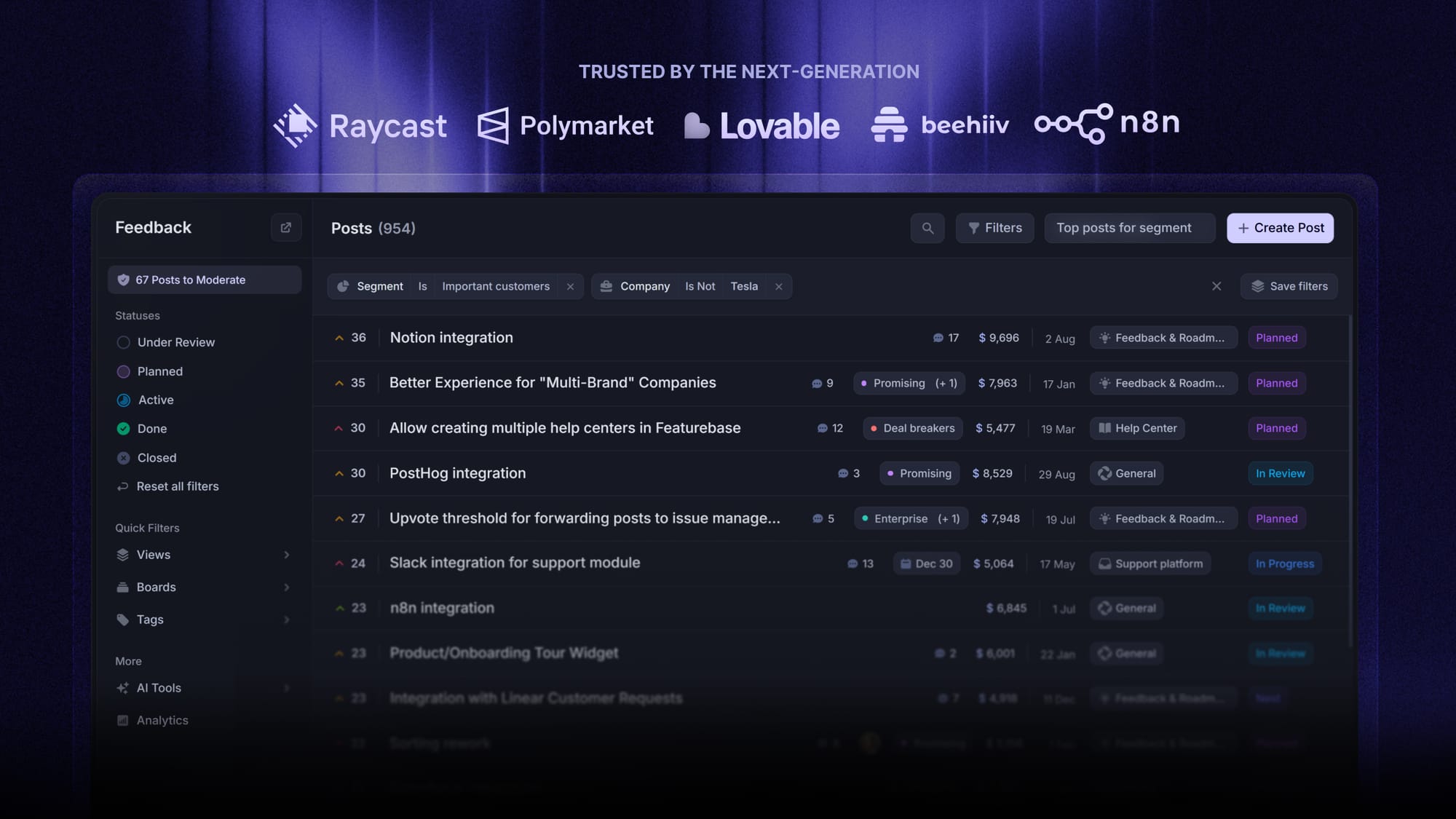
Top features:
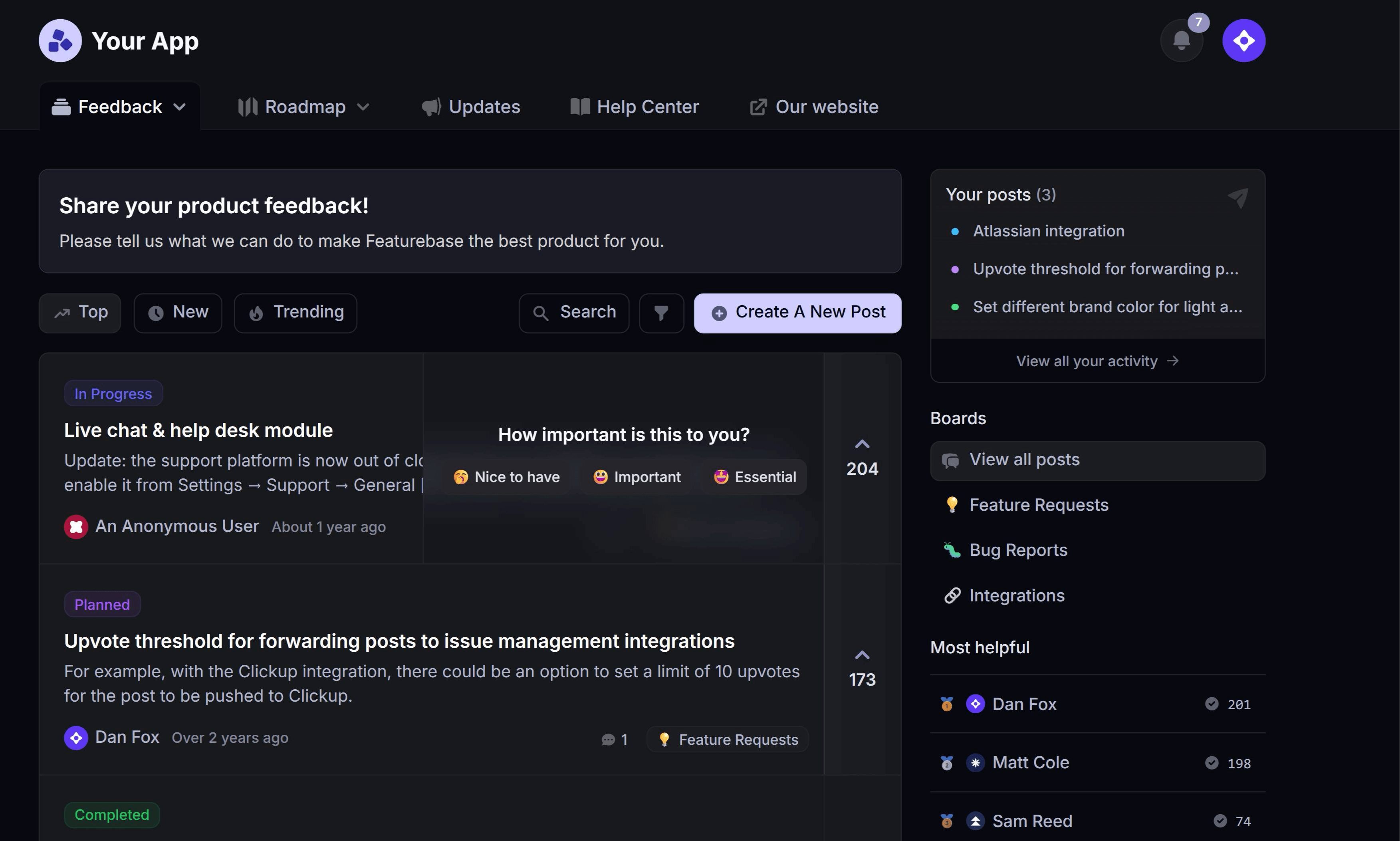
- Feedback forum – Public feedback forum where users can submit ideas and vote on features, helping you know what customers want
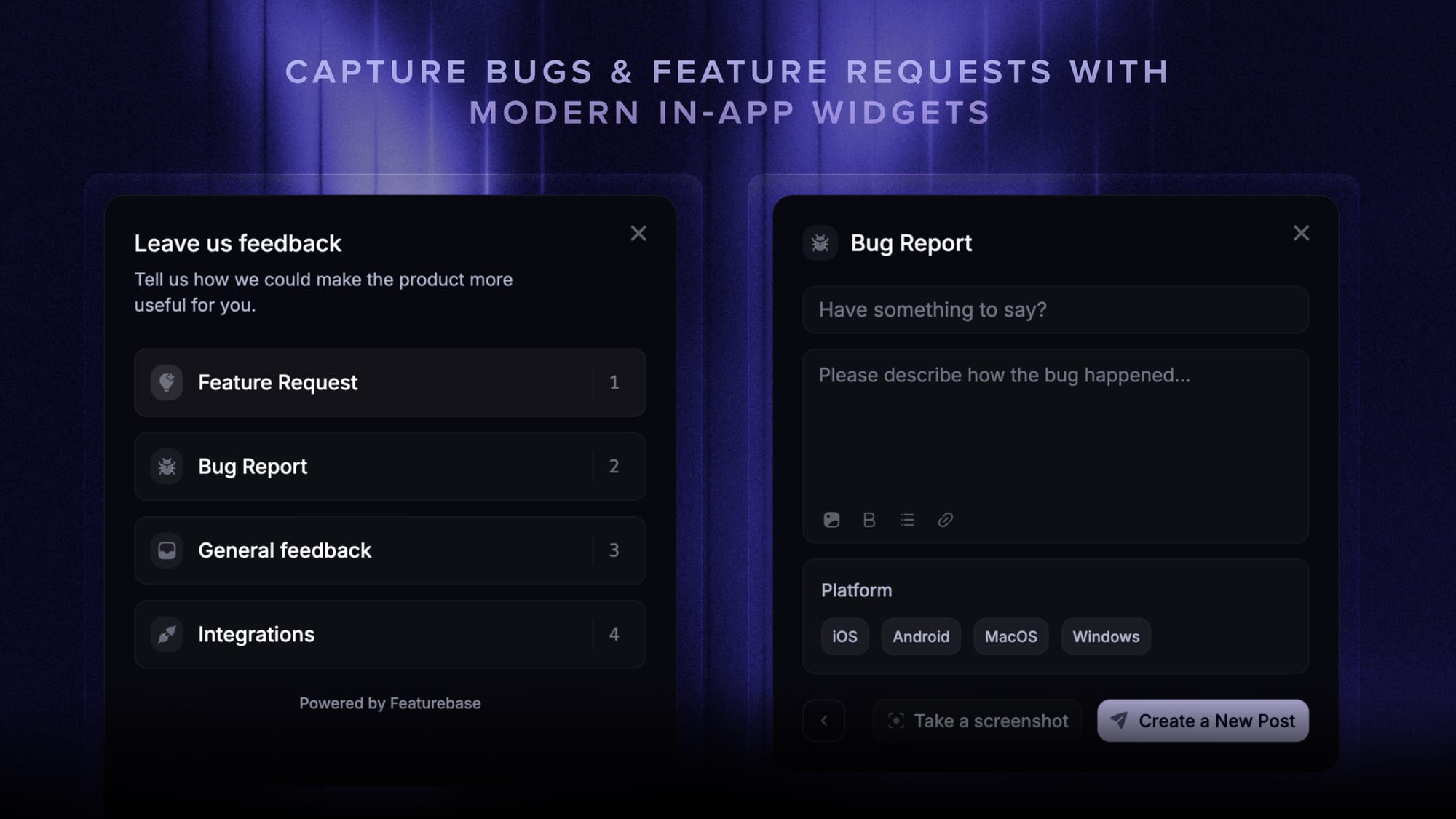
- In-app widgets – Embed feedback, changelog, and help center widgets directly in your product
- Prioritize by revenue – Link feedback with customer revenue, company size, and more to understand the real impact of ideas
- AI feedback categorization – Automatically group large volumes of feedback into product areas, projects, or themes with AI
- Automated email updates – Automatically notify users when their requested features are implemented
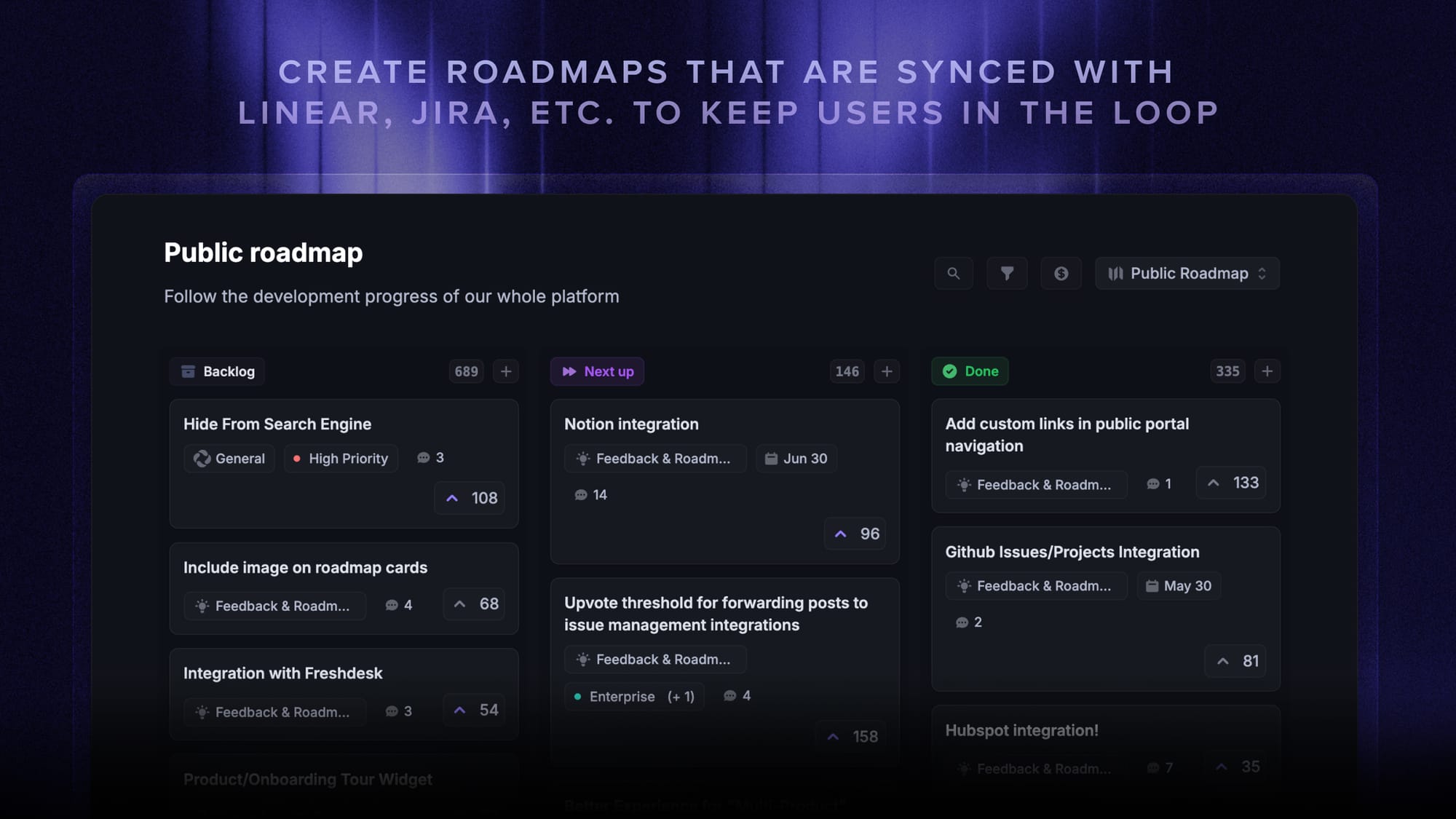
- Roadmaps – Create internal & public product roadmaps to keep users informed and build engagement
- Product updates – Publish release notes with a changelog page, in-app widget, and emails
- Surveys (NPS, CSAT, etc) – Create targeted surveys to ask users anything and measure customer satisfaction
- Integrations – Connects with Slack, Linear, Jira, HubSpot, and more
Pricing: Free plan available with unlimited feedback collection. Paid plans start at $29/seat/mo.
Instead of juggling 4+ different tools, Featurebase brings your feedback collection, product updates, support, and help center together in one place so you can build products your users love. The onboarding is quick and doesn't require a credit card, so there's no downside to trying it. 👇
✨ Start collecting & managing feedback with Featurebase for free →