Blog Customer ServiceZendesk vs LiveChat: Full Comparison for 2026
Zendesk vs LiveChat: Full Comparison for 2026
Zendesk vs LiveChat compared on features, channels, automation, reporting, and 2026 pricing - so you can pick the right support tool for your team.



✨ Psst... Looking for a modern & affordable alternative to Zendesk? Check out Featurebase →
Zendesk and LiveChat solve the same problem from opposite ends. Zendesk is a full support suite built to scale across every channel, while LiveChat is a focused live chat tool that's quick to set up and easy to use.
The right pick depends on whether you need an all-in-one platform or just great live chat. In this guide, I'll compare them on features, channels, automation, reporting, and pricing so you can decide. 👇
Key takeaways:
- Zendesk is a full omnichannel support suite - ticketing, live chat, messaging, voice, knowledge base, and AI agents in one platform built to scale.
- LiveChat is a focused live chat and messaging tool that's easier to learn and cheaper to start, but thinner on ticketing and built-in automation.
- Pricing: LiveChat starts at $19/person/month, Zendesk's Suite (the plan with live chat) starts at $55/agent/month. Neither offers a permanent free plan.
- Choose Zendesk if you want one system for every support channel as you grow. Choose LiveChat if live chat is your main channel and you want simplicity.
- ✨ If you want modern omnichannel support, a help center, and feedback tools in one platform with a real free plan, Featurebase is worth a look.
Zendesk vs LiveChat at a glance
| Feature | Zendesk | LiveChat |
|---|---|---|
| Core focus | Full omnichannel support suite | Live chat and messaging |
| Channels | Email, live chat, messaging, voice, social | Live chat, plus WhatsApp, Messenger, Apple Messages |
| Ticketing | Full ticketing system | Basic, chat-first |
| Knowledge base | Built in (multilingual) | Built in (separate KnowledgeBase product) |
| Automation & AI | AI agents, triggers, SLA routing | Automation via the separate ChatBot add-on |
| Reporting | Deep, customizable (Zendesk Explore) | Strong chat and agent reporting |
| Starting price | $19/agent/mo (Support Team), $55 for Suite | $19/person/mo (Starter) |
| Free plan | No (14-day trial) | No (free trial only) |
What are Zendesk and LiveChat?
Zendesk
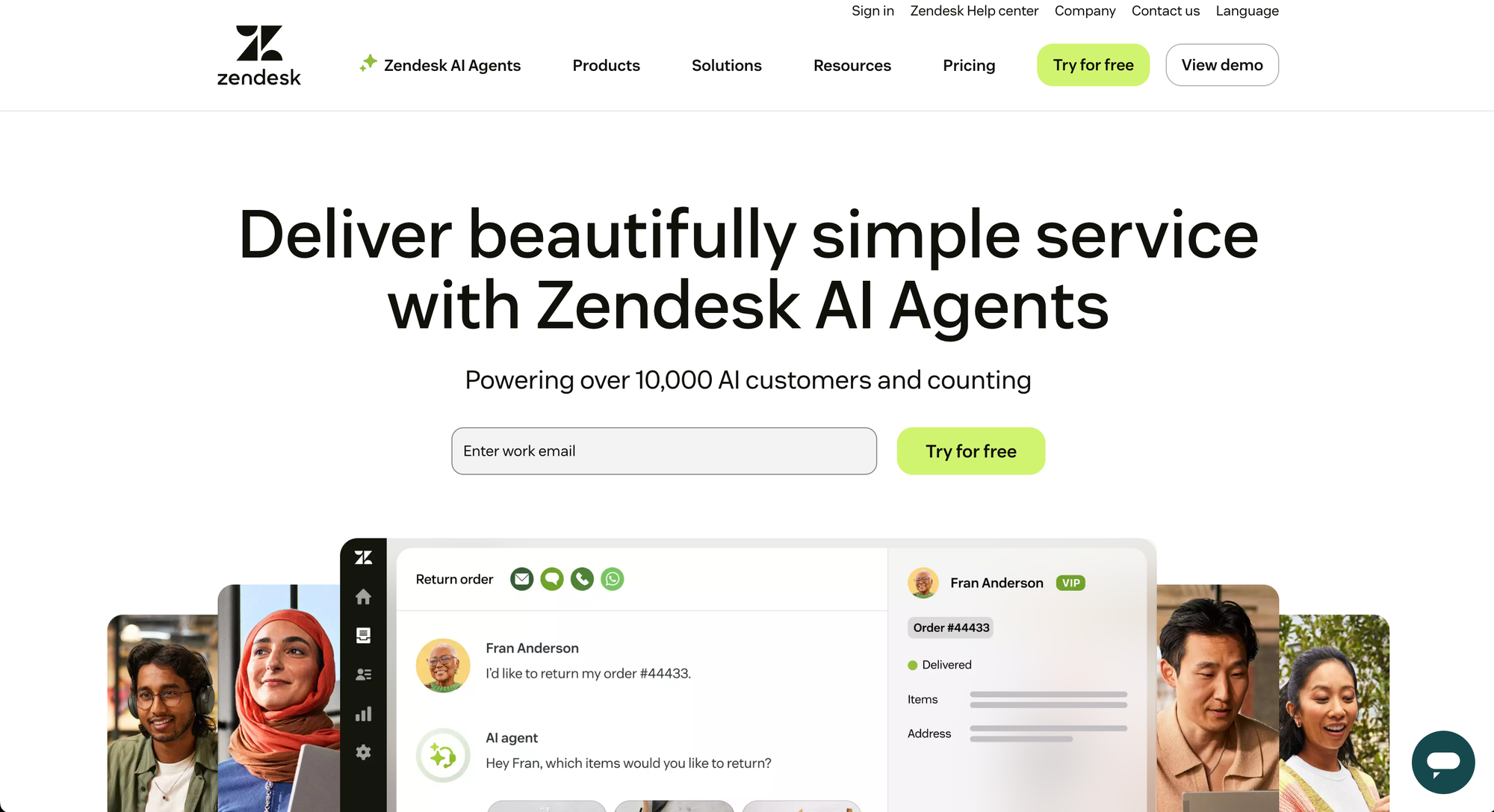
Zendesk is a customer service platform built around ticketing and omnichannel support. It pulls email, live chat, messaging, voice, and social into a single agent workspace, then layers on AI agents, automation, a knowledge base, and reporting.
It's designed for teams that want one system to handle every support channel and scale it across departments. That breadth is its biggest strength and, as you'll see, the main reason it gets complex and pricey - which sends some teams looking at Zendesk alternatives.
Read more about Zendesk
LiveChat
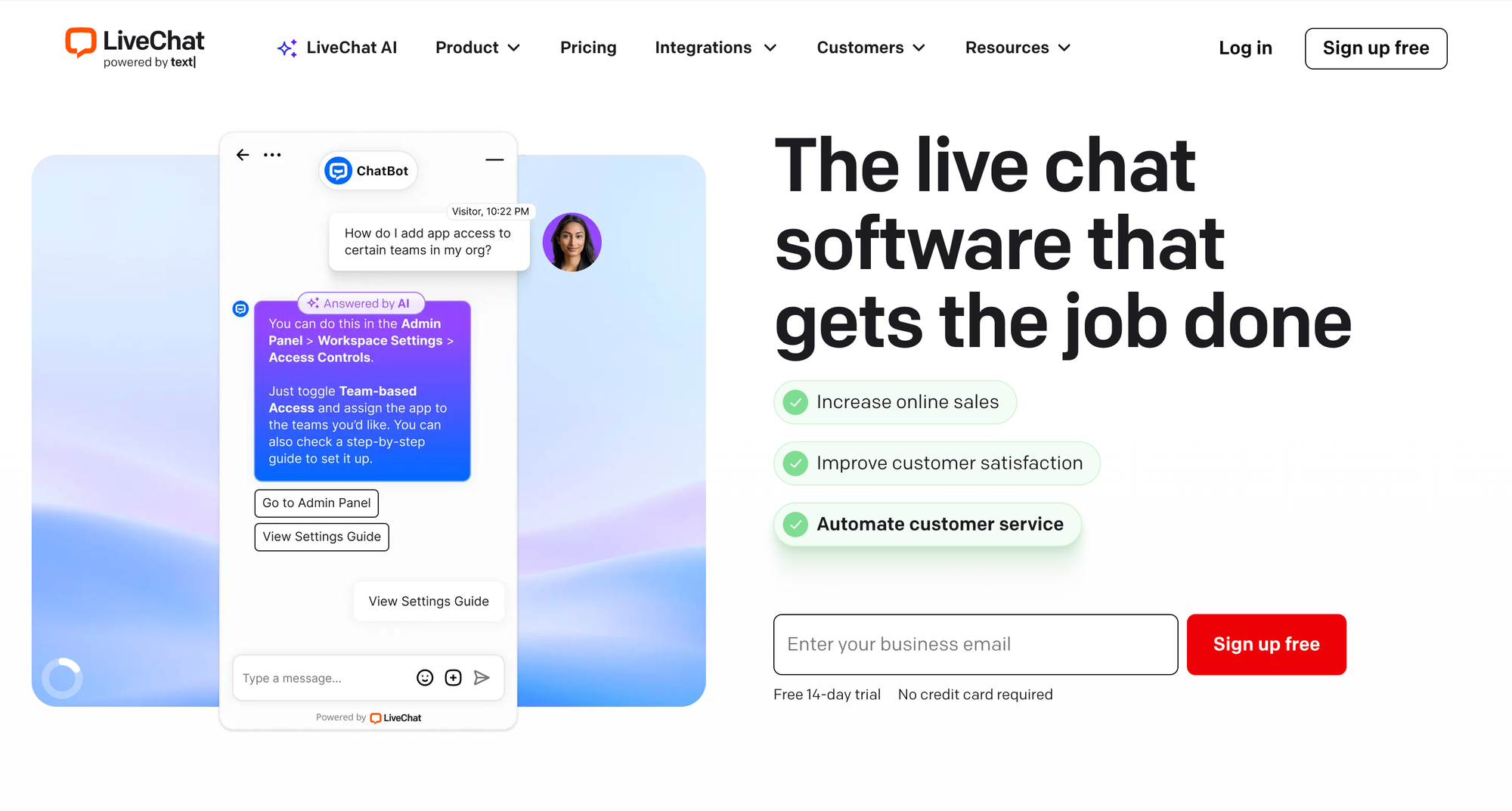
LiveChat is a dedicated live chat and messaging tool focused on real-time customer conversations. It's known for a clean, fast agent interface, message sneak-peek, canned responses, and chat routing.
It also connects to channels like WhatsApp, Facebook Messenger, and Apple Messages for Business, so it isn't chat-only. But its core job is helping agents have great live conversations, not running a full helpdesk.
Ease of use
This is where the two tools diverge most clearly.
LiveChat is built to be simple. Users on G2 consistently praise how quickly it sets up and how little training agents need, and small teams especially like that they can connect integrations without a technical background. If your priority is getting agents chatting with customers fast, LiveChat wins on day-one usability.
Zendesk is more powerful but heavier. It's highly customizable, which is great for complex teams, but a recurring theme in G2 feedback is that admin settings feel buried and setting up advanced workflows can be clunky unless you know exactly where everything lives. That setup friction is one of Zendesk's most common drawbacks, and new or smaller teams can find the platform overwhelming at first.
The trade-off is straightforward:
- LiveChat is faster to learn and easier to run with a small team.
- Zendesk takes more setup, but rewards that effort with far more depth once it's configured.
Channels and omnichannel support
Zendesk is the clear leader on channel breadth. A single Suite workspace handles:
- Email and ticketing - incoming emails become trackable tickets
- Live chat and messaging - real-time and persistent async conversations on web and mobile
- Voice - inbound and outbound calls with routing and recording
- Social and messaging apps - WhatsApp, Facebook Messenger, and more in one inbox
- Knowledge base and community - self-service articles and customer forums
LiveChat covers chat well and connects to popular messaging apps like WhatsApp, Messenger, and Apple Messages for Business, but it doesn't try to be an everything-platform. There's no native voice channel, and ticketing is basic compared with Zendesk's full system.
If you support customers across many channels, Zendesk consolidates them in a way LiveChat can't. If live chat is genuinely your main channel, LiveChat's narrower focus is a feature, not a flaw.
Automation and AI
Automation is one of the biggest practical differences between the two.
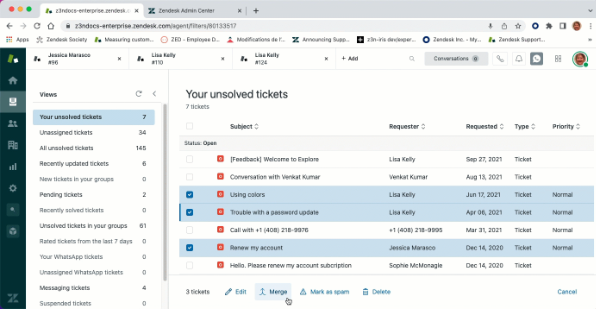
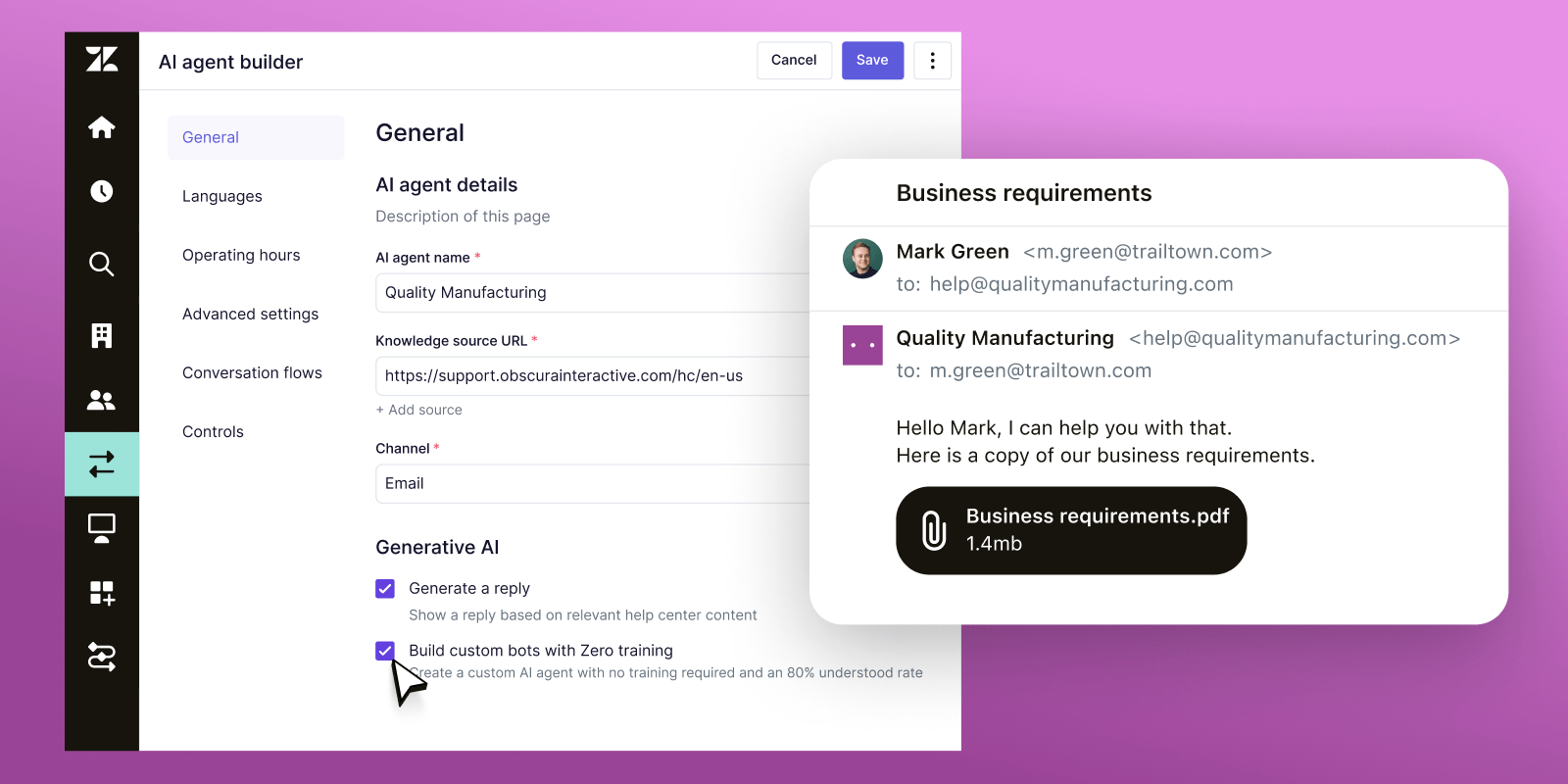
Zendesk bakes automation into the core product. It offers AI agents that resolve common requests, trigger-based actions, SLA-driven prioritization, and automated ticket routing that assigns conversations based on agent skills and workload. For teams drowning in repetitive tickets, this depth is the main draw.
LiveChat handles real-time conversations well, but most of its automation lives in a separate product called ChatBot, which is an additional purchase rather than part of the base plan. So the moment you want serious automation, your LiveChat bill grows and you're managing two tools instead of one.
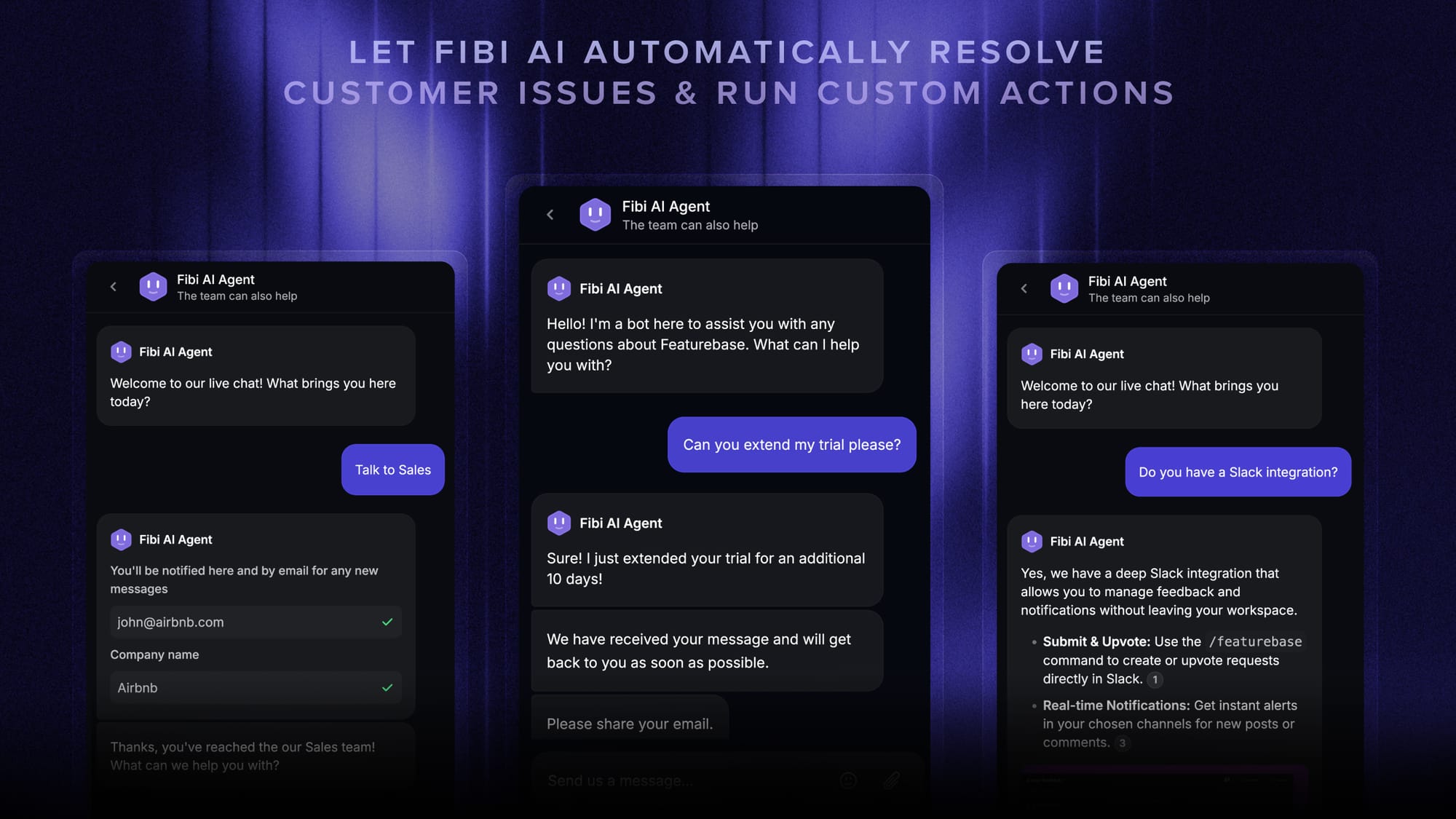
It's worth knowing there's a modern middle ground here. Featurebase includes the Fibi AI Agent, which resolves customer issues on autopilot and can run custom actions like trial extensions and refunds, alongside a shared inbox - so automation is built in rather than bolted on as a paid add-on.
Reporting and analytics
Both tools report well, but they aim at different depths.
Zendesk's reporting (via Zendesk Explore) is built for analysis. You get customizable dashboards across ticket volume, response times, CSAT, and agent performance, with data export and team sharing. It's the better choice when leadership wants deep, cross-channel reporting.
LiveChat focuses its analytics on chat. Its reports cover total and missed chats, greetings conversion, chat satisfaction, agent activity, staffing prediction, and even e-commerce goals tied to chat. For a chat-led team, that's genuinely useful and well-targeted.
The short version: Zendesk goes wider and deeper across all channels, while LiveChat goes deep specifically on chat performance.
Pricing
Pricing is where many teams make the final call, so here's the current breakdown for both. All prices are per seat, billed annually.
Zendesk pricing:
| Plan | Price (per agent/month) | Best for |
|---|---|---|
| Support Team | $19 | Email and ticketing essentials only |
| Suite Team | $55 | The entry suite with messaging and live chat |
| Suite Professional | $115 | Advanced automation and routing |
| Suite Enterprise | Custom | Security, governance, and Copilot |
The important catch: live chat and messaging only arrive on the Suite plans, so the realistic starting point for chat is $55/agent/month, not the $19 headline. AI agents are billed per automated resolution, and the Copilot add-on is $50/agent/month on top, so Zendesk's total pricing can be hard to predict.
LiveChat pricing:
| Plan | Price (per person/month) | Best for |
|---|---|---|
| Starter | $19 | Small teams getting started |
| Team | $49 | Growing teams needing full reporting |
| Business | $79 | Larger teams and staffing prediction |
| Enterprise | Custom | Security and dedicated support |
LiveChat is cheaper at entry and simpler to predict, though prices rise if you pay monthly instead of annually ($25/$59/$89), and adding ChatBot for automation increases the total.
One thing both share: neither has a permanent free plan, just trials. That's a real gap if you want to start small without a commitment. Featurebase, by comparison, has a genuine free plan with unlimited conversations, with paid plans starting at $29/seat/month.
When to choose Zendesk vs LiveChat
There's no universal winner here - it comes down to what kind of support operation you're running.
- Choose Zendesk if you support customers across many channels, need a full ticketing system, and want room to scale automation, voice, and reporting as you grow. It costs more and takes more setup, but it does far more.
- Choose LiveChat if live chat is your primary channel, you want agents productive on day one, and you'd rather have a focused, affordable tool than a sprawling suite you'll only half-use.
In short: Zendesk is the platform you grow into, and LiveChat is the tool you start fast with.
Looking beyond Zendesk and LiveChat: try Featurebase
If Zendesk feels like too much platform and LiveChat feels like too little, Featurebase is a modern AI support platform built to sit right in between. It gives you the omnichannel reach Zendesk is known for without the setup overhead, and the simplicity LiveChat is loved for without giving up ticketing and automation. Teams at companies like Lovable, Raycast, and n8n run their support on it. 💫
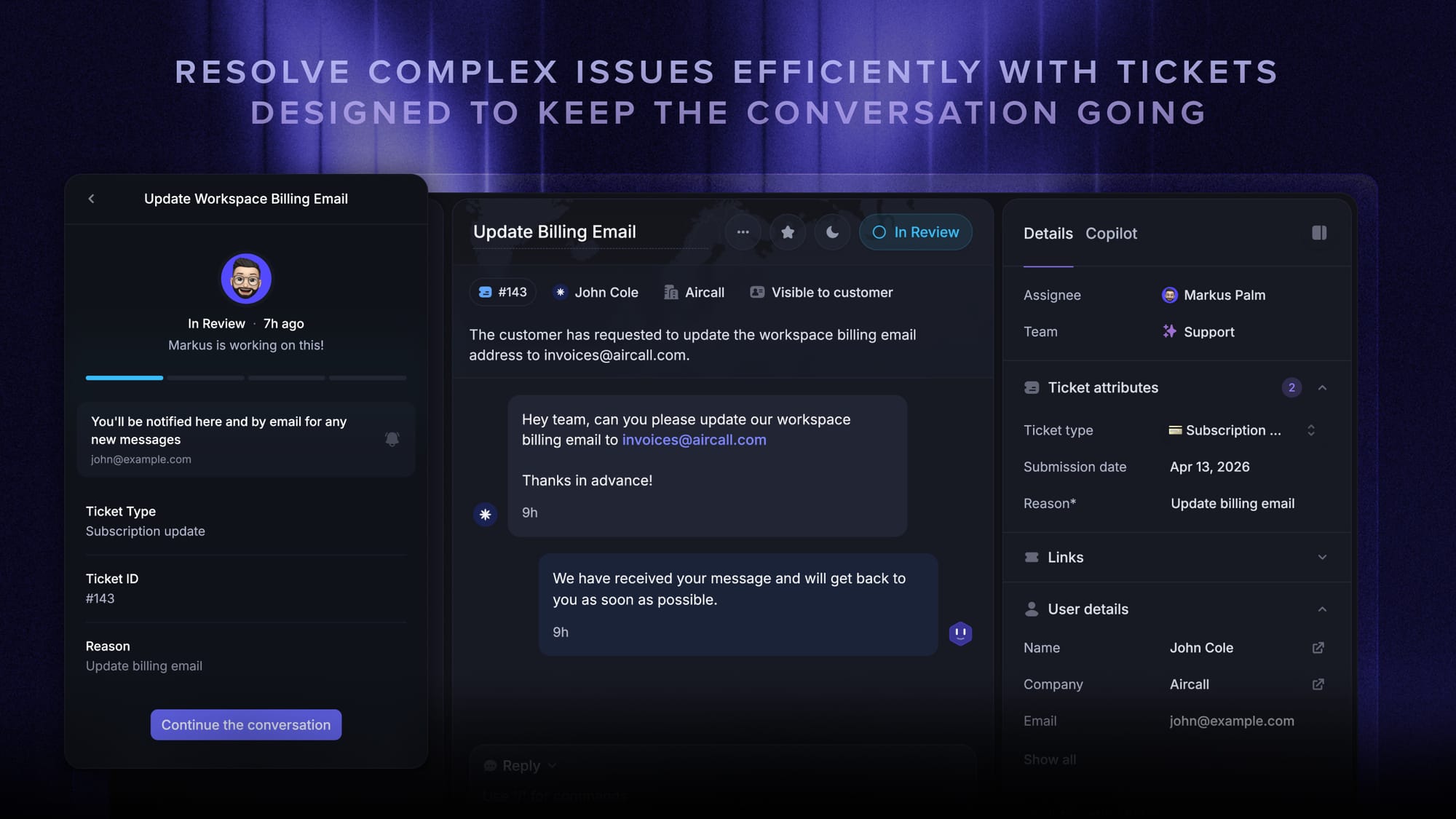
A few things make it a genuine third option here:
- Omnichannel inbox that handles live chat, email, and Slack in one AI-powered view, so you're not choosing between channels the way you do with LiveChat.
- Fibi AI Agent resolves common issues on autopilot and can run real actions like trial extensions and refunds, with automation built in rather than sold as a separate add-on.
- AI-powered help center, SLAs, multi-brand support, and a mobile app round out the suite features that usually push teams toward Zendesk.
- Feedback, roadmaps, and product updates are included too, so customer conversations and product decisions live in the same place.
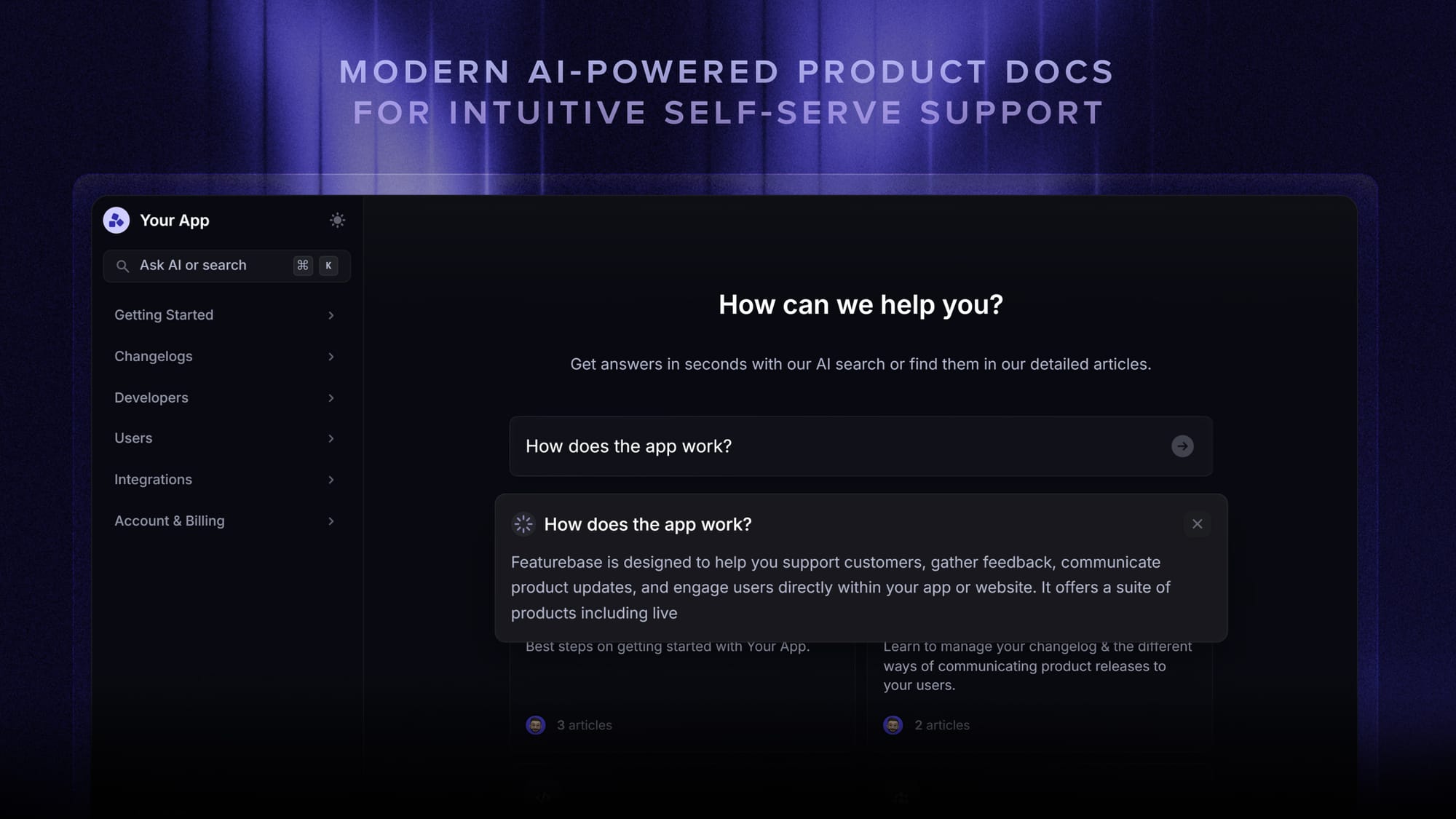
The pricing is the real departure: Featurebase has a free plan with unlimited conversations, and paid plans start at $29/seat/month plus $0.29 per AI resolution - well below where Zendesk's chat-capable Suite begins, and with the free tier neither competitor offers.
✨ Switch from Zendesk to get the fastest AI-powered support platform and a real free plan →
Conclusion
Zendesk and LiveChat are both strong tools for different jobs. Zendesk is the omnichannel suite for teams that need depth and are ready to invest in it, while LiveChat is the focused, easy chat tool for teams that want simplicity and speed.
If neither extreme fits, Featurebase brings modern omnichannel support, an AI-powered help center, and feedback tools together in one platform - without the legacy complexity or the per-channel upsells. And because there's a free plan with unlimited conversations, there's no downside to trying it. 👇
✨ Automate your support with the fastest AI-enhanced Inbox today →

FAQs
Is Zendesk or LiveChat better?
Neither is universally better - it depends on your needs. Zendesk is better for teams that want a full omnichannel support suite with ticketing, voice, and deep automation. LiveChat is better for teams whose main channel is live chat and who value simplicity and fast setup over breadth.
Is Zendesk cheaper than LiveChat?
At entry level, LiveChat is cheaper, starting at $19/person/month. Zendesk's $19 Support Team plan doesn't include live chat - you need the Suite Team plan at $55/agent/month for that. So for live chat specifically, LiveChat is the more affordable starting point, while Zendesk costs more but covers far more channels.
Does LiveChat have a ticketing system?
LiveChat has basic, chat-first ticketing rather than a full helpdesk ticketing system. It can create and route tickets from conversations, but it lacks the depth of Zendesk's dedicated ticketing, such as advanced SLA management and multi-channel ticket workflows. Teams needing serious ticketing usually pair it with another tool or choose a fuller platform.
What is the difference between live chat and messaging in Zendesk?
Live chat is session-based: the conversation happens in real time while the customer is on your site, and it typically ends when they leave. Messaging is persistent and asynchronous, so the conversation thread stays open across web, mobile, and social apps, and customers can return to it later. Messaging suits ongoing support, while live chat suits immediate, in-the-moment help.
Do Zendesk and LiveChat have a free plan?
No, neither offers a permanent free plan - both provide free trials only (Zendesk runs a 14-day trial). If a free plan matters to you, Featurebase offers one with unlimited conversations, so you can run real support without committing to a paid tier first.
Which is better for small businesses?
LiveChat is often the easier fit for small businesses because it's cheaper to start, quick to set up, and doesn't require technical resources to run. Zendesk can work for small businesses too, especially ones planning to scale, but its cost and setup complexity are heavier than many small teams need on day one.