Blog Customer ServiceZendesk vs. Front: Which Support Tool Is Best?
Zendesk vs. Front: Which Support Tool Is Best?
Zendesk vs. Front compared on features, AI, pricing, and ease of use, with a clear verdict on which support tool fits your team.



✨ Psst... Looking for a modern & affordable alternative to Zendesk and Front? Check out Featurebase →
Choosing between Zendesk and Front feels harder than it should, because they were built for almost opposite jobs.
Zendesk is a heavyweight ticketing system made for high-volume support. Front is a collaborative shared inbox that feels more like email. Pick the wrong one and you either drown in complexity or hit a ceiling six months in.
This guide compares them feature by feature - inbox, channels, automation, AI, reporting, pricing, and ease of use - so you can see exactly which one fits your team. 👇
Key takeaways:
- Zendesk is the better fit for high-volume support teams that need deep automation, detailed reporting, and a huge integrations marketplace, as long as you can handle the cost and complexity.
- Front is the better fit for smaller, collaborative teams that live in email and want a clean, personal shared inbox that's fast to set up.
- Pricing starts close ($19/agent on Zendesk, $25/seat on Front), but Zendesk costs climb fast with add-ons and AI, while Front jumps sharply once you need a second channel.
- Ease of use clearly favors Front. Zendesk is powerful but has a steep learning curve and a heavier interface.
- Reporting and automation clearly favor Zendesk. Front keeps things simpler and thinner by design.
- If neither feels right, Featurebase✨ combines support, a help center, and feedback tools in one modern platform with a free plan.
Zendesk vs. Front at a glance
Both tools manage customer conversations, but they start from different philosophies. Here's the short version before we dig in.
What is Zendesk?
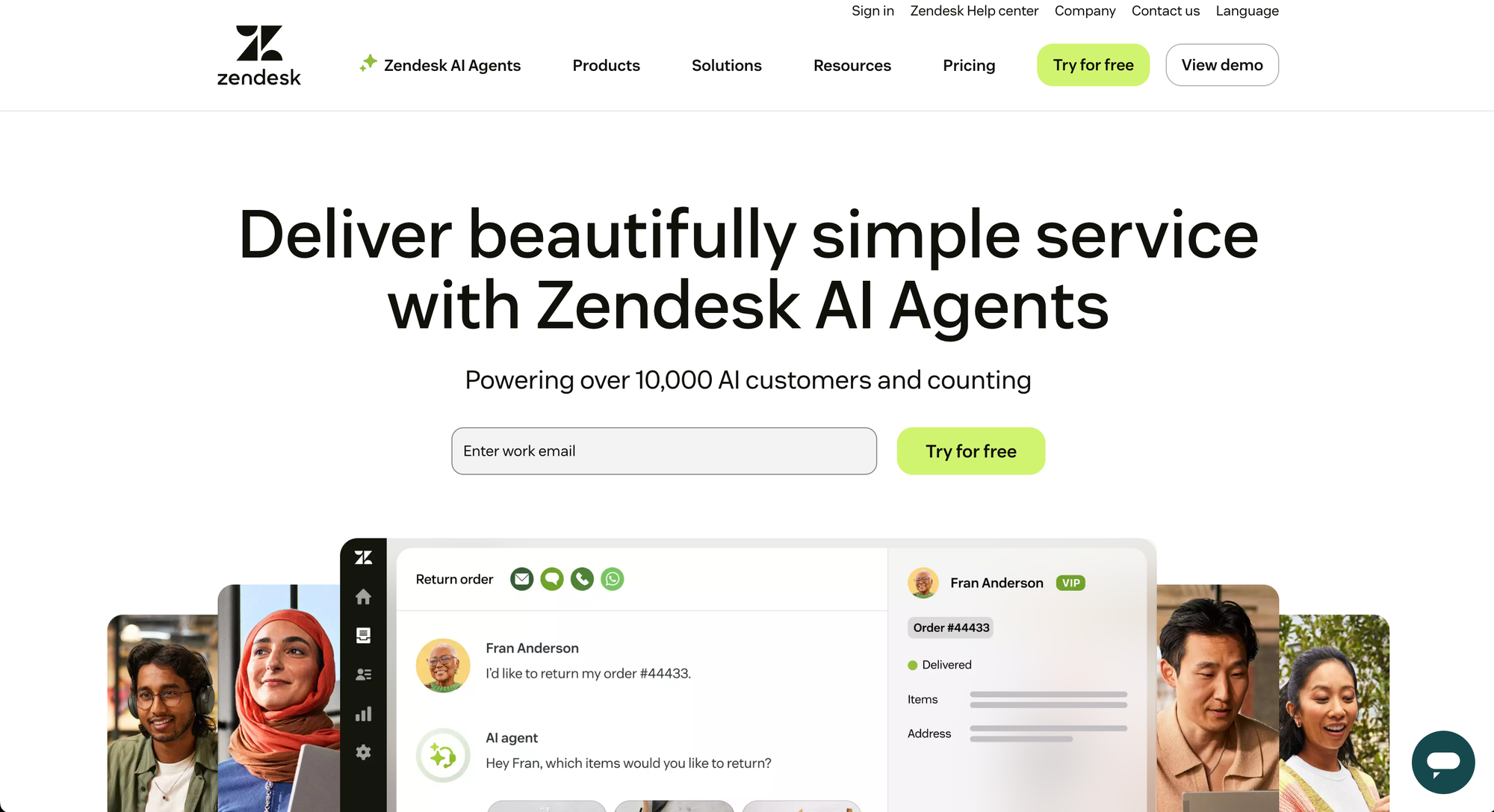
Zendesk is a full-scale customer service platform built around ticketing. Every customer interaction becomes a ticket, and the platform routes, categorizes, and tracks those tickets at scale across email, chat, voice, and social.
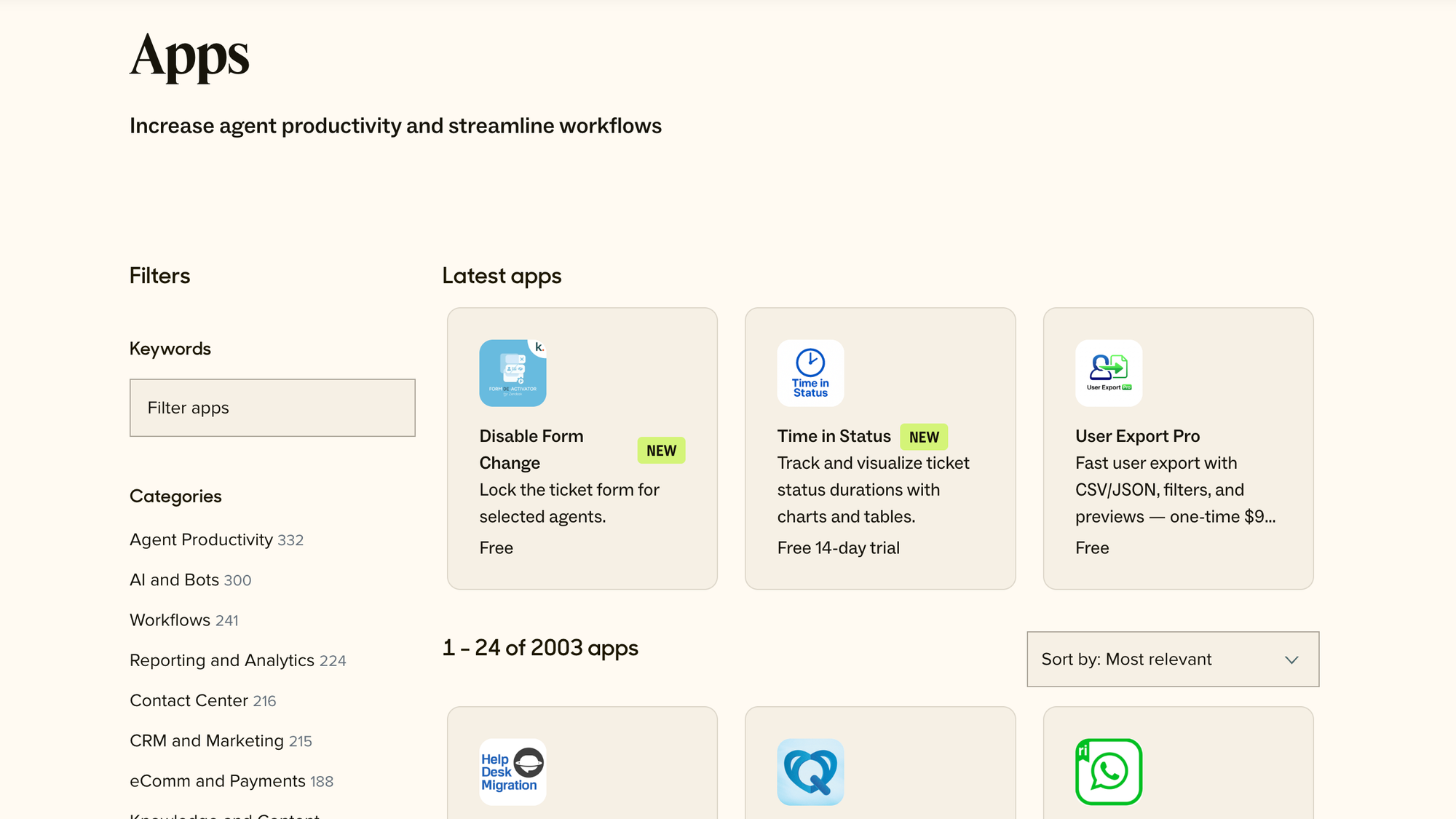
It's one of the most established tools in the category, with deep automation, advanced analytics, and a marketplace of over 1,800 apps and integrations. That power is why large support teams pick it - and why smaller teams sometimes find it heavy.
Read our article about Zendesk in-depth.
What is Front?
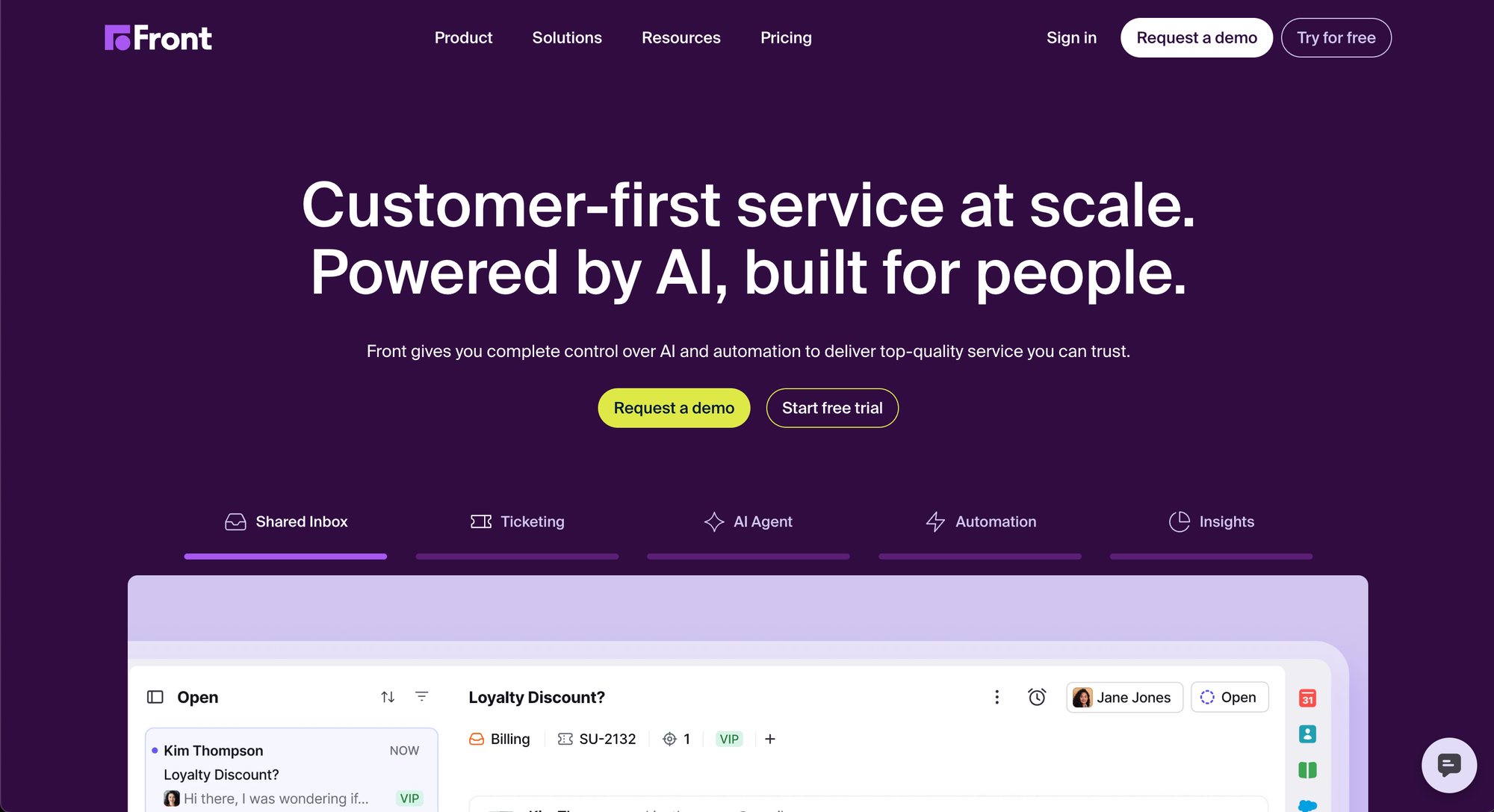
Front is a customer communication platform built around a shared inbox. Instead of turning every message into a ticket, it keeps conversations in an email-like view where teammates can assign, comment, and reply together.
The result feels more personal and collaborative, which is why teams in operations, logistics, and client services love it. It still handles tickets, live chat, and SMS, but the experience centers on real conversations rather than a queue.
Shared inbox and collaboration
This is where the two tools differ most.
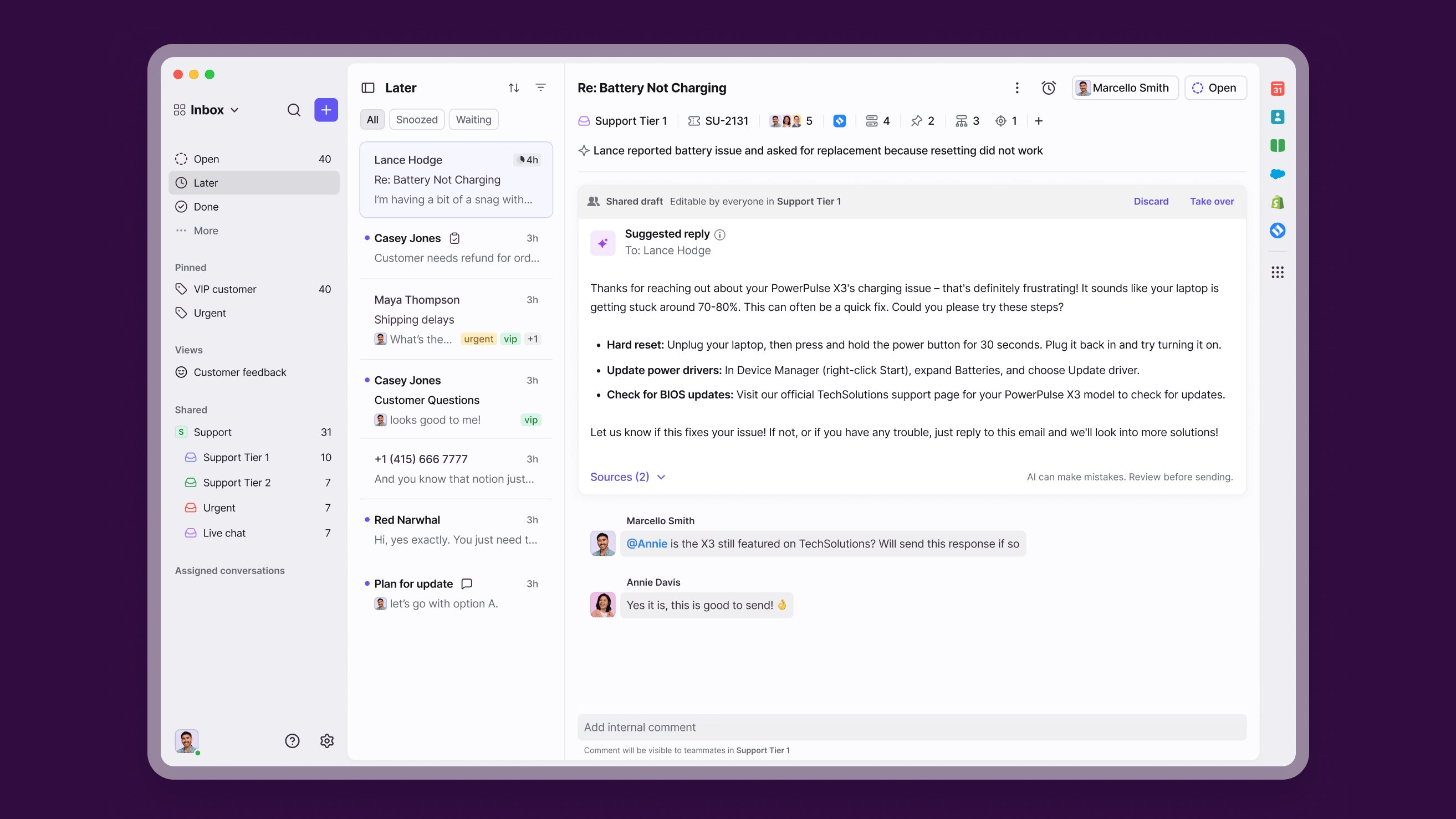
Front is built for collaboration first. Teammates can @mention each other on a conversation, leave internal comments, share drafts, and assign ownership without forwarding emails or leaving the thread. G2 reviewers consistently praise how clearly Front keeps everyone aligned, and its search makes old conversations easy to dig up.
Zendesk handles collaboration too, but through a ticket lens. Internal notes, side conversations, and agent collision detection all exist, but they're layered onto a ticketing model rather than feeling native to a shared inbox. For teams that pass conversations back and forth across departments, Front feels more natural.
Bottom line: Front wins on collaboration. Its shared inbox is the core of the product, not a feature bolted onto a ticketing system.
Omnichannel support
Zendesk is the stronger omnichannel platform. Its Suite plans bring email, messaging, live chat, voice, and social into one workspace, with omnichannel routing that directs each conversation to the right agent based on availability and skill.
Front covers email, live chat, SMS, and social too, but with an important catch on pricing. The entry Starter plan only supports a single channel type. To unify multiple channels you have to move up to the Professional plan, which is a meaningful jump.
So while both tools are technically omnichannel, Zendesk treats it as the default and Front treats it as an upgrade.
Bottom line: Zendesk wins on omnichannel breadth, especially if voice and telephony matter to you.

Automation and workflows
Automation is a clear Zendesk strength. It offers triggers, customer service automation, macros, and skills-based routing, plus advanced workflow tools on higher tiers. For teams handling thousands of tickets a week, that depth saves real time.
Front keeps automation simpler. The Starter plan caps you at 10 rules, Professional raises that to 20 rules plus macros, and only Enterprise unlocks unlimited rules and smart routing. That's plenty for a lean team, but high-volume operations can outgrow it.
The trade-off mirrors the tools themselves. Zendesk gives you more power at the cost of more setup. A recurring theme in G2 feedback is that Zendesk's automation is powerful but can feel buried and clunky to configure unless you know exactly where everything lives.
Bottom line: Zendesk wins on automation depth. Front wins on automation simplicity.
AI capabilities
Both tools have leaned hard into AI, and both charge extra for it.
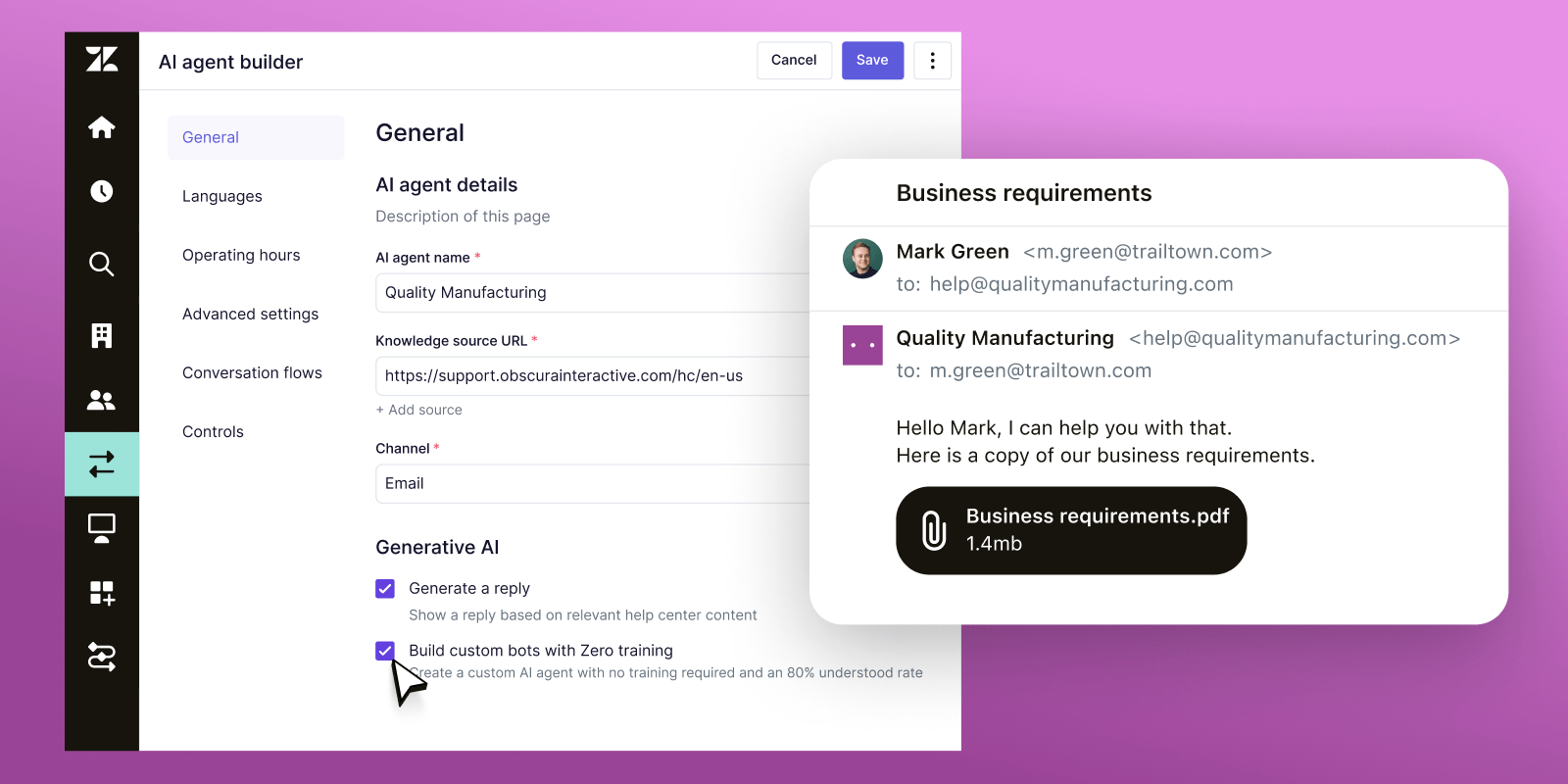
Zendesk offers AI agents that resolve tickets autonomously, a Copilot assistant for agents, intelligent triage, and AI-powered quality assurance. Most of this is priced on top of your base plan - AI agents are billed per automated resolution, and Copilot runs $50 per agent per month.
Front offers Autopilot (an AI agent starting at $0.05 per conversation), Copilot for agents, Smart QA, and Smart CSAT. These are add-ons on lower plans and bundled into Enterprise.
If you want AI to actually run actions rather than just deflect tickets, this is where a modern alternative stands out. With Featurebase, the Fibi AI Agent resolves customer issues on autopilot and can run custom actions like trial extensions and refunds, so automation does real work instead of just closing tickets.
Bottom line: Roughly even. Both have capable AI, and both bill it as an extra on top of your seats.
Reporting and analytics
Reporting is Zendesk's territory. It ships prebuilt dashboards on every plan and unlocks deep, customizable analytics on higher tiers, covering agent performance, ticket trends, and customer satisfaction in detail.
Front offers basic analytics on Starter, advanced analytics on Professional, and custom reports on Enterprise. It's solid for tracking response times and team performance, but both the competitor reviews and G2 feedback agree that reporting is Front's weakest area as you scale.
If data-driven support operations are central to your team, this difference matters a lot.
Bottom line: Zendesk wins on reporting, clearly. Just note the deepest analytics sit behind the pricier tiers.
Integrations
Zendesk has one of the largest integration ecosystems in the category, with a marketplace of over 1,800 apps plus a mature API. If you need to connect a niche CRM, telephony provider, or internal system, the odds are good that an integration already exists.
Front integrates with the tools most teams actually use day to day, like Salesforce, HubSpot, Slack, and Google Workspace, and offers an API for custom work. It's a smaller catalog, but it covers the essentials well and tends to feel cleaner to set up.
Bottom line: Zendesk wins on sheer integration volume. Front covers the common stack with less friction.
Pricing compared
Pricing is where the two tools look similar at the entry point and diverge fast after that. Here's how the published plans stack up.
| Plan tier | Zendesk | Front |
|---|---|---|
| Entry plan | $19/agent/mo (Support Team) | $25/seat/mo (Starter, up to 10 seats) |
| Mid plan | $55/agent/mo (Suite Team) | $65/seat/mo (Professional, up to 50 seats) |
| Top self-serve plan | $115/agent/mo (Suite Professional) | $105/seat/mo (Enterprise) |
| Enterprise | Custom (Suite Enterprise) | $105/seat/mo |
| Free trial | 14 days | 14 days, no credit card |
A few things to know beyond the table:
- Zendesk's entry price is misleading: the $19 Support Team plan is email and ticketing only. To get AI agents, live chat, and omnichannel, you need a Suite plan starting at $55, and AI agents bill per resolution on top of that.
- Front's jump is steep: the $25 Starter plan is single-channel. Adding a second channel means moving to the $65 Professional plan, a 160% increase per seat.
- Add-ons stack up on both: Zendesk's Copilot and Workforce add-ons run $50 per agent each, while Front's Copilot, Smart QA, and Smart CSAT add $10 to $20 per seat unless you're on Enterprise.
The headline number rarely reflects what you actually pay. On both platforms, real-world costs land well above the advertised entry price once you add the channels and AI most teams need.
Bottom line: Front is simpler to predict, Zendesk is cheaper to start but harder to forecast. Neither is a budget tool once you scale.
Ease of use and setup
This one isn't close. Front is widely praised for a clean, intuitive interface that new agents pick up quickly, and setup is fast because it works like email. The main learning curve is getting used to the shared-inbox concept itself, and teams that don't use Front as their primary inbox get less out of it.
Zendesk is more powerful but heavier. G2 reviewers regularly flag a steep learning curve, admin settings that feel buried, and an interface that can lag when handling a large ticket volume. Many teams end up needing a dedicated admin to configure and maintain it.
Bottom line: Front wins on ease of use. Zendesk asks for more time and expertise before it pays off.
Who should choose Zendesk vs. Front
After all the feature-by-feature detail, the decision comes down to your team's shape:
- Choose Zendesk if you run a high-volume support operation, need deep automation and reporting, want voice and a huge integration catalog, and have the budget and resources to manage a more complex platform.
- Choose Front if you're a smaller or collaborative team that lives in email, values a clean and personal experience, and wants something fast to adopt without heavy configuration.
- Look elsewhere if you want modern AI support plus a help center and feedback tools in one place, without paying enterprise prices or stitching multiple products together.
That last point is worth expanding on, because plenty of product-led teams don't fit neatly into either box. 👇

Haven't found what you're looking for?
Automatically resolve 70% of customer requests & cut down manual support loads
Looking beyond Zendesk and Front: try Featurebase

The choice between Zendesk and Front often comes down to a trade-off: power versus simplicity, or depth versus ease of use. Featurebase is worth a look if you'd rather not pick a side.
It's a modern AI support platform built for product-led SaaS teams, used by companies like Lovable, Raycast, and n8n. You get an omnichannel inbox for live chat, email, and Slack, an AI-powered help center, and feedback and roadmap tools, all in one workspace instead of three separate subscriptions.
The part that sets it apart from both Zendesk and Front is how its AI actually works. The Fibi AI Agent resolves customer issues on autopilot and can run real actions like trial extensions and refunds, rather than just deflecting tickets. An AI Copilot drafts replies from your internal knowledge, and automatic translations let you support customers in their own language without extra tooling.
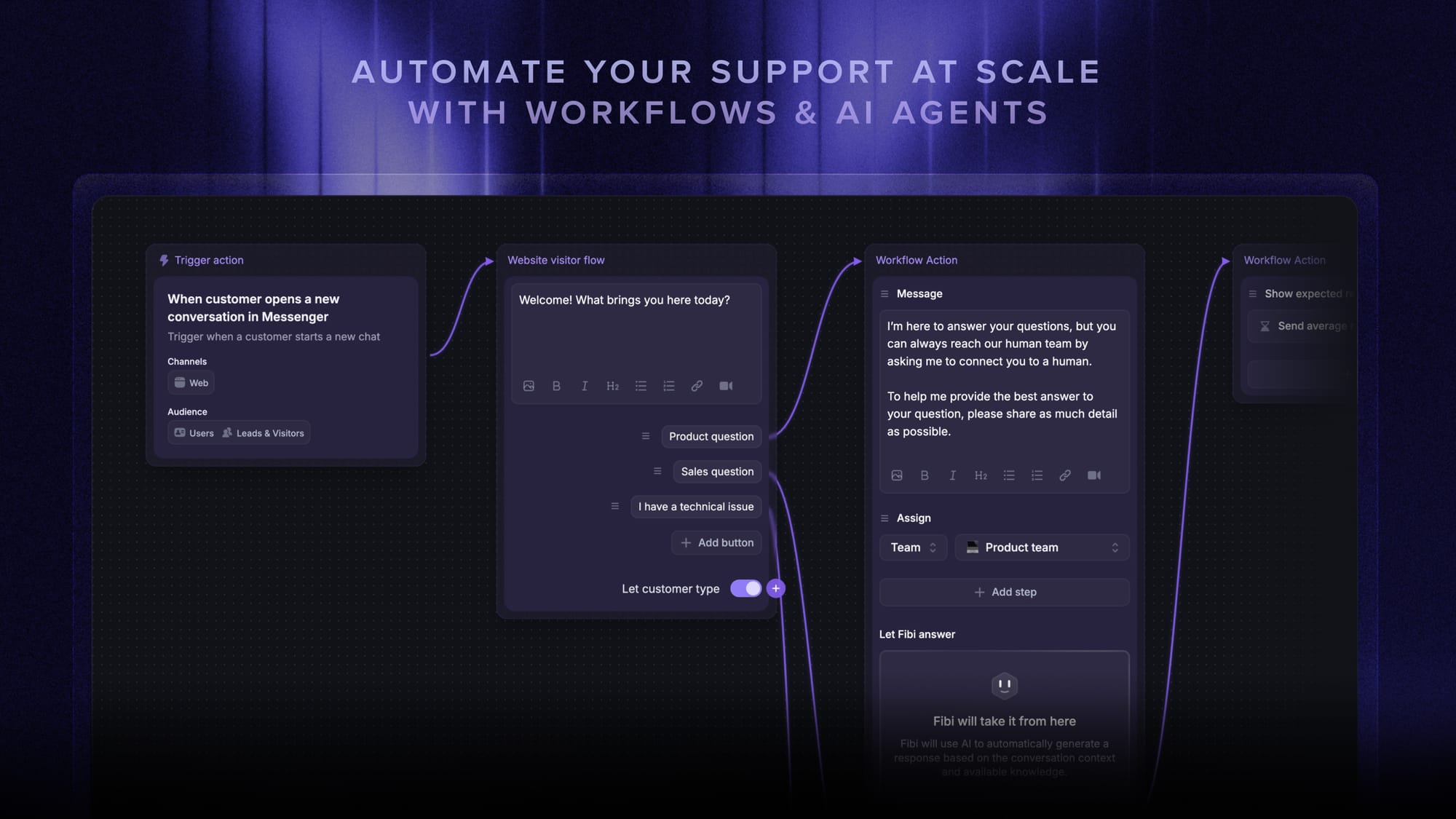
It also covers the operational essentials you'd expect from a serious help desk - SLAs, workflow automation, multi-brand support, a mobile app, and integrations with Slack, Linear, Jira, and HubSpot.
Pricing: there's a free plan with unlimited conversations, and paid plans start at $29/seat/month with $0.29 per AI resolution - noticeably more transparent than stacking Zendesk add-ons or jumping Front tiers.
Conclusion
Zendesk and Front are both strong tools, they're just built for different teams. Zendesk wins on automation, reporting, omnichannel breadth, and integrations, making it the pick for high-volume support that can handle the cost and complexity. Front wins on collaboration and ease of use, making it ideal for smaller teams that want a clean, personal shared inbox.
If you want the best of both without the trade-offs, Featurebase is a modern AI support platform that brings your inbox, help center, and feedback collection together in one place. You get AI agents that actually resolve issues, a beautiful self-serve help center, and feedback tools to build what your users want, all from a single workspace.
It comes with a Free plan and paid plans starting at just $29/seat, and the onboarding is fast, so there's no downside to trying it. 👇
✨ Automate your support with the fastest AI-enhanced Inbox today →

FAQs
Is Front a ticketing system?
Front can manage tickets, but it isn't a classic ticketing system in the way Zendesk is. It's built around a collaborative shared inbox where conversations live in an email-like view rather than being converted into formal tickets. It does offer a ticketing system and customer portal on its plans, so you get ticketing capabilities with a more conversational, less queue-driven feel.
Which is more affordable, Zendesk or Front?
It depends on what you need. Zendesk's entry plan is cheaper at $19/agent/month versus Front's $25/seat/month, but that Zendesk plan is email and ticketing only. Once you add channels, AI, and add-ons, both tools land at similar real-world costs, and neither stays cheap as you scale.
Is it easy to migrate from Zendesk to Front?
Front offers a prebuilt migration tool that brings your conversation history over, and it provides custom onboarding for larger teams with complex setups. Expect some work mapping tags, workflows, and automations, since the two tools structure conversations differently. For most teams the move is straightforward, but plan time for reconfiguring rules.
Which tool is better for small businesses?
Front is usually the better fit for small businesses. It's faster to set up, easier for new agents to learn, and its collaborative inbox suits lean teams that don't need heavy ticketing. Zendesk can work for a small business, but its power and complexity are often more than a small team needs.
Which scales better for high-volume support teams?
Zendesk scales better for high ticket volume. Its deeper automation, skills-based routing, advanced analytics, and large integration ecosystem are built for large operations. Front can feel limited at very high volume, particularly on reporting and automation, though it remains excellent for collaborative mid-sized teams.
Are there cheaper alternatives to Zendesk and Front?
Yes. Modern all-in-one platforms can deliver support, a help center, and feedback tools for less than a stack of separate products. Featurebase, for example, offers AI-powered support with a free plan and paid tiers from $29/seat, combining an omnichannel inbox, help center, and feedback management so you don't need to buy and connect multiple tools.