Blog Customer ServiceWhat Is a Customer Experience Platform? A Guide
What Is a Customer Experience Platform? A Guide
A customer experience platform unifies your support, feedback, and customer data in one place. Here's what a CX platform does, its main types, and how to choose one.



Your customers judge you on every interaction, not just your product. One slow reply, or a support agent who can't see the full picture, is often all it takes to send someone to a competitor.
The problem is that most teams run customer experience across a scatter of disconnected tools, so nobody sees the whole journey. A customer experience platform fixes that by pulling it into one place.
Here's what a CX platform actually does, the main types, and how to choose the right one. 👇
Key takeaways
- A customer experience platform (CX platform) is software that brings the tools for managing customer interactions across all channels into a single, connected system.
- It usually combines support, feedback, analytics, and customer data so your team can see and act on the full customer journey, not just one touchpoint.
- The main types range from contact center and CRM platforms to feedback/voice-of-customer tools, self-service platforms, and journey analytics.
- Picking one comes down to your team size, the channels you support, and whether you want an all-in-one setup or a stack of point tools.
- Featurebase✨ is a modern all-in-one CX platform for product-led SaaS teams, combining support, feedback, a help center, and product updates in one place.
What is a customer experience platform?
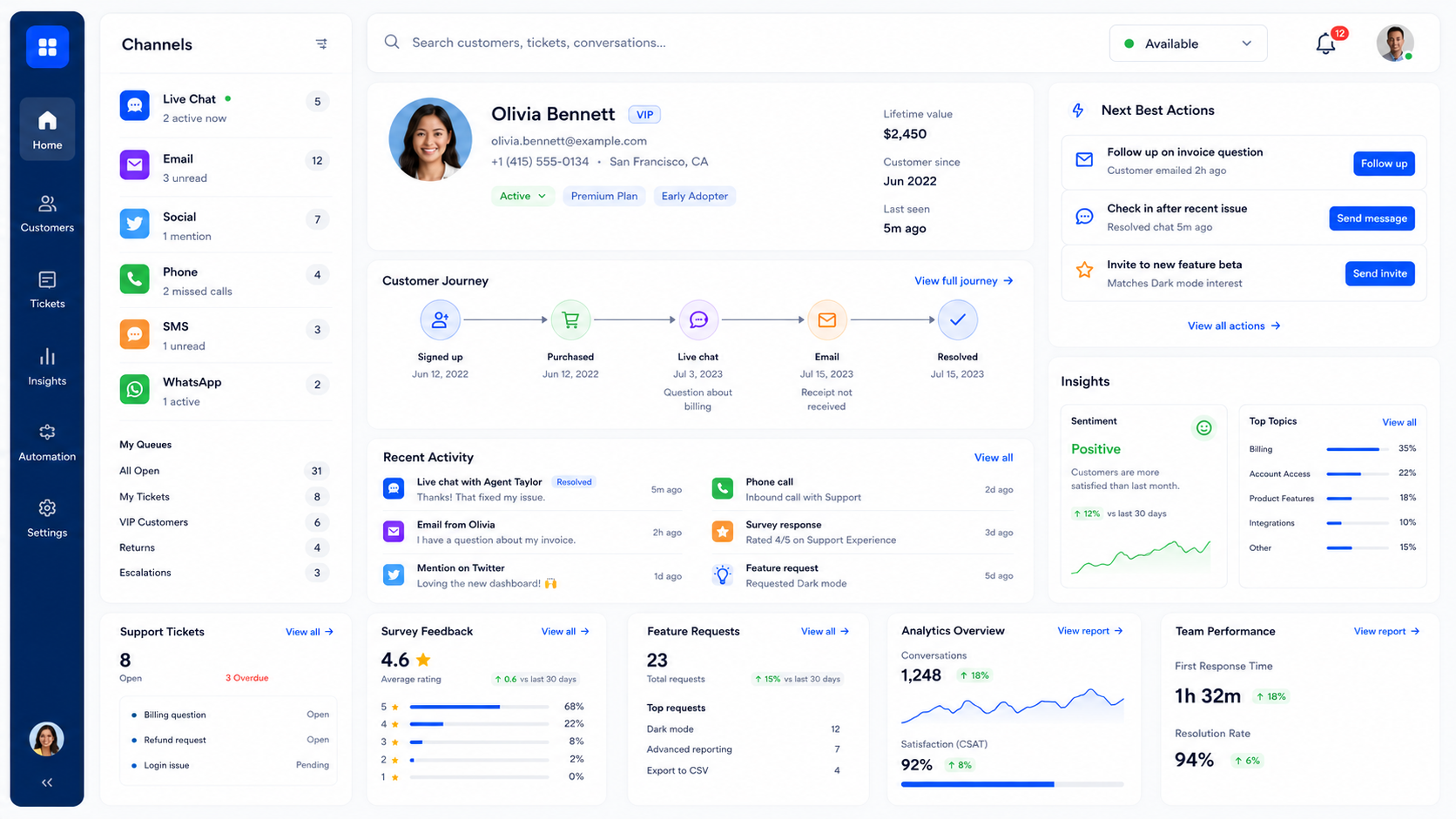
A customer experience platform is software that unifies the tools you use to manage customer interactions across channels into one system. Instead of logging into a help desk, a survey tool, a feedback board, and an analytics dashboard separately, your team works from a shared view of the customer.
The goal is simple. Give every team that touches the customer the same context, so the experience feels consistent no matter where it happens. A support agent can see a customer's past tickets, a product manager can see the feature they asked for, and both work from the same data.
Most CX platforms pull together 3 things:
- The channels customers reach you on, like live chat, email, social, and phone.
- The data about who those customers are and what they've done across their journey.
- The tools to act on it, like automation, analytics, and feedback loops.
The term overlaps with customer experience management (CXM) software and customer experience software, and vendors use all 3 fairly interchangeably. What matters is the outcome: one connected place to run the customer relationship rather than a pile of tools that don't talk to each other.
What does a customer experience platform do?
The exact feature set depends on the vendor, but most customer experience platforms share a common core. These are the building blocks you'll see again and again:
- Omnichannel communication: brings live chat, email, social, and phone into one inbox so conversations aren't scattered across 5 apps. Agents pick up where the last one left off, on any channel.
- Unified customer data: stitches data from every touchpoint into a single profile, so anyone helping a customer sees their history, plan, and past requests without digging.
- Automation and AI: routes conversations to the right person, deflects repetitive questions with AI agents, and surfaces suggested answers so your team moves faster.
- Feedback and surveys: collects CSAT, NPS, and feature requests directly from customers so you're measuring experience, not guessing at it.
- Analytics and reporting: tracks satisfaction scores, resolution times, and journey drop-off points so you can see what's working and what isn't.
- Self-service: powers a help center or knowledge base so customers can solve simple problems on their own, at any hour.
Not every platform does all six equally well. A contact center tool leans on channels and routing, while a feedback tool leans on surveys and voting. The all-in-one platforms try to cover the whole set.
The main types of customer experience platforms
"Customer experience platform" is an umbrella term. In practice, most tools started life solving one part of the journey and grew outward. Here are the 6 main types you'll run into:
- Contact center platforms: built around high-volume support across voice, chat, and messaging, usually for larger teams. NICE, Genesys, and Talkdesk are common examples.
- CRM platforms: centered on customer records, sales pipelines, and marketing, with CX features layered on top. Salesforce and HubSpot fit here.
- Feedback and voice-of-customer (VoC) platforms: focused on collecting and analyzing what customers think through surveys, feedback forums, and feature requests. Tools like Medallia, Qualtrics, and Featurebase live in this category.
- Help desk and self-service platforms: organized around tickets and knowledge bases so customers can get answers fast, either from an agent or on their own. Zendesk and Freshdesk are typical.
- Customer journey and analytics platforms: designed to map and measure how customers move through every stage, surfacing where they get stuck.
- All-in-one CX platforms: combine several of the above into one system, which suits smaller and product-led teams that don't want to run and pay for 4 separate tools.
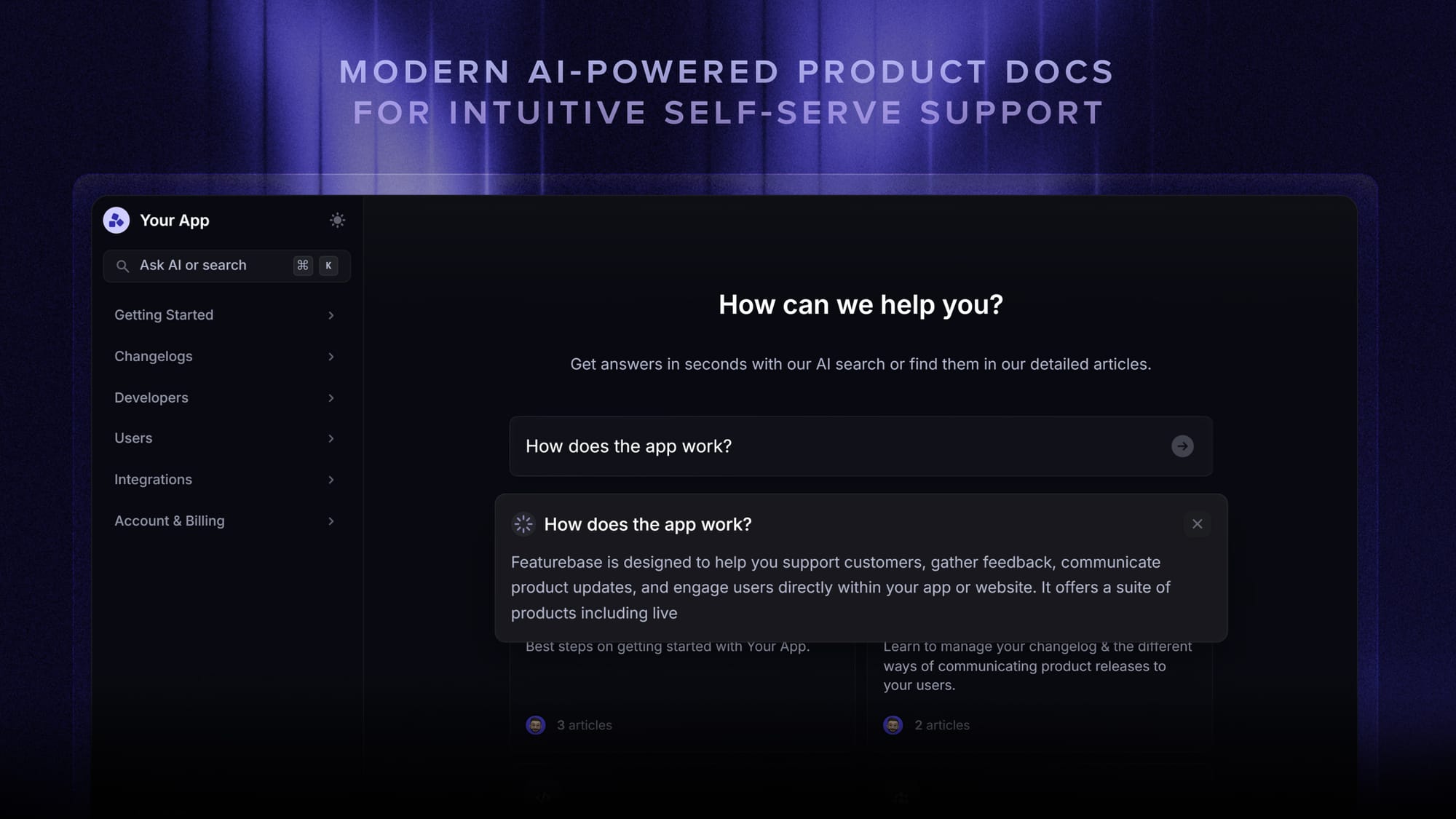
Many companies end up using more than one type at once. The trade-off is that every extra tool is another place your customer data lives, and another integration to maintain.
Why a customer experience platform matters
Customer expectations have never been higher. 88% of customers say the experience a company provides is as important as its products or services, according to Salesforce's State of the Connected Customer report, the highest that figure has ever been.
That cuts both ways. A good experience earns you more business, since 3 in 4 consumers say they'll spend more with companies that provide a good customer experience, per Zendesk's CX Trends research. A fragmented one quietly sends customers elsewhere.
A customer experience platform helps because it removes the seams:
- Consistency across channels: the customer gets the same context whether they email, chat, or open a ticket, so they never have to repeat themselves.
- Faster resolutions: agents see the full history and automation handles the repetitive work, which cuts wait times.
- Decisions backed by data: satisfaction scores and feedback sit next to the conversations, so you act on evidence instead of hunches.
- Better retention: when the experience feels smooth and your team closes the loop on feedback, customers have fewer reasons to leave.
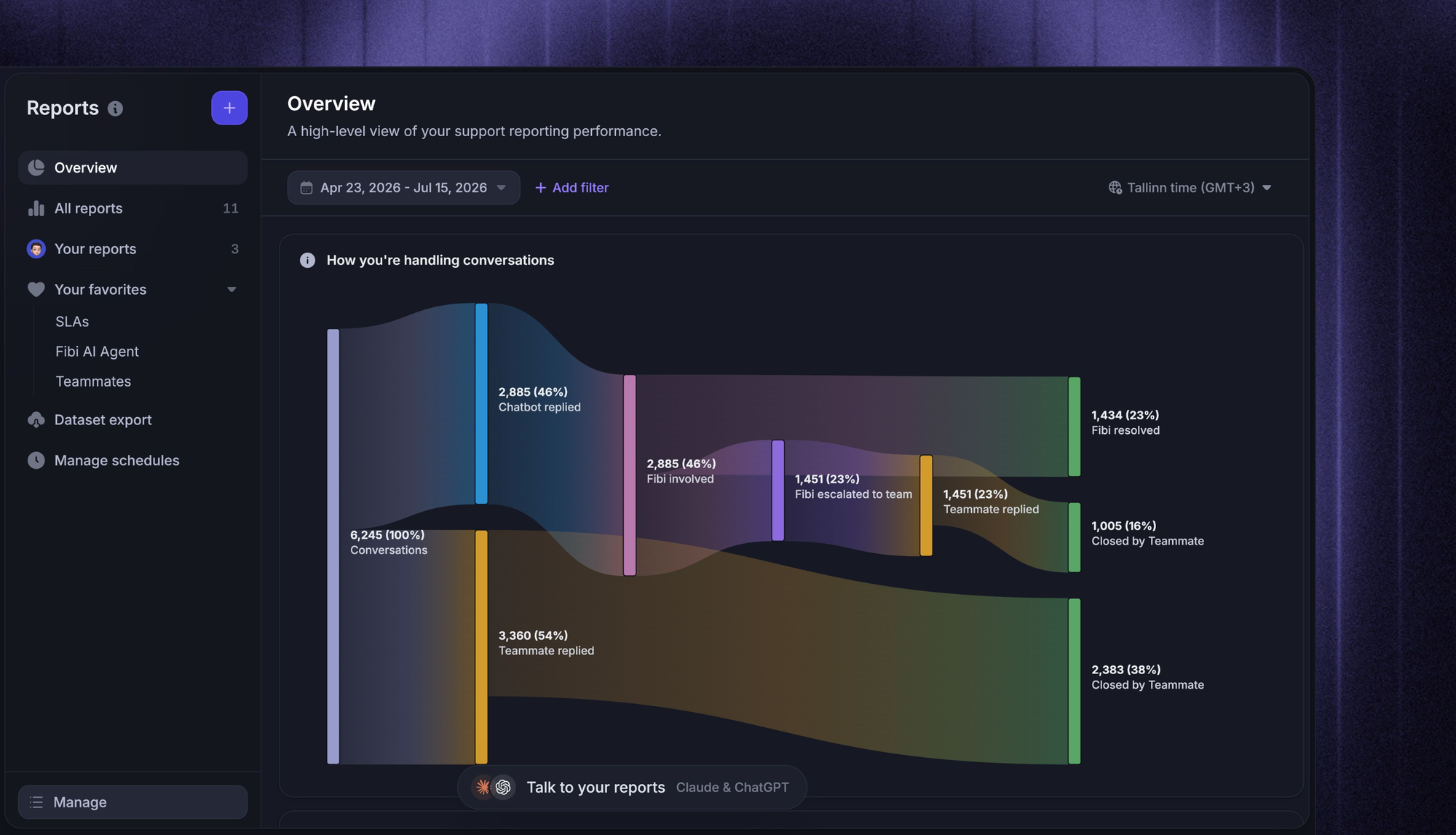
For a product-led company, this is the difference between reacting to churn and getting ahead of it.
How to choose the right customer experience platform
There's no single best platform, only the best fit for your team. A few questions narrow the field fast:
- Which channels do you actually support?: if most of your volume is chat and email, an enterprise voice-first contact center is overkill. Match the tool to where your customers actually are.
- How much automation and AI do you need?: high ticket volume makes AI agents and smart routing worth it. Smaller teams may only need basic automation to start.
- Does it fit your size and stage?: enterprise suites are powerful but heavy and expensive. Product-led and growing teams usually want something quicker to set up and lighter to run.
- Will it connect to your stack?: check that it integrates with the tools you already use, like Slack, Jira, Linear, and your CRM, so data flows instead of getting stranded.
- All-in-one or best-of-breed?: a single platform is simpler to run and keeps data together, while separate specialist tools can go deeper on any one job. Most smaller teams are better served by consolidating.
Answer those honestly and the shortlist tends to write itself. The goal isn't the platform with the most features, it's the one your team will actually use end-to-end.

Resolve 70% of customer requests with AI
Automatically resolve customer issues & cut down support loads for your team
One platform or a stack of point tools?
Plenty of teams end up with a help desk in one tab, a survey tool in another, a feedback board somewhere else, and a changelog bolted on top. It works right up until the data stops talking to each other and no one can see the full picture.

Featurebase is a modern, all-in-one customer experience platform built for product-led SaaS teams. It brings the customer-facing tools that usually live in 5 separate apps into one place:
- Support inbox with AI agents: handle live chat, email, and Slack from one omnichannel inbox, with an AI agent that resolves common questions on its own.
- Feedback and roadmaps: collect feature requests in a public forum, let users vote, and close the loop with a public roadmap.
- Help center: an AI-powered knowledge base so customers can self-serve answers in their own language.
- Surveys and product updates: run NPS and CSAT surveys, then announce what you shipped with a changelog and in-app widgets.
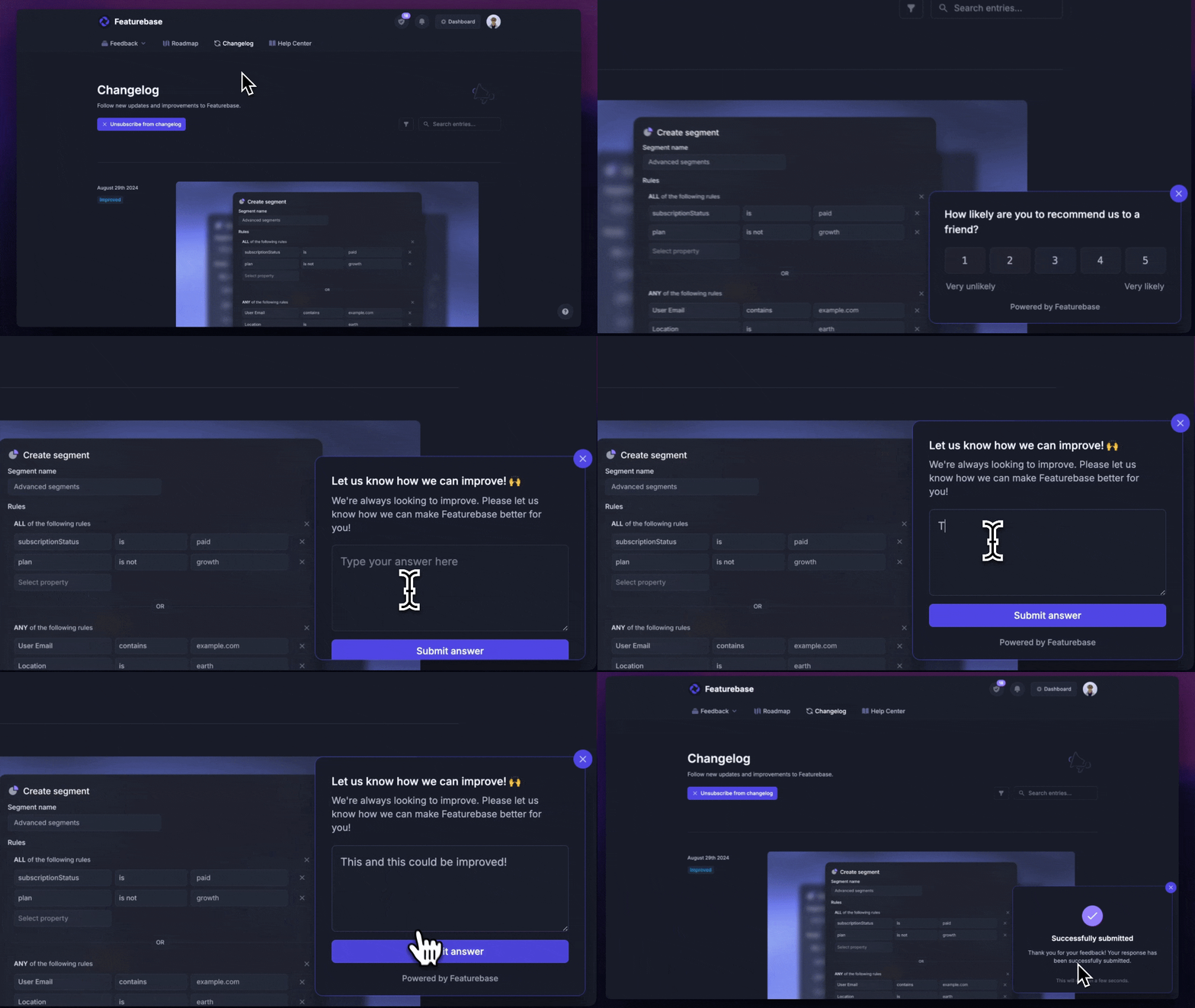
Because it's one system, a feature request that comes in through a support chat and the changelog that eventually announces it live in the same place. That's the practical payoff of a connected platform over a stitched-together stack.
Conclusion
A customer experience platform isn't about collecting more tools. It's about connecting the ones you have, so support, feedback, and customer data sit in one place and every team works from the same context. Get that right and the experience feels consistent to the customer, which is what keeps them around.
Featurebase is a modern all-in-one customer experience platform for product-led SaaS. It combines an AI-powered support inbox, a help center, feedback collection, surveys, and product updates in one place, so everyone who touches the customer works from the same context.
It comes with a Free plan, and the onboarding is quick with no credit card required, so there's no downside to trying it. 👇
✨ Bring your whole customer experience into one platform with Featurebase for free →

FAQs
How is a customer experience platform different from a CRM?
A CRM is built to store customer records and manage sales and marketing relationships. A customer experience platform is built to act on the experience itself, pulling together conversations, feedback, and data across every channel so your team can respond in real time. Many companies use both, and the better CX platforms integrate with your CRM so the two share data rather than compete.
What is the difference between customer experience and customer service?
Customer service is one touchpoint: the help a customer gets when they have a question or a problem. Customer experience is the whole relationship, from the first visit to onboarding, support, and every renewal after. Service is a big part of experience, but a customer experience platform is meant to cover the full journey, not just the support desk.
How much does a customer experience platform cost?
It varies widely. Enterprise contact center suites often run into custom, per-agent pricing that climbs fast, while product-led tools are far more accessible. Featurebase, for example, has a free plan and paid plans that start at $29 per seat per month, which makes an all-in-one setup realistic for smaller teams.
How do you measure the success of a customer experience platform?
The common metrics are CSAT (customer satisfaction), NPS (net promoter score), and CES (customer effort score), alongside operational numbers like first-response time, resolution time, and churn rate. The point of having everything on one platform is that these metrics sit next to the actual conversations and feedback, so you can trace a low score back to what caused it.
What is the best customer experience platform?
There's no universal winner. The right choice depends on your channels, team size, and budget. Large support operations often lean toward contact center suites like NICE or Genesys, while smaller and product-led teams tend to prefer lighter all-in-one platforms that are quicker to set up and keep all their customer data in one place.
Can a customer experience platform help with data privacy and compliance?
Yes. Most reputable platforms offer features to support regulations like GDPR, including data access controls, consent handling, and options for where your customer data is stored. If compliance matters to your business, check a vendor's security documentation and certifications before you commit, since coverage varies between tools.