What Is a Help Center? Definition and Examples
A help center is where customers find answers on their own. Here's what a help center is, what it does, and how to build one that actually deflects tickets.


On this page
Create a beautiful AI-powered Help Center with Featurebase for free
Your customer has a simple question. The answer exists somewhere, but instead of finding it, they open a ticket and wait. Multiply that by every repetitive question your team gets, and your inbox is buried while customers grow frustrated.
A help center fixes this. It gives people one place to search for answers and solve problems on their own, without waiting on your team.
Here's what a help center is, what it does, and how to build one. 👇
Key takeaways
- A help center is a customer-facing hub where people find answers and solve problems on their own through articles, guides, and FAQs.
- Its main job is ticket deflection: it answers repetitive questions automatically so your team can focus on the complex ones.
- A help center is broader than a knowledge base: the knowledge base is the article library inside it, while a help desk is the internal tool your agents use.
- A good help center needs strong search, clear structure, on-brand design, and analytics to actually get used.
- Featurebase✨ lets you build an AI-powered help center for free, with a custom domain, an in-app widget, and automatic translations.
What is a help center?
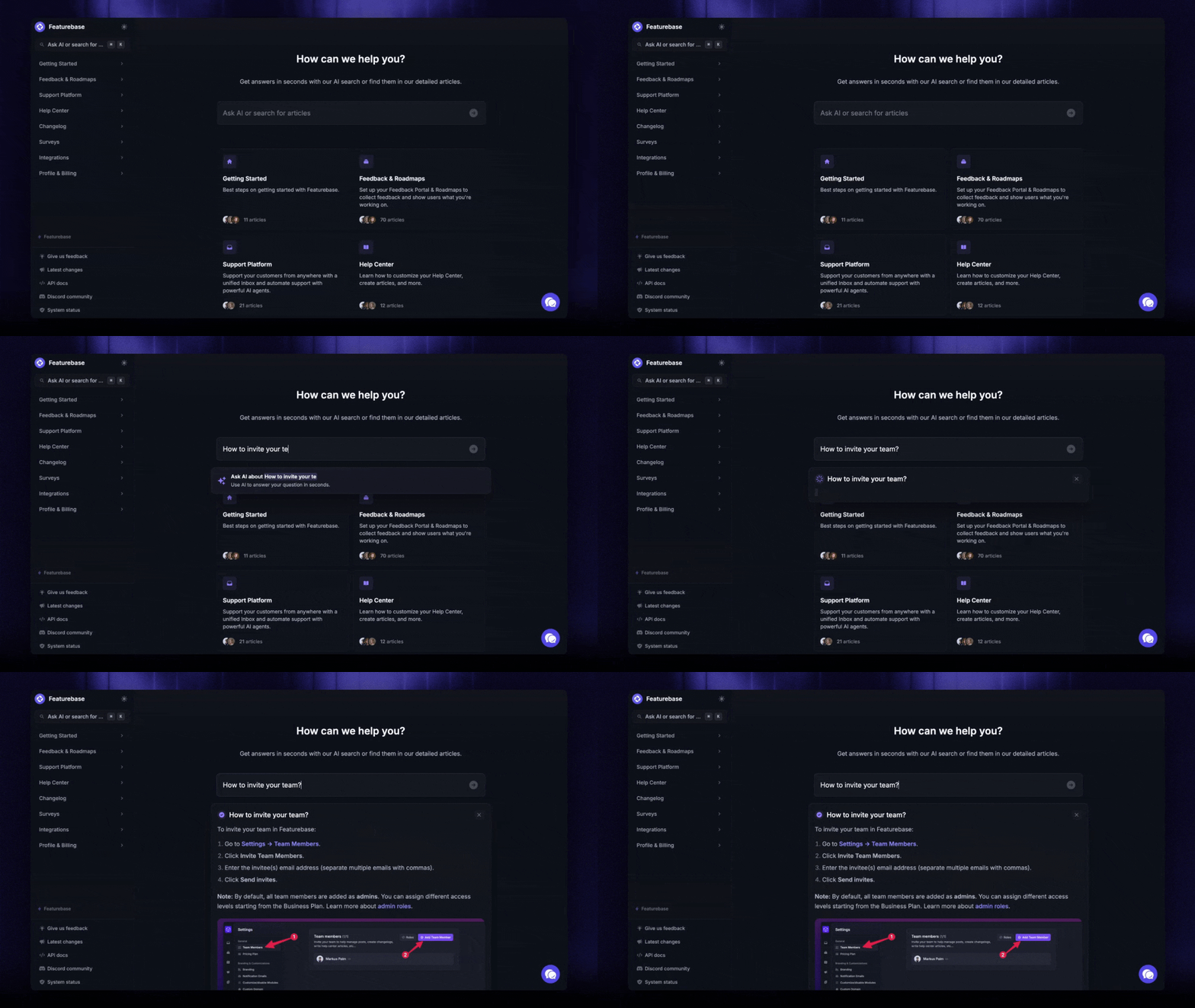
A help center is a centralized, customer-facing website where people can find answers to common questions and fix issues on their own. It pulls together help articles, how-to guides, FAQs, and troubleshooting steps behind a search bar, plus a way to reach your team when self-service isn't enough.
Think of it as the front door to your support. Instead of emailing you and waiting, a customer types their question, finds the right article, and gets on with their day.
Most help centers are built on dedicated help center software that makes it easy to write, organize, and publish articles without touching code.
What does a help center do?
A help center does one big thing: it lets customers help themselves. And that's exactly what most of them want to do.
According to Harvard Business Review, 81% of customers try to resolve an issue on their own before reaching out to a live representative. People would rather find a quick answer than sit in a queue.
A well-built help center delivers on that in a few ways:
- It deflects repetitive tickets: common questions get answered without ever reaching your team, which cuts your ticket volume and your support costs.
- It gives instant answers around the clock: customers get help at 2am on a weekend, when no agent is online.
- It frees your team for complex work: agents spend less time copy-pasting the same reply and more time on issues that actually need a human.
- It keeps answers consistent: everyone gets the same correct, up-to-date information instead of whatever a rushed agent remembers.
This is the core of good customer self-service: the more your customers can do without you, the better the experience scales.
Help center vs. knowledge base vs. help desk
These three terms get used interchangeably, but they're not the same thing:
- A help center is the customer-facing hub people visit to find answers. It's the destination, complete with search, navigation, and different types of content.
- A knowledge base is the searchable library of articles that lives inside the help center. It's the content layer. You can read more about building a self-service knowledge base if that's your focus.
- A help desk is the internal tool your agents use to manage and respond to tickets. It's usually paired with a ticketing system and sits behind the scenes, not in front of customers.
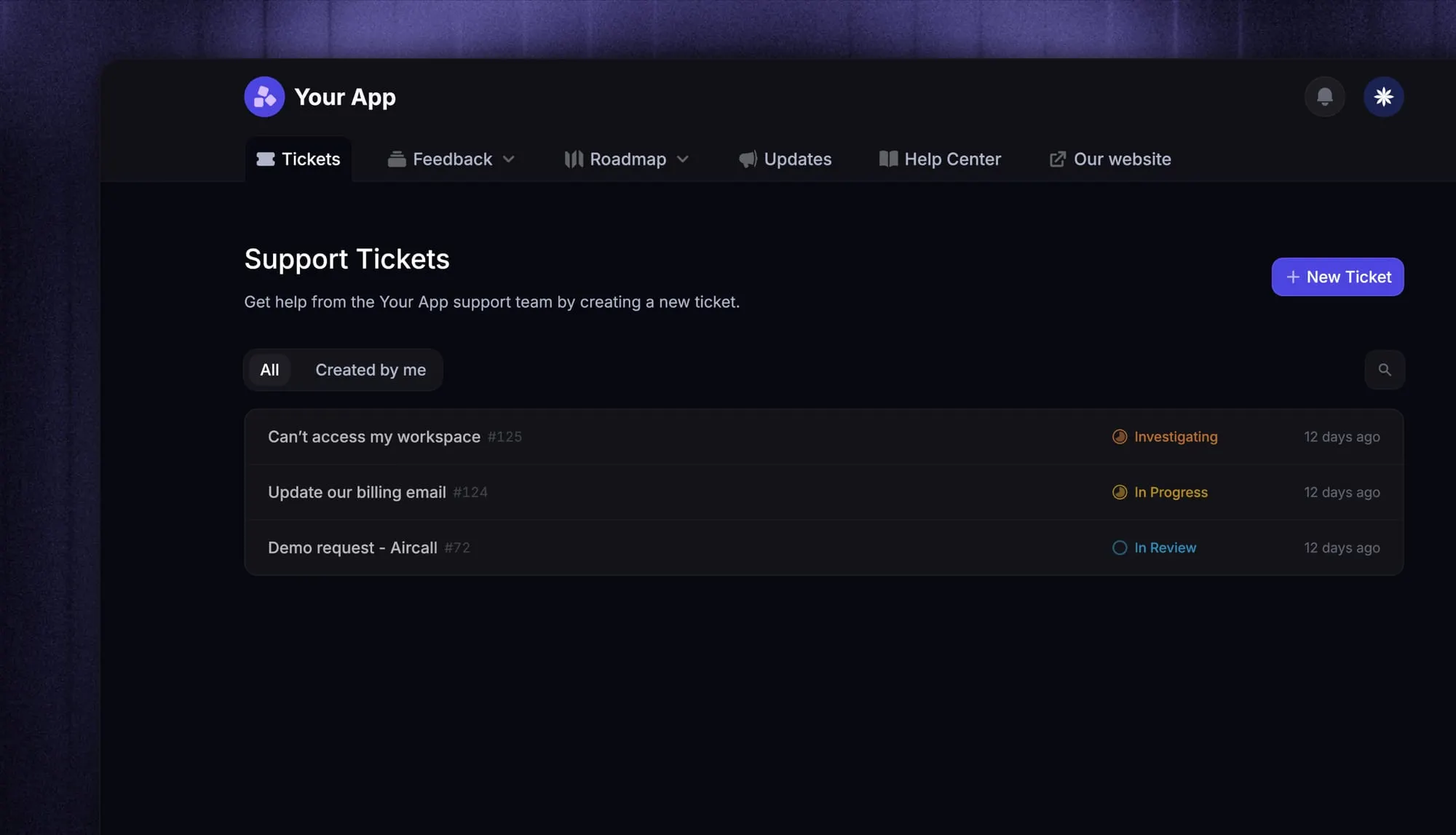
The simplest way to remember it: the help center is what customers see, the knowledge base is the content that fills it, and the help desk is what your team works in.
What makes a good help center
Plenty of help centers exist that nobody uses. The difference usually comes down to a handful of things:
- Powerful search: most people search before they browse, so search needs to be fast, forgiving of typos, and good at surfacing the right article.
- Clear structure: group articles into obvious categories like getting started, billing, and troubleshooting so people can find things by scanning.
- On-brand design: a help center that matches your product feels trustworthy and keeps customers in your world.
- Mobile-friendly pages: a big share of visitors are on a phone, so articles have to be readable on any screen.
- An in-app widget: surfacing help inside your product means customers get answers without breaking their flow.
- Analytics: seeing top articles, search misses, and unhelpful pages tells you exactly what to write and fix next.
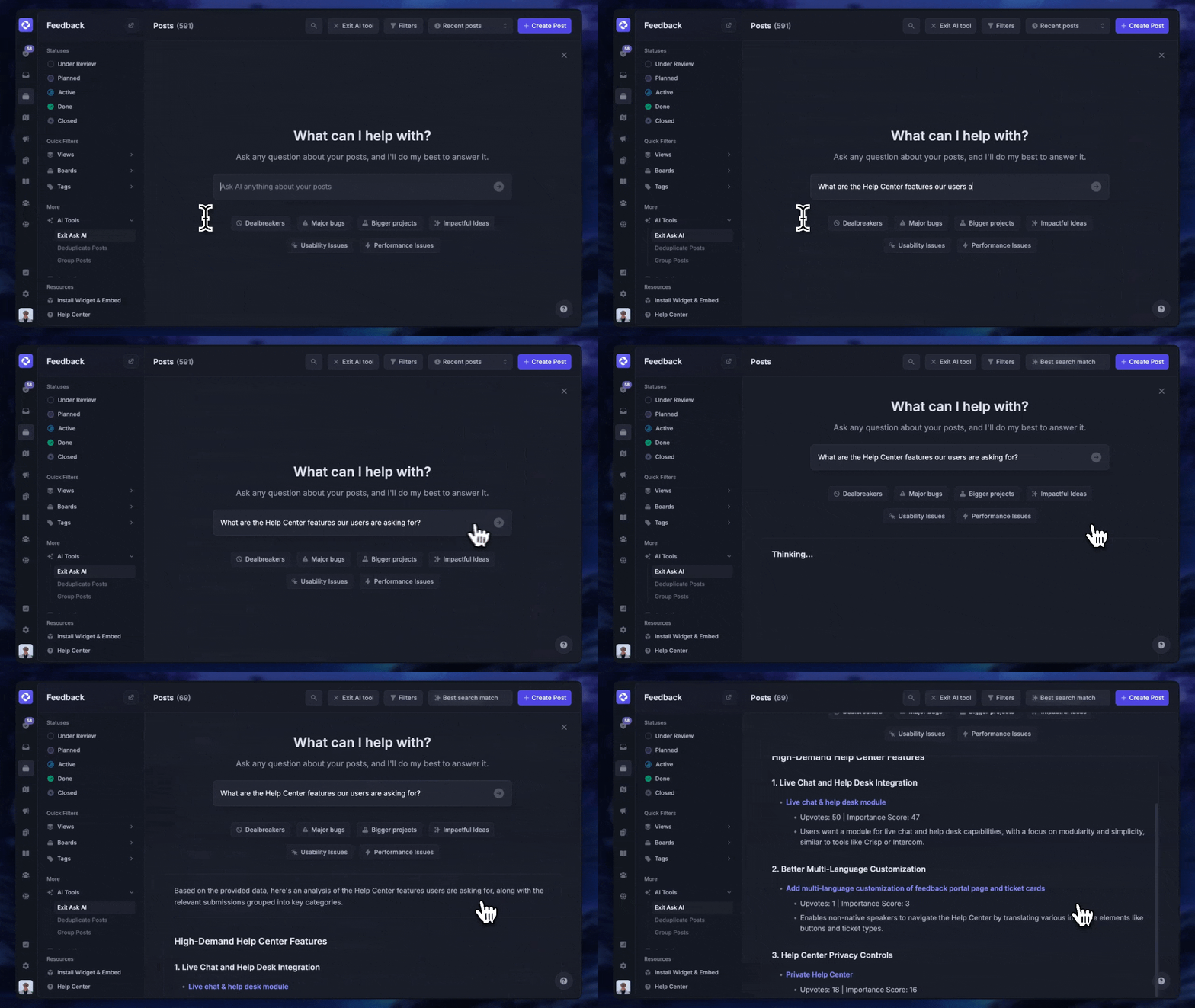
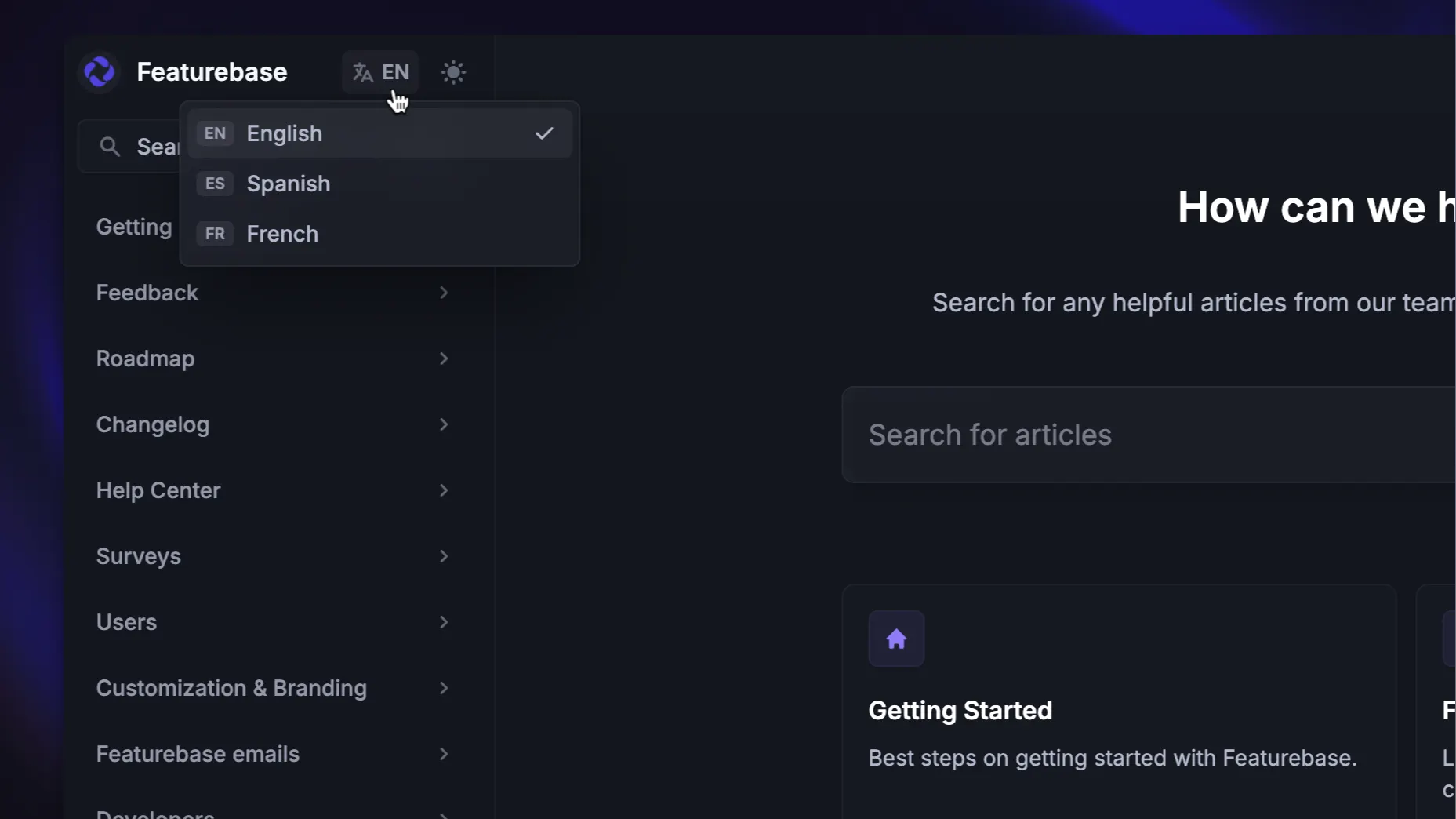
This is where a modern tool helps. With Featurebase, your help center comes with AI-powered search that summarizes answers right in the search bar, an embeddable in-app widget so customers get help without leaving your product, automatic translations into your users' languages for multilingual support, and analytics that show which articles help and which need work.
How to build a help center
You don't need a huge project plan to get started. A practical path looks like this:
- Start with your top tickets: pull the questions your team answers most often and turn each one into an article. That's your highest-impact content.
- Pick your software: choose a tool that's easy to write in, matches your brand, and integrates with the rest of your support stack.
- Organize into clear categories: a simple structure beats a clever one. Getting started, account and billing, and troubleshooting cover most needs.
- Write skimmable articles: use plain language, short paragraphs, and screenshots. Good product documentation is easy to scan, not a wall of text.
- Make it easy to find: link to it from your site, your product, and your automated replies so it becomes the first place people look.
- Track and improve: review what people search for, what they can't find, and which articles get poor reactions, then keep refining.
Start small and expand over time. A focused help center with 15 great articles beats a sprawling one full of thin, outdated pages.
Help center examples
The best help centers come from companies that treat self-service as part of the product:
- Slack pairs a clean search bar with tightly organized categories, so most people find an answer in one or two clicks.
- Notion leans on visual, step-by-step guides with plenty of screenshots and short videos.
- Airbnb structures its help center around who you are (guest, host, or experience host) so people land in the right content immediately.
The common thread is simple: strong search, clear structure, and articles written in plain language.
Create your help center with Featurebase
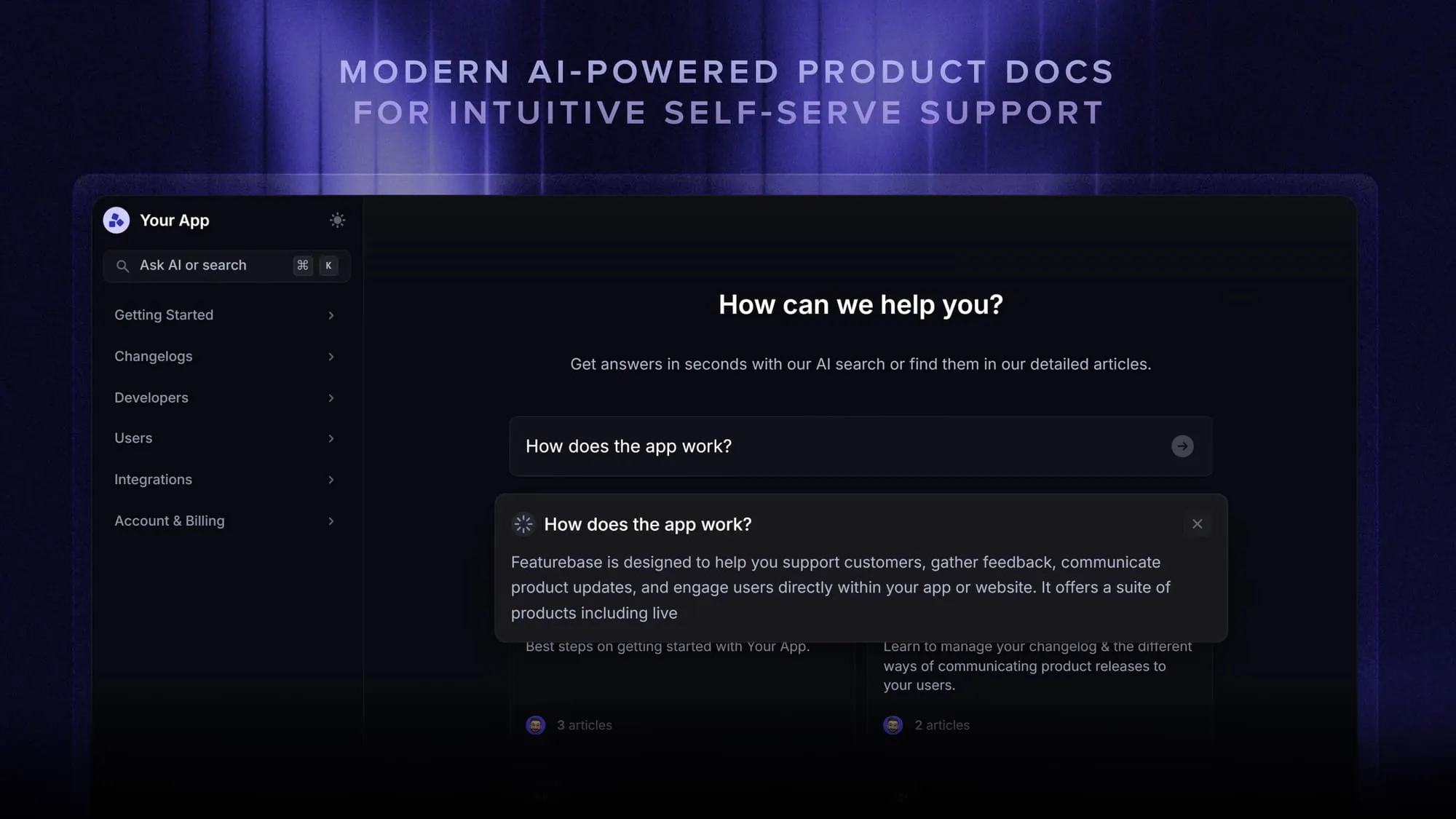
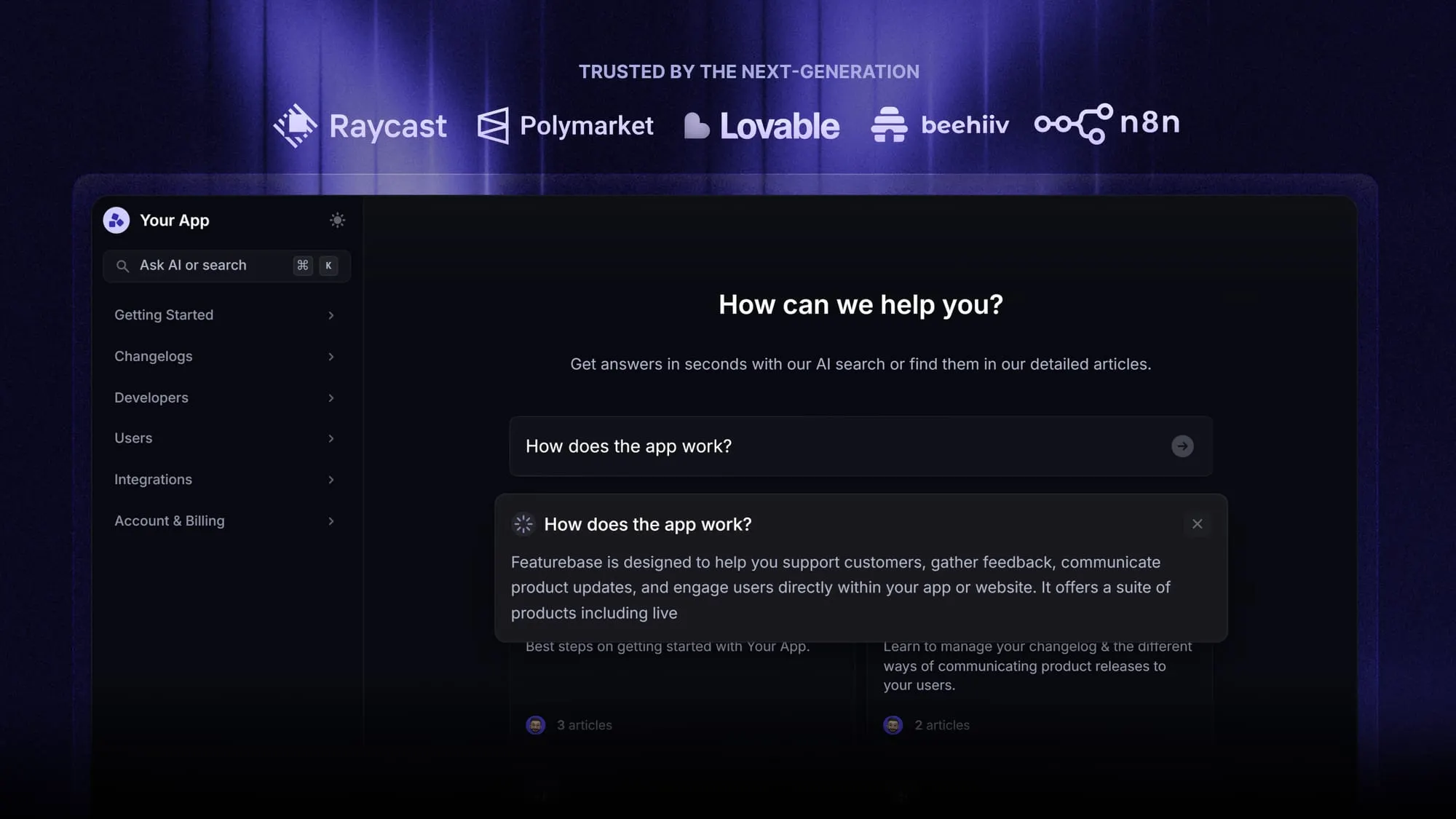
Featurebase is a modern and powerful support platform for SaaS teams that helps you create beautiful product docs, provide AI-powered support, and collect feedback all in one place. It's loved by thousands of support teams from companies like Lovable, Raycast, and n8n. 💫
Top features:
- Public & internal help center – Create a branded knowledge base with your own domain and design for easy self-service support
- Embeddable in-app widget – Serve help articles directly within your app, reaching users where they need assistance most
- AI-powered search answers – Summarize answers for users right in the search bar in seconds
- Automatic AI translations – Automatically translate and show your help center in your users' native languages
- Multi-brand support – Manage multiple help centers and live chats from a single workspace
- AI-powered support platform – Manage chat, email, and Slack support conversations from one AI-powered view
- Feedback & roadmap tools – Collect feature requests and close the loop with updates
- Product updates – Publish release notes with a changelog page, in-app widget, and emails
- Integrations – Connects with Slack, Linear, Jira, HubSpot, and more
Pricing: You can create a public help center with a fully free plan. Paid plans start at just $29/seat/mo for unlimited articles.
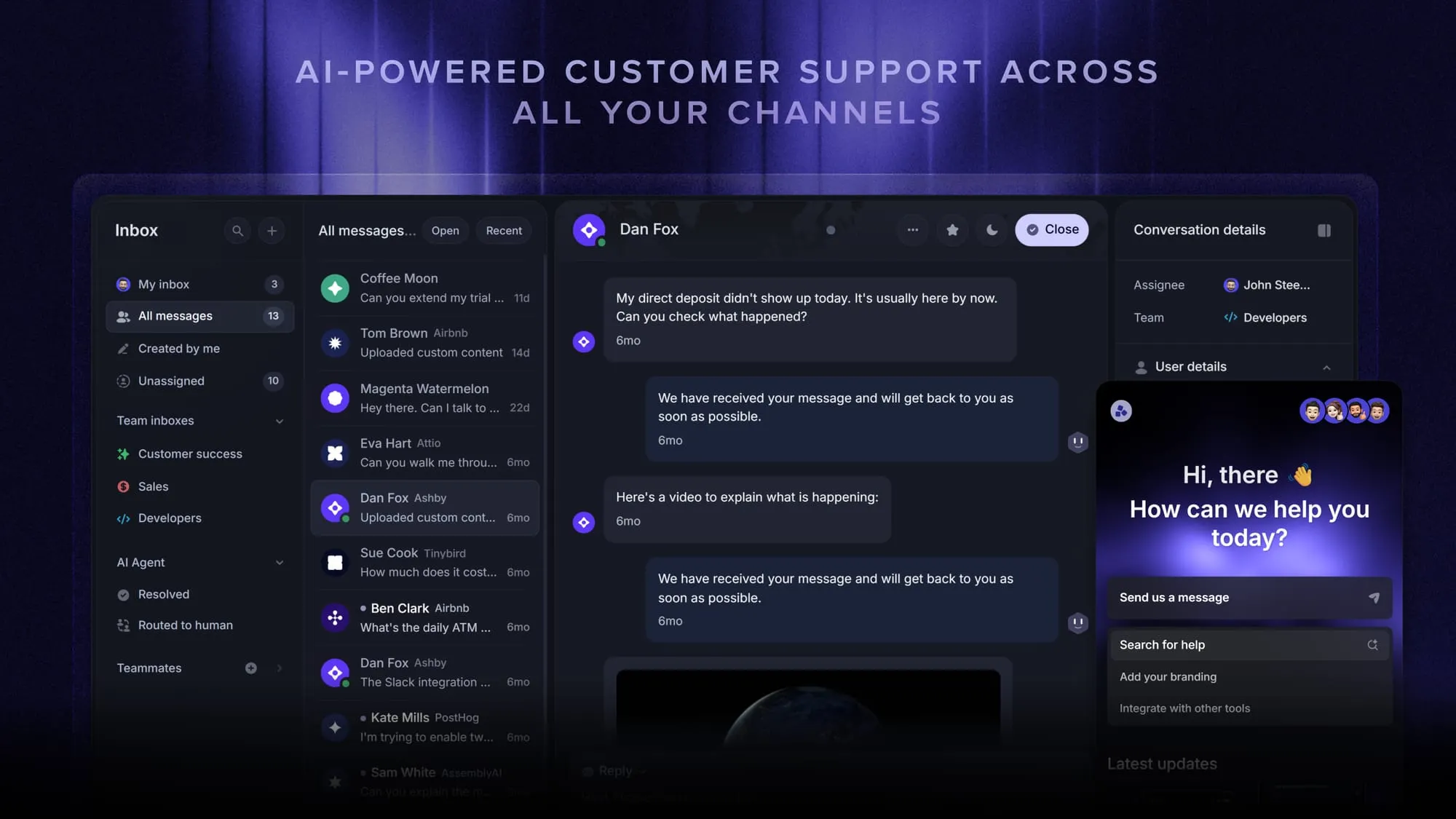
Featurebase offers a modern customer-facing product suite by integrating your help center, live chat, feedback collection, and product updates to build better products and customer experiences.
Conclusion
A help center is one of the highest-leverage things you can build for customer experience. It lets customers solve problems themselves, cuts your repetitive ticket volume, and keeps your answers consistent as you grow.
Featurebase is a modern & powerful Help Center tool that lets you create a beautiful knowledge base with a custom domain, in-app widgets, translations, and so much more. It also comes with feedback collection, survey, roadmap, and changelog features to help you build a product your users love.
It has affordable pricing and a Free plan, so there's no downside to trying it. Plus, we can help you seamlessly migrate from any existing knowledge base tools. 👇
Create a beautiful Help Center with Featurebase for free
FAQs
A help center goes by several names, including support center, support portal, help site, or self-service portal. Some companies simply call it their knowledge base, since that's the content that fills most of it. Whatever the label, the purpose is the same: a place where customers find answers on their own.
No. An FAQ page is a single list of common questions with short answers, while a help center is a full self-service destination with searchable articles, guides, troubleshooting steps, and often a way to contact support. An FAQ page is usually one small part of a help center, not a replacement for it, and you can see how it fits with these FAQ page examples.
Most companies host their help center on a subdomain like help.yourcompany.com or support.yourcompany.com, mainly because it's easier to set up with help center software. A subfolder like yourcompany.com/help can pass more SEO value to your main domain, but it's often harder to configure. For most teams, a subdomain is the simpler and more common choice.
You don't need a big library to start. Begin with articles that answer your most common support tickets, which is usually 10 to 20 pieces covering getting started, billing, and top troubleshooting issues. You can expand over time as you spot new questions and gaps.
Track ticket deflection (fewer repetitive tickets reaching your team), article views, and search activity, especially searches that return no results. Article reactions and satisfaction scores tell you which content actually helps and which needs a rewrite. Together, these show where your help center is working and where the gaps are.
Not necessarily. There are both paid and free options, and some tools let you launch a full help center at no cost. Featurebase, for example, lets you create a public help center on a completely free plan, with paid plans starting at $29 per seat per month for unlimited articles.