Blog Product ManagementCustomer-Facing Roadmap: How to Build One (+ Template)
Customer-Facing Roadmap: How to Build One (+ Template)
Learn how to create a customer-facing roadmap that sets clear expectations, gathers feedback, and keeps customers informed. Includes a practical template.

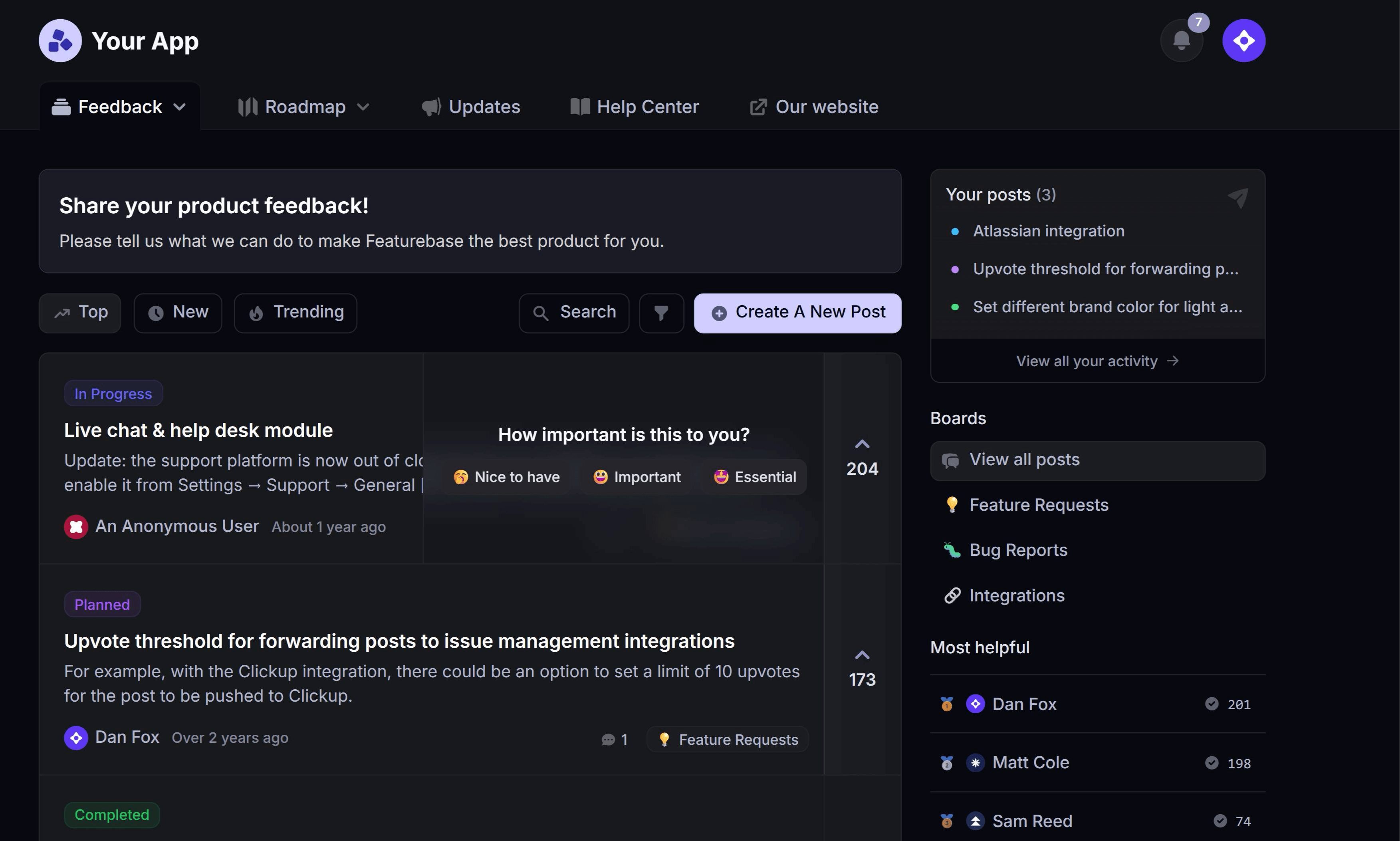

✨ Create internal & public roadmaps with Featurebase for free →
Customers want to know where your product is heading. But share your internal roadmap without enough context, and a tentative idea can become a feature someone expects next month.
A customer-facing roadmap gives people a clear view of your priorities while explaining what’s still uncertain.
In this guide, I’ll show you what to share, how to keep expectations realistic, and how to create a roadmap customers can actually use, with a template you can adapt. 👇
Key takeaways
- Explain the customer benefit: Give each roadmap item a clear problem, intended outcome, and current status.
- Choose the right audience: A customer-facing roadmap can be public or restricted to selected customers.
- Make uncertainty visible: Explain what your statuses mean and distinguish planned work from confirmed releases.
- Keep the conversation going: Ask for feedback, maintain the roadmap, and explain changes to affected customers.
- Featurebase✨: Organize Requests into Roadmaps and share them through your portal or an embedded view.
What is a customer-facing roadmap?
A customer-facing roadmap, also called a customer-facing product roadmap, is a view of your product’s planned direction created for customers and prospects. It explains which problems you intend to address, why they matter, and how work is progressing.
For example, a reporting platform might show plans to help finance teams schedule recurring reports. Customers get enough context to understand the benefit without needing the engineering tasks behind it.
The roadmap also creates a place for discussion. Someone might explain that scheduling matters less to them than controlling who receives each report. That detail can change how your team approaches the work.
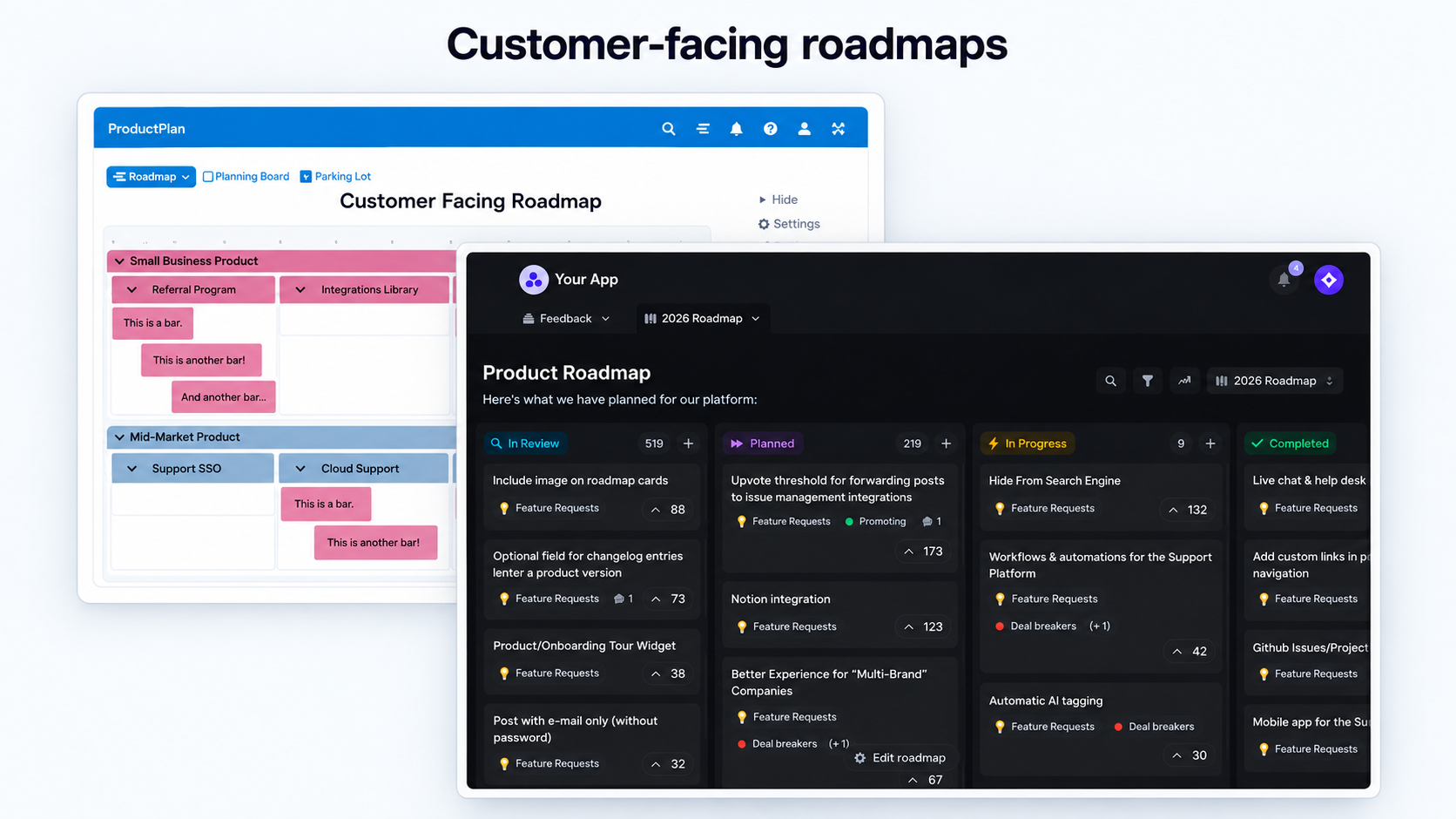
Customer-facing vs. public vs. internal roadmaps
These terms describe different aspects of a roadmap, so it helps to separate audience from access:
| Roadmap type | Audience | Typical content |
|---|---|---|
| Internal roadmap | Product, engineering, and other internal teams | Strategic priorities, dependencies, ownership, and planning detail |
| Customer-facing roadmap | Customers or qualified prospects | Relevant improvements, customer benefits, and understandable progress updates |
| Public roadmap | Anyone who visits the page | Externally shareable plans with no confidential customer or business information |
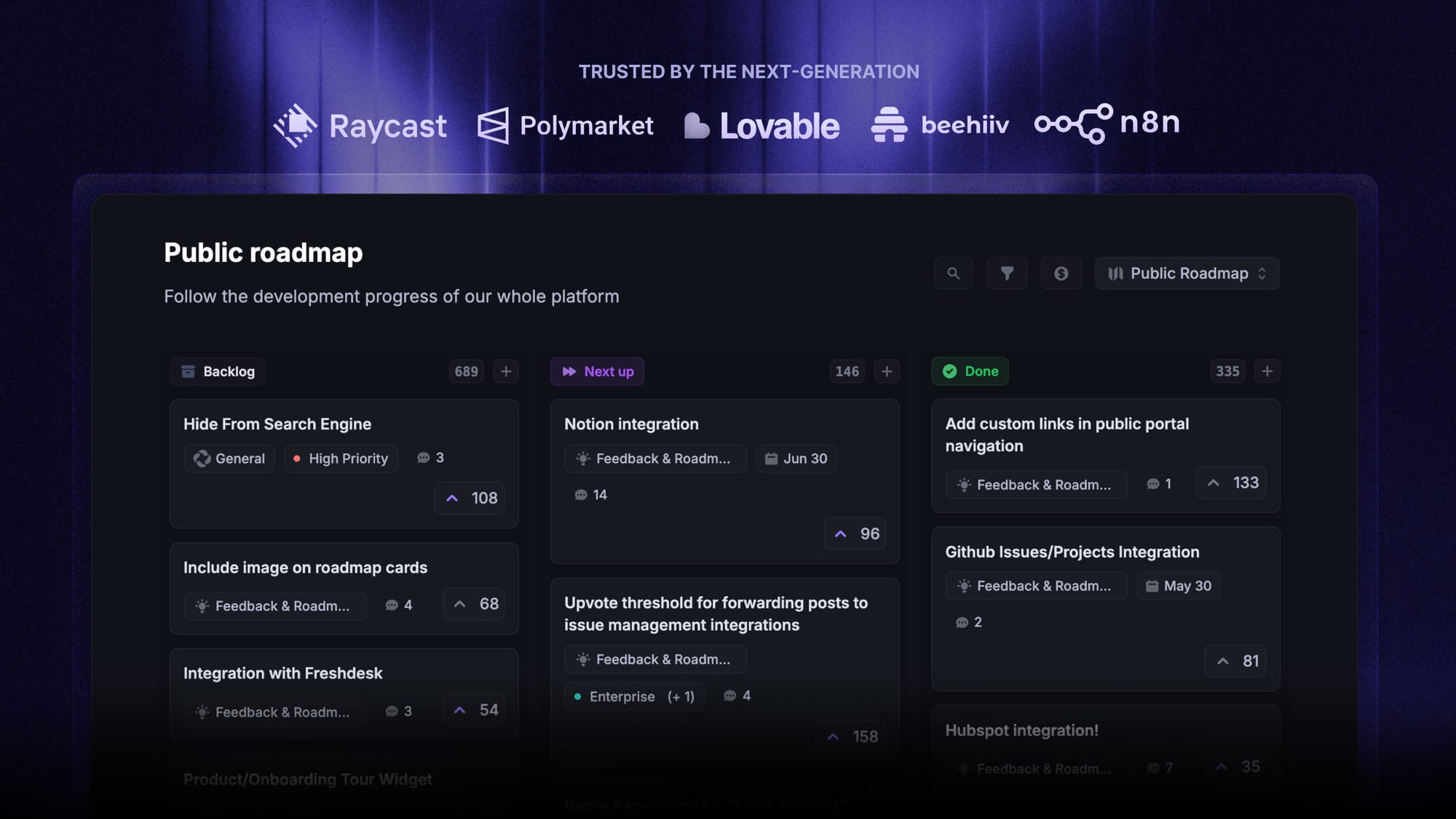
A public product roadmap can serve as your customer-facing roadmap. You can also share a restricted version with existing customers or tailor a presentation for a particular account.
Why share your roadmap with customers?
A roadmap gives customers something concrete to respond to when they ask about your product’s future. It can make those conversations more useful in several ways:
- Help customers plan: A team evaluating a new workflow can see whether your planned improvements address its needs and ask about unresolved details.
- Gather better feedback: Showing a specific problem gives people a starting point for explaining their own requirements and workarounds.
- Give customer-facing teams consistent information: Sales and customer success can discuss the same approved priorities instead of maintaining separate lists.
- Show progress over time: Customers can follow an issue they care about and understand what happens next.
These benefits require upkeep. An abandoned page creates more questions, especially when customers have already made plans around it.
Before sharing, choose someone who will own updates. If your priorities are still changing daily, start with a small customer group and a focused discussion.
What should a customer-facing roadmap include?
Include enough information for someone to understand whether an item affects their work. Start with the customer’s problem, then explain your current direction.
Information customers need
For each item, capture:
- A clear title: Describe the improvement in language your users recognize.
- The customer problem: Explain the situation you want to improve and who experiences it.
- The intended benefit: Show what users should be able to do more easily.
- The current status: Make it clear whether you’re investigating, building, or releasing the improvement.
- Known scope: Mention relevant availability limits when they’re decided, such as an initial rollout to a particular user group.
- A feedback route: Give readers a way to explain their needs or ask a question.
At the roadmap level, include a short explanation of your product direction and when the page was last reviewed. Readers should be able to tell whether they’re looking at current plans.
Details to keep internal
Leave out sensitive customer information, unresolved commercial terms, and implementation detail that doesn’t help the reader. A sprint ticket full of technical shorthand usually needs rewriting before customers see it.
Technical work can still deserve a place on the roadmap when the benefit matters to customers. For example, a database change might support faster searches in large workspaces. Explain that improvement without exposing the underlying architecture.
Similarly, an experiment needs an honest label. If you’re still deciding whether to pursue an idea, describe the question you’re investigating rather than presenting a finished solution as inevitable.
How to create a customer-facing roadmap
You can build the first version from your existing product plans. These 6 steps help you decide what to share and how to maintain it.
1. Define your audience and purpose
Start with the decision or conversation the roadmap should support. A workspace administrator planning a rollout needs different information from an executive discussing a renewal.
Write a simple purpose statement, such as:
Help workspace administrators understand upcoming improvements to reporting and explain what they need before we finalize the design.
Use that statement to filter the content. You may need different views for different customer segments, but they should reflect the same underlying product strategy.
Avoid creating a separate set of promises for every account. Tailor the emphasis and relevant details while keeping priorities consistent.
2. Choose customer-relevant priorities
Review your internal roadmap alongside customer feedback, support conversations, and research. Select work that has a clear connection to the audience’s needs.
For each candidate, ask:
- Relevance: Does this address a problem this audience experiences?
- Readiness: Can we accurately describe our current direction?
- Strategy: Does this support the product we intend to build?
Use your existing roadmap prioritization process to make those decisions. The shared roadmap communicates the resulting priorities.
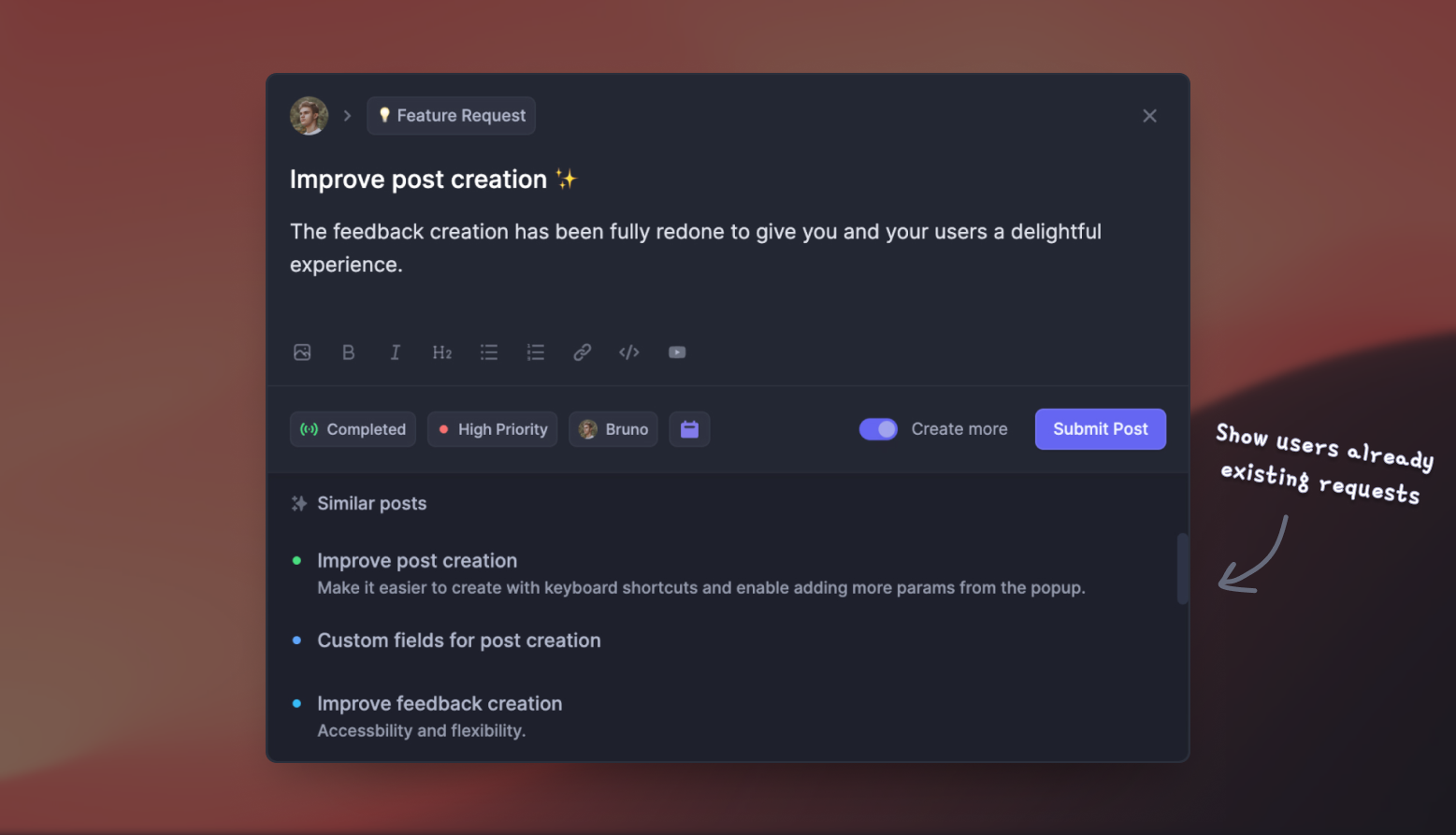
Popular feature requests can reveal demand, but votes alone don’t establish importance. Ask who needs the change, how often the problem occurs, and what people currently do to work around it.
3. Describe the problem and expected benefit
Translate internal project names into useful customer language. “Reporting service v2” tells a customer very little about what will improve.
A clearer version might be:
Schedule reports for your team
Finance leads currently recreate and email the same report each week. We’re working on scheduled delivery so they can share recurring reports with less manual effort.
That description gives customers something specific to discuss without listing every implementation choice.
I’d also add a focused question where you need input: “Which reports do you send repeatedly, and who needs to receive them?” This helps you collect product feedback about the workflow behind the request.
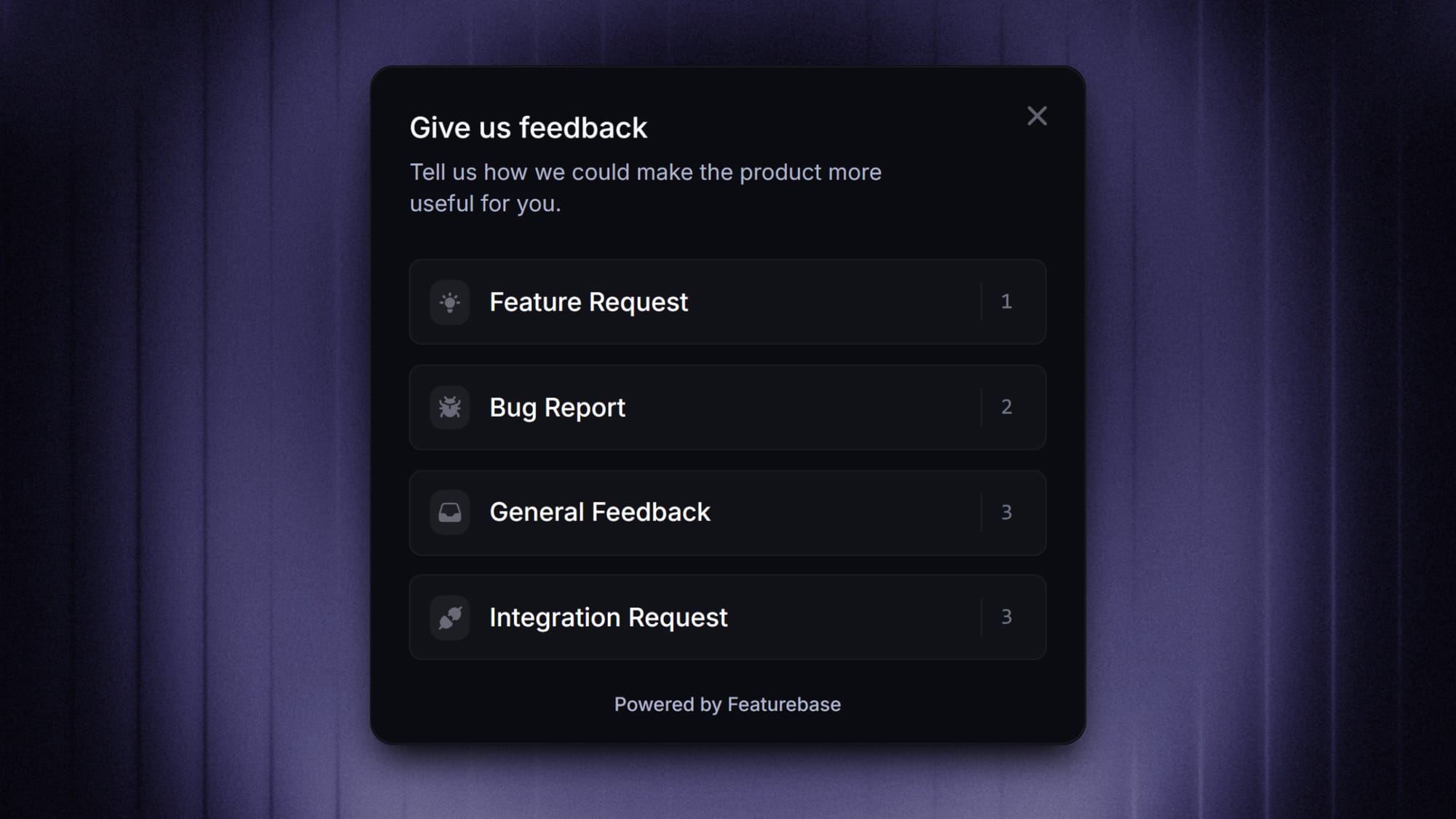
4. Choose a format and explain your statuses
A now-next-later roadmap is a useful starting point when sequencing is clearer than delivery dates. Define the columns for your audience:
- Now: Work the team is actively pursuing.
- Next: Priorities expected to follow, with scope or sequencing still subject to change.
- Later: Problems worth exploring that haven’t been scheduled for delivery.
Keep completed work visible separately or move it into your release history. If a feature is only in a limited beta, say so before marking it available.
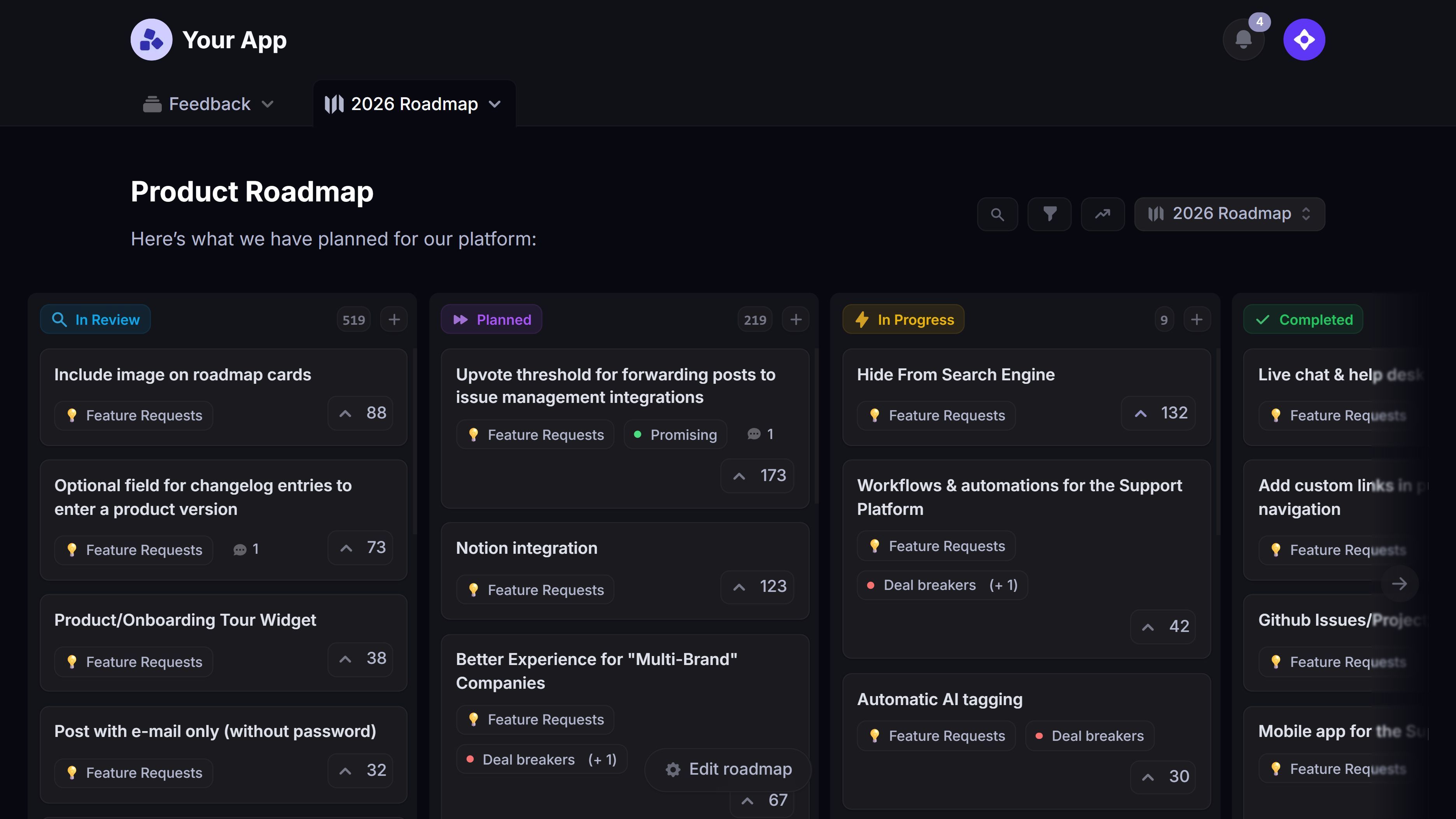
In Featurebase, Roadmaps organize Requests into custom columns or time periods. Changes to a Request’s status or date can change where it appears, helping your shared view reflect the underlying work.
Some customers need timing information to plan migrations or training. Share approved dates when you have sufficient confidence, and label estimates clearly. A quarter can become an expectation just as easily as a specific day.
Add a plain-language note that explains how customers should interpret the roadmap:
This roadmap reflects our current priorities. Scope, order, and timing may change as we learn. We’ll announce confirmed availability separately.
The note supports honest communication. Your team still needs to explain meaningful changes directly.
5. Publish it where customers can find it
Choose a stable location that suits your audience, such as a customer portal or an in-app page. Use the same destination in customer conversations so people can return to the latest version.
Featurebase lets you share a Roadmap link or embed the view in your product, with access for selected audiences. Existing portal and Request visibility rules still apply, so sharing a Roadmap doesn’t automatically expose private Requests.
Before launch, review the page as an intended customer. Check that the wording makes sense without internal context and that people can access the information meant for them.
If you use slides for a meeting, add a review date and point attendees to the maintained version for subsequent updates.
6. Assign ownership and keep customers updated
Give the roadmap a named owner who can confirm changes with the product team. Agree on who can edit descriptions, approve timing statements, and respond to questions.
I’d start with a weekly accuracy check, plus an update whenever a meaningful decision changes. Adjust that rhythm to how quickly your plans move.
Keep these responsibilities clear:
- Product: Confirm priorities, scope, and development status.
- Product marketing or customer success: Make the explanation useful to the audience.
- Sales and support: Surface customer questions and identify people affected by a change.
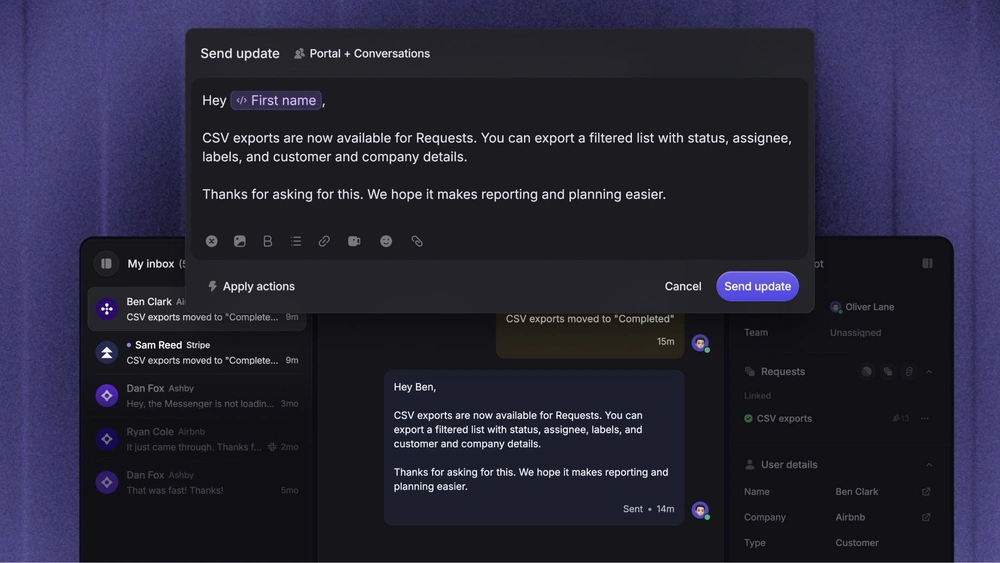
When something becomes available, explain who can use it and how to get started. Clear release notes give customers the practical detail that a roadmap card usually lacks.
Then close the feedback loop with the people who requested the improvement. Updating a status is useful, but a direct follow-up makes the connection to their feedback clear.
Customer-facing roadmap template and example
Here’s a customer-facing roadmap template for a fictional reporting product. The items illustrate how to describe plans at different levels of certainty.
Roadmap purpose: Help finance teams prepare and share recurring reports with less manual work.
Audience: Existing workspace administrators and finance leads.
Last reviewed: [Date]
| Priority | Customer problem | Planned direction | Status | Feedback question |
|---|---|---|---|---|
| Now | Finance leads manually send the same report each week | Schedule recurring report delivery | In development | Which delivery schedules do you need? |
| Next | Recipients see information that isn’t relevant to their role | Make reports easier to tailor for different audiences | Scope being defined | How do your recipients’ reporting needs differ? |
| Later | Teams struggle to explain changes between reporting periods | Explore clearer ways to compare results | Under consideration | Which changes are hardest to investigate today? |
Planning note: These are current priorities. Scope and timing may change. Confirmed releases will be announced separately.
Share feedback: [Feedback destination or contact]
You can copy the structure and replace the example rows with your own priorities. Keep the customer problem separate from the proposed solution so readers understand the reason for the work.
Notice that “Later” uses exploratory language. The team hasn’t promised a particular comparison feature, but customers can still explain what would help them.

Start creating product roadmaps for free
Share what you’re building & keep teams and users aligned with modern roadmaps
How to communicate roadmap changes
When plans change, update the roadmap and tell affected customers what the change means. A silent move between columns leaves people guessing.
Use a short message that explains the decision, its impact, and when customers will hear from you again.
When an item is delayed
Explain what you know without filling the gap with another uncertain deadline. Here’s illustrative wording for the reporting example:
Scheduled report delivery is taking longer than planned because testing uncovered problems with large recipient lists. We’re keeping it in development while we resolve those issues. We’ll share another progress update on [date], even if we don’t yet have a confirmed release date.
Choose an update date your team can meet. If there’s a useful workaround, include it and make its limitations clear.
For customers whose own plans depend on the feature, have a direct conversation alongside the general update.
When you change direction
Explain the evidence behind the decision and what happens to the underlying customer need:
We’ve paused work on separate report layouts for each role. Customer interviews showed that controlling access to sensitive information is the more urgent problem, so we’re investigating permissions first. If you were waiting for custom layouts, please tell us which reporting tasks remain difficult.
When you’re declining a feature request, be clear about the decision. Leaving rejected work in “Later” indefinitely gives customers a reason to keep waiting.
You can acknowledge the problem without promising to solve it. Explain any available alternatives and preserve the feedback for future planning.
Conclusion
A useful customer-facing roadmap gives customers clear priorities, relevant context, and an honest picture of progress. Start with a focused view, give it an owner, and explain changes as carefully as you explain new plans.
Featurebase is a modern feedback & roadmapping platform that helps product teams collect feedback, prioritize features, build roadmaps, and announce product updates, all in one place.
It comes with a Free plan, and you can get started without a credit card. 👇
✨ Create internal & public roadmaps with Featurebase for free →
FAQs
How far ahead should a customer-facing roadmap look?
Show the horizon over which your team can explain its priorities with useful confidence. A fast-changing product might keep detailed plans to the upcoming planning cycle, while a mature product can discuss longer-term themes. Reduce specificity as uncertainty grows.
Can sales share a roadmap with prospects?
Yes, when the product team has approved both the content and its intended audience. Give sales clear guidance on which details they can discuss and how to handle requests for commitments. Evaluate the prospect’s current requirements against the product available today.
Do you need dedicated roadmap software?
You can start with a shared document if the audience is small and someone maintains it consistently. Dedicated product roadmap tools become more useful when you need multiple views, customer feedback, access controls, or connections to existing work. Choose based on those needs and the effort required to keep information accurate.
How is a roadmap different from a customer success plan?
A product roadmap describes the direction of the product itself. A customer success roadmap or plan focuses on how a particular customer will achieve its goals, including adoption and business milestones. Product improvements can support that plan, but they cover only part of the customer’s work.
How do you measure whether a customer-facing roadmap helps?
Track whether intended customers view it and whether their responses improve your understanding of their needs. Ask sales and customer success whether it helps resolve questions or reveals requirements they would otherwise miss. Treat any relationship with renewals or sales outcomes as a signal to investigate, since roadmap engagement alone doesn’t prove causation.