Blog Customer ServiceCustomer Service Scorecard: How to Build One + Template
Customer Service Scorecard: How to Build One + Template
Learn what a customer service scorecard is, what to put on it, and how to build one in 6 steps - with a copy-ready template you can use today.



✨ Automate your support with the fastest AI-enhanced Inbox today →
You sit down to review an agent's conversation and think, "Where do I even start?" One reply felt warm, another felt rushed, and by the end you're grading on gut feel.
A customer service scorecard fixes that. It turns "that felt like a 7/10" into a consistent, weighted score your whole team can trust.
Below, I'll break down what a scorecard is, the components every one needs, a template you can copy, and a 6-step process to build your own. 👇
Key takeaways:
- A customer service scorecard is a structured form for reviewing support conversations against set criteria, so quality becomes measurable instead of subjective.
- Every scorecard needs the same core parts: reviewers, a review period, goals, rating categories, category weights, a rating scale, and space for feedback.
- Weighting matters. The categories you care about most (like empathy or resolution) should carry more of the total score.
- Scorecards work best when reviewers calibrate together, so the same conversation gets the same score no matter who reviews it.
- Tools like Featurebase✨ surface the CSAT and SLA data that feed your scorecard, all from one support inbox.
- Review your scorecard regularly (at least quarterly) so it keeps matching your goals.
What is a customer service scorecard?
A customer service scorecard is an evaluation form used to review support conversations and rate their quality against a fixed set of criteria. It gives reviewers a consistent lens, so feedback is specific, measurable, and fair.
Think of it as the difference between "that call went okay" and "the agent scored 4/5 on tone, 3/5 on following process, and missed the closing recap." One is an opinion. The other is something you can coach on.
Managers, team leads, and QA specialists use scorecards to spot what agents do well, catch where they slip, and turn scattered observations into a repeatable review process. The result is a support team that meets its service standards consistently.
What to include in a customer service scorecard
A scorecard only works if it's structured well. Include too little and you learn nothing. Include too much and reviewers burn out. These are the core components every effective scorecard needs:
- Reviewers and reviewees: List who is doing the scoring (supervisors, managers, or QA specialists) and who is being scored (your support reps). Naming everyone keeps the review process transparent.
- Review period: Set the window each review covers, whether that's weekly, monthly, or quarterly. Revisiting past periods is how you track whether agents are actually improving.
- Review goals: Define what you're aiming for, like lifting CSAT by 10% or improving product-knowledge scores. Goals give the numbers a purpose.
- Rating categories: Choose the specific things you evaluate, such as tone, empathy, accuracy, personalization, and following process. Aim for 3 to 7 categories - enough to be useful, few enough to avoid decision fatigue.
- Category weights: Give your most important categories a bigger share of the total score. If resolution matters more than grammar, weight it that way.
- Rating scale: Decide how each category is scored, whether that's a simple yes/no, a 1 to 3 scale, or a more granular 1 to 5. Consistency across reviewers matters more than the exact range.
- Feedback: Leave space for written comments so reviewers can explain a score and agents understand where to improve. A number without context rarely changes behavior.
Get these seven parts right and the rest of the scorecard almost builds itself.
Customer service scorecard template + example
Here's a simple scorecard you can copy and adapt. Each category gets a weight and a 1 to 5 score, and the weighted total rolls up into an overall quality percentage.
| Category | What you're checking | Weight | Score (1-5) |
|---|---|---|---|
| Opening & identification | Did the agent greet the customer and verify their details? | 10% | |
| Understanding the issue | Did they listen and pin down the real problem? | 20% | |
| Resolution | Was the issue solved or did the customer leave with clear next steps? | 25% | |
| Following process | Did they follow required steps, holds, and policies? | 15% | |
| Tone & empathy | Did they stay calm, warm, and human under pressure? | 20% | |
| Closing | Did they recap next steps and confirm nothing else was needed? | 10% |
To score a conversation, rate each category from 1 to 5, multiply by its weight, and add up the results for a single quality score out of 100%. Tweak the categories and weights to match your channels. Tone and empathy carry more weight on a phone call, while accuracy and follow-up matter more over email.
How to build a customer service scorecard in 6 steps
You don't need fancy software to start. A shared doc and a clear process are enough. Here's how to build a scorecard that your team will actually use.
1. Define your goals and what "quality" means
Start by nailing down your customer service goals. Do you want fast, efficient resolutions, or deeply personalized support that drives loyalty? Your answer shapes everything else on the scorecard, so get specific before you pick a single metric.
2. Choose your rating categories and metrics
Next, translate those goals into categories you can score. If empathy is a priority, make it a category. Pair the qualitative categories with the customer service metrics that back them up, like:
- CSAT (customer satisfaction): How happy customers are after an interaction.
- First-contact resolution: The share of issues solved on the first try.
- Average handle time: How long a typical interaction takes.
- Response time: How quickly your team replies across each channel.
Pick the handful that map directly to your goals and skip the rest.
3. Assign category weights
Not every category deserves equal weight. Give the ones that matter most the biggest slice of the total score. If your team struggles with tone and greetings, weight those higher so reviews put attention where it's needed. Weighting is how you turn a flat checklist into a reflection of your actual priorities.
4. Pick a rating scale
Decide how granular your scoring should be. A binary yes/no is fast and hard to argue with, while a 1 to 5 scale captures nuance. There's no universally right answer, so choose the scale your reviewers can apply consistently and stick with it across the whole team.
5. Collect and score conversations
Now gather the conversations to review. Support tickets, chat logs, and call recordings all work. This is also where the data behind your scorecard lives, and pulling it from one place saves hours.
With Featurebase, your live chat, email, and Slack conversations sit in a single AI-powered inbox, and built-in CSAT surveys plus SLA tracking capture the satisfaction and response-time signals your scorecard categories rely on. That means the numbers feeding your reviews come from the same tool your team already works in.
6. Calibrate and review regularly
Finally, get your reviewers aligned. Run calibration sessions where several people score the same conversation and compare notes, so one manager's 4 means the same as another's. Then revisit the scorecard itself every quarter to make sure it still reflects your goals as they change.
Best practices for an effective customer service scorecard
Building the scorecard is half the job. Using it well is what actually improves service. A few habits make the difference:
- Share the criteria with agents: Nobody likes surprise scoring. When agents know what's measured, they buy into the process and self-correct before reviews.
- Score with a purpose: Every review should help someone improve, not just tick a box. If a score won't lead to coaching, it's wasted effort.
- Leave room for judgment: A good agent sometimes skips a step for a good reason. Let reviewers note context instead of blindly deducting points.
- Track trends, not just single calls: One conversation is a snapshot. Patterns over weeks reveal whether someone is consistently strong on empathy but weak on process.
- Use scores in one-on-ones: Walk through a scorecard together and let the agent react first. It turns evaluation into a conversation, not a verdict.
Do these consistently and your scorecard becomes a coaching engine, not just a grading sheet.
Where your scorecard data comes from
A scorecard is only as good as the data behind it. If your conversations, satisfaction scores, and response times live in separate tools, you'll spend more time stitching numbers together than coaching your team.

That's where having your support stack in one place helps. With Featurebase, live chat, email, and Slack conversations sit in a single inbox, and the CSAT surveys and SLA tracking run right alongside them. So when you sit down to score, the satisfaction and responsiveness signals your categories rely on are already there, tied to the actual conversation you're reviewing.
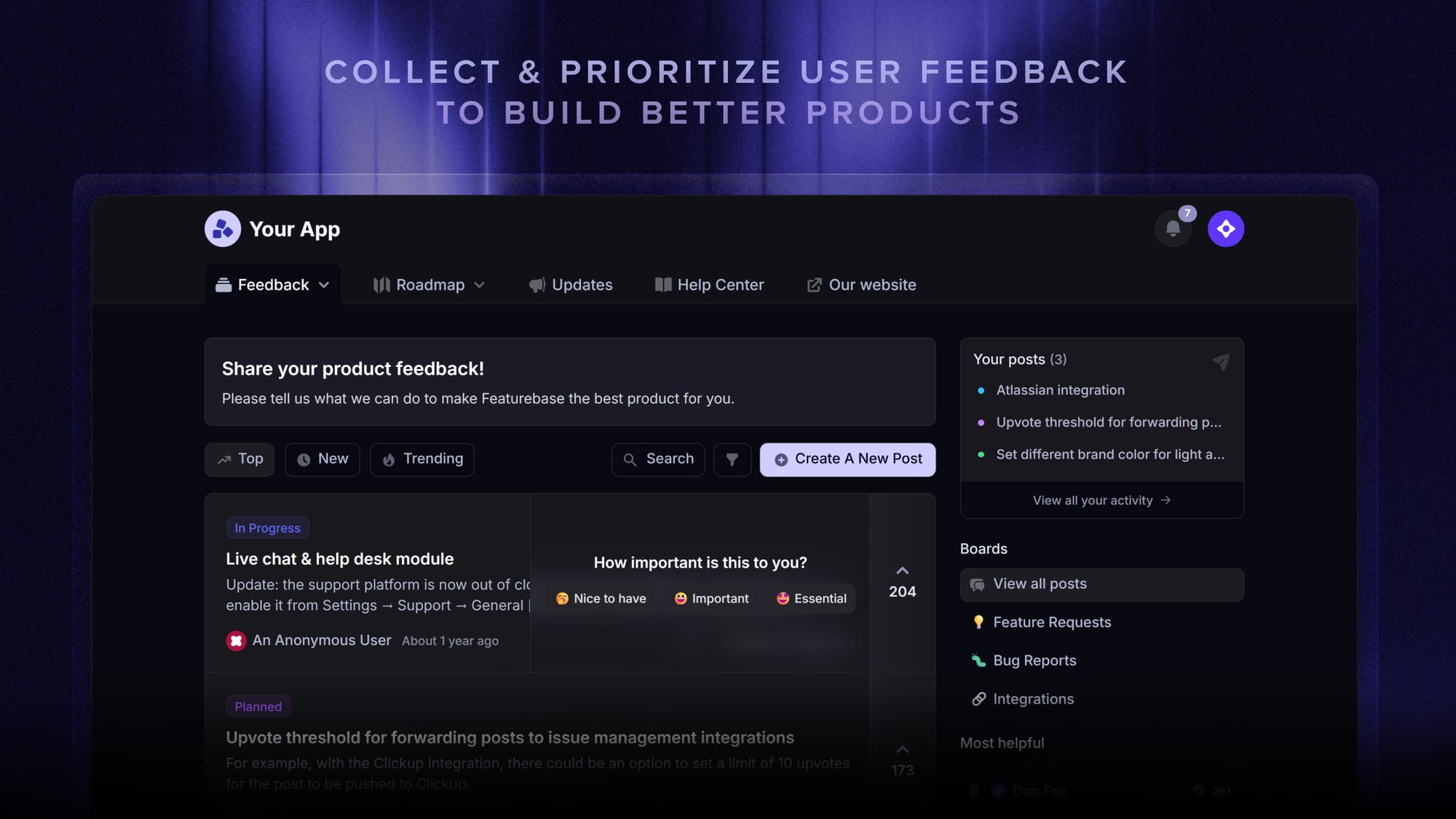
It's a small shift that removes a lot of friction: no exporting from one system, reconciling with another, and hoping the timestamps line up. The metrics feed your scorecard from the same place your team already works.
Conclusion
A customer service scorecard is how you stop guessing and start measuring. With clear categories, sensible weights, and regular calibration, it turns every review into fair, coachable feedback that lifts your whole team.
Featurebase is a modern AI-powered support platform that brings your inbox, help center, CSAT surveys, and SLA tracking together in one place - so the metrics behind your scorecard are always at hand. It also includes feedback, roadmap, and changelog tools to help you build products your users love.
It comes with a Free plan, and the onboarding is quick with no credit card required, so there's no downside to trying it. 👇
✨ Automate your support with the fastest AI-enhanced Inbox today →

Get the best modern XYZ alternative
Automatically resolve 70% of customer requests & cut down manual support loads
FAQs
What is the difference between a customer service scorecard and a QA scorecard?
They overlap, but they're not the same. A customer service scorecard measures overall service quality, including behaviors, outcomes, and the metrics that matter to customers. A QA scorecard is the narrower quality-assurance layer that checks whether an agent followed process and standards on a specific conversation, and it often sits inside the broader customer service scorecard.
Is a customer service scorecard different from tracking KPIs and metrics?
Yes. KPIs like average handle time or CSAT tell you what happened, but not why or how well. A scorecard adds weighted, qualitative categories such as tone and empathy on top of those numbers, giving you a fuller picture of support quality that raw metrics miss.
How do you calculate a customer service scorecard score?
Rate each category on your chosen scale, multiply each rating by that category's weight, then add the weighted results into a single score, usually expressed as a percentage. For example, a high tone score counts for more if empathy carries a bigger weight than grammar.
How often should you update your customer service scorecard?
Review it at least quarterly, and any time your goals, channels, or standards shift. Customer expectations change, so a scorecard that never updates slowly drifts away from what actually matters to your team.
How many customer conversations should you review?
Review enough to get a representative read on each agent and channel rather than a fixed number. Manual reviews naturally limit how much you can cover, so many teams use AI and automation to score a far larger share of conversations without adding headcount.
Who should own the customer service scorecard?
Usually a QA lead or support manager owns the scorecard, but it works best when it's built collaboratively. Involving agents in choosing categories and standards increases buy-in and makes the scores feel fair rather than imposed.