Top 7 Affordable Document360 Alternatives for 2026
Looking for a knowledge base tool, but Document360's pricing feels too steep? You're not alone! In this post, I've listed the 7 best affordable Document360 alternatives you'll love. Let's get into it!


On this page
Looking for an alternative to Document360? Try Featurebase's AI-powered Help Center for free
So you're searching for a knowledge base software to set up your company's documentation?
Document360 is pretty well-known, so you likely stumbled upon them first. However, since they're an enterprise solution, the pricing is quite crisp for a knowledge-sharing platform. 😬
In this post, I'll list the best modern and affordable Document360 alternatives that deliver just as much value without breaking the bank. Let's get started! 👇
In short, the best Document360 alternatives:
- ✨ Featurebase - Best overall affordable & modern alternative
- HelpDocs - Best for large teams looking for a good deal on many seats
- GitBook - Best for technical teams that use GitHub
- HelpJuice - Best for large teams needing advanced features for a flat fee
- Docusaurus - Best open-source alternative, self-hosted
- Nuclino - Best lightweight, affordable alternative, lacks advanced features
- Confluence - Best for large teams using Jira, can feel quite outdated
What is Document360?
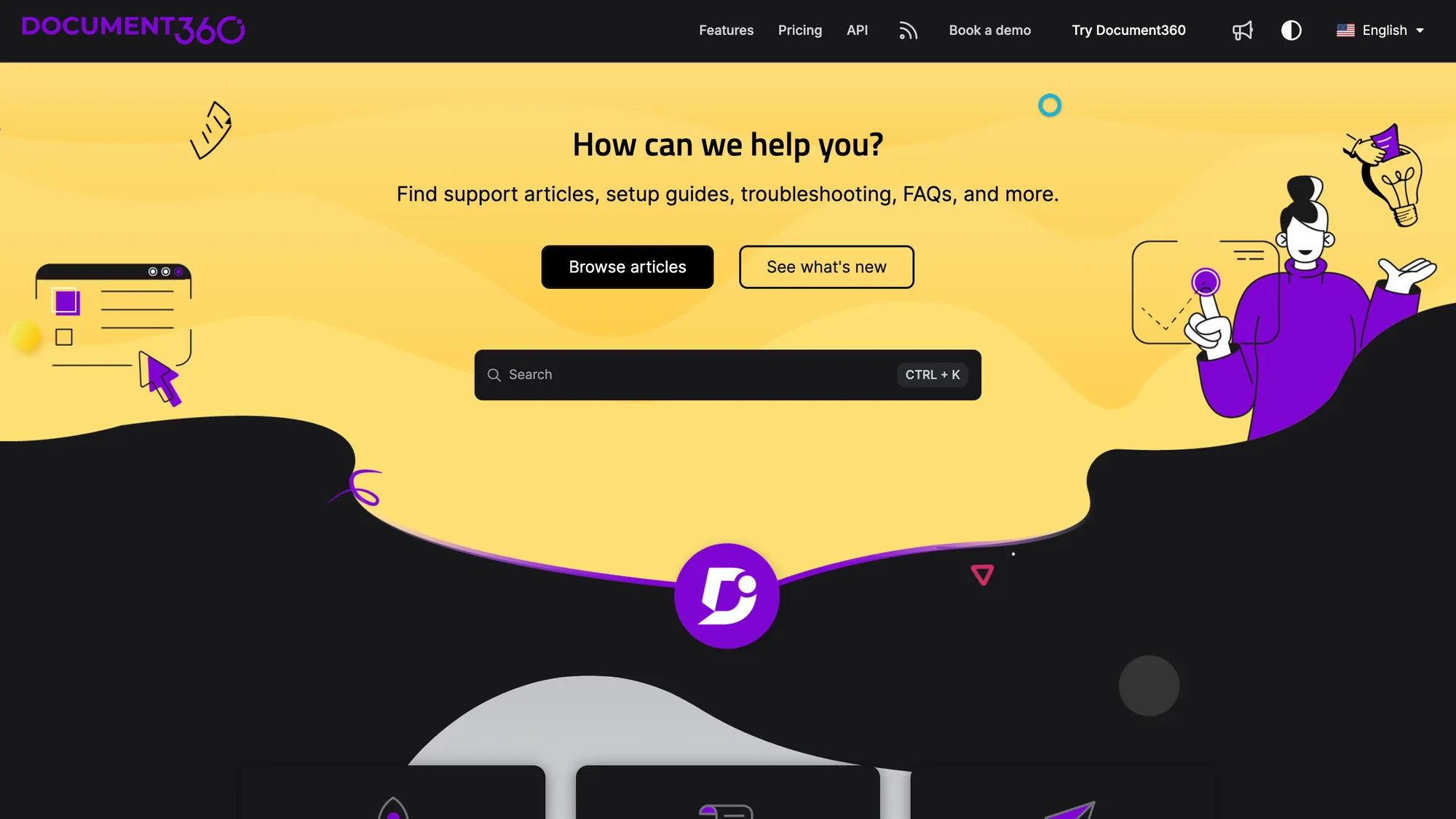
Document360 is a knowledge base software designed to help large companies manage documentation effectively and share relevant knowledge with internal teams and customers.
Some of the more notable customers include McDonald's and Ticketmaster, which should give you an idea of their target customers. It comes with a neat browser extension to access your knowledge base at any point and any time.
It provides all the essential help center features like custom domains, branding, AI writing tools, and analytics. Additionally, Document360 supports admin roles and API integration for enhanced functionality and system compatibility.
So why should you look for alternatives? 🤔
Why look for an alternative to Document360?
Like any software, Document360 has its drawbacks. Many of these, such as high pricing, are due to its focus on enterprises:
- Opaque, quote-based pricing: Document360 no longer publishes fixed prices. Instead of a plan you can sign up for directly, you have to reach out and get a custom quote based on your team size, languages, and AI usage. That makes it hard to know what you'll pay upfront, and it's not a common pricing model for knowledge base platforms.
- Supports only five languages: Even on their top enterprise plan, they only support up to 5 languages. For reference, many other alternatives offer support for 40+ different languages, starting from the free plan.
- Confusing & bloated UI/UX: Since it's enterprise-focused, it also has many features. So, the knowledge management will have a bit of a learning curve and can be confusing for new users. (source)
- Bugs & downtimes: Many reviews complain about slow loading, downtimes, and bugs. In their credit, the bugs seem to be fixed rather quickly. (source)
I think this review sums up all the others pretty well:
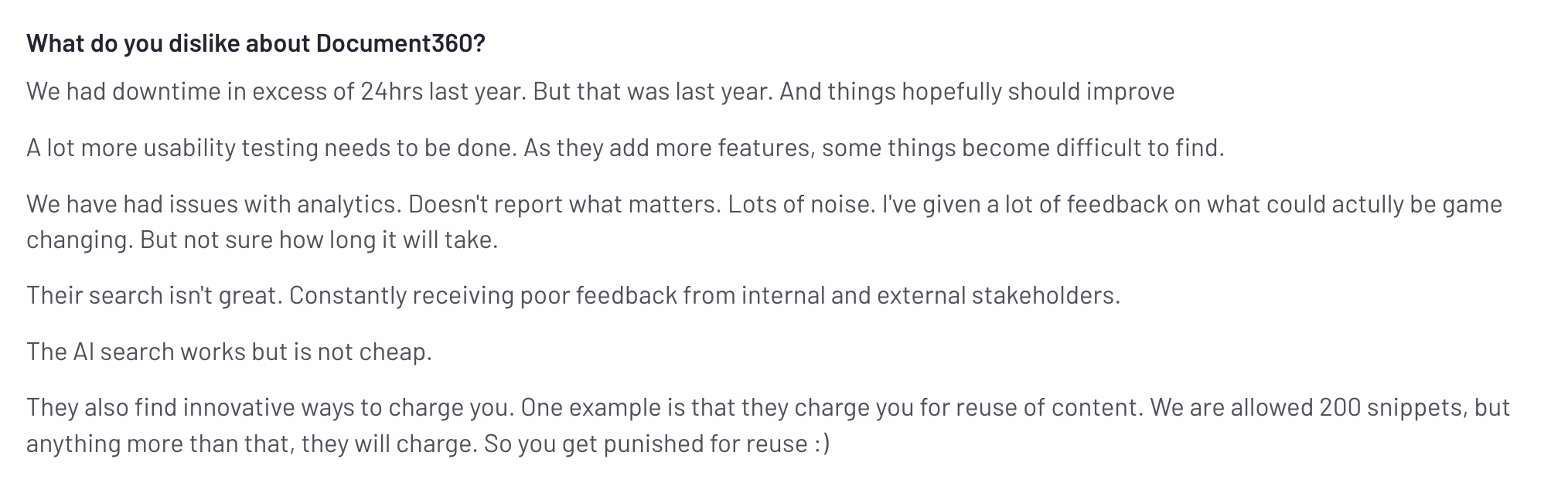
Fortunately, there are a lot of modern and more affordable solutions to choose from. Let's check them out! 👇
7 best Document360 alternatives for knowledge bases
If you need a tool for sharing knowledge with your team or your customers, Document360 is not ideal. Here are some excellent alternatives for everyone from experts in technical writing to non technical users that want a simple upgrade to Google Docs or Microsoft Word.
1. Featurebase ✨
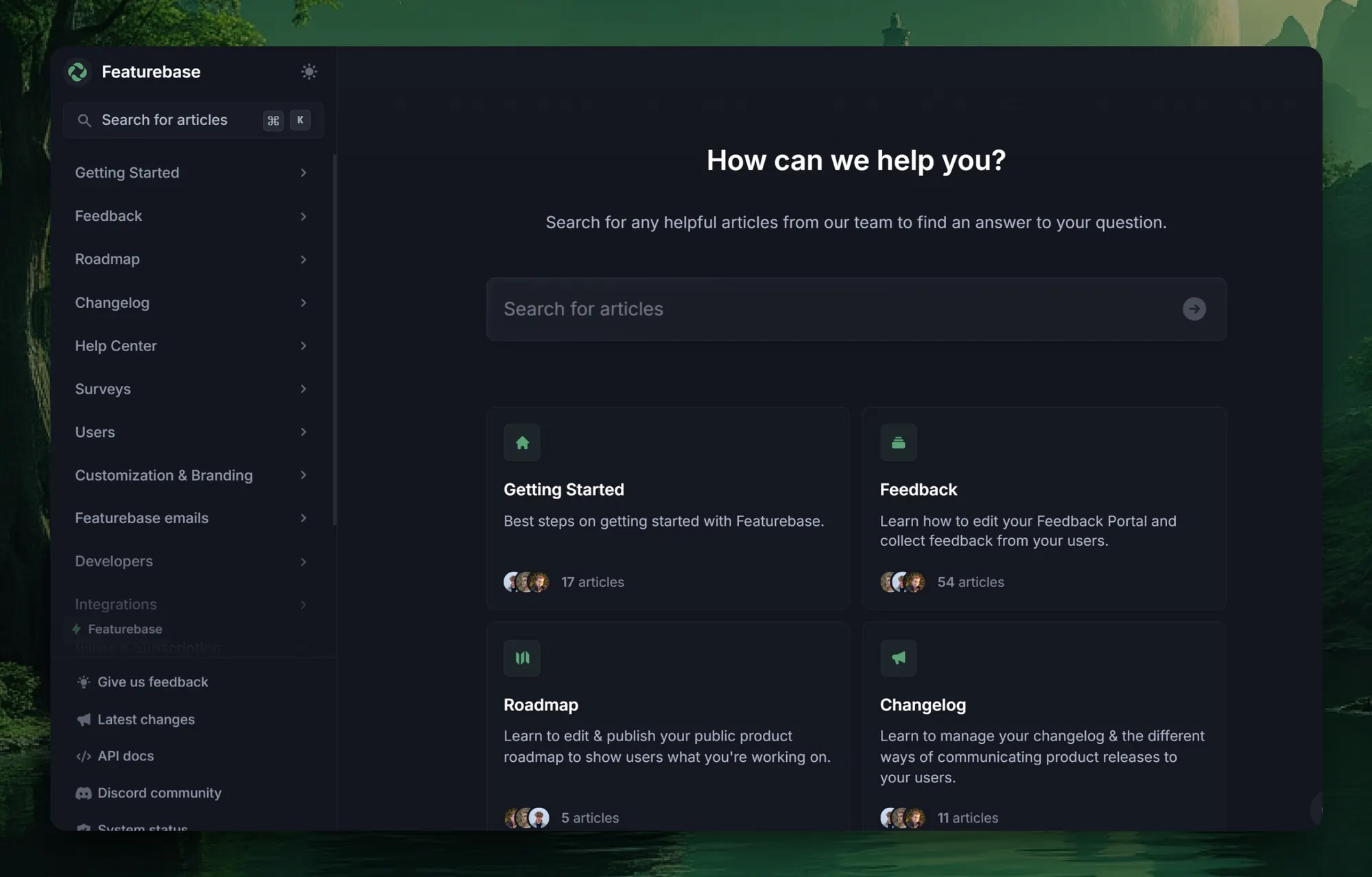
Featurebase is a modern, affordable Document360 alternative that helps you create beautiful product docs, provide AI-powered support, and collect feedback all in one place. It's loved by thousands of support teams from companies like Lovable, Raycast, and n8n. 💫
If you can use Google Docs, you'll feel right at home with Featurebase. You can set it up in minutes, and we can help you migrate over from your old knowledge base with zero data loss.
Preview our live documentation 👈
Key features:
- Public and internal help center: Create a branded knowledge base on your own domain and design for easy self-service support.
- Embeddable in-app widget: Serve help articles directly inside your app, reaching users where they need help most.
- AI-powered search answers: Summarize answers for users right in the search bar in seconds.
- Automatic AI translations: Translate and show your Help Center in your users' native languages, with support for 40+ languages.
- Multi-brand support: Manage multiple Help Centers and live chats from a single workspace.
- AI-powered support platform: Handle chat, email, and Slack conversations from one unified, AI-powered inbox.
- Feedback and roadmap tools: Collect feature requests and close the loop with public roadmaps and updates.
- Product updates: Publish release notes with a changelog page, in-app widget, and emails.
- Extensive integrations: Connects with Slack, Linear, Jira, HubSpot, and more.
Featurebase pricing:
- The Free plan is free forever with one seat. It covers core functionality like a public help center, live chat, unlimited conversations, a unified inbox and ticketing, and feedback boards.
- The Growth plan costs $29 per seat per month (billed yearly). Designed for fast-growing startups, this tier adds the Fibi AI agent, email support, AI Copilot, AI replies and macros, custom domains, basic analytics, and integrations.
- The Professional plan costs $59 per seat per month and is built for scaling, multi-team organizations. It includes workflows and automations, service-level agreements, user segmentation, multilingual support, API, MCP and webhooks, plus 20 free Lite seats.
- The Enterprise plan costs $99 per seat per month. Built for larger organizations that need advanced controls, it adds a multi-brand workspace, single sign-on and identity management, custom admin roles, Salesforce and HubSpot data sync, Azure DevOps and AD integrations, custom invoicing, and 50 free Lite seats.
On the paid plans, AI resolutions are billed at $0.49 each, and pricing is based on annual billing.
So, basically, you get transparent, published pricing instead of having to request a custom quote just to find out what you'd pay. But competitive pricing isn't the only thing that makes Featurebase a great option.
On top of the centralized knowledge base, you get our agent Fibi that you can place in your product or on your website. Customers can talk to Fibi the AI chatbot and resolve their questions more quickly and efficiently using natural language search. They don't have to read technical documents or hop on calls, making life much easier for your support team. Also, you get higher customer satisfaction.
Featurebase is one of the best Document360 alternatives, with a user-friendly interface, affordable pricing, and a very similar feature set. We offer a free plan and can help you seamlessly migrate from any existing knowledge base tools!
✨ Create a beautiful knowledge base for free →
2. HelpDocs
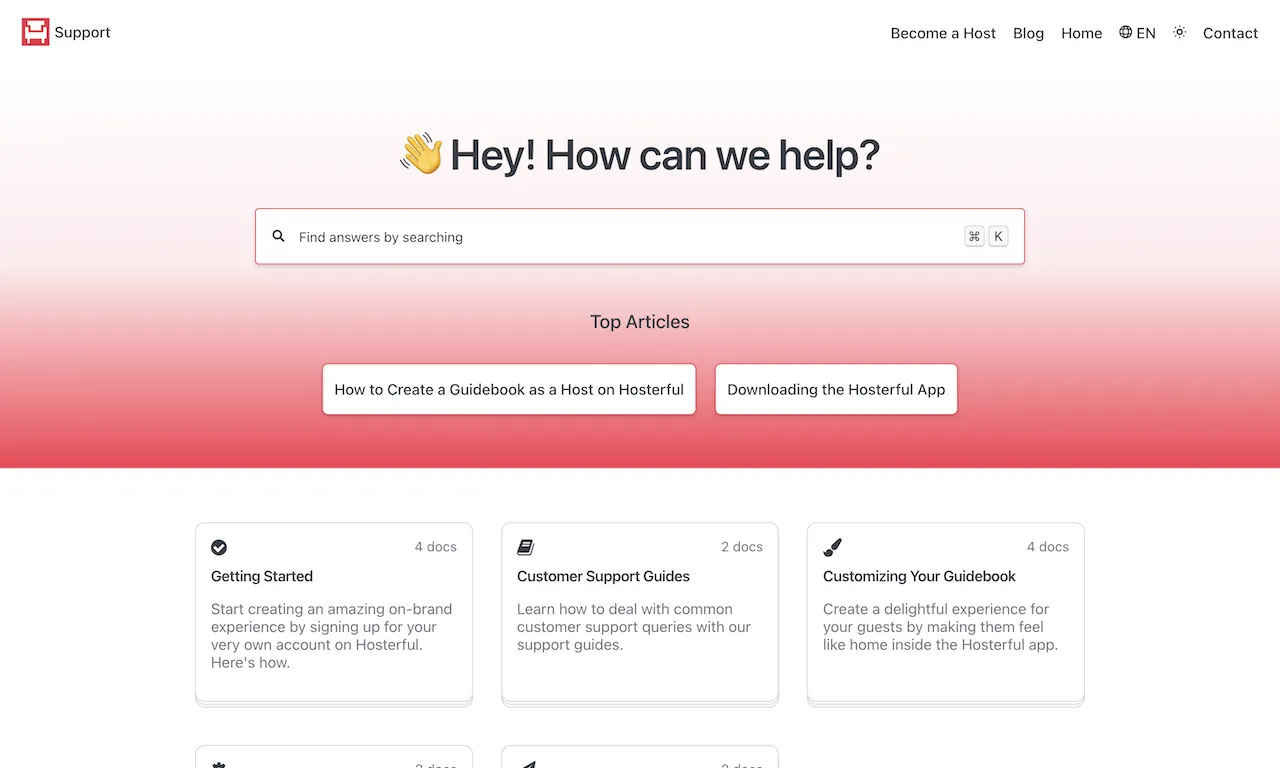
HelpDocs is a documentation platform that lets you create both internal and public knowledge base articles in multiple languages and track their performance through built-in analytics. It's a highly versatile tool offering extensive customization options, including custom CSS, JavaScript, and HTML templates.
Thanks to its pricing transparency, it's a good Document360 alternative for large teams looking for a good knowledge base tool that offers many seats. The most popular plan in this documentation tool is $139/month, covering 15 managers, 90 days of analytics, language support, and the in-app widget.
- Pricing: $69, $139, $279 per month. No free knowledge base.
- Rating on G2: 4.3/5
3. GitBook
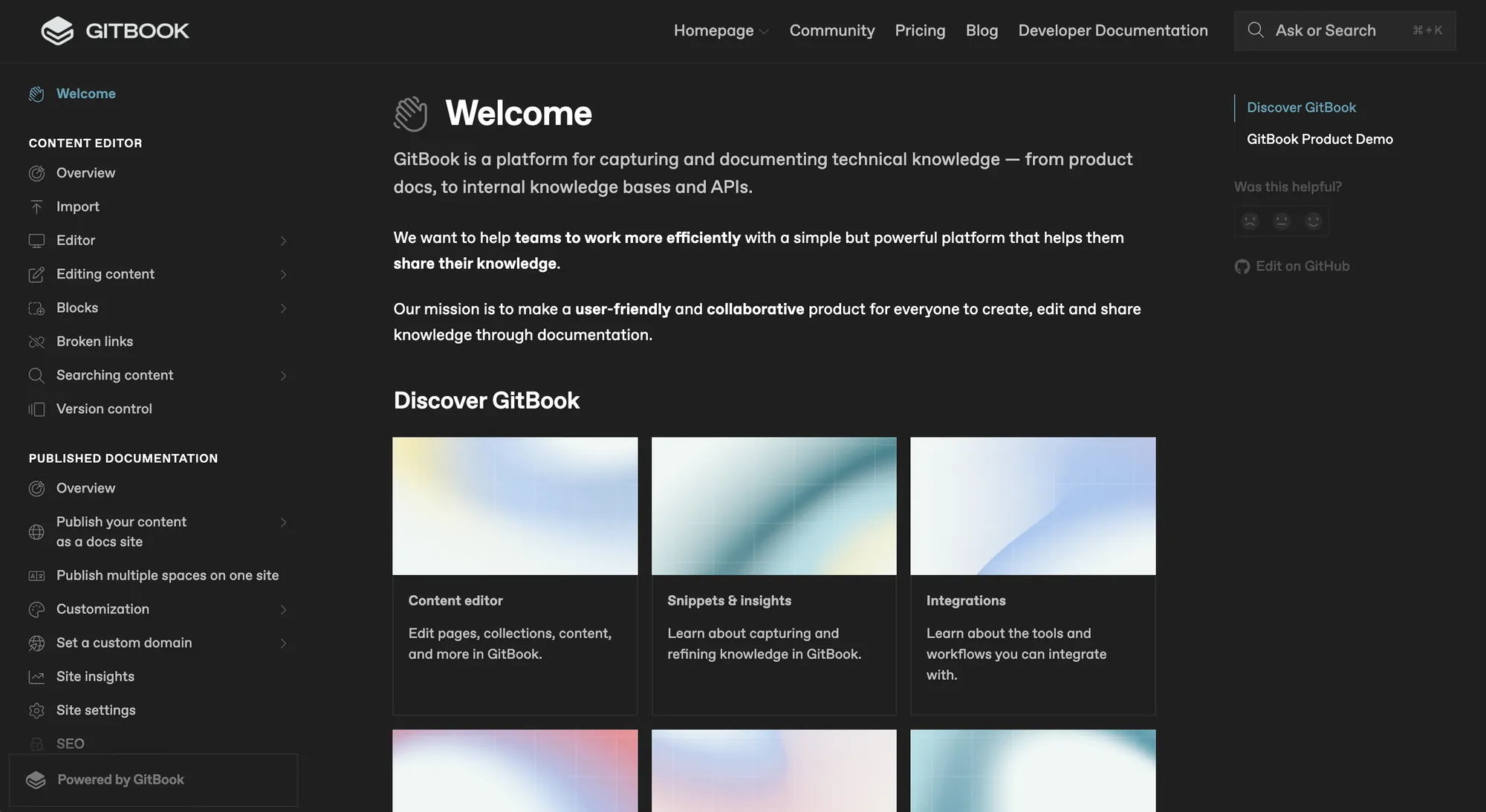
GitBook is one of the best Document360 alternatives for technical teams that use GitHub. It allows seamless synchronization between your GitBook content and GitHub codebase.
You can effortlessly create both public and internal knowledge base content using a markdown editor and a user-friendly interface. It also supports essential custom branding, project collaboration features, and an advanced roles management system, making it a good fit for larger teams. GitBook also includes AI-powered search functionality, writing, and automatic translations, along with different integrations.
- Pricing: Free tier. The most useful plan costs $12.5/user/month + $82.50/month platform fee.
- Rating on G2: 4.7/5
Also, check out the top Gitbook alternatives →
4. HelpJuice
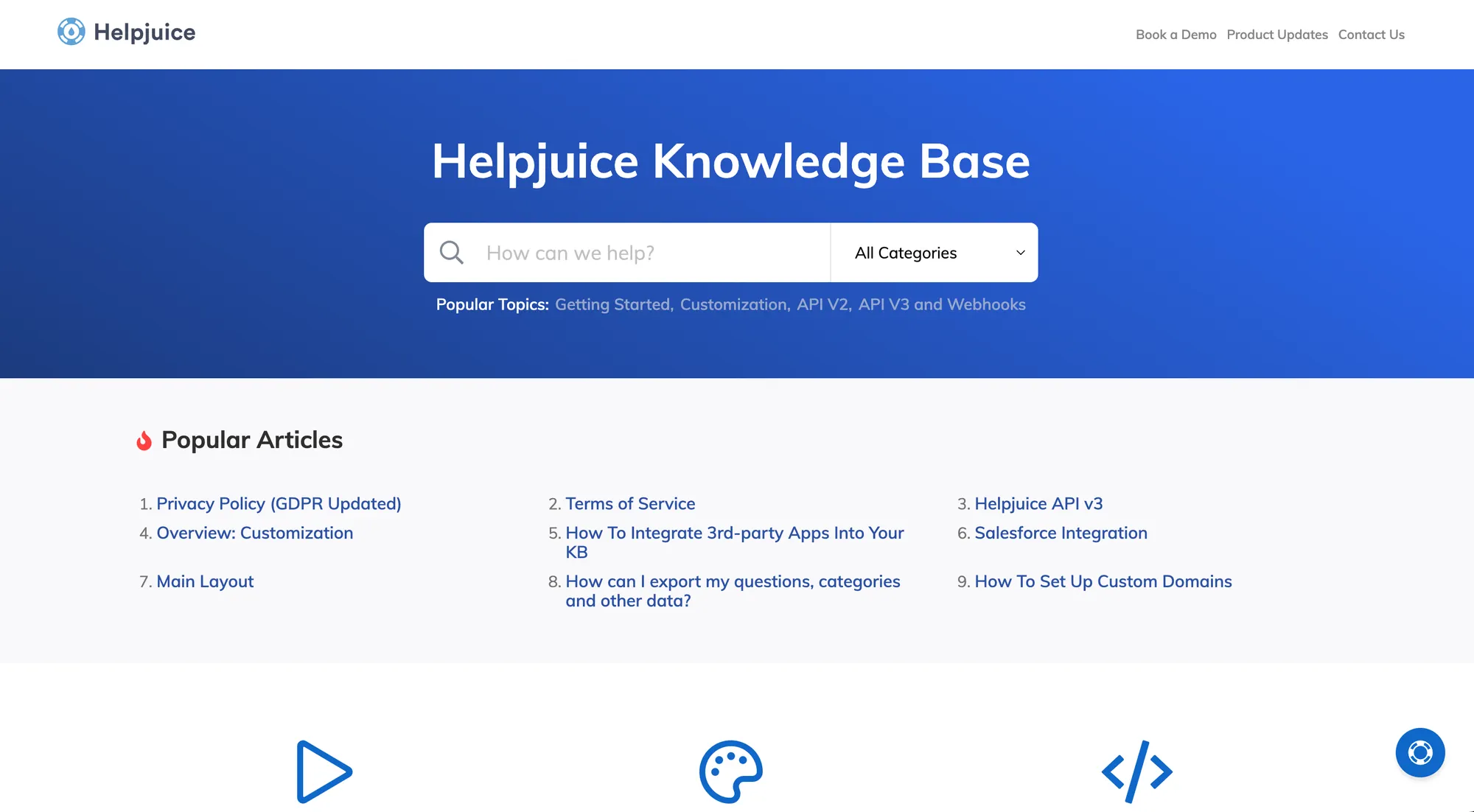
HelpJuice is one of the better Document360 alternatives, primarily designed for an external knowledge base. It offers key features like AI-powered search for instant answers, multilingual support, and version control. However, it lacks a traditional in-app help widget, providing only an AI chatbot for self-service support.
HelpJuice uses a straightforward single-plan pricing model: $120 per month for up to four members, with all knowledge base features included. While this is great if you need the full knowledge management suite with advanced features upfront, it can feel pricey if you don’t.
- Pricing: No free plan. Pricing starts from $120/mo for 4 seats.
- Rating on G2: 4.5/5
Also check out the best Helpjuice alternatives →
5. Docusaurus
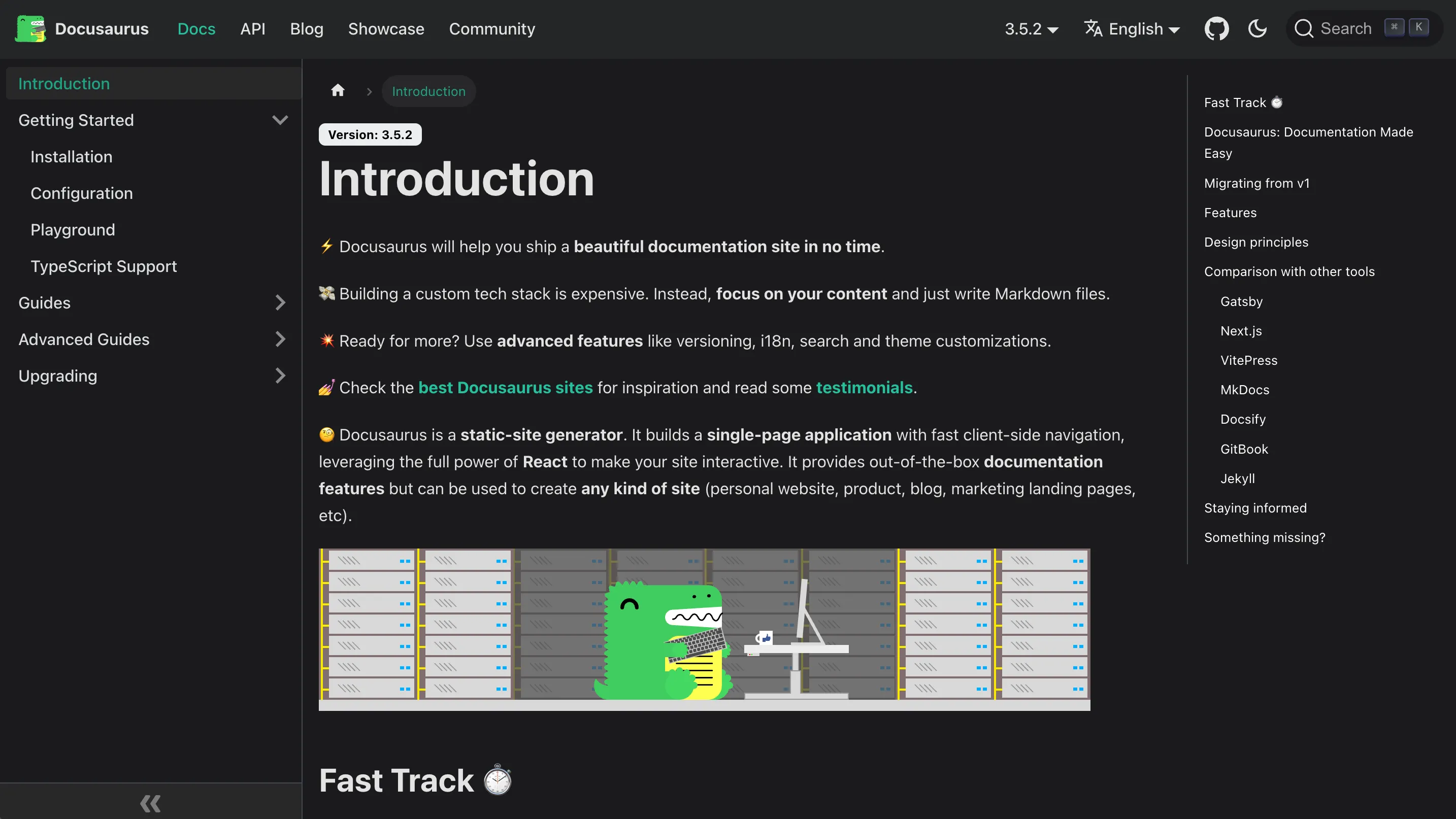
Docusaurus is a widely used static site generator built on React. It's focused on technical documentation and is primarily designed for developers who are comfortable with coding. Docusaurus is not the simplest knowledge management option for non-technical teams, and it lacks collaborative features for writing documentation.
Also, note that it doesn't offer advanced features like widgets and analytics, but as an open-source docs tool, Docusaurus is completely free. However, like most open-source projects, the trade-off comes in the form of hosting costs and the effort required for setup and maintenance.
- Pricing: Open-source and free. Have to pay for hosting.
- Rating on Product Hunt: 4.9/5
Check out the best Docusaurus alternatives →
6. Nuclino
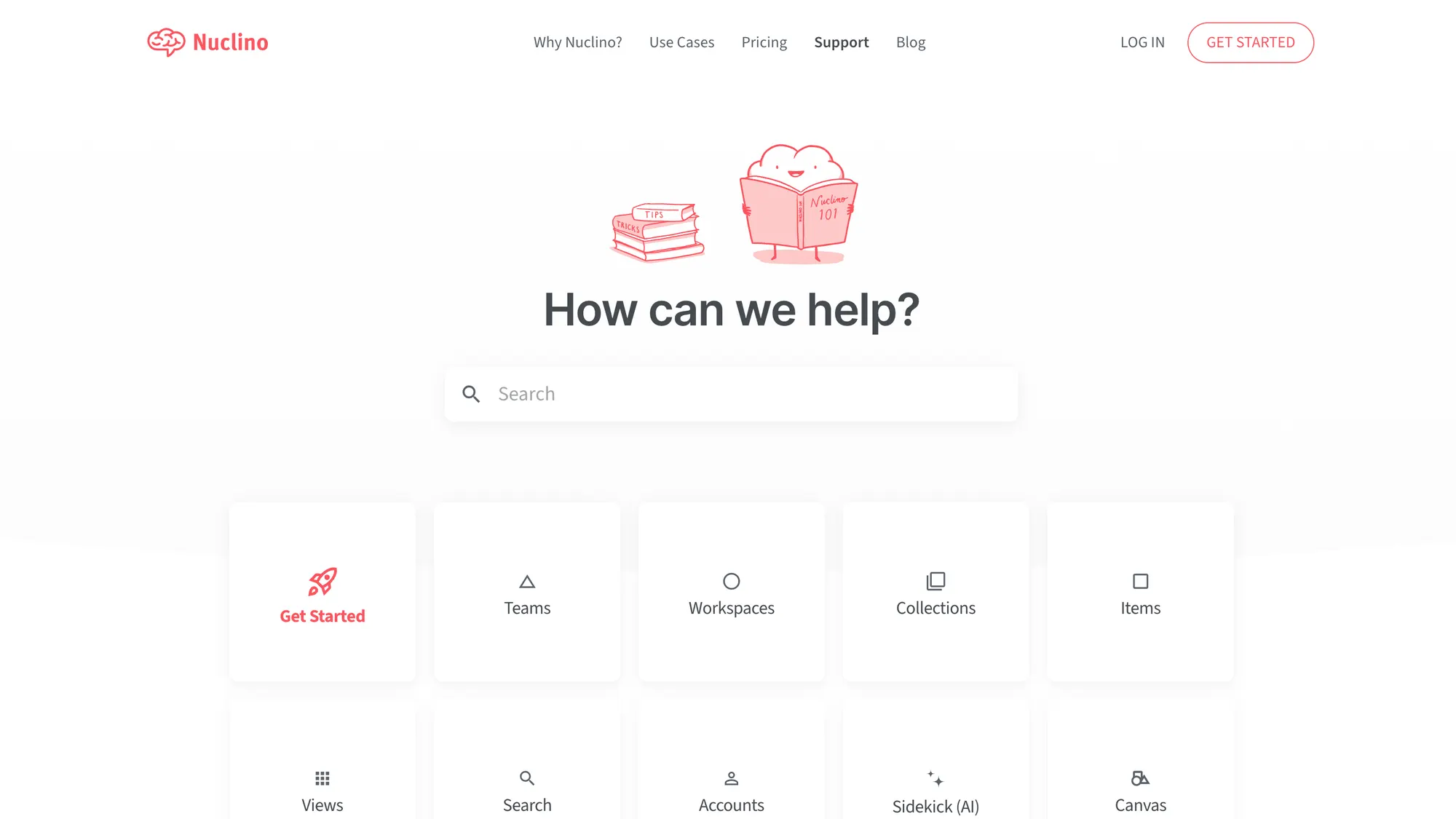
Nuclino is a lightweight, budget-friendly alternative to Document360, offering essential features like custom domains, admin roles, and version history. While it’s a simplified solution, it does lack several advanced features, such as article reactions, translations, analytics, and an in-app widget.
It can get the basics done if you want something that doesn't require technical expertise, but it doesn't have the team collaboration features that some of the other tools on this list have.
That said, Nuclino stands out for its affordability. Its top-tier plan is priced at just €10 per user per month, making it a cost-effective option for smaller teams looking for a simplified knowledge base solution.
- Pricing: Free tier only for internal docs. Paid features start from $6 per user per month.
- Rating on G2: 4.7/5
7. Confluence
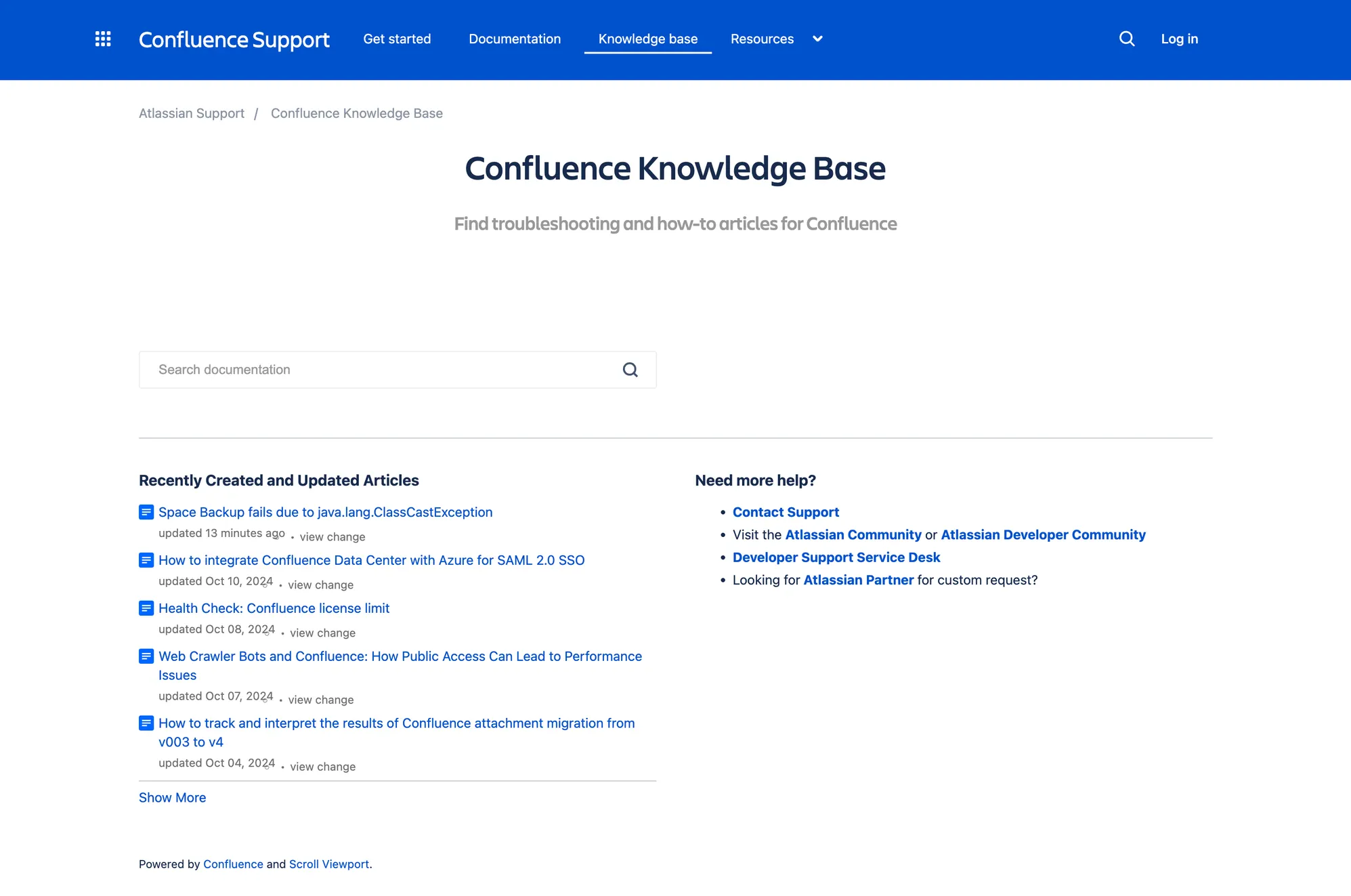
Confluence is part of Atlassian’s suite of tools and is a popular knowledge management tool. While it’s primarily designed for internal collaboration, many still use it for public knowledge sharing, though it’s not its strongest side. It's primarily built for internal wikis, allowing your own team members to document processes and share those docs within the team.
It offers all the essential knowledge base features, but its interface can feel a bit outdated and tricky to navigate. Confluence is a particularly good alternative to Document360 for development teams that already use other Atlassian tools like Jira or Trello.
Pricing can also be a challenge, as it’s based on the size of your team. For example, a team of 20 people on the entry-level paid plan would cost $121/month.
- Pricing: Free plan only allows an internal knowledge base. Paid plans start at $5 per user a month.
- Rating on G2: 4.1/5
See the best Confluence alternatives →
Get the best documentation platform with advanced AI features instead
All in all, Document360 is a robust knowledge base for enterprises, but the pricing and complexity make it less than ideal for small to medium-sized companies.
Featurebase is one of the best modern Document360 alternatives that lets you create a beautiful knowledge base with a custom domain, in-app widgets, translations, and so much more. In addition to documentation, it also comes with feedback collection, survey, and changelog features to help you build a product your users love.
It comes with affordable pricing and a Free plan. We can help you migrate from any existing knowledge base tools with zero data loss. 👇
✨ Create a beautiful Help Center with Featurebase for free →


