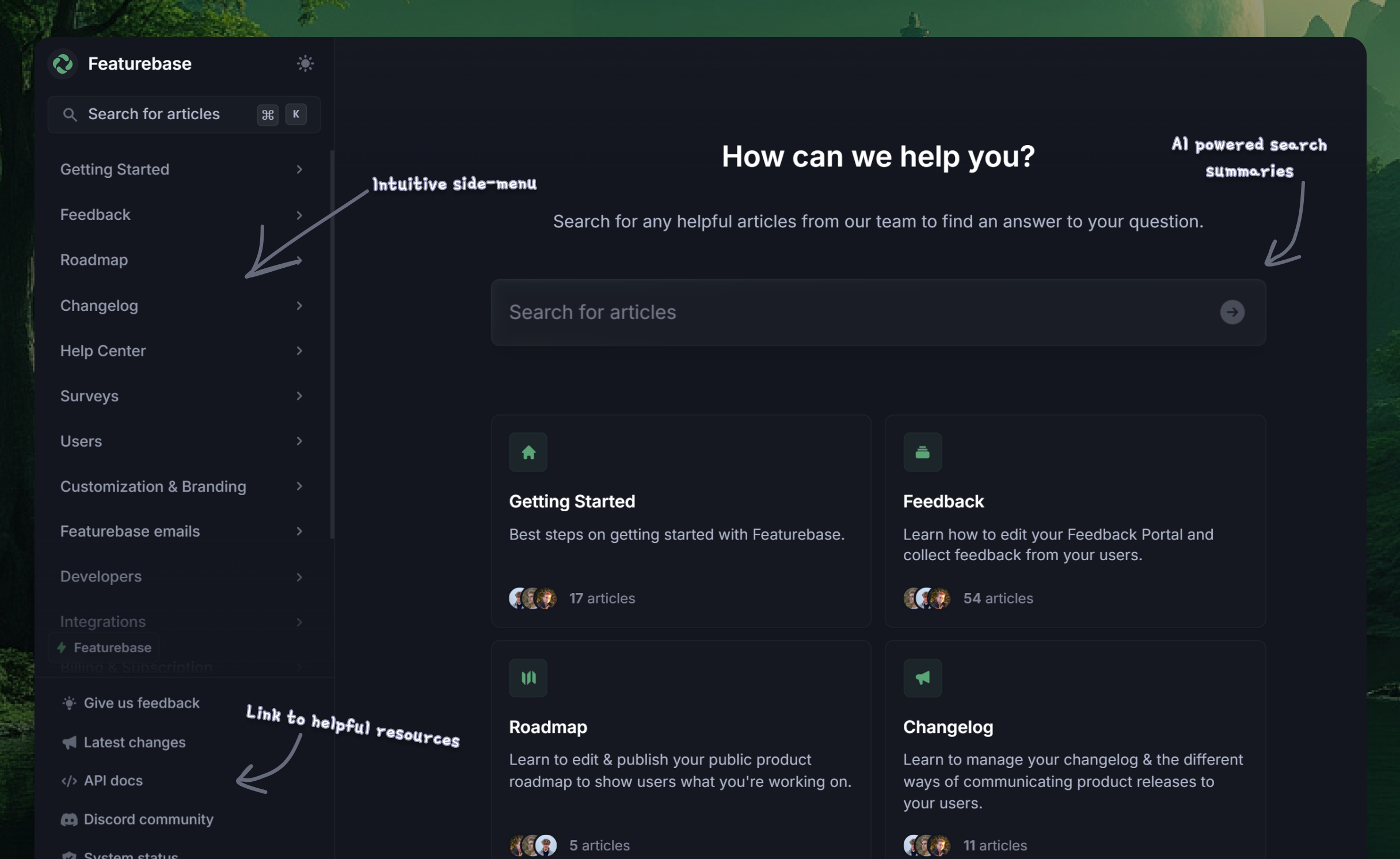
Blog Comparisons15 Best Nuclino Alternatives by Use Case in 2026
15 Best Nuclino Alternatives by Use Case in 2026
Looking for the best alternatives to Nuclino? Whether you're building a Help Center or need smarter knowledge-sharing tools, we've rounded up the top 15 competitors for 2026. Compare features, pricing, and find the perfect fit for your team.



Up until a few years ago, knowledge bases didn't even exist as a category, and most users had to rely on outdated blog posts and changelogs to find useful information about a product. Nowadays, your typical knowledge base has a user-friendly interface that makes it easy for internal and external stakeholders to find critical information quickly.
One of those tools is Nuclino, a simple and collaborative tool for organizing knowledge, but it is not the best fit for every team. Some businesses outgrow its lightweight structure, need more advanced permissions and content organization, or want features like AI search, multilingual support, in-app help widgets, and better options for external documentation.
In this guide, we compare the best Nuclino alternatives in 2026, including their key features, pricing, strengths, and ideal use cases, so you can find the best fit for your team.👇
TL;DR - the best Nuclino alternatives for 2026:
| Tool | Best for | Category | Pricing |
|---|---|---|---|
| ✨Featurebase | Help centers + feedback tools | Dedicated knowledge base | Free plan, from $29/seat/mo |
| Document360 | Structured self-service docs | Dedicated knowledge base | Custom pricing |
| Bloomfire | Rich media knowledge sharing | Dedicated knowledge base | Custom pricing |
| ProProfs | Simple internal or external knowledge bases | Dedicated knowledge base | Free plan, custom business pricing |
| Klutch | Startups and small teams | Dedicated knowledge base | Free plan, from $4/user/mo |
| Confluence | Teams already using Atlassian | Internal wiki | Free plan, from $5.42/user/mo |
| Slite | Internal documentation | Internal wiki | From $8/user/mo |
| Tettra | Slack-heavy teams | Internal wiki | From $8/user/mo |
| Notion | Flexible all-purpose workspace | Internal wiki | Free plan, from $10/member/mo |
| Archbee | Product and engineering docs | Technical documentation | From $80/mo |
| GitBook | Product docs and API docs | Technical documentation | Free plan, from $65/site/mo |
| Docusaurus | Dev teams comfortable with Git | Technical documentation | Free |
| Fusebase | Client-facing collaboration + portals | Broader collaboration tool | From $32/mo |
| Basecamp | Docs inside project collaboration | Broader collaboration tool | Free plan, from $15/user/mo |
| ProofHub | Projects + internal documentation | Broader collaboration tool | From $45/mo |
What is Nuclino?
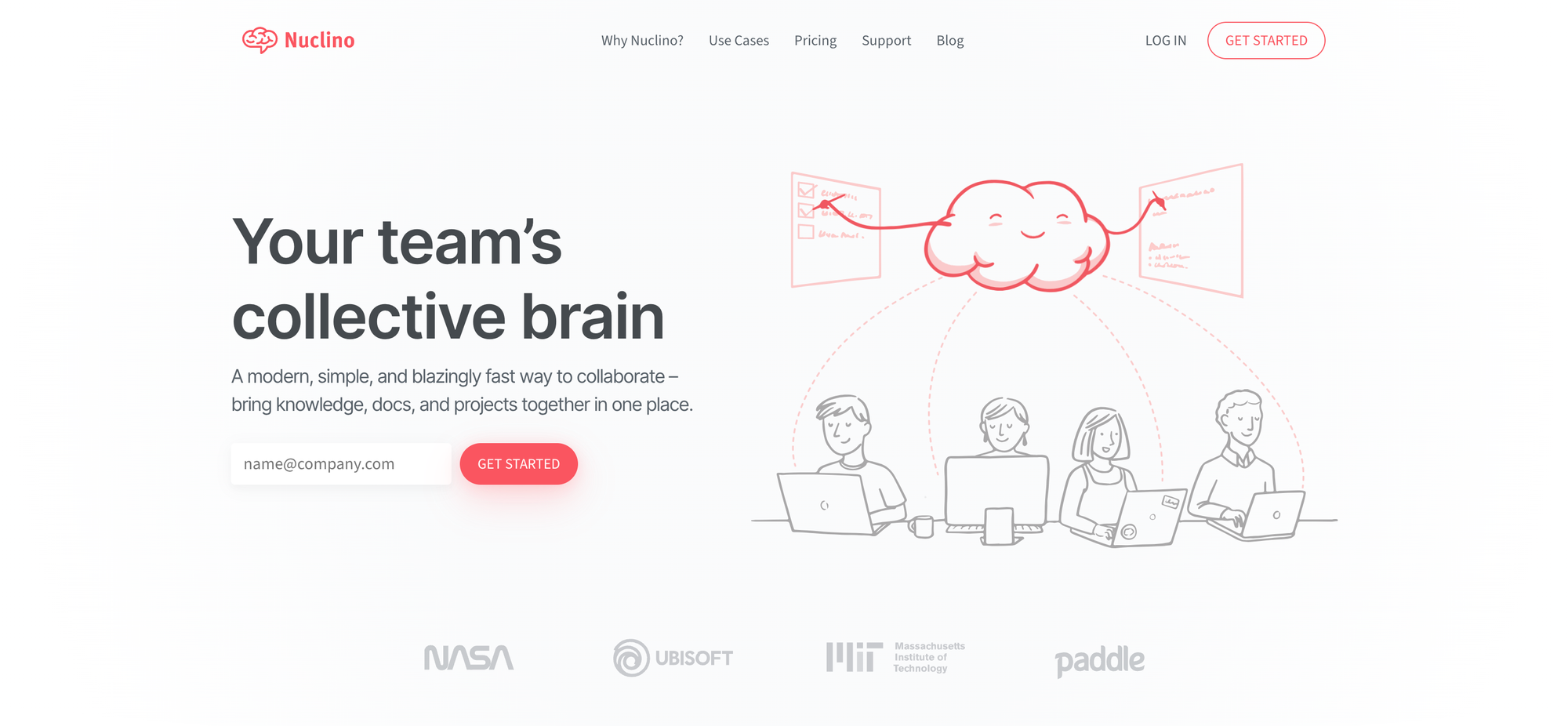
Nuclino is a lightweight knowledge management and collaboration tool for teams. It helps you create internal wikis, organize documents, and share information in a simple, fast, and visual workspace.
Its popularity with teams that want an easy way to manage notes, docs, and company knowledge without the complexity of heavier tools.
Top key features of Nuclino:
- Internal wiki and team documentation
- Real-time collaboration
- Visual content organization
- Kanban and list views
- Fast search
- Simple, clean editor
- Nested content structure
- Lightweight project and knowledge management
Why consider Nuclino alternatives?
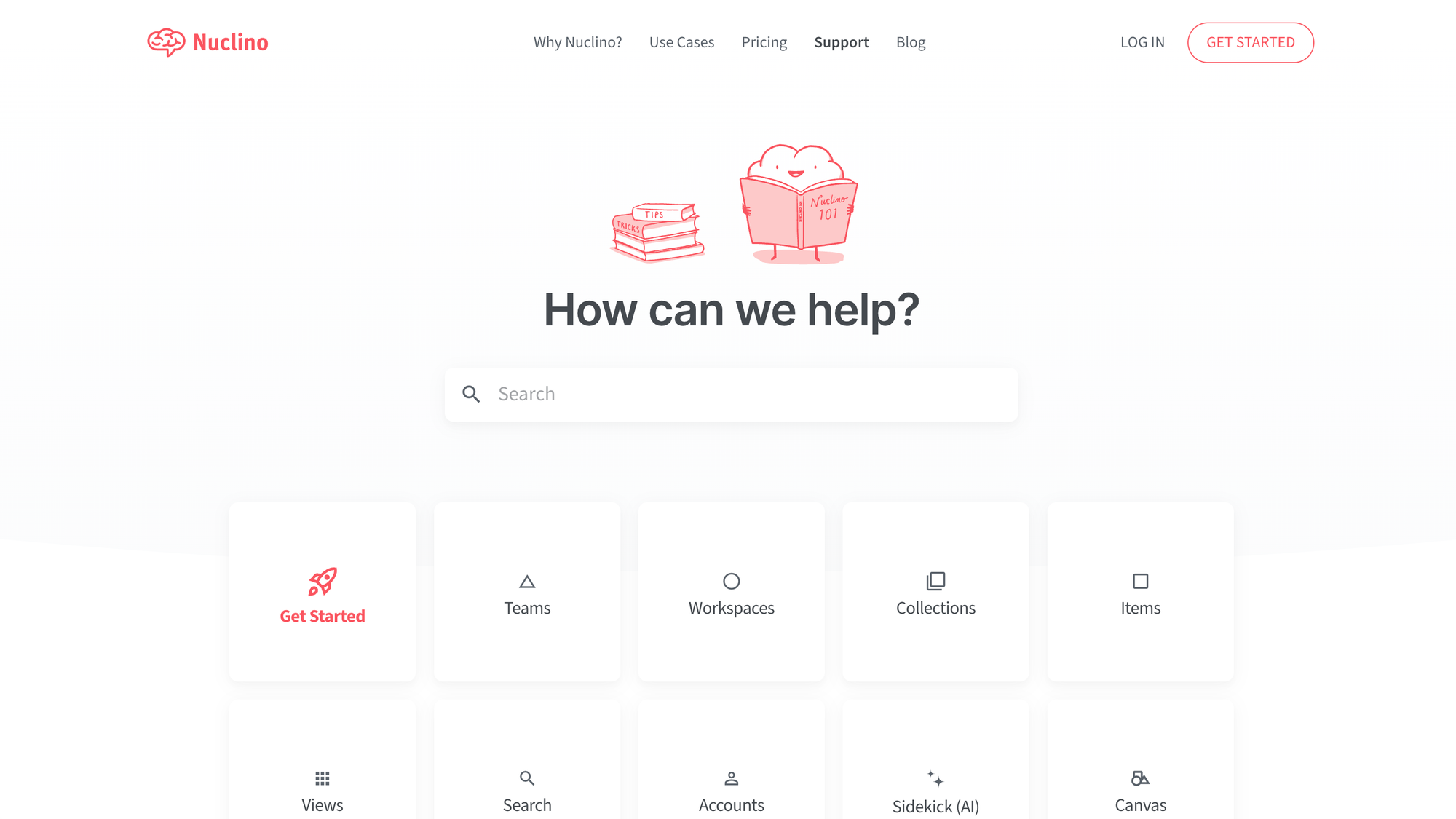
There’s not a huge amount of customer feedback online about Nuclino compared to some other knowledge-sharing tools, but a few common drawbacks do come up.
Here are some of the main reasons teams start looking for Nuclino alternatives:
- Content organization can feel restrictive: some users mention limitations around collection pages, especially if you want them to work more like editable home pages for your docs (source)
- Kanban functionality is fairly limited: a few reviewers have pointed out that Nuclino’s Kanban boards aren’t as flexible as they’d like, especially for more detailed workflows inside workspaces (source)
- It’s better suited to simpler setups: Nuclino works well for lightweight internal knowledge sharing, but teams with more advanced documentation needs may want more structure, customization, and flexibility
So while Nuclino is a solid option, it won’t be the best fit for every team - especially as your knowledge base grows more complex.
Top Nuclino competitors to try in 2026
We started this list with the 10 best Nuclino alternatives, but quickly realized that this wouldn't be enough. Here are the top 15 competitors to Nuclino, including their top features, pricing, and how they stack up against this knowledge base.
1. Featurebase ✨
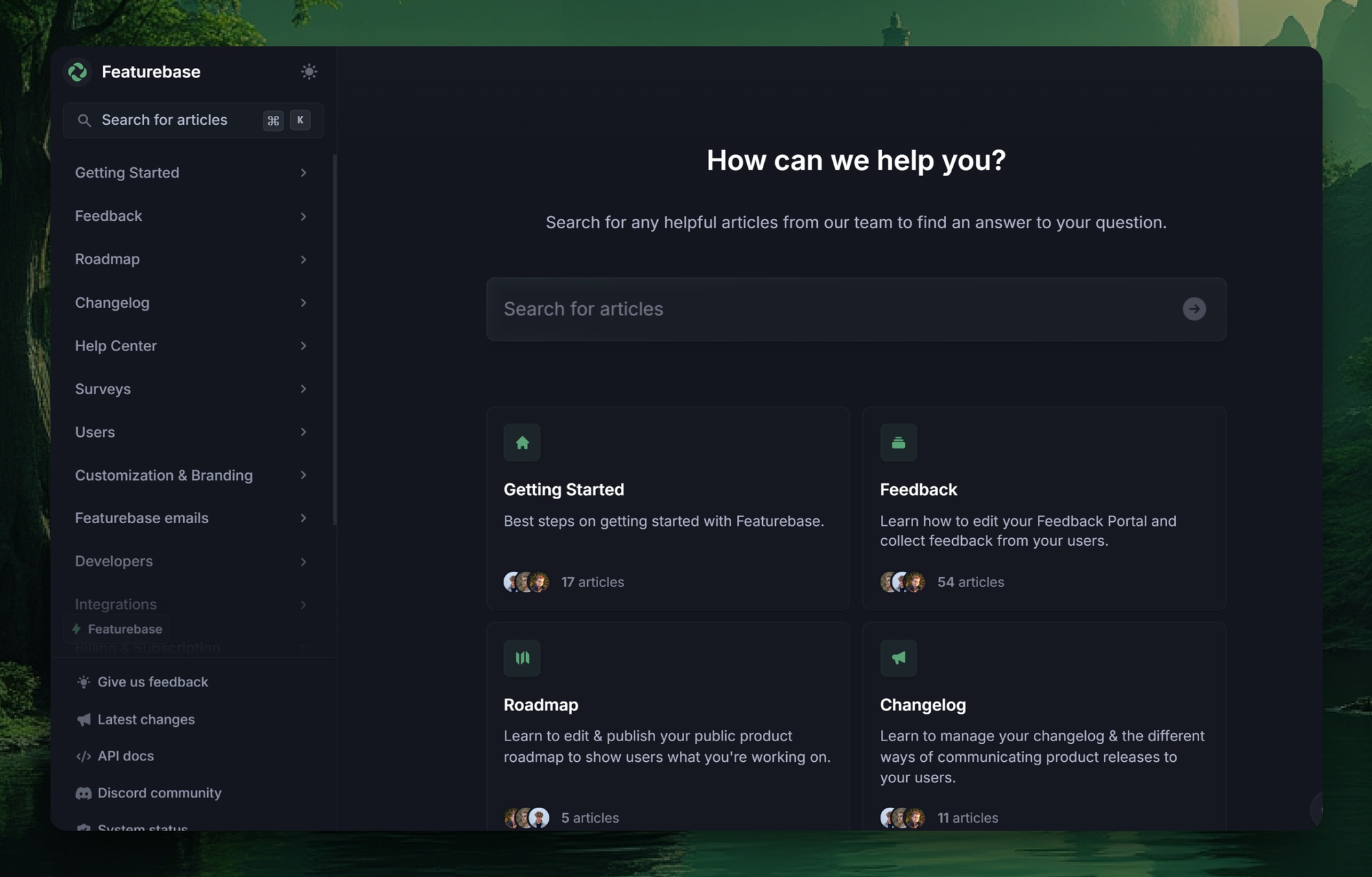
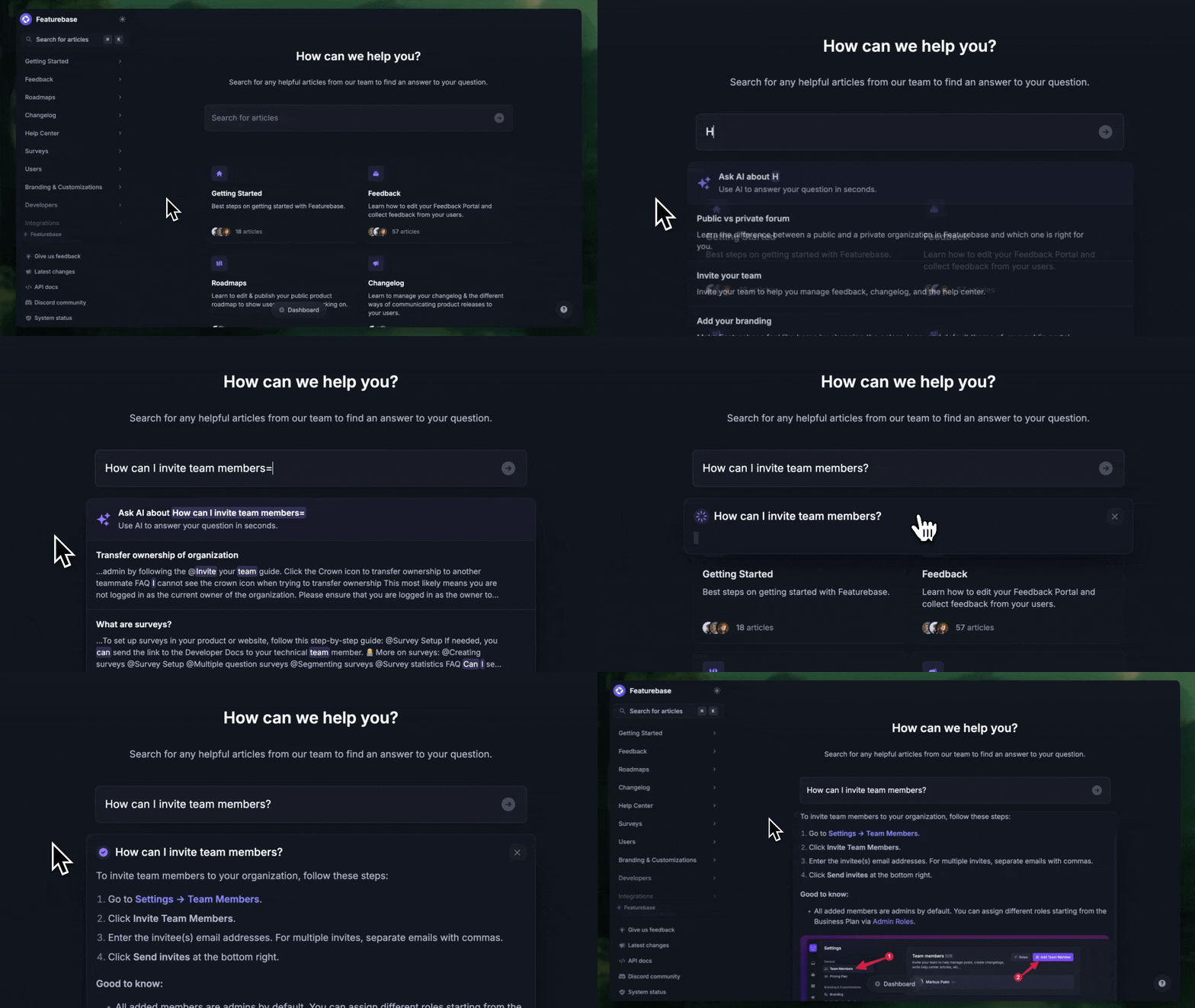
Featurebase is a modern support platform for SaaS teams that combines a customer-facing knowledge base, AI-powered support, and feedback tools in one place. It’s a strong Nuclino alternative for teams that need more than a simple internal wiki, especially if they want external documentation and customer support features built in.
Check out our live documentation 👈
Top features:
- Public & internal knowledge base: Create both customer-facing docs and internal team documentation in one place
- AI-powered search: Help users find answers faster with instant AI-generated answers in search
- Embeddable in-app help widget: Show help articles inside your product so users can get support without leaving the app
- Feedback collection: Collect feature requests and product ideas directly from customers
- Changelog and roadmap tools: Share product updates and keep customers informed about what’s coming next
- Integrations: Connect with tools like Slack, Jira, HubSpot, and more
How it’s better than Nuclino: Nuclino is mostly a lightweight internal wiki, while Featurebase is built for teams that need a customer-facing knowledge base with AI search, in-app help, and feedback tools all working together.
Pricing: Free plan available with unlimited conversations. Paid plans start at $29/seat/month with $0.29 per AI resolution.
✨ Create a beautiful Help Center with Featurebase for free →
2. Document360
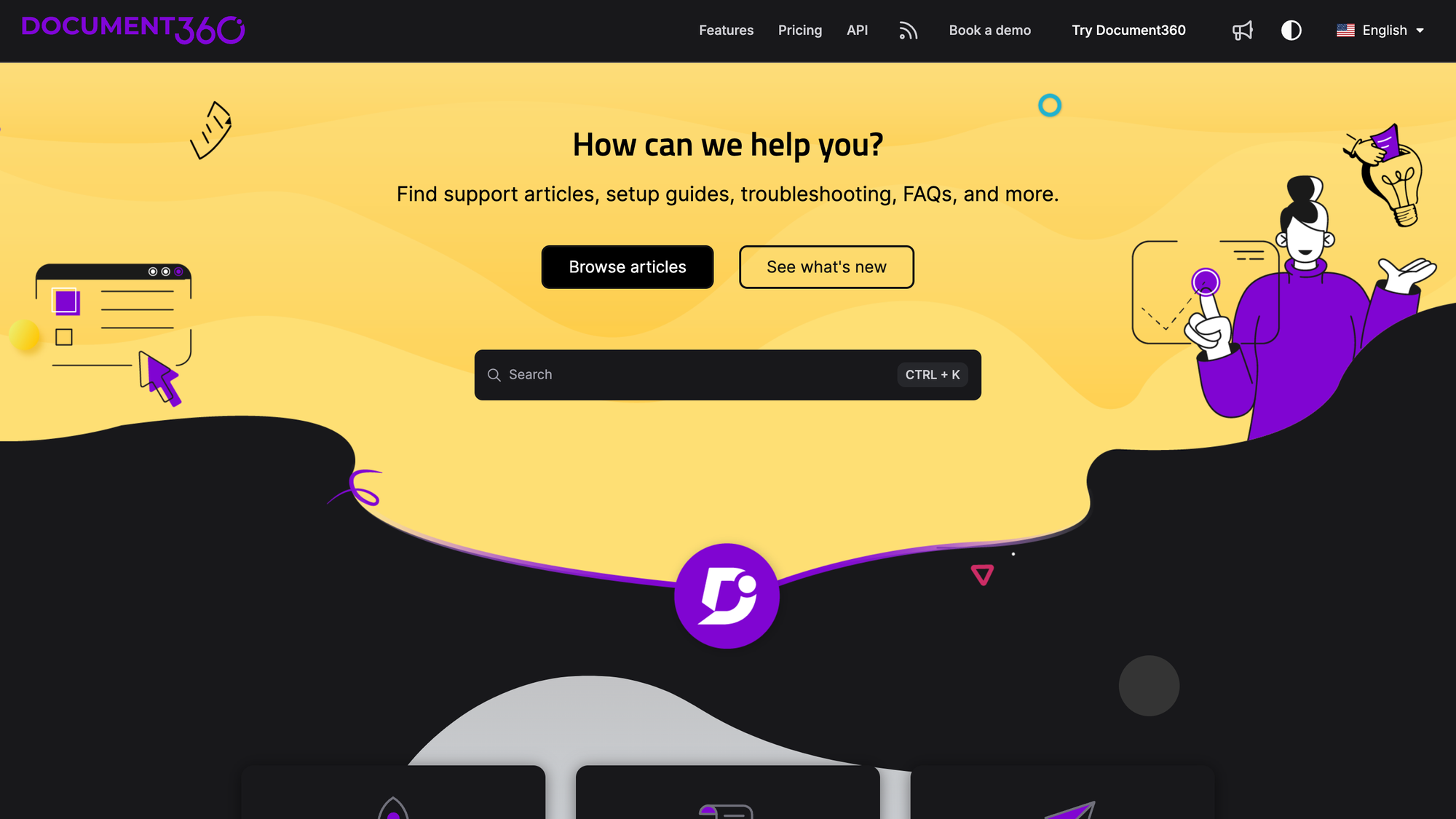
Document360 is a knowledge management tool designed to create and manage self-service knowledge bases. It’s an external and internal knowledge base ideal for businesses looking to centralize documentation and provide users with a great experience.
Top features
- Markdown editor: Intuitive Markdown editor that makes creating and editing articles with live previews easy.
- Version control: Track changes and maintain multiple versions of your articles, allowing you to revert to earlier versions as needed.
- Categorization and tagging: Organize content with nested categories and tags, making navigation and discovery straightforward.
- AI-powered search: Help users find relevant content quickly with intelligent search capabilities that deliver precise results.
- Private documentation: Create and manage private knowledge bases for internal use, ensuring sensitive information remains secure.
How it's better than Nuclino: If Nuclino starts feeling too lightweight for a growing knowledge base, Document360 gives you a more structured self-service documentation setup with better organization, version control, and scalability.
Pricing: Custom pricing.
3. Bloomfire
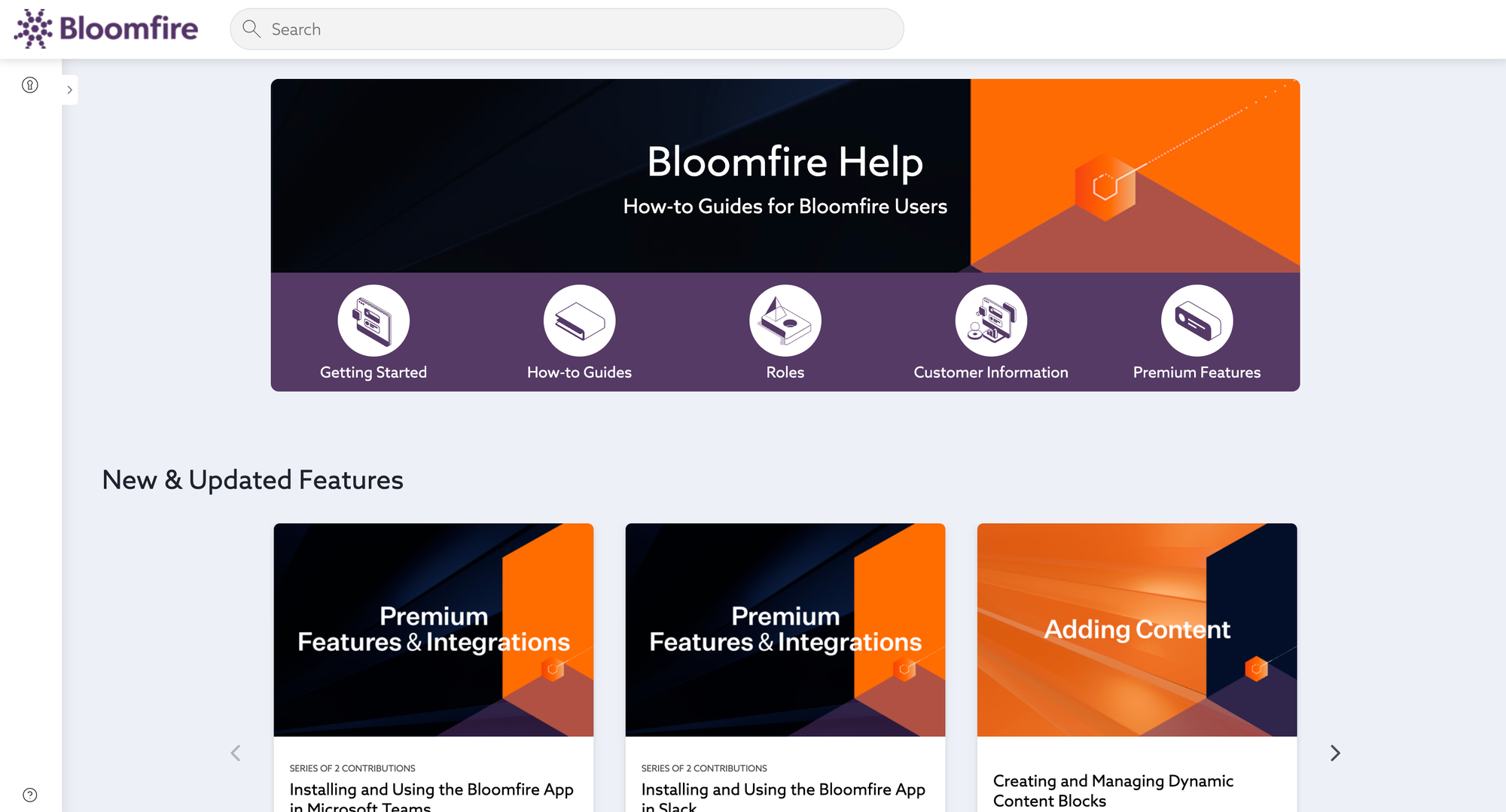
Bloomfire is a knowledge management tool that helps teams centralize and share information effectively. Its intuitive platform is ideal for businesses that want to foster collaboration and improve access to company knowledge.
Top features
- AI-powered search: Quickly locate information with a search engine that indexes all content, including text within images and videos.
- Rich media support: Share and store a variety of content types, such as videos, documents, images, and presentations, to enhance knowledge sharing.
- Collaboration tools: Enable team members to comment, share, and interact with content, fostering a collaborative knowledge-sharing environment.
- Customizable branding: Adjust the appearance of your knowledge base to align with your company’s branding.
- Analytics and insights: Track engagement metrics and content usage to identify popular articles and areas for improvement.
How it's better than Nuclino: Bloomfire is the better pick for teams that manage large amounts of team knowledge across videos, presentations, and documents, especially if strong search and analytics matter more than a lightweight wiki.
Pricing: Custom pricing, divided into three tiers: Single team, Department-wide, and Company-wide access.
If you want a closer look at Bloomfire's pricing, check out our full guide to Bloomfire pricing.
4. Proprofs
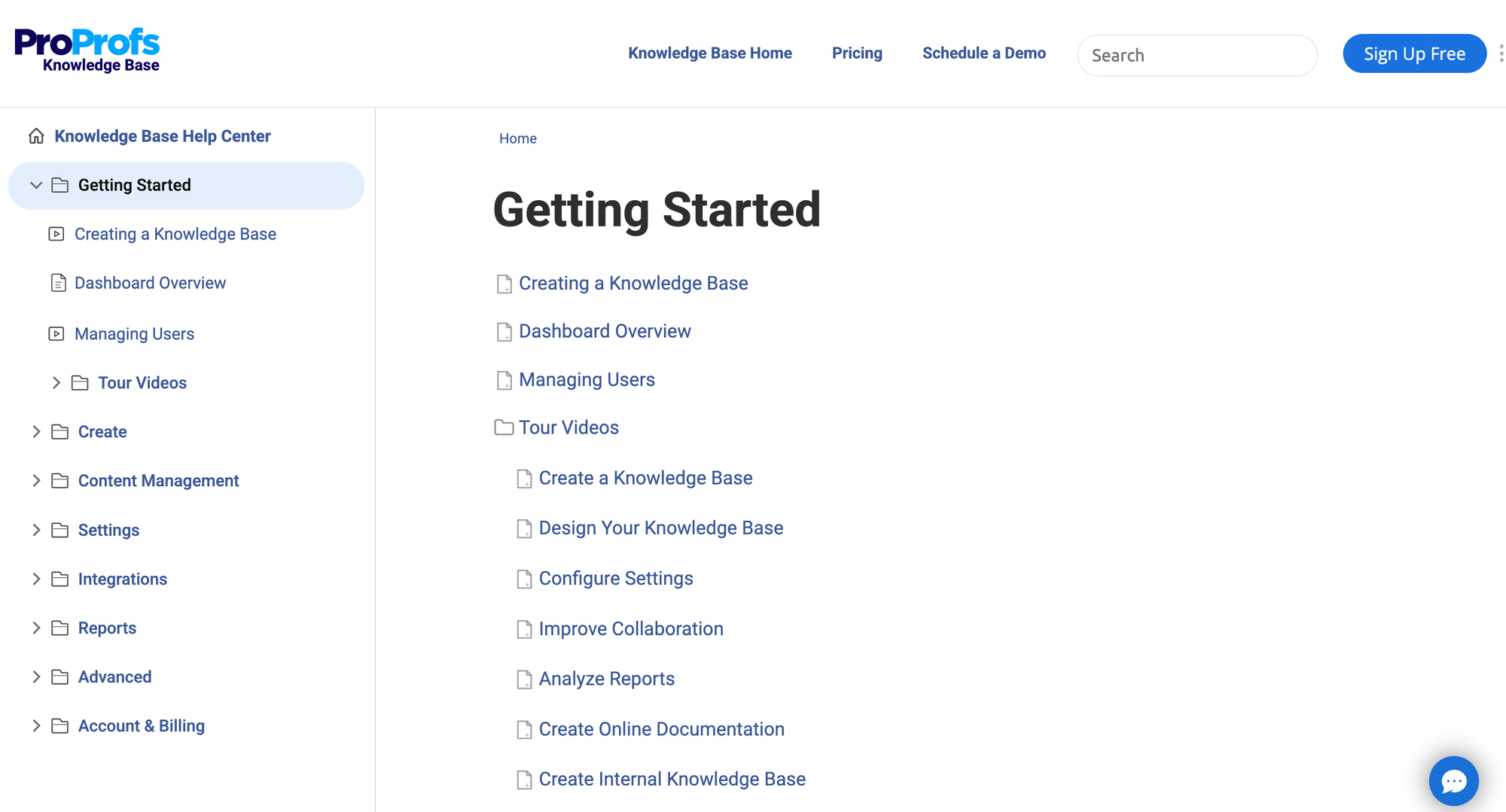
ProProfs Knowledge Base is a user-friendly platform designed to help businesses create and manage internal and external knowledge bases. It’s suitable for organizations looking to streamline information sharing and improve customer self-service.
Top features
- Customizable templates: Pre-built templates to quickly create professional, consistent, and well-structured knowledge base articles.
- Multilingual support: Publish articles in multiple languages to cater to a global audience, ensuring accessibility for diverse user groups.
- Collaborative editing: Allow multiple users to collaborate on content creation and editing in real time, ensuring accuracy and up-to-date information.
- Role-based access control: Assign roles and permissions to team members to control who can view, edit, or manage knowledge base content.
- Comprehensive analytics: Track article views, search queries, and feedback to continuously improve your knowledge base and user experience.
How it's better than Nuclino: ProProfs is a better fit if you want to launch an internal or external knowledge base quickly and care more about templates, multilingual support, and self-service content than Nuclino’s simpler collaboration style.
Pricing: free plan available for 1 author and up to 25 pages; business pricing is available on request.
5. Klutch
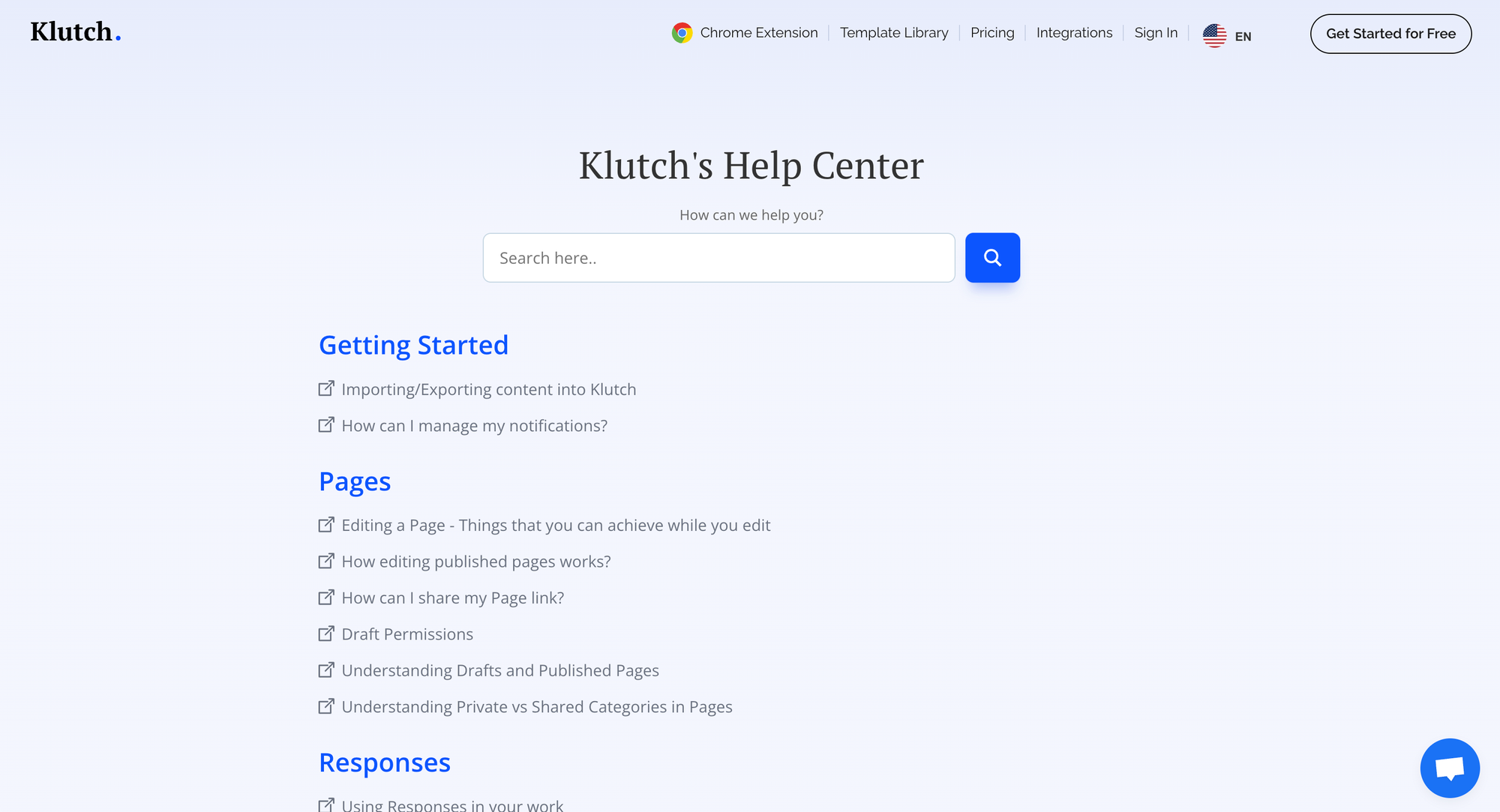
Klutch is a lightweight and user-friendly knowledge management tool designed for startups and small teams. It helps organize and centralize company knowledge, ensuring team members can quickly access the information they need.
Top features
- Quick setup: Klutch is easy to set up, enabling teams to start using it without a steep learning curve or extensive onboarding.
- Powerful search: The search functionality ensures users can find the exact information they’re looking for with minimal effort.
- External and internal knowledge sharing: Share knowledge articles internally or externally with clients and partners using advanced access controls and keep everyone on the same page.
- Custom branding: Personalize your knowledge base with your company’s logo, colors, and other branding elements.
- Collaboration tools: Teams can collaborate on knowledge articles in real-time, ensuring content stays accurate and up-to-date.
How it's better than Nuclino: Klutch keeps the lightweight feel that makes Nuclino appealing, but gives small teams a bit more room to manage internal and external knowledge sharing without overcomplicating things.
Pricing: free plan available; paid plans start at $4/user/month (billed annually).
6. Confluence
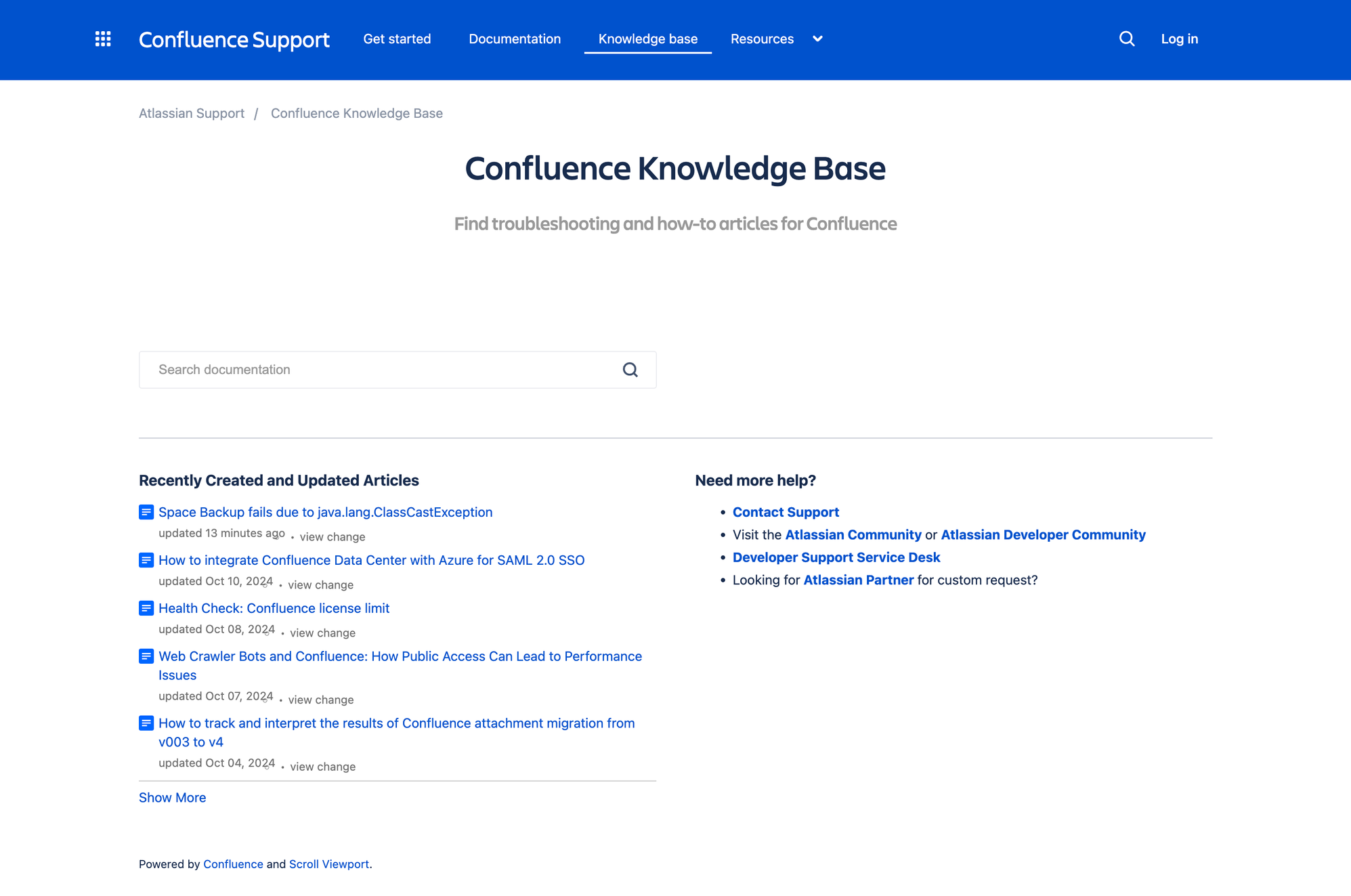
Confluence, developed by Atlassian, is a popular collaboration tool that also serves as a robust knowledge base. It’s ideal for teams that need a centralized hub to create, organize, and share knowledge effectively.
Top features
- Page hierarchy and organization: Structure content with nested pages, making navigation and content discovery intuitive.
- Templates for knowledge articles: Pre-built templates enable teams to create consistent and professional knowledge base articles quickly.
- Powerful search functionality: The search engine indexes all content, including attachments, to help users efficiently locate the information they need.
- Integration capability with Atlassian tools: Integrations with Jira, Trello, and other Atlassian products, creating a cohesive workflow for technical and non-technical teams.
- Real-time collaboration: Teams can collaborate on content creation and editing in real time, ensuring knowledge stays accurate and up-to-date.
How it's better than Nuclino: Confluence makes more sense once your internal wiki starts getting messy, since it gives larger teams stronger content hierarchy, better collaboration, and tighter integration with Jira and other Atlassian tools.
Pricing: free plan available for up to 10 users, with paid plans starting at $5.42/user/month.
If you want a closer look at Confluence's pricing, check out our full guide to Confluence pricing.
7. Slite
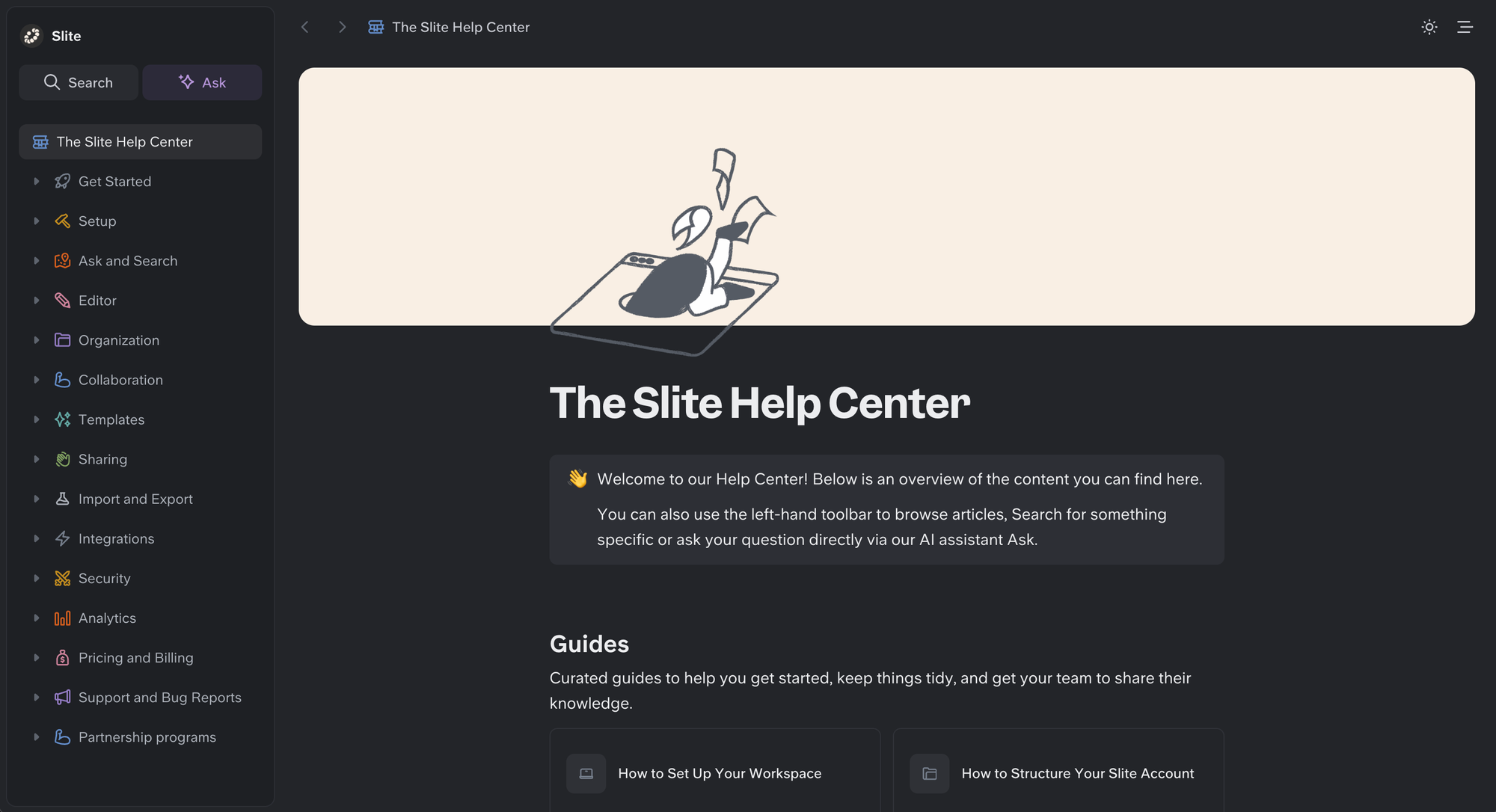
Slite is the self-maintaining knowledge base that keeps itself current from your company's entire tool stack. It pairs a structured, verified wiki with an AI agent that detects when documentation has drifted from reality, proposes the fix, and routes every change through human approval before it becomes truth, so both your team and your AI agents work from a single source of truth they can trust.
Top features
- Slite Agent – Detects stale docs across your connected tools and proposes fixes for human approval.
- AI-powered search (Ask) – Cited answers across your docs; on Pro, search across 20+ connected tools.
- Doc verification – Five verification statuses keep content trustworthy and rank verified docs higher in AI answers.
- Knowledge Management Panel – Surfaces outdated, expired, and empty docs in one place.
- Built for AI agents – Full MCP read/write and a markdown-native format so agents and people edit the same docs.
Comparison: Slite is more structured and stays current as your company changes, where simpler wikis leave you to spot and fix stale docs yourself.
Pricing: Basic is $10/user/month billed annually; Pro is $20/user/month and adds Slite Agent and search across 20+ connected tools.
If you want a closer look at Slite's pricing, check out our in-depth article to Slite pricing guide.
8. Tettra
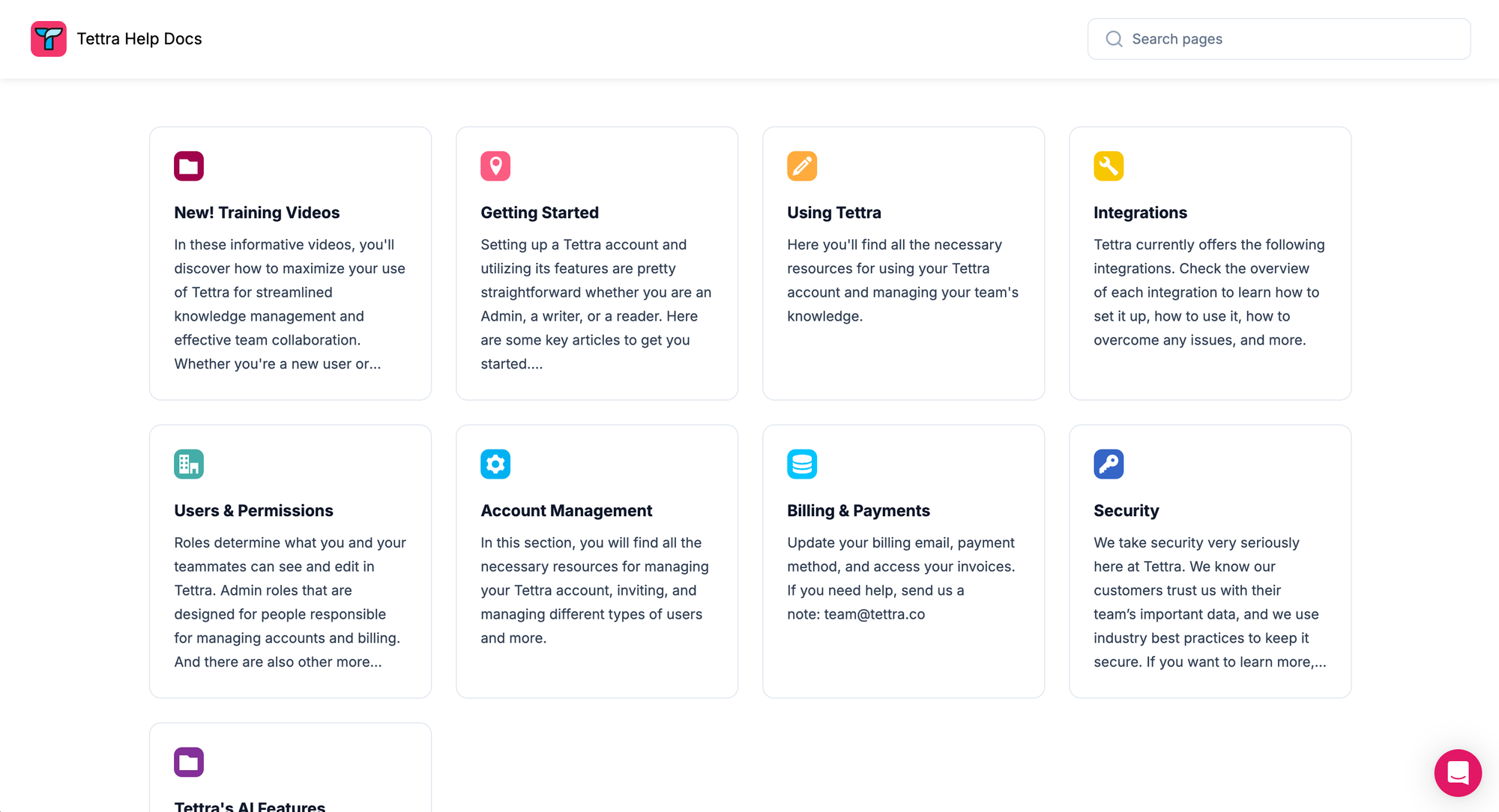
Tettra is a knowledge management tool designed specifically for teams. It helps organizations organize their internal knowledge and provides easy access to information, making it ideal for fast-paced teams looking for a streamlined knowledge base solution.
Top features
- Slack and Microsoft Teams integration: Integrates with communication tools, allowing team members to search and access the knowledge base directly from Slack or Microsoft Teams.
- Easy content creation: Provides a simple editor for creating and updating knowledge base articles, making it accessible for all team members.
- Content verification: Ensures that knowledge remains accurate by allowing subject matter experts to verify or update content periodically.
- Search functionality: Robust search capabilities help users quickly locate the information they need without navigating through multiple pages.
- Request management: Team members can submit knowledge requests directly through Tettra, ensuring no question or gap in information goes unnoticed.
How it's better than Nuclino: Tettra stands out when your internal knowledge base needs to live closer to Slack or Microsoft Teams, making it easier for teams to find answers where collaboration is already happening.
Pricing: paid plans start at $8/user/month, with a 10-user minimum; enterprise pricing is custom.
9. Notion
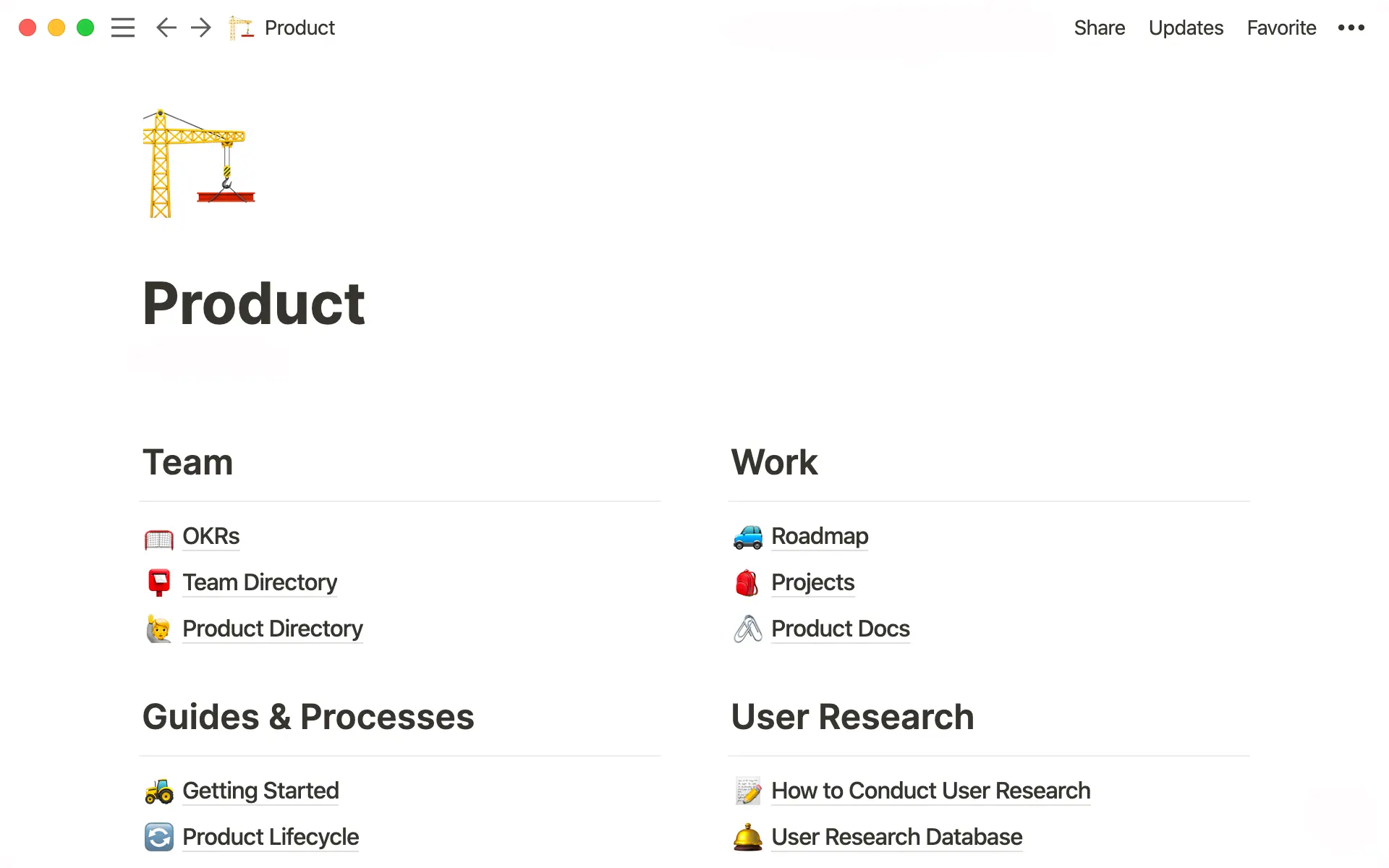
Notion is a versatile platform that serves as a powerful knowledge base tool for individuals and teams. Its customizable and intuitive interface and feature-rich environment make it an excellent choice for organizing, sharing, and collaborating on knowledge. It can be used for everything from a personal knowledge management tool a knowledge base software for businesses.
Top features
- Flexible database structure: Use pages, databases, and nested hierarchies to structure your knowledge base in a way that suits your team’s workflow.
- Rich content support: Add text, images, videos, embeds, and more to create dynamic and visually engaging knowledge base articles.
- Real-time document collaboration: Work simultaneously with team members, collaborate effectively on documents and pages, ensuring updates are instant and synchronized.
- Customizable templates: Use pre-built templates in the content creation process or create your own to standardize knowledge base entries and save time.
- Cross-platform access: Access your knowledge base from any device with syncing across web, desktop, and mobile apps.
How it's better than Nuclino: Notion is the stronger option if you want more freedom to shape your workspace, since it goes beyond a traditional internal wiki and gives you more flexibility with docs, databases, and team workflows.
Pricing: Free plan available, with paid plans starting at $10/member/month.
10. Archbee
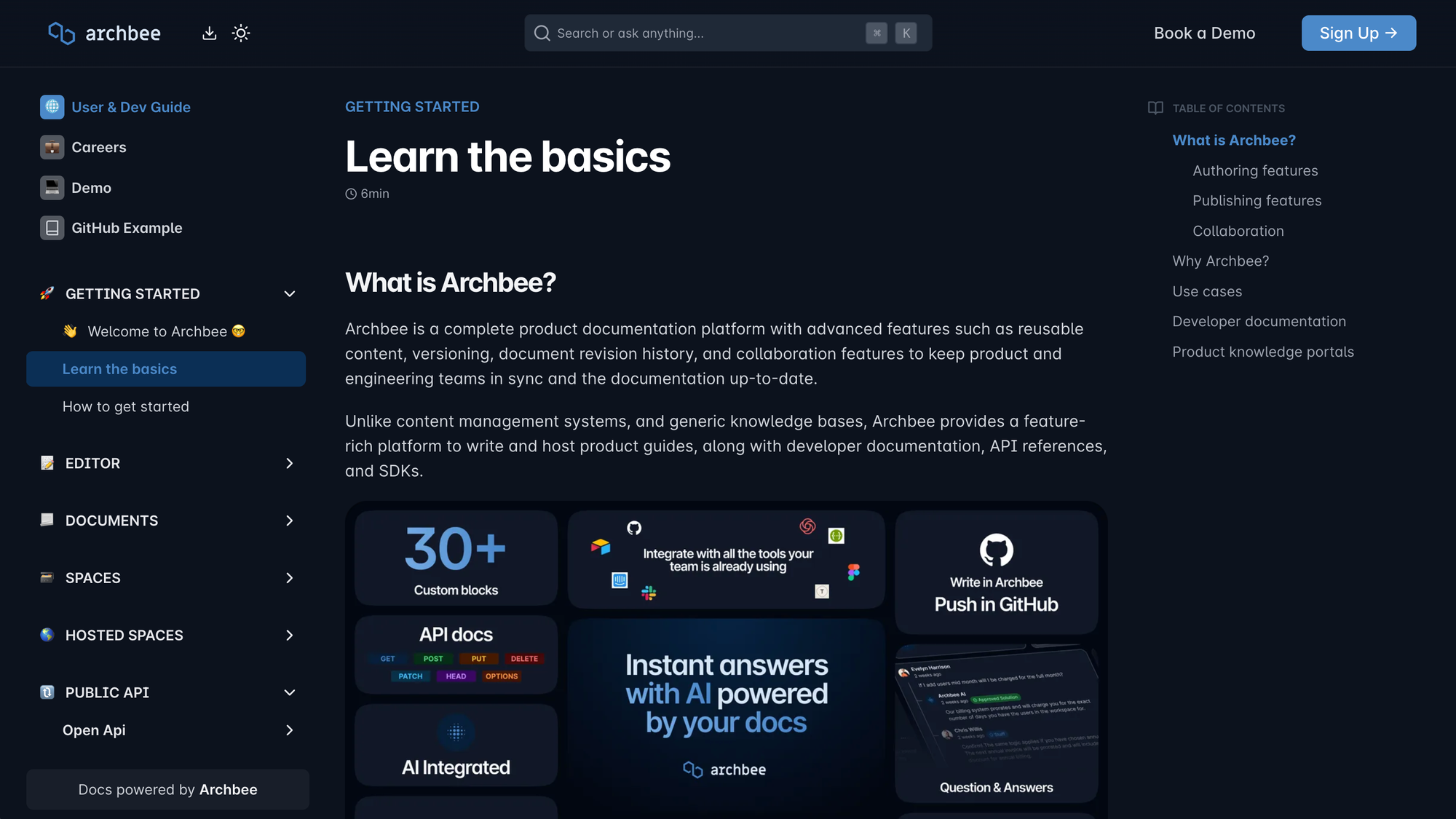
Archbee is a knowledge management platform designed for developers and technical teams. It focuses on creating structured, collaborative, and developer-friendly documentation, making it an excellent choice for building technical knowledge bases.
Top features
- Markdown-based editor: Archbee provides a clean, fast editor tailored for writing technical documentation, including support for Markdown and rich content.
- Embeddable content blocks: Include code snippets, diagrams, and API references in your documentation to deliver comprehensive technical explanations.
- Real-time collaboration: Teams can edit documents simultaneously, ensuring knowledge stays current and accurate.
- Custom domains and branding: Personalize your knowledge base with custom branding and domains to match your company’s identity.
- Integration with developer tools: Integrates with platforms like GitHub, Slack, and Jira, making it easier for technical teams to connect their workflows.
How it's better than Nuclino: Archbee is a much better fit for technical documentation, especially when you need developer-friendly docs, code snippets, API references, and a setup built for product and engineering teams.
Pricing: paid plans start at $80/month, with higher-tier plans starting at $350/month; enterprise pricing is custom. But you can learn more about Archbee pricing in a separate article
11. Gitbook
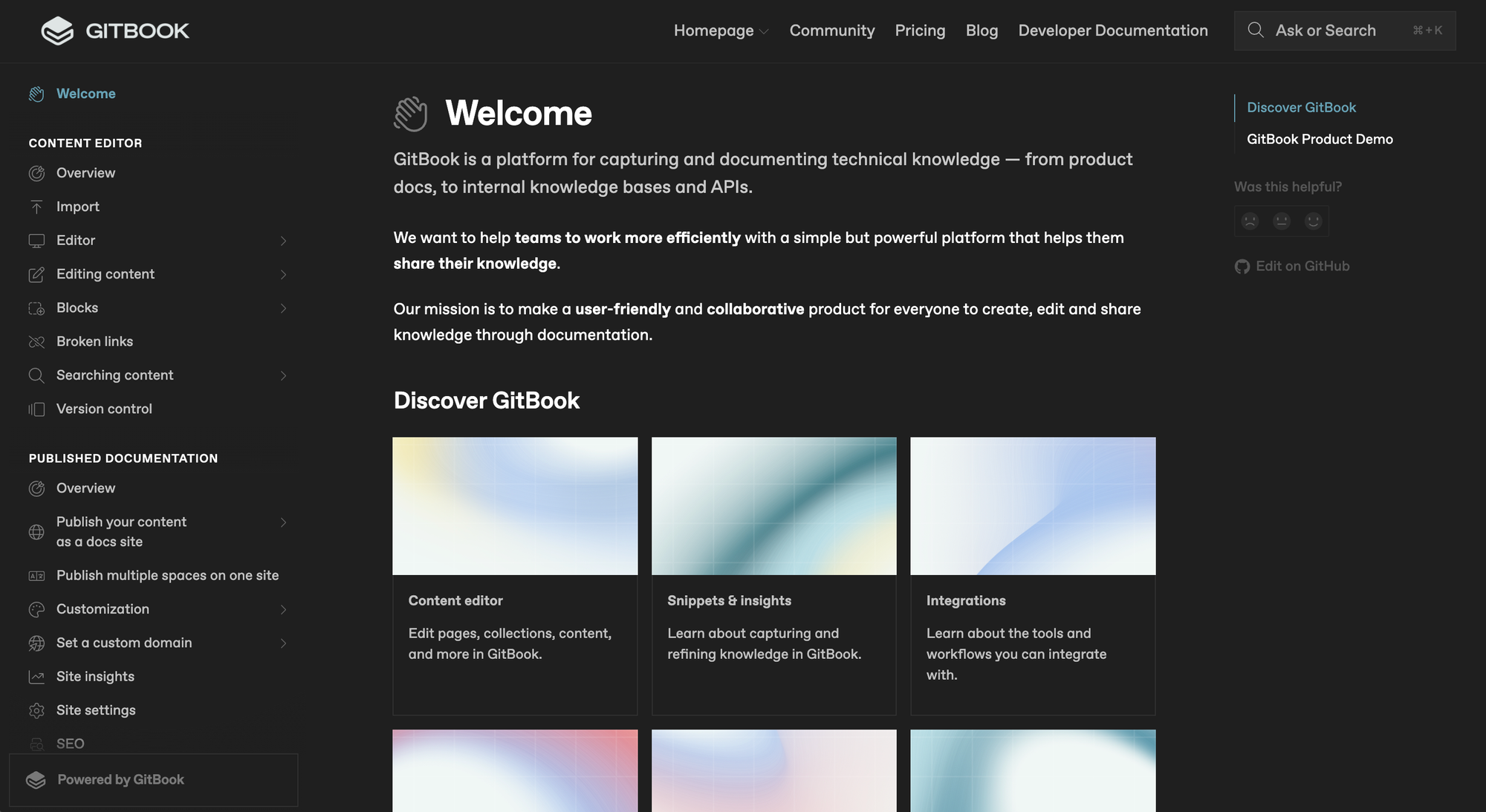
GitBook is a powerful platform for creating and sharing knowledge that is tailored for technical teams and product documentation. Its intuitive interface and collaboration features make it ideal for building and managing structured knowledge bases.
Top features
- Markdown and WYSIWYG editor: Enables technical and non-technical users to create content easily.
- Custom branding: Custom domains, themes, and branding elements.
- Real-time collaboration: Work together on documentation in real-time, ensuring accuracy and up-to-date content.
- Version control: Maintain multiple versions of your documentation, allowing you to track changes and revert to previous iterations of documents.
- Integration with developer tools: Integrates with GitHub, Slack, and other third party tools, making it an excellent choice for technical teams.
How it's better than Nuclino: GitBook is simply the better technical documentation platform if your focus is product docs, API docs, and versioned documentation rather than lightweight knowledge sharing.
Pricing: Free plan available; paid plans start at $65/site/month + $12/user/month (billed annually).
12. Docusaurus
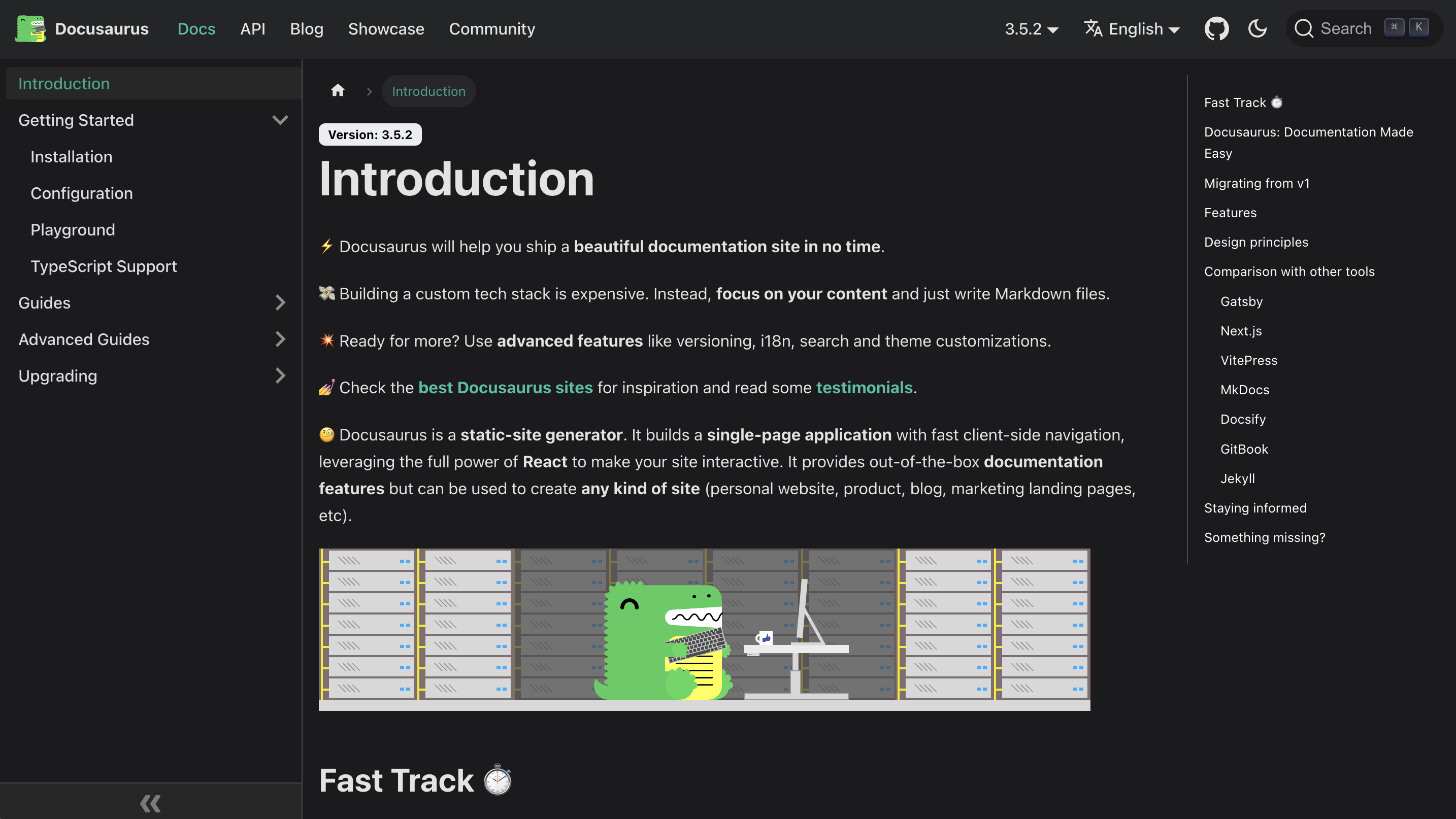
Docusaurus is an open-source documentation tool for building help centers. It’s a great choice for developer teams and technical documentation projects that require a structured and customizable knowledge base.
Top features
- Markdown-based content: Write and manage content using Markdown, making it easy for developers to create and maintain documentation.
- Static site generation: Generate fast, secure, and SEO-friendly static websites for hosting your knowledge base.
- Versioning and localization: Manage multiple versions of your documentation and provide localized content for a global audience.
- Customizable themes and plugins: Tailor the appearance and functionality of your knowledge base with a wide range of themes and plugins.
- Integration with Git workflows: Integrate with Git for version control and collaborative updates to your documentation.
How it's better than Nuclino: Docusaurus is the stronger choice for developer teams that want full control over their documentation website and prefer a docs-as-code approach over a hosted knowledge base tool.
Pricing: Free and open-source.
13. Fusebase
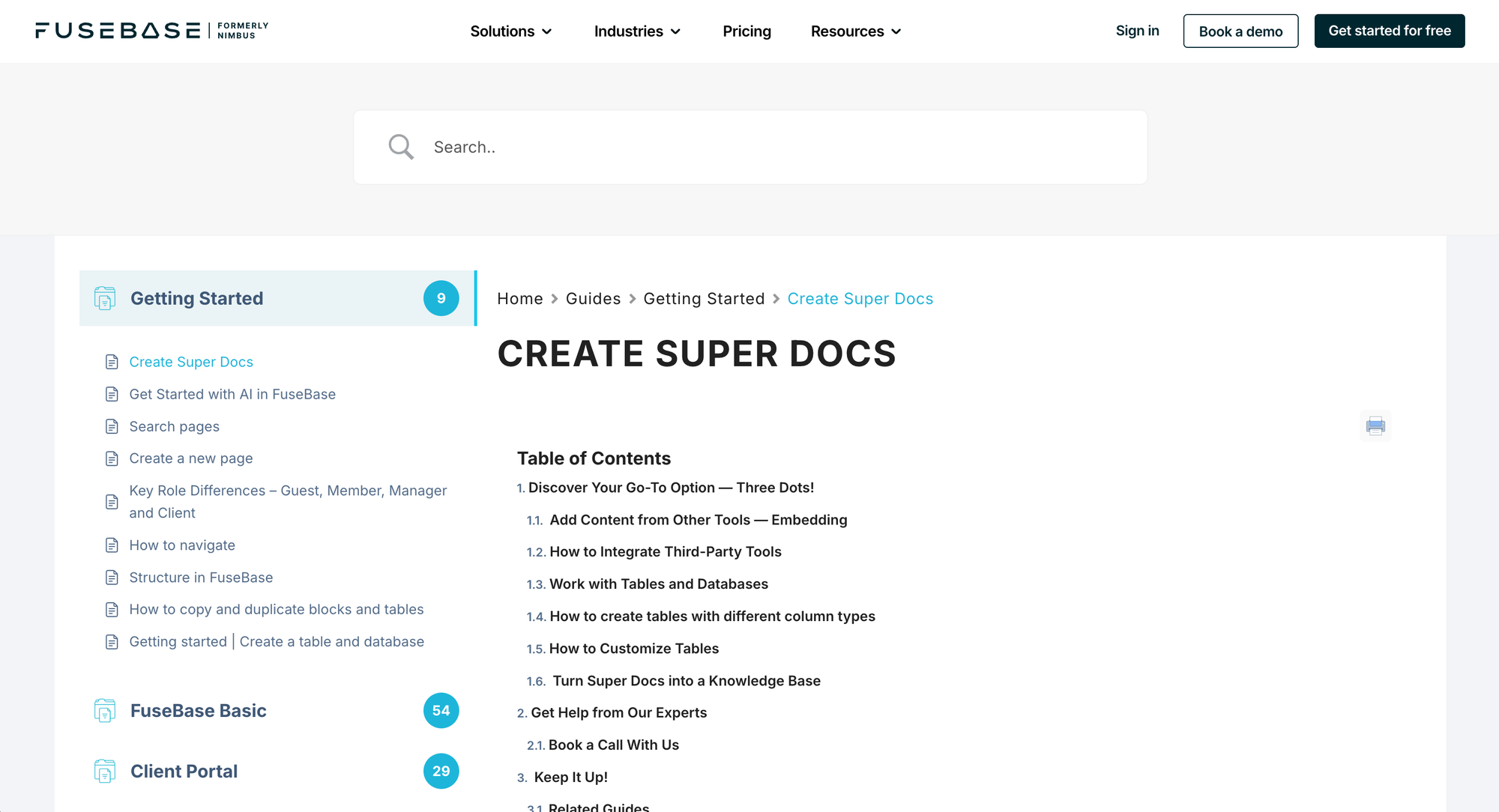
Fusebase is an all-in-one collaboration tool designed to streamline both internal team workflows and external client interactions. It offers a robust knowledge base feature that enables organizations to create, manage, and share information efficiently.
Top features
- Customizable templates: Pre-made templates for wiki pages and knowledge articles, streamlining content creation and ensuring consistency.
- In-content feedback and comments: Allow users to provide feedback and comments directly within knowledge articles, fostering continuous improvement and engagement.
- Integration with external tools: Connect with other platforms to facilitate information sharing and enhance workflow efficiency.
- Mobile accessibility: Access and manage the knowledge base on the go through mobile applications, ensuring information is always within reach.
- Integration with project management tools: Combine knowledge management with project tracking features, enabling a cohesive approach to team collaboration and client management.
How it's better than Nuclino: Fusebase goes further than Nuclino by combining knowledge base features with client portals and external collaboration, which makes it more useful for agencies and service businesses.
Pricing: Paid plans start at $32/month.
14. Basecamp
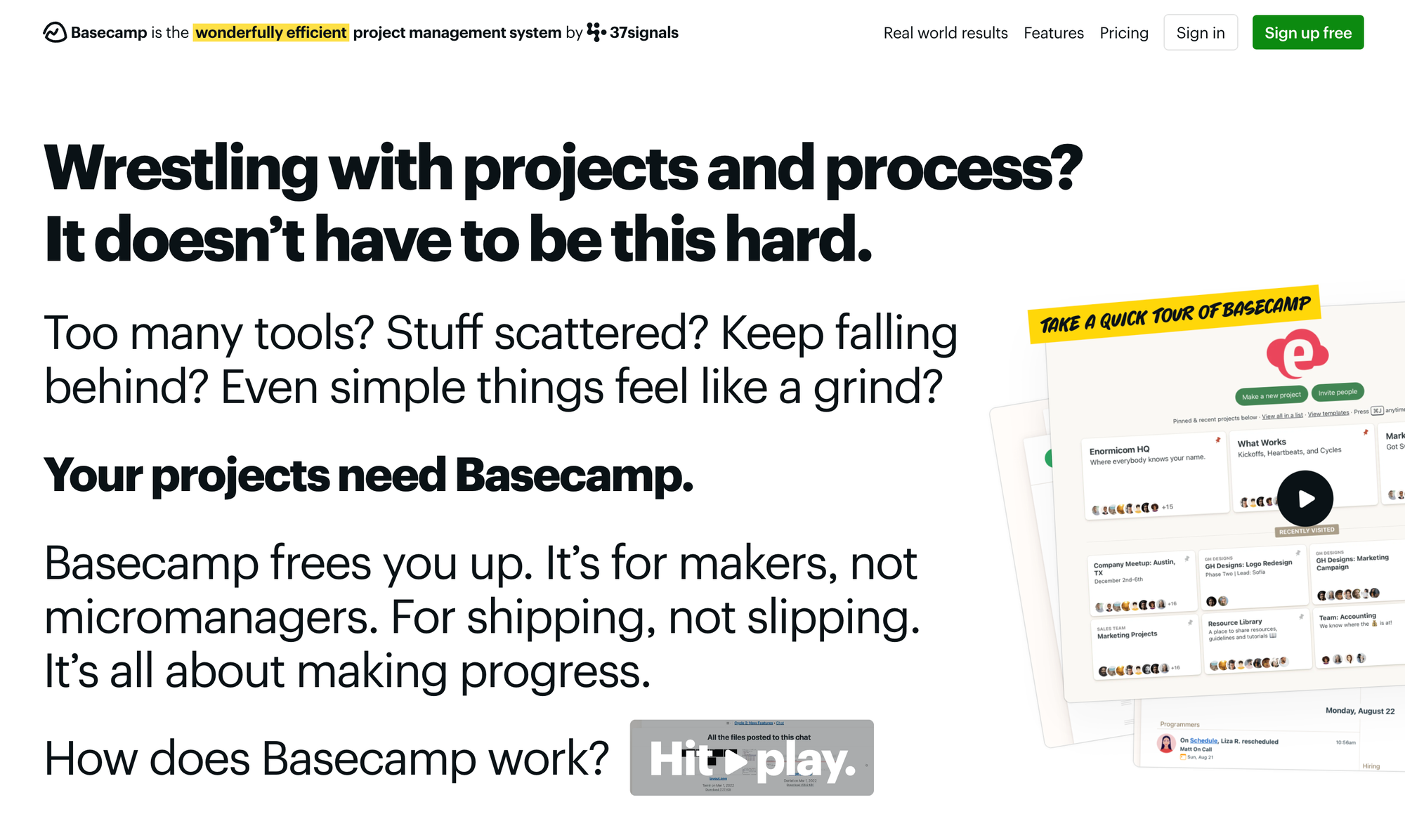
Basecamp is a project management tool that includes features for organizing and sharing team knowledge. It’s ideal for teams that want a straightforward solution for collaboration, project tracking, and maintaining a centralized knowledge base on top of advanced project management features.
Key features
- Docs and files: Basecamp provides a centralized space for storing documents, files, and knowledge base content, keeping everything accessible to the team.
- Message boards: Use message boards to document processes, decisions, and updates that double as a simple, searchable knowledge base.
- Search functionality: Quickly locate knowledge base entries, files, and conversations using the platform’s search feature.
- To-dos linked to knowledge: Integrate knowledge with task management by linking relevant documentation directly to tasks or projects.
- Team collaboration: Facilitate discussions and share knowledge through threaded comments and notifications, ensuring everyone stays informed.
How it's better than Nuclino: Basecamp is the better option when your docs are closely tied to project management, because it keeps team communication, task tracking, and knowledge sharing in one place.
Pricing: Free plan available; paid plans start at $15/user/month, or $299/month billed annually for unlimited users.
15. Proofhub
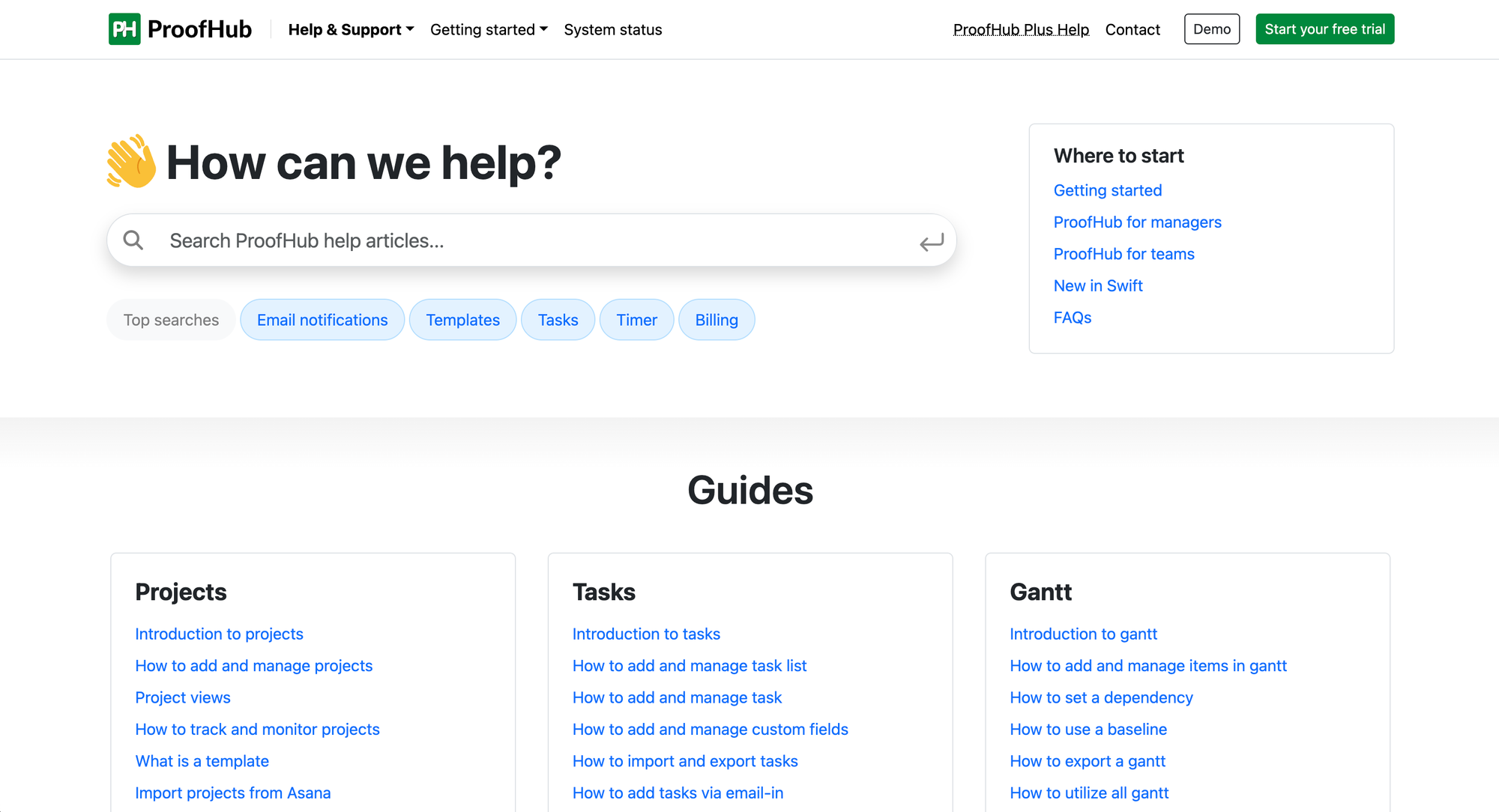
ProofHub is an all-in-one project management and team collaboration software with a robust knowledge base module. It’s designed for teams that want a central location for storing, organizing, and sharing information while managing projects and tasks.
Key features
- Centralized documentation: Store and organize important documents, processes, and guides in one place for easy access.
- Custom workflows: Create and manage workflows to match your team’s processes, ensuring smooth collaboration and task management.
- Collaboration tools: Commenting, discussion threads, and file-sharing options directly within its knowledge base, promoting teamwork.
- Access control: Assign specific roles and permissions and control user access: determine who can view or edit content within the knowledge base.
- Integration with task management: Link knowledge base articles to tasks or projects, ensuring team members can access relevant information quickly.
How it's better than Nuclino: ProofHub is a better fit for teams that need project management first and a knowledge base second, with more control over workflows, permissions, and day-to-day collaboration.
Pricing: paid plans start at $45/month (billed annually), with higher-tier plans starting at $89/month (billed annually).
Conclusion
All of these Nuclino alternatives offer something of value and it's hard to say which one is the very best. From project management tools with some knowledge base features to fully customizable knowledge base software with unlimited users, each tool has its own distinct advantages. But why not choose the very best?
Featurebase is a powerful Nuclino alternative that lets you create a beautiful knowledge base with a custom domain, in-app widgets, translations, and so much more. In addition to a Help Center, it also comes with feedback collection, survey, and changelog features to help you build a product your users love.
It has an affordable pricing and a Free plan. We can migrate your content from any existing Help Center tools with zero data loss. 👇
✨ Create a beautiful Help Center with Featurebase for free →