Blog Customer ServiceEnjo AI Pricing: Plans, Extra Costs, and Real Examples
Enjo AI Pricing: Plans, Extra Costs, and Real Examples
Explore Enjo AI pricing, Free, Starter, and Standard plans, reply overages, knowledge block costs, and practical examples to estimate your support budget.



✨ Looking for an Enjo alternative with support and feedback in one place? Explore Featurebase →
Enjo AI has a free plan, with paid plans starting at $95/month. But choosing between Starter and Standard takes more than comparing the monthly subscription: AI replies, knowledge storage, and the features you need all affect the decision.
In this guide, I'll break down Enjo AI pricing, explain the extra charges, and walk through practical examples so you can budget for your support workload. 👇
Key takeaways
- 4 plans: Free, Starter, Standard, and a custom Enterprise option.
- Usage-based pricing: Your support activity and stored knowledge matter more than headcount on the self-serve plans.
- Replies aren't resolutions: Budget using the AI's responses, rather than assuming each ticket consumes 1 unit.
- Compare both allowances: A plan that looks cheaper for replies can become more expensive once storage overages are included.
- Featurebase✨ is another option: Its support and feedback tools share a subscription, with seat-based pricing and separate AI resolution charges.
What is Enjo AI?
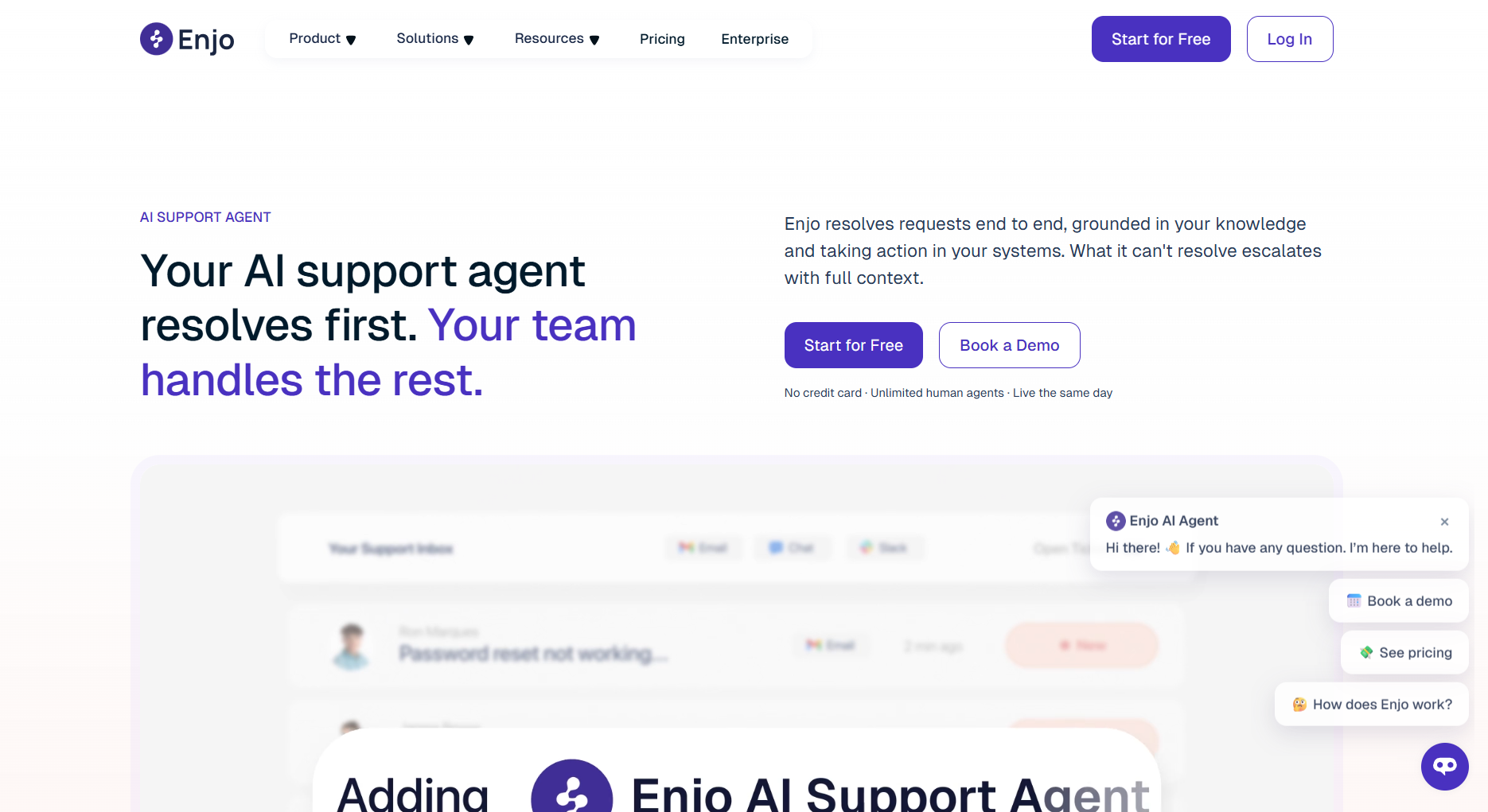
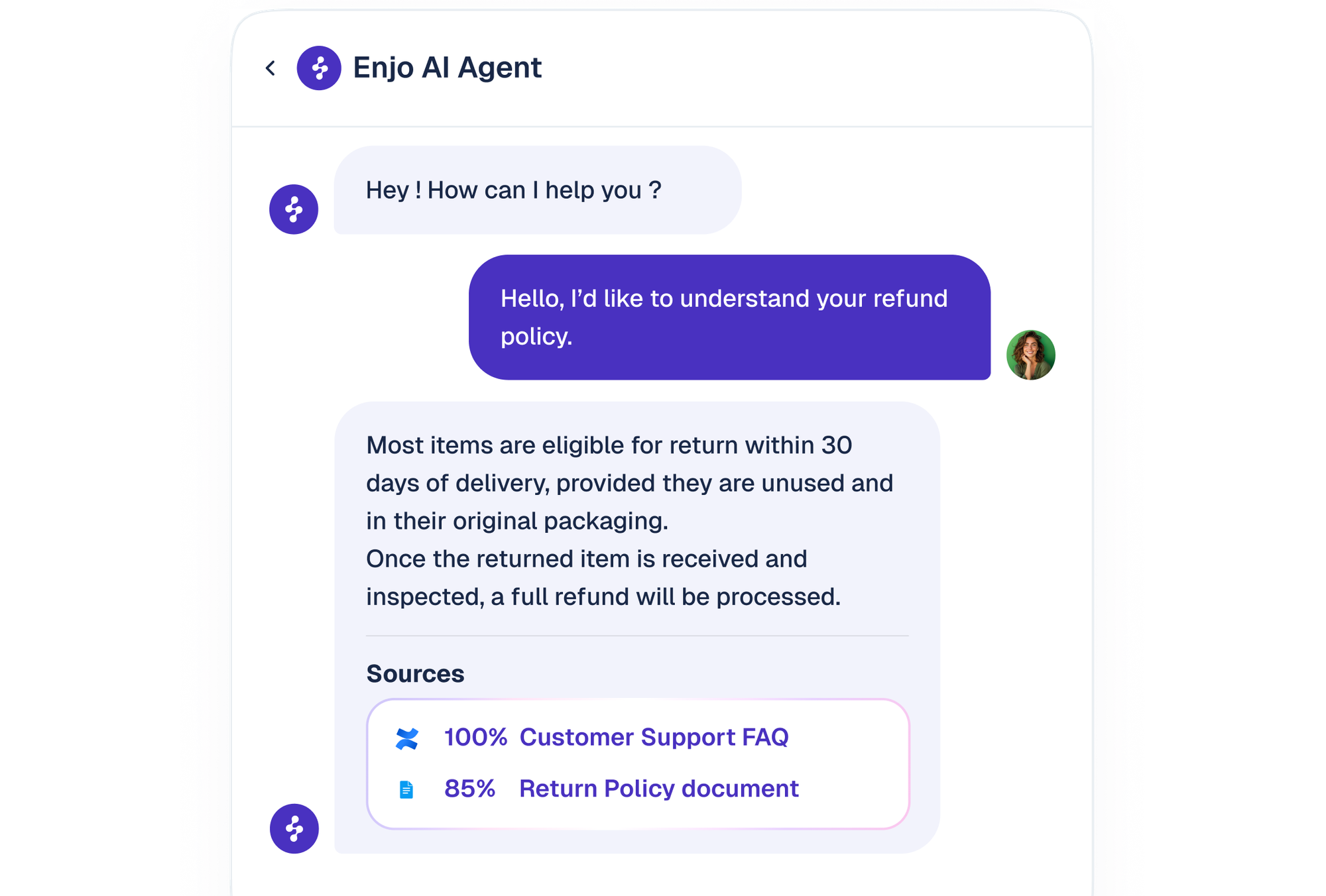
Enjo is an AI support platform that combines an AI agent, Inbox, Help Center, and tools for assisting human agents. Its agent uses connected knowledge and defined workflows to answer questions, take permitted actions, and escalate requests that need a person.
It's part of the broader category of AI customer service agents. When evaluating these tools, the useful question is how much of a request they can handle, including the work left for your team after a handoff.
For example, answering a billing question and completing an account change are different jobs. Build your evaluation around the tasks your customers actually bring to support, then check which plan enables those tasks.
Enjo AI pricing plans
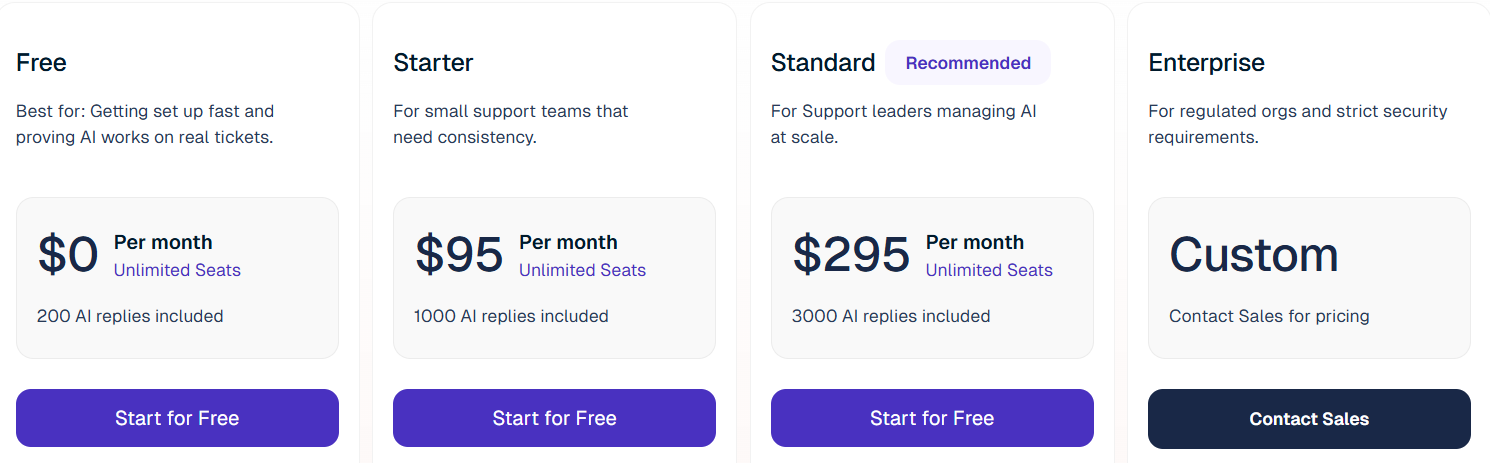
Here's the published plan structure:
| Plan | Subscription | AI replies included per month | Knowledge blocks included | Human seats |
|---|---|---|---|---|
| Free | $0 | 200 | 2,000 | Unlimited |
| Starter | $95/month | 1,000 | 10,000 | Unlimited |
| Standard | $295/month | 3,000 | 50,000 | Unlimited |
| Enterprise | Custom, yearly billing | Custom | Custom | Confirm in quote |
The right tier depends on both your workload and the capabilities you need. Start with a representative sample of requests, rather than choosing a plan from your employee count.
Free
The Enjo AI free plan includes Inbox, Help Center, and a limited monthly AI allowance. It gives you a way to try the product before paying for ongoing automation.
Use that allowance to test variety: straightforward questions, follow-ups, incomplete requests, and questions that should reach a human. A bot that answers the same easy question repeatedly hasn't yet shown how it handles your queue.
There's a detail to clarify before building multiple agents: the Free card and comparison table say unlimited AI agents, while the pricing FAQ says 1. Confirm the applicable limit with Enjo.
Starter
The Enjo AI Starter plan adds AI Actions, basic guardrails, and basic automation and analytics. It's the first paid option to evaluate when you need the agent to do more than retrieve an answer.
My starting point would be a narrow workflow with a clear outcome. Pick something frequent enough to measure, then check whether the available integrations and controls support it all the way through.
If Starter already provides the capabilities you need, compare its overages against the next tier before upgrading. Exceeding an included allowance doesn't automatically make the higher subscription better value.
Standard
The Enjo AI Standard plan adds more advanced workflows, testing, guardrails, reporting, and Agent Assist. It also provides a larger knowledge allowance.
This is where your evaluation should move beyond the number of replies. A team reviewing automation across several workflows may value the additional controls even when its reply volume is modest.
Write down what the upgrade would change in your operation. If you can't identify a needed capability or a cost advantage, keep testing the lower tier before committing to the higher base price.
Enterprise
Enjo AI Enterprise pricing is negotiated. Its listed options include SSO/SAML, custom integrations and data controls, and on-premise deployment.
Build the quote request around your actual requirements: deployment, access controls, expected activity, and the systems Enjo must connect to. Ask for those assumptions to appear in the proposal so you can compare offers consistently.
Keep optional work separate from the subscription. An implementation service and a recurring license solve different budgeting problems, even when they're discussed in the same sales call.
Extra costs to include in your Enjo budget
Your subscription is the starting point. For a useful Enjo AI cost estimate, add the usage you expect above each allowance and any existing software you'll continue paying for.
Additional AI replies
Starter and Standard list $0.05 per additional AI reply. Enjo's pricing FAQ describes the unit as an individual response from its AI agent to a customer.
So, for a planning example, 600 conversations averaging 4 AI responses would consume 2,400 replies. That's an assumption to test against actual usage, not an industry average.
Track these inputs separately:
- Requests handled by AI: Exclude conversations that go directly to your team.
- AI responses per request: Include follow-up answers, not just the opening response.
- Monthly variation: Model launches and busy periods as well as a normal month.
Paid plans support usage caps. Before relying on one, confirm what happens to incoming requests when the cap is reached and who on your team will monitor it.
Knowledge block overages
Starter and Standard also list $0.005 per additional knowledge block. This is a separate allowance from AI replies, so connecting more content can change the comparison between tiers.
For an AI knowledge base, document count alone is a weak budgeting input. A short FAQ and a long manual don't contain the same amount of material.
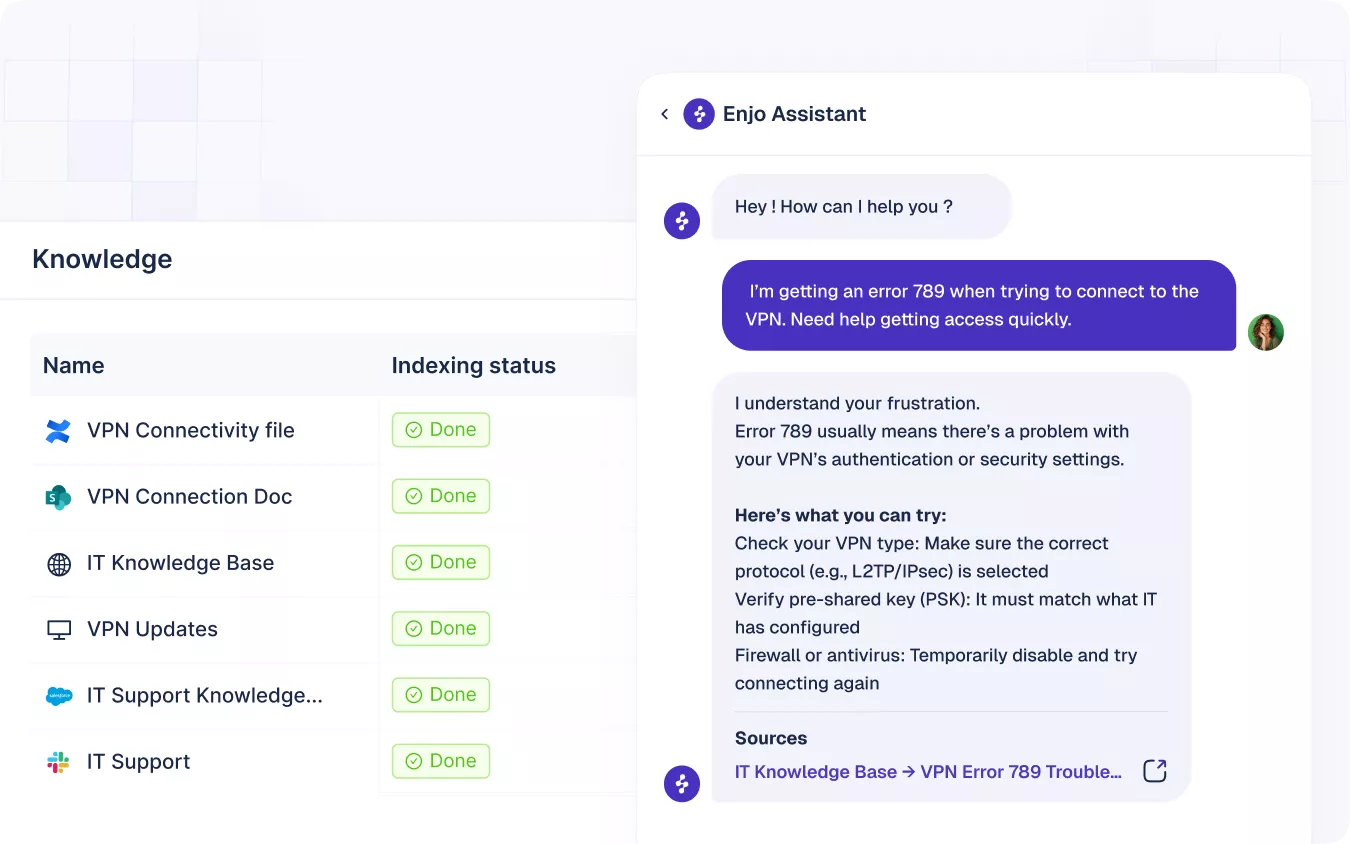
Enjo's public pricing doesn't explain a fixed conversion from words or documents to billable blocks. It also doesn't clearly state the measurement and billing cadence for storage overages.
Ask Enjo to estimate your indexed content and explain whether block charges use a snapshot, a peak, or another measurement. Until that's clear, treat storage calculations as estimates rather than guaranteed monthly invoices.
Software you keep alongside Enjo
If Enjo sits alongside a helpdesk you already use, include that helpdesk's ongoing subscription in your budget. The same applies to paid knowledge sources or other systems your workflow still needs.
When comparing AI helpdesk software, list the tools you can actually retire. A new platform only replaces an existing expense when your team can stop paying it.
Also allow time for preparing content, testing answers, and reviewing escalations. Those are internal operating costs, even when no vendor adds them to an invoice.
Enjo AI cost examples
These examples use hypothetical workloads and the published self-serve rates. They exclude taxes, other software, and negotiated charges. The storage example assumes excess blocks are billed together for the period being compared, which Enjo should confirm.
A small support workload
Suppose your team needs 700 AI replies and 5,000 knowledge blocks. Both quantities fit inside Starter's allowances.
Estimated subscription cost: Starter = $95/month. Standard = $295/month.
For this workload, moving up would need a feature-based reason. The larger allowances alone wouldn't reduce your bill.
Don't choose on this example if your real usage is still unknown. A short pilot should establish how many responses your typical requests require before you forecast the whole queue.
More replies with a small knowledge base
Now assume 3,000 AI replies and 10,000 knowledge blocks. Starter incurs reply overages, while Standard includes the workload.
Starter: $95 + (2,000 extra replies × $0.05) = $195/month.
Standard: $295 + $0 in modeled overages = $295/month.
Starter is $100 cheaper in this example. Reaching Standard's included reply volume isn't, by itself, a reason to upgrade.
This comparison holds knowledge storage constant. Once that input changes, you need to calculate the bill again.
More replies with a larger knowledge base
Keep the same 3,000 replies, but increase the workload to 50,000 knowledge blocks.
Starter: $95 + $100 in reply overages + (40,000 extra blocks × $0.005) = $395 for the modeled period.
Standard: $295 + $0 in modeled overages = $295 for the modeled period.
Under the stated storage-billing assumption, Standard is now $100 cheaper. Its larger knowledge allowance changes the result, before assigning any value to its extra features.
| Hypothetical workload | Starter | Standard | Lower modeled cost |
|---|---|---|---|
| 700 replies, 5,000 blocks | $95 | $295 | Starter |
| 3,000 replies, 10,000 blocks | $195 | $295 | Starter |
| 3,000 replies, 50,000 blocks | $395* | $295 | Standard* |
Storage-inclusive estimate, subject to Enjo's block measurement and billing terms.
Is Enjo AI worth the price?
Enjo deserves consideration when you want usage-based support automation and expect several people to collaborate. Unlimited self-serve seats can be valuable, but your own reply volume and connected knowledge determine whether the pricing works for you.
I'd make the buying decision against 3 tests:
- Workflow fit: Can it complete the recurring tasks you want to automate, with an acceptable handoff when it can't?
- Total cost: Does the quote or subscription estimate include both usage allowances and the software you'll retain?
- Operational value: Does the time saved justify the ongoing work of maintaining knowledge and reviewing answers?
Use your busiest realistic month in the comparison. A plan that fits an average month comfortably can still need a spending cap or a larger budget during a launch.
When shortlisting AI customer support software, compare cost per successfully handled request alongside answer quality. A low usage rate means little if customers still need your team to repeat the work.
Looking for an Enjo alternative? Try Featurebase

Featurebase is a modern AI customer support platform for product-led SaaS. It combines AI-powered support, help center, and feedback management into a single platform for startups that want all their customer-facing tools in one place. Featurebase is loved by thousands of support teams from companies like Lovable, Raycast, and n8n. 💫
Top features:
- Omnichannel inbox – Manage live chat, email, and Slack conversations from one AI-powered view
- Fibi AI Agent - Resolve customer issues on autopilot & run custom actions like trial extensions and refunds
- Help center with AI search – Provide instant, multilingual self-serve answers
- Workflows & automations – Auto-assign tickets, route conversations, collect customer data, and more
- AI Copilot – Help your agents answer customers faster with AI Copilot that uses your internal knowledge
- Multi-brand support – Manage multiple Help Centers and Live chats from a single workspace
- Automatic AI translations – Automatically translate all messages and help articles to your customers native language
- Service Level Agreements – Track SLAs to make sure your team responds to customers on time, every time
- Mobile app – Respond to customers, receive notifications, and unblock users on the go
- Feedback & roadmap tools – Collect feature requests and close the loop with updates
- Product updates – Publish release notes with a changelog page, in-app widget, and emails
- Integrations – Connects with Slack, Linear, Jira, HubSpot, and more
Pricing: Free plan available with unlimited conversations. Paid plans start at $29/seat/month, billed annually, with $0.49 per AI resolution.
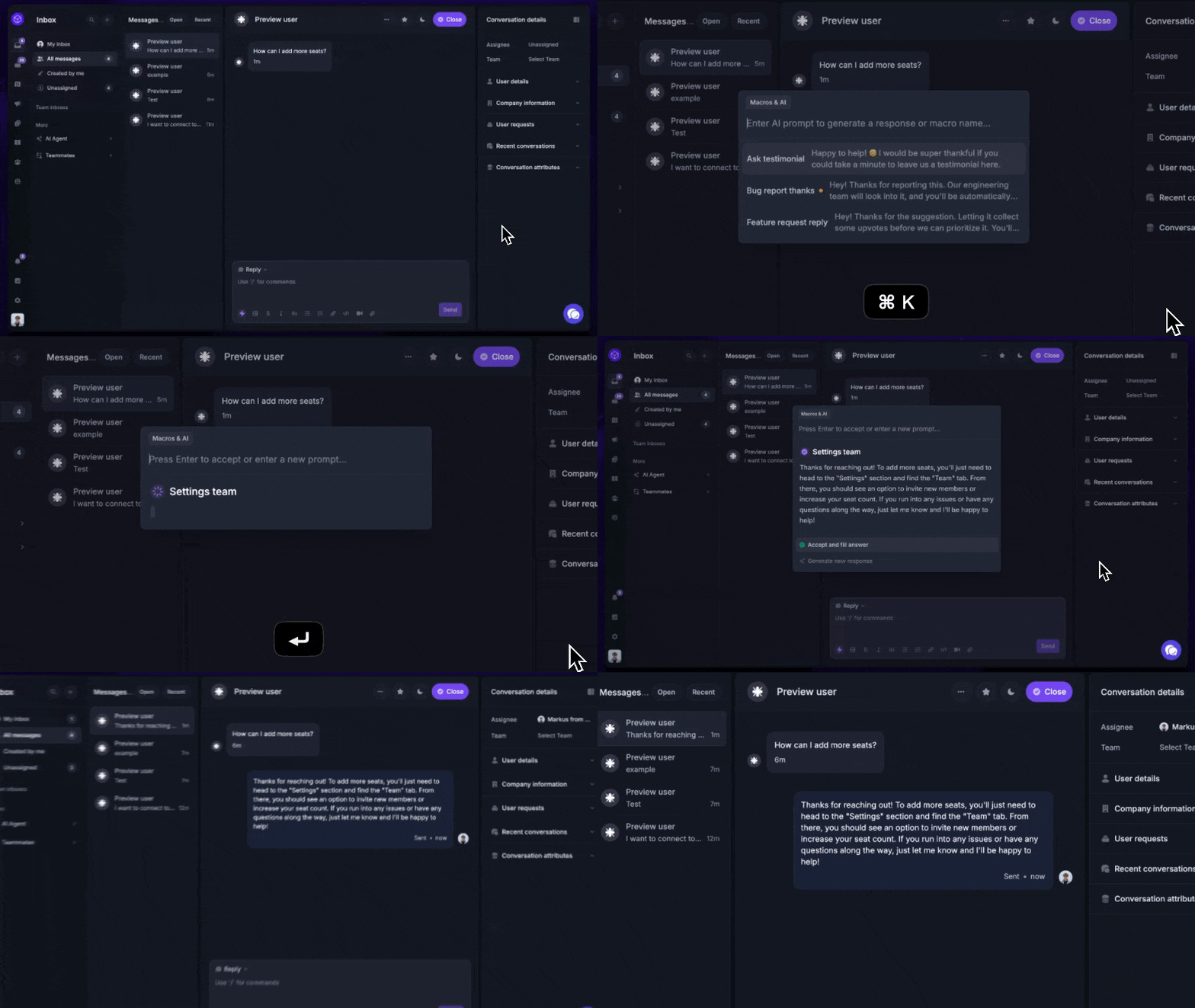
The Free plan includes 1 seat and doesn't include AI. Features vary by tier, with Slack support and workflows on Professional, and multi-brand support on Enterprise. Check the Featurebase pricing plans against your requirements.
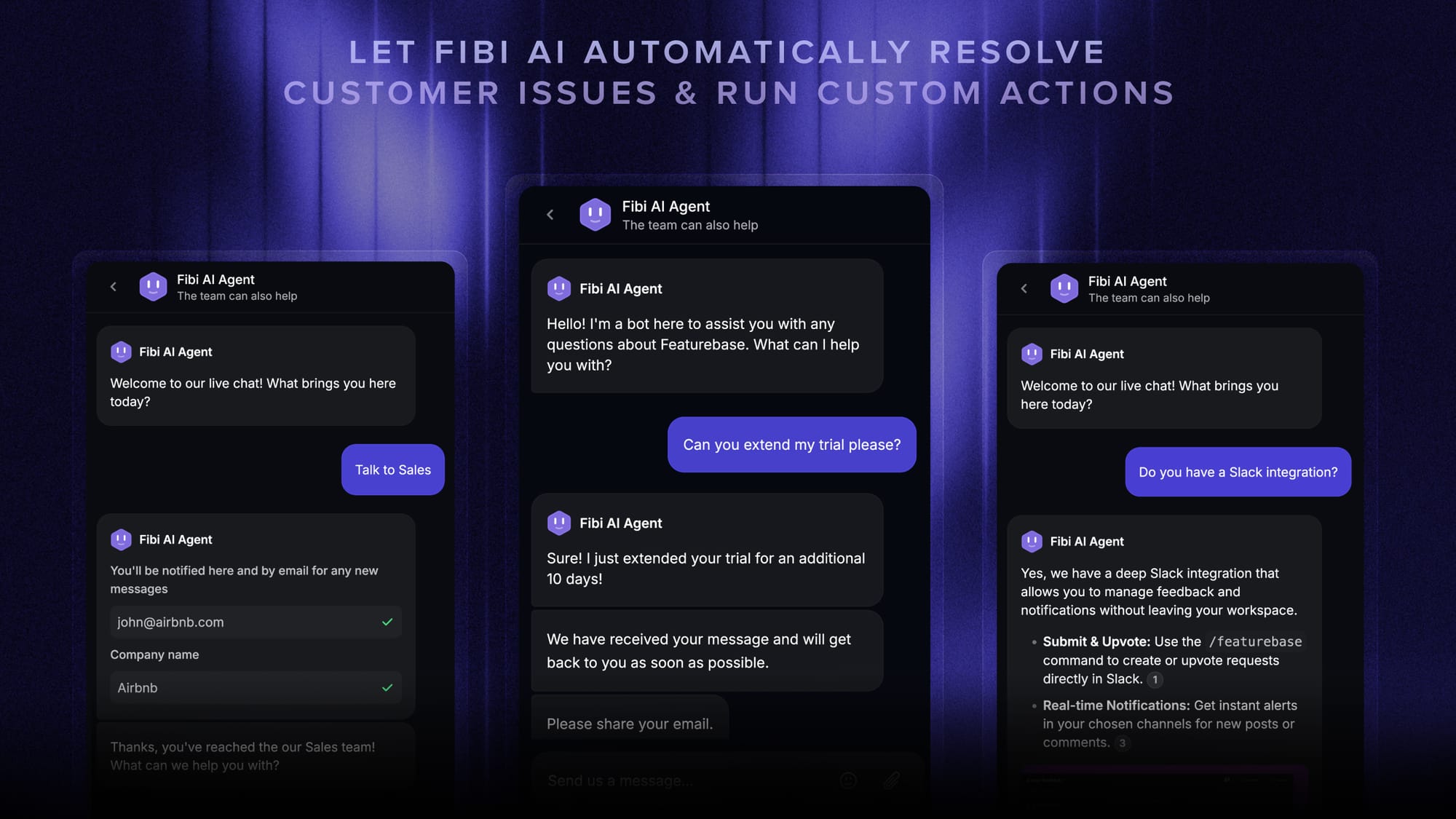
Fibi charges at most once per conversation it resolves. A resolution can be confirmed by the customer or assumed when they leave without asking for more help. That makes its billing unit different from an individual AI reply.
If you're comparing Enjo AI alternatives, compare the full subscription and expected usage. Featurebase's value is the combined support and product-feedback workflow. Enjo can have a lower software bill in workloads where its free seats and reply pricing are a good fit.
✨ Bring AI support, your help center, and customer feedback together with Featurebase →
Conclusion
Choose an Enjo plan using your expected replies, knowledge storage, and required features together. Starter can be the better buy above its reply allowance, while Standard's storage capacity or additional capabilities can justify the upgrade.
Featurebase brings AI-powered support, a help center, and feedback management into one platform for product-led SaaS teams. It's a strong option when you want customer conversations and product feedback connected in the same workspace.
It comes with a Free plan, so you can explore the platform before choosing a paid plan and adding AI. 👇
✨ Automate your support with the fastest AI-enhanced Inbox today →
FAQs
Can I cancel Enjo and return to the Free plan?
Enjo's public FAQ says cancellation leaves access active until the current billing cycle ends, then moves the account to Free. For an Enterprise agreement, confirm the applicable cancellation terms in your contract before signing.
Does Enjo offer an annual discount?
Enjo doesn't publish an annual discount for its self-serve plans on the pricing page. Enterprise requires yearly billing, but that doesn't establish a discount or a public annual price.
Can I pay for Enjo by invoice?
Enjo lists credit-card payments for its self-serve paid plans. Enterprise customers can arrange invoicing and custom payment terms through their agreement.
Do Enjo plans include onboarding and training?
Free and Starter list self-serve onboarding, while Standard includes assisted onboarding. Enterprise adds dedicated onboarding and a success manager, with 1 training session per quarter. The comparison table doesn't include training sessions on the lower tiers.
Do I need another helpdesk to use Enjo?
Enjo offers its own Inbox, so a separate helpdesk isn't required for every deployment. Its AI agent can also connect to other helpdesks. Choose the setup based on where your team should handle escalations and maintain conversation history.