Knowledge Sharing: Benefits, Types, and Best Practices
Knowledge sharing turns what one person knows into something the whole team can use. Here's what it is, why it matters, the types of knowledge, and how to build the habit.


On this page
Create a beautiful AI-powered Help Center with Featurebase for free
Every team has that one person who knows how everything actually works. It's great, right up until they go on vacation, switch roles, or leave. Suddenly nobody can find the answer, and work grinds to a halt.
Knowledge sharing is how you stop that from happening. In this guide, I'll cover what it is, the types of knowledge involved, why it matters, what usually gets in the way, and how to build a culture where sharing is the default. 👇
Key takeaways:
- Knowledge sharing is the exchange of information, skills, and experience across people and teams, so expertise doesn't stay locked in one person's head.
- There are 3 types of knowledge to share: explicit (documented), implicit (applied), and tacit (experiential). Tacit knowledge is the hardest to capture and the most valuable.
- The biggest blockers are knowledge silos, knowledge hoarding, and simply not having the time or tools to share.
- The payoff is real: faster onboarding, better decisions, more innovation, and far less institutional knowledge walking out the door.
- Building a knowledge-sharing culture takes intent, leadership by example, recognition, and a single place where knowledge lives.
- Featurebase✨ gives you an AI-powered knowledge base to turn scattered answers into a searchable, self-serve source of truth.
What is knowledge sharing?
Knowledge sharing is the process of exchanging information, skills, ideas, and experience between people, teams, and departments. It's how the things individuals know become things the whole organization can use.
That exchange happens in two ways. Formal sharing runs through documentation, training, and knowledge bases. Informal sharing happens in conversations, mentoring, and the quick "how did you solve this?" messages that fly around every day.
The goal is simple: make sure valuable knowledge flows to the people who need it, instead of sitting untouched in one person's inbox or memory.
The 3 types of knowledge you share
Not all knowledge works the same way, and knowing the difference shapes how you capture and share it. There are 3 types of knowledge most teams deal with:
- Explicit knowledge: Information that's easy to write down and pass on, like SOPs, policies, reports, and how-to guides. It's the simplest to document and store in a knowledge base.
- Implicit knowledge: The applied know-how people pick up by doing, like the best way to handle a tricky customer or which shortcut actually saves time. It can be documented, but usually only after someone thinks to.
- Tacit knowledge: The deep, experiential knowledge that's hard to put into words, like intuition, judgment, and gut feel built over years. Tacit knowledge is the most valuable and the hardest to transfer, which is why it mostly moves through mentorship and hands-on collaboration.
Most knowledge-sharing efforts do fine with explicit knowledge and fall short on tacit knowledge. Getting the experiential stuff out of people's heads is the real challenge.
Why knowledge sharing matters
The cost of not sharing knowledge is bigger than most teams realize. According to Panopto's Workplace Knowledge and Productivity Report, US knowledge workers waste an average of 5.3 hours every week either waiting on information from colleagues or recreating knowledge that already exists somewhere. For a large business, that inefficiency adds up to around $47 million a year.
There's a retention risk too. That same report found 42% of institutional knowledge is unique to an individual, meaning when that person is out or leaves, their coworkers simply can't do that part of the job. This is how tribal knowledge quietly becomes a single point of failure.
When knowledge flows freely, the benefits stack up fast:
- Faster onboarding: New hires learn from documented answers and experienced colleagues instead of waiting months to absorb everything by osmosis.
It helps even more when they know how to learn anything 10x faster, since good documentation only pays off when people can actually absorb it. - Better decisions: People make smarter calls when they have the full picture, not just their slice of it.
- More innovation: Ideas from different teams collide and spark solutions no single group would have reached alone.
- Less knowledge loss: Documenting and sharing expertise protects the company when someone changes roles or moves on.
- Higher productivity: Teams stop reinventing the wheel and reuse what already works.
What gets in the way of knowledge sharing
If sharing knowledge were easy, everyone would already do it. In practice, a few predictable barriers keep getting in the way:
- Knowledge silos: Teams focus on their own goals and stop communicating and collaborating across departments, so information gets trapped in pockets. It's rarely intentional, but the effect is the same: nobody outside the silo can access what's inside it.
- Knowledge hoarding: Some people hold onto what they know, whether from fear of losing job security, competitiveness, or just habit. This is the culture problem, and it's the hardest one to fix.
- Lack of time: Under deadline pressure, documenting a process feels like a luxury. People prioritize their own urgent work over sharing, especially when they don't see an immediate payoff.
- The wrong tools (or none): When knowledge is scattered across email, chat threads, and personal drives, sharing it is a chore and finding it is worse.
These barriers compound each other, and they're expensive. Grammarly and The Harris Poll estimate that poor communication costs US businesses up to $1.2 trillion a year, or about $12,506 per employee. A lot of that comes down to knowledge that never made it from one person to another.
How to build a knowledge-sharing culture
Knowledge sharing doesn't happen on its own. It needs to be built into how the team works. A few practices make the biggest difference:
- Lead by example: When leaders openly share what they know, ask questions, and document decisions, everyone else follows. If the people at the top hoard information, no policy will fix it.
- Make it easy: Reduce friction wherever you can. Simplify documentation, keep articles short and practical, and make sure people know exactly where to put and find knowledge.
- Create a single source of truth: Give knowledge one home instead of ten. A central, searchable place means people stop duplicating work and asking around for answers that already exist.
- Recognize and reward sharing: Call out the people who document fixes, mentor teammates, and answer questions. A shout-out in a team meeting or a formal incentive tells everyone that sharing is valued, not just tolerated.
- Build it into onboarding and mentorship: Pair new hires with experienced colleagues and make knowledge sharing part of how people ramp up from day one. It sets the expectation early and keeps tacit knowledge moving.
None of these are one-time projects. A knowledge-sharing culture is something you maintain, measure, and keep refining as the team grows.
Tools that support knowledge sharing
The right tools turn good intentions into a habit. Most teams end up using a mix, depending on what kind of knowledge they're sharing:
- Knowledge bases and wikis: A central library for documented answers, guides, and SOPs. This is the backbone of most knowledge-sharing setups, and there's a wide range of knowledge base software to choose from.
- Chat and collaboration tools: Slack, Teams, and similar platforms carry the fast, informal sharing that happens all day.
- Learning platforms: LMS tools structure formal training and onboarding content, and industry-specific options like franchise training software do the same for multi-location brands.
- Video and async tools: Screen recordings and step-by-step guides capture processes that are easier to show than to write.
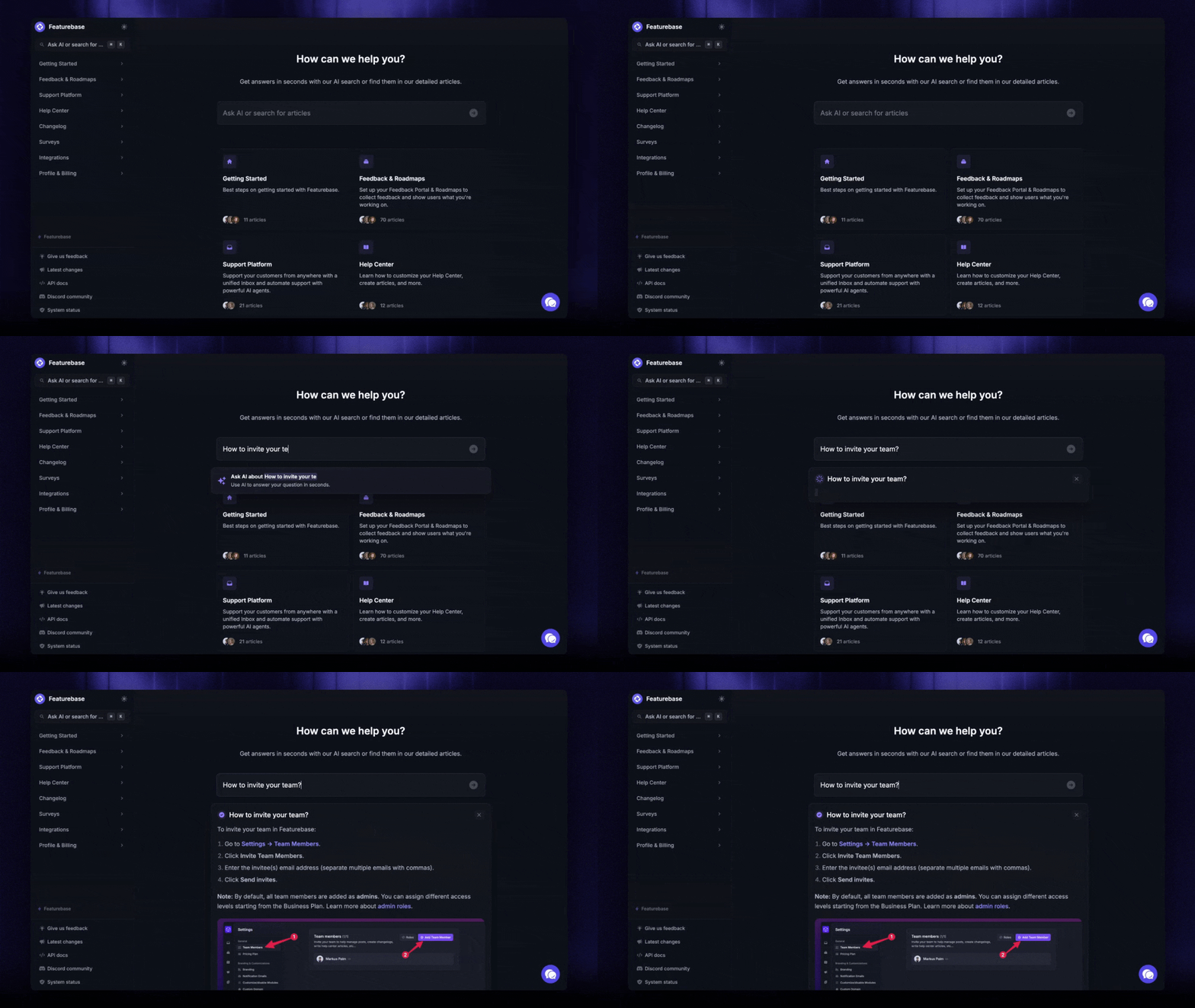
For teams that want one clean home for their documented knowledge, a dedicated knowledge base is the highest-leverage tool. A modern one lets you build both a public help center for customers and an internal knowledge base for your team, with AI search on top so people find answers in seconds instead of digging through folders.
Share knowledge with a knowledge base: Featurebase
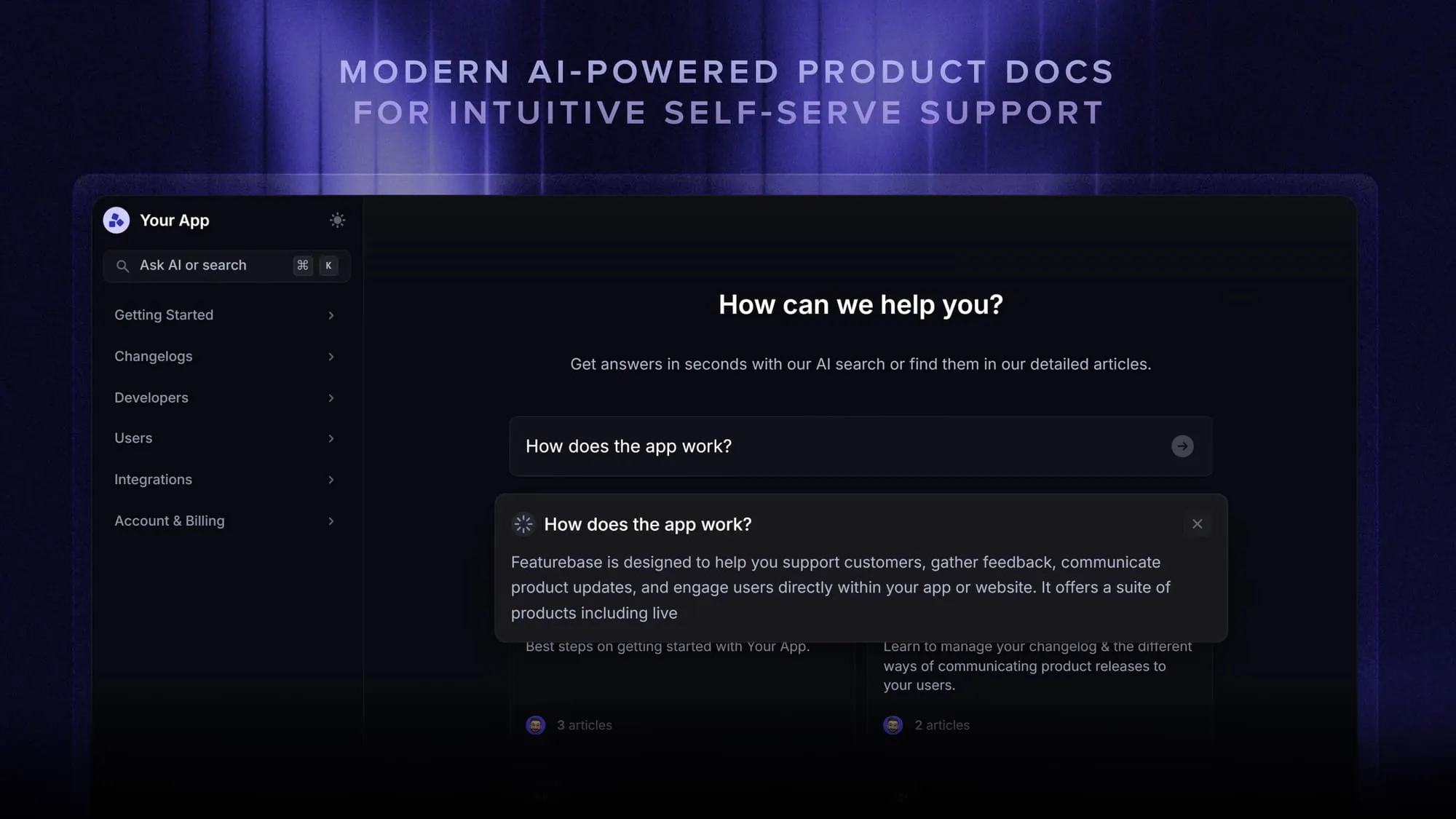
Featurebase is a modern & powerful support platform for SaaS teams that helps you create beautiful product docs, provide AI-powered support, and collect feedback all in one place. It's loved by thousands of support teams from companies like Lovable, Raycast, and n8n. 💫
Top features:
- Public & internal help center – Create a branded, knowledge base with your domain and design for easy self-service support.
- Embeddable in-app widget – Serve help articles directly within your app, reaching users where they need assistance most
- AI-powered search answers – Summarize answers for users right in the search bar in seconds
- Automatic AI translations – Automatically translate and show your Help Center in your users native languages
- Multi-brand support – Manage multiple Help Centers and Live chats from a single workspace
- AI-powered support platform – Manage chat, email, and Slack support conversations from one AI-powered view
- Feedback & roadmap tools – Collect feature requests and close the loop with updates
- Product updates – Publish release notes with a changelog page, in-app widget, and emails
- Integrations – Connects with Slack, Linear, Jira, HubSpot, and more
Pricing: You can create a public help center with a fully free plan. Paid plans start at just $29/seat/mo for unlimited articles.
Featurebase offers a modern customer-facing product suite by integrating your help center, live chat, feedback collection, and product updates to build better products and customer experiences.
Conclusion
Knowledge sharing is what keeps a team resilient. When information flows freely, people onboard faster, make better decisions, and stop losing hard-won expertise every time someone moves on. The barriers are real, but they're solvable with the right culture and the right tools.
If you want a single place to capture and share knowledge, Featurebase gives you an AI-powered knowledge base, help center, and feedback tools in one platform so your team's answers live somewhere everyone can find them, not just in one person's head.
There's a free plan and onboarding is fast, so there's no downside to trying it. 👇
Create a beautiful AI-powered Help Center with Featurebase for free
FAQs
Knowledge sharing is the act of exchanging information and expertise between people. Knowledge management is the broader system that makes that sharing possible, including how knowledge is captured, organized, stored, and maintained. Put simply, knowledge sharing is one part of a wider knowledge management strategy. If you want the bigger picture, our guide to knowledge management best practices covers the full framework.
Common examples include mentorship and job shadowing, documented SOPs and process guides, internal wikis and knowledge bases, team retrospectives, lunch-and-learn sessions, and quick answers shared in chat. Both formal channels (like training) and informal ones (like a hallway conversation) count. The best cultures use a mix so both documented and experiential knowledge keeps moving.
A knowledge sharing platform is a tool that helps teams capture, organize, and access knowledge in one place instead of scattering it across emails and drives. These range from wikis and knowledge bases to chat tools and learning systems. Featurebase is one example: it lets you build a public or internal knowledge base with AI-powered search so people find answers instantly.
The main downsides are the time it takes to document and maintain knowledge, the risk of information overload when there's too much to sift through, and articles going stale if nobody keeps them updated. There can also be concerns about sharing sensitive or confidential information too widely. Most of these are managed with clear ownership, a regular review cycle, and good access controls, so the benefits far outweigh the costs.
AI makes knowledge easier to find and reuse. AI-powered search can summarize an answer directly instead of returning a list of links, automatically translate content into other languages, and group or tag large volumes of information so it stays organized. That means people spend less time hunting and more time acting on what they find. An AI knowledge base is a practical way to put this to work.
The 5 C's are a common way to frame effective knowledge management: capture (collecting knowledge), curate (organizing and refining it), connect (linking people to the right information), collaborate (sharing and building on it together), and create (turning shared knowledge into new value). They describe the full loop from getting knowledge in to putting it to use.