Blog Customer Service10 Best Customer Self-Service Software Tools for 2026
10 Best Customer Self-Service Software Tools for 2026
The 10 best customer self-service software tools for 2026, ranked on free plans, AI resolution pricing, knowledge-base depth, and how well each one actually deflects tickets.



✨Create a beautiful AI-powered Help Center with Featurebase for free →
Same questions piling up in your inbox while customers wait for a reply you'll send tomorrow. That's the problem self-service software is supposed to fix, and most "best of" lists shuffle the same 10 help desks and call it a day.
This guide ranks the 10 best customer self-service software tools for 2026 on what actually decides whether tickets go down: free plans, AI resolution pricing, knowledge-base depth, and how well each tool surfaces help inside your product.
I'll cover what self-service software is, what to look for, the 10 tools worth shortlisting, and how to pick the one that fits your team. 👇
Key takeaways
| Tool | Best for | Starting price | Free plan | AI resolution pricing |
|---|---|---|---|---|
| Featurebase✨ | Modern SaaS teams that want a help center, AI agent, and feedback loop in one | $29/seat/mo | Yes, unlimited articles | $0.29 per AI resolution |
| Zendesk | Enterprise teams already in the Zendesk ecosystem | $55/agent/mo | No | $1–$2 per AI resolution |
| Help Scout | Small teams that want a tidy shared inbox with built-in Docs | $25/user/mo | Free for 1 user | $0.75 per AI Answer |
| Intercom | Conversational support backed by the most polished AI agent | $19/seat/mo billed annually ($29 monthly) | No | $0.99 per Fin outcome |
| Freshdesk | Mid-market teams that want a familiar help desk with a free entry | $19/agent/mo | Yes, up to 2 agents | ~$100 per 1,000 AI sessions |
| HubSpot Service Hub | Companies already running HubSpot CRM | $90/seat/mo | Yes, limited | Included on Pro and above |
| Zoho Desk | Small teams on a tight budget who can live with dated UX | $14/user/mo | Yes, up to 3 agents | Locked to Enterprise plan |
| Salesforce Service Cloud | Enterprises already on the Salesforce platform | $25/user/mo | No | Agentforce add-on (custom) |
| Stonly | Teams that need interactive decision-tree guides | $199/mo (annual) | No | Locked to Enterprise plan |
| Document360 | Pure knowledge-base teams with custom needs | Quote-based only | No | Enterprise-only |
What is customer self-service software?
Customer self-service software lets customers solve their own issues without contacting a support agent. It's usually a mix of a knowledge base, an AI chatbot, an in-product widget, and sometimes a community forum, all stitched together so a customer can search, ask, and resolve in one flow.
The pitch is simple: every question a customer answers themselves is a ticket your team doesn't have to handle. But it's harder than it looks. Gartner found that only 14% of customer service and support issues are fully resolved in self-service, even though most companies have some form of help center already live.
The gap is product, not intent. Customers want to self-serve. The customer service tools have to actually answer the question, in plain language, on the page where the customer is stuck.
The good news: the next wave of self-service tools (AI search, AI agents, interactive guides) is closing that gap fast. Gartner expects self-service and live chat to surpass traditional channels as the top customer service technologies by 2027. The tools that win are the ones that take a question, hand back a working answer, and don't make the customer dig.
For the concepts behind it, the types, benefits, and best practices; see our guide to customer self-service.
What to look for in customer self-service software
There are 4 things that decide whether a self-service tool actually deflects tickets or just adds another tab to your stack:
- AI search that pulls real answers from your knowledge base: Keyword search is over. Good tools run hybrid search (semantic plus keyword) and return a summarised answer in the search bar, not a list of 10 articles to click through.
- An AI agent that resolves, not just routes: An agent that ends the conversation with the right answer is worth far more than one that opens a ticket. Look at outcome-based pricing (per resolution) versus session-based, and ask what counts as a "resolution".
- An in-product widget, not just a help center page: Customers ask questions where they get stuck, which is inside your product. A messenger or knowledge-base widget that lives in-app is usually what moves deflection rates from "okay" to "great".
- Analytics that show what people search and don't find: A self-service tool without empty-search analytics is flying blind. The whole point is to keep filling the gaps your customers keep hitting.
A modern self-service tool should also close the loop with the rest of your product. When customers ask for things your help center can't answer, that feedback should land somewhere a product manager will see it, not die in a chat transcript. Tools like Featurebase that fold feedback collection into the same platform as the help center make this loop short by default.
The 10 best customer self-service software tools for 2026
1. Featurebase ✨
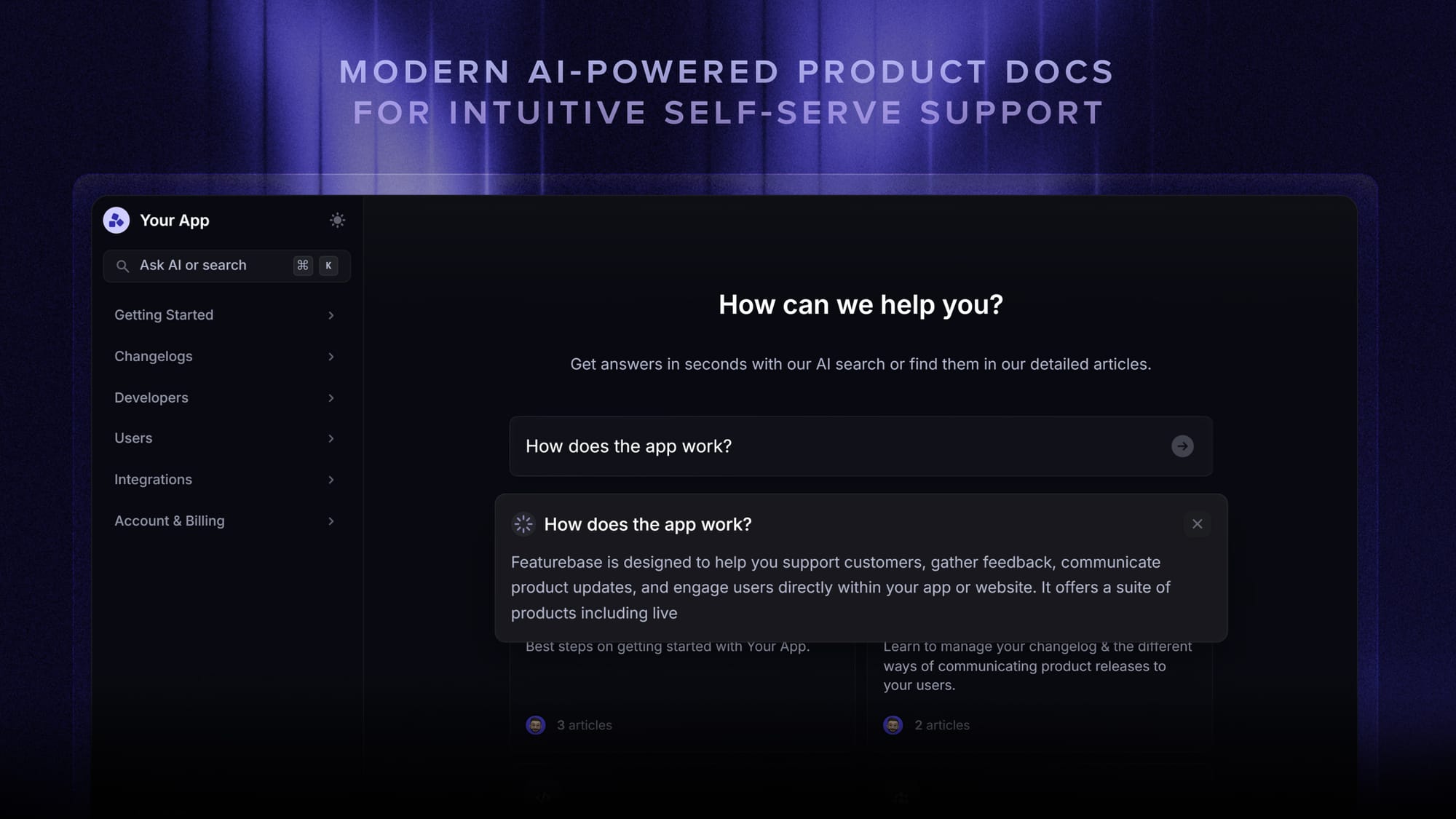
Featurebase is a modern AI-powered support platform built for SaaS teams who want a help center, AI agent, and feedback loop in one place. It's loved by thousands of support teams from companies like Lovable, Raycast, and n8n. 💫
Top features:
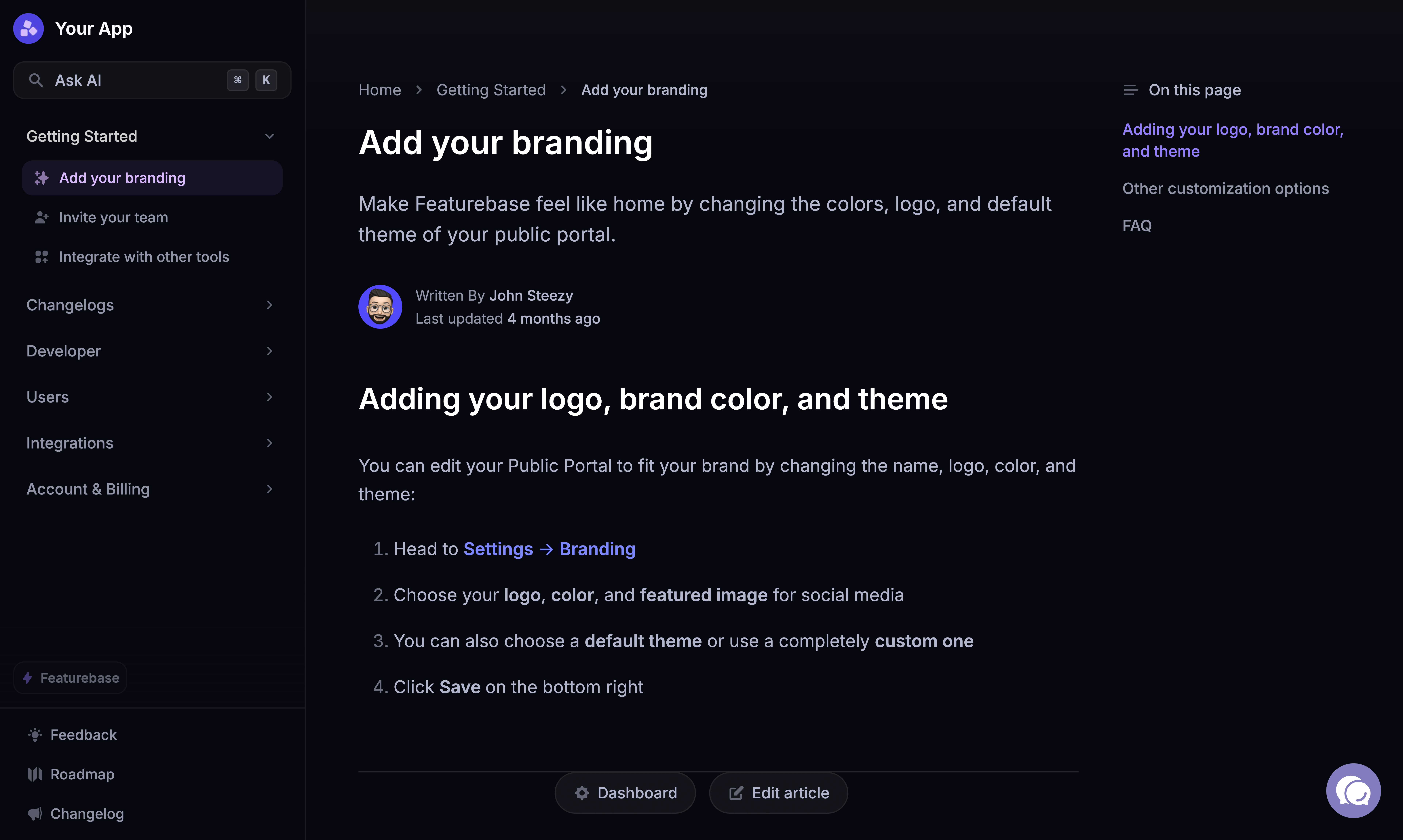
- Public & internal help center – Create a branded knowledge base on your own domain with custom design for easy self-service support
- Embeddable in-app widget – Serve help articles directly inside your product, where customers actually need them
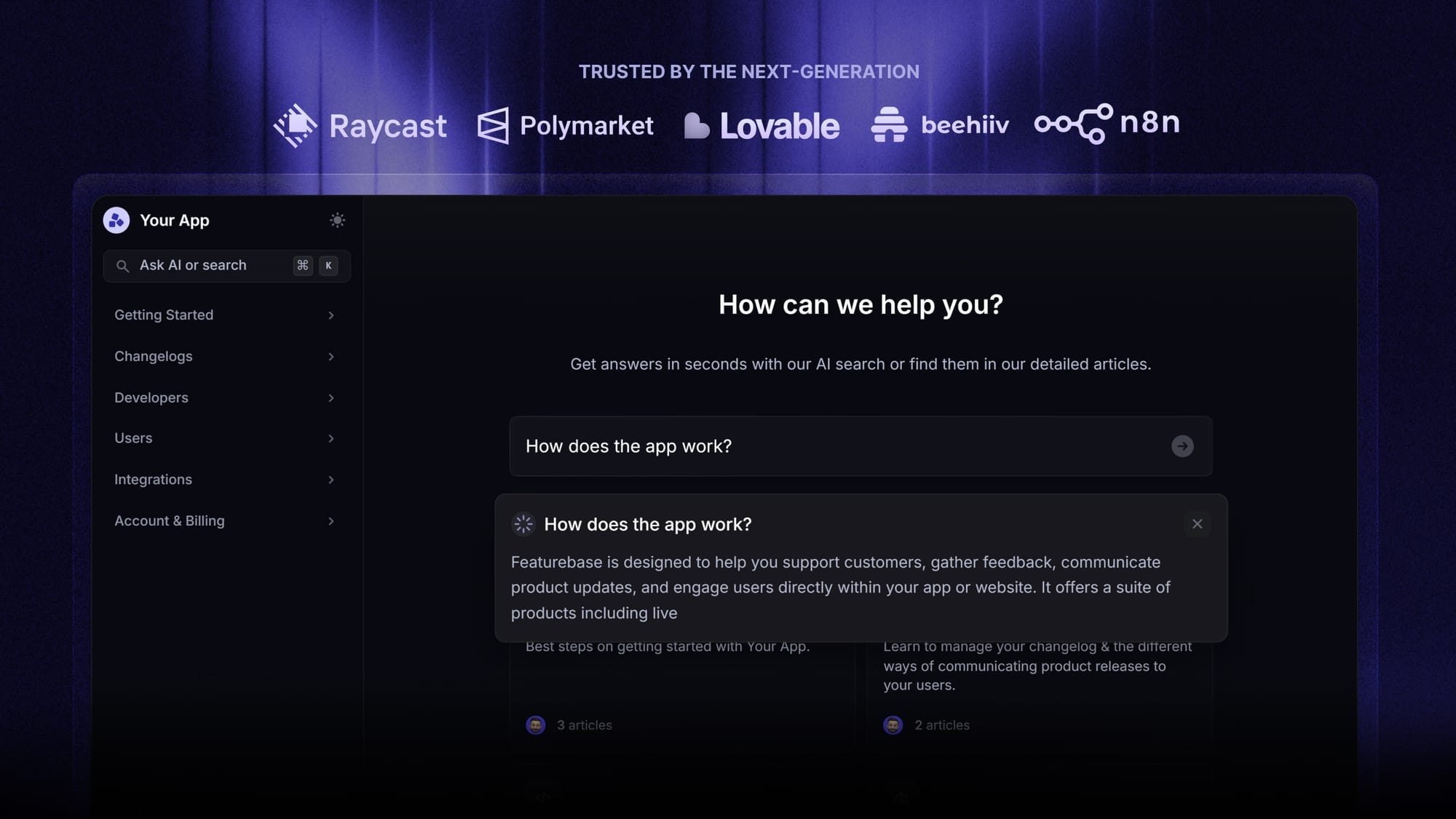
- AI-powered search answers – Summarise the answer in the search bar in seconds instead of returning a list of articles
- Automatic AI translations – Show your help center in your users' native languages with no extra work
- Multi-brand support – Manage multiple help centers and live chats from a single workspace
- AI-powered support platform – Manage chat, email, and Slack conversations from one AI-powered inbox
- Feedback & roadmap tools – Collect feature requests and close the loop when customers ask for something your help center can't answer
- Product updates – Publish release notes with a changelog page, in-app widget, and email
- Integrations – Connects with Slack, Linear, Jira, HubSpot, and more
Pricing: Free plan available with a public help center and unlimited articles. Paid plans start at $29/seat/month with $0.29 per AI resolution.
Featurebase covers everything a legacy help desk does, but with the modern self-service stack baked in: AI search summaries, a working AI agent, in-app widgets, and a feedback forum that turns deflected questions into a roadmap your product team can act on.
2. Zendesk
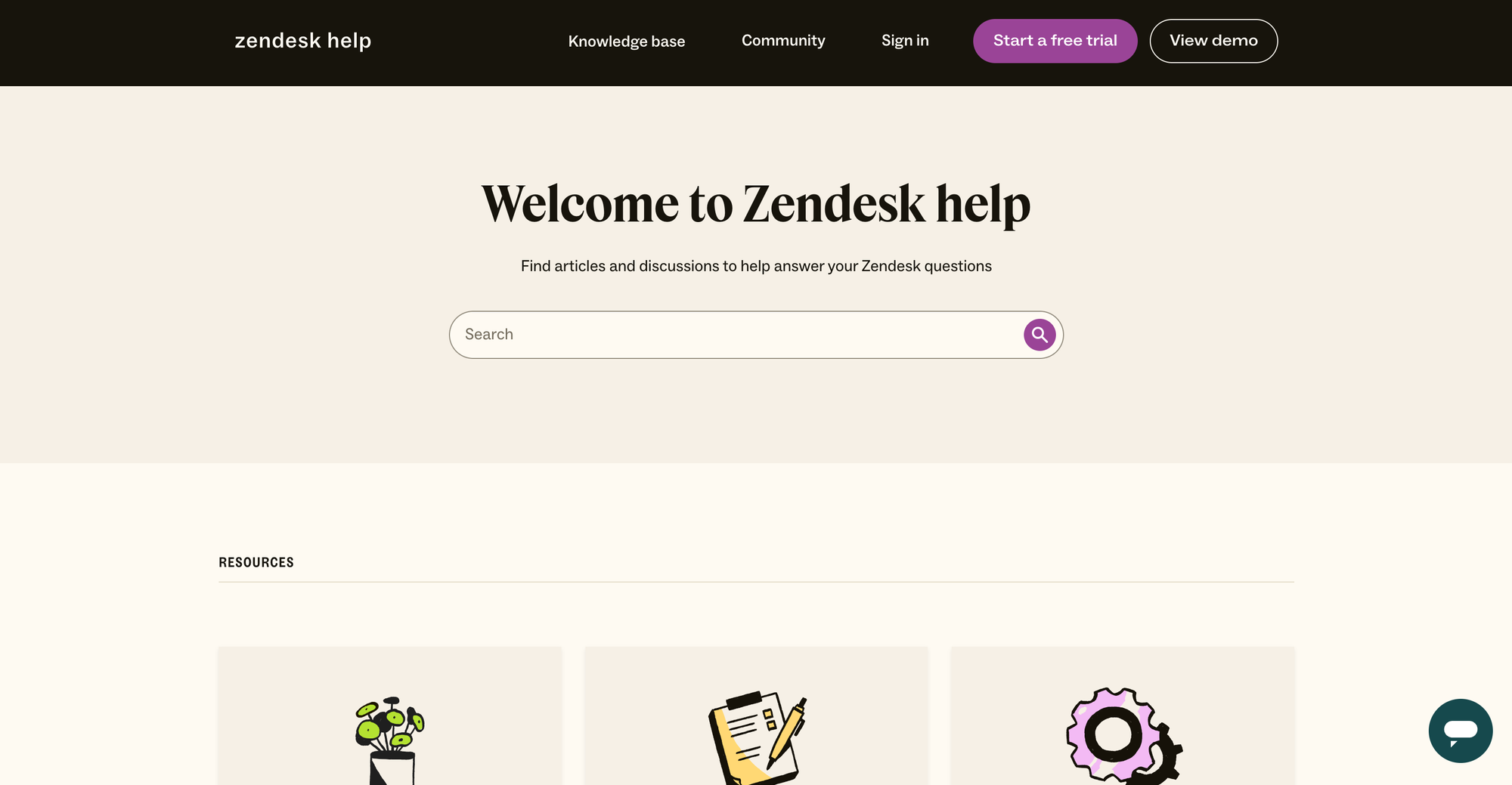
Zendesk is the most established help desk on this list, and its self-service capabilities sit inside the broader Zendesk Suite. The platform's knowledge base, AI agents, and help center are deeply integrated with ticketing, so teams already running Zendesk for support get self-service as part of the same workspace.
It's a strong fit for enterprise teams that already live in the Zendesk ecosystem. For smaller teams, the setup complexity and ticket-volume-driven cost can be a problem.
Key features
- Branded help center with knowledge base articles, FAQs, and community forums
- AI agents that pull answers from articles and resolve simple tickets conversationally
- Article generation from past ticket conversations
- Multi-channel deflection across web widget, email, and messaging
- Reporting on article views, failed searches, and AI agent performance
Cons
- Pricing scales quickly. The lowest Suite plan is $55/agent/month, and advanced AI features land on higher tiers or paid add-ons
- Setup is heavy. Triggers, automations, workflows, and views are powerful but get hard to manage at scale
- The interface can feel slow when handling large ticket volumes
- Customisation on lower tiers is limited compared to what enterprise users expect
Zendesk pricing starts at $55/agent/month for Suite Team and climbs to $115/agent/month for Suite Professional. AI Agent resolutions are billed separately, typically $1-$2 per resolution depending on the contract.
3. Help Scout
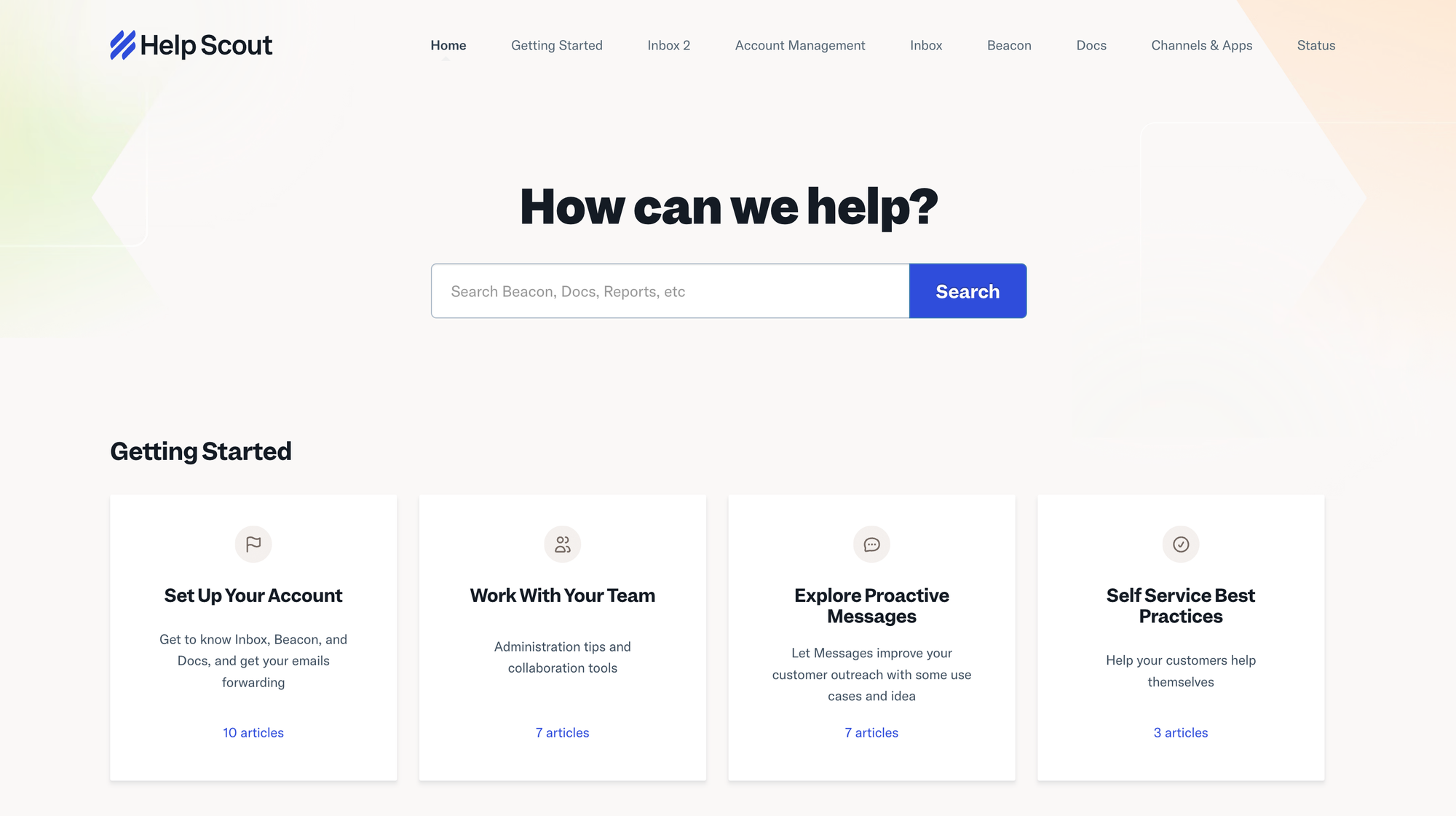
Help Scout is a help desk built around a shared inbox, with a knowledge base product called Docs and a small in-product widget called Beacon. It's popular with small support teams that want to keep things simple, and the self-service piece sits naturally on top of the inbox.
Help Scout's strength is how little friction there is to set up. Most teams can have a Docs site and a Beacon widget live in a day.
Key features
- Docs knowledge base with categories, collections, and articles
- Beacon in-app widget that suggests relevant Docs based on the page the customer is on
- AI Answers (paid add-on) that generates conversational responses from your Docs content
- Shared inbox with team collaboration tools and saved replies
- Reporting on Docs views, failed searches, and Beacon engagement
Cons
- Reporting is limited compared to other tools on this list, and customising workflows usually means workarounds
- The platform is email-first, so live chat and SLAs feel like add-ons rather than core features
- Recent UI changes have hidden previously one-click actions inside collapsed menus
- There's still no proper SLA support, which rules it out for many B2B teams
Help Scout pricing starts at $25/user/month for Standard, with Plus at $45 and Pro at $75. AI Answers are billed at $0.75 per resolution on top of seats.
4. Intercom
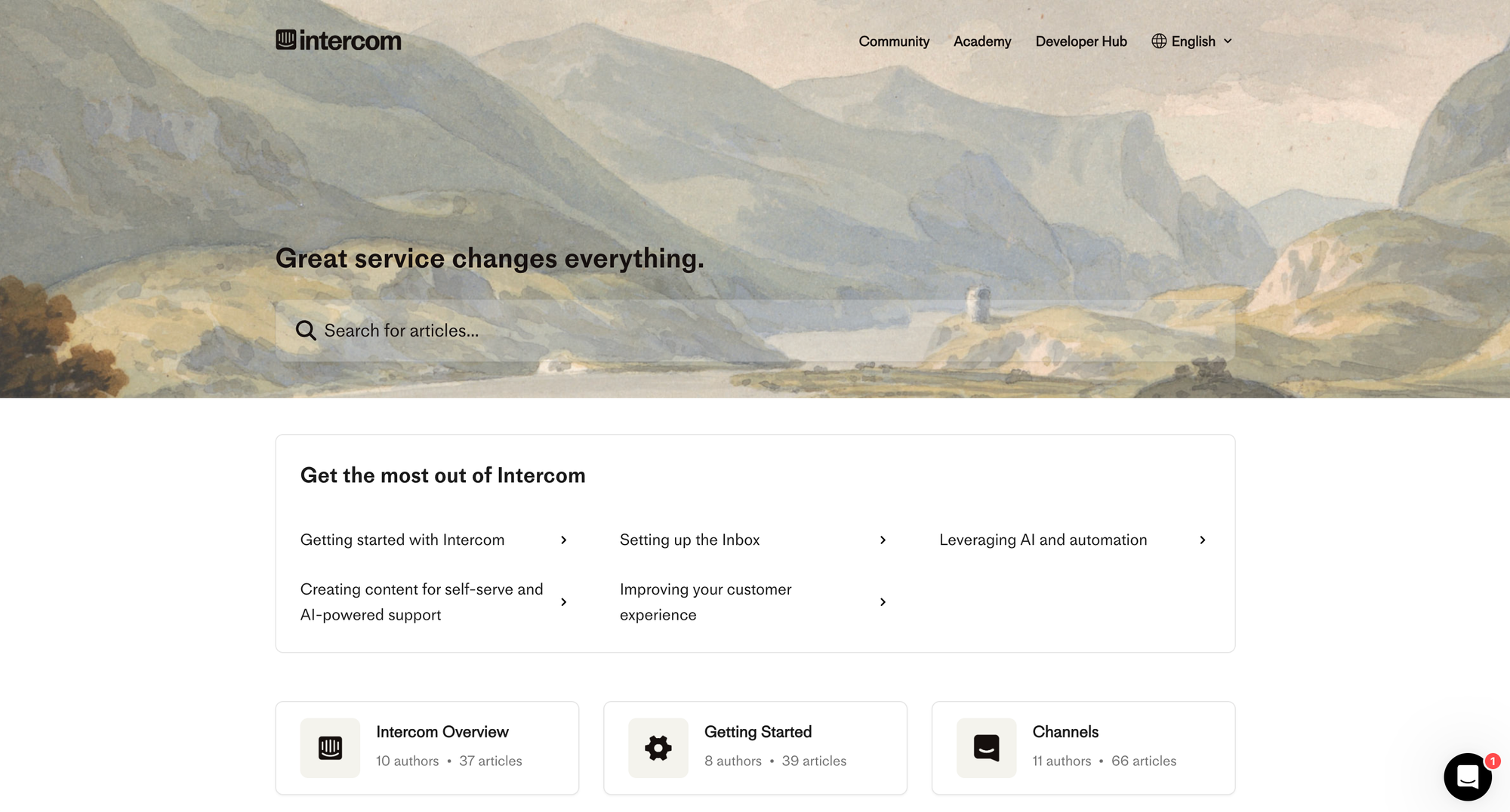
Intercom is built around the Messenger and Fin, its AI agent. The self-service story is the strongest of the legacy chat tools: Fin can resolve refunds, account questions, and basic troubleshooting from your help center content, with real numbers behind it.
Fin is the most polished AI agent in this category right now. The catch is the pricing model.
Key features
- Fin AI Agent resolves conversations using your help center and custom workflows
- Help center with branded design, multi-language support, and AI-powered search
- In-app Messenger that surfaces help articles inside the product
- Workflows for routing, lead capture, and ticket creation
- Reporting on Fin resolution rates and conversation outcomes
Cons
- Fin is billed at $0.99 per outcome on top of seat pricing, and the outcome is defined by Intercom, not your finance team. Costs swing as Fin's resolution rate moves
- Fin's accuracy depends heavily on your knowledge base quality, and agents often have to step in when Fin returns slightly outdated information
- Customising Fin's behaviour beyond basic settings is not obvious
- Total cost can climb quickly once you add Copilot, Pro features, and other add-ons
Intercom pricing starts at $19/seat/month for Essential, $85 for Advanced, and $132 for Expert, billed annually. Monthly billing is $29, $99, and $139 per seat, respectively. Fin is billed separately at $0.99 per outcome.
5. Freshdesk
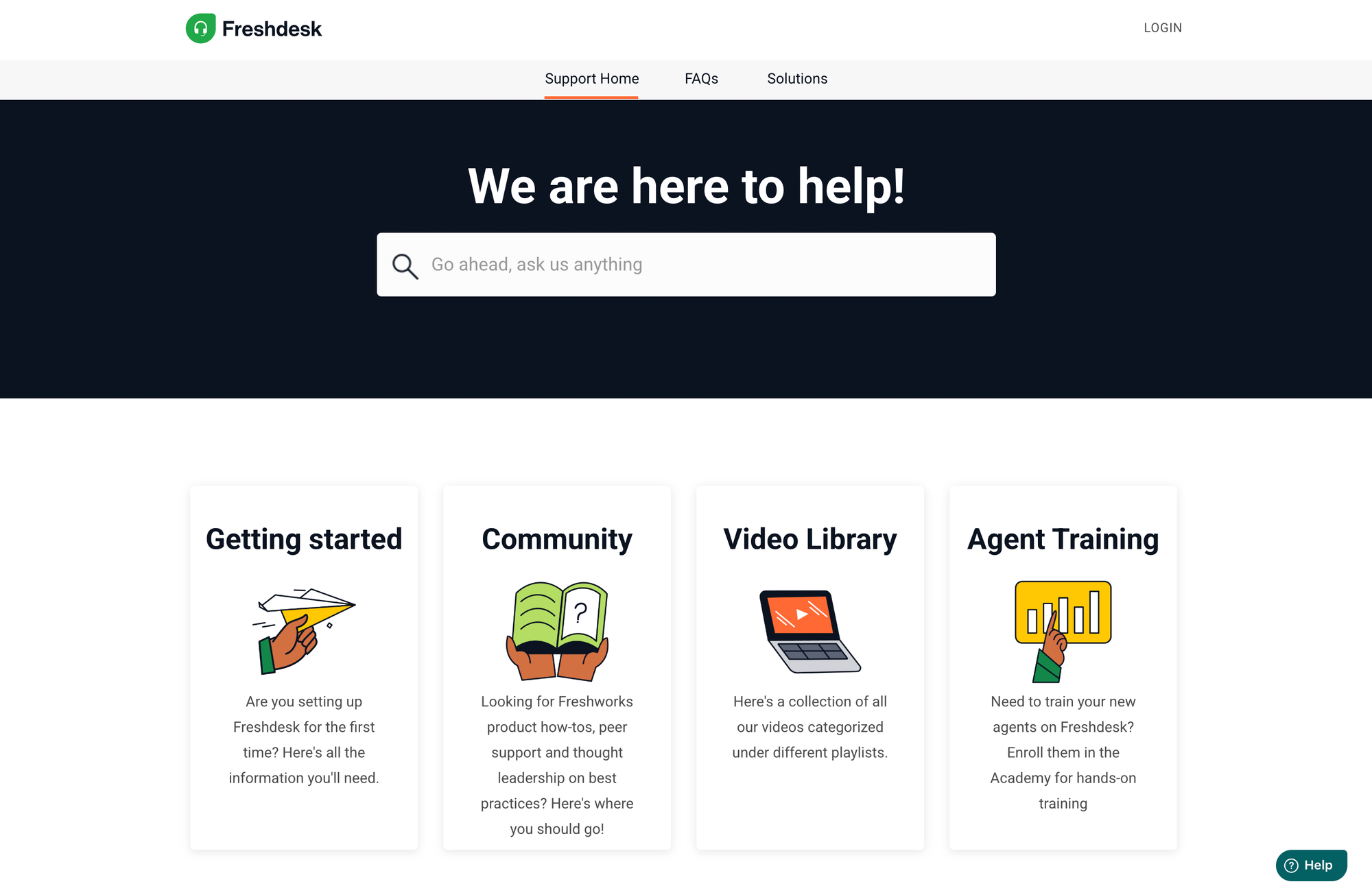
Freshdesk is a help desk from Freshworks with a built-in knowledge base, AI bot (Freddy), and customer portal. It hits a sweet spot for mid-market teams that want a familiar help desk shape with a free tier to start on.
The "Solutions" knowledge base section is searchable and integrates with Freddy for FAQ-style deflection. Pricing scales gently from a free 2-agent tier up to Enterprise.
Key features
- Knowledge base with article categories, multi-language support, and customer portal
- Freddy AI bot that surfaces relevant articles inside chat and ticketing
- Customer portal where end users submit and track tickets
- Workflow automation, SLA management, and reporting dashboards
- Native integrations with Freshworks suite plus 1,000+ third-party tools
Cons
- The ticketing system itself draws the loudest complaints. Child tickets are treated as new tickets, which breaks conversation history
- Advanced customisation and detailed reporting are gated behind Pro and Enterprise plans
- Occasional performance lags during high-volume periods
- The AI Copilot is a separate $29/agent/month add-on, and AI Agent sessions are billed at ~$100 per 1,000
Freshdesk pricing starts at $19/agent/month for Growth, $55 for Pro, and $89 for Enterprise, all billed annually. A free plan covers up to 2 agents.
6. HubSpot Service Hub
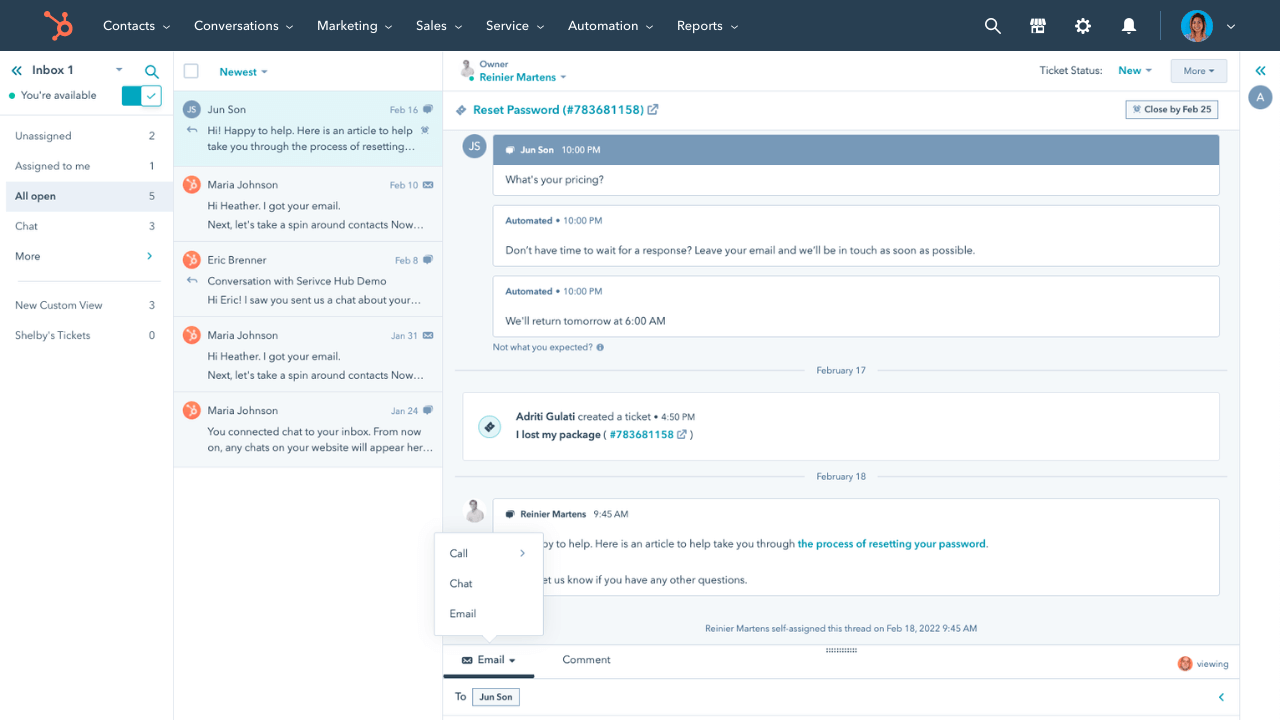
HubSpot Service Hub bolts customer support onto HubSpot's CRM. The knowledge base, customer portal, and chatbots all read from the same contact records as Sales and Marketing Hubs, which is useful for personalising what each customer sees.
For teams already paying for HubSpot, Service Hub is a no-brainer second module. For everyone else, it's an expensive way to get a knowledge base.
[illustration here]
Key features
- Searchable knowledge base personalised by contact data from the HubSpot CRM
- Customer portal where customers track ticket status and access self-serve content
- Chatbot builder with HubSpot's automation triggers
- Help center analytics, SLA tracking, and survey tools
- Tight integration with HubSpot Marketing, Sales, and CMS Hubs
Cons
- Service Hub Professional starts at $90/seat/month plus a one-time $1,500 onboarding fee
- Advanced AI and chatbot features are locked behind Enterprise ($150/seat/month plus $3,500 onboarding)
- The customer portal layout and reporting customisation are limited
- Outside the HubSpot ecosystem, the platform doesn't offer much that dedicated tools don't do better and cheaper
HubSpot pricing starts at $90/seat/month for Service Hub Professional and $150/seat/month for Enterprise. A free tier exists but covers only basic ticketing, not the full self-service stack.
7. Zoho Desk
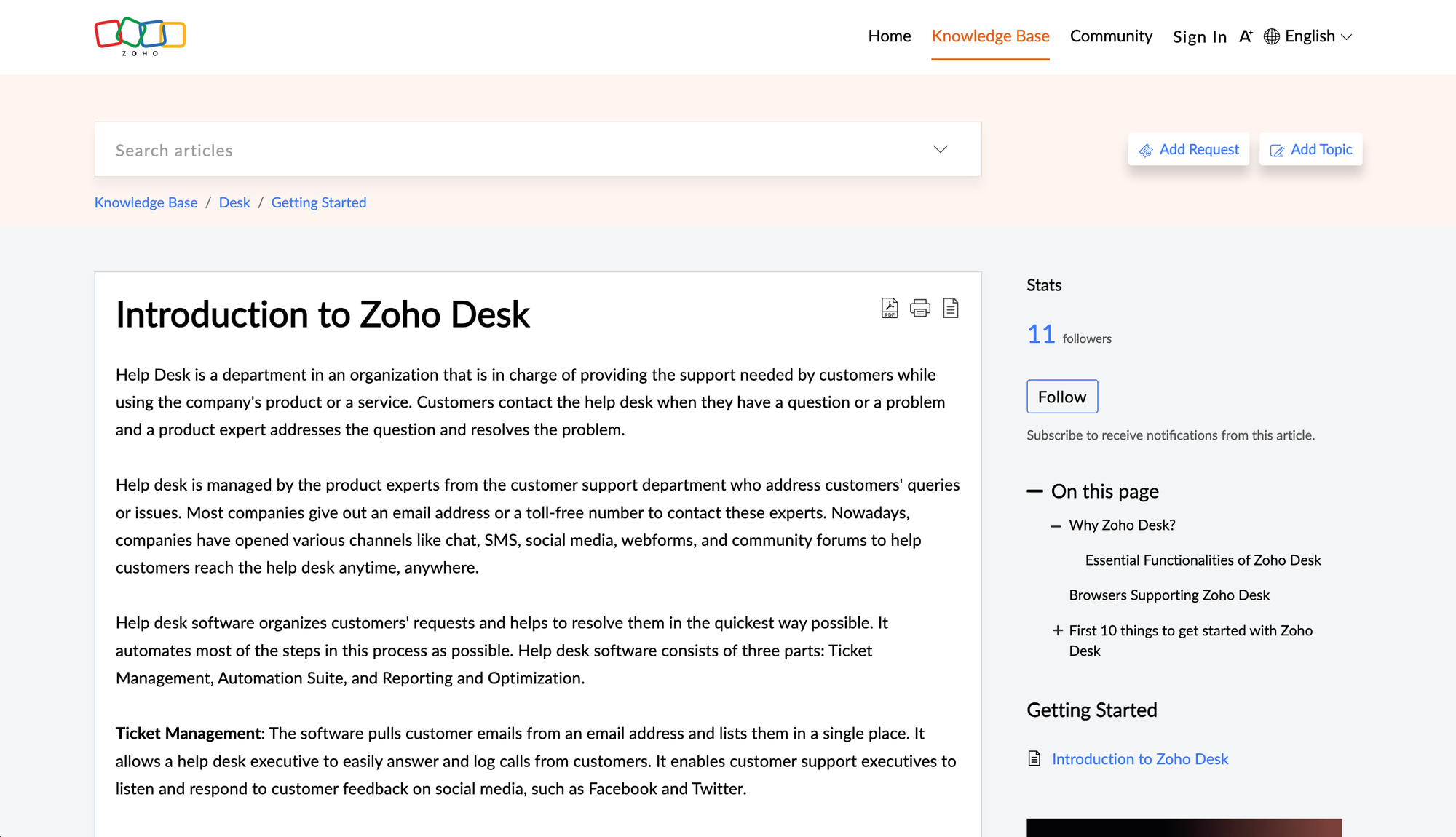
Zoho Desk is the budget pick on this list. It bundles a knowledge base, community forum, and AI bot (Zia) into a help desk that starts at $14/user/month, and the knowledge base supports 40+ languages out of the box.
For small teams on a tight budget, Zoho Desk gets the job done. It just doesn't feel as modern as the rest of the lineup.
Key features
- Multi-language knowledge base with customisable themes and branding
- Community forum where customers help each other
- Zia AI bot for FAQ-style responses (Enterprise plan)
- Embedded help center widgets across website and apps
- Deep integrations with the Zoho ecosystem and major CRMs
Cons
- Most AI features (Zia, AI agents, the answer bot) require the Enterprise plan at $40/user/month
- The interface feels dated compared to Help Scout, Intercom, or Featurebase
- The community forum is solid but the moderation tools are basic
- Self-service customisation outside the Zoho ecosystem can require technical resources
Zoho Desk pricing starts at $14/user/month for Standard, $23 for Professional, and $40 for Enterprise, all billed annually. A free plan covers up to 3 agents with limited features.
8. Salesforce Service Cloud
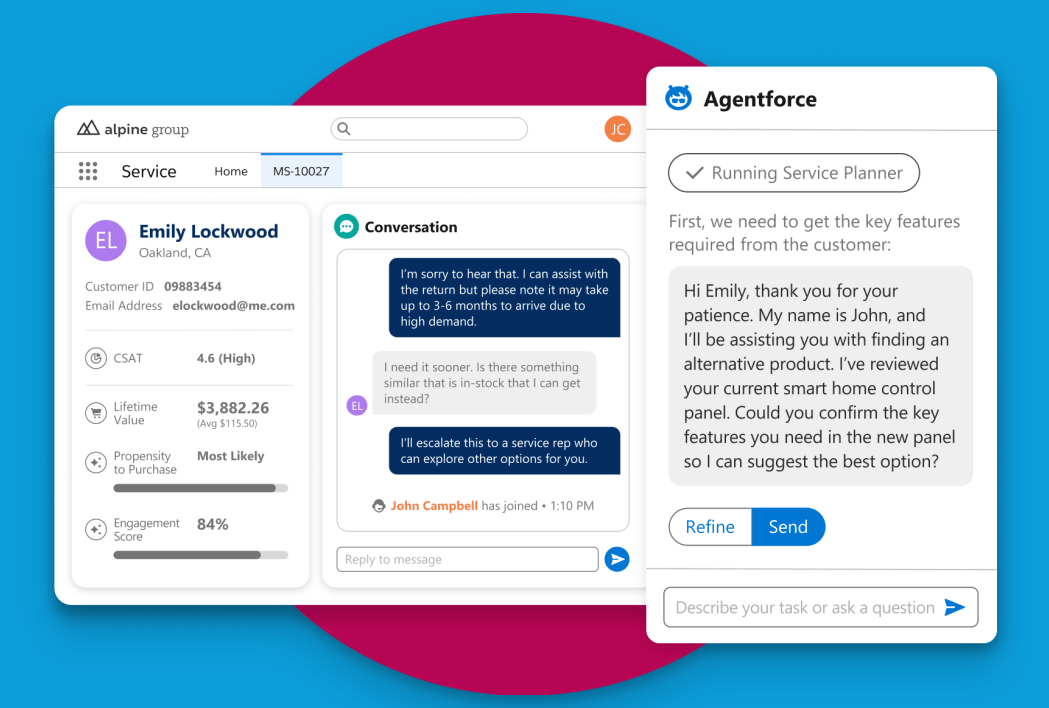
Salesforce Service Cloud is the enterprise default. The knowledge base, AI agents (Agentforce), and customer portal all sit inside the broader Salesforce platform, so case data syncs against the same contact and account records as Sales Cloud and Marketing Cloud.
If you're already on Salesforce, the integration is real. If you're not, the cost and complexity of getting Service Cloud running is hard to justify on self-service alone.
Key features
- Knowledge base with multi-language support and conditional visibility by user segment
- Agentforce AI agents that resolve conversations autonomously across channels
- Customer portal with case tracking and self-service forms
- Deep integration with Sales Cloud, Marketing Cloud, and the wider Salesforce ecosystem
- Enterprise-grade compliance, security, and reporting
Cons
- Starter Suite is $25/user/month, but the Service Cloud Enterprise plan needed for full self-service starts at $165/user/month, and Agentforce is an additional add-on
- Implementation usually means a partner engagement and a multi-month project
- Connecting knowledge from outside the Salesforce ecosystem is challenging
- The platform is bloated for any team that only needs self-service
Pricing starts at $25/user/month (Starter Suite) and climbs to $165/user/month (Enterprise) and $330 (Unlimited) for full Service Cloud features. Agentforce is billed separately, typically per conversation.
9. Stonly
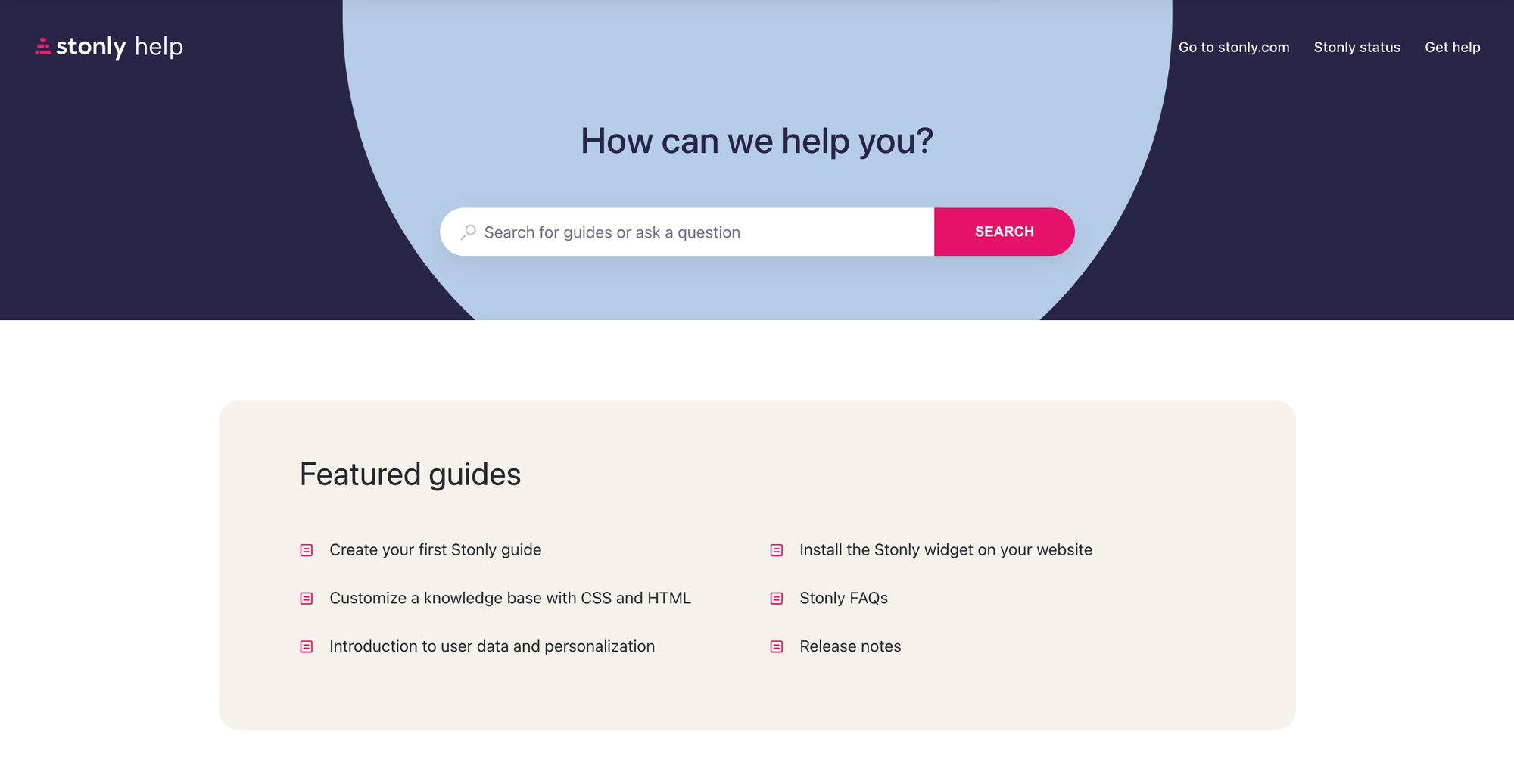
Stonly is the only tool on this list built specifically around interactive guides instead of static articles. Customers walk through a decision-tree-style flow that branches based on what they answer, which is genuinely useful for complex troubleshooting (the kind that breaks an FAQ).
It's a different shape from the rest of this list. Pair it with a help desk, don't expect it to replace one.
Key features
- Interactive guides that branch by user input, plan, or context
- Knowledge base for traditional articles alongside the guides
- In-product widgets, tooltips, banners, and hotspots that trigger guides at the right moment
- Content personalisation by user attributes
- Native integrations with Zendesk, Salesforce, and Freshworks
Cons
- No free plan. The Small Business plan starts at $199/month (annual) or $249/month
- AI answers and advanced features are locked to the Enterprise plan
- The pricing is steep for small teams considering it as a primary tool
- Best used as a complement to a help desk, not a replacement, which means another tool in the stack
Pricing starts at $199/month billed annually for the Small Business plan, with Enterprise as custom quote-based pricing.
10. Document360
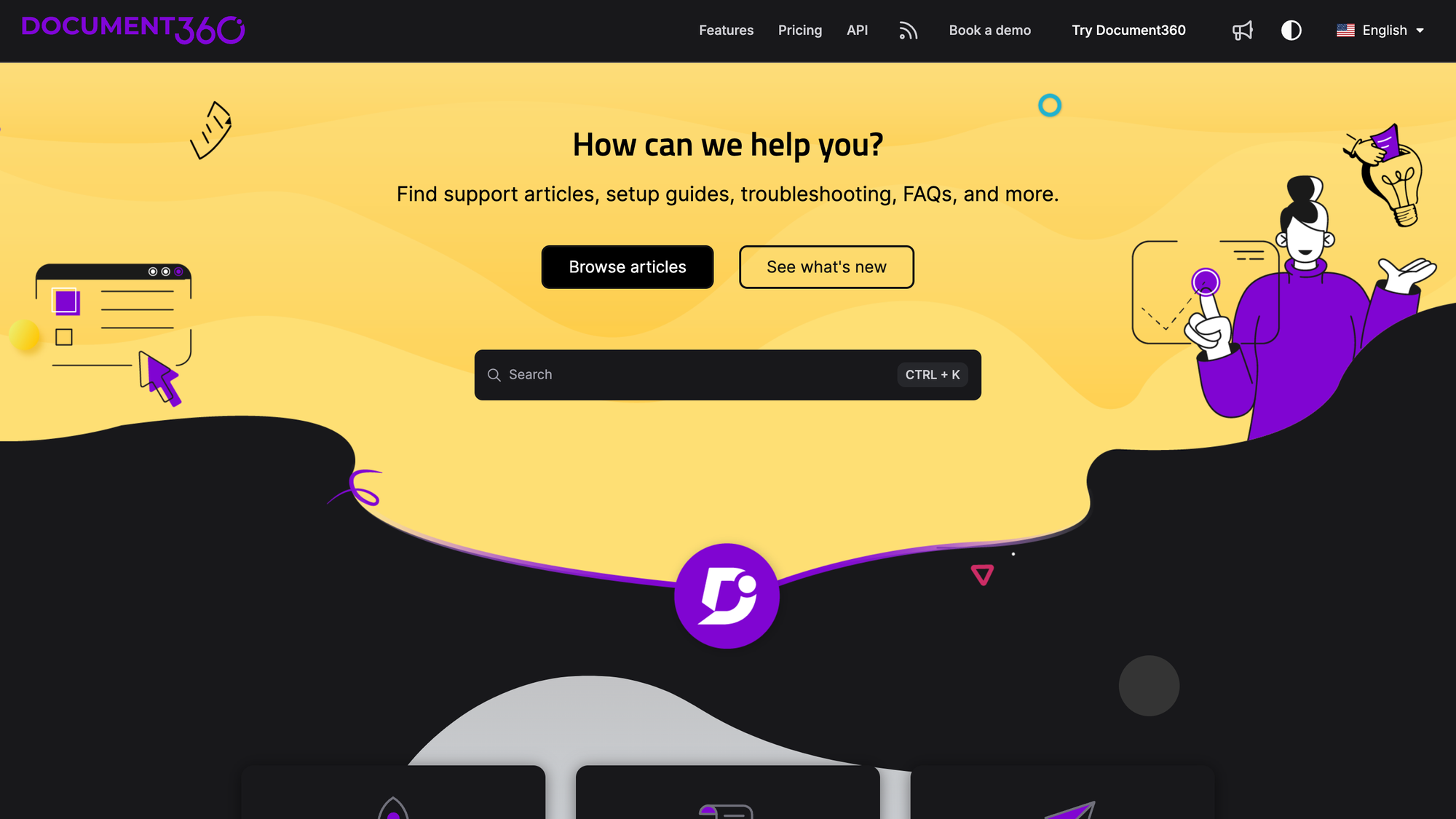
Document360 is a knowledge base platform with a focus on documentation rather than full-stack support. The article editor, content versioning, multi-language workflows, and category structure are some of the best on this list for teams that maintain serious technical documentation.
It's the right pick when documentation is the product and you don't need ticketing or a chat widget.
Key features
- Robust article editor with versioning, workflows, and content reviewers
- AI search that surfaces conversational answers from articles
- Article summariser for quick scan-friendly overviews
- Content personalisation by reader group, country, device, or date
- Ticket deflection analytics to track which articles prevent tickets
Cons
- Document360 dropped its free plan in late 2024 and moved to quote-only pricing across Professional, Business, and Enterprise tiers
- Interactive decision trees are locked to the Enterprise plan
- Customisation of the self-service portal can require technical resources
- It's a knowledge base platform, not a help desk, so you'll still need a separate tool for tickets and chat
Pricing is no longer published. Document360 moved fully to "contact sales" pricing in late 2024, so cost depends on a custom quote.
How to choose the right customer self-service software
There's no single right answer. The best tool depends on 3 things: your stack, your support volume, and what "good" self-service looks like for your customers.
A few rules of thumb that hold up across most evaluations:
- Start with the channel customers actually use: If most of your support is in-app, prioritise tools with a strong widget and AI search inside the product. If it's email, a knowledge base with good Beacon-style suggestions matters more.
- Check the AI pricing model before anything else: Outcome-based AI pricing (Featurebase at $0.29 per resolution, Intercom Fin at $0.99 per outcome) is predictable when your knowledge base is good and your resolution rate is high. Per-session and per-message pricing (Freshdesk, some Zendesk add-ons) gets unpredictable fast.
- Demand a free plan or a real trial: Tools without a free plan (Stonly, Document360, Salesforce) ask you to commit before you can see whether deflection actually happens. Tools with free plans (Featurebase, Freshdesk, Zoho Desk, HubSpot at the low tier) let you measure deflection on real traffic before you pay
- Match the tool to your team size: Zendesk and Salesforce are built for enterprises with dedicated admins. Help Scout, Featurebase, and Zoho Desk are easier for a 2-5 person support team to run without an ops lead.
Also: pick a tool that closes the feedback loop. Gartner found that 60% of customer service agents fail to promote self-service to customers, and a big reason is that the self-service content goes stale fast. Tools like Featurebase that combine a help center with a feedback forum keep that loop tight: when customers ask for something the help center can't answer, the request lands somewhere a product manager can act on it.
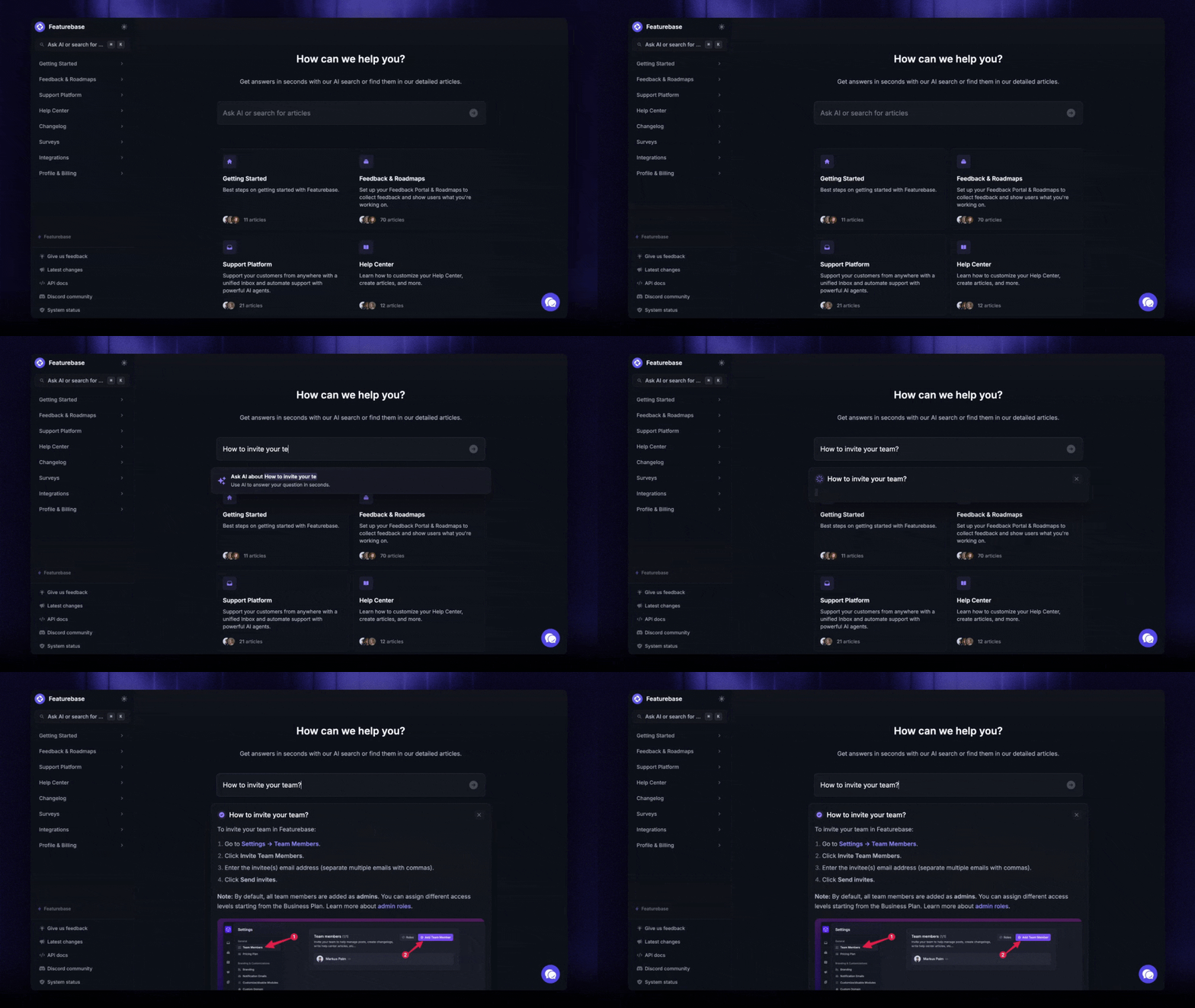
The all-in-one trade-off is real. Best-of-breed tools (Stonly for guides, Document360 for docs) do one thing very well. Suite tools (Featurebase, Zendesk, Intercom) do many things adequately to well. For most teams under 50 agents, an all-in-one suite wins on total cost of ownership.

Turn repeat questions into self-serve answers
Create a help center with AI search, in-app support, and unlimited articles on Featurebase.
Cut your support volume with smart self-service
The right customer self-service software pays for itself by deflecting the questions you're already answering 10 times a week. The wrong one becomes another tab nobody opens.
Featurebase is a modern AI-powered self-service platform built for product-led SaaS teams. It combines a public help center, AI search answers, an in-app widget, a feedback forum, and a changelog, so customers can find answers, share ideas, and see what's shipped without leaving your product.
The free plan covers a full public help center with unlimited articles, paid plans start at $29/seat/month with AI resolutions at $0.29 each, and onboarding takes minutes, not weeks. So there's no real downside to trying it. 👇
✨ Create a beautiful Help Center with Featurebase for free →
FAQs
What is customer self-service software?
Customer self-service software is a platform that lets customers solve their own issues without contacting a support agent. It usually combines a knowledge base, an AI chatbot or agent, an in-product widget, and sometimes a community forum, all designed to surface the right answer at the right moment.
What are some examples of customer self-service?
The most common examples are a searchable knowledge base, an AI chatbot inside the website or app, a customer portal where users track tickets, a community forum where customers help each other, and an in-app widget that suggests relevant help articles based on what page the customer is on.
How does customer self-service reduce support costs?
Every question a customer answers themselves is a ticket your team doesn't have to handle. At scale, that's huge: even though only 14% of issues are fully resolved in self-service today, moving that needle a few points cuts agent hours dramatically. A team handling 500 password resets a month at 10 minutes each saves about 66 agent hours by deflecting 80% of them.
Can AI chatbots handle complex customer questions?
It depends on your knowledge base. Modern AI agents (Featurebase's Fibi, Intercom's Fin, Zendesk's AI Agent) resolve complex questions reliably when the content they pull from is current and well-structured. They get worse fast when articles are stale or contradictory, and they need a clean handoff to a human for anything they can't resolve.
What's the difference between self-service and traditional customer service?
Traditional customer service is agent-driven: the customer raises a ticket and a person works it. Self-service is customer-driven: the customer searches, reads, or asks an AI agent and resolves the issue themselves. Most modern support stacks blend both, using self-service for high-volume routine questions and human agents for the complex 14% that need real judgement.
Which customer self-service tool has a free plan?
Four tools in this lineup have a real free plan: Featurebase (free public help center with unlimited articles), Freshdesk (up to 2 agents), Zoho Desk (up to 3 agents with basic features), and HubSpot Service Hub (basic ticketing only, not the full self-service stack). Zendesk, Intercom, Salesforce, Stonly, and Document360 are all paid-only.