Blog Product ManagementFeature Discovery: Get Users to Actually Use Features
Feature Discovery: Get Users to Actually Use Features
Most features never get found. Here's what feature discovery is, the in-app patterns that actually surface new releases, and how to measure whether users noticed.


✨ Start announcing updates & drive engagement with Featurebase for free →
You shipped the feature. You wrote the changelog entry. Three weeks later a customer emails asking for the exact thing you already built. 😅
Feature discovery is the gap between shipping something and anyone knowing it exists. And it's quietly expensive, because every unfound feature is roadmap budget you already spent.
In this guide, I'll break down why users miss features, the in-app patterns that fix it, and how to tell whether your announcements are actually landing. 👇
Key takeaways
- Feature discovery is the process of getting users to notice and try features you've already shipped: it's the step between hitting deploy and real feature adoption.
- Users don't miss features because they don't care: they miss them because of banner blindness, bad timing, and announcements aimed at the wrong people.
- One announcement is never enough: the teams who get this right layer an in-app popup, a persistent widget, a changelog page, an email, and a contextual nudge inside the feature itself.
- Segment before you announce: an update that isn't relevant to a user teaches them to ignore your next one.
- Your feedback board is the cheapest discovery channel you own: the people who requested a feature are the warmest possible audience for its launch.
- Featurebase✨ covers the whole discovery stack: in-app popups and widgets, a branded changelog page, automatic release emails, and analytics showing where users saw each update.
- Measure discovery separately from adoption: views tell you people saw the update; usage tells you it mattered.
What is feature discovery?
Feature discovery is the process of helping users notice, understand, and try features that already exist in your product. It covers both the shipped-today releases and the capabilities that have been sitting in your app for 2 years without anyone clicking them.
In UX terms, feature discovery is everything that shortens the distance between a user having a problem and a user finding the thing in your product that solves it. That includes where a button lives, what your empty states say, and the popup you fire on login.
It's easy to confuse with feature adoption, but they measure different things. Discovery is awareness: does the user know this exists? Adoption is behavior: are they using it repeatedly and getting value from it?
Nobody adopts a feature they never found, which makes discovery the cheaper problem to fix.
Why users never find the features you ship
Start with the uncomfortable baseline. Pendo's 2019 Feature Adoption Report, which analysed 615 accounts with more than a year of product usage, found that 80% of features in the average software product are rarely or never used.
That's not a build-quality problem in most cases. It's a discovery problem. Here's what's actually going wrong:
- Banner blindness: Users have trained themselves to skip anything that looks like an ad. Nielsen Norman Group's eyetracking research found the right rail of a page attracted just 0.8% of fixations while occupying 25% of the content area. Your announcement banner sits in exactly that dead zone.
- The timing was wrong: A popup that fires the second someone logs in interrupts whatever they came to do. They dismiss it to get to work, and dismissing is not reading.
- The announcement wasn't relevant: If you broadcast every release to every user, most updates don't apply to most people. Each irrelevant announcement makes the next one easier to ignore.
- You only said it once: Product teams treat a launch as a single event. Users log in on a Tuesday three weeks later, and by then the announcement is buried.
- The feature has no visible entry point: If a capability lives behind a settings toggle or a right-click menu, no announcement will save it. The UI itself has to carry a hint that it exists.
The pattern across all 5: teams optimize for sending the message rather than for the user receiving it at a moment when they care.
The feature discovery patterns that actually work
There's no single winning pattern. Discovery works when several low-friction surfaces overlap, so a user who misses one still bumps into another. Here are the 6 worth building. 👇
In-app popups for major releases
A modal or slide-in that appears inside your product is still the highest-visibility surface you have. It's the right tool for headline releases: the thing you'd put in a launch email, the feature people have been asking for.
The rule is scarcity. Fire a popup for every bug fix and users will start closing it on reflex within a week.
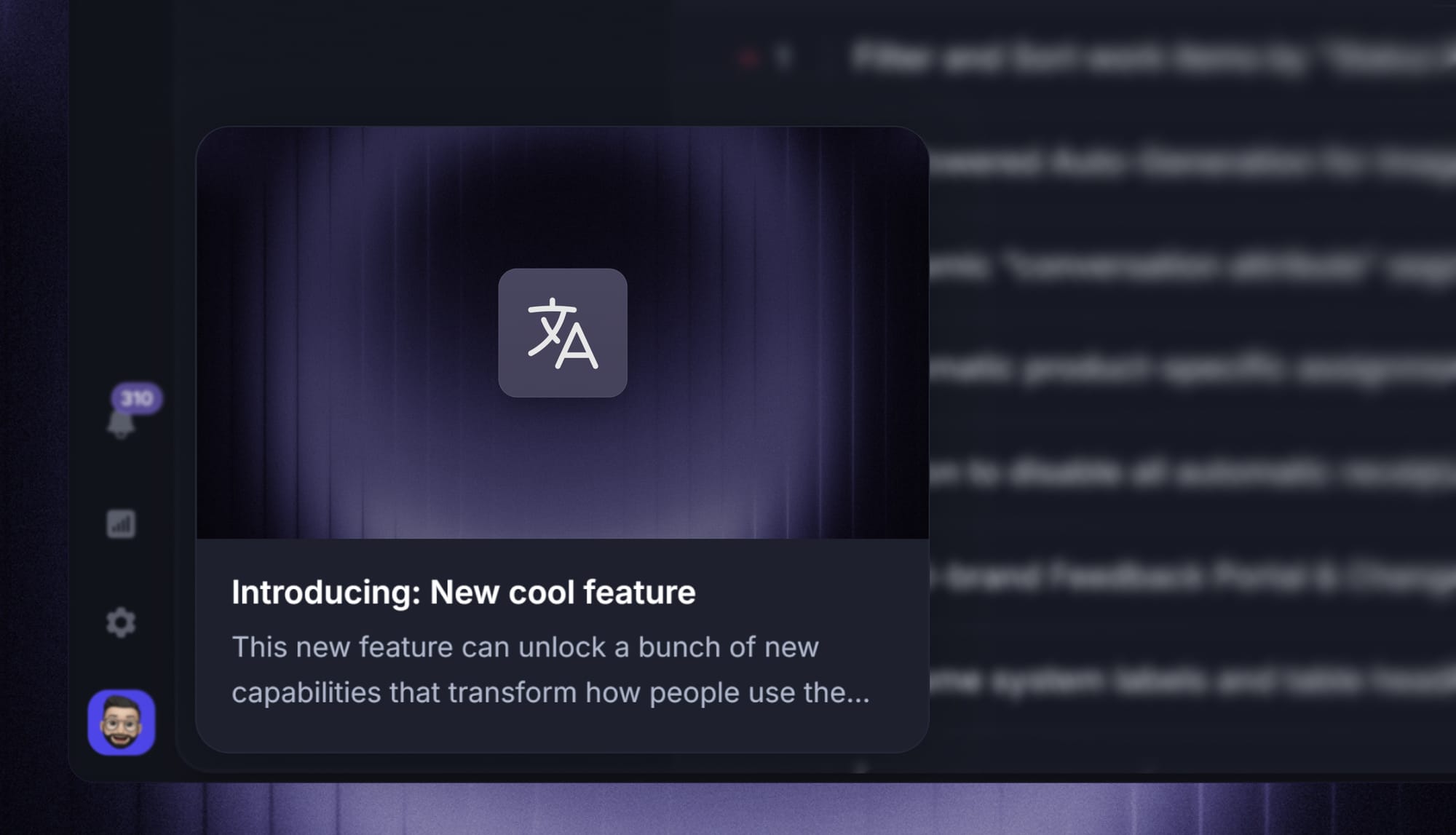
In Featurebase, the updates popup can surface fresh releases when a user enters your product or a specific page, so the announcement reaches people inside the workflow instead of in an inbox they never open.
A persistent updates widget for everything else
For the long tail of smaller improvements, a widget beats a popup. It sits behind a nav item or a small badge, shows a dot when something new has shipped, and waits for the user to be curious.
The advantage is that it never interrupts and it never expires. A user who logs in a month late still sees the badge and can scroll back through what changed, which also quietly solves the "we already built that" support ticket.
Contextual tooltips and hotspots
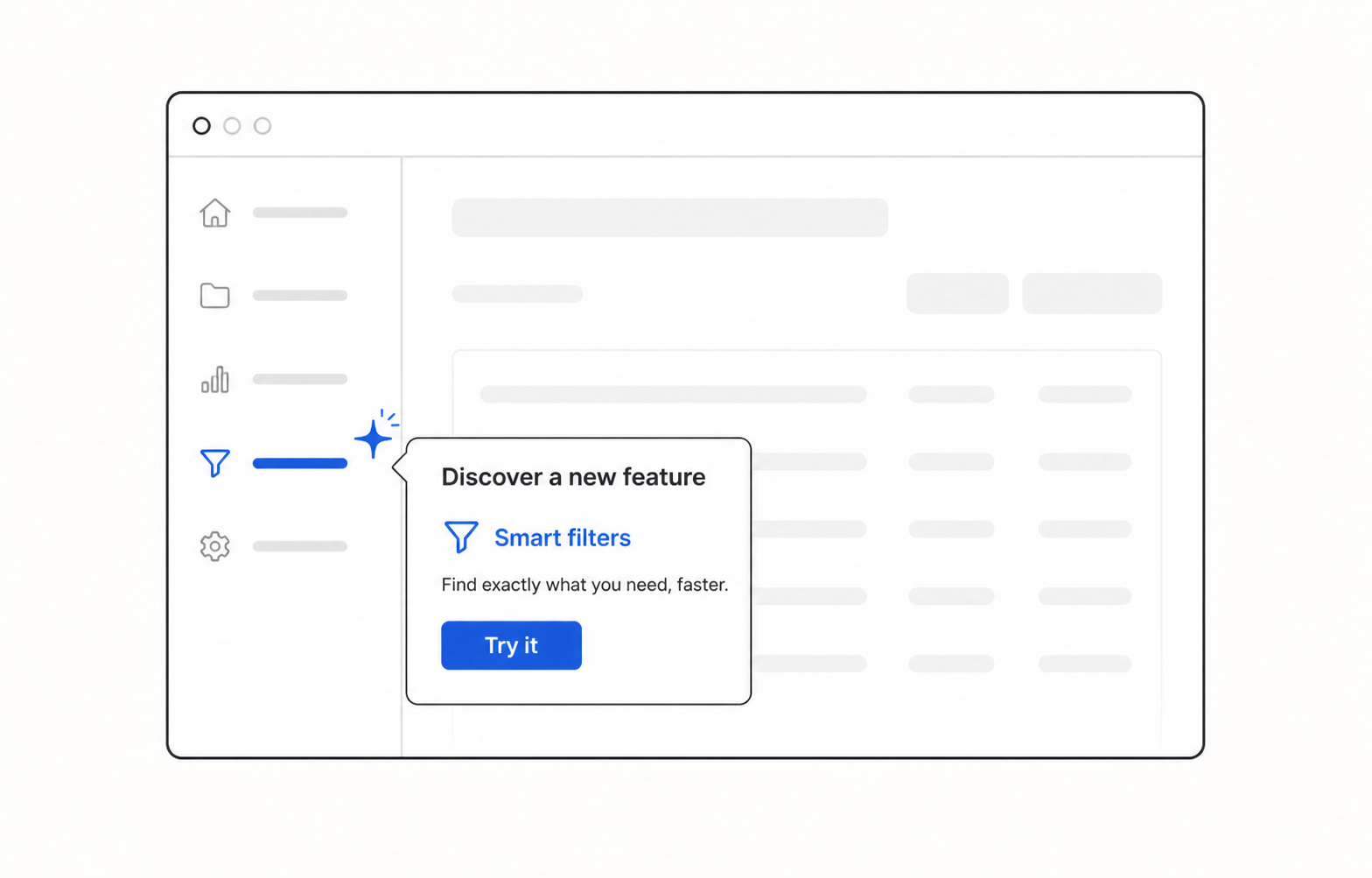
Contextual nudges are the strongest pattern for features tied to a specific workflow. Instead of announcing globally, you surface the hint on the screen where the feature is useful.
Material Design calls these coach marks, and the mechanics are simple: a small pulsing dot or highlight on the UI element, with a one-line explanation when the user hovers or taps.
Tooltips do the heaviest lifting in feature discovery UX because they answer the question the user already has, at the moment they have it. The trade-off is build effort, so save them for features where a failed first attempt makes people give up.
Empty states that sell the feature
An empty state is the most under-used discovery surface in most products. A blank list, an unpopulated dashboard, a fresh workspace: each one is a screen where the user is already looking and has nothing to read.
Instead of "No items yet", use the space to explain what the feature does and give a single button to try it. The user's attention is free at that moment, which is more than you can say for a popup.
A public changelog page as the permanent home
Popups and widgets are transient. A changelog page is the searchable record that anyone can link to: your support team, your sales team, and users who half-remember reading about something.
It also does work you don't control. Prospects read changelogs to judge whether a product is actively developed, and a page full of shipped updates does more for that than any roadmap promise. If you're deciding what belongs there versus in a technical log, we've broken down the changelog and release notes distinction and how to write release notes people actually read.
Release emails for users who aren't logged in
In-app surfaces only reach people who show up. For dormant users, and for the buyer who never logs into the product they paid for, email is the only channel left.
Keep it short, lead with the outcome rather than the feature name, and link straight into the part of the app where the feature lives. The comparison between in-app and push notifications applies here too: reach and intrusiveness move in opposite directions, so match the channel to how big the release actually is.
How to build a repeatable feature discovery process
Patterns are the tools. The process is what stops discovery from being something you improvise the night before a launch.
Step 1 - Segment before you announce
Before writing the announcement, decide who it's for. A change to your API matters to 5% of your users, and showing it to the other 95% costs you attention you'll want later.
Segment on whatever you already know: plan, role, feature usage, account age. If the update applies to everyone, say so and send it broadly. If it doesn't, don't.
Beta testers are the highest-value segment here, because a small early group gives you feedback before the wide announcement goes out.
Step 2 - Time the announcement to the workflow
The best moment to tell someone about a feature is when they're about to need it. That's rarely the moment they log in.
Practical version: fire contextual nudges based on behaviour rather than on the calendar. Someone who has manually exported a report 3 times this week is the right person to tell about scheduled exports.
For releases too big to hold for a behavioural trigger, batch the announcement into your regular cadence and let the widget and changelog page catch the stragglers. Your broader product launch strategy should treat launch day as the start of the discovery window, not the whole of it.
Step 3 - Close the loop with the people who asked
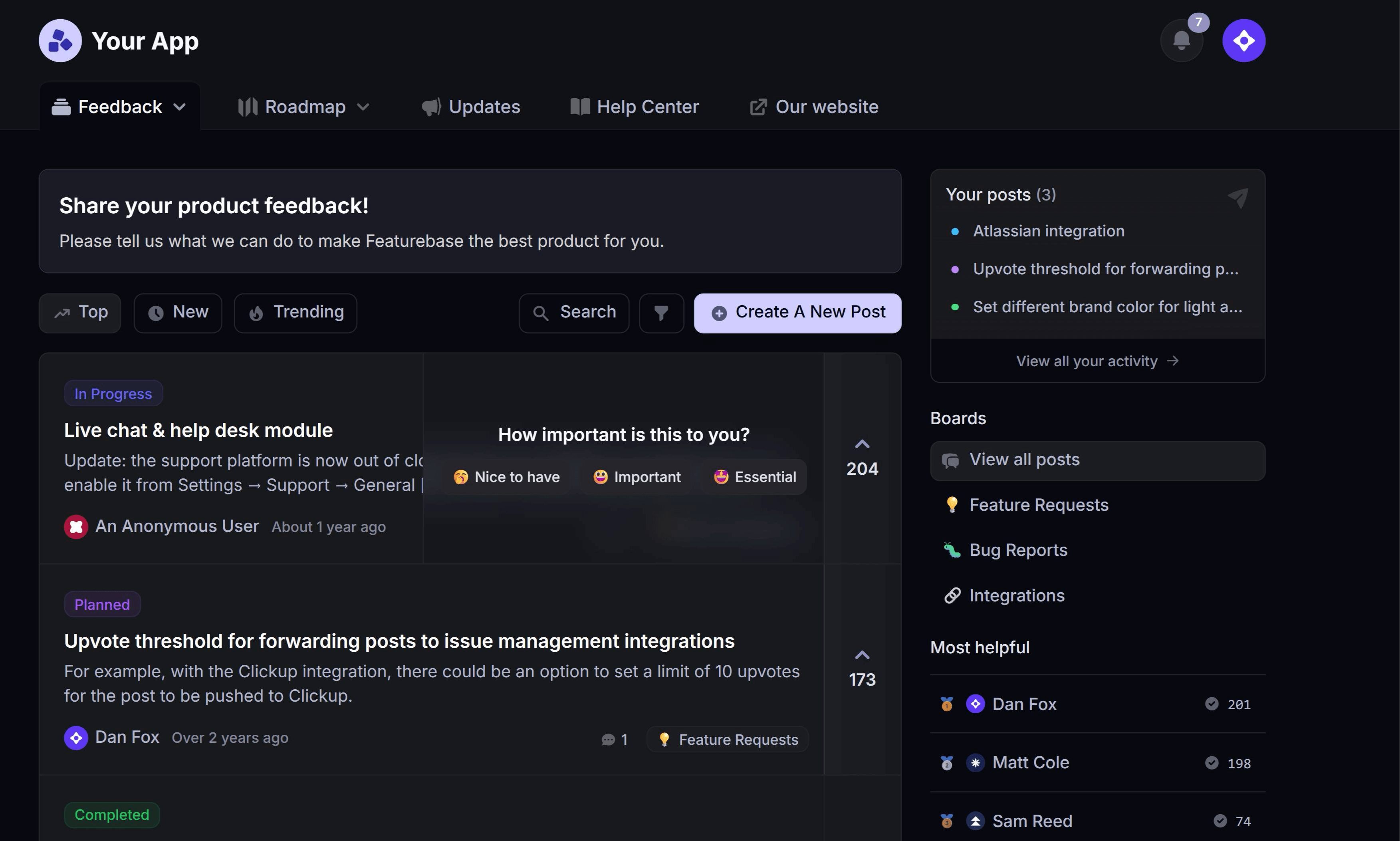
If you run a public feedback board, you already have a pre-qualified launch audience: everyone who upvoted the request. They told you they wanted this. They're the least likely group to ignore the announcement and the most likely to try it the same day.
In Featurebase, changing a request's status lets you notify every user who upvoted it, with a message that lands in their email and on the post itself. That's the tightest version of a customer feedback loop you can run, and it converts far better than a broadcast because the audience self-selected.
The same logic applies to your public roadmap. Users who watched something move from "planned" to "in progress" are already primed for the "shipped" announcement.
Step 4 - Re-surface, don't re-broadcast
One pass is not a launch. Plan for a second and third touch on a different surface: the popup on release day, the tooltip for people who hit the relevant screen next week, the mention in onboarding for everyone who signs up after.
Re-surfacing is not the same as repeating. Sending the identical announcement twice reads as spam, while showing the same feature in 3 different contexts reads as a well-designed product.
Feature discovery mistakes to avoid
- Treating launch day as the finish line: Most of your users won't log in on launch day. If discovery ends when the announcement is published, you've reached your most active 10% and nobody else.
- Announcing everything at the same volume: When a copy tweak gets the same popup as a major release, users stop reading both. Reserve your loudest surface for the launches that earn it.
- Writing announcements in feature names: "Introducing Smart Segments" means nothing to someone who doesn't already know what it is. Lead with what the user can now do that they couldn't before.
- Making the announcement the only path in: If the only way to reach a feature is the popup link, everyone who dismissed the popup has lost it permanently. Every announced feature needs a findable home in the UI.
- Skipping the people who requested it: The highest-intent audience for any launch is the group that asked for it, and they're the easiest to miss because they're already in a tool you're not thinking about on launch day.
How to measure feature discovery
The trap here is reporting on the announcement rather than on the behaviour. 10,000 popup views is a delivery statistic, not a discovery one.
Track these 4 instead:
- Discovery rate: The share of the targeted segment that actually opened or engaged with the announcement, not just the share it was shown to.
- Time to first use: How long between a user seeing the announcement and using the feature once. A long lag usually means the announcement reached them outside the workflow.
- First-use rate by channel: Which surface drove the first use, whether that was the popup, the widget, the changelog page, or the email. This is what tells you where to invest next launch.
- Breadth after 30 days: What percentage of the eligible segment has used the feature at all. This is where discovery hands off to feature adoption as the metric that matters.
One more habit worth building: when a support ticket or feature request comes in for something you already shipped, log it. A rising count of those is the clearest discovery signal you'll get, and it comes with the exact wording of how users describe the thing they couldn't find.
Drive feature discovery with Featurebase
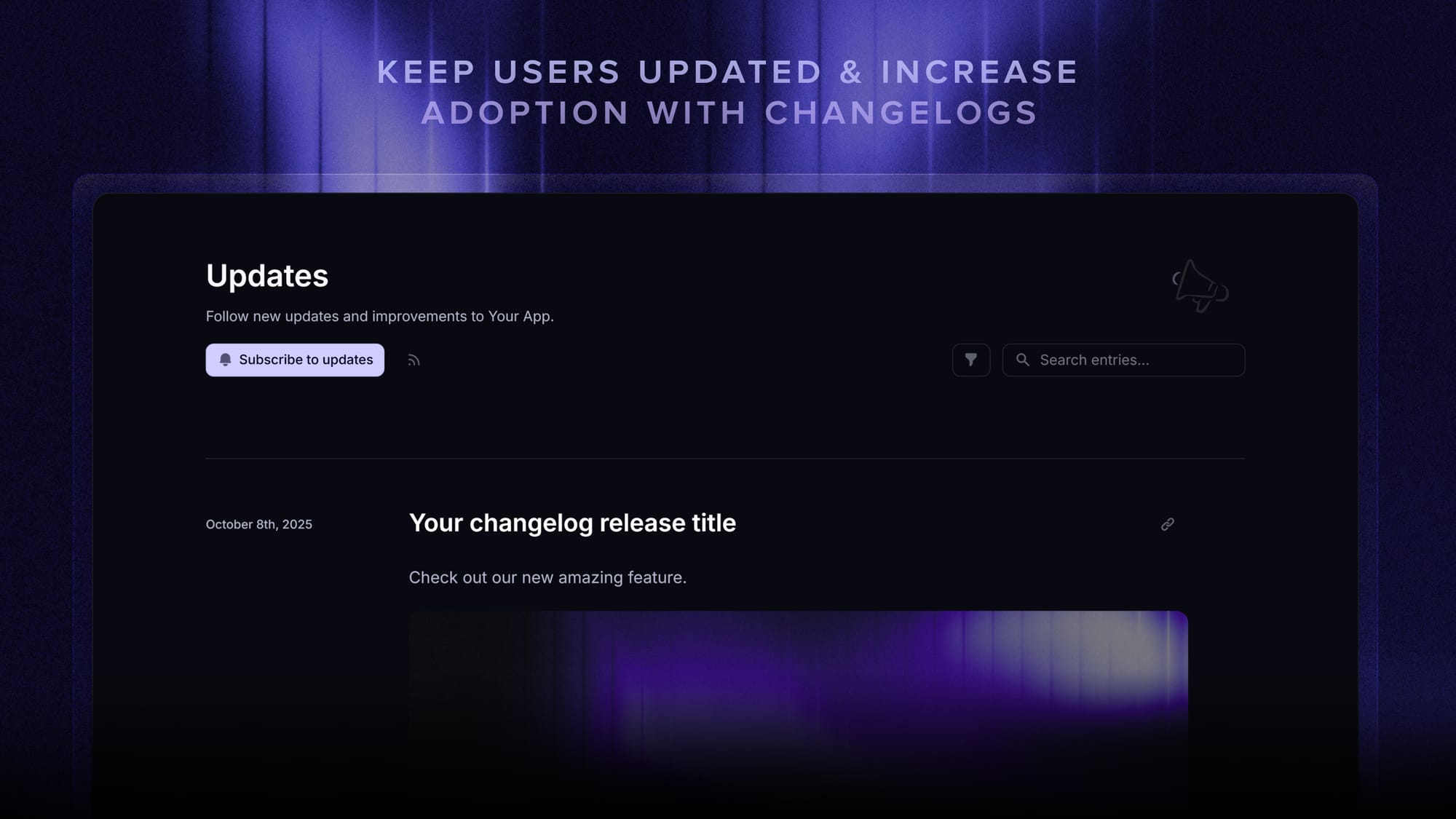
Featurebase is a modern & powerful changelog platform that helps product teams announce updates, drive feature adoption, and close the loop with users. It comes with a public changelog page, in-app widgets, automatic release emails, and an AI changelog writer - all in one place. It's loved by thousands of product teams from companies like Lovable, Raycast, and n8n. 💫
Top features:
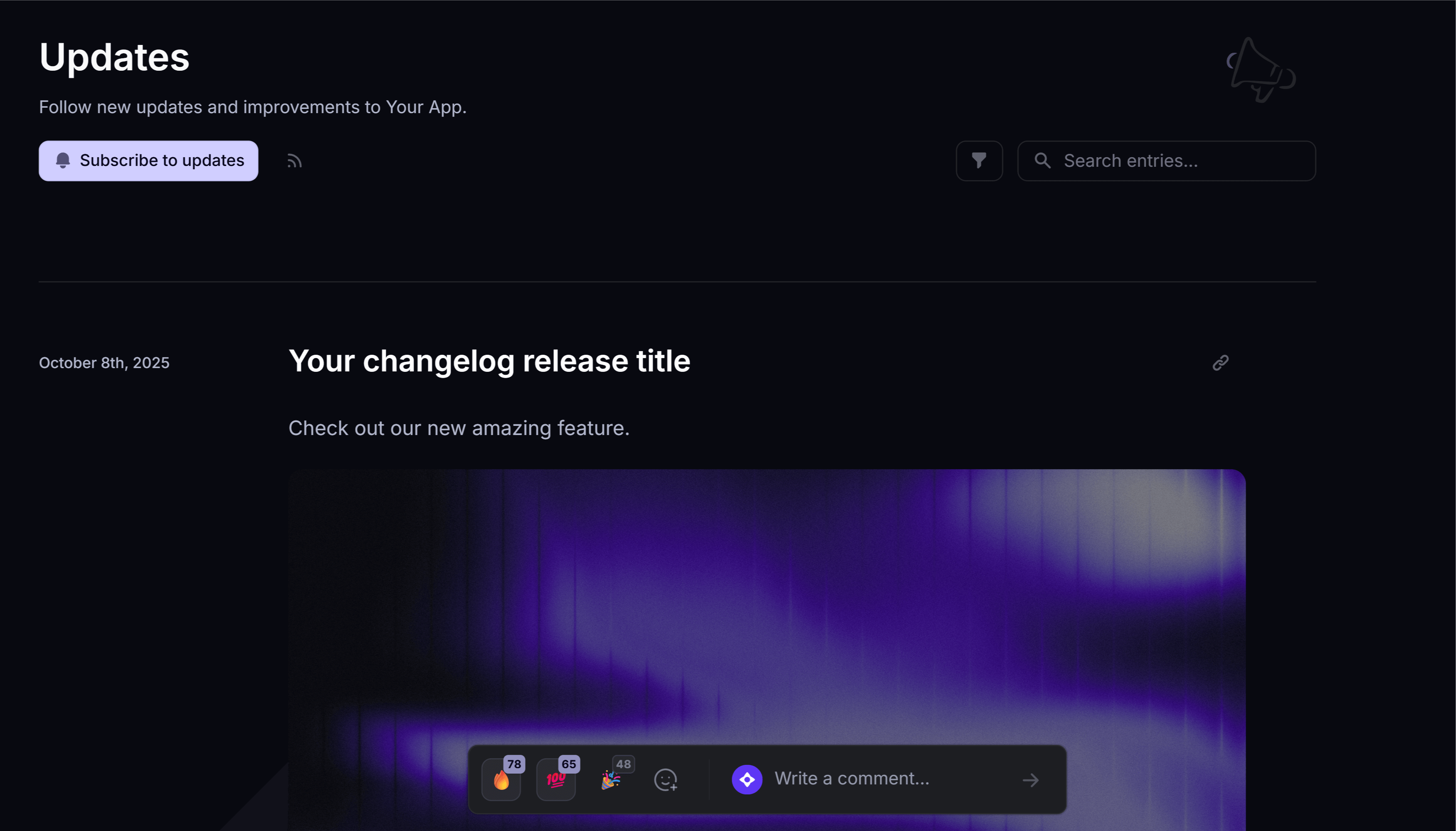
- Public changelog page – Branded, customizable release-notes page on your domain so users see exactly what shipped
- In-app changelog widgets – Embed a widget or popup directly in your product to surface new updates without users leaving
- Automatic release emails – Notify users by email when you publish a new changelog entry to drive feature awareness
- AI changelog writer – Turn rough release notes into polished, on-voice changelog posts in seconds
- Automatic AI translations – Translate every changelog entry into 40+ languages
- Changelog analytics – See how many users open updates, where they viewed from (page, widget, or email), and which posts drive reactions
- Public roadmap – Pair your changelog with a roadmap so users see what's next, not just what shipped
- Feedback forum – Capture feature requests and bug reports once users have tried the launch
- Surveys (NPS, CSAT, etc.) – Measure satisfaction after major launches with targeted in-app surveys
- Integrations – Connects with Slack, Linear, Jira, HubSpot, and more
Pricing: Free plan available with unlimited changelogs. Paid plans start at $29/seat/mo.
Instead of having 4+ different tools, Featurebase enables you to replace all your customer-facing tools by bringing your changelog, roadmap, feedback collection, and customer support together in one place, helping you ship and announce products your users love.

Start announcing updates with Featurebase for free
Beautiful release notes that drive adoption - effortlessly, with no code
Conclusion
Feature discovery isn't a launch-day task, it's a system. Announce on the surfaces your users actually see, segment so the message stays relevant, close the loop with the people who asked, and keep a permanent home for everything you've shipped.
Featurebase is a modern & powerful changelog tool that helps you keep your users updated with release notes, in-app popups, and automatic emails. It has an AI changelog writer, a powerful editor, and supports over 40+ languages.
It comes with affordable pricing and a Free plan with unlimited changelogs. You can set it up in minutes, so there's no downside to trying it. 👇
✨ Start announcing updates & drive engagement with Featurebase for Free →
FAQs
What is the difference between feature discovery and product discovery?
Product discovery is about deciding what to build, using research, interviews, and validation to figure out which problems are worth solving. Feature discovery is the opposite end of the process: getting users to notice and use what you already built. A team can be excellent at product discovery and still ship features nobody finds.
What is feature discoverability?
Discoverability is a property of the interface, while discovery is the practice of driving users to it. A feature is discoverable when a user can find it by exploring the product naturally, without being told where it is. If discoverability is poor, no amount of announcing will fix it, because users who forget the announcement have no way back in.
What's the best way to announce a new feature in-app?
Match the surface to the size of the release. Use a popup or modal for headline launches, a persistent updates widget with a badge for the long tail of smaller changes, and a contextual tooltip for anything tied to one specific screen. In all 3 cases, segment first so the announcement only reaches users it applies to.
How do you announce features without annoying users?
Cap how often your loudest surface fires, and let the quieter ones carry the rest. Make every announcement dismissible and, critically, re-findable afterwards through a widget or changelog page so dismissing it isn't a permanent loss. Leading with the user outcome rather than the feature name also cuts the ad-like tone that triggers banner blindness.
How often should you announce new features?
Ship as often as you like, but announce on a rhythm your users can absorb. Most teams land on one prominent in-app announcement per major release plus a batched weekly or biweekly roundup for smaller improvements. The one cadence to avoid is going quiet for months, because a stale widget trains users to stop checking it.
Which tool is best for announcing new features to users?
Look for 3 things: multiple channels in one place (in-app widget, public page, and email), segmentation so you can target announcements, and analytics that show which surface drove engagement. Featurebase covers all 3 with an updates widget and popup, a branded changelog page on your domain, automatic release emails, and per-update analytics, and it links each update back to the original feature request. There's a fuller rundown of the category in our guide to free changelog tools.