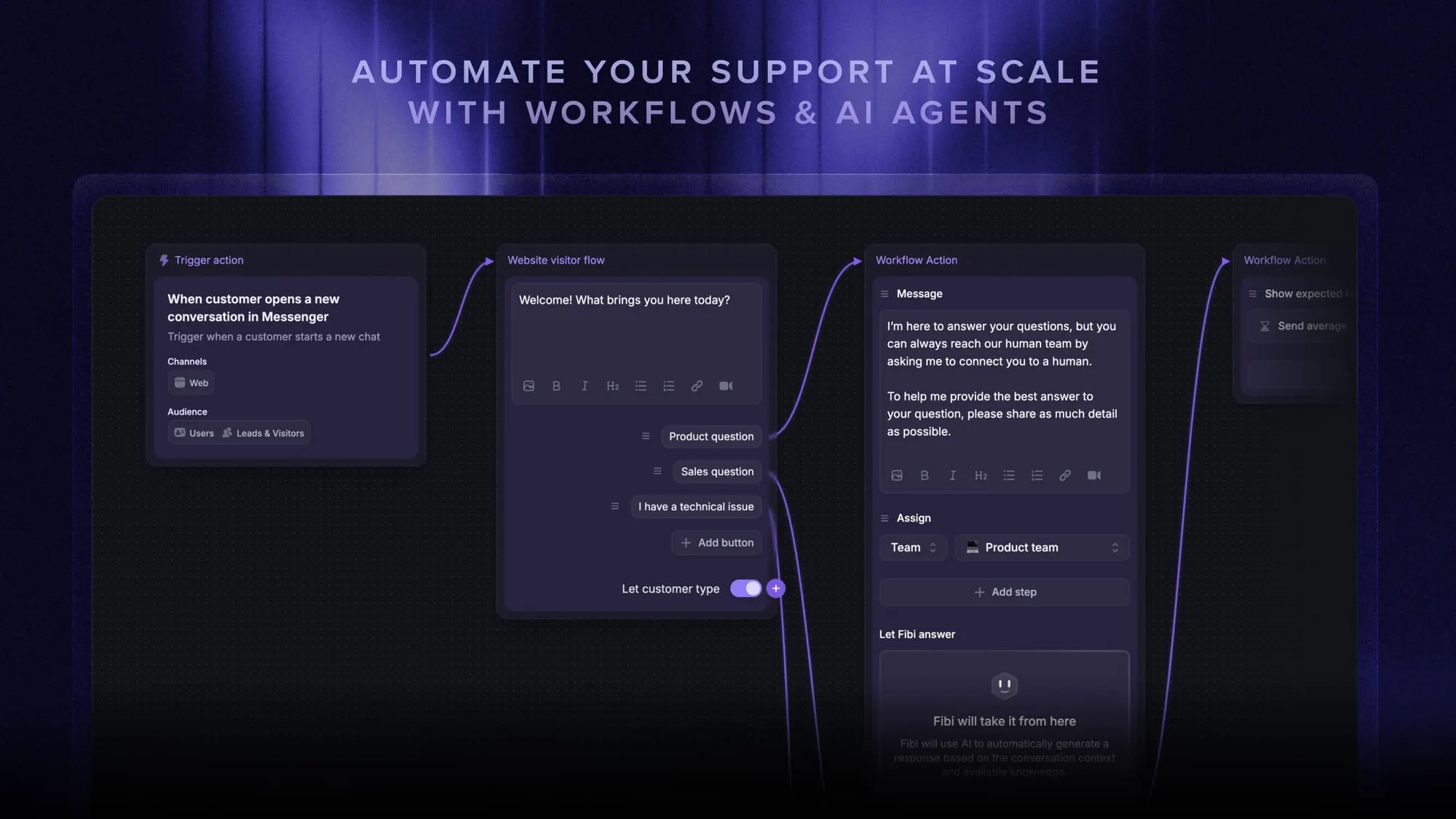
Kore AI Pricing (2026): Plans, Costs, And What To Expect
Wondering what Kore AI's pricing really is? Well, depends on sessions, seats, and add-ons. It can be powerful for enterprises, but budgeting can get tricky fast.

On this page
Psst… Looking for a powerful & affordable alternative to Kore.ai? Check out Featurebase
If you’re researching Kore.ai pricing, you’ve probably hit the same wall I did: there’s no real public pricing from Kore AI.
You can find documentation explaining how billing works. You’ll see references to billing sessions, agent seats, credits, and add-ons. But you won’t find a clean pricing page with clear monthly numbers.
There’s no simple breakdown like:
- Plan A → $X/month
- Plan B → $Y/month
That makes AI pricing difficult to compare and even harder to forecast.
In this guide, I’ll keep it practical and focus on what you can actually learn today: what Kore AI explains about how pricing works, what third-party sources suggest for entry-level tiers, what typically drives the real cost up in production, and when it makes sense to look at alternatives with more transparent pricing. 👇
Key takeaways
- Kore AI pricing is not transparent. You can learn the billing mechanics from documentation, but you will not see clear public pricing numbers unless you go through the sales team process.
- Low “starting at” prices can be misleading. Third-party listings may show entry tiers, but they often do not reflect what you will pay once usage, seats, and add-ons are included.
- The pricing model is mixed, which makes forecasting harder. Automation AI is billed in 15-minute billing sessions, while Contact Center AI and Agent AI are billed per seat.
- Costs usually rise as adoption grows. More customer interactions, more voice channels, longer conversations, and more agents all increase spend.
- Voice and enterprise requirements add another layer of cost. Speech-to-text, text-to-speech, multilingual support, and integration configurations commonly increase total cost beyond the base plan.
- If you want predictable spend and faster self-serve rollout, consider alternatives with transparent pricing. Featurebase is a solid option for modern teams that want AI support plus workflows without a long enterprise buying cycle.
What is Kore AI?
Kore AI is an enterprise conversational AI platform for building conversational AI agents that handle customer interactions across multiple channels.
Companies use it to:
- Deploy web chat assistants
- Build voice assistants and voice bots
- Support contact centers with agent assist features for human agents
- Connect workflows to ticketing systems and internal tools
Under the hood, Kore AI relies on natural language processing, natural language understanding, and machine learning. Many deployments also add a generative AI layer on top of large language models.
The platform is primarily built for enterprise clients, large contact centers, and regulated industries. That positioning matters because enterprise focus often means enterprise-style pricing.
Kore AI pricing
Here’s the most important thing to understand:
Kore AI does not publicly list fixed pricing on its website. There is no official pricing page that shows plan-by-plan monthly costs.
Instead, the company documents how billing works, not how much it costs. That means most real deployments require a quote.
How the pricing model works
Kore.ai pricing depends on which product modules you use. It is not a single flat subscription according to Kore AI's plan and usage documentation.
The platform includes:
- Automation AI
- Search AI
- Contact Center AI
- Agent AI
Each uses a different billing structure:
| Product / Module | How It’s Billed | Key Details | Cost Implication |
|---|---|---|---|
| Automation AI | Per 15-minute billing session | A 10-minute conversation = 1 session A 31-minute conversation = 3 sessions |
Longer conversations increase cost |
| Search AI | Per 15-minute billing session | Uses the same billing session model as Automation AI | Usage volume directly impacts spend |
| Contact Center AI | Per agent seat | Two-seat models: • Named seats • Concurrent seats |
More agents = higher cost |
| Agent AI | Per agent seat | Named or concurrent seat structure | Scales with agent count |
| Add-ons | Billed separately | Voice gateway Speech recognition Speech to text Text-to-speech Advanced analytics Integration configurations |
Adds additional cost beyond the base plan |
So even before you look at numbers, the structure itself shows that usage and scale drive cost.
What pricing is actually public
Because Kore AI does not publish pricing numbers, third-party marketplaces are one of the few places where you’ll see dollar amounts.
According to TopAdvisor:
- Essential plan: $50/month (annual billing)
- Advanced plan: $150/month (annual billing)
- Enterprise plan: custom pricing
Important context:
These appear to reference Automation AI tiers. They do not reflect full enterprise deployments, large contact center rollouts, or high-volume voice AI usage.
In other words, those numbers are starting anchors. They are not full production cost estimates.
Essential plan
The Essential plan is listed at $50/month annually on TopAdvisor.
Reported features include:
- Chatbots
- IVR
- Voice assistants
- Bot builder tools
- Speech recognition
Realistically, this tier is best suited for proof-of-concept deployments or smaller environments.
Once customer interactions scale, billing sessions begin to matter more than the base subscription.
Advanced plan
The Advanced plan is listed at $150/month annually.
This tier typically includes:
- Conversation flow builder
- Higher limits
- More advanced features
- Expanded configuration
However, usage-based billing still applies. If your bot handles high traffic, session costs will likely become the primary expense.
Enterprise plan
The Enterprise plan is listed as custom pricing.
This is where most enterprise clients end up.
Enterprise deployments often require:
- Enterprise governance
- Role-based access control
- Multilingual support across multiple languages
- Voice AI at scale
- Advanced analytics
- Dedicated engineering support teams
- Integration with CRM and ticketing systems
At this level, there is no publicly listed enterprise price. And you work directly with a sales team and negotiate contract terms so you will have an idea how much will your billing be at the end of each month.
Hidden costs and limitations
Kore AI’s plan labels only tell part of the story. In practice, several factors can make forecasting your monthly spend tricky:
Usage-based billing drives costs up
Automation AI is billed per 15-minute session. That means the more conversations you handle - and the longer they last - the higher your bill. Flat-rate pricing platforms are often easier to predict than other pricing models.
Contact center expansion scales pricing
Seat-based pricing grows with your agent count. Expanding from 50 to 150 agents can quickly multiply costs. Choosing between named and concurrent seats becomes critical to control spend.
Voice AI adds extra complexity
Adding voice channels can introduce additional costs, including:
- Speech-to-text and text-to-speech processing
- Ongoing testing and tuning
Integration and implementation effort
Enterprise deployments often require connecting Kore AI with ticketing systems, CRMs, backend systems, and identity services. These integrations can extend timelines and increase internal resource needs.
Steep learning curve for non-technical teams
Don't get me wrong, Kore AI is powerful, but it isn’t always optimized for teams without technical support. A fully self-serve rollout can be challenging, making it quite daunting for non-technical users to get started.
Limited free plan visibility
Although Kore AI documentation discusses credits and plan management, it does not provide a clear, transparent free plan with detailed feature limits. For teams used to modern SaaS self-serve pricing, this can feel restrictive.
Bottom line: Kore AI can scale to handle enterprise-level deployments, but costs and implementation complexity often rise faster than plan labels suggest. If you want more predictable pricing and simpler onboarding, modern alternatives like Featurebase can be easier to manage.
What if Kore AI is too expensive for me?
If you like Kore.ai but not the enterprise pricing model, you’ve got options. Plenty of modern support platforms offer similar automation and AI capabilities without complex contracts or usage-based surprises. Here are some of the best ones:
- ✨ Featurebase – Best overall for AI support, plus feedback and customer engagement
- Ada – An AI platform great for global enterprises needing multilingual support and enterprise-scale automation
- Intercom – Best for business teams that want fast setup, web chat, and strong agent assist
- Drift– Best for sales and marketing teams using chat to qualify leads and drive pipeline
- Zendesk – Best for enterprise support teams that need a proven support platform with help docs, workflows, and automation
So, is Kore AI worth it?
Kore AI is a powerful enterprise conversational AI platform that can handle complex automation, voice deployments, and large contact center environments. For big organizations with strict compliance needs and dedicated implementation resources, it can absolutely deliver value.
But when you factor in billing sessions, seat licensing, add-ons, and enterprise contracts, the real cost often becomes difficult to predict - and sometimes significantly higher than expected.
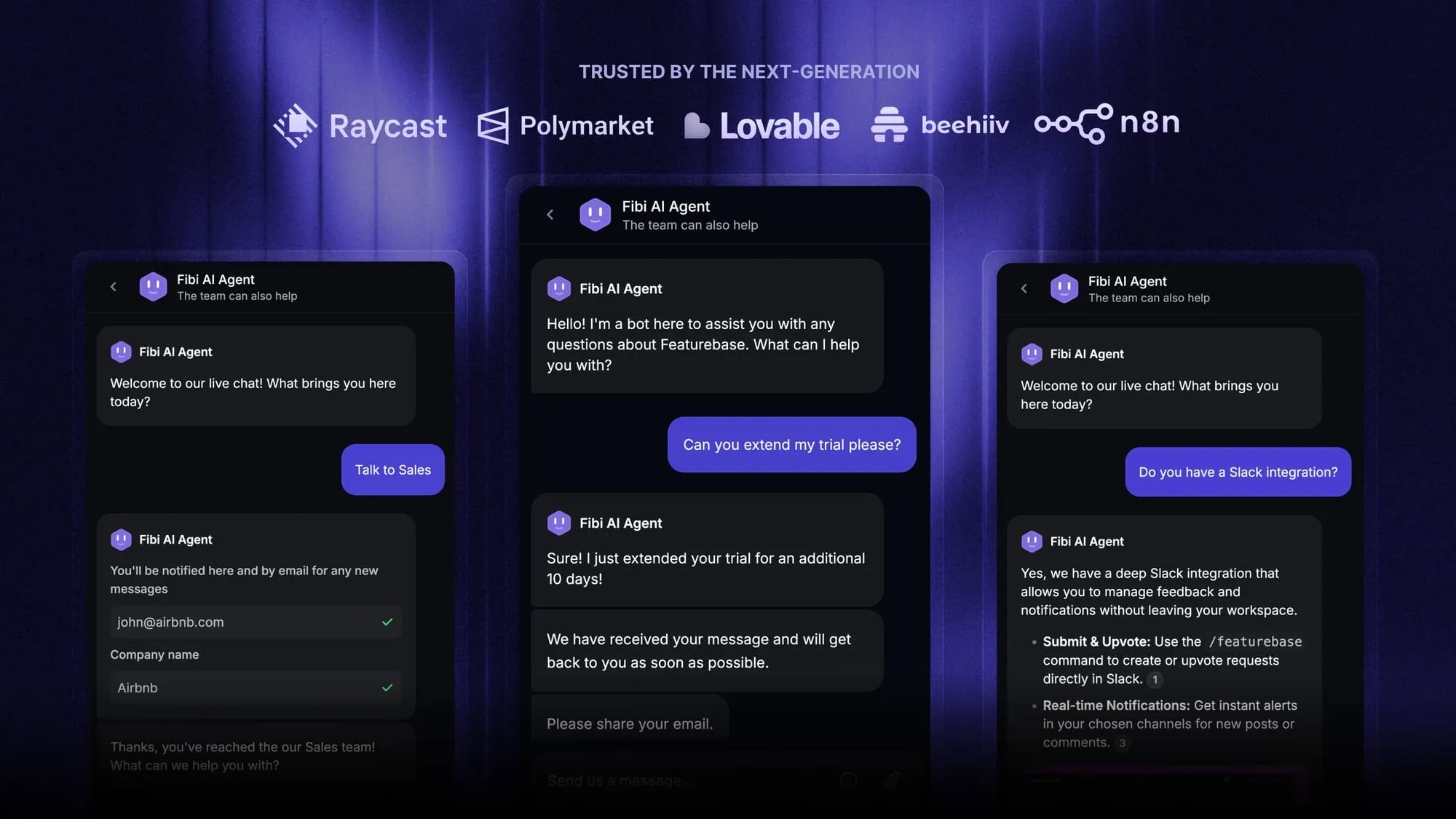
Featurebase (👋 that’s us) is a modern Kore AI alternative with an AI-powered support inbox, help center, and automation workflows plus product feedback and roadmaps - all in one platform. You get faster onboarding, transparent pricing, and a much more predictable cost structure.
Top features include:
- Fibi AI Agent – Automate resolutions and run custom actions like trial extensions, refunds, and routing
- Help center with AI search – Provide instant, multilingual self-serve answers
- Omnichannel inbox – Manage chat, email, and Slack conversations from one AI-powered view
- Workflows & automations – Auto-assign tickets, route conversations, and collect customer data
- Seamless integrations – Connect effortlessly with Slack, Jira, Linear, HubSpot, and more
What’s best is that it comes with a Free plan, and the setup is simple, so there’s no downside to trying it out.
Automate your support with the fastest AI-enhanced inbox today