Freshdesk vs Front: Which Helpdesk Is Right for You?
Freshdesk vs Front compared on ticketing, AI, pricing, and ease of use - plus a clear guide on which helpdesk fits your team.


On this page
Looking for a modern & affordable alternative to Freshdesk and Front? Check out Featurebase
Freshdesk and Front both manage your customer email, but they solve the problem in opposite ways. Freshdesk files every message as a ticket in a queue. Front keeps it a shared conversation your whole team can work on together.
That one difference shapes almost every decision that follows. Pick the wrong mental model and you'll be rebuilding your workflows a year later.
Below, I'll break down how Freshdesk and Front compare on ticketing, AI, pricing, integrations, analytics, and ease of use, then make the call clear. 👇
Key takeaways:
- Core model: Freshdesk is a ticketing queue built for support volume and SLAs. Front is a shared inbox built for collaborative, relationship-driven communication.
- Pricing: Freshdesk has a free plan and a low $19/agent/month entry point. Front has no free plan and starts at $25/seat/month, climbing faster as you scale.
- AI: Freshdesk's Freddy AI is deflection-first and priced per session. Front's Autopilot and Copilot go deeper on multi-step workflows and connect to more knowledge sources.
- Best fit: Choose Freshdesk for high-volume, queue-driven support. Choose Front for complex, multi-party communication where context matters more than ticket counts.
- ✨ If you want modern, AI-first support without the legacy pricing, Featurebase bundles an AI inbox, help center, and feedback tools in one platform, starting free.
Freshdesk vs Front at a glance
| Feature | Freshdesk | Front |
|---|---|---|
| Core model | Ticketing queue | Shared inbox |
| Free plan | Yes (1-2 agents, 6 months) | No |
| Entry price | $19/agent/mo (Growth) | $25/seat/mo (Starter) |
| Omnichannel | Freshdesk Omni track ($29+/agent/mo) | Professional ($65/seat/mo) |
| AI deflection bot | Freddy AI Agent (500 free sessions, then $49/100) | Autopilot (from $0.05/conversation) |
| Agent assist | Freddy Copilot ($29/agent/mo add-on) | Copilot ($20/seat/mo add-on, or in Enterprise) |
| Internal collaboration | Internal notes on tickets | @mentions and inline comments on threads |
| Best for | High-volume, queue-driven support | Complex, relationship-driven communication |
What are Freshdesk and Front?
Before the feature-by-feature breakdown, it helps to understand where each tool comes from. They were built for different jobs, and it shows.
What is Freshdesk?
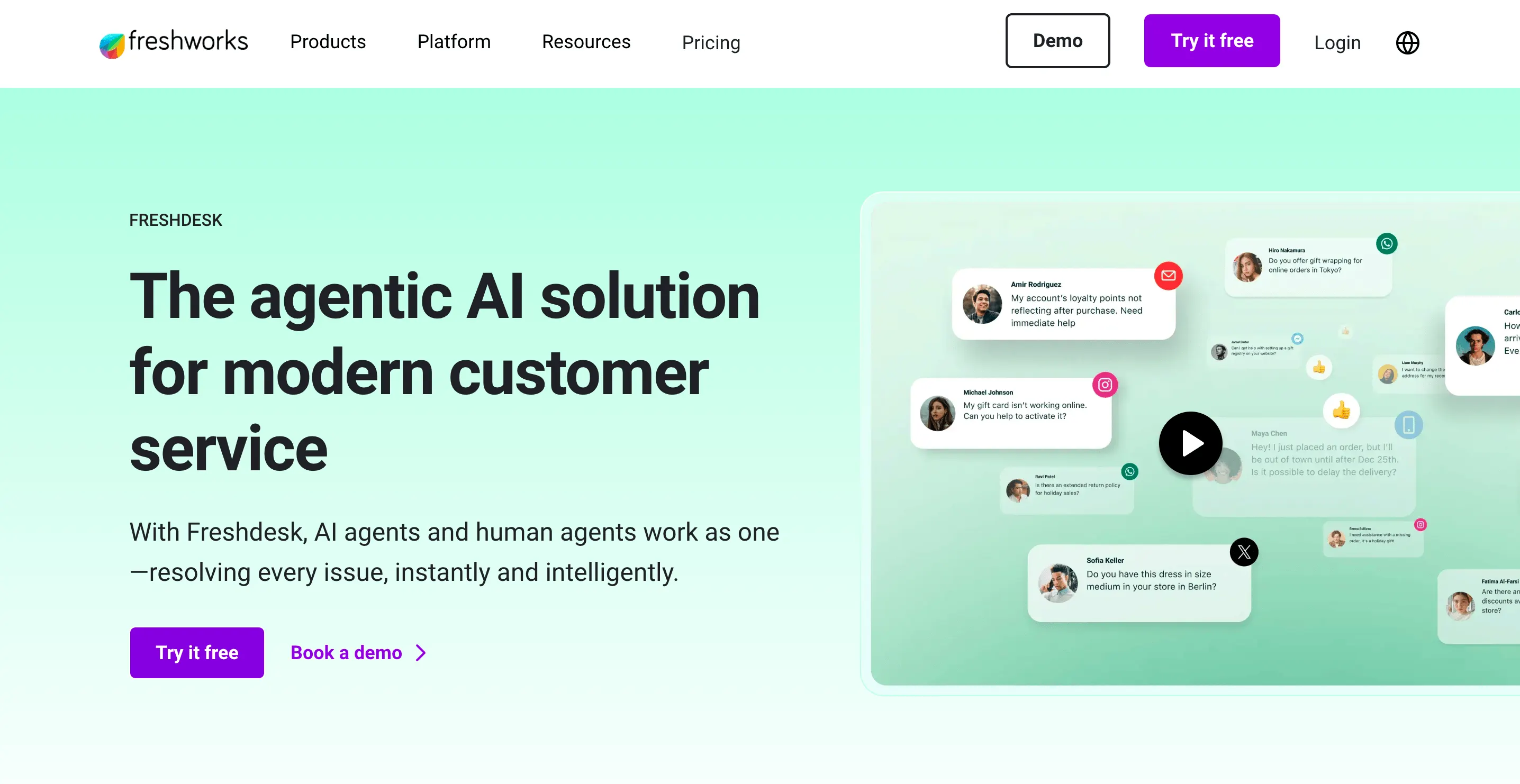
Freshdesk is the customer-support helpdesk from Freshworks, a publicly traded software company. It's a classic ticketing system: every incoming message becomes a structured ticket with a number, status, priority, and assignee, then moves through a queue until it's resolved.
That structure is its strength. Freshdesk is built for teams where support is a defined, high-volume function, think e-commerce brands, SaaS companies with large user bases, and logistics providers fielding order queries at scale. It's often weighed against other ticketing suites like Zendesk, and its AI layer, Freddy AI, adds a customer-facing bot, an agent-assist copilot, and an analytics layer on top.
What is Front?
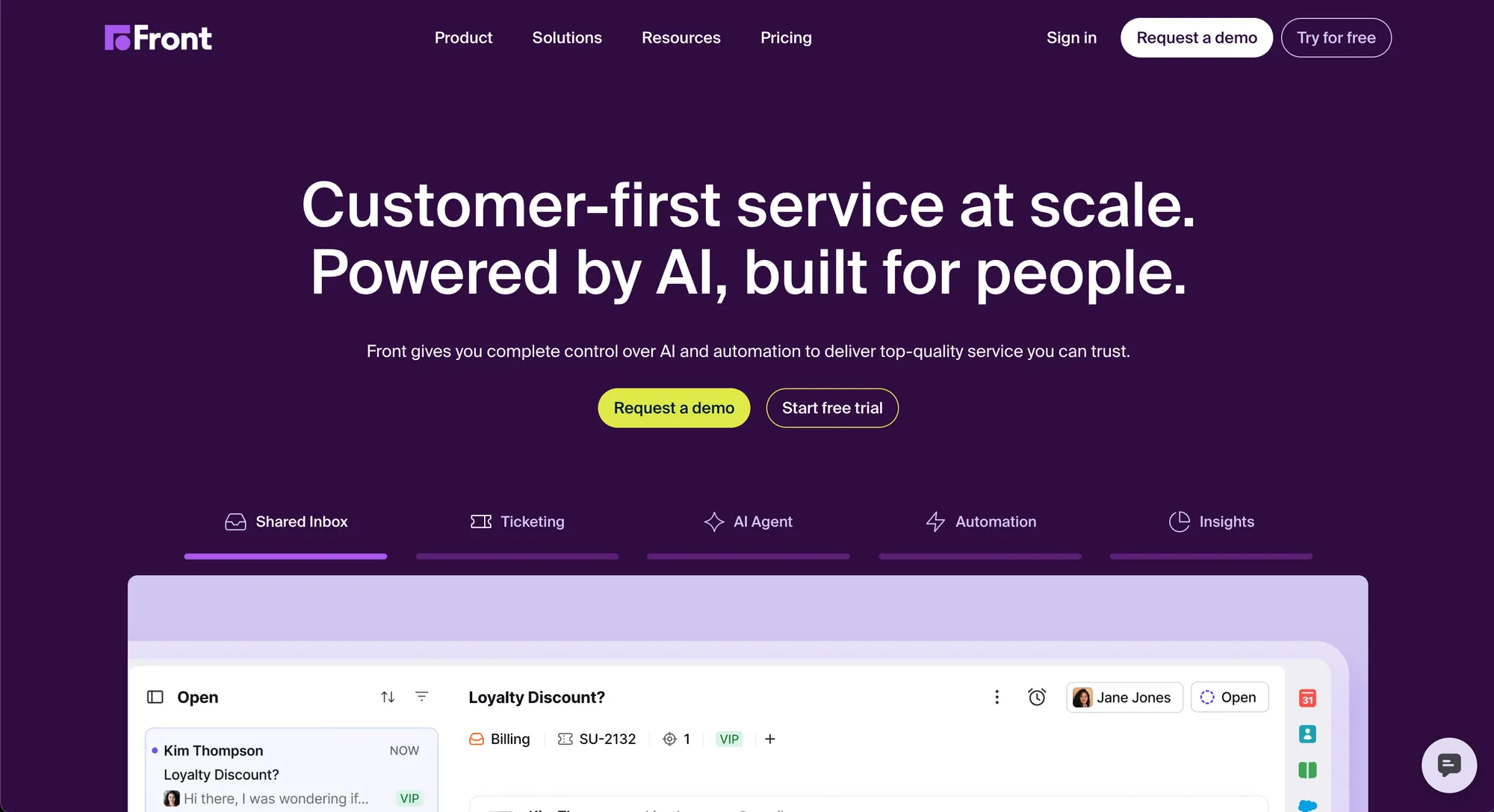
Front is a customer operations platform built around a shared inbox. Instead of turning every message into a ticket, it keeps the email thread intact and makes it collaborative. Agents can @mention teammates inside a thread, draft replies together, and route messages automatically, all without forwarding anything around.
Front targets industries where relationships matter more than ticket counts: logistics, financial services, manufacturing, travel, and agencies. It's positioned for support, sales, account management, and operations teams that handle high-context, multi-party communication rather than pure ticket volume.
Ticketing queue vs shared inbox
This is the core structural difference, and it drives everything else.
Freshdesk converts every message into a ticket. That gives you sortable priorities, SLA tracking, automation rules that fire on ticket properties, and resolution metrics across thousands of conversations. When your volume is high enough that conversations need to be formally tracked, assigned, escalated, and closed, the queue model is purpose-built for it.
Front keeps the email as the atomic unit. Multiple agents see and collaborate on the same thread, with internal comments and @mentions visible to the team but invisible to the customer. G2 reviewers consistently single out this collaboration layer as the thing they love most about Front. It also has a ticketing mode for teams that want ticket numbers, but the experience is built around the inbox first.
The trade-off shows up at scale. Freshdesk's queue handles thousands of tickets a day more cleanly, while Front's inbox gets harder to manage as raw volume grows. On the flip side, a new agent picks up Front faster because it feels like email with superpowers, whereas Freshdesk asks them to learn statuses, queues, and views first.
Bottom line: If a "ticket number" is the right mental model for your customer interactions, Freshdesk wins. If a "conversation your team manages together" fits better, Front wins.
AI capabilities
Both tools have invested heavily in AI, but with different priorities.
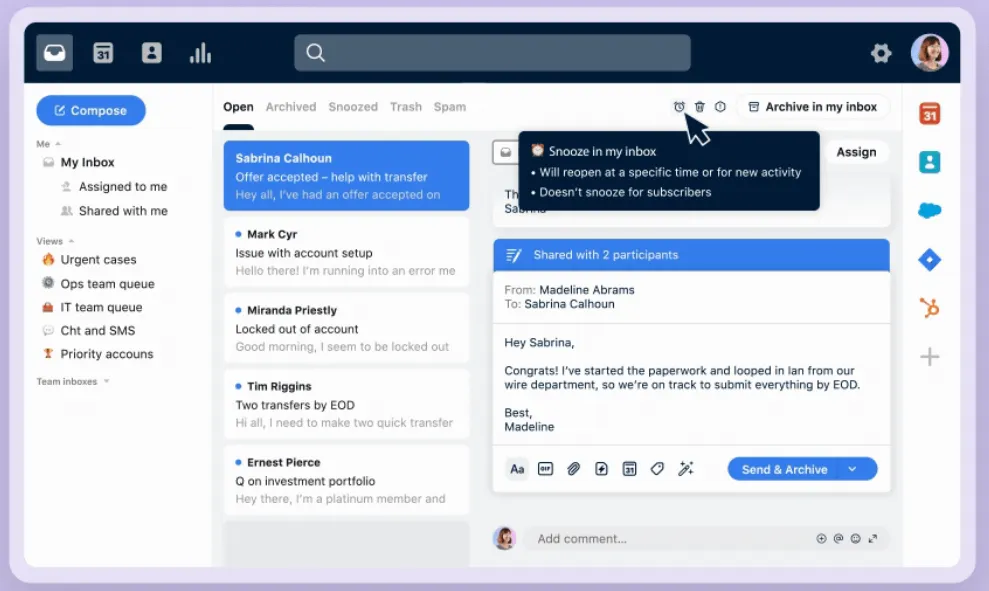
Freshdesk's Freddy AI is deflection-first. Freddy AI Agent is a customer-facing bot that can resolve queries end-to-end by connecting to backend systems, and it ships with pre-built vertical agents and e-commerce integrations. Freddy AI Copilot adds writing help, translation, and summaries for agents. The catch G2 reviewers raise: the strongest AI features are gated to higher tiers and the Omni track, so the entry plan doesn't get the full picture.
Front's AI is built around three pillars: Autopilot (a customer-facing agent for complex, multi-step workflows), Copilot (agent-assist that drafts replies from conversation history and connected systems), and analytics tools like Smart QA and Smart CSAT that score interactions automatically. Front's edge is knowledge connectivity, its AI can pull from sources like Notion, Google Drive, and Confluence. The recurring G2 critique is that the native AI can feel lightweight next to dedicated AI platforms.
If you want an AI layer that's modern out of the box without per-session metering, this is where a tool like Featurebase stands out. Its Fibi AI Agent resolves customer issues on autopilot and runs custom actions like trial extensions and refunds, priced simply at a flat rate per AI resolution.
Bottom line: Freshdesk is stronger for pure ticket deflection. Front goes deeper on complex workflows and knowledge access. Both meter AI usage in ways that add up.
Pricing
Pricing is where these two diverge most, and where the comparison gets practical.
Freshdesk pricing
Freshdesk's standalone ticketing pricing is the more affordable starting point:
- Free: $0 for 1-2 agents (limited to 6 months)
- Growth: $19/agent/month
- Pro: $55/agent/month
- Enterprise: $89/agent/month
All paid plans are billed annually. Freddy AI Agent includes the first 500 sessions free, then runs $49 per 100 sessions. The fuller omnichannel experience lives on the separate Freshdesk Omni track, which starts higher at around $29/agent/month and bundles live chat and the full Freddy AI suite. G2 reviewers note that costs climb as you unlock higher-tier features, but the free plan and low entry price make Freshdesk easy to start with.
Front pricing
Front has no free plan, and its per-seat pricing runs higher:
- Starter: $25/seat/month (up to 10 seats, single channel type)
- Professional: $65/seat/month (up to 50 seats, omnichannel)
- Enterprise: $105/seat/month (unlimited seats, AI Copilot, Smart QA, and Smart CSAT included)
All plans are billed annually, with a 14-day trial instead of a free tier. AI add-ons sit on top for Starter and Professional: Copilot at $20/seat/month, Smart QA at $20, Smart CSAT at $10, and Autopilot from $0.05 per conversation. The recurring G2 complaint is that the per-seat cost is a real hurdle for smaller teams, and the Starter plan's single-channel limit pushes most teams to Professional fast.
Bottom line: Freshdesk is the cheaper entry point and the only one of the two with a free plan. Front costs more per seat, though Enterprise bundles its AI tools rather than charging for them separately.
Integrations
Both tools integrate broadly, with slightly different orientations.
Freshdesk connects to CRMs like Salesforce and HubSpot, project tools like Jira and Asana, e-commerce platforms, and telephony. Its Freddy AI bot has pre-built connectors for Shopify, Stripe, PayPal, and FedEx so it can take real actions. The main limit reviewers flag is on the AI side: there's no native connector for tools like Confluence or Notion as AI knowledge sources, so institutional knowledge has to be uploaded manually.
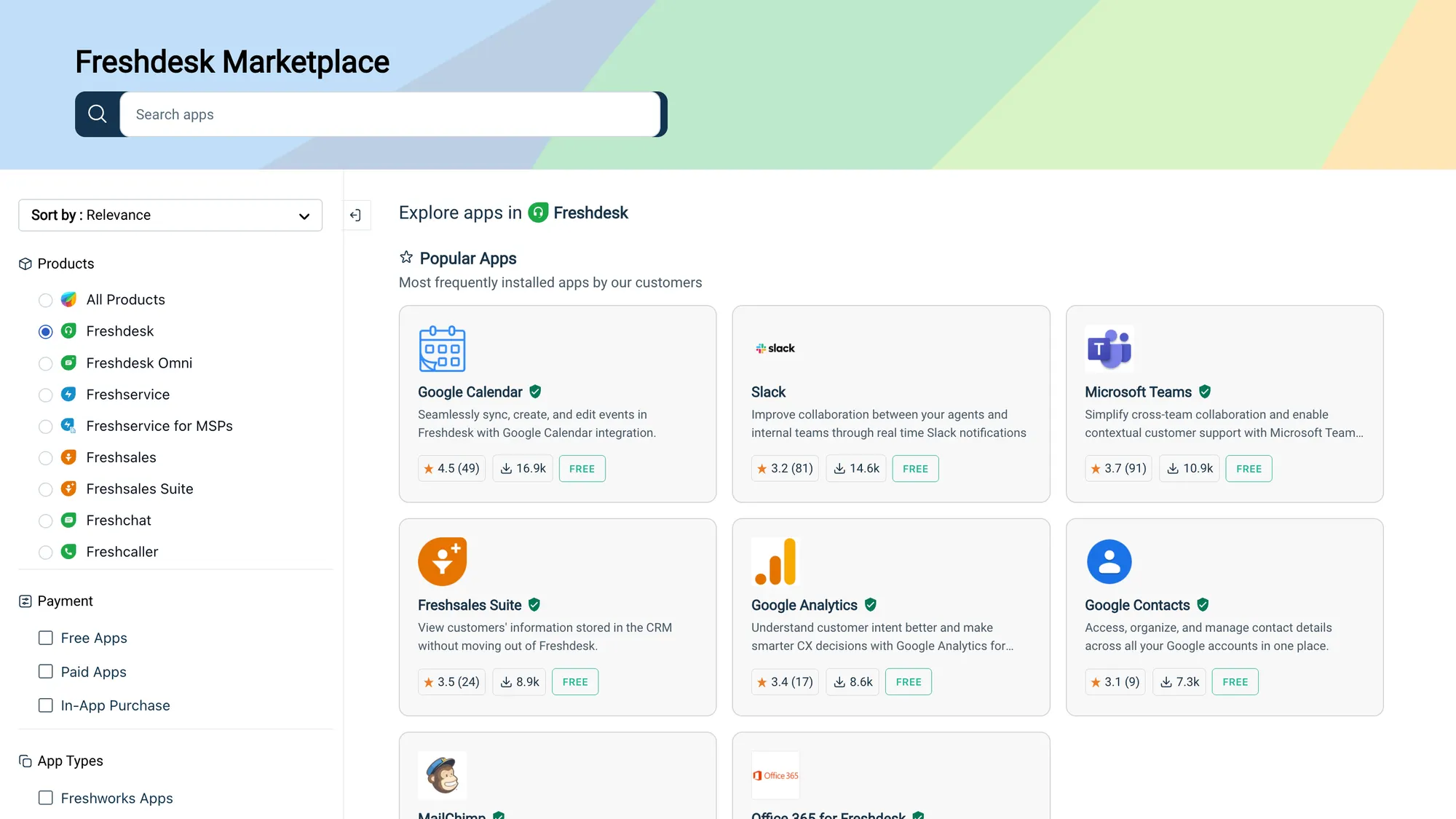
Front publishes 160+ integrations and takes a more ecosystem-agnostic approach, spanning CRM, e-commerce, project management, telephony, and industry-specific categories like logistics. It also connects Notion, Google Drive, and Confluence as AI knowledge sources. The catch from G2 feedback: some popular integrations (HubSpot is the one most often named) are rated as unreliable, which forces manual data entry.
Bottom line: Front has the edge on AI knowledge connectivity. Freshdesk has deeper helpdesk-specific automation depth around tickets and SLAs.
Analytics and reporting
Freshdesk's built-in analytics cover ticket volumes, response times, resolution rates, and CSAT, which is plenty for tracking a support queue. The consistent G2 critique is that reporting hits a ceiling quickly: basic dashboards are fine, but custom views and deeper insights take effort to configure, and its newer AI analytics layer is still maturing.
Front's analytics are more complete on the quality side. Advanced analytics are available from Professional up, and its Smart QA scores 100% of conversations (both human and AI), while Smart CSAT infers sentiment for every interaction rather than only the ones that get a survey response. For leaders who want visibility into quality and sentiment at scale, that's a meaningful difference.
Bottom line: For ticket-volume metrics and SLA tracking, Freshdesk is sufficient. For quality monitoring across the whole team, Front's analytics are more mature.
Ease of use
Freshdesk earns strong marks for a clean, organized interface that new agents pick up quickly. The complaints that surface most on G2 are about performance, occasional lag and notification delays under load, and limited customization on lower tiers, especially around the support portal and workflow builder.
Front feels intuitive to teams comfortable with the shared-inbox concept, and its collaboration features get praised heavily. But it isn't friction-free. G2 reviewers point to a learning curve for the inbox model, divided opinions on recent interface changes, and gaps in the mobile app compared to desktop. Search and filtering can also slow down on very large threads.
Bottom line: Both are approachable. Freshdesk is more familiar to anyone who has used a ticketing tool, while Front is smoother for teams that live in email, once they adjust to the shared-inbox idea.
When to choose Freshdesk vs Front
Here's the short version of who each tool actually fits.
| Choose Freshdesk if | Choose Front if |
|---|---|
| You need a proper ticketing queue with SLAs | Your work is relationship-driven, not queue-driven |
| You want a free entry point to test | You need real-time collaboration on threads |
| Your AI goal is customer-facing deflection | Your AI needs to reach Notion, Drive, or Confluence |
| You handle high, repetitive support volume | You manage complex, multi-party conversations |
| You're already in the Freshworks ecosystem | You want AI quality scoring across every interaction |
If your support volume is high and conversations need to be formally tracked and closed against SLAs, Freshdesk's queue model is built for that. If your team coordinates complex, high-context communication where multiple people touch the same thread, Front's collaborative inbox earns its price.
But there's a third option worth a look if neither legacy model fits how modern SaaS teams actually work. 👇
Switch to a modern AI-powered support platform that starts free → Featurebase
Looking beyond Freshdesk and Front: try Featurebase
There's a real tension running through this whole comparison: Freshdesk's ticketing structure can feel like legacy software, while Front's collaborative inbox gets expensive fast. If neither trade-off sits right, it's worth looking at a newer option built for product-led SaaS teams.
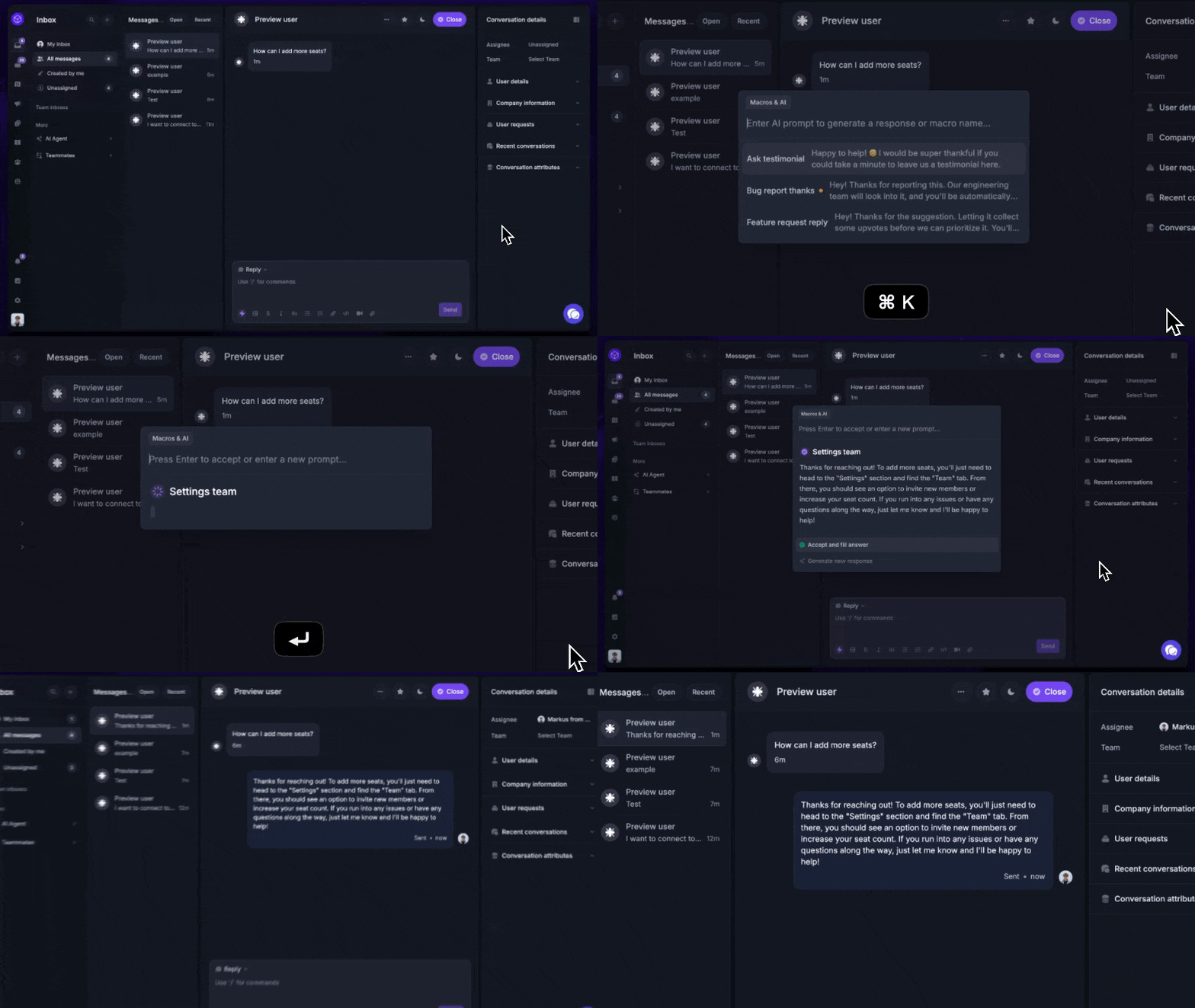
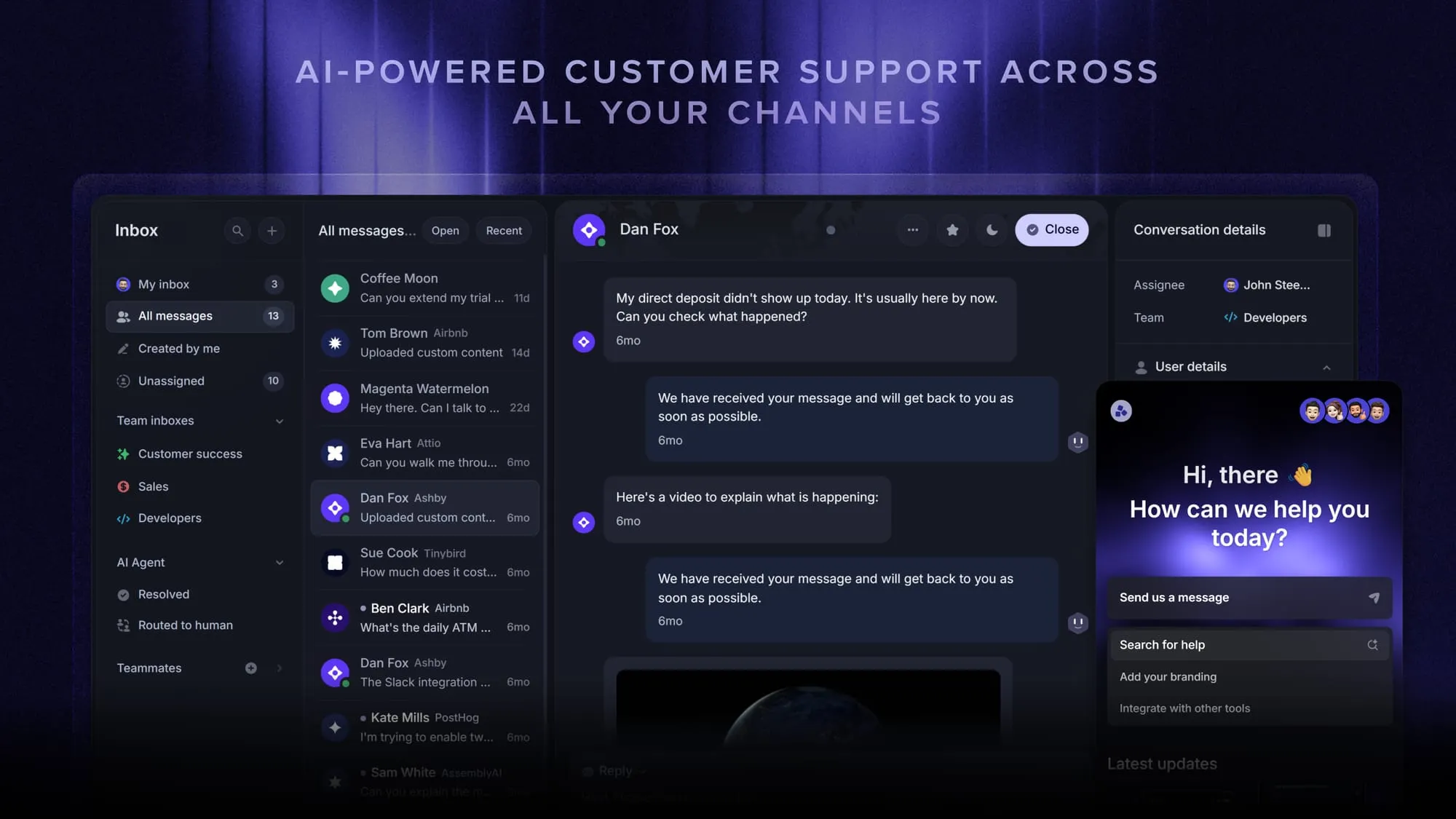
Featurebase takes the modern, AI-first approach you'd want from Front and pairs it with pricing closer to Freshdesk's. You get an omnichannel inbox for live chat, email, and Slack, with the Fibi AI Agent handling routine tickets on autopilot, including custom actions like trial extensions and refunds. Behind it sits an AI-powered help center, an agent-facing Copilot that draws on your internal knowledge, and SLA tracking so nothing slips.
What sets it apart from both tools here is breadth without the bolt-ons. Support, a knowledge base, feedback collection, roadmaps, and product changelogs all live in one workspace, so you're not stitching together (and paying for) separate products as you grow. It's the reason teams at companies like Lovable, Raycast, and n8n run their customer-facing stack on it.
Pricing is refreshingly simple too: a free plan with unlimited conversations, then paid plans from $29/seat/month with $0.29 per AI resolution - no per-session metering or higher-tier AI gating to decode.
Conclusion
Freshdesk and Front are both solid tools that happen to solve customer communication in opposite ways. Freshdesk is the right call when you need a structured ticketing system with strong automation, a low entry price, and a free plan to start. Front is the right call when your team works in a collaborative, relationship-driven model where managing the conversation matters as much as closing it.
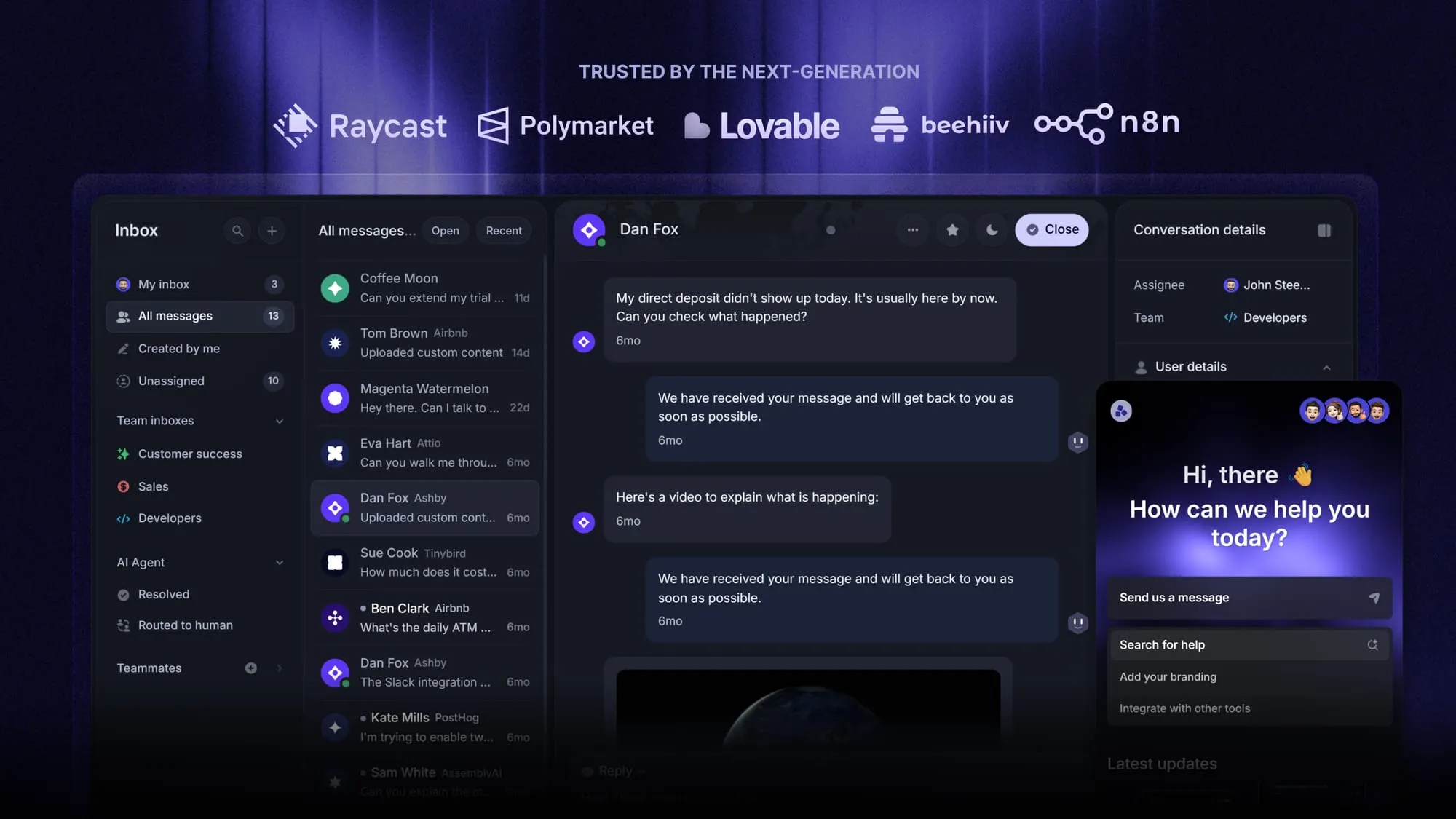
If you want the modern UI and collaboration of Front with affordable, transparent pricing closer to Freshdesk, Featurebase blends the best of both. It gives you an AI-powered inbox, a beautiful help center, feedback collection, and product updates in one place, without the legacy price tag.
It comes with a Free plan, and the onboarding is quick and doesn't require a credit card, so there's no downside to trying it. Plus, you can import your existing help center with one click. 👇
Automate your support with the fastest AI-enhanced Inbox today
FAQs
No. Front offers a 14-day free trial of its Professional plan, but it has no permanently free tier. Freshdesk does offer a free plan for 1-2 agents, though it's limited to the first 6 months. If a free plan is a hard requirement, Featurebase offers one with unlimited conversations, so you can run real support on it without a time limit.
At the entry level, yes. Freshdesk's Growth plan starts at $19/agent/month and it has a free tier, while Front's Starter plan begins at $25/seat/month with no free option. Both get more expensive as you scale and add AI, so the gap narrows on higher tiers, especially since Front's Enterprise plan bundles AI tools that Freshdesk charges for separately.
It depends on your goal. Freshdesk's Freddy AI is stronger for pure ticket deflection with pre-built vertical agents and e-commerce actions. Front's Autopilot and Copilot go deeper on complex, multi-step workflows and can pull from knowledge sources like Notion and Confluence. For deflection volume, lean Freshdesk. For operational workflows and knowledge access, lean Front.
Yes, both integrate with Slack. Freshdesk's Slack integration focuses on notifications and creating tickets from messages. Front goes further, with native AI assistance available directly inside Slack, so agents can get Autopilot and Copilot help without leaving the channel.
Yes. Both platforms offer migration tools and API access for moving tickets, contacts, and knowledge base content, and several third-party services specialize in helpdesk migrations. Before you switch, assess your data volume, ticket history, and integration dependencies, since those tend to drive how smooth the transition is.
For a small team that mainly needs structured ticketing, Freshdesk's free plan and $19/agent/month Growth tier make it the more accessible starting point. If your team lives in shared email inboxes and values internal collaboration over a formal queue, Front's UX is often preferred, though its per-seat cost adds up faster for small teams.