Blog Customer ServiceI Tested 10 Slite Alternatives for Knowledge Bases in 2026
I Tested 10 Slite Alternatives for Knowledge Bases in 2026
The best Slite alternatives to create a knowledge base for your team or customers.



Most teams don’t think about their knowledge base until the same question gets asked for the fifth time that week.
Slite is a solid starting point for internal docs, but as teams grow, limited search, customization, and scalability can slow everyone down. APQC reports that knowledge workers lose 10% of their time to finding and accessing information.
To help you avoid that, we reviewed the best Slite alternatives for internal knowledge bases, public help centers, technical docs, and AI-powered search in 2026. 👇
TL;DR: the best Slite alternatives summarized:
Use these quick links to jump to the tools you want to compare.
| Tool | Best for | Why choose it | Starting price |
|---|---|---|---|
| ✨Featurebase | All-in-one feedback, documentation, and product management for product teams | Voting, roadmaps, changelogs, and a modern knowledge base in one platform | Free plan available; paid plans start at $29/seat/month |
| Nuclino | Lightweight, real-time collaborative documentation | Clean editing experience with visual, mind-map-style organization | Free plan available; paid plans start at $6/user/month |
| Document360 | Structured knowledge bases with advanced search and analytics | Strong content hierarchy, version control, and reporting for growing documentation needs | Custom pricing |
| Notion | Flexible, customizable knowledge management | Database-driven organization, rich content blocks, and collaborative editing | Free plan available; paid plans start at $10/user/month |
| GitBook | Technical documentation and API docs for developer teams | Structured docs with Git-based version control and developer-friendly workflows | Free plan available; paid plans start at $65/site/month plus $12/user/month |
| Helpjuice | Highly customizable knowledge bases with advanced search | Strong branding, analytics, and search capabilities for scalable documentation | 14-day free trial; paid plans start at $249/month |
| Confluence | Structured team documentation with Jira integration | Strong collaboration, permissions, and deep integration with the Atlassian ecosystem | Free plan available; paid plans start at $5.42/user/month |
| Guru | AI-powered knowledge management and retrieval | Surfaces answers inside workflows with browser-based access and AI-powered search | Paid plans start at $25/seat/month; Enterprise pricing is custom |
| Tettra | Internal team documentation with Slack integration | Knowledge verification workflows built for teams that work heavily in Slack | 30-day free trial; paid plans start at $8/user/month (10-user minimum) |
| Archbee | Developer-focused documentation and API docs | Markdown support, technical writing workflows, and strong API documentation features | 14-day free trial; paid plans start at $80/month |
Why look for alternatives to Slite?
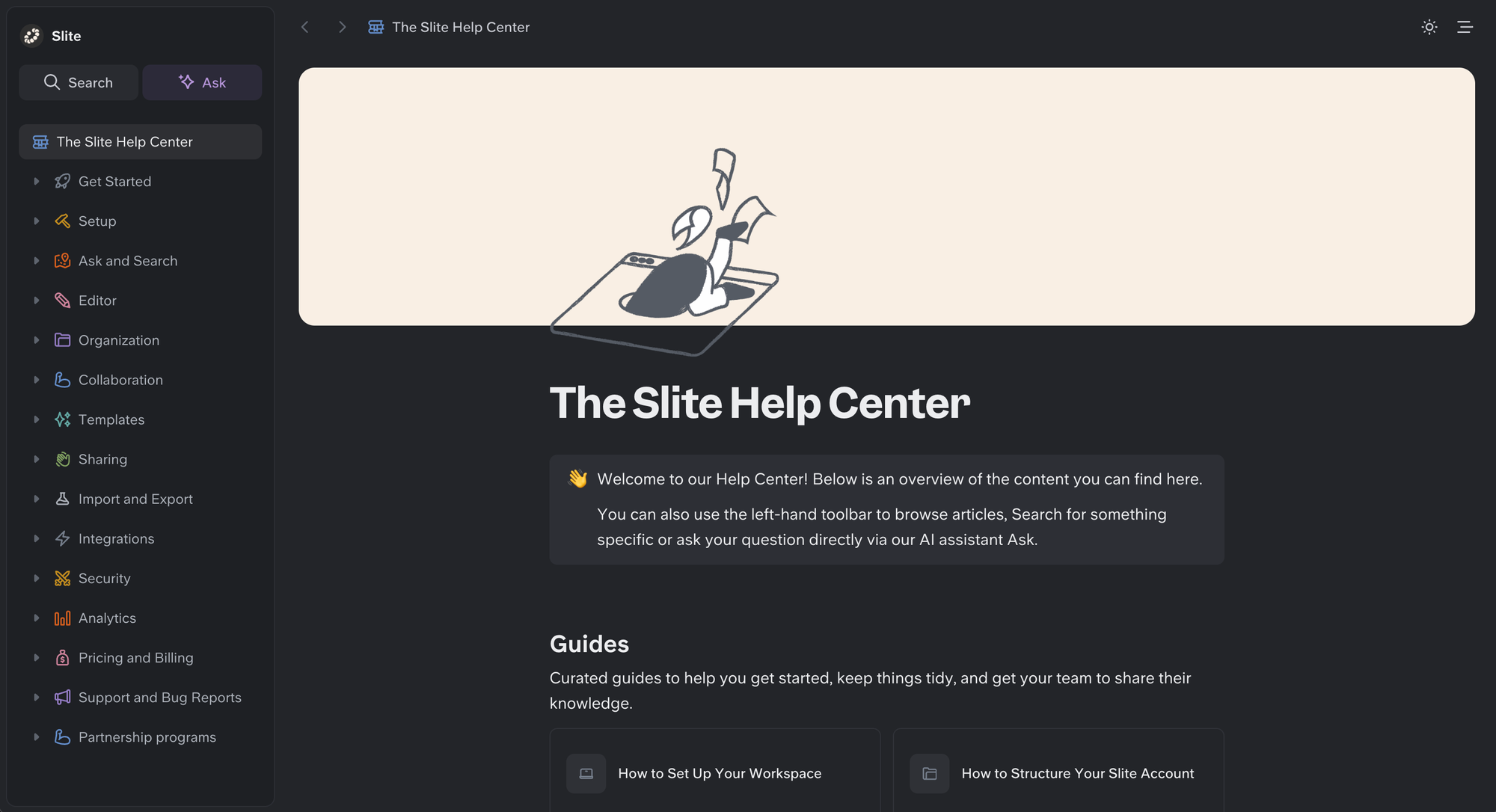
Slite is powerful and easy to use, but other external and internal knowledge bases do a better job with less hassle and for less money. Here are some reasons why Slite customers are set on a journey to find alternatives to this tool.
1. The lack of customization
Simplicity is a double-edged sword with Slite. While the tool has a minimal learning curve and it doesn't take much to learn its capabilities inside and out, it's also not very customizable:
"While the simplicity is a strength, sometimes it feels too minimal. More document formatting or customization options would be great for teams with varied needs.."
2. The search is not very functional
Using Slite as a knowledge hub should have one major advantage: the AI-powered search. In short, your team members or external stakeholders can enter a search term and Slite gives you suggestions on knowledge base items that match that search query. The problem? It doesn't work as intended:
"The AI search bar basically isn't functional. It would be a lot more helpful to have just a normal search bar that looks between all the documents instead of requiring it to be a question. This causes us to rely on getting to the right document and then CTRL+F. But CTRL+F doesn't work in collapsed sections, so everything has to be expanded to use that as our fall-back. In this way, Google Drive was easier to search." - Source
And another user said:
"The search does not always work well, which can be frustrating as it's the main point of entry when the company has hundreds of documents." - Source
3. Issues with user adoption
Whether it's existing or new team members, a good knowledge base should make it easy for everyone to join and start collaborating. If your team is switching from something even easier to use, they won't see Slite as a tool to improve internal communication or your project management capabilities. Instead, they'll push against it:
“Slite has proven to be an excellent tool for specific tasks like managing policies, onboarding documents, and storing processes, [but] promoting its daily use within my company [...] has been a bit of a hurdle. [...] It’s not as engaging for day-to-day tasks, and there seems to be a preference for the features and interface of Google Drive.”
4. The pricing can get expensive for growing teams
Slite’s pricing seems simple at first, but it can get expensive as your team grows. Slite's Basic plan starts at $10 per user/month (billed annually), and the Pro plan, which adds Slite Agent and search across your connected tools, is $20 per user/month.
For smaller teams, that may be fine. But for growing companies, costs can add up quickly, especially if some users only need occasional access to your knowledge base.
If pricing is one of the reasons you’re comparing tools, you can also check out our full Slite pricing guide for a deeper breakdown of plans, features, and common pitfalls.
How we evaluated the best Slite alternatives
The best knowledge base is not the one with the longest feature list. It’s the one your team will actually use. For this list, we focused on the practical things that matter most day to day: how easy each tool is to adopt, how well it helps people find information, and whether it can keep up as your documentation grows.
- Ease of use: A clean interface, intuitive navigation, and a low learning curve matter more than flashy features. If a tool feels clunky, teams stop using it.
- Search and findability: Good documentation is only useful if people can actually find it. Search quality, content structure, and overall discoverability all played a big role.
- Flexibility: Some teams need a simple internal wiki, while others need a customer-facing knowledge base or more structured team documentation. Tools were judged on how well they adapt to different documentation needs.
- Collaboration: Real-time collaboration, comments, collaborative editing, and support for multiple users working in the same document can make a big difference for fast-moving teams.
- Content control: Version control, permissions, and role-based access control become more important as documentation grows and more people contribute to it.
- Integrations: Strong integrations with other tools, including Google Docs, Google Drive, and common project management platforms, help a knowledge base fit more naturally into existing workflows.
- Advanced features: Extra credit went to tools that go beyond basic documentation, such as AI-powered search, detailed analytics, task tracking, or broader project management.
- Pricing and value: Free plans, free trials, and paid tiers were compared to see which tools offer the strongest value for different team sizes and business needs.
The best Slite alternatives to try in 2026
Slite is good, but it's not great. If you're looking for alternatives to internal and external knowledge sharing, the good news is that the market is flooded with great options. And today, we'll show you some of the best choices out there.
1. Featurebase ✨
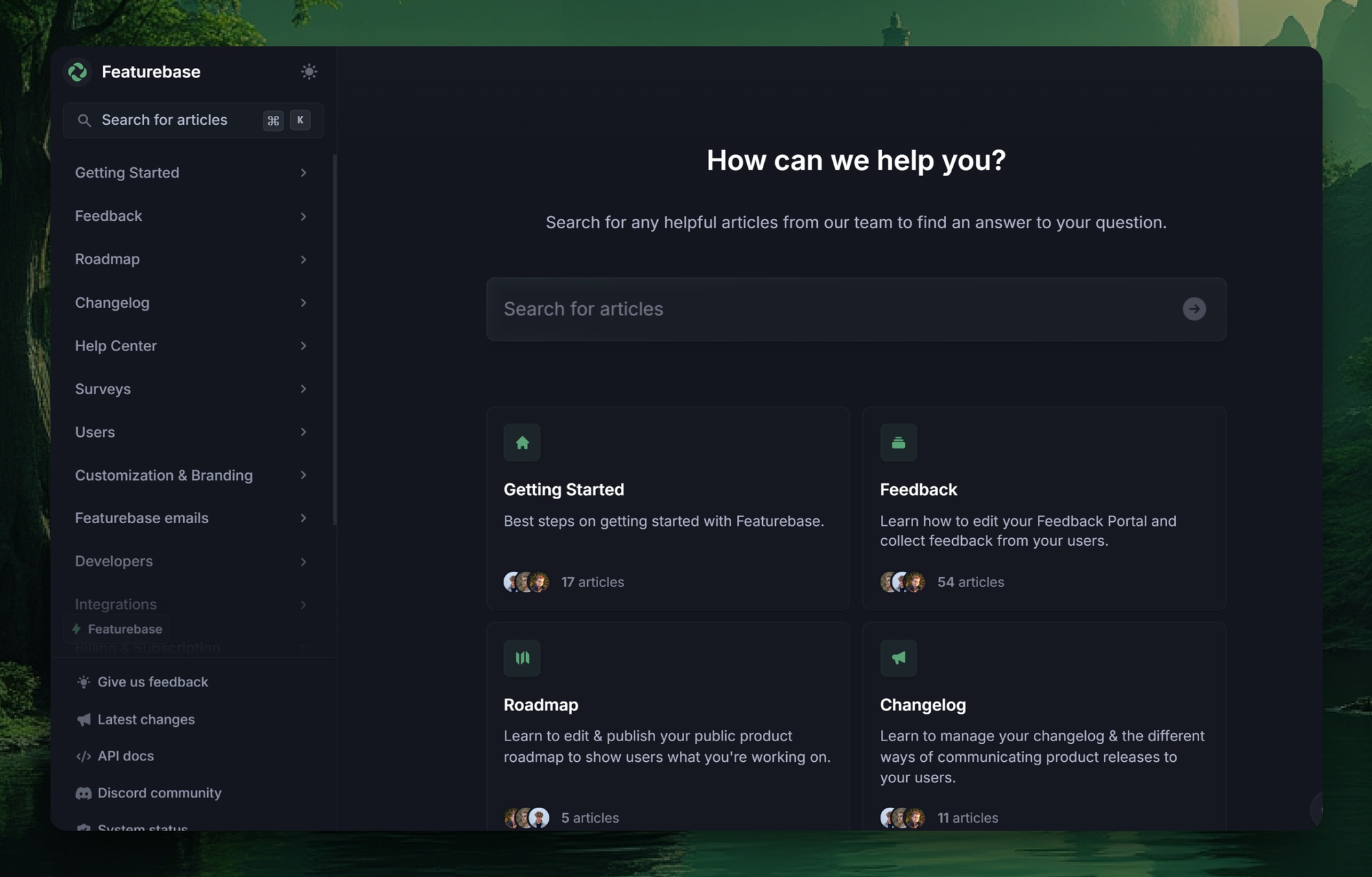
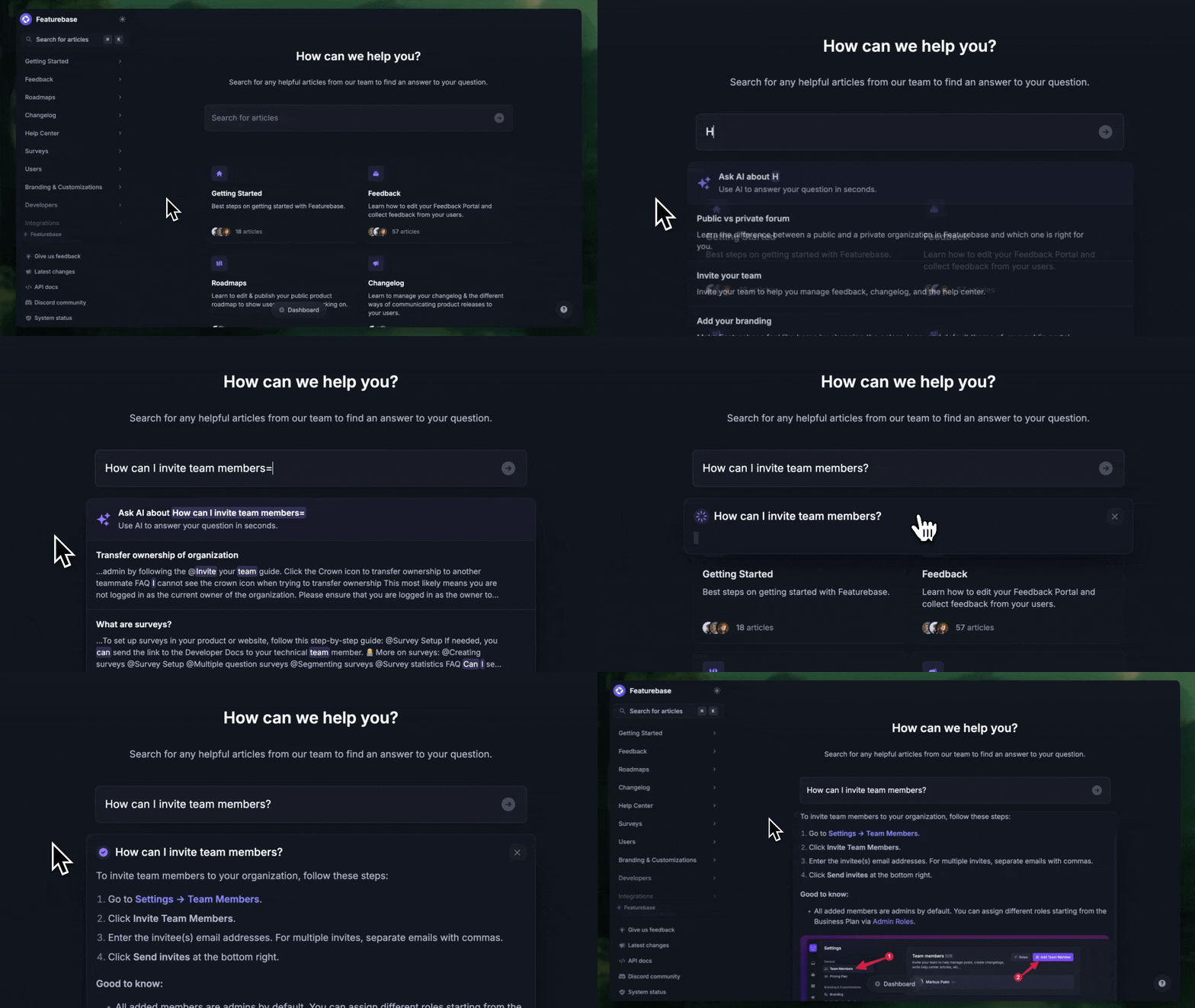
Featurebase is a modern and powerful support platform for SaaS teams that helps you create a beautiful knowledge base, provide AI-powered support, and collect feedback all in one place. Its modern, feedback-driven approach makes it an excellent alternative to Slite for teams that want more than internal docs. It's loved by thousands of support teams from companies like Lovable, Raycast, and n8n. 💫
Top features
- Public & internal help center - Create a branded knowledge base with your own domain and design for easy self-serve support
- Embeddable in-app widget - Serve help articles directly within your app, reaching users where they need assistance most
- AI-powered search answers - Summarize answers for users right in the search bar in seconds
- Automatic AI translations - Automatically translate and show your help center in your users' native languages
- Multi-brand support - Manage multiple help centers and live chats from a single workspace
- AI-powered support platform - Manage chat, email, and Slack support conversations from one AI-powered view
- Feedback & roadmap tools - Collect feature requests and close the loop with updates
- Product updates - Publish release notes with a changelog page, in-app widget, and emails
- Integrations - Connects with Slack, Linear, Jira, HubSpot, and more
How is it better than Slite? Featurebase gives you more than internal documentation. Alongside a modern knowledge base, it includes AI-powered answers, a customer-facing help center, feedback collection, roadmaps, and changelogs in one platform. For product teams and SaaS companies, that means fewer tools, better self-serve support, and a more connected customer experience.
Pricing: You can create a public knowledge base with a fully free plan. Paid plans start at just $29/seat/month for unlimited articles.
✨ Create a beautiful Help Center with Featurebase for free →
2. Nuclino
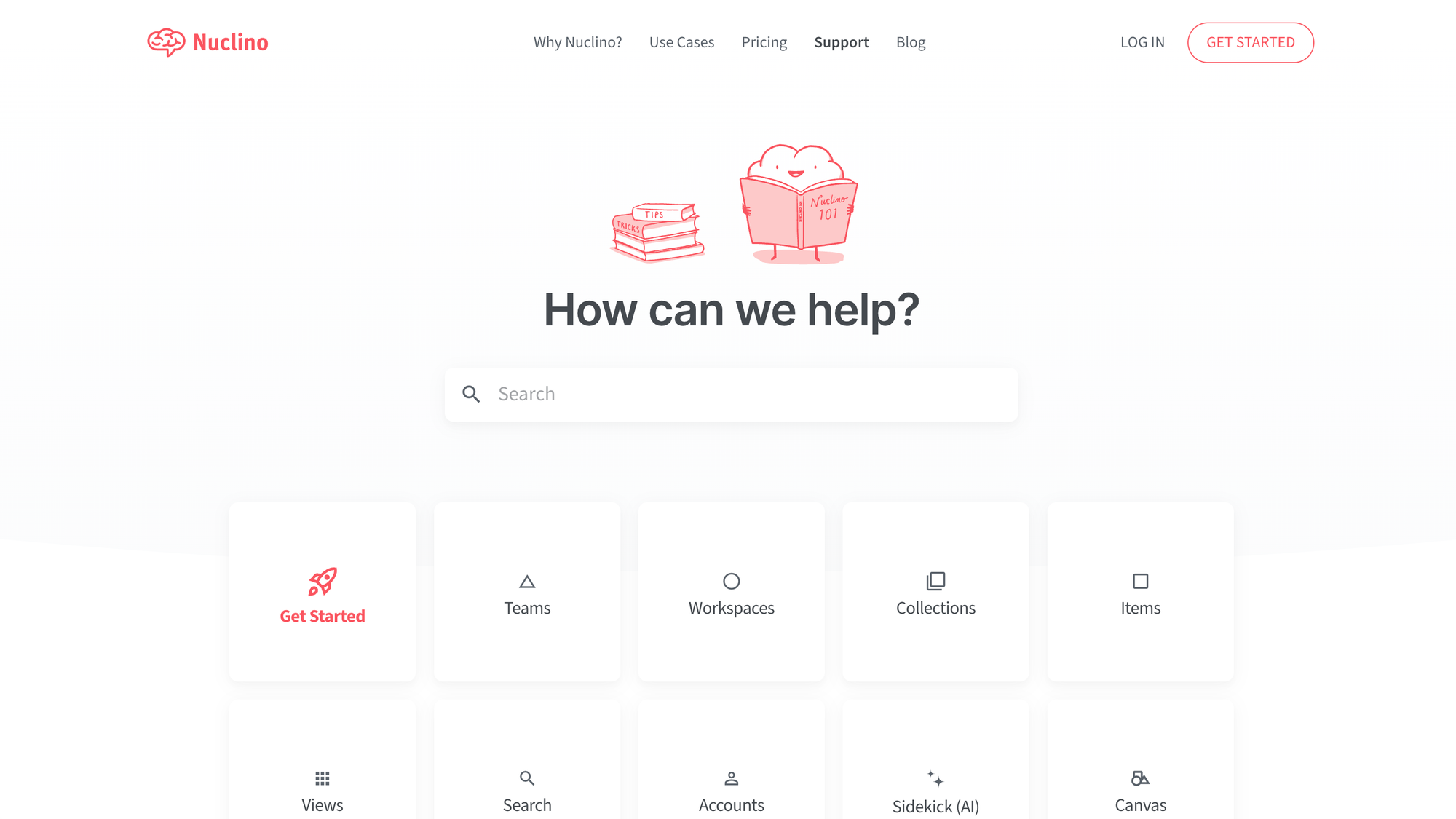
Nuclino is a modern knowledge management and team documentation platform emphasizing speed, simplicity, and real-time collaboration. The clean interface and mind-map-style organization make it a strong alternative to Slite for teams looking for a lightweight, distraction-free documentation tool.
Top features
- Real-time collaborative editing – Work on documents simultaneously with teammates, leave comments, and track changes in real-time.
- Graph-based knowledge organization – Visually connect related documents and ideas using a mind-map-style interface.
- Markdown support – Write and format content quickly using Markdown.
- Tagging and search functionality – Use tags and an intuitive search function to quickly find relevant information.
- Seamless integrations – Connect with Slack, Trello, and other productivity tools.
How it’s better than Slite: Offers a lighter, more intuitive interface, real-time collaborative editing, and a unique graph-based organization system for easier knowledge navigation.
Pricing: Free plan available; paid plans start at $6/user/month.
3. Document360
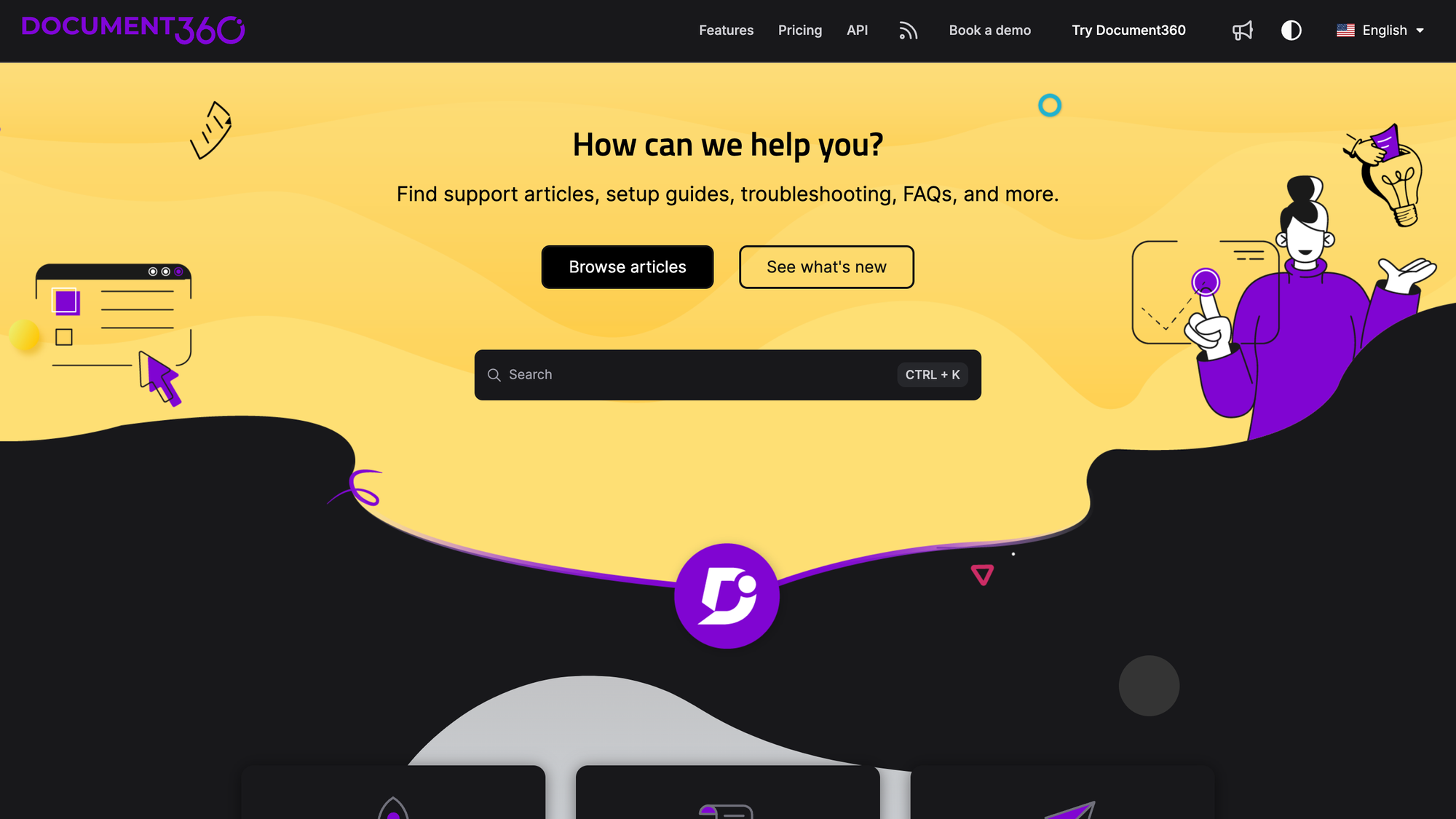
Document360 is a knowledge management tool designed for teams that need a well-organized documentation system with advanced search and categorization. Its focus on structured content and analytics makes it a strong alternative to Slite for businesses seeking a dedicated knowledge base solution.
Top features
- Markdown-based editor - Write and format documentation with a Markdown editor that includes live previews and formatting options.
- Version control and rollback - Track and manage multiple versions of documentation.
- Category-based organization - Structure content with a multi-level category system for better navigation and knowledge discovery.
- Advanced search and analytics - Use AI-powered search and detailed analytics to understand documentation usage and improve content.
- Multi-language support - Publish documentation in multiple languages.
How it's better than Slite: Provides a more structured knowledge base format, built-in analytics for tracking content effectiveness, and advanced search capabilities for faster knowledge retrieval.
Pricing: Quote-based. Document360 moved away from fixed public pricing - you answer a few questions about your setup (workspaces, languages, AI usage) and get a custom quote for its Professional, Business, or Enterprise plans. A 14-day free trial is available.
4. Notion
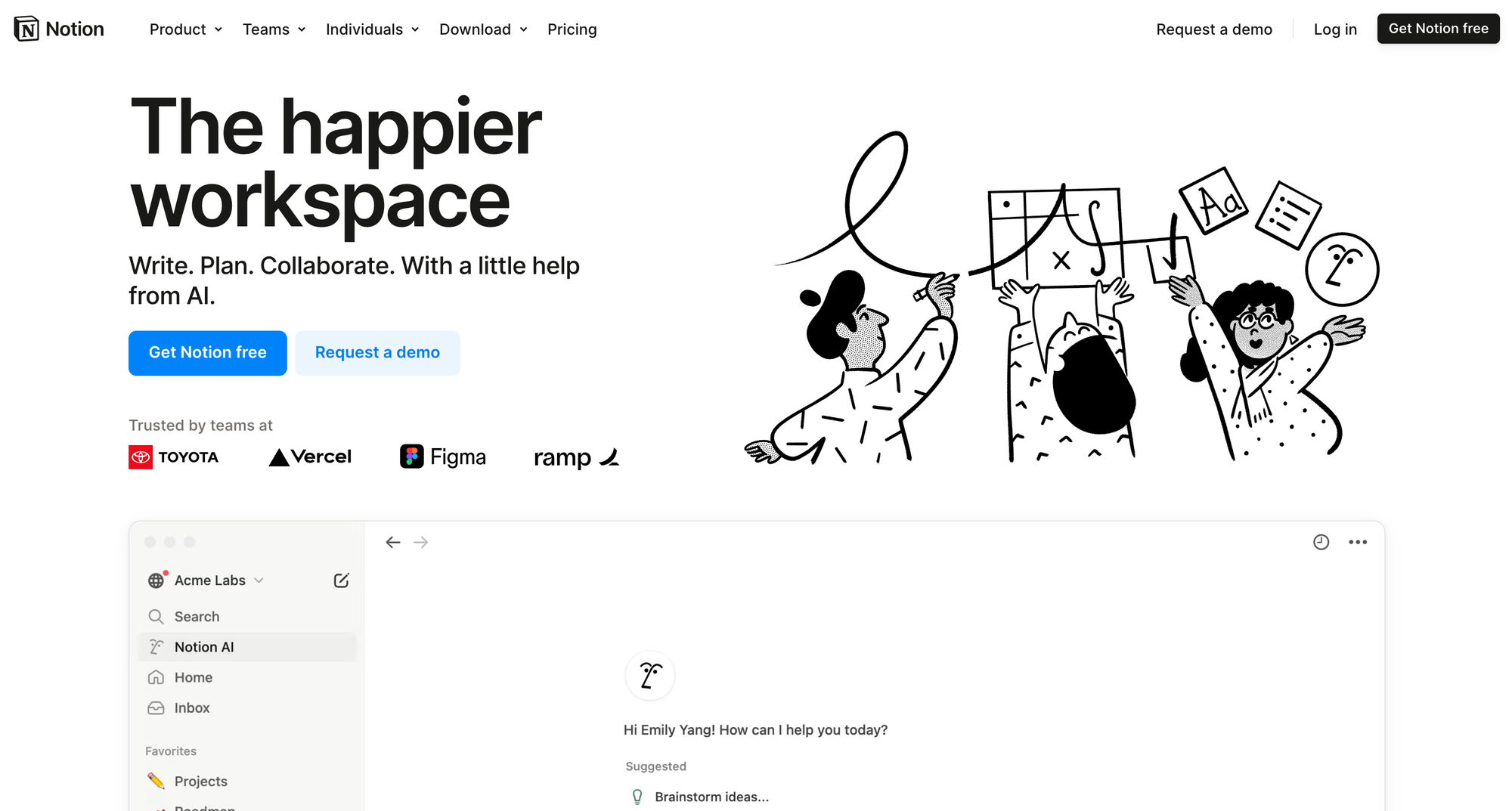
Notion is an all-in-one workspace that combines note-taking, advanced project management, and knowledge sharing. Its database-driven structure and real-time collaboration features make it a strong alternative to Slite for teams that want a highly customizable documentation tool.
Top features
- Rich content blocks – Organize documentation using text, images, tables, code snippets, embeds, and more for a dynamic knowledge base.
- Real-time collaboration – Edit documents simultaneously with team members, leave comments, and track changes.
- Database-driven organization – Use relational databases, tags, and filters to structure and categorize knowledge dynamically.
- Powerful search and linking – Quickly find and connect related content with inline links, backlinks, and a robust search function.
- Integration with team tools – Sync Notion with Slack, Trello, and GitHub to centralize workflows and documentation in one place.
How it’s better than Slite: Provides a more customizable, visually intuitive documentation experience, real-time collaborative editing, and a database-driven approach to organizing knowledge.
Pricing: Free plan available; paid plans start at $10/user/month.
5. GitBook
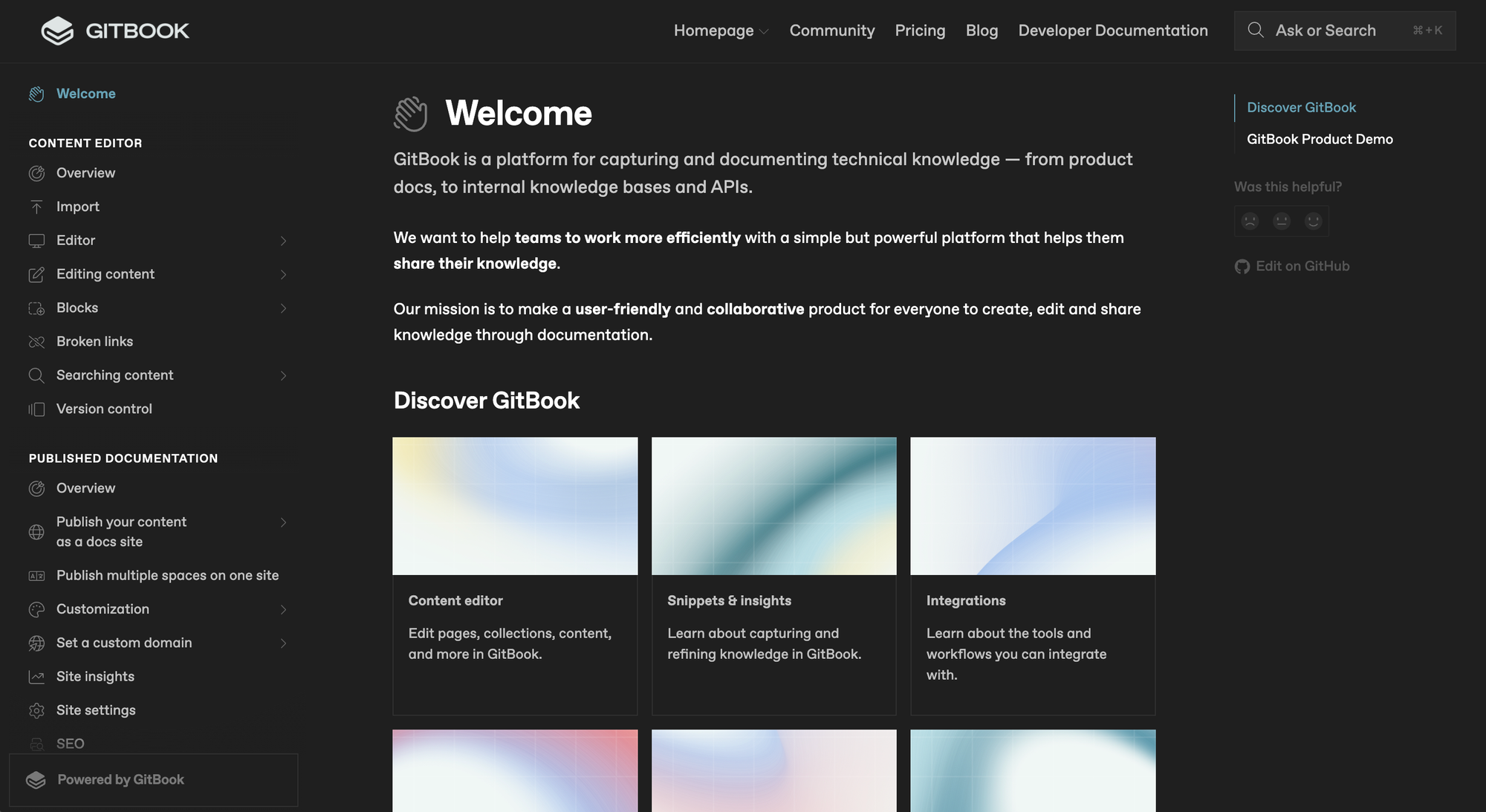
GitBook is a documentation and knowledge management platform for developers and product teams. Its user-friendly interface, Markdown support, and Git-based version control make it a strong alternative to Slite for teams that need structured, technical documentation.
Top features
- Markdown and WYSIWYG editing – Write documentation using Markdown for technical users or a WYSIWYG editor for non-technical users.
- Version control with Git integration – Keep track of changes and collaborate efficiently with built-in Git syncing.
- Custom branding and domains – Customize the look and feel of documentation and host it on a custom domain.
- Collaboration and access control – Assign roles and permissions to manage who can edit or view documentation.
- Developer-friendly API documentation – Automatically generate and update API references from structured documentation.
How it’s better than Slite: Offers better version control with Git integration, provides Markdown support for technical teams, and enables advanced API documentation.
Pricing: Free plan available; paid plans start at $65/site/month plus $12/user/month on Premium.
6. HelpJuice
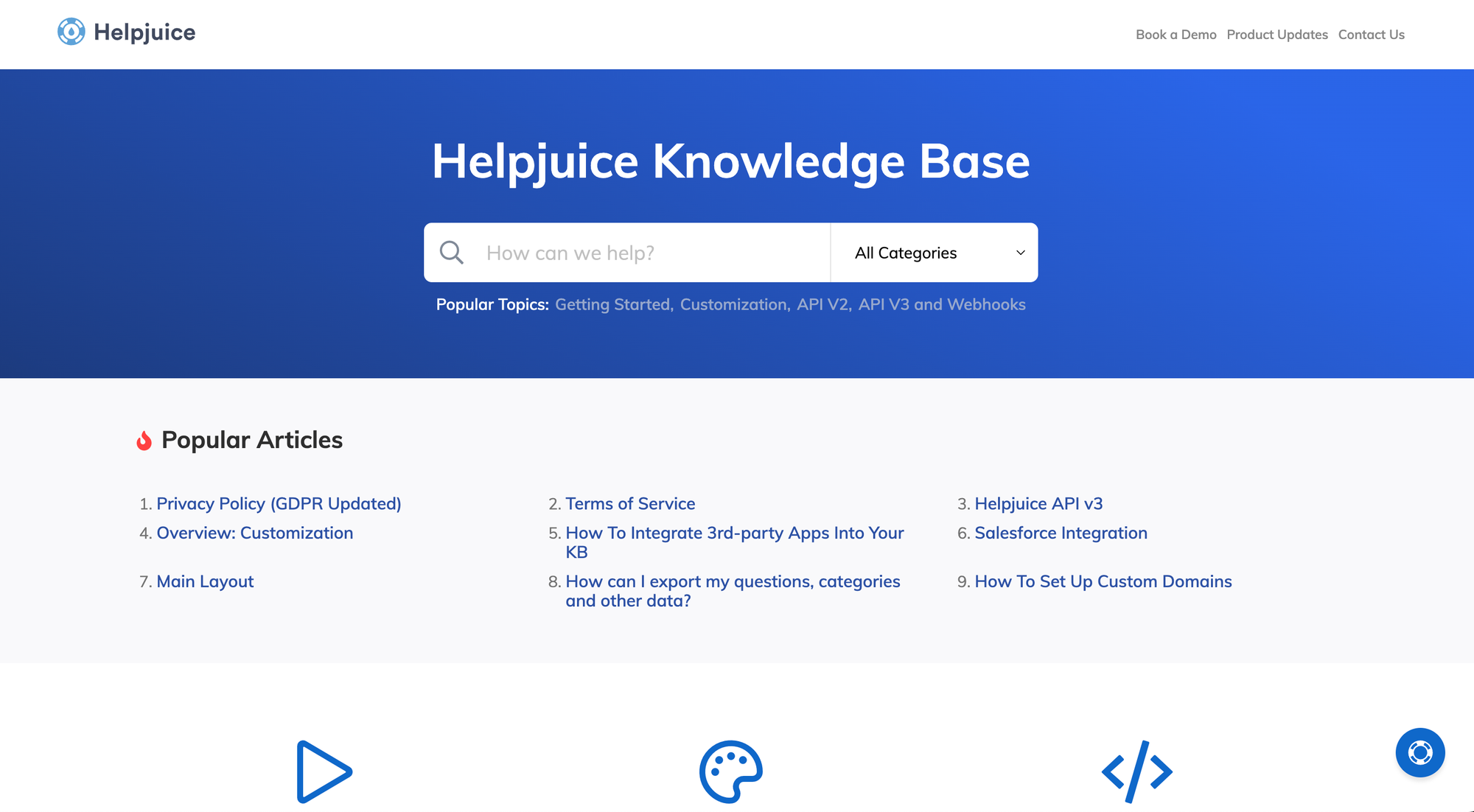
HelpJuice is a knowledge management platform designed to help teams create, organize, and share documentation efficiently. Its extensive customization options and powerful search functionality make it a strong alternative to Slite for businesses that need a tailored and scalable knowledge base.
Top features
- Highly customizable design – Personalize the look and feel of your knowledge base to match your company’s branding.
- Advanced search functionality – Quickly retrieve relevant content with an intelligent search that indexes articles, attachments, and metadata.
- Collaboration and version control – Allow multiple users to work on documentation with real-time editing and version history.
- Multi-language support – Create and manage documentation in multiple languages.
- Analytics and reporting – Track knowledge base usage, search trends, and content performance to improve documentation.
How it’s better than Slite: Offers more customization options, stronger search capabilities, and built-in analytics for tracking documentation effectiveness.
Pricing: Free 14-day free trial; paid plans start at $249/month.
7. Confluence
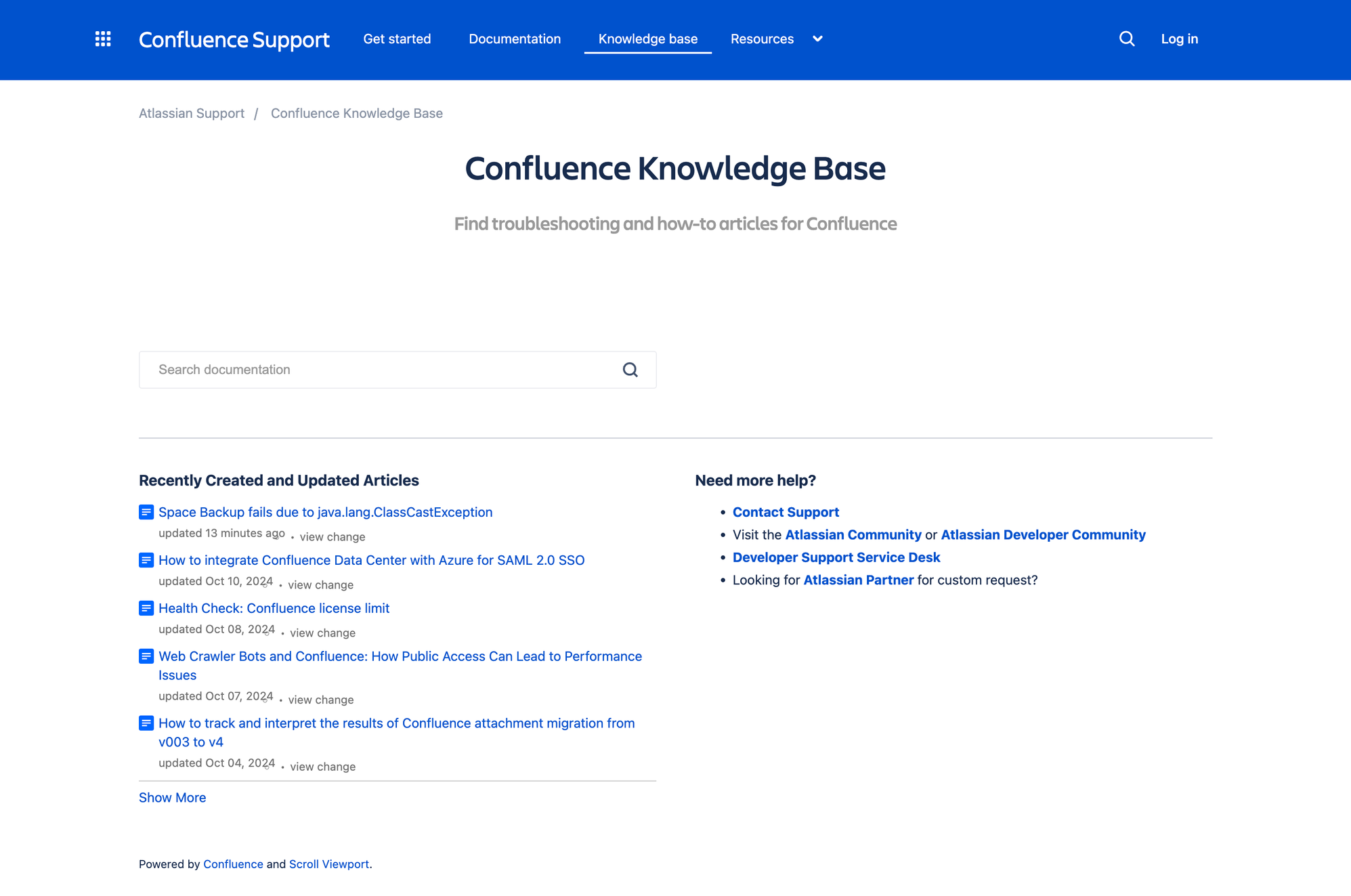
Confluence is a widely used knowledge management and team collaboration tool that enables teams to create, share, and manage documentation in an organized way. Its deep integration with Jira and structured content organization makes it a strong alternative to Slite for teams that require a more comprehensive documentation system.
Top features
- Hierarchical page organization – Structure content with spaces, pages, and subpages to keep documentation well-organized.
- Rich content editor – Create detailed documentation with text formatting, images, tables, and embedded media.
- Real-time collaboration – Edit documents simultaneously with teammates and track changes using version history.
- Permissions and access control – Manage user roles and set restrictions to control who can view or edit content.
- Jira and development tool integration – Connect with Jira, Trello, and Bitbucket to sync documentation with project workflows.
How it’s better than Slite: Provides a more structured documentation hierarchy, better integration with Jira, and advanced access controls for managing sensitive information.
Pricing: Free plan available; paid plans start at $5.42/user/month.
If pricing is a big factor, check out our full Confluence pricing guide too, Confluence pricing can be a bit trickier than it looks at first.
8. Guru
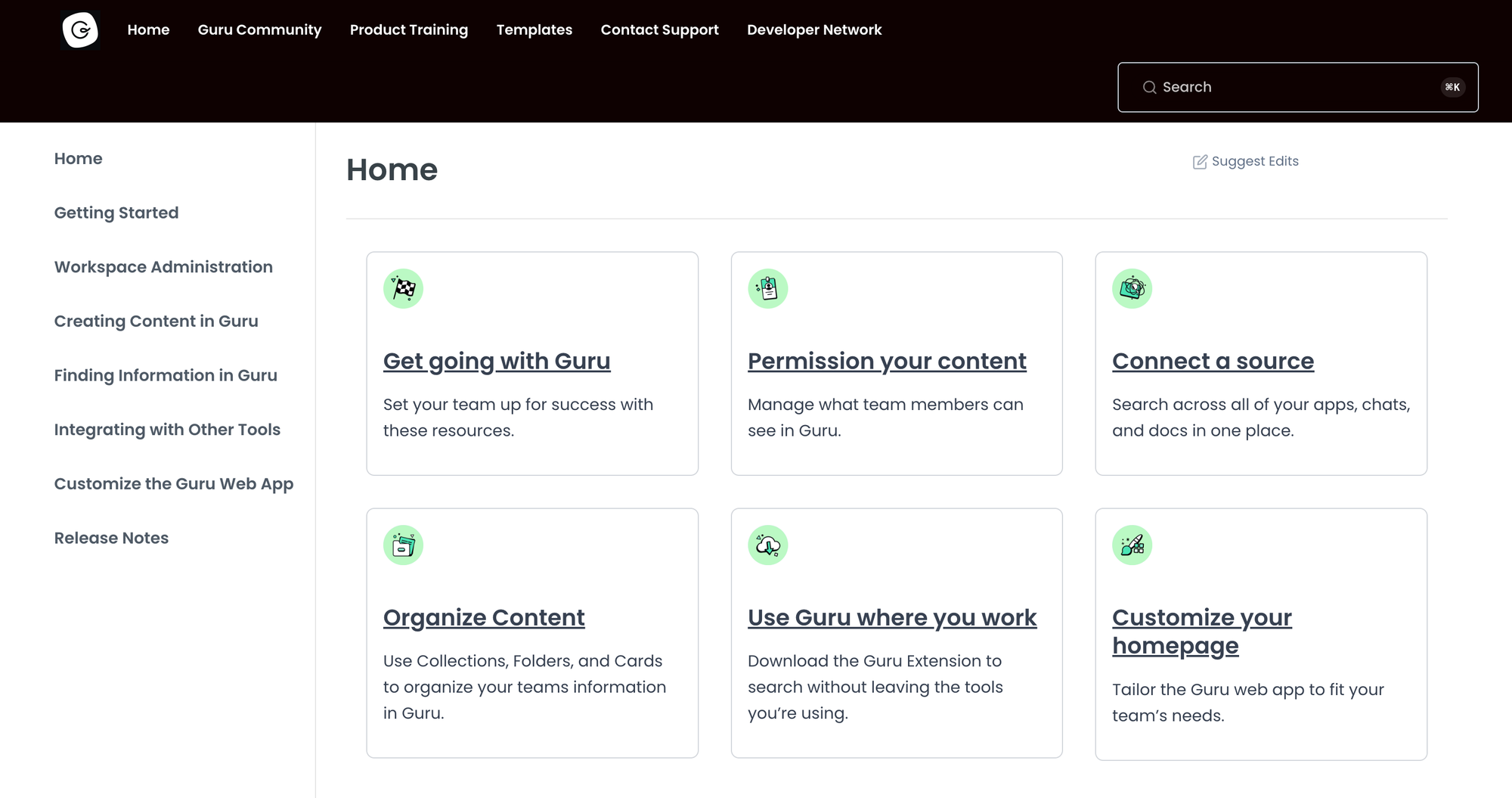
Guru is a real-time knowledge management tool that helps teams capture, organize, and surface important information when and where they need it. Its AI-powered suggestions and deep integrations make it a strong alternative to Slite for teams seeking a more proactive and dynamic knowledge-sharing solution.
Top features
- AI-powered knowledge suggestions – Automatically surface relevant knowledge to users within their workflow.
- Browser extension for quick access – Access documentation instantly from tools like Slack, Google Docs, and Salesforce.
- Real-time collaboration – This allows teams to update and verify knowledge collaboratively, ensuring accuracy.
- Card-based organization – Structure information into bite-sized knowledge cards for easier retrieval and consumption.
- Integration with communication tools – Sync with Slack, Microsoft Teams, and other platforms.
How it’s better than Slite: Provides AI-powered knowledge surfacing, faster access to information with browser extensions, and deeper integrations with communication tools.
Pricing: Paid plans start at $25/seat/month when billed annually, or $30/seat/month when billed monthly. Enterprise pricing is custom.
9. Tettra
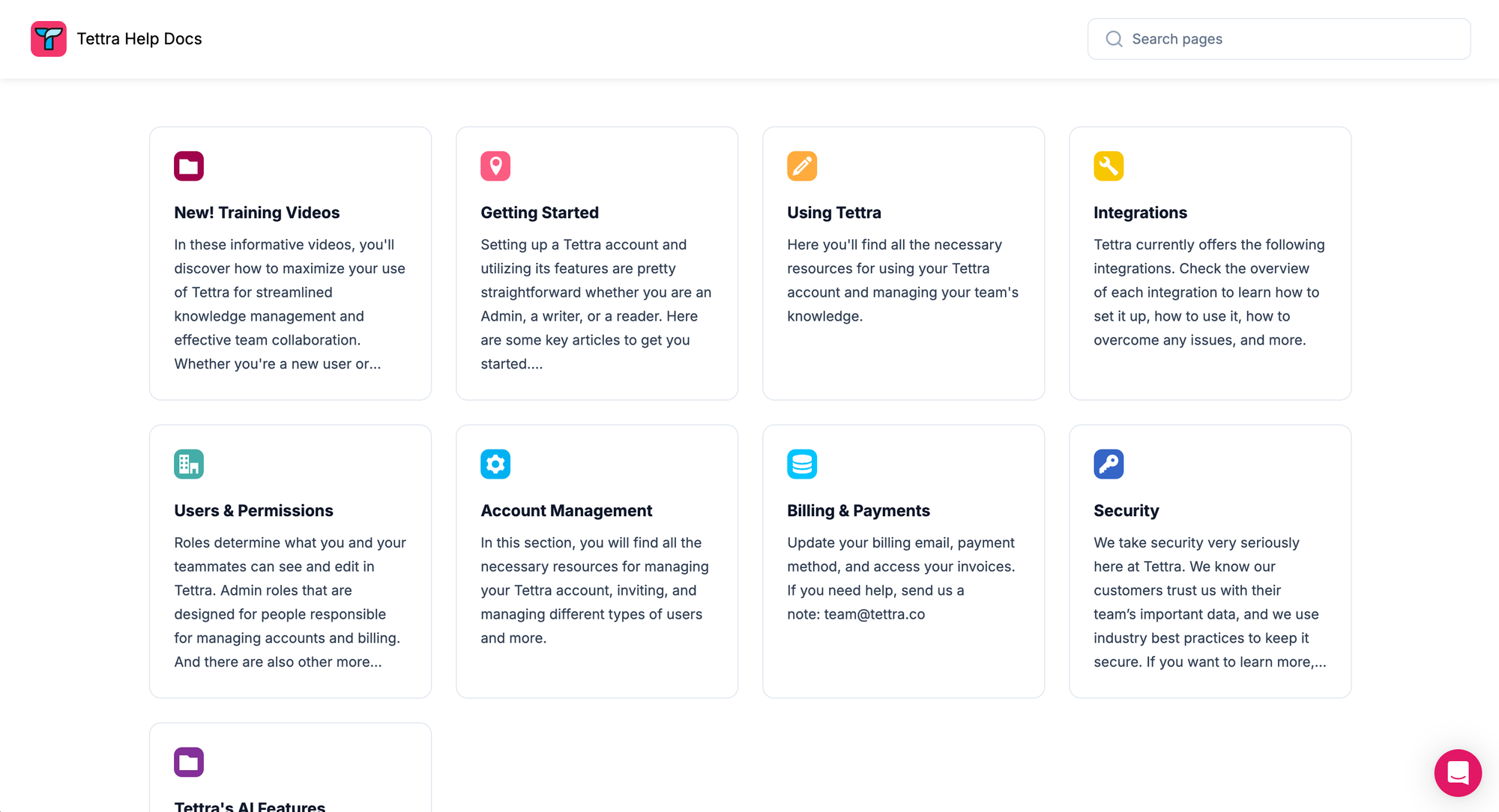
Tettra is a structured knowledge and data management platform designed to help teams document, organize, and share internal company knowledge. Verification workflows and Slack integration serve as a strong alternative to Slite for teams that need a more structured approach to knowledge sharing.
Top features
- Knowledge verification workflows – Assign subject matter experts to review and verify documentation to keep information up to date.
- Slack integration for easy access – Search and share internal documentation directly within Slack.
- Internal wiki tool – Organize knowledge into categories and subcategories.
- Permissions and access control – Manage user roles to restrict access to sensitive information and ensure data security.
- AI-powered search – Quickly retrieve relevant documentation with intelligent search capabilities.
How it’s better than Slite: Offers built-in knowledge verification workflows, deeper Slack integration, and a more structured internal wiki format for better knowledge organization.
Pricing: Tettra offers a 30-day free trial. Paid plans start at $8/user/month on the Scaling plan, with a minimum of 10 users. Enterprise pricing is custom.
10. Archbee
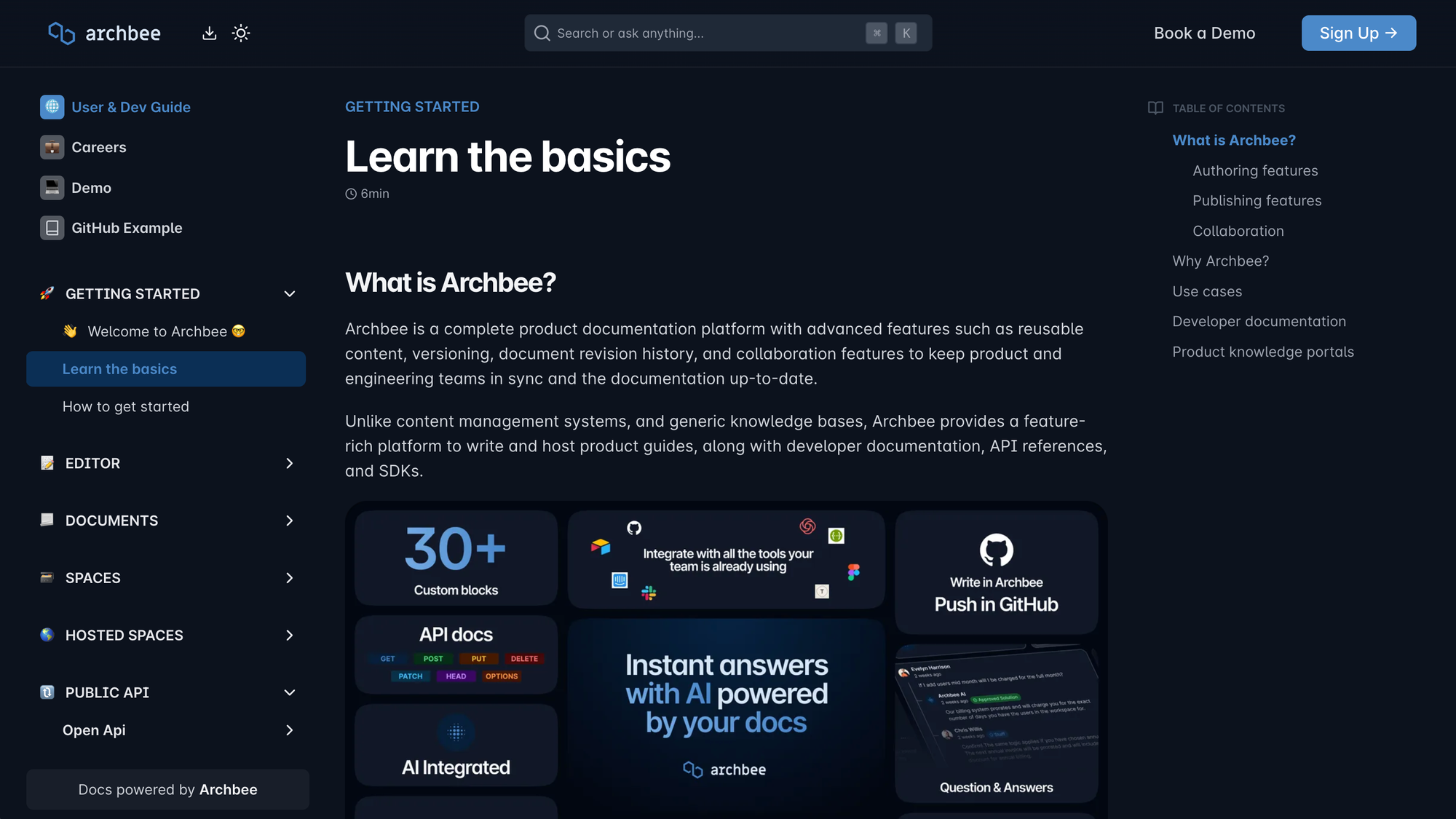
Archbee is a modern documentation platform for developers, product teams, and technical writers. It combines knowledge management with API documentation, making it a strong alternative to Slite for teams that require structured, developer-friendly documentation.
Top features
- Markdown-based editor – Write and format documentation using Markdown, which is ideal for technical teams and structured documentation.
- API documentation support – Create interactive API references with auto-generated API documentation.
- Custom branding and portals – Build customized documentation sites with your branding, domain, and layout.
- Real-time collaboration – Edit documents with teammates in real-time and leave comments for instant feedback.
- Seamless workflow integration with development tools – Sync with GitHub, Slack, and Jira to keep documentation aligned with engineering workflows.
How it’s better than Slite: Offers better API documentation support, Markdown-based editing for developers, and advanced customization for branded knowledge bases.
Pricing: 14-day free trial available; paid plans start at $80/month, with enterprise pricing available.
Conclusion
If Slite feels too limited for your team, the right alternative comes down to what you want to improve most, whether that's search, customization, collaboration, or pricing. The good news is that there are plenty of strong options, depending on whether you need an internal wiki, technical docs, or a customer-facing knowledge base.
✨Featurebase is a modern and powerful Help Center tool that lets you create a beautiful knowledge base with a custom domain, in-app widgets, AI-powered answers, translations, and more. It also comes with feedback collection, roadmaps, and changelog features, so you can support users and improve your product from one place. It's loved by thousands of support teams from companies like Lovable, Raycast, and n8n. 💫
It has affordable pricing and a Free plan, so there's no downside to trying it. Plus, we can help you seamlessly migrate from your current knowledge base. 👇
✨ Create a beautiful Help Center with Featurebase for free →