Blog Customer FeedbackSurveyMonkey Review: Features, Pricing, Pros and Cons
SurveyMonkey Review: Features, Pricing, Pros and Cons
SurveyMonkey review covering features, pricing, free-plan limits, pros and cons, and when it makes sense for customer feedback or market research.


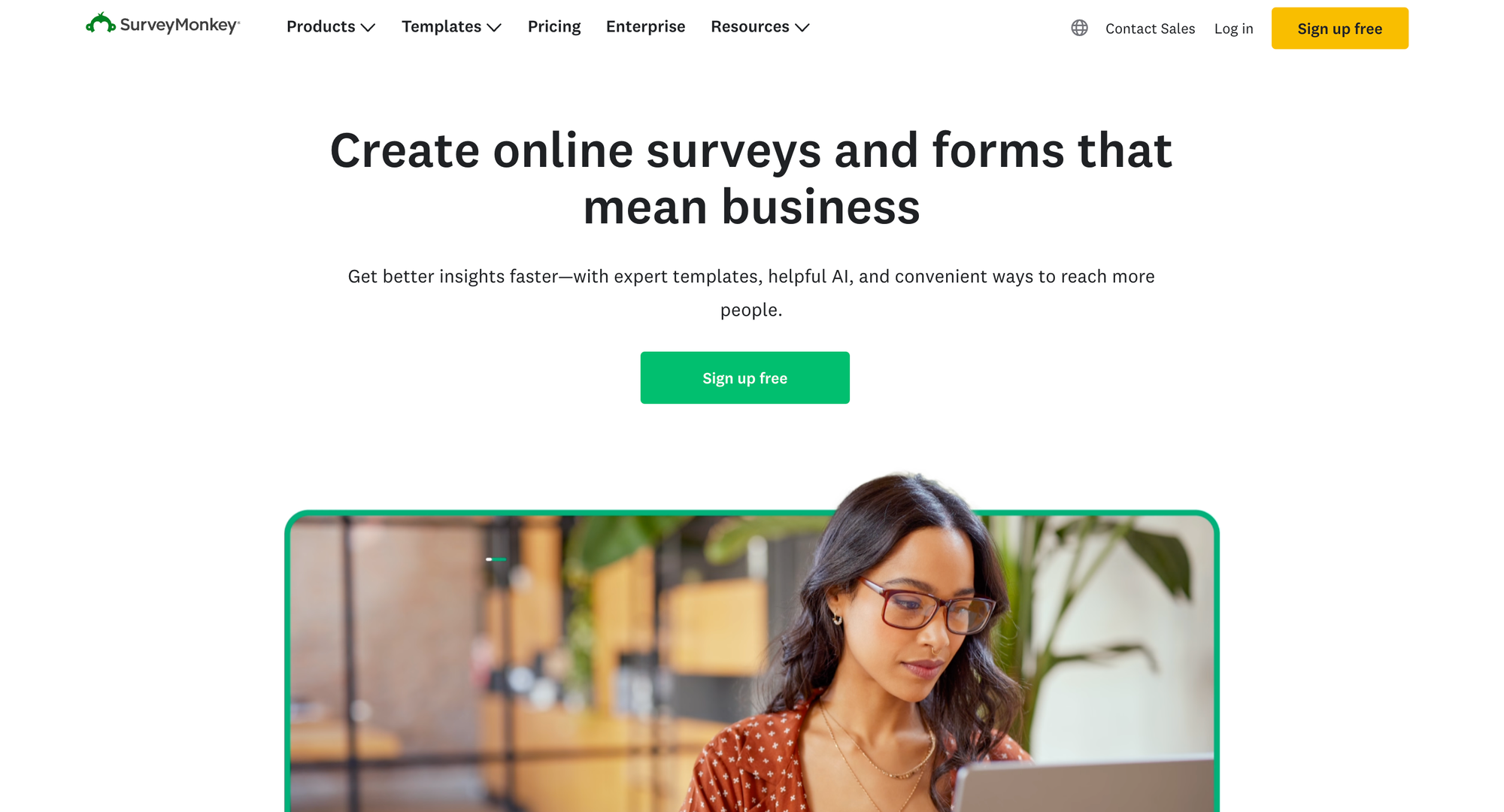
SurveyMonkey makes it easy to start building a survey. Choosing a plan takes more thought once you factor in response limits, data exports, advanced logic, and annual billing.
It's a capable online survey tool, but its value depends on what you need to do with the answers.
In this SurveyMonkey review, I'll break down its features, pricing structure, pros and cons so you can decide whether it fits your research or customer feedback needs. 👇
Key takeaways
- Best fit: Teams running structured surveys for customer research, employee feedback, or market research.
- Main strengths: Survey templates, flexible question types, survey logic, and reporting that goes beyond a basic form.
- Main limitations: Restricted free-plan access, paid feature gates, and response allowances that need careful budgeting.
- Buying advice: Choose around your required analysis and billing commitment, not just the number of surveys you can create.
- Product feedback alternative: Featurebase✨ brings in-app surveys together with feedback management and roadmaps for SaaS teams.
What is SurveyMonkey?
SurveyMonkey is survey software for creating questionnaires, collecting responses, and analyzing results. Businesses use it for customer satisfaction surveys, employee feedback, event evaluations, and market research.
You can start with a template, build questions yourself, or use AI assistance to create a first draft. After sharing the survey, you can review responses inside the platform and use more advanced analysis features on eligible paid plans.
Its appeal is breadth. You can begin with a straightforward questionnaire and move toward more complex research without immediately changing tools.
SurveyMonkey's key features
Survey creation, templates, and AI assistance
SurveyMonkey's survey builder offers templates and a question bank to help you get started. Its AI survey generator can also turn a description of your goal into an initial questionnaire.
That's useful when you know what you want to learn but need help structuring the questions. Templates provide a starting point for common projects instead of leaving you with a blank page.
You'll still need to edit for your audience. A customer onboarding survey should use language your customers understand, and good survey questions should ask one thing at a time without steering people toward a preferred answer.

Question types and survey logic
SurveyMonkey supports multiple-choice questions, rating scales, and open-ended responses. That gives you room to combine measurable scores with explanations in the same survey.
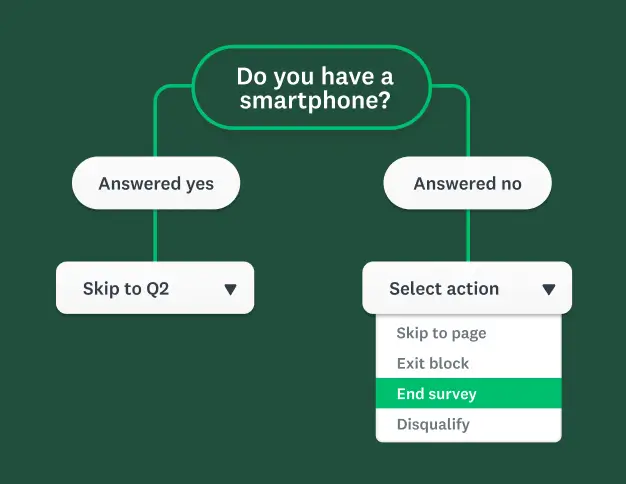
Survey logic makes longer questionnaires more relevant. Skip logic can send people past questions that don't apply to them, while advanced branching and piping support more tailored paths on higher plans.
For example, someone who hasn't used a feature shouldn't have to rate it. A relevant follow-up question can ask why they haven't tried it instead.
The distinction between basic and advanced logic matters when buying. Don't assume every kind of branching is included just because a plan advertises survey logic.
Survey distribution and audience recruitment
SurveyMonkey gives you several ways to reach respondents, including web links, email invitations, and website surveys. The available methods and controls depend on your plan.
It also offers SurveyMonkey Audience for recruiting survey respondents. This can help with market research when your existing mailing list doesn't contain the people you need to hear from.
Audience recruitment is a separate purchase. Paying for a survey subscription doesn't automatically include a research panel, and the number of responses you can collect isn't the same thing as the number of people you'll reach.

Reporting and response analysis
Reporting is one of the stronger reasons to consider SurveyMonkey over a simple form builder. You can review response summaries and, on eligible plans, filter results and compare groups.
More advanced options include statistical significance testing, crosstabs, and AI-assisted analysis. These tools help you explore differences between audiences and identify themes in written feedback.
Think about the decision your report needs to support. If you're comparing satisfaction between new and long-term customers, you need the right segmentation and analysis capabilities, not just an overall average.
Data exports also matter if your team works in spreadsheets or another analytics tool. Check export access before collecting responses, especially if you're starting on the free plan.
Integrations and team collaboration
SurveyMonkey offers integrations and API access for connecting survey data with other business systems. Depending on the integration, that can reduce manual exports and help keep feedback connected to existing records.
Team plans add collaboration features for organizations managing surveys together. They're worth evaluating when several people need to create, review, and work with survey results.
For a solo researcher, those capabilities may be unnecessary. For a larger team, shared access can be more practical than passing files between individual accounts.
What SurveyMonkey does well
SurveyMonkey's biggest strength is combining approachable survey creation with room for more detailed research. You don't have to build every questionnaire or report from scratch.
Three advantages stand out:
- A useful starting point: Templates and AI assistance help turn a research goal into an editable survey. They're particularly helpful for teams that run surveys occasionally.
- Flexible research design: Different question types and logic options let you collect both structured data and written explanations.
- Analysis beyond response collection: Paid reporting tools help teams explore results without exporting everything immediately.
The strongest case for paying is repeat use. If you regularly run customer feedback surveys and need to compare results, a dedicated survey platform can save work across the whole process.
If you only need a short poll twice a year, you may never use enough of those capabilities to justify a larger subscription.
SurveyMonkey's main drawbacks
The free plan has practical limits
SurveyMonkey's Basic plan allows unlimited surveys, but each survey is limited to 10 questions. Access to responses is also restricted, so unlimited survey creation doesn't mean unlimited usable results.
The official comparison directs users to sign in to check their response-viewing limit. Some features marked as limited can also vary between Basic accounts, making a single universal free-plan description unreliable.
Basic doesn't include data exports or adding your own logo. Treat it as a way to explore the builder and run small exercises before relying on it for a business project.
Advanced features require higher plans
Moving to a paid plan doesn't unlock everything. Advanced branching, white-label surveys, and more sophisticated analysis sit at different levels of the product.
That can make survey customization expensive if one specific requirement pushes you into a higher tier. Before subscribing, check the exact feature you need rather than buying on a broad label such as “advanced surveys.”
Annual billing and team minimums increase commitment
SurveyMonkey separates monthly and annual individual plans. A price displayed as a monthly equivalent on an annual plan still represents an annual commitment.
Team Advantage and Team Premier require at least three users and are billed annually. For a two-person team, the minimum purchase therefore includes an additional seat.
Compare the total amount due for the billing period. A lower monthly equivalent is less useful if you only need the software for a single short project.
Response allowances affect the total cost
Paid plans include response allowances, and exceeding them can result in additional charges. Team allowances are shared across users and surveys rather than giving every survey its own separate quota.
For example, if one project collects 8,000 responses and another collects 9,000, together they use 17,000 responses. That would exceed an annual allowance of 15,000 even though neither project does individually.
Leave room for unexpected volume, especially when sharing a survey publicly. Also keep purchased Audience respondents separate from your subscription budget.
SurveyMonkey pricing explained
SurveyMonkey pricing depends on whether you need an individual account, team collaboration, or an enterprise arrangement. The table below compares billing commitments and response allowances, which are essential to understanding the cost.
| Plan | Users | Billing | Included response allowance |
|---|---|---|---|
| Basic | 1 | Free | Limited response viewing, check your account |
| Standard Monthly | 1 | Monthly | 1,000 per month |
| Advantage Annual | 1 | Annual | 15,000 per year |
| Premier Annual | 1 | Annual | 40,000 per year |
| Team Advantage | Minimum 3 | Annual | 50,000 per year, shared |
| Team Premier | Minimum 3 | Annual | 100,000 per year, shared |
| Enterprise | 5+ | Contact sales | Custom |
Local prices and offers can vary. Confirm the currency, full billing amount, and overage rate for your account before purchasing.
Standard Monthly is worth considering for a short project that needs exports and skip logic. Advantage Annual adds richer analysis for recurring research, while Premier Annual is aimed at users who need higher response capacity and more advanced controls.
Our SurveyMonkey pricing breakdown explores the plans further. Whichever tier you evaluate, check these three things together:
- Required features: Confirm the exact logic, branding, export, and reporting capabilities your project needs.
- Expected volume: Add up responses across every survey and user covered by the subscription.
- Full commitment: Account for annual billing, minimum seats, renewal terms, and separately purchased services.
Who should choose SurveyMonkey?
SurveyMonkey is a good fit when structured questionnaires and response analysis are central to your work. It makes particular sense for teams that repeat research projects and will use the paid capabilities regularly.
Choose it if your priority is customer research, employee surveys, or market research with flexible distribution. Its range of survey and reporting options gives you room to handle different projects within one platform.
Compare other SurveyMonkey alternatives if you mainly need a simple form, have a tight budget, or want feedback closely connected to product planning.
For SaaS teams, the key question is what happens after someone answers. Do you mainly need a research report, or do you need to manage requests, prioritize ideas, and show customers what's coming next?

Get the best SurveyMonkey alternative
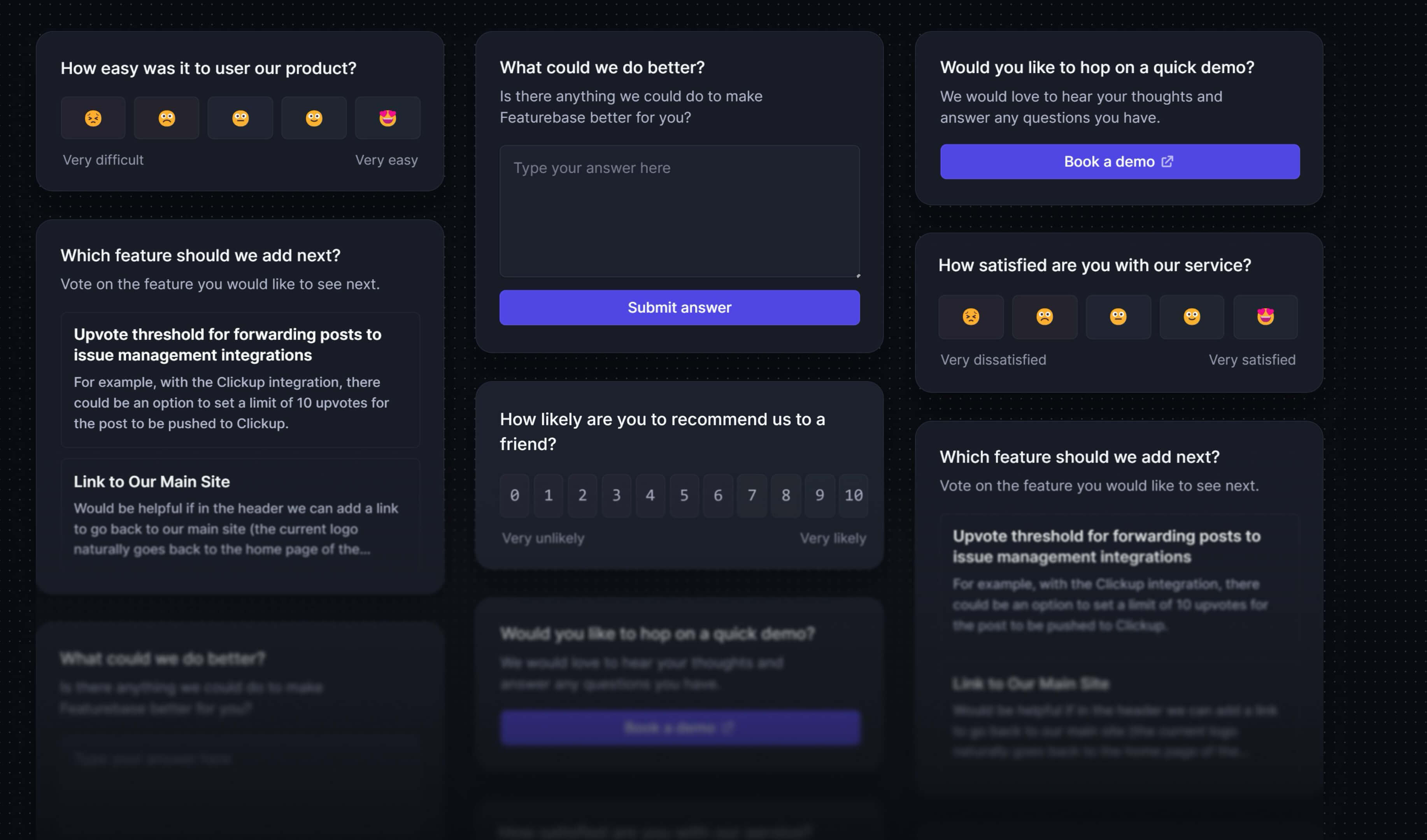
Create targeted NPS, CSAT, multiple-choice, or text response surveys for free
Featurebase for ongoing product feedback
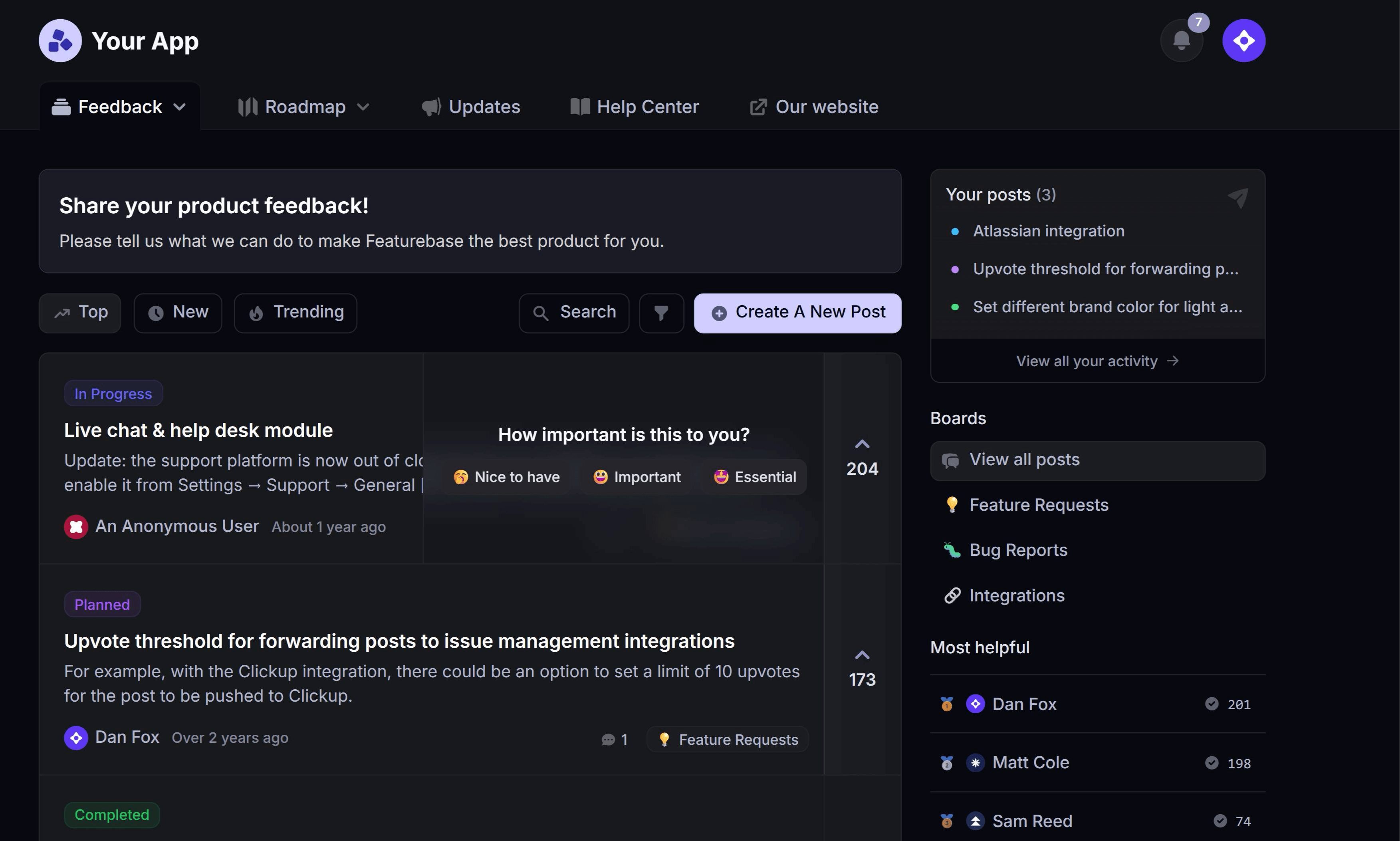
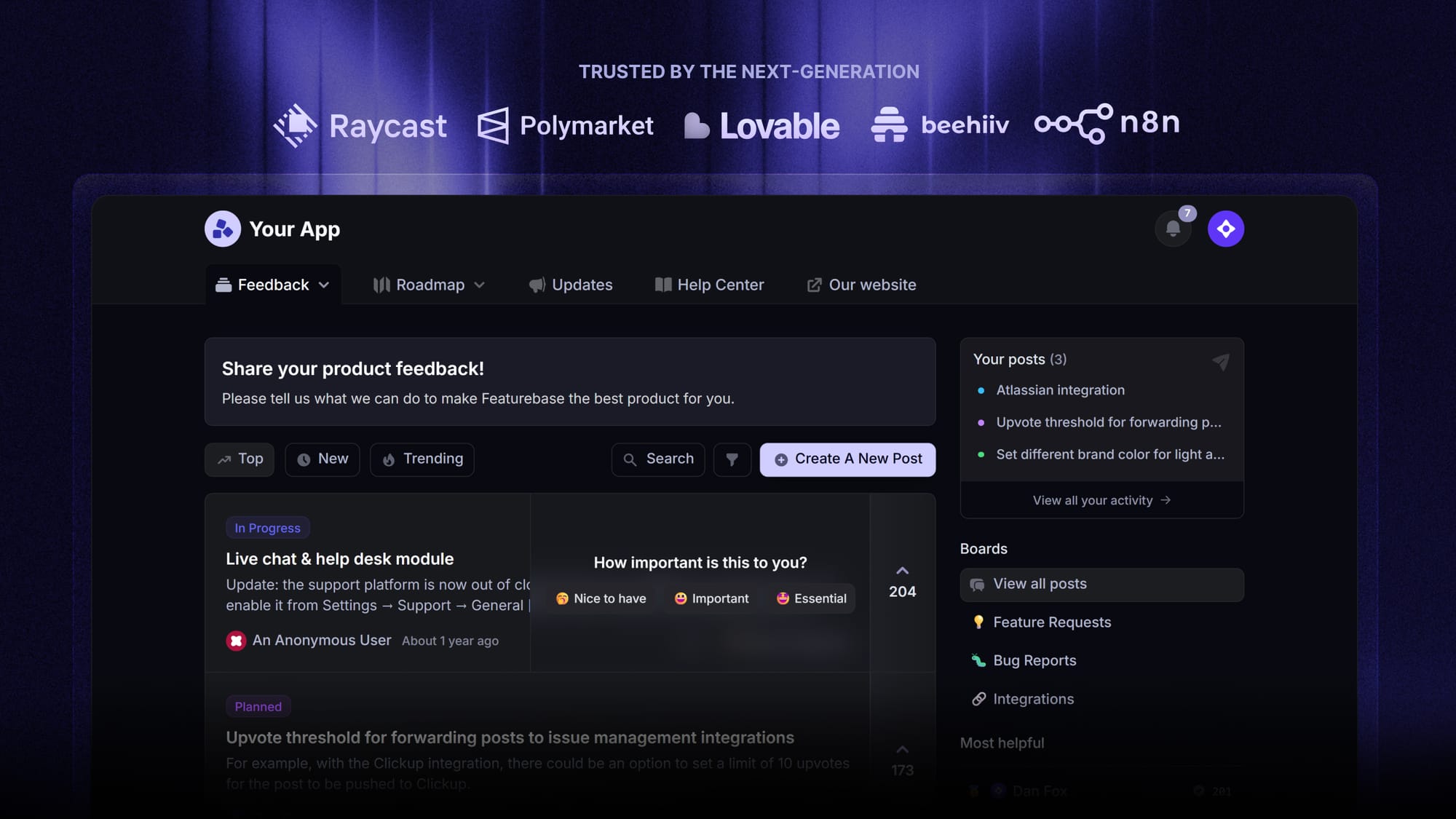
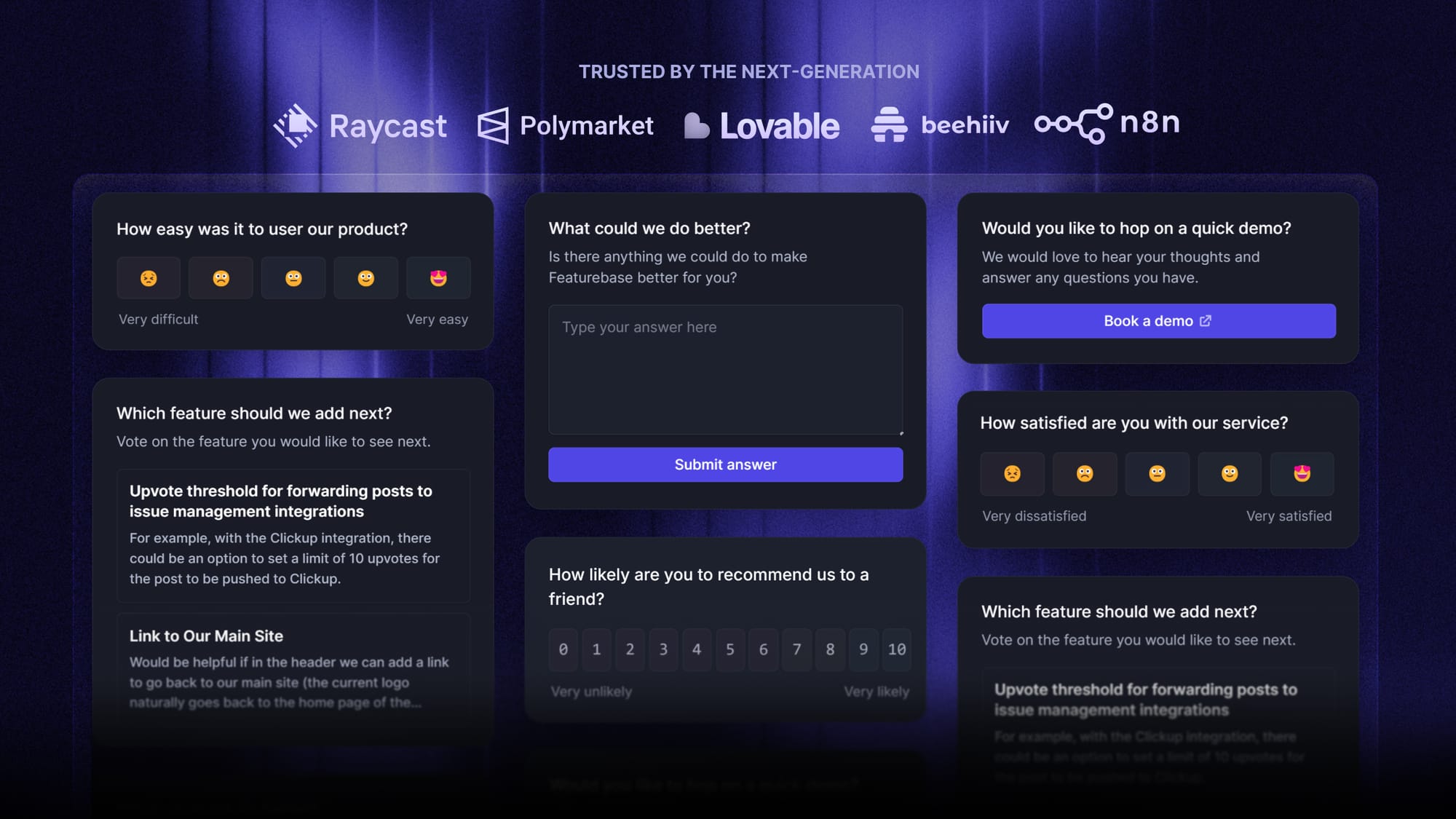
Featurebase is a modern feedback & support platform that helps product teams collect feedback through multi-step surveys, integrations, and a feedback portal, all in one place, to make better product decisions.
It's a relevant option when surveys are part of an ongoing product feedback process. You can ask users questions inside your web app and manage feature requests alongside public or internal roadmaps.
Top features:
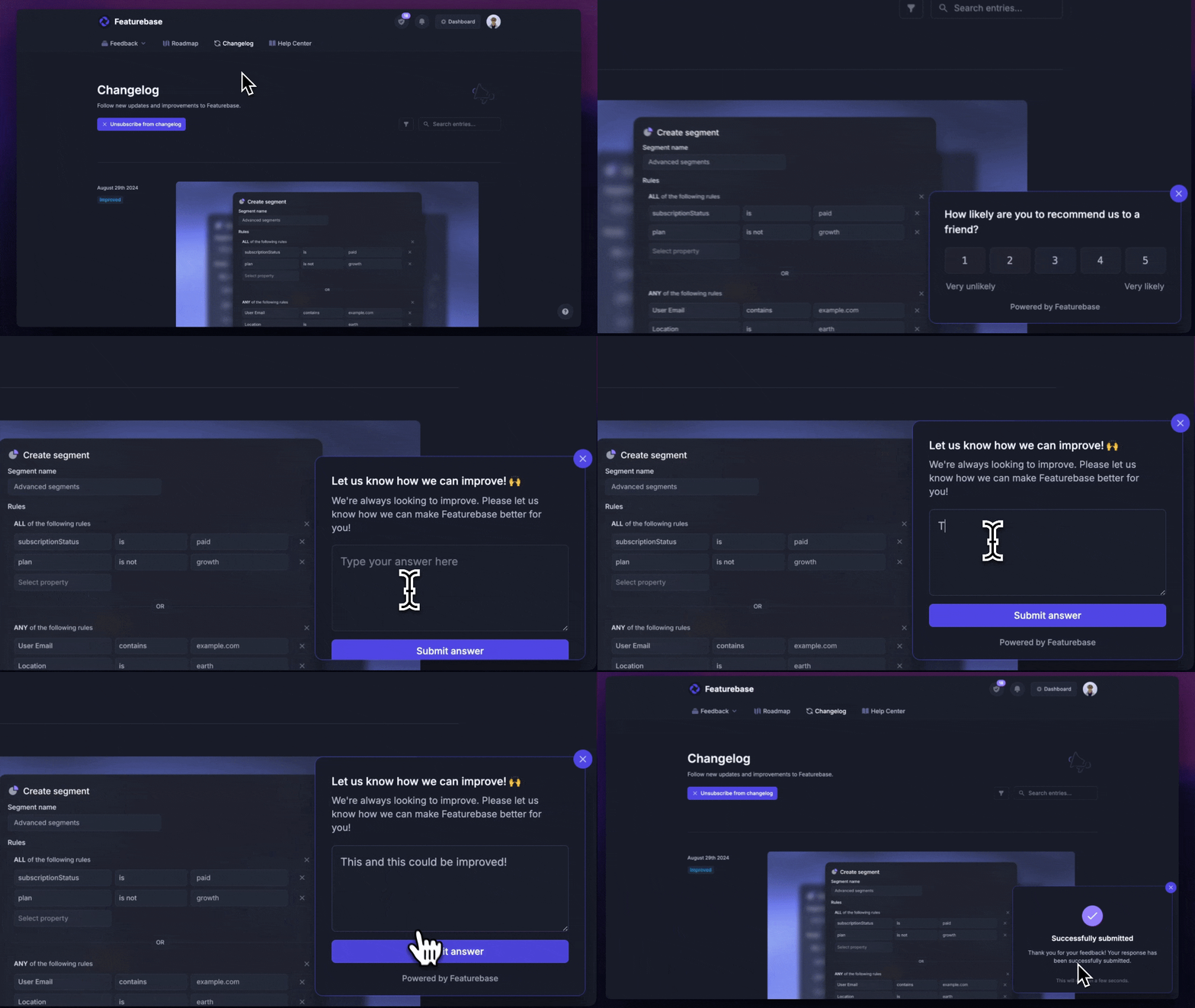
- Surveys (NPS, CSAT, etc.) – Create targeted no-code surveys to ask users questions and measure customer satisfaction.
- User targeting – Reach specific user segments based on the customer properties you provide.
- Conditional multi-step surveys – Ask follow-up questions based on conditional logic and users' answers.
- In-app widgets – Collect ideas, bug reports, and suggestions directly from your website or web app.
- Feedback forum – Let users submit ideas and vote on features to help you understand what customers want.
- Prioritize by revenue – Link feedback with customer revenue and company information to understand the impact of ideas.
- Integrations – Connects with Slack, Linear, Jira, HubSpot, and more.
- Plus, help center, product roadmaps, release notes, and customer support in one place.
Featurebase's product roadmaps help communicate progress after you've gathered feedback. Survey results can also be exported as CSV for further analysis.
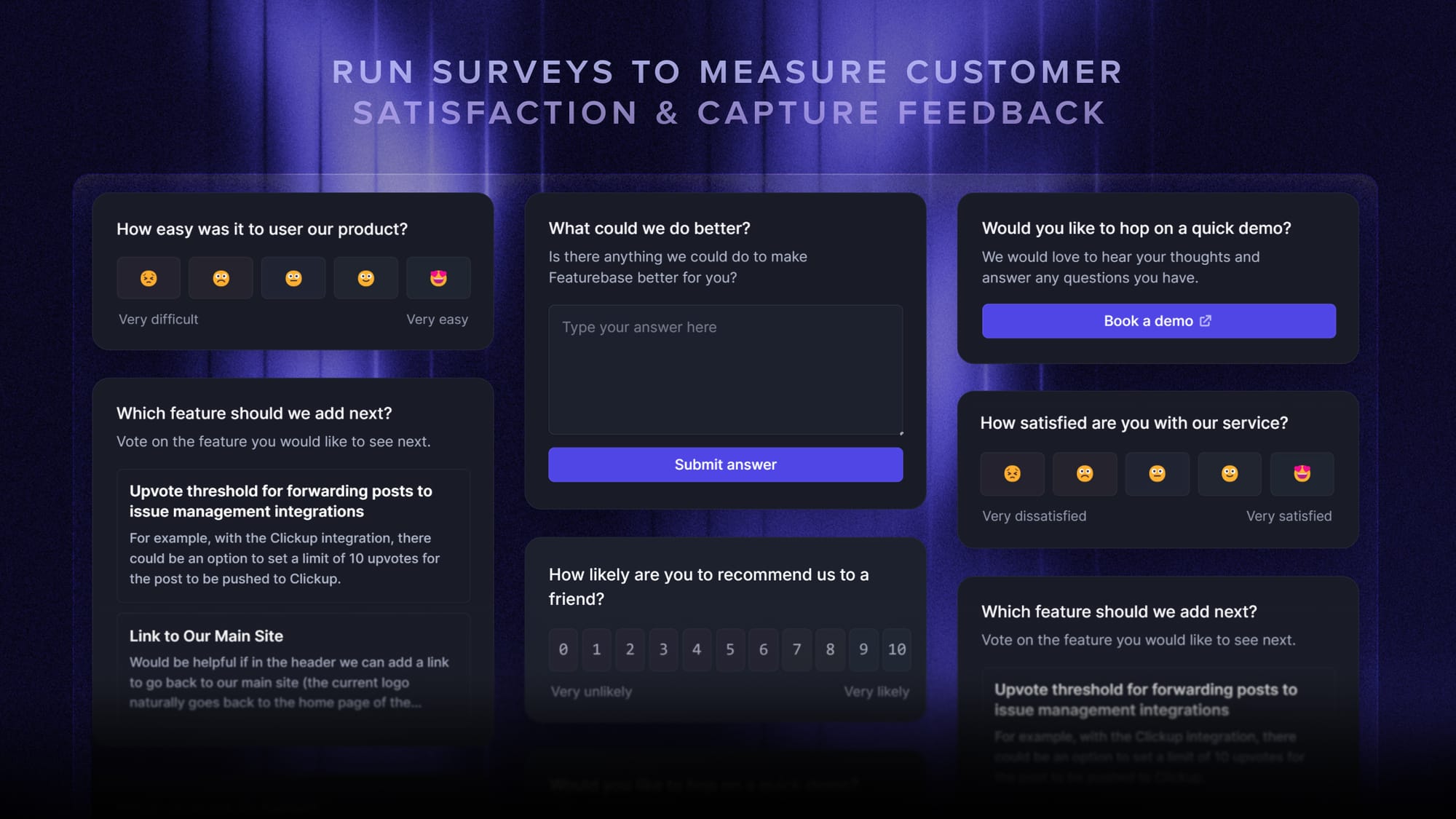
Its survey widget works on websites and web apps, so it isn't a native iOS or Android survey solution. SurveyMonkey remains the more relevant choice if recruiting a research audience is your main requirement.
Pricing: Featurebase offers a free plan. Paid plans start at $29/seat/month, billed yearly. Check which survey capabilities are included in the plan you choose.
Is SurveyMonkey worth it?
SurveyMonkey is worth considering if you regularly need structured surveys, flexible logic, and detailed reporting. Its value is harder to justify when you only need a basic questionnaire or a higher tier for one feature.
Choose based on the analysis you'll actually use, the responses you expect, and the full billing commitment.
For SaaS teams, Featurebase brings surveys, feedback management, and roadmaps together so you can collect customer input and keep users informed as your product develops.
There's a free plan available if you want to explore whether it fits your workflow. 👇
✨ Explore Featurebase for surveys & product feedback →
FAQs
Is SurveyMonkey anonymous?
SurveyMonkey surveys can be anonymous, but anonymity depends on the creator's collection settings and the questions they ask. A survey that requests your name or email can identify you even if other tracking is disabled. Check the survey's privacy explanation before sharing sensitive information.
Is SurveyMonkey legit?
Yes, SurveyMonkey is a legitimate survey platform used to collect and analyze responses. However, individual surveys are created by their authors, so a SurveyMonkey link alone doesn't verify who sent it. Check the sender and purpose before providing personal information.
How do I stop a SurveyMonkey survey from collecting responses?
Close all active collectors associated with the survey to stop new responses. Closing one collector won't stop responses through another active link or invitation method. You can also use available cutoff settings to control when collection ends.
Can SurveyMonkey connect to other business tools?
Yes, SurveyMonkey supports integrations and API-based workflows. Availability can depend on your SurveyMonkey plan and the connected service's subscription. Check the specific integration's requirements and data flow before assuming it will work with your existing accounts.
Are SurveyMonkey survey results reliable?
Results depend on who answers, how you recruit them, and how you write the questions. A large response count doesn't remove bias from a poorly chosen sample or a leading questionnaire. Match your conclusions to the audience you actually surveyed.