Blog Comparisons11 SurveySparrow Alternatives for Customer Feedback (2026)
11 SurveySparrow Alternatives for Customer Feedback (2026)
If SurveySparrow has limited features for your needs or it's just too expensive, these are the best SurveySparrow alternatives you can try for user and market research.

Have you just started using SurveySparrow to collect customer feedback, only to realize that it's incredibly expensive for what it offers? You can only create the most basic surveys in the cheapest plans, your responses are limited, and you have to pay the big bucks just to have your own branding.
There are plenty of reasons why users look for alternatives to SurveySparrow when they want to create forms and interactive surveys. The market is crowded with two different types of alternatives: very simplistic, basic survey tools and enterprise feedback collection platforms.
Today, we show you the best SurveySparrow alternatives for creating conversational surveys. 👇
Short overview
TL;DR - The best SurveySparrow alternatives to create online surveys in 2026:
- ✨ Featurebase - Best for SaaS teams that want an all-in-one platform for surveys, feedback, and customer support.
- SurveyMonkey - Best for organizations that need enterprise-level analytics and benchmarking for large-scale research.
- Typeform - Best for teams that prioritize engaging, visually appealing, conversational surveys that boost completion rates.
- Google Forms - Best for individuals and small teams that want a free, simple way to collect and analyze basic feedback.
- Qualtrics - Best for enterprises running complex customer and employee experience programs that need advanced analytics.
- Qualaroo - Best for product and UX teams that want to collect in-context feedback directly inside websites or apps.
- Zonka Feedback - Best for companies that need omnichannel CX feedback with AI-driven sentiment analysis.
- Survicate - Best for marketing and product teams that want multi-channel feedback and CRM-ready analytics.
- Alchemer - Best for research and enterprise teams that need advanced logic, workflows, and deep data control.
- SurveySensum - Best for CX-focused teams that want real-time, AI-powered text analytics and multi-channel feedback.
- Medallia - Best for large enterprises that need end-to-end experience management across customers and employees.
Why SurveySparrow may not be the best survey tool for data collection
SurveySparrow is one of the most popular tools if you want to collect responses from a large audience. However, some of its downsides are very apparent.
1. SurveySparrow is not the cheapest survey software, and the pricing itself is confusing
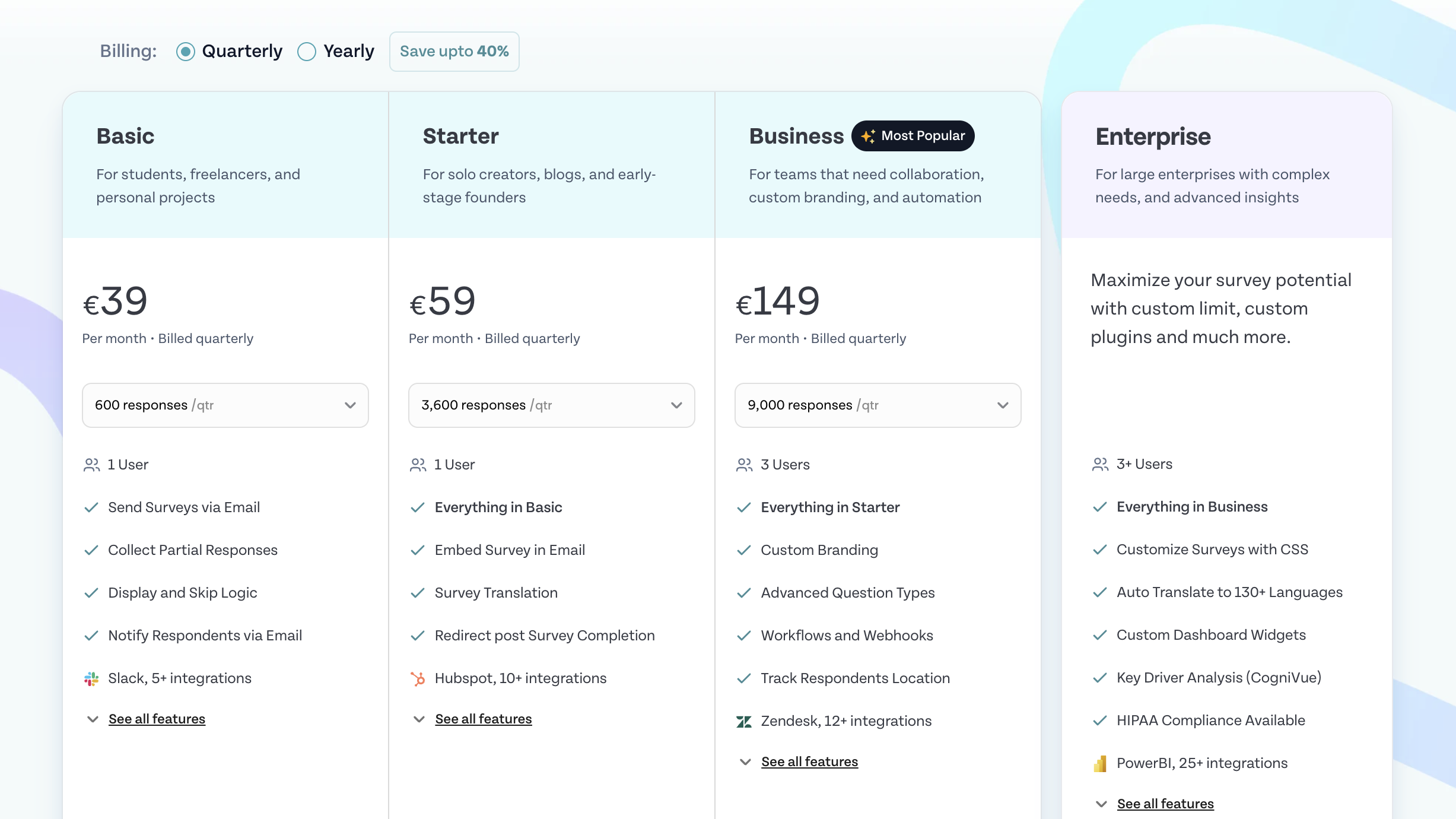
SurveySparrow doesn't offer the usual choice of monthly or annual payments. Instead, you can only pay quarterly or annually. If you start using SurveySparrow and after a few days realize it's not that great, tough luck since you have to endure the four months you paid for.
Paid plans start at $19/month, which gives you 2,500 responses per year, or just about 200 monthly. On this plan, you don't get the option to embed surveys in emails, and it's missing integrations with CRM tools. You're practically forced to upgrade to the next plan at $39/month.
2. Limited customization options
If you want the surveys you create to reflect your website or overall brand, you'll need extensive customization options, and this is where SurveySparrow falls flat. Users complain about the inability to edit text, images, and the overall design of the surveys, regardless of the channel for distributing them.
- "You can only do simple modifications to the style of individual questions (e.g. bold or italics). If you want to change font size, you have to use custom CSS at the survey level, and you can't do it at the individual question level. The ability to code data within the platform is limited, as you can only add one tag field to the data. The automated reports are a bit of a pain to customize. Overall, however, it is a great value." - G2 review
And when you want to customize your workflows, you'll need great integrations. Unfortunately, this is another area where SurveySparrow could use some improvements.
3. Integrations are consistently bad
There are multiple occurrences of users complaining about integrations. And it's not just a particular integration that could be blamed on a third party. The negative comments span across tools:
- "We had a technical issue with the Mailchimp integration, which would unsubscribe users when they answered the question. I spoke with Mailchimp, and it was a simple fix, but it took over a month to have the product team help us. This was a big issue as it did not allow us to use the product so it should have been a large priority. I had to follow up for multiple weeks, requesting an update." - G2 review
- "The integration with Zapier didn't work well." - G2 review
- "We are using Zendesk, and there were gaps in the integration that could have been smoother with a step-by-step, mapped process and more educational videos. However, the team was helpful, and we managed to resolve the issues we encountered." - G2 review
The best alternatives to SurveySparrow for creating surveys
If SurveySparrow doesn't look like the best tool for creating interactive forms and surveys, there are plenty of options out there. However, not all of them are built for just surveys, which is why you should read the list below to find the ideal SurveySparrrow replacement. 👇
1. Featurebase ✨
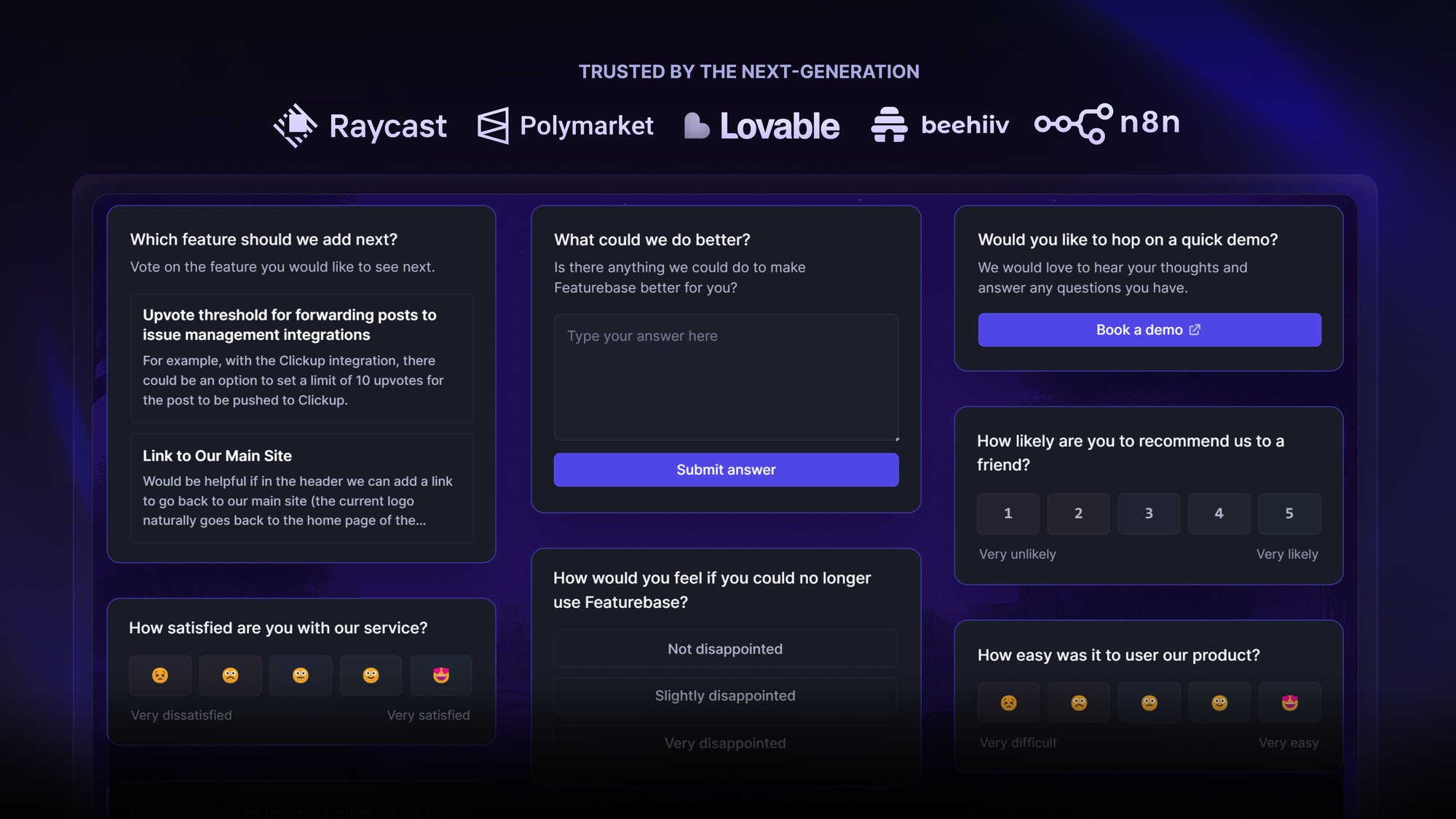
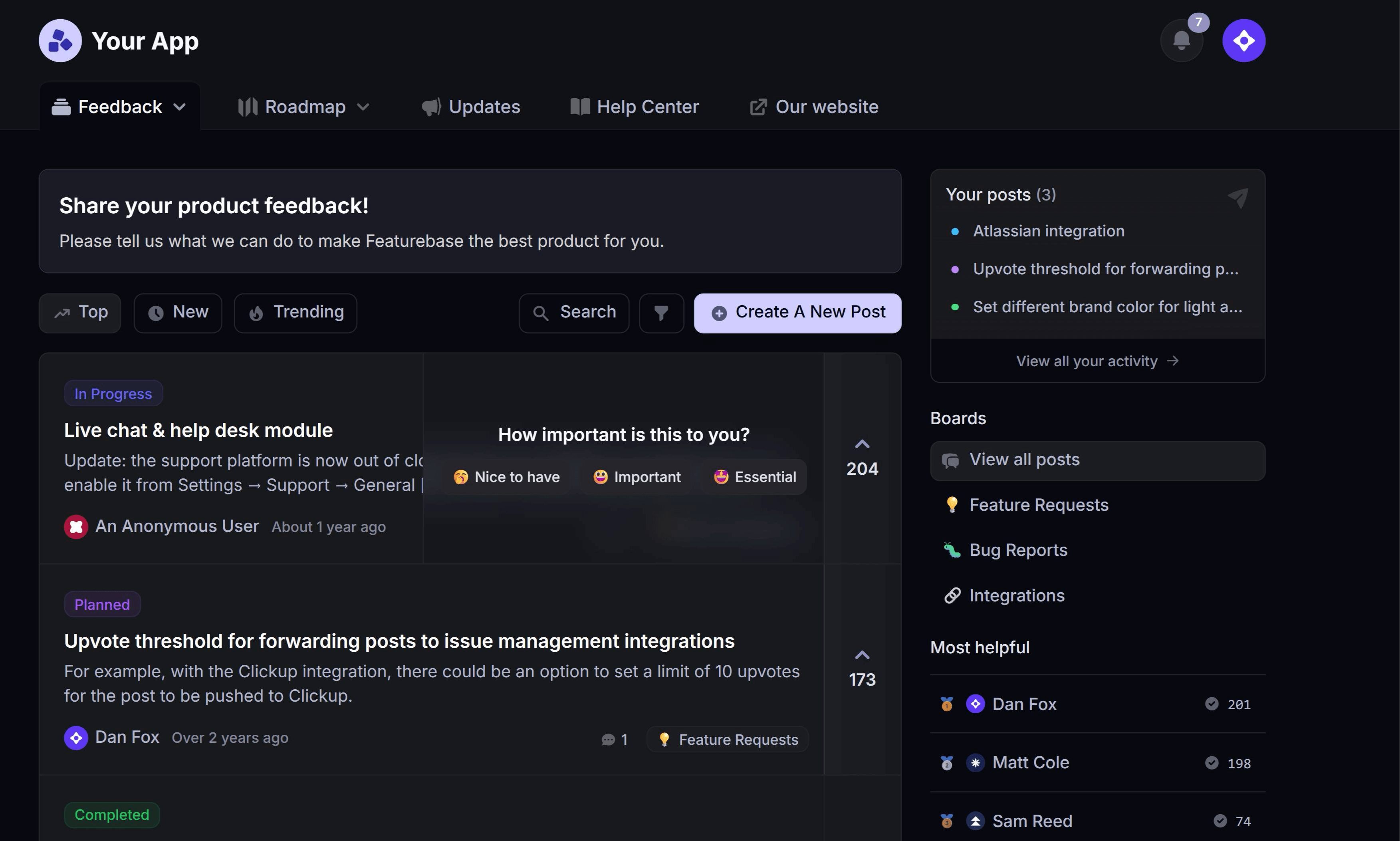
Featurebase is a unified feedback & support platform for SaaS teams that want to gather insight and take action in one system. It combines survey tools, feedback boards, in-app widgets, and support chat, so you can both ask questions and follow through with users. It's loved by thousands of marketing, product, and support teams from companies like Lovable, Elementor, and Polymarket. 💫
Top features
- Flexible no-code surveys: Build multiple-choice, rating, text input or emoji reaction surveys without coding.
- Multi-step conditional logic : Ask follow-up questions based on previous answers to get deeper responses.
- User targeting & trigger conditions: Show surveys to specific user segments or based on URLs, role, or plan.
- On-brand design: Customize survey appearance to match your branding and embed it via your site or app.
- Built-in NPS/CSAT/CES templates: Run standard survey types (Net Promoter Score, Customer Satisfaction Score, Customer Effort Score) out of the box.
- Embedded in-product widget – Run surveys right inside your app or website so users don’t need to leave their workflow.
- Powerful analytics – View detailed breakdowns of answers alongside user data to see who responded and how.
- Integrations – Slack, Linear, Intercom, Jira, Hubspot, Zendesk, Clickup, and many others
- Plus, help center, product roadmaps, release notes, and customer surveys – all in one place
How it’s better than SurveySparrow: SurveySparrow is good at survey distribution, but Featurebase takes it further by embedding survey capabilities inside a unified feedback and support platform. If your team wants to collect feedback, tie it to user context, act on it, and tie it to your product roadmap, Featurebase gives you all of that without using multiple tools.
Pricing: Featurebase comes with a generous Free plan with unlimited survey responses and feedback. Paid plans start at $29/seat/month. The onboarding is super fast, so there's no downside to trying it. 👇
✨ Start running surveys & collecting feedback with Featurebase for free →

2. SurveyMonkey
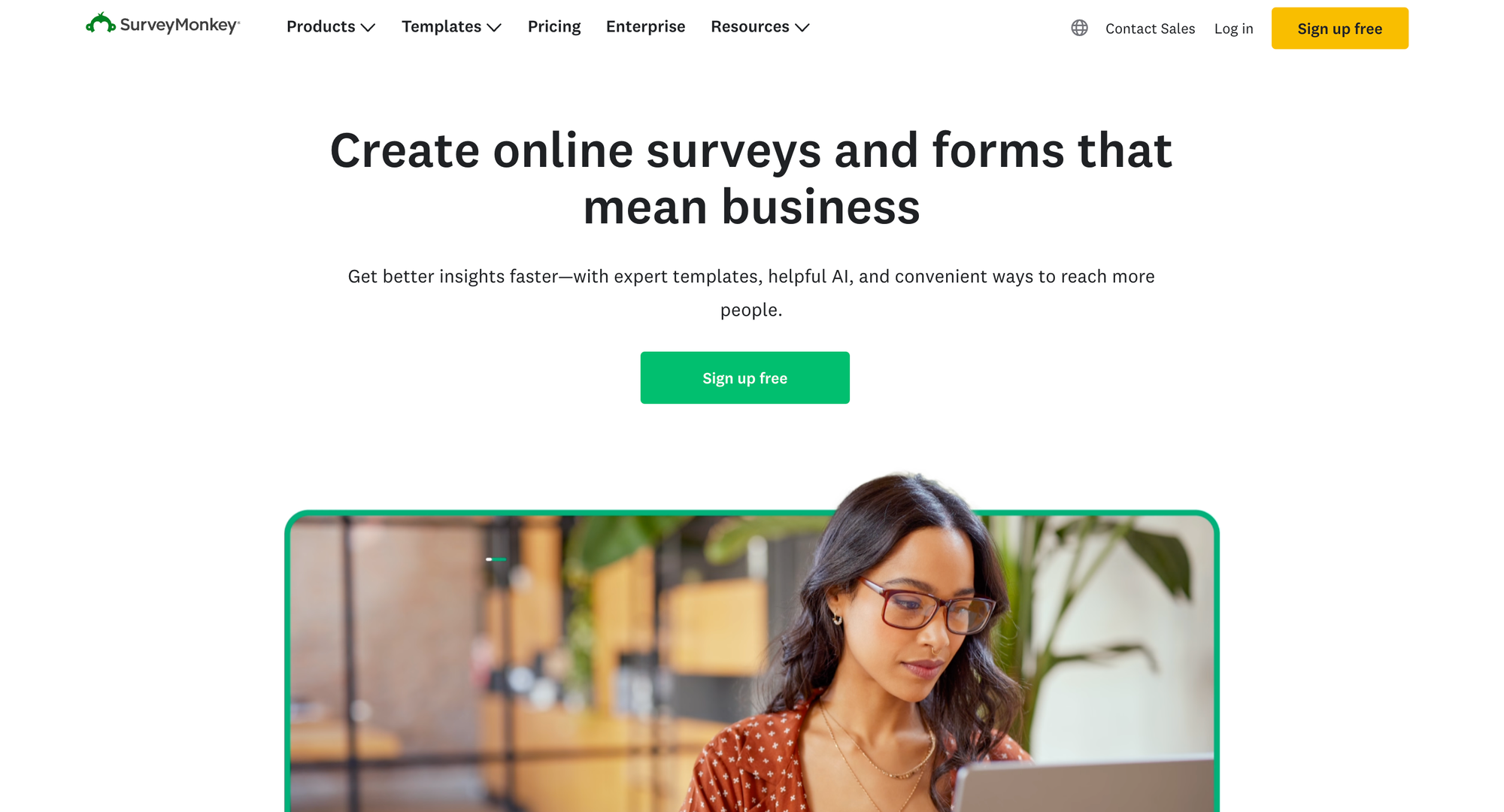
SurveyMonkey is one of the most established online survey platforms in the market, offering advanced analytics, team collaboration, and enterprise-grade feedback tools. It’s widely used by organizations that need a balance of ease of use and analytical depth.
Top features
- Custom survey builder: Create professional, conversational surveys with advanced question logic.
- AI-powered insights: Identify patterns and trends automatically within your responses.
- Response quotas and filters: Control sample sizes and segment audiences.
- Integrations: Connect with Slack, Salesforce, HubSpot, and Mailchimp.
- Benchmarking and data analysis: Compare results against industry standards.
How it’s better than SurveySparrow
SurveyMonkey offers deeper analytics and global reach, with advanced features for data segmentation and benchmarking. SurveySparrow stands out for design and automation, but SurveyMonkey is stronger for research-grade feedback and enterprise reporting.
Pricing: starts at 30EUR per user per month.
3. Typeform
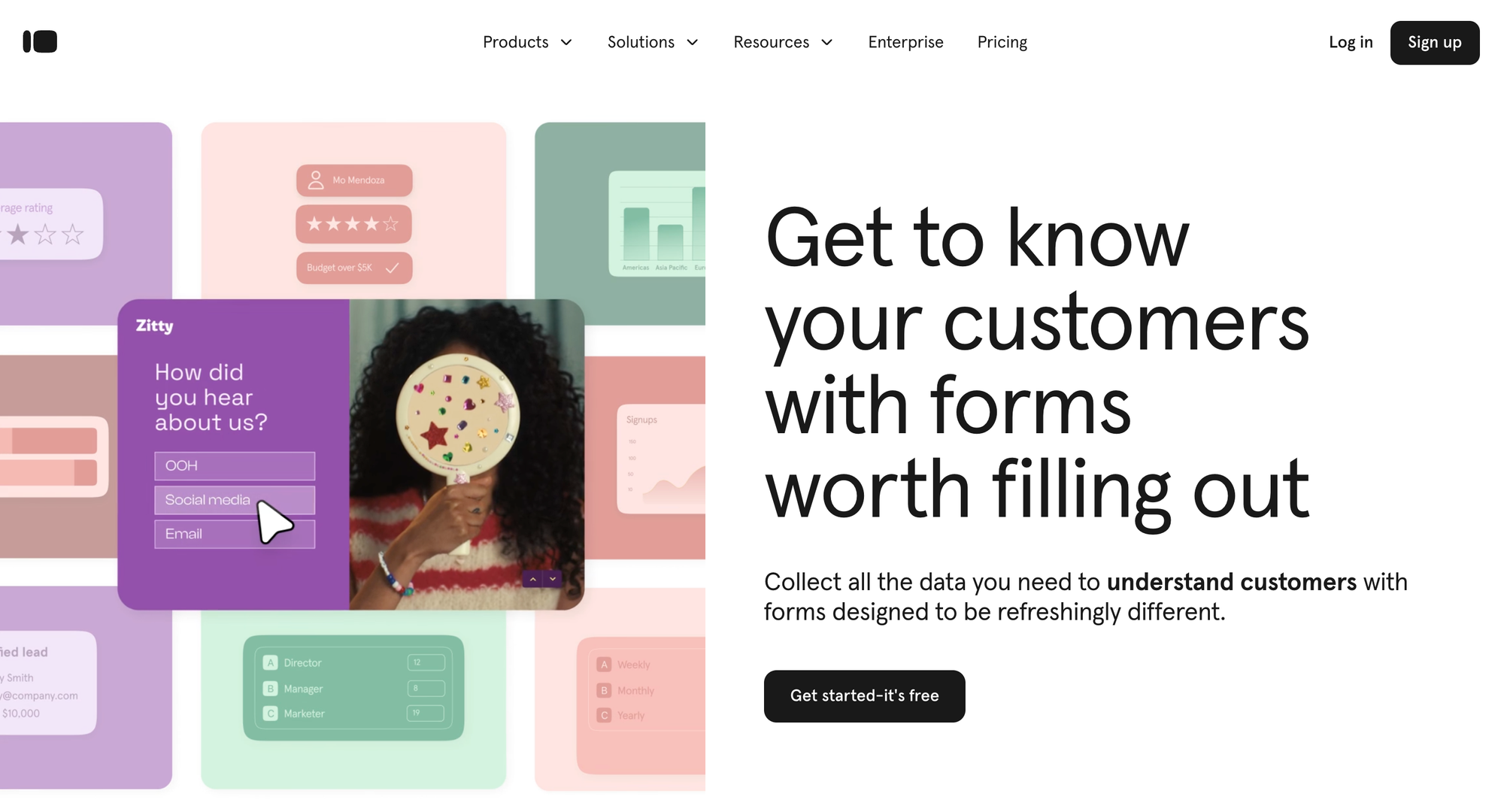
Typeform is a form and survey builder focused on design, interactivity, and user experience. It transforms static surveys into conversational experiences that keep respondents engaged. Typeform is especially popular among marketers, product teams, and educators who want higher completion rates.
Top features
- Conversational interface: Present one question at a time to make surveys more engaging.
- Custom design and logic jumps: Create visually appealing forms with dynamic paths.
- Integrations: Connect with Zapier, Slack, HubSpot, and Google Sheets.
- Response analytics: View completion rates, drop-off points, and time spent per question.
- Templates: Choose from hundreds of pre-built templates for different use cases.
How it’s better than SurveySparrow
Typeform prioritizes user engagement and aesthetics, while SurveySparrow focuses on professional business surveys. For teams that care about form design and respondent experience, Typeform offers a more creative and enjoyable approach.
Pricing: starts at $25 per month.
4. Google Forms

Google Forms is a free survey and form creation tool included in the Google Workspace suite. It’s best known for its simplicity and accessibility, making it ideal for educators, small businesses, and teams that need a quick way to collect data without extra cost. Despite its minimal design, it integrates smoothly with Google Sheets for easy analysis.
Top features
- Drag-and-drop editor: Build forms and surveys quickly with simple question types.
- Real-time collaboration: Multiple users can edit or view responses simultaneously.
- Automatic data export: Responses flow directly into Google Sheets for analysis.
- Conditional logic: Show or hide questions based on previous answers.
- Unlimited responses: No cap on the number of submissions or collaborators.
How it’s better than SurveySparrow
Google Forms is completely free, fast to set up, and ideal for simple data collection. While SurveySparrow offers automation and branding flexibility, Google Forms is unbeatable for quick internal surveys or budget-conscious users.
Pricing: free with any Google account; part of Google Workspace plans starting at $6 per user per month.
5. Qualtrics
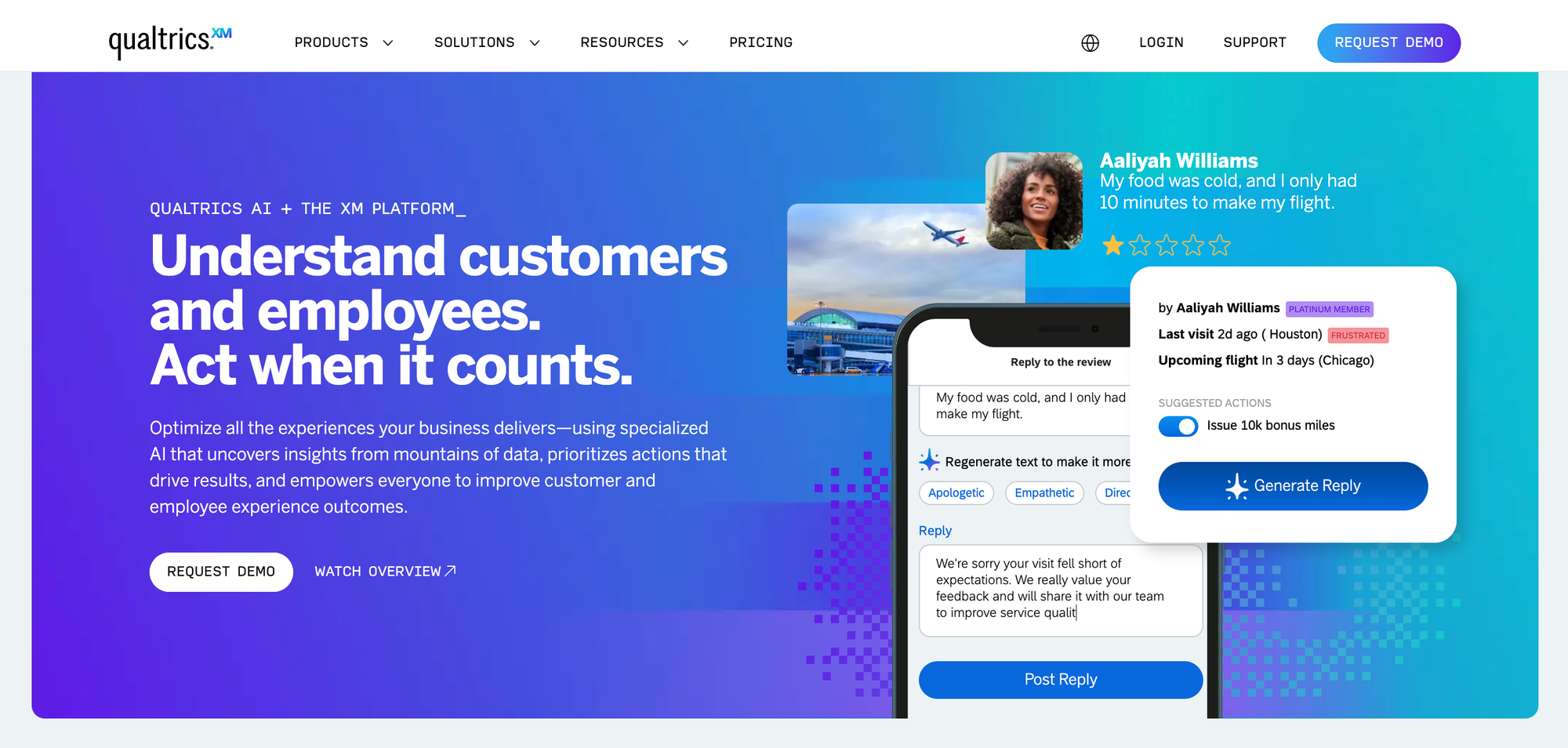
Qualtrics is an enterprise-level experience management platform that covers customer, employee, brand, and product feedback. It’s built for organizations that need deep analytics, advanced logic, and integrations with large-scale data systems. Qualtrics is best suited for teams that treat feedback as a key input for strategic decision-making.
Top features
- Advanced survey design tools: Create highly customized surveys with complex logic and branching.
- AI-powered analytics: Discover sentiment, intent, and predictive trends across large datasets.
- Custom dashboards: Visualize feedback from multiple programs in one place.
- Role-based access control: Manage permissions for large global teams.
- Integration ecosystem: Connect with Salesforce, SAP, Zendesk, and other enterprise platforms.
How it’s better than SurveySparrow
SurveySparrow emphasizes design and simplicity. Meanwhile, Qualtrics delivers unmatched analytical depth, automation, and scalability. It’s the preferred option for enterprises conducting large-scale research or customer experience programs.
Pricing: custom enterprise pricing available upon request.
6. Qualaroo
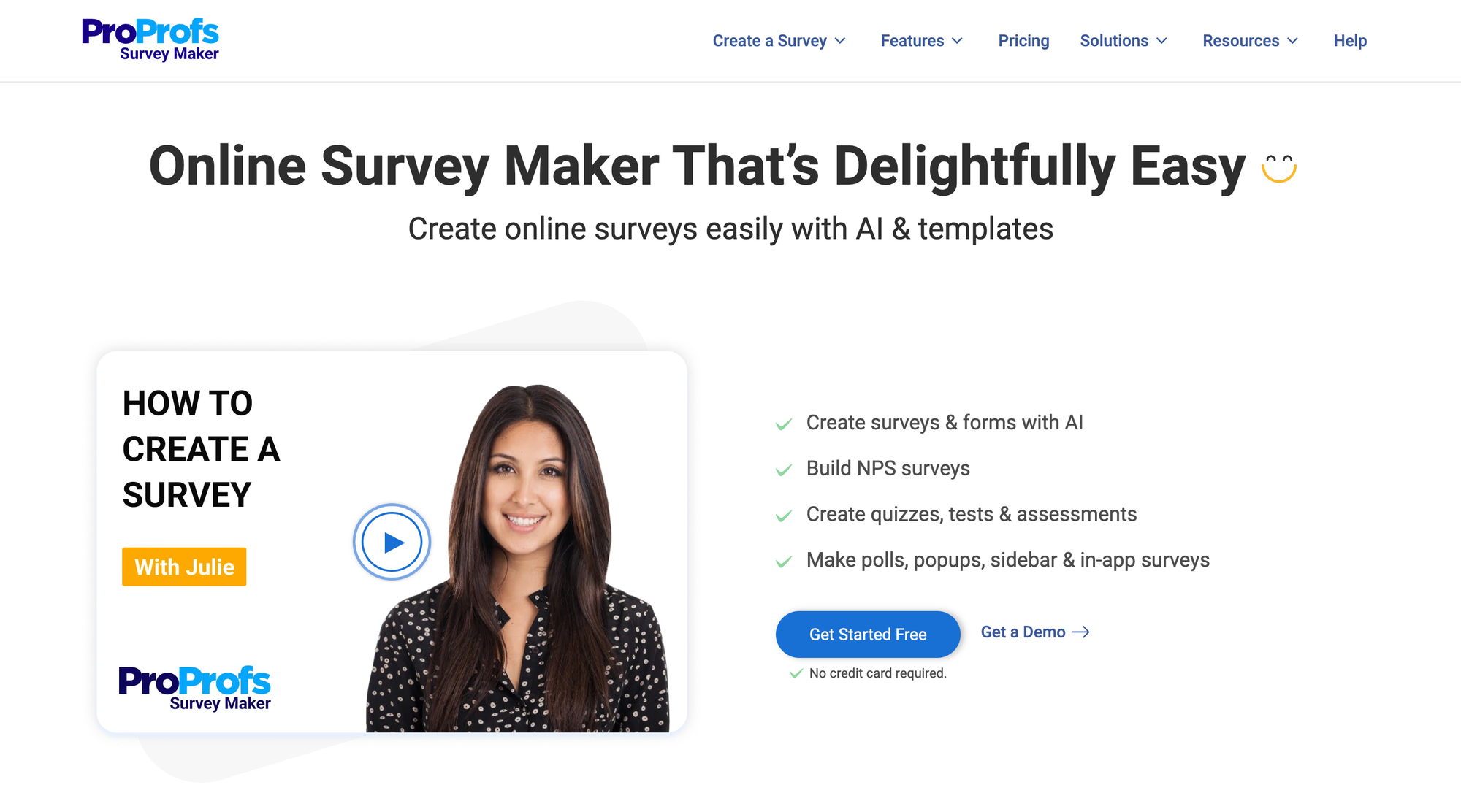
Qualaroo is a behavior-based feedback tool built for gathering insights directly from users while they interact with your website or app. It’s a favorite among UX and product teams who want context-rich responses instead of generic survey data. The platform helps businesses understand why customers behave a certain way, not just what they do.
Top features
- Triggered micro-surveys: Collect in-context feedback from specific user segments based on their behavior.
- Advanced targeting and segmentation: Filter by page URL, visit frequency, geography, or user attributes.
- Sentiment analysis: Automatically detect tone and emotion in open-ended feedback.
- Mobile SDK: Capture feedback inside iOS and Android apps.
- Custom branding and integrations: Match your brand style and connect with tools like HubSpot, Slack, and Google Analytics.
How it’s better than SurveySparrow
Qualaroo focuses on contextual, in-product feedback rather than traditional survey delivery. It’s ideal for teams that want continuous, qualitative insights instead of one-off surveys sent via email or link.
Pricing: starts at $19.99 per month.
7. Zonka Feedback
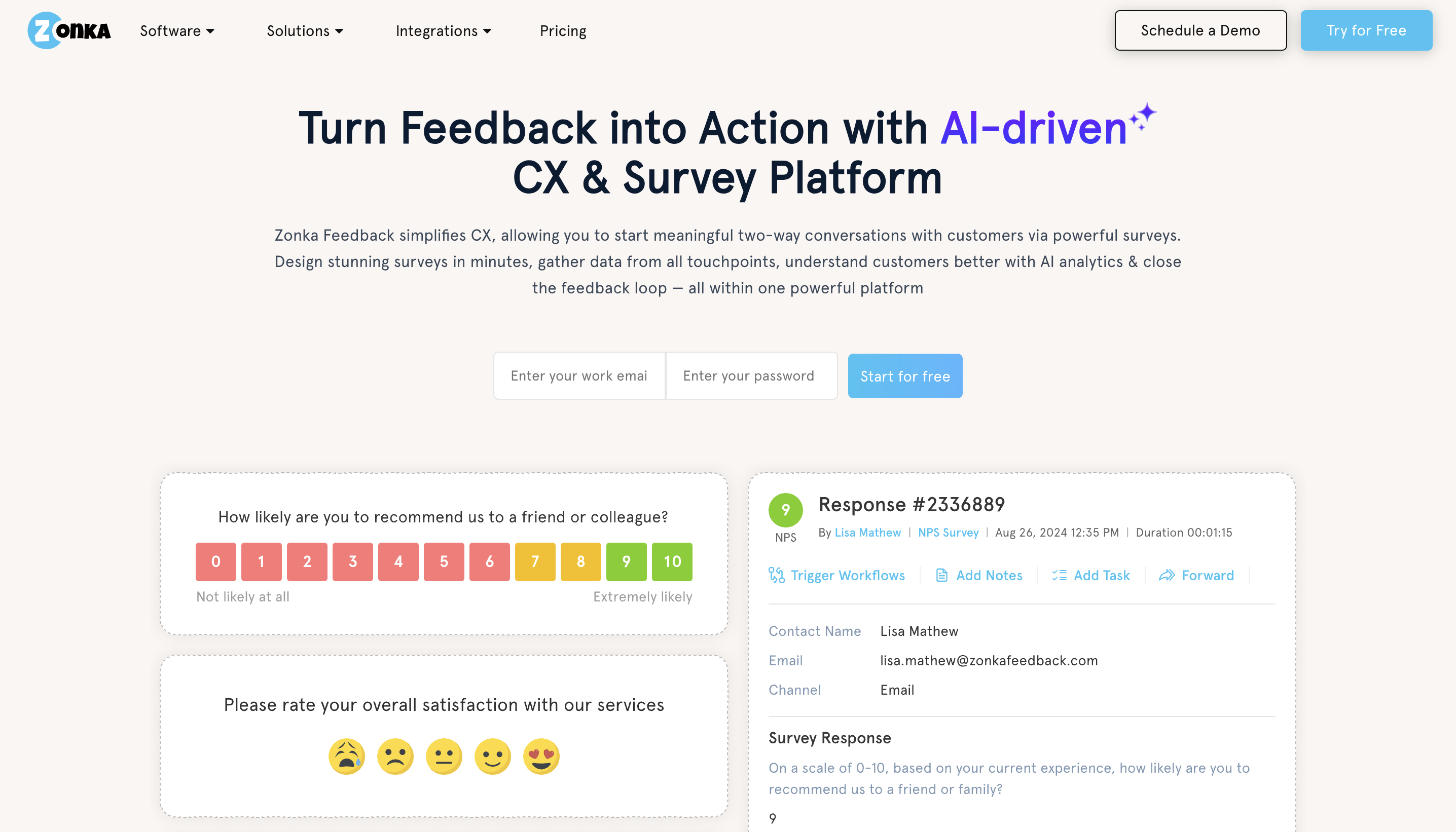
ZonkaFeedback is a feedback-and-experience platform aimed at organizations that want continuous, omnichannel feedback plus intelligent insight extraction.
Top features
- Survey distribution across SMS, email, kiosk, offline mode, and web: Cover all customer touch-points.
- AI-powered sentiment & thematic analysis: From unstructured feedback to actionable themes.
- Real-time alerts & closed-loop actions: Respond quickly when feedback crosses thresholds.
- Enterprise-grade security and data-center selection (EU etc.). Compliance-friendly.
- Comprehensive integrations: Sync with CRM/operations to turn feedback into action.
How it’s better than SurveySparrow
While SurveySparrow offers attractive survey workflows for smaller firms, ZonkaFeedback excels with higher-volume, operationalized feedback loops, AI insight engines, and broad channel coverage, which makes it better for continuous CX programs.
Pricing: available via request; plans scale by response volume and channel usage. For tools with more transparent pricing, consider Zonka alternatives.
8. Survicate
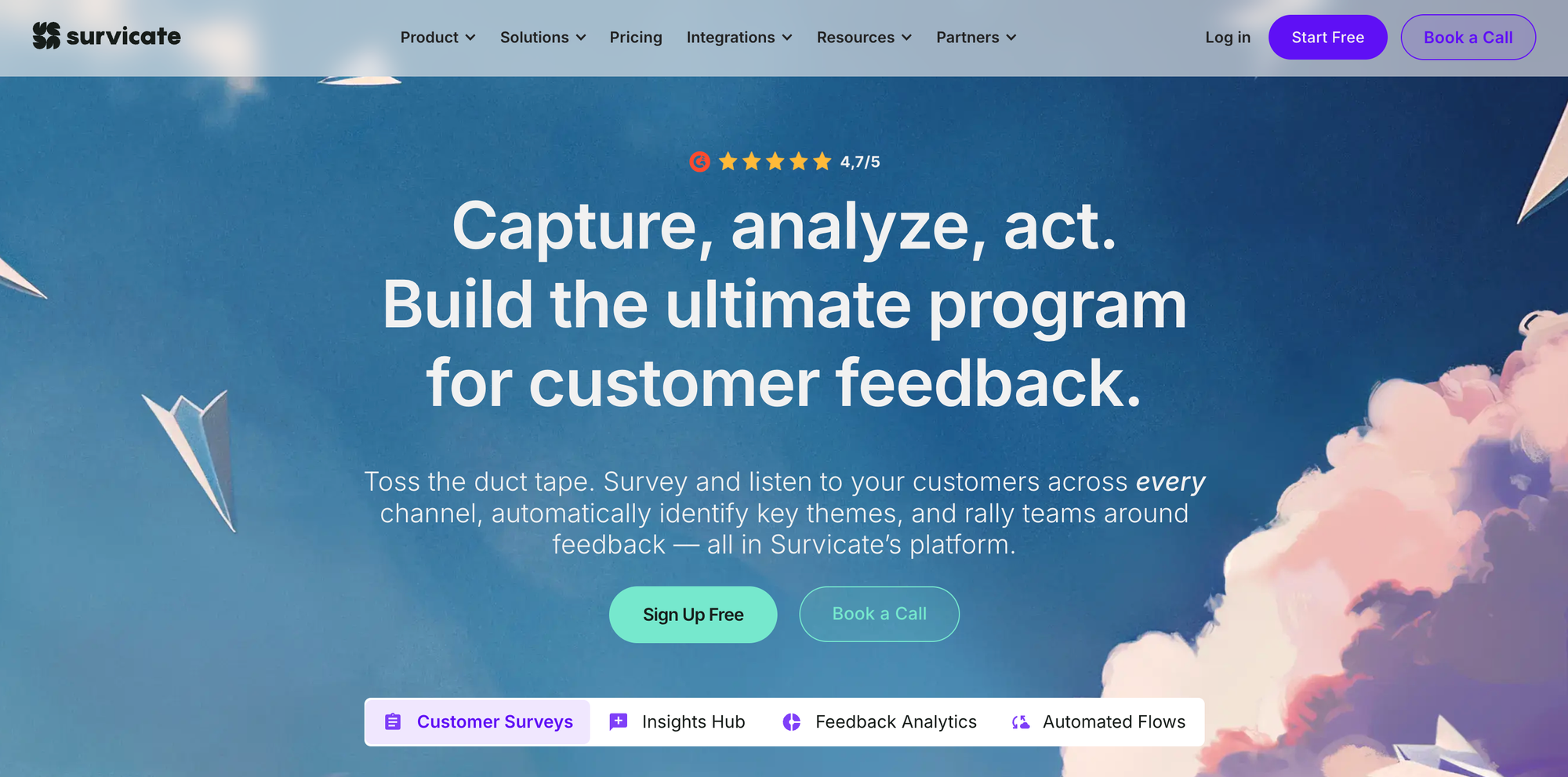
Survicate is a feedback platform that enables businesses to collect, analyze, and act on customer insights across multiple channels.
Top features
- Multi-channel survey distribution: Deploy surveys via email, web link, mobile app, and in-product.
- AI-powered text analytics & topic categorization: Automatically sort open-ended responses into themes.
- CRM enrichment & segmentation: Add customer data to responses and segment insights accordingly.
- Custom dashboards: Combine NPS, CSAT, and other metrics into unified views.
- Templates and logic-rich question types: Use a wide range of question types, branching logic, and skip logic.
How it’s better than SurveySparrow
Survicate adds deeper analytical horsepower and automation support, allowing teams not only to collect feedback but also to surface patterns and integrate responses into their workflow; SurveySparrow is strong on survey creation and UX but lacks the same analytics maturity.
Pricing: starts at around $79 per month for 100 responses, which can be pricey and get you to look at Survicate alternatives.
9. Alchemer
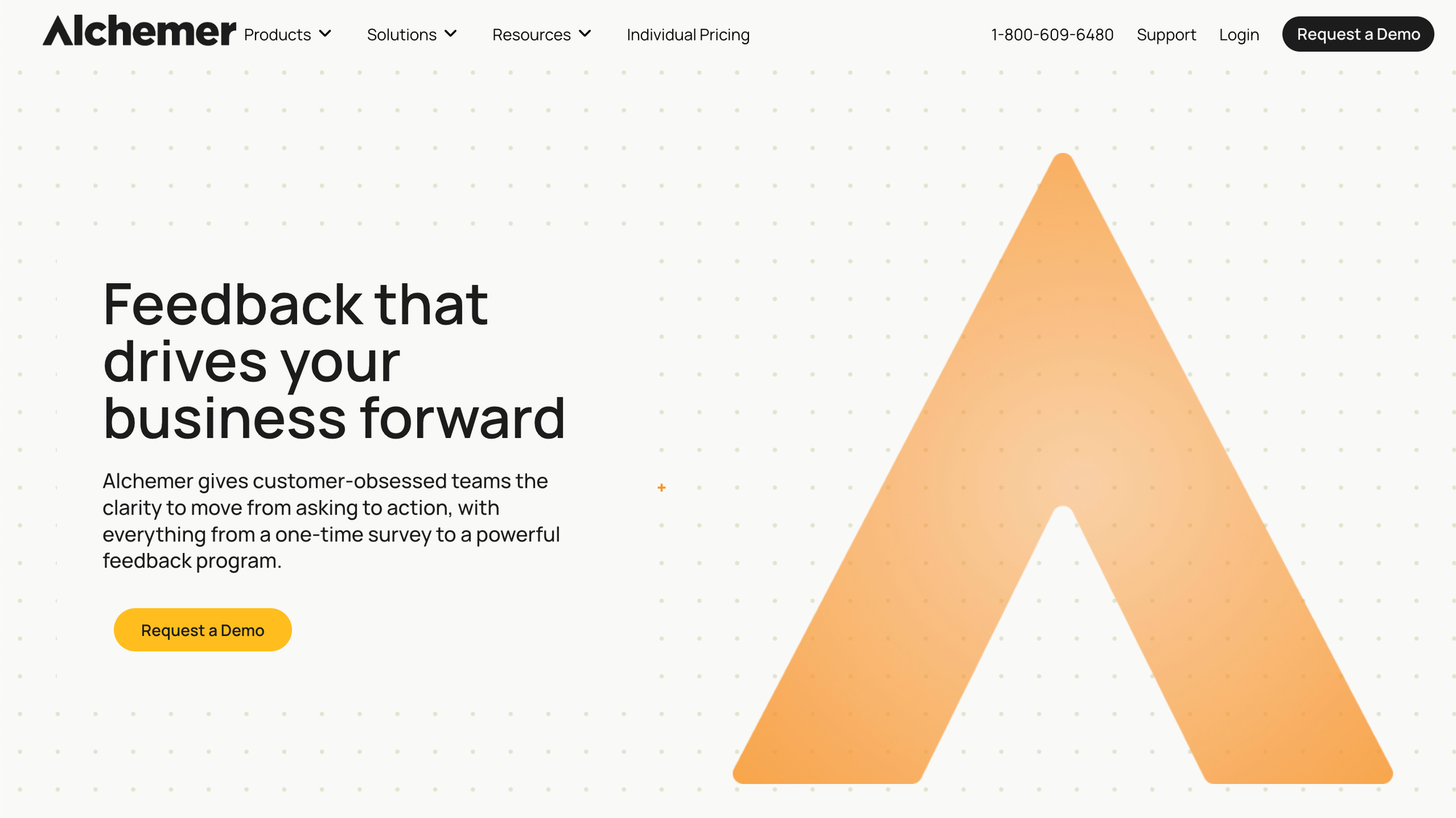
Alchemer (formerly SurveyGizmo) is a flexible survey and feedback platform aimed at businesses that need advanced question types, logic, analytics, and full control of data.
Top features
- Unlimited surveys and responses (on many plans): Run large-scale feedback programs without per-survey limits.
- Advanced question types & logic: Include scripting, offline mode, branching, piping, and heat-map tracking.
- Integrated workflow & feedback loop tools: Close the loop from capture to action within the same platform.
- Extensive data export and analytics: Export to SPSS/R, perform statistical testing, and analyze open text.
- Enterprise-grade security & integrations: Suitable for large organizations with SSO, unlimited responses, and full system integration.
How it’s better than SurveySparrow
SurveySparrow is focused on ease-of-use and modern survey design. Alchemer, on the other hand, gives heavier analytics, logic, and workflow features, which make it better for research teams, enterprise feedback programs, and organizations looking for deeper control and integration.
Pricing: not available publicly.
10. SurveySensum
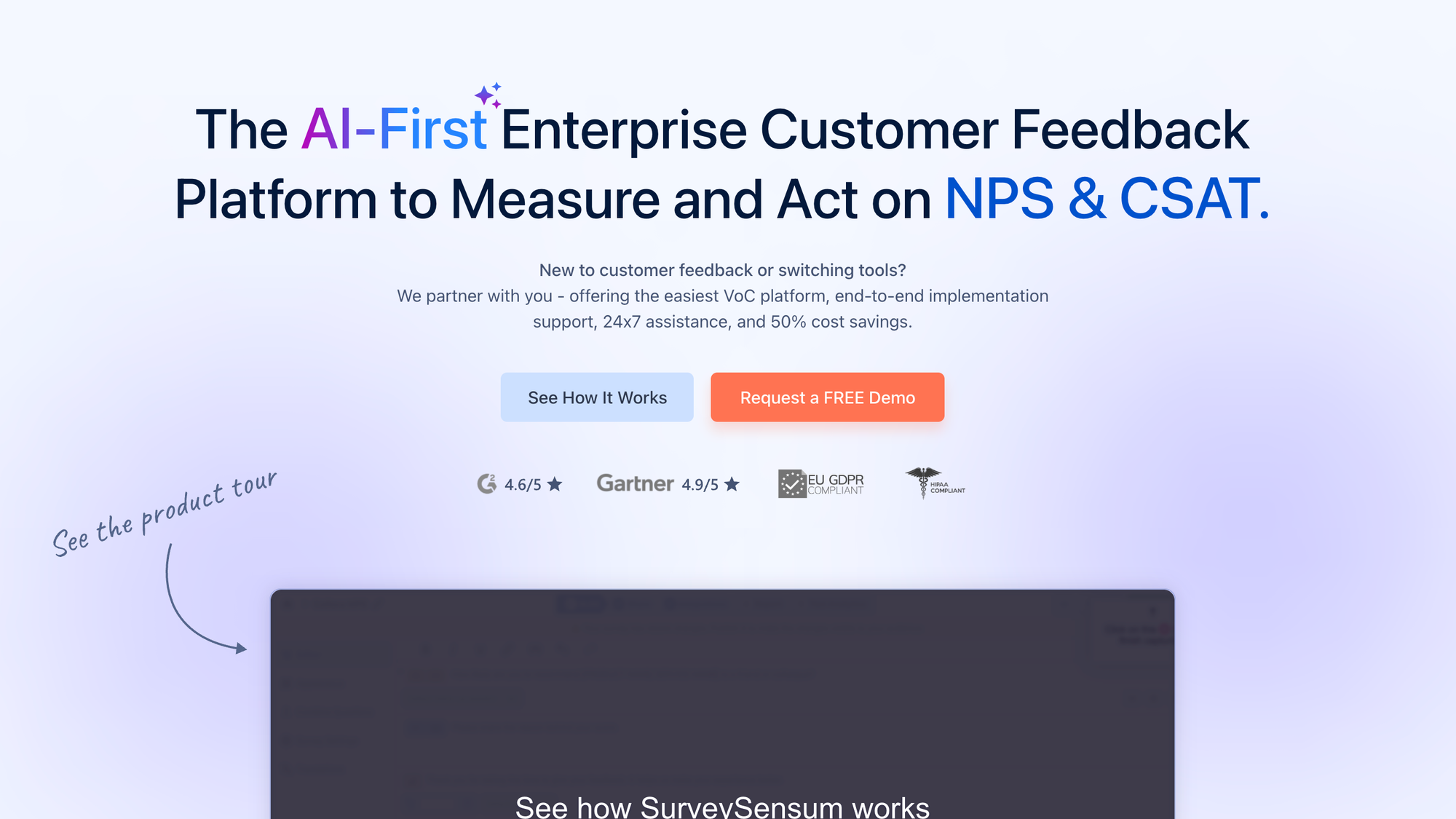
SurveySensum is an AI-enabled experience-management platform designed for capturing real-time feedback and turning it into actionable insights across multiple channels.
Top features
- Multi-channel feedback collection: Deploy surveys via email, web, mobile, chat or SMS across 100+ languages.
- Advanced survey logic & templates: Use skip logic, piping, and 20+ question types to build rich feedback flows.
- AI-powered text analytics: Identify themes, sentiment, and trends from open feedback at scale.
- Action-loop capabilities: Trigger workflows, alerts or integration events based on feedback responses.
- End-to-end CX service: Offers support and guidance from survey build-out through insight generation and action.
How it’s better than SurveySparrow
While SurveySparrow excels in survey creation and distribution, SurveySensum adds stronger AI text analytics, broader channel support and built-in workflow features to close the feedback loop. This makes it better for CX-centric teams that want not just responses, but actionable insight.
Pricing: starts at $3,600 per year.
11. Medallia
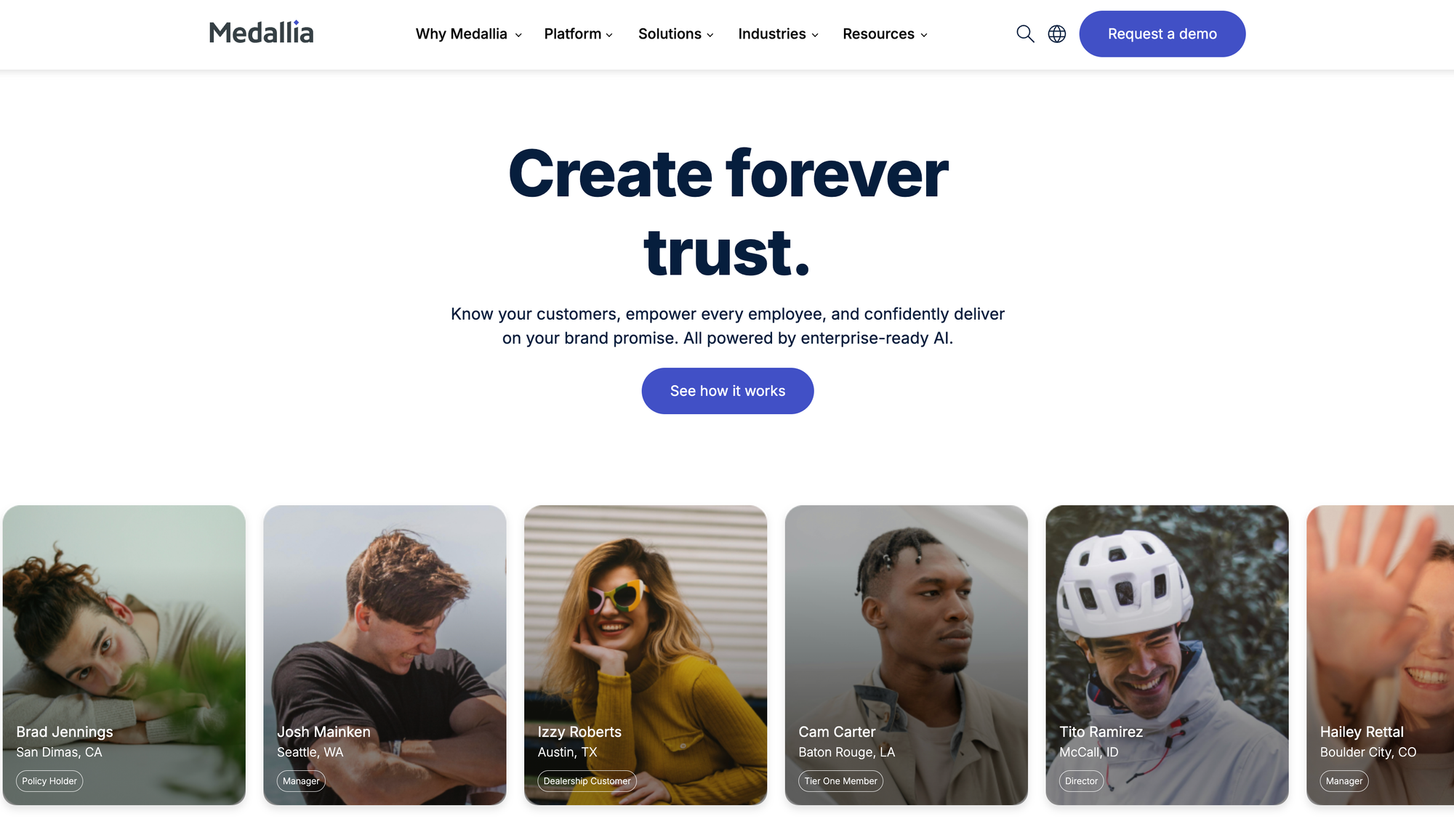
Medallia is a comprehensive experience-management platform that helps large organizations collect feedback from customers and employees, analyze sentiment and trends, and turn insights into action. It’s especially suited for enterprises with complex feedback needs and a strong focus on customer or employee experience.
Top features
- Omnichannel signal capture: Gather feedback from mobile apps, web, chat, voice, social, and contact centers in one system.
- Real-time analytics & AI: Use AI-powered text and speech analytics to identify patterns, sentiment, and root causes as data comes in.
- Action orchestration: Trigger workflows and alerts based on insights so teams respond to issues or opportunities quickly.
- Customer and employee experience modules: Cover both external (customer) and internal (employee) feedback programs in one platform.
- Enterprise-grade scalability and integrations: Built for large brands; integrates with CRMs, contact-center systems, and analytics platforms.
How it’s better than SurveySparrow
While SurveySparrow focuses largely on survey and form-based feedback workflows, Medallia extends into real-time, omnichannel experience management with AI-driven insights and enterprise workflows. For organizations that need to go beyond simple surveys and build feedback into action at scale, Medallia offers a deeper capability.
Pricing: Not publicly disclosed; enterprises must contact Medallia for a custom quote.
Create surveys with Featurebase today
SurveySparrow gives you the basic tools to collect feedback and analyze respondents' answers, but you have to make quite a few compromises. Pricing is on the high end, and customization is basic. Integrations can cause headaches. Why not try Featurebase's free plan instead?
Featurebase is the best modern SurveySparrow alternative that helps you collect all feedback in one place with surveys, integrations, and a public forum. It combines in-app surveys, NPS/CSAT tracking, feedback voting boards, and customer support into one platform, making it easy to turn feedback into real product and customer experience decisions.
It comes with affordable pricing and a Free plan allowing unlimited feedback. The onboarding is incredibly quick and doesn't require a credit card, so there's no downside to trying it. 👇
✨ Start running surveys & collecting feedback with Featurebase for free →