8 Knowledge Management Challenges (and How to Solve Them)
Knowledge scatters, no one can find it, and the experts leave. Here are the 8 most common knowledge management challenges and practical ways to fix each one.


On this page
- What are knowledge management challenges?
- 1. Knowledge is scattered across siloed tools
- 2. Employees can't find what they need
- 3. Critical knowledge lives only in people's heads
- 4. Low employee engagement and contribution
- 5. Leadership won't commit, and change gets resisted
- 6. Content goes stale and no one trusts it
- 7. Security and access control gaps
- 8. Your knowledge base isn't ready for AI
- Bring your knowledge into one place with Featurebase
- Conclusion
Create a beautiful AI-powered Help Center with Featurebase for free
Most knowledge management problems aren't exotic. The same handful of failures show up in almost every company: knowledge gets scattered across a dozen tools, no one can find it, the experts who hold it leave, and the docs that do exist quietly go out of date.
Left alone, these problems compound. Support slows down, new hires flounder, and teams keep solving the same problems twice.
Here are the 8 most common knowledge management challenges, why each one happens, and how to fix it. 👇
Key takeaways:
- Most knowledge management challenges trace back to one root cause: knowledge is scattered and hard to find instead of living in one trusted place.
- Silos and poor search are the most common complaints. Employees can spend close to 20% of their week just hunting for information.
- The most valuable knowledge is usually tacit, locked in people's heads, and it walks out the door when they leave.
- Adoption is a people problem as much as a tech one. Without leadership buy-in and an easy way to contribute, any system stalls.
- Stale content quietly erodes trust. Once someone gets a wrong answer, they stop using the system at all.
- AI raises the stakes: it amplifies whatever mess is already in your knowledge base, so a clean foundation has to come first.
- The simplest fix for most of these is a single, searchable source of truth. Featurebase✨ gives you an AI-powered help center that keeps company knowledge in one place and surfaces answers instantly.
What are knowledge management challenges?
Knowledge management challenges are the obstacles that stop an organization from capturing, organizing, sharing, and actually using what it knows. In practice, they're the reasons a helpful answer exists somewhere in your company but never reaches the person who needs it.
Most of them fall into three buckets:
- People: whether employees are willing to document what they know and trust the system enough to use it.
- Process: whether there's a clear knowledge management process for creating, reviewing, and retiring content.
- Technology: whether your tools make knowledge easy to find, or bury it under folders and tabs.
The challenges below cut across all three. Fixing them isn't about buying one more app - it's about closing the gap between how knowledge is created and how it needs to be consumed.
1. Knowledge is scattered across siloed tools
The single most common challenge is fragmentation. Marketing keeps its playbooks in one drive, support lives in a help desk, engineering documents in a wiki, and half the real answers are buried in Slack threads no one can search.
When knowledge is split across systems, teams recreate work that already exists and leaders lose any single view of what the company actually knows. In fact, 81% of IT leaders say data silos are hindering their digital transformation, according to Salesforce's 2024 Connectivity Benchmark Report.
How to fix it: Consolidate toward one source of truth instead of adding another tool to the pile. Pick a central home for company knowledge, whether that's a single internal knowledge base or a connected help center, and make it the default place people look and contribute. The goal isn't to migrate everything overnight, but to stop new knowledge from scattering the moment it's created.
2. Employees can't find what they need
Even when the information exists, finding it is its own challenge. Folder hierarchies, vague file names, and weak search turn a 5-second question into a 10-minute hunt.
The cost is enormous. Research from McKinsey found that employees spend nearly 1.8 hours every day - about 20% of the workweek - searching for and gathering information. That's a full day each week spent hunting rather than doing.
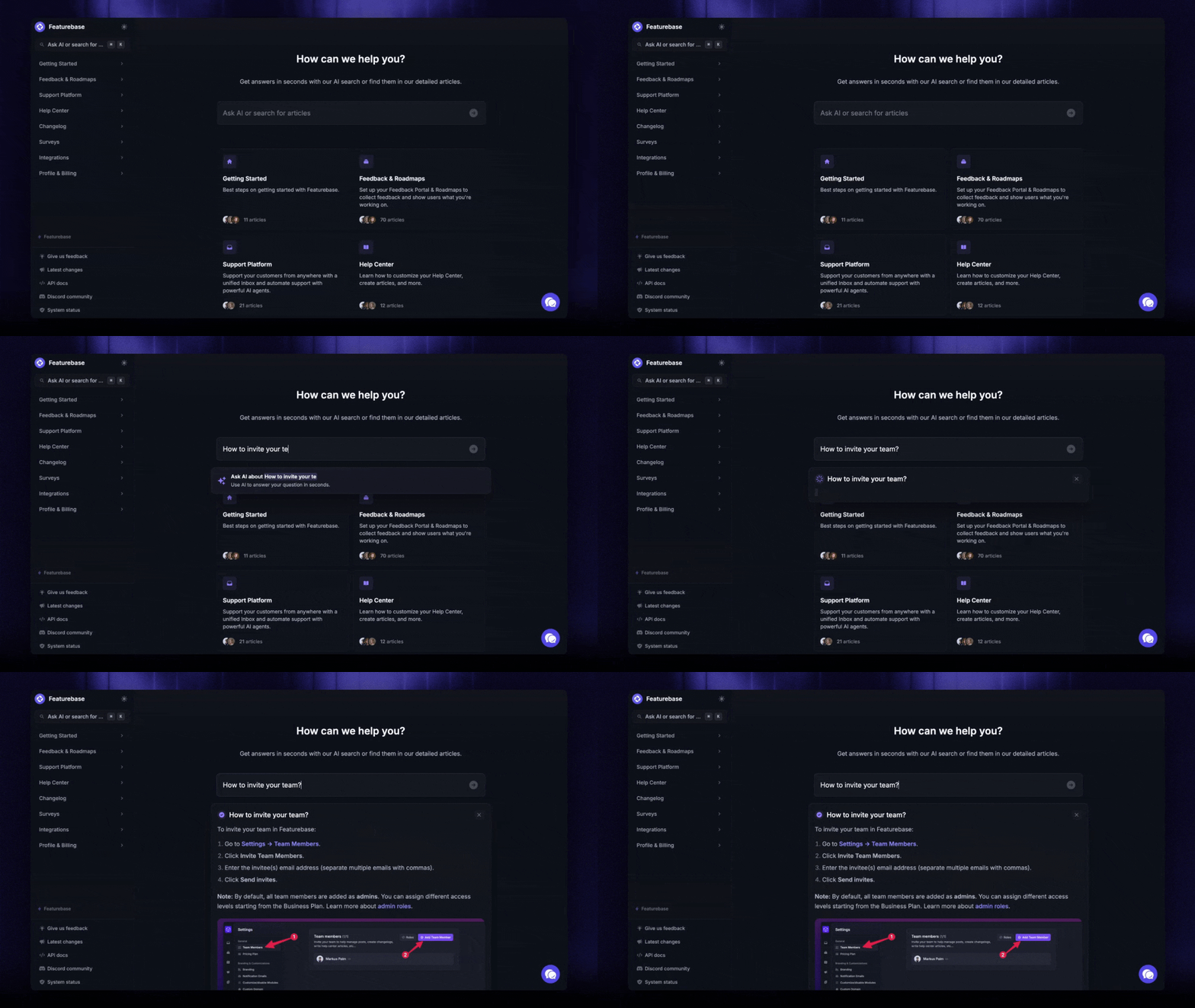
How to fix it: Prioritize search over structure. People rarely remember where something lives, but they can describe what they need, so your system should index the full text of every article and let users find answers by keyword, not folder path. This is exactly what a modern self-service knowledge base is built for. With Featurebase, an AI-powered help center returns a direct answer pulled from your existing content the moment someone searches, so they stop digging and get back to work.
3. Critical knowledge lives only in people's heads
Some of your most valuable knowledge was never written down. It's the shortcut a senior engineer just knows, the context behind a customer account, the reason your team stopped doing something two years ago.
This is tacit knowledge, and it's fragile. When the person who holds it leaves, it leaves with them. One workplace study found that 42% of institutional knowledge is unique to the individual who holds it, meaning coworkers simply can't do that part of the job once that person is gone.
How to fix it: Make capturing knowledge low-effort and part of the workflow, not a separate chore. A few things that work well:
- Templates: give people a ready structure so documenting a process doesn't start from a blank page.
- Multiple formats: let contributors record a quick video or voice note instead of forcing a written guide.
- Capture at the moment: turn resolved support tickets and answered questions into knowledge base articles right away, before the detail fades.
4. Low employee engagement and contribution
A knowledge base is only as good as what people put into it, and getting them to contribute is hard. Employees are busy, documentation feels thankless, and there's often a quiet sense that hoarding knowledge protects your value.
The result is the classic 90-9-1 pattern: most people only read, a small group occasionally contributes, and a tiny core does almost all the writing.
How to fix it: Make contributing easy and recognized. Reduce friction so sharing takes minutes, not hours, and celebrate the people who do it. It also helps to make documentation a real expectation rather than an afterthought:
- Build it into roles: add knowledge sharing to job descriptions and performance goals so it counts as real work.
- Recognize contributors: publicly credit the people whose articles get used and reused.
- Lead by example: when managers document and share, their teams follow.
5. Leadership won't commit, and change gets resisted
Knowledge management fails fast without leadership behind it. When executives treat it as a nice-to-have, budget dries up, no one owns it, and the initiative stalls. The gap is stark: Deloitte found that while 75% of organizations say creating and preserving knowledge is important, only 9% feel equipped to actually do it.
At the same time, employees resist new systems. A new platform can feel like just one more thing to learn, so people quietly revert to the old way.
How to fix it: Secure a visible executive sponsor and name knowledge champions in each team to drive adoption. Then lead every rollout with the "why." Explain how the system saves each person time and involve employees early so the change happens with them, not to them. Small, gradual rollouts beat a big-bang launch that overwhelms everyone.
6. Content goes stale and no one trusts it
Outdated content is quietly corrosive. A knowledge base full of old pricing, deprecated steps, and half-true answers is arguably worse than none, because people follow the wrong instructions with confidence.
And trust is fragile. The first time someone gets burned by a stale article, they stop trusting the whole system and go back to asking around in chat.
How to fix it: Treat content freshness as a governance issue, not a one-time cleanup. Assign a clear owner to each article or collection, set review dates so content gets revisited on a schedule, and archive anything past its useful life. Baking these habits into your knowledge management best practices keeps one current version of the truth instead of a pile of conflicting answers.
7. Security and access control gaps
Knowledge is valuable, which makes it a target and a liability. Leaders worry about breaches, and internally, teams hesitate to share across departments when they're unsure who can see what.
Get this wrong in either direction and you have a problem. Lock everything down and knowledge stops flowing. Leave it wide open and sensitive information leaks into the wrong hands.
How to fix it: Balance protection with access using clear, role-based permissions. The right setup lets people reach the knowledge relevant to their role while keeping confidential material restricted. Look for platforms with proven safeguards like permission-based access, encryption, and single sign-on, then back them with internal policies that spell out what can be shared and with whom. Clear rules make people more comfortable contributing, not less.
8. Your knowledge base isn't ready for AI
AI has become central to knowledge management, but it only works as well as the knowledge underneath it. Point an AI assistant at years of duplicated, outdated, and poorly organized content and it won't fix the mess, it will scale it, confidently surfacing contradictory answers no one trusts.
Once employees catch the AI being wrong, adoption stalls just like it does with a stale help center.
How to fix it: Build an AI-ready knowledge base before you layer AI on top. That means cleaning up redundant and outdated content, applying consistent tags and structure, and limiting AI to trusted, governed sources rather than the open web. It also means keeping a human in the loop:
- Source attribution: make AI answers link back to the article they came from so users can verify them.
- Human review: give named owners the authority to correct or remove unreliable AI output.
- Trusted inputs only: let AI pull from approved knowledge, never uncurated documents.
Bring your knowledge into one place with Featurebase
If most of these challenges come back to scattered, hard-to-find, out-of-date knowledge, the fix is to give your team and your customers one place to get answers.
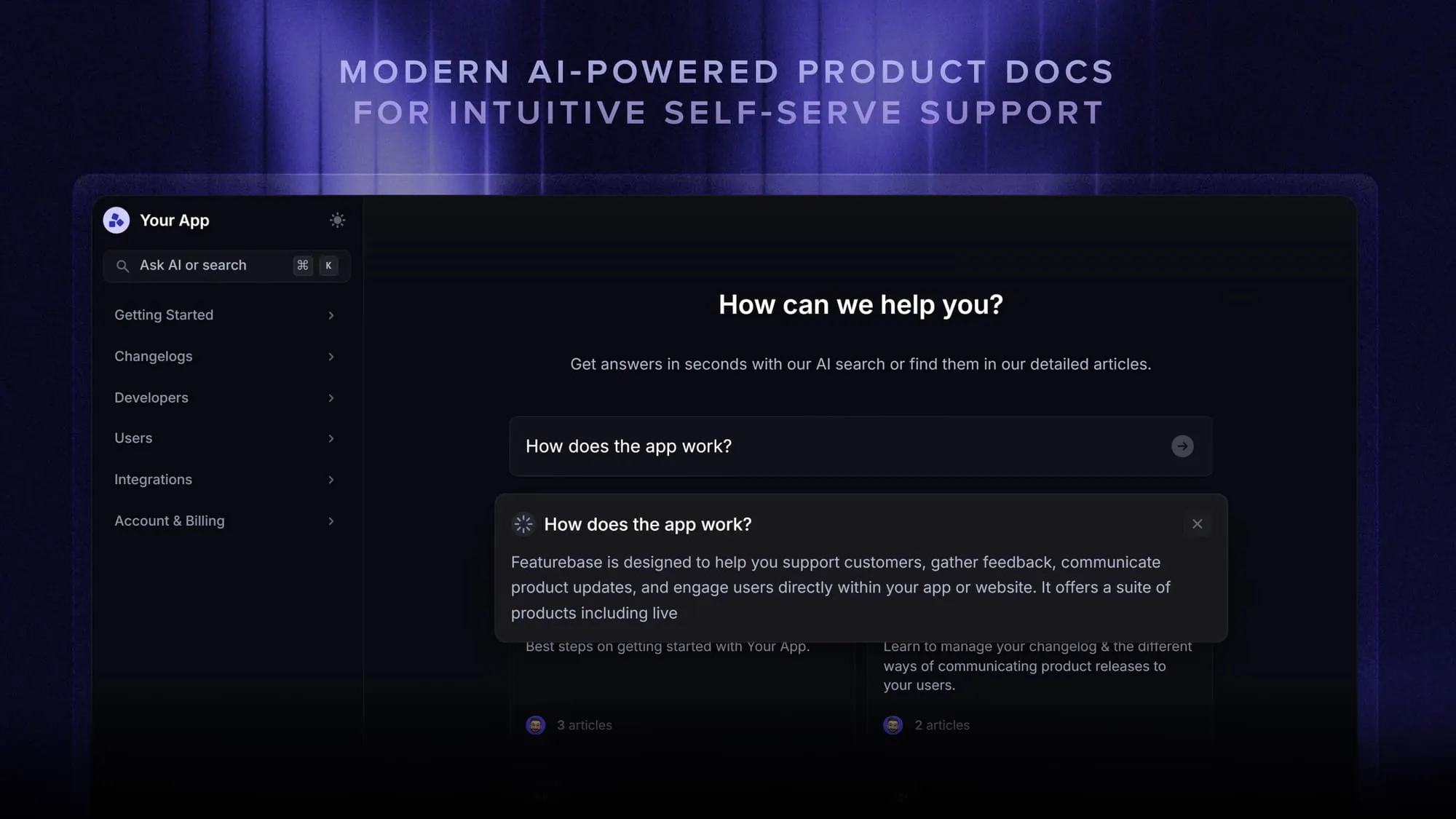
Featurebase is a modern & powerful support platform for SaaS teams that helps you create beautiful product docs, provide AI-powered support, and collect feedback all in one place. It's loved by thousands of support teams from companies like Lovable, Raycast, and n8n. 💫
Top features:
- Public & internal help center – Create a branded knowledge base with your domain and design for easy self-service support
- Embeddable in-app widget – Serve help articles directly within your app, reaching users where they need assistance most
- AI-powered search answers – Summarize answers for users right in the search bar in seconds
- Automatic AI translations – Automatically translate and show your help center in your users native languages
- Multi-brand support – Manage multiple help centers and live chats from a single workspace
- AI-powered support platform – Manage chat, email, and Slack support conversations from one AI-powered view
- Feedback & roadmap tools – Collect feature requests and close the loop with updates
- Product updates – Publish release notes with a changelog page, in-app widget, and emails
- Integrations – Connects with Slack, Linear, Jira, HubSpot, and more
Pricing: You can create a public help center with a fully free plan. Paid plans start at just $29/seat/mo for unlimited articles.
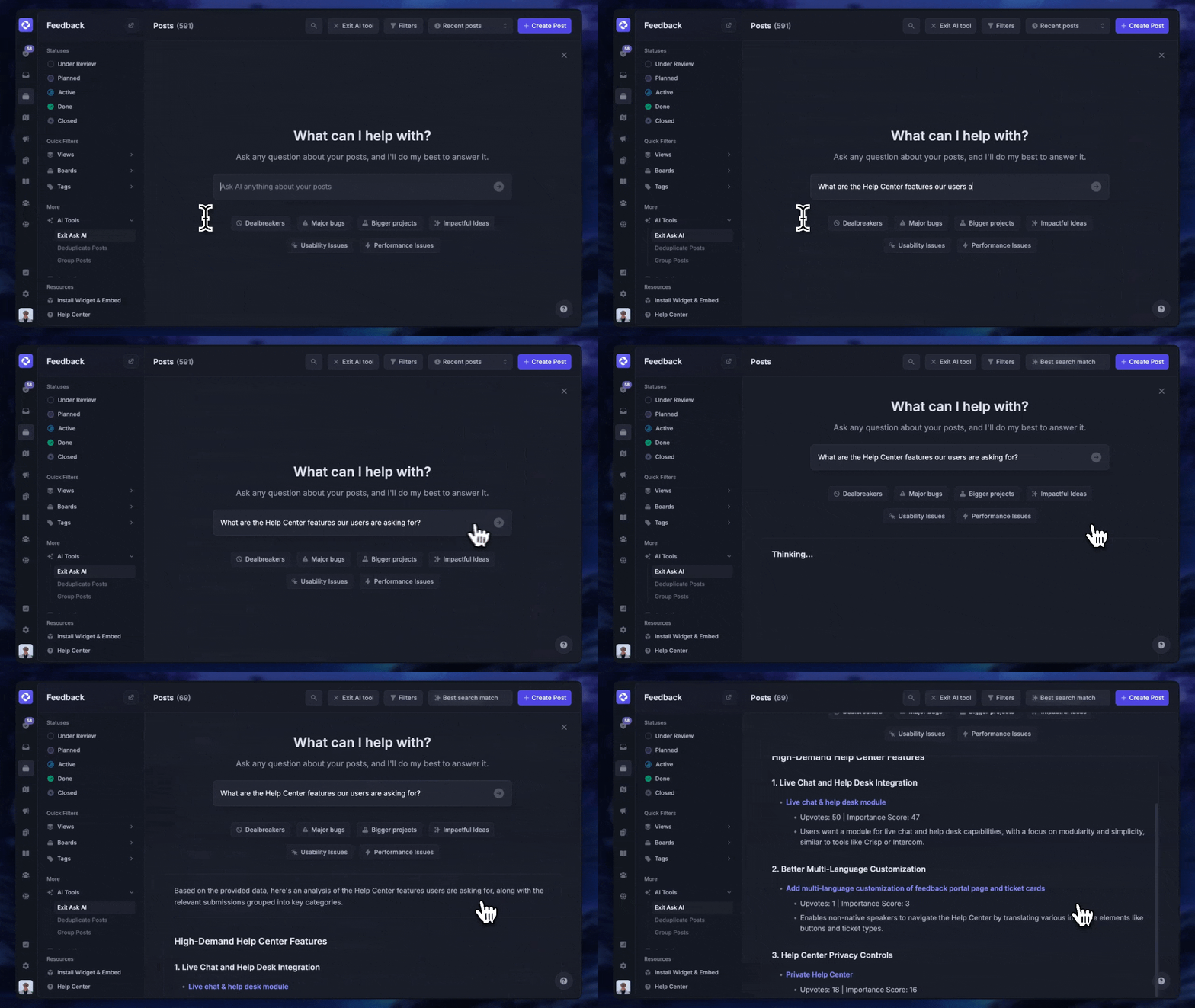
Featurebase offers a modern customer-facing product suite by integrating your help center, live chat, feedback collection, and product updates to build better products and customer experiences.
Conclusion
Knowledge management challenges are predictable, and that's good news. Silos, poor search, lost expertise, low adoption, stale content, and shaky AI foundations show up everywhere, which means the fixes are well understood. Start by giving knowledge one trusted, searchable home, then build the habits and governance to keep it accurate.
Featurebase is a modern & powerful Help Center tool that lets you create a beautiful knowledge base with a custom domain, in-app widgets, translations, and so much more. It also comes with feedback collection, survey, roadmap, and changelog features to help you build a product your users love.
It has affordable pricing and a Free plan, so there's no downside to trying it. Plus, we can help you seamlessly migrate from any existing knowledge base tools. 👇
Create a beautiful Help Center with Featurebase for free
FAQs
Fix the foundation before adding tools. Start by consolidating knowledge into one trusted, searchable source and cleaning up duplicate or outdated content, then set clear ownership and review habits so it stays accurate. Only once that base is solid should you layer on AI or expand to new teams. Tackling the challenges in this order, foundation first, prevents you from scaling a mess.
Explicit knowledge is anything already written down and easy to share, like a documented process or an FAQ. Tacit knowledge is the harder kind: the intuition, judgment, and context people build through experience but rarely record. Tacit knowledge is usually the most valuable and the most at risk, since it disappears when someone leaves. You can read more about the different types of knowledge and how to capture each.
The clearest signal is people bypassing the system, asking questions in chat or email instead of searching the knowledge base. Other warning signs include frequent "I can't find it" complaints, conflicting answers to the same question, and content that keeps getting created but rarely used. If search success and usage drop while people still ask around, it's time to revisit your governance and information architecture.
AI doesn't clean up messy knowledge, it amplifies it. When an AI assistant draws from duplicated, outdated, or contradictory content, it produces confident but wrong answers that quickly erode trust. That's why a governed, well-structured knowledge foundation matters more than ever. The better and cleaner your source content, the more useful and reliable your AI answers become.
A scalable system embeds knowledge capture into everyday work rather than treating it as extra effort, so contributions keep pace as you grow. Look for role-based access that supports many types of employees, flexible plans that expand without a painful migration, and search that stays fast as content volume climbs. The aim is a platform that adds new teams and use cases without forcing you to start over.
A dedicated knowledge base or help center platform is the usual answer, since it gives internal teams and customers one searchable place to find answers. When comparing knowledge base software, look for strong full-text search, AI answers, permissions, and easy contribution. Featurebase combines an AI-powered help center with live chat and feedback collection, so company knowledge, support, and product updates all live in one place.