7 Best OneDesk Alternatives for Support and Projects
Looking for OneDesk alternatives? Compare 7 tools for customer support and project management, including their prices, useful features, and limitations.


On this page
Look beyond OneDesk and automate your support with the fastest AI-enhanced Inbox today
OneDesk keeps support tickets and project work together. If you're ready to switch, the challenge is finding a tool that covers the parts you actually use.
I've picked 7 OneDesk alternatives below, with their strengths, prices, and the features you'd need to replace elsewhere. 👇
Key takeaways
| Tool | Best for | Paid starting price | Project management fit | Main trade-off |
|---|---|---|---|---|
| Featurebase✨ | Software support and product feedback | $29/seat/month billed annually + $0.49 per AI resolution | Product roadmaps and integrations | Billable project management needs another tool |
| Zoho Desk | Support within the Zoho ecosystem | $7/user/month billed annually | Separate Zoho Projects integration | Knowledge base requires Standard or higher |
| Freshdesk | Ticket management and automation | $19/agent/month billed annually | Tasks attached to support work | Broader channels require a different package |
| Zendesk | Support across multiple channels | $19/agent/month billed annually | Integrations with project tools | Omnichannel Suite starts at $55/agent/month annually |
| Help Scout | Shared inbox and team collaboration | $25/user/month billed annually | Separate project tool needed | Advanced workflows require higher plans |
| Jira Service Management | IT service management | $26.90/agent/month, monthly billing at 1 agent | Connected Jira workflows | Configuration takes time, pricing varies by agent count |
| ClickUp | Project planning and time tracking | $7/user/month billed annually | Native tasks, Gantt charts, and resources | Customer support workflows need configuration |
Prices are in USD, checked October 26, 2026. The cheapest plans include different features, so I've noted the important upgrades below.
What is OneDesk?
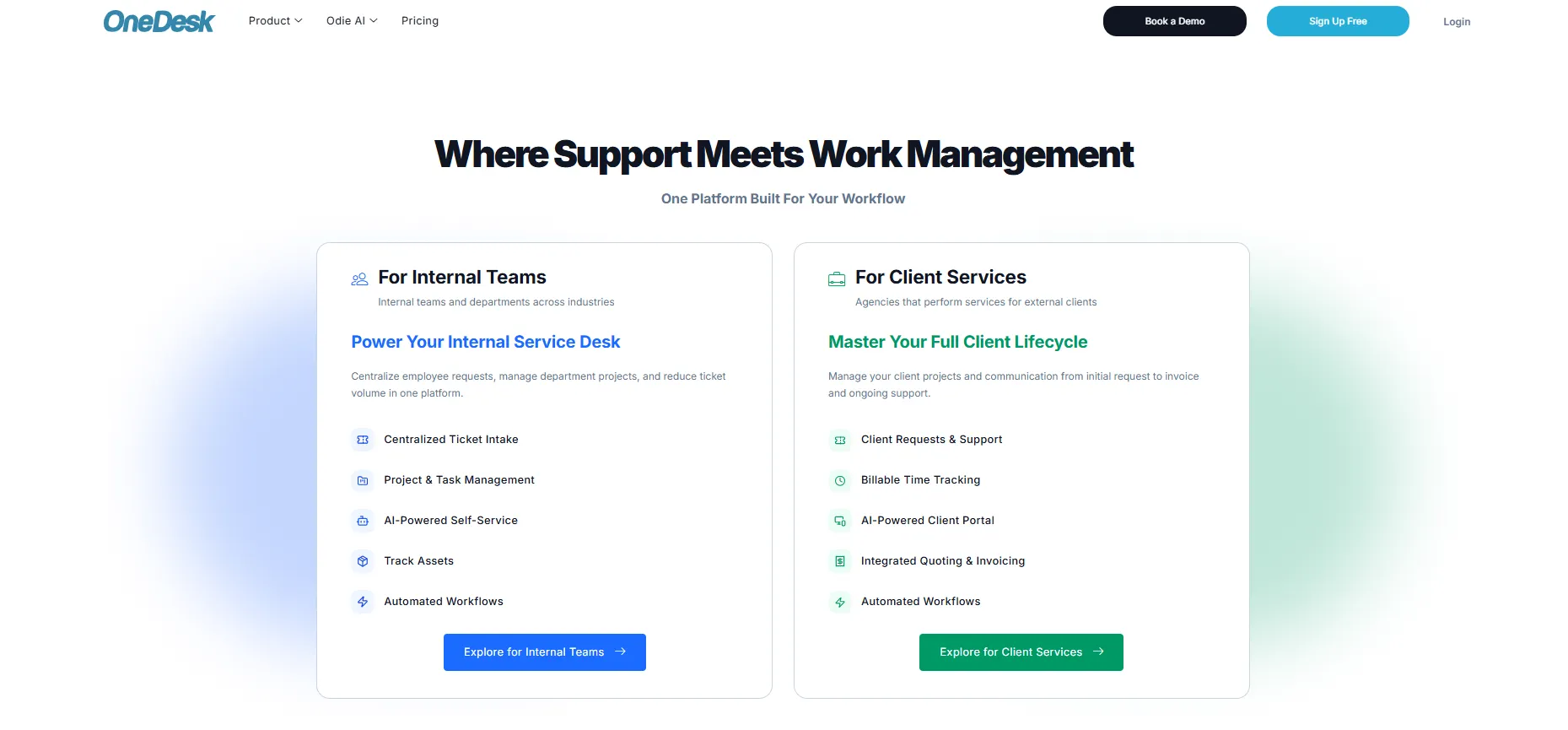
OneDesk combines helpdesk software and project management. It lets you answer customer questions, plan tasks, and track time in the same platform.
It offers email ticketing, live chat, a customer portal, and Odie AI alongside Gantt charts and resource planning. You can also add financials and asset management.
Help Desk Standard and Project Management Standard each start at $10.99/user/month billed annually. The Work Management Standard bundle includes both, plus financials and assets, for $21.99/user/month billed annually. AI and voice usage cost extra.
When comparing OneDesk competitors, check what happens to your project work. A new inbox won't necessarily replace your project tools.
Why look for a OneDesk alternative?
I'd start with what's making your team's day harder. These are 3 good reasons to consider switching.
Your project work already lives elsewhere
If developers already use Jira and you mainly use OneDesk to answer customers, a dedicated customer support platform may fit better. But if you rely on OneDesk for project schedules and billable hours, keep those on your must-have list.
Everyday tasks take too many steps
Some OneDesk users report friction with the interface and configuration. Try assigning a ticket, finding an earlier reply, and sending an update in each alternative. Your agents will quickly tell you which feels easier.
Another plan fits your needs better
OneDesk already has AI and a low entry price. Compare the plans that include your required channels, reporting, and service-level agreements, then add AI usage and separate project subscriptions. That's the price comparison that matters.
The 7 best OneDesk alternatives
Here's where I'd start, depending on whether you need better support tools, project management, or a connection between the two.
1. Featurebase
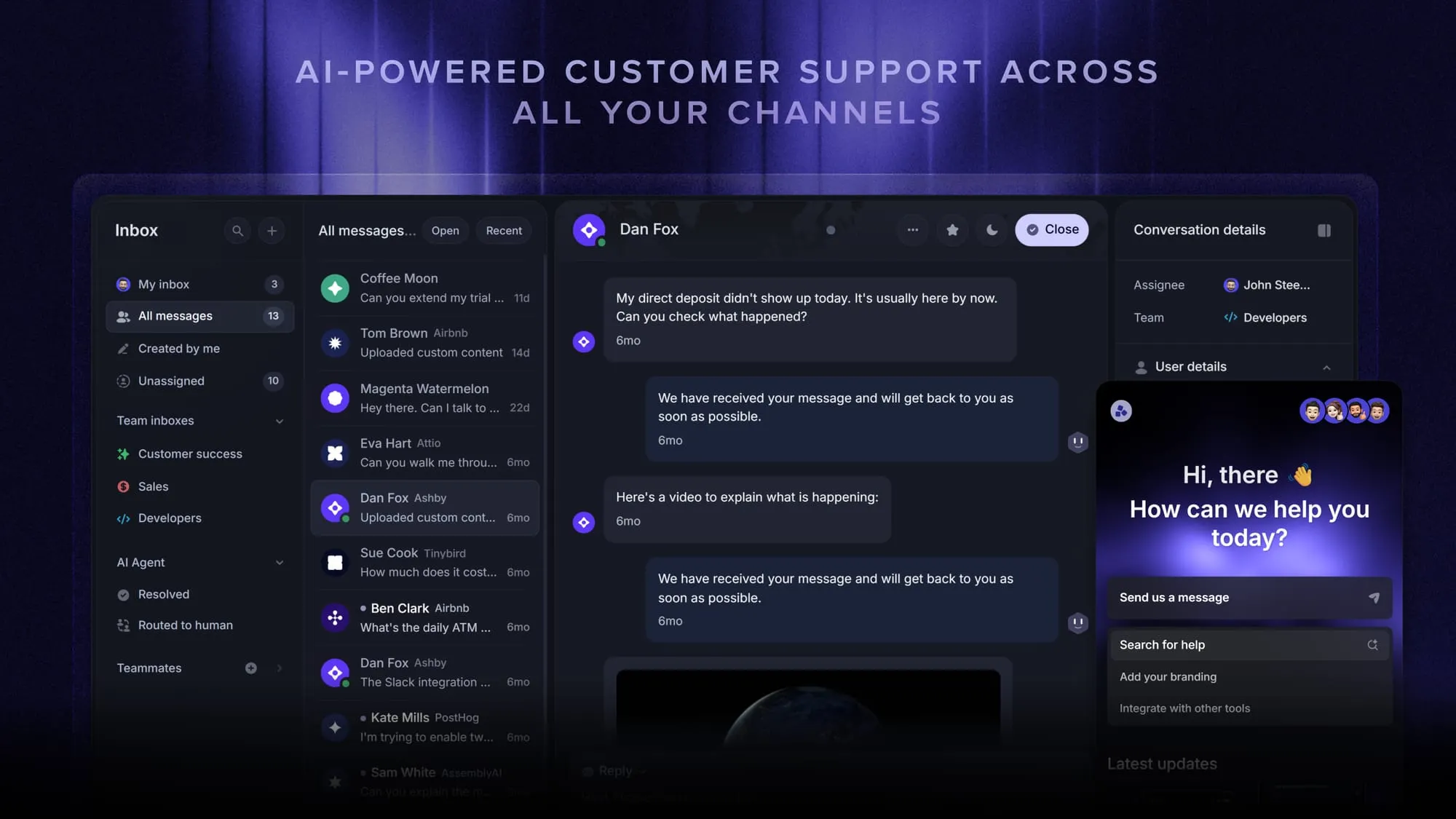
Featurebase is a modern OneDesk alternative for software teams that want AI-powered support, a help center, and product feedback in one place.
I'd shortlist it if customers often ask about bugs or upcoming features. Your support team can connect those conversations to feature requests and roadmaps, keeping the product team in the loop.
Top features:
- Omnichannel inbox – Manage live chat, email, and Slack conversations from one AI-powered view
- Fibi AI Agent - Resolve customer issues on autopilot & run custom actions like trial extensions and refunds
- Help center with AI search – Provide instant, multilingual self-serve answers
- Workflows & automations – Auto-assign tickets, route conversations, collect customer data, and more
- AI Copilot – Help your agents answer customers faster with AI Copilot that uses your internal knowledge
- Multi-brand support – Manage multiple Help Centers and Live chats from a single workspace
- Automatic AI translations – Automatically translate all messages and help articles to your customers' native language
- Service Level Agreements – Track SLAs to make sure your team responds to customers on time, every time
- Mobile app – Respond to customers, receive notifications, and unblock users on the go
- Feedback & roadmap tools – Collect feature requests and close the loop with updates
- Product updates – Publish release notes with a changelog page, in-app widget, and emails
- Integrations – Connects with Slack, Linear, Jira, HubSpot, and more
For detailed project schedules and billable hours, plan to keep a separate project tool.
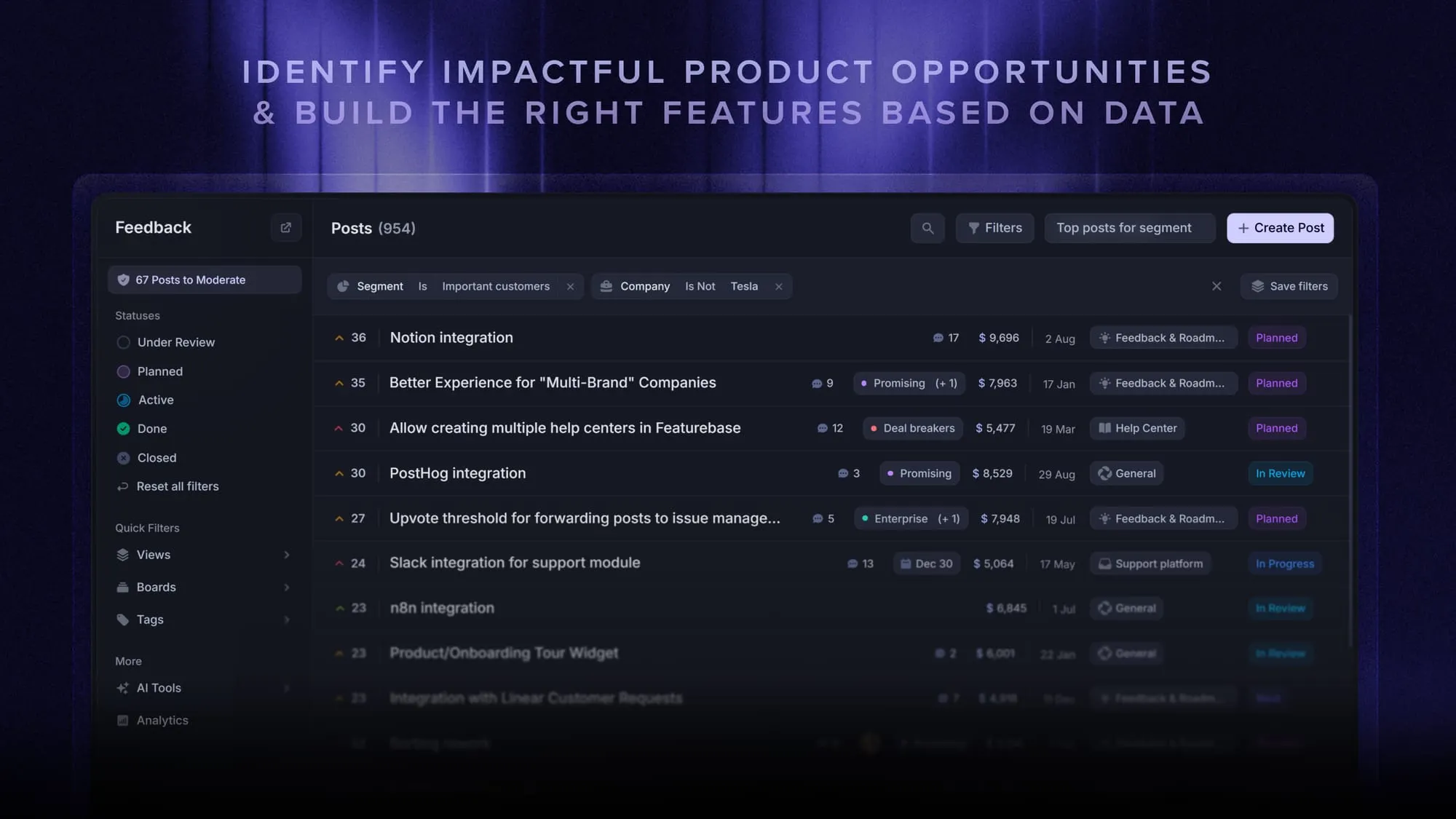
Pricing: $29/seat/month billed annually + $0.49 per AI resolution. The Free plan includes 1 seat and unlimited conversations. Fibi requires a paid plan.
Slack support, workflows, and SLAs start on Professional at $59/seat/month billed annually. Multi-brand support requires Enterprise.
2. Zoho Desk
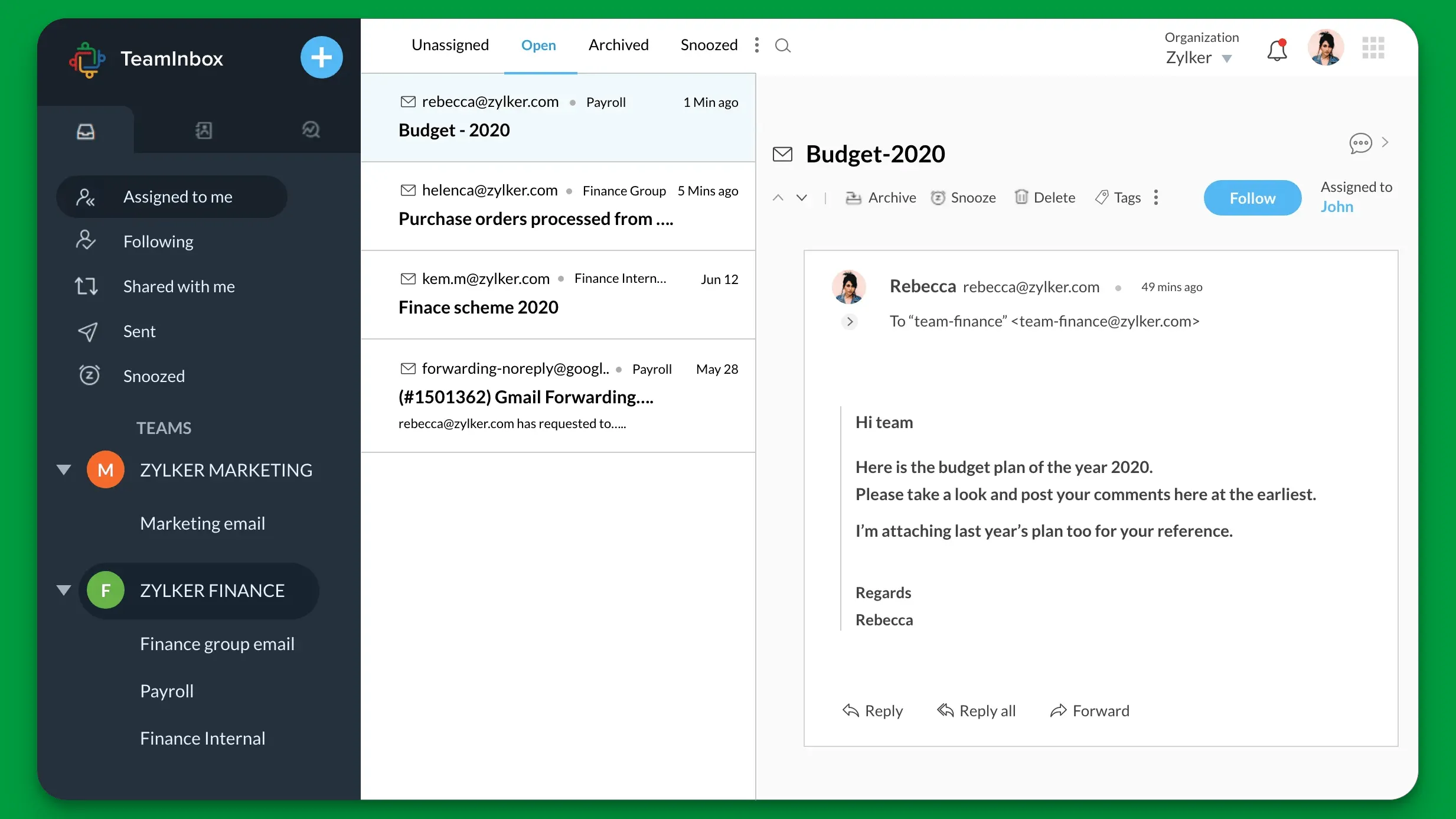
Zoho Desk is worth a look if your team already uses Zoho CRM. It gives support agents access to customer information without having to piece it together across apps.
Top features
- Ticket assignment and workflow automation
- Knowledge base and customer self-service on Standard and above
- Blueprint process automation on Professional and above
Project management comes through a separate Zoho Projects integration. You'll need Desk Standard or higher plus Projects Enterprise for that setup, so budget for both. Users also report that configuration and custom reporting take some work.
Zoho Desk pricing: $7/user/month billed annually for Express, or $14 for Standard with a knowledge base. The Free plan supports 3 users.
3. Freshdesk
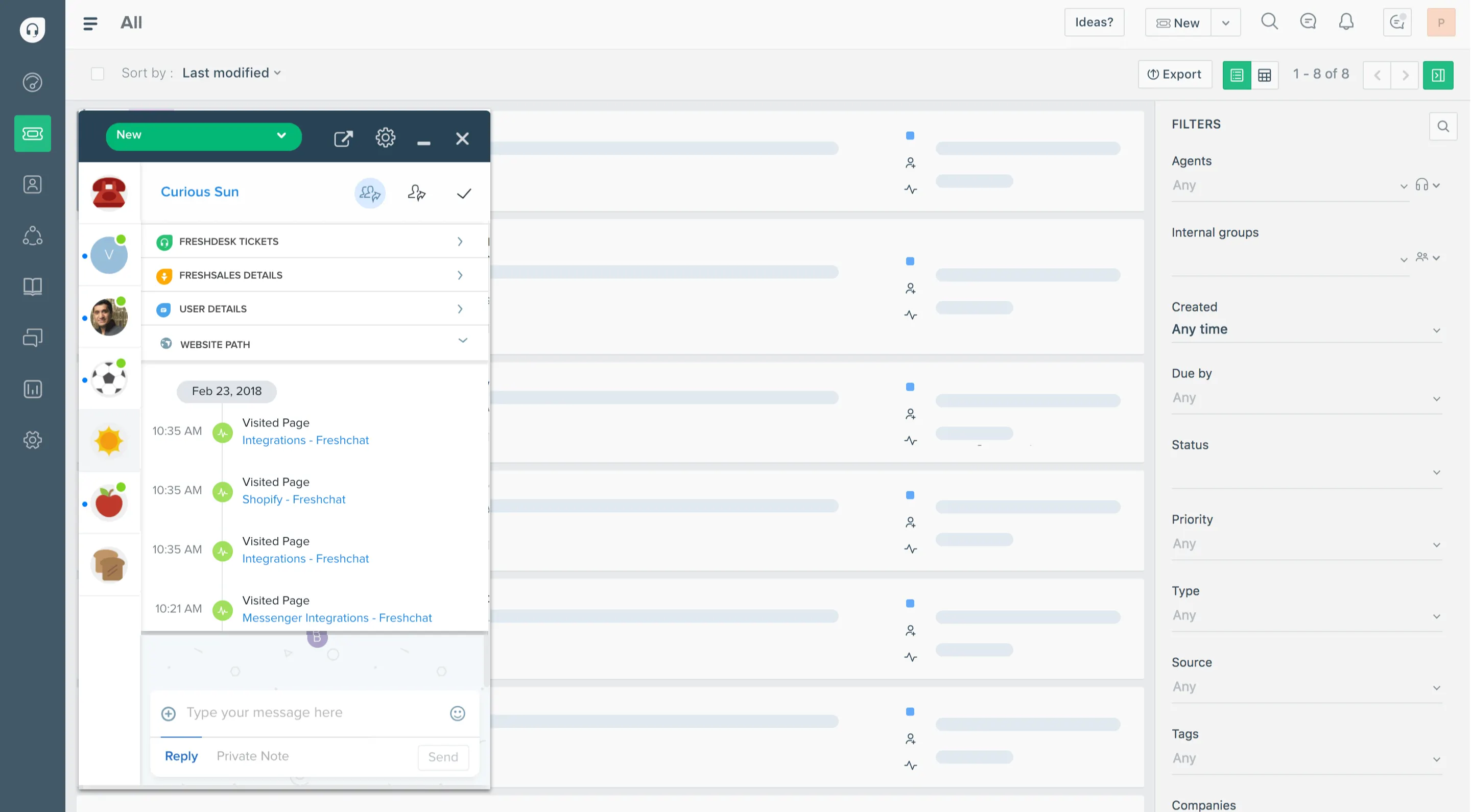
Freshdesk is a good starting point if you mainly need a ticketing system. It brings incoming requests into a shared inbox and helps agents assign, organize, and resolve them.
Top features
- Email ticketing and automation
- Knowledge base and customer portal
- Threads and tasks for coordinating support work
- Freddy AI options, with separate usage and add-on charges
I'd check the reporting and channel coverage carefully. Freshdesk Omni is a separate package, and Freshdesk's support tasks won't replace a full project management setup.
Freshdesk pricing: $19/agent/month billed annually for Growth. Pro is $55 and Enterprise is $89/agent/month billed annually. AI usage beyond included allowances and Copilot cost extra.
4. Zendesk
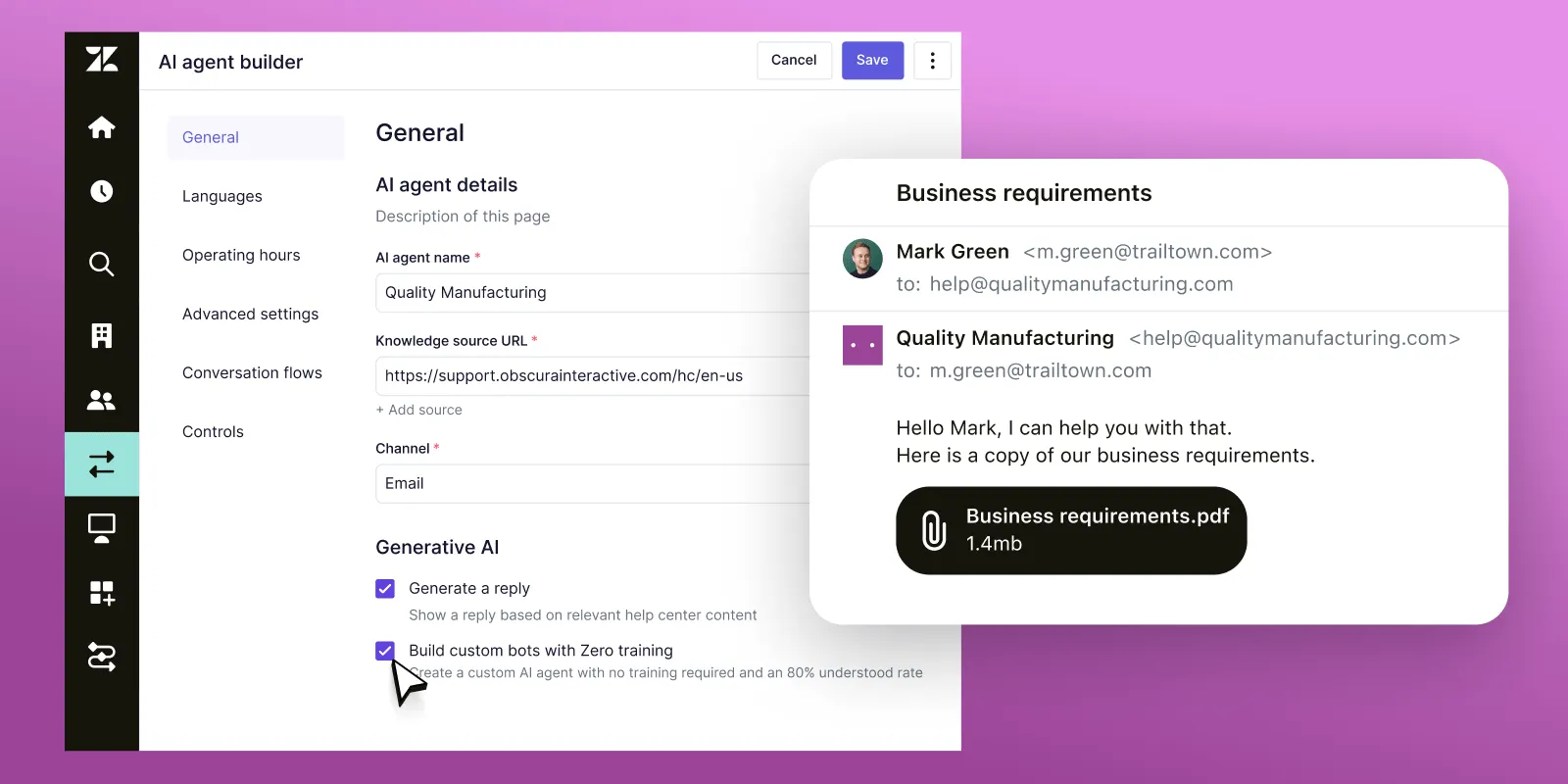
Zendesk is a strong option when customers contact you across several channels and you need control over who handles each request. Its Suite brings messaging, live chat, phone, and self-service together.
Top features
- Email ticketing, macros, and automation
- Messaging, live chat, and telephony in Suite plans
- Knowledge base and AI agents in Suite plans
- Reporting and integrations with other business systems
The catch is the setup and cost. Reviewers often mention complex configuration and expensive upgrades, and you'll still need somewhere to manage projects.
Zendesk pricing: $19/agent/month billed annually for Support Team. For the broader channel coverage, budget for Suite Team at $55/agent/month billed annually.
5. Help Scout
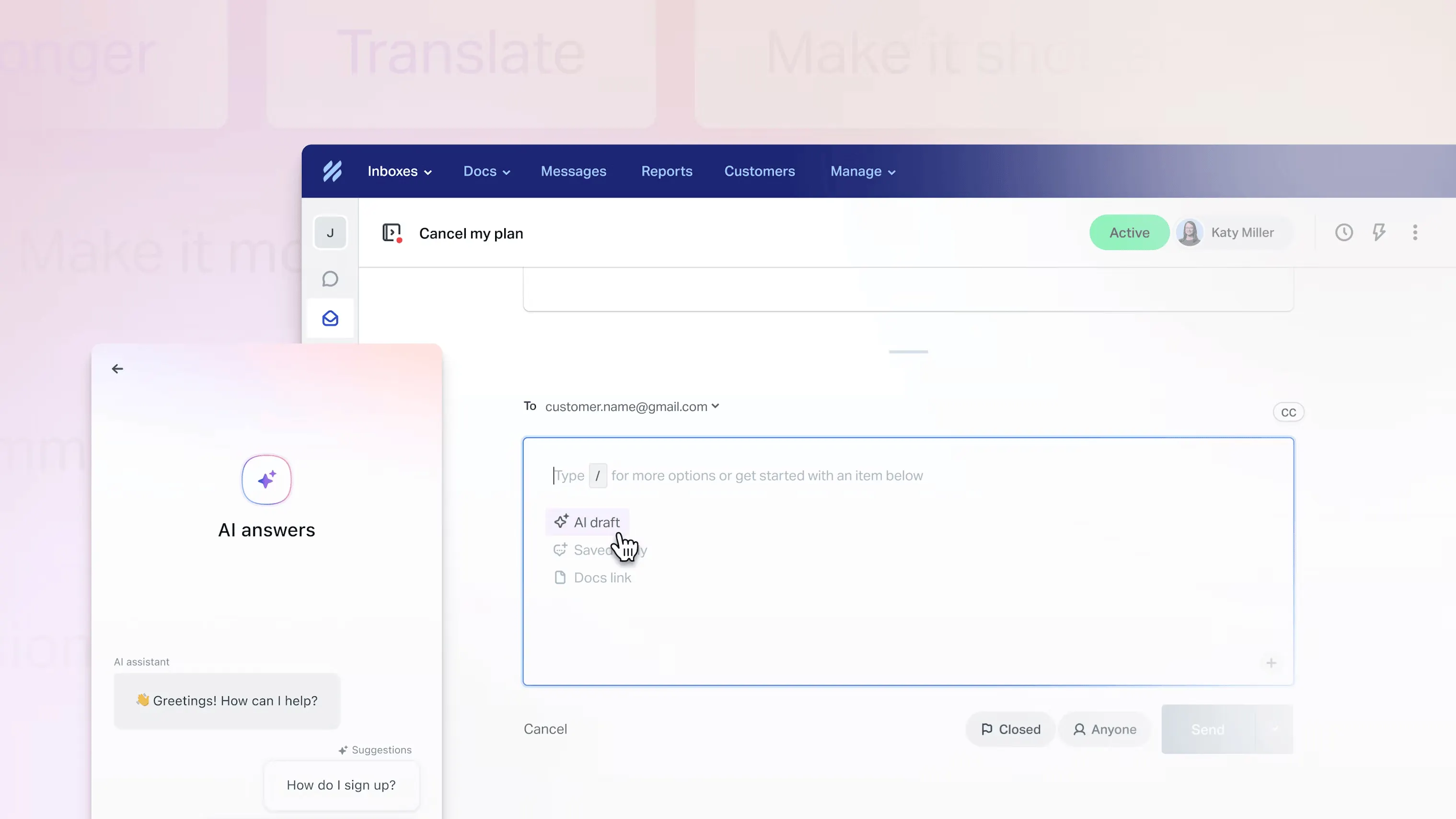
Help Scout suits teams that want a familiar shared inbox. Agents can assign conversations, leave internal notes, and use saved replies without turning every customer email into a complicated process.
Top features
- Shared inbox with assignment and internal collaboration
- Live chat and Docs knowledge base
- Workflows for organizing and routing conversations
- AI assistance and Envoy AI resolution options
I'd choose it when project planning already lives elsewhere. Check reporting depth during your trial, since it's a recurring concern in user feedback. Advanced workflows and the secure customer portal need Plus or higher.
Help Scout pricing: $25/user/month billed annually for Standard, or $45 for Plus. Envoy AI adds $0.75 per resolution. The Free plan supports 5 users and 100 contacts per month.
6. Jira Service Management
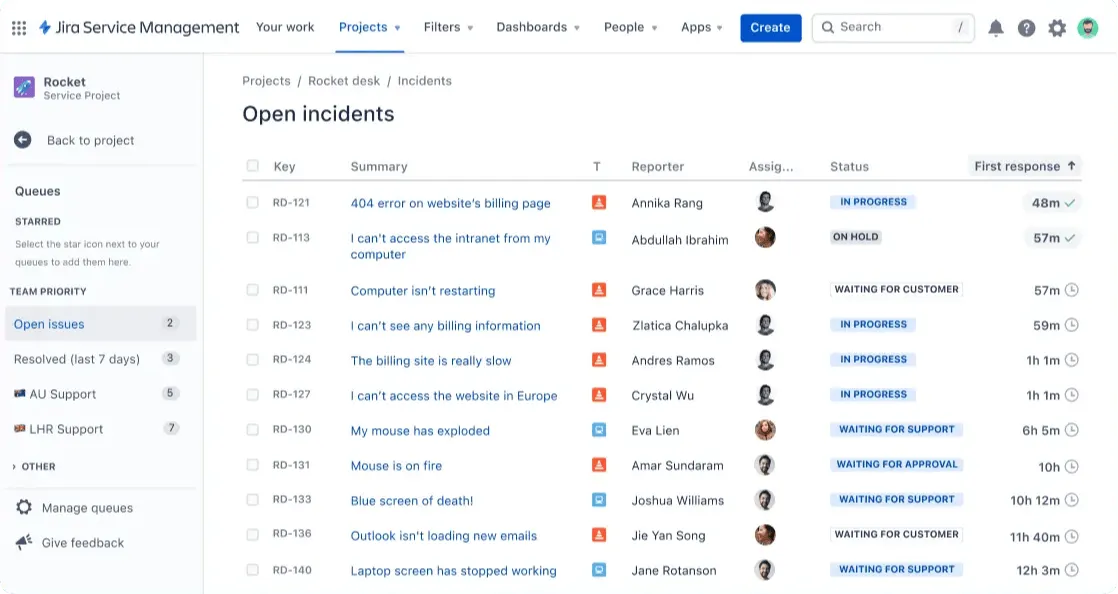
Jira Service Management is worth shortlisting if your IT and engineering teams already work in Atlassian. It keeps service requests connected to the tools they use to investigate and fix issues.
Top features
- Service request intake and configurable workflows
- Customer portals and knowledge resources
- Connections with Jira and Confluence
- Asset management and AI capabilities through Service Collection
Expect some admin work. Users often flag the learning curve and reporting setup, so involve the person who'll maintain it. Also check whether your project work needs separate Jira licenses.
Pricing: $26.90/agent/month, monthly billing at 1 agent, for Standard in Service Collection. The rate changes with agent count and billing frequency. A Free plan supports 3 agents.
7. ClickUp
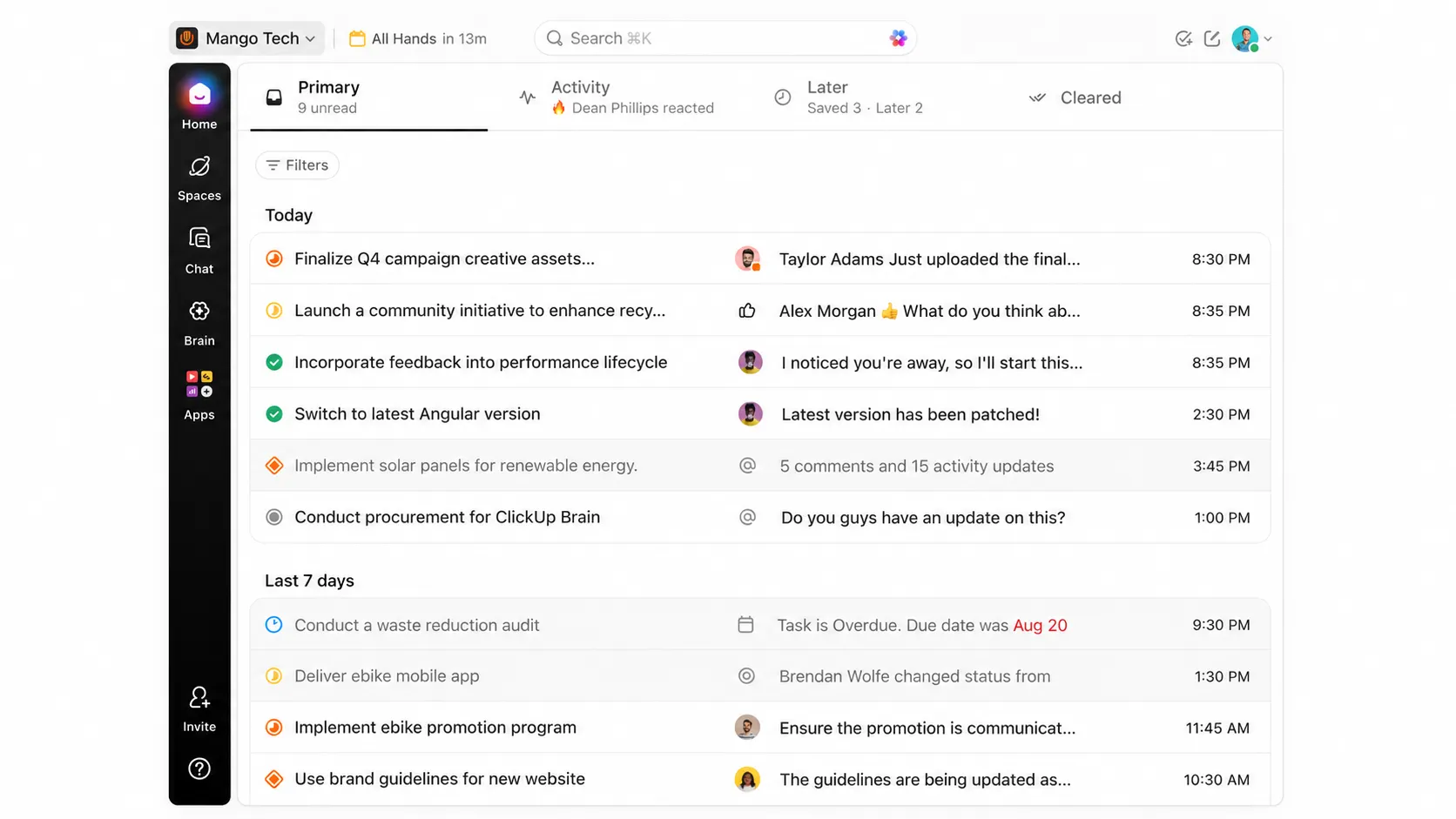
ClickUp is the option I'd consider first if you're mainly replacing OneDesk's project management tools. It brings task management, documents, and time tracking together.
Top features
- Gantt charts and project planning
- Native time tracking and resource management on Unlimited
- Forms that turn incoming requests into tasks
- Custom fields, dashboards, and task collaboration
Support takes more configuration. Test how a customer submits a request and gets a reply before using it as your helpdesk. Keep the initial setup simple, since users often find the settings and notifications overwhelming.
Pricing: $7/user/month billed annually for Unlimited, which includes native time tracking. There's also a Free Forever plan with limits on storage and selected features.
How to choose the right OneDesk alternative
I'd run the same real request through your top 2 choices. Try a bug report that needs an engineering fix, or a client request that becomes billable project work.
Then check 4 things:
- Handoffs: Can support and the person doing the work see the same context?
- Project work: Can you keep the schedules, time records, and billing details you need?
- Automation: Does the AI answer routine questions well and hand over when it gets stuck?
- Total cost: What do seats, plan upgrades, AI usage, and extra project tools cost together?
For customer support automation, include a messy question in your trial. A polished answer to a simple FAQ only tells you so much.
Conclusion
Choose your OneDesk alternative around the work you do every day. A smoother support inbox is useful, but keep project planning and billing on the checklist if you rely on them.
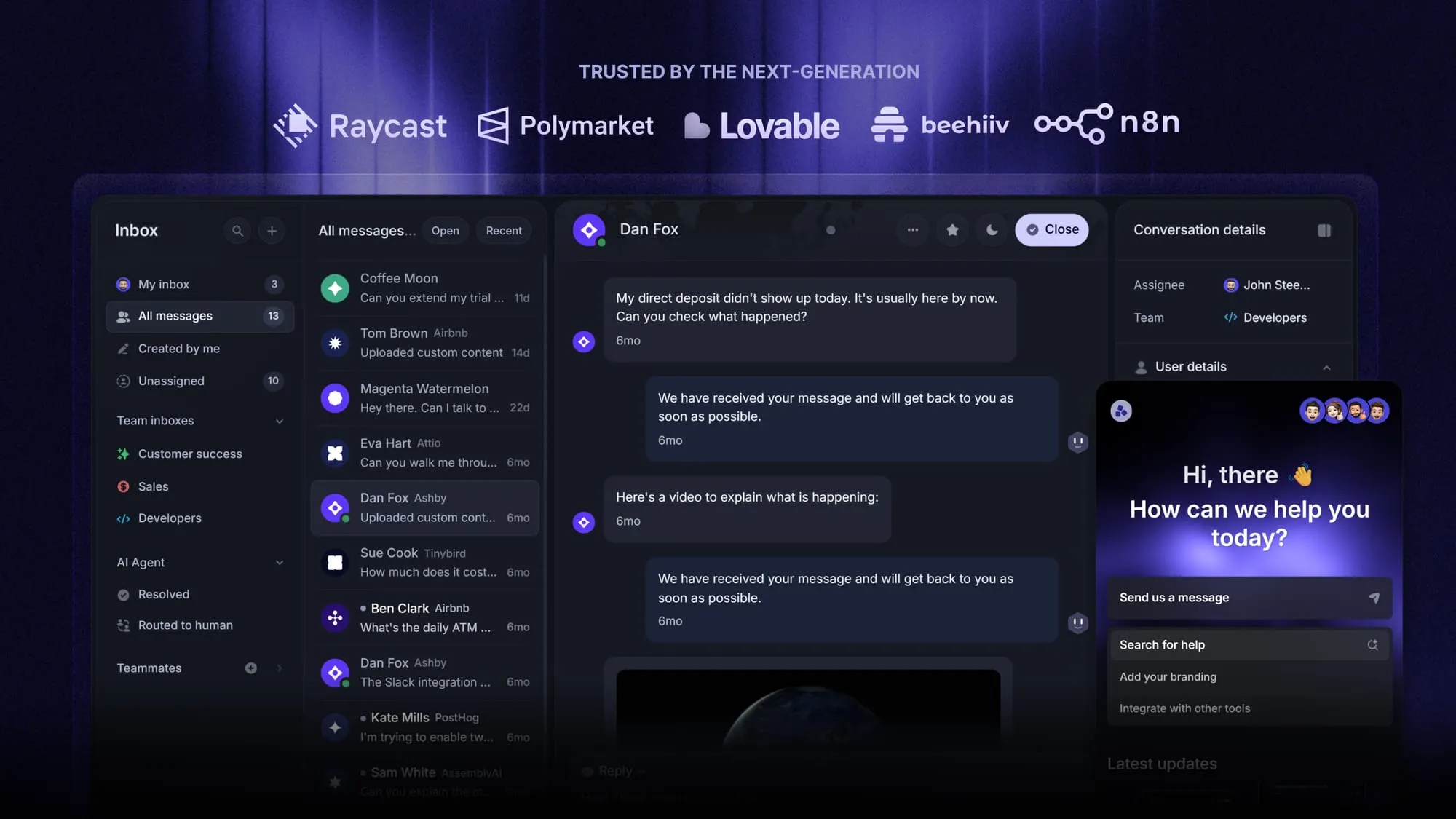
For software teams, Featurebase brings AI-powered support, a help center, and product feedback together, so customer conversations stay connected to what you're building.
The Free plan includes 1 seat and unlimited conversations, so you can try the core tools before committing. 👇
Explore Featurebase's AI-powered support platform
FAQs
Usually, yes, if you own the domain and the new tool supports connecting or forwarding your mailbox. An address supplied by OneDesk may need replacing. Test incoming messages and replies before switching your live inbox.
The export and import tools determine what transfers. Test a few tickets with attachments and custom fields before moving everything, and keep an archive of anything the new tool can't import.
OneDesk and Jira Service Management let customers submit tickets without paid agent seats. For other tools, check customer portal access and contact limits separately from the seat price.
Some do, but organization records, separate portals, and multiple brands work differently. Test whether a customer can see their own tickets, their company's tickets, or another client's information before rolling it out.
Check those requirements first. OneDesk offers on-premise and HIPAA-enabled options, but alternatives may not. Ask the vendor to confirm the exact plan, deployment, and contractual coverage you need before moving customer data.


