Blog Comparisons12 Best Bloomfire Alternatives for Knowledge Management Software in 2026
12 Best Bloomfire Alternatives for Knowledge Management Software in 2026
The very best Bloomfire alternatives for knowledge management and sharing, with their pros and cons.



Bloomfire is a knowledge management platform for internal and customer-facing content. But good enough is not always enough when your team needs better search, more customization, or a more modern help center.
If you’re comparing Bloomfire alternatives, you’re probably looking for a tool that fits your workflow better. Maybe you need stronger AI search, a better internal wiki, or a more polished knowledge base for customers.
In this guide, we break down the best Bloomfire alternatives in 2026. We cover the pros, limitations, pricing, and best use cases for each one so you can find the right fit faster. 👇
TL;DR: top Bloomfire alternatives to consider in 2026
If you want the quick version, here are the top Bloomfire alternatives and what each one does best.
| Tool | Best for | Key strength | Pricing |
|---|---|---|---|
| ✨ Featurebase | Modern customer-facing knowledge bases and AI-powered search | Docs, feedback, changelog, roadmap, and surveys in one platform | Free plan; paid plans from $29/seat/month billed yearly + $0.29 per AI resolution (paid plans) |
| Guru | AI-powered internal knowledge retrieval | Context-aware answers inside team workflows | Paid from $25/seat/month billed annually |
| Confluence | Internal team documentation | Deep Atlassian integration and structured collaboration | Free plan; paid from $5.42/user/month |
| Document360 | Structured professional knowledge bases | Strong categorization, analytics, and polished documentation UX | Custom pricing |
| Notion | Flexible internal docs and team knowledge | Custom workflows, docs, and databases in one workspace | Free plan; paid from $10/member/month |
| KnowledgeOwl | Customizable knowledge bases | Strong access controls and easy content management | Paid from $100/month |
| SharePoint | Enterprise knowledge management | Strong Microsoft 365 integration and permissions | Included in Microsoft 365 plans from $6.00/user/month billed yearly |
| eXo Platform | Digital workplace knowledge sharing | Combines docs, collaboration, and social intranet features | Custom pricing |
| Helpjuice | Branded knowledge bases with analytics | Strong customization and reporting | Paid from $249/month |
| Archbee | Technical and product documentation | Good collaboration and developer documentation workflows | Paid from $80/month |
| ProProfs Knowledge Base | Simple internal and external knowledge bases | Easy setup with structured permissions | Paid plans available |
| Kipwise | Team knowledge sharing inside workflows | Slack-friendly collaboration and content verification | Paid from $6.3/user/month |
Why even look for Bloomfire alternatives?
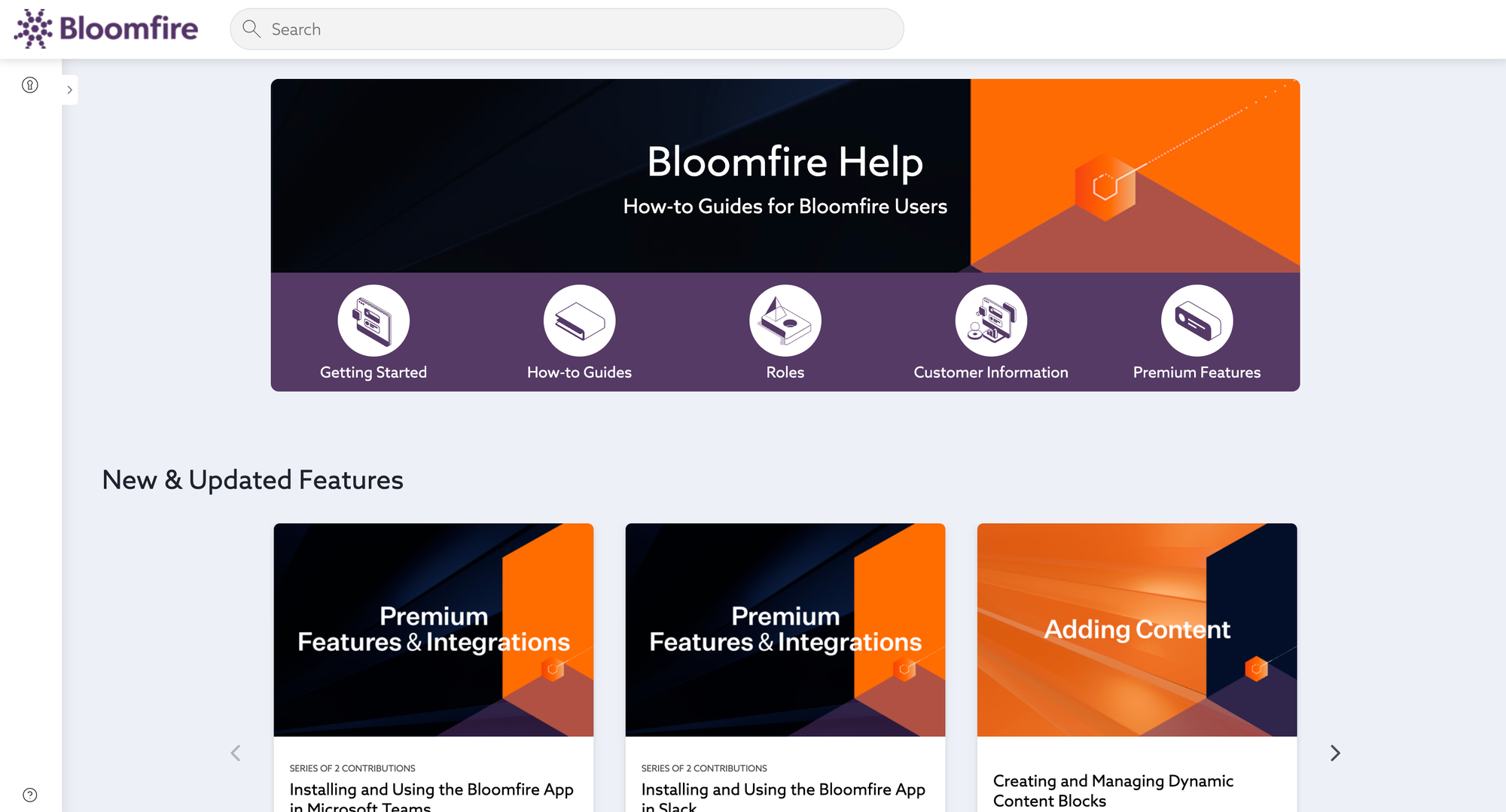
Most users report that this knowledge management software is easy to use and meets their expectations. But there are some downsides you should be aware of.
1. The poor search functionality
One of the cornerstones of good knowledge base software is a good search feature. Unfortunately, Bloomfire doesn't always suggest the most valuable results once your internal team or users look for a term.
Besides the search function, the tags and categories don't always work as intended. As one user puts it: "Sometimes locating information in Bloomfire is challenging. The tags and categories feature does not always help in locating specific articles."
And another user says: "With the current search features built into Bloomfire, some of our back office associates and CSRs have a hard time finding the data or answers needed."
2. Limited customization options
There are many ways to publish a knowledge base. For example, an internal knowledge base can be just a document you share with your team, e.g., as part of employee training. However, for customer-facing knowledge sharing, the knowledge base should fit into your website or app. This is not an area where Bloomfire shines.
"I would say the downside of Bloomfire would be not being able to fully customize it to your liking. There are some features that allow you to make it your own. However, I would like to be able to "fully" customize it." - Source
According to user feedback, you can't make Bloomfire look and feel like a native part of your website or application.
3. Some teams want a more modern help center experience
A lot of companies do not just need internal documentation. They also want a polished, customer-facing knowledge base that feels modern and easy to navigate.
When teams compare Bloomfire competitors, they often look for things like:
- cleaner design
- faster page loading
- better mobile usability
- in-app help widgets
- stronger multilingual support
If your help center is part of your customer experience, these details matter.
4. Pricing and packaging matter more as teams grow
Pricing of Bloomfire becomes more important as your documentation needs grow. A tool that works for a small team may become harder to justify as more teammates, more content, and more use cases get added.
That is why many buyers compare Bloomfire alternatives not just on features, but also on value. They want to know which tool gives them the right mix of search, customization, permissions, and usability for the price.
How we evaluated the best Bloomfire alternatives
To compare the best Bloomfire alternatives, we looked at the features that matter most when choosing a knowledge management platform:
- Search quality – how easy it is for users to find answers quickly
- Customization and branding – whether teams can match the knowledge base to their product and website
- Internal and external documentation support – whether the platform works well for a company's knowledge base
- AI capabilities – including AI search, AI answers, and AI-assisted writing
- Ease of use – how quickly teams can create, manage, and publish content
- Analytics – insights into article performance, search behavior, and content gaps
- Permissions and access control – how well the tool supports private and public knowledge sharing
- Scalability – whether the tool fits a small team now and a larger organization later
- Pricing – whether the product delivers strong value for its target users
The best Bloomfire alternatives in 2026
Let's find your next knowledge management solution in this list of the best Bloomfire competitors you can try in 2026 and beyond.
1. Featurebase ✨
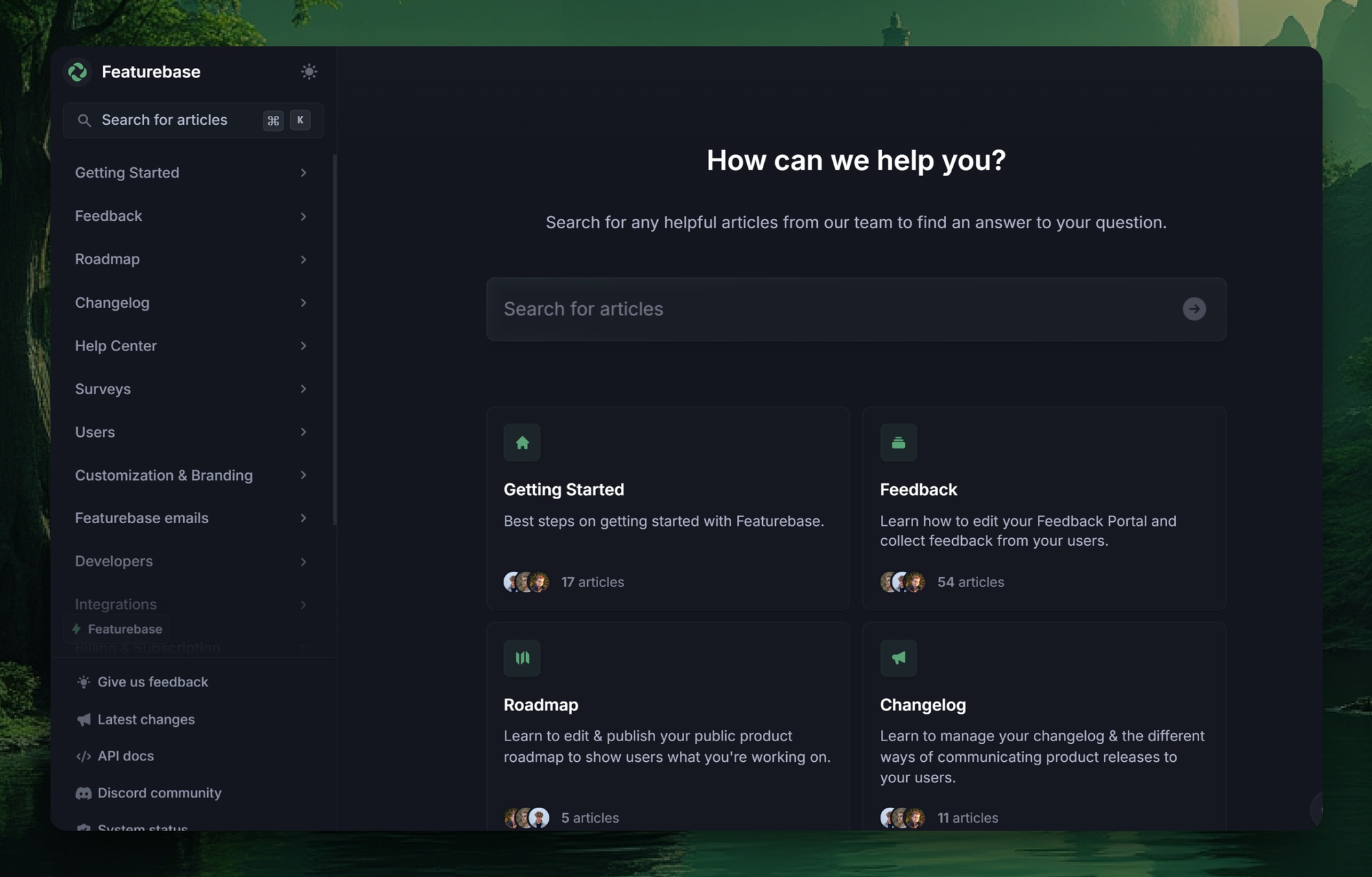
Featurebase (👋 that's us) is a modern Bloomfire alternative. It helps you create a beautiful knowledge base quickly that has your own branding, AI search, and much more. You can bring articles to your users with in-app widgets, and it comes with affordable pricing (starting at $29 per user per month) and a free plan.
Check out our live help center 👈
Top features:
- Public & internal knowledge base - Detailed control over who you can access each article, so you can create internal and external help docs.
- Customizable branding – Adjust your knowledge base with your brand's colors, logos, and custom domains to provide a seamless user experience.
- Notion-style text editor – Utilize a rich text editor offering extensive formatting options and custom components.
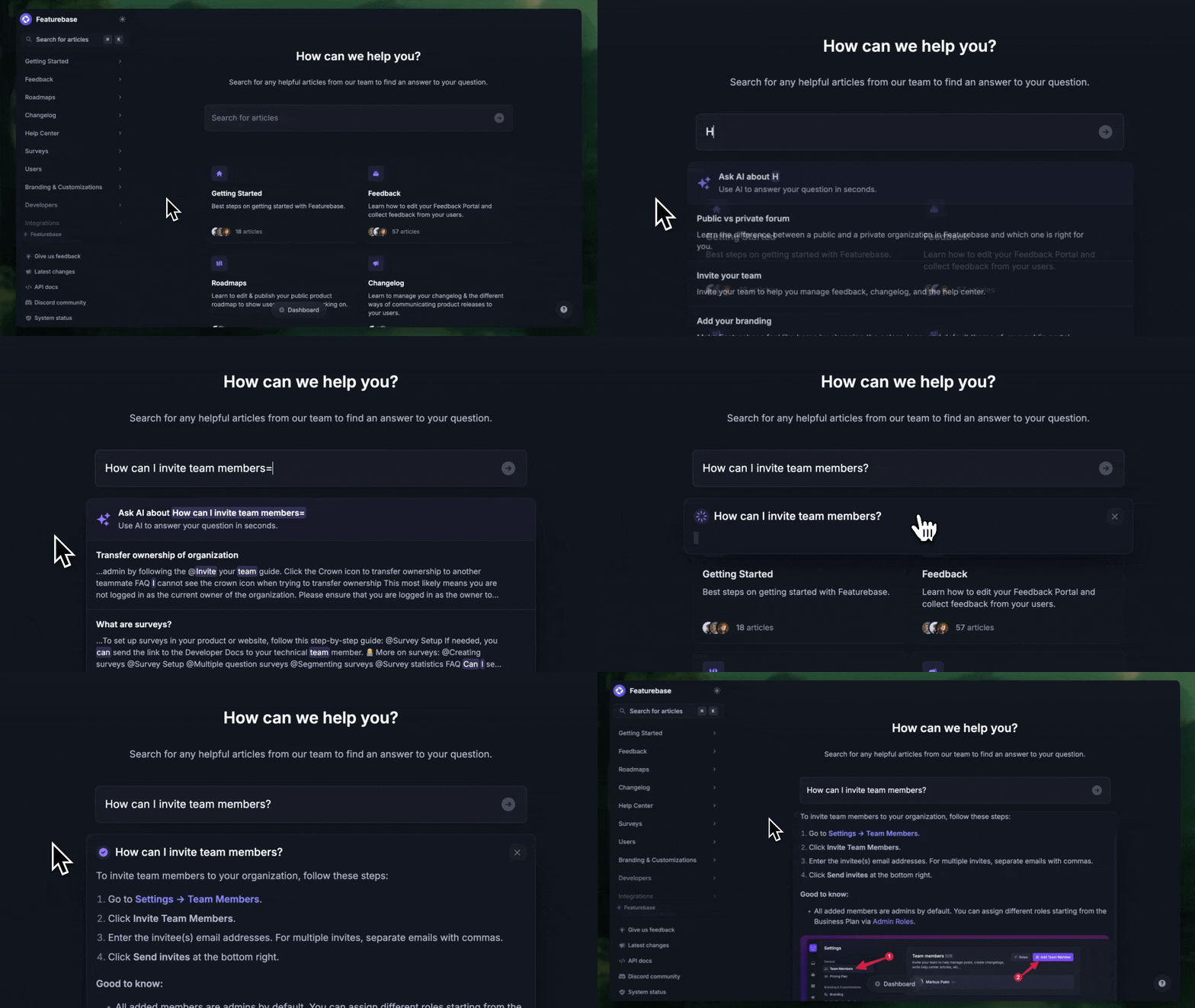
- Lightning-fast AI search – Implement instant full-text and AI-driven search capabilities, enabling users to locate the information they need quickly.
- Embeddable in-app widget – Serve help articles directly within your app through an embeddable widget.
- Multilingual support – Publish content in over 40 languages, automatically displaying the right version based on users' browser settings.
- Real-time analytics - see your most popular articles, how they perform and what people search for.
- SEO optimized – Get out-of-the-box SEO optimization to improve the visibility of your knowledge base in search engine results.
- Plus, your feedback forum, product roadmaps, changelogs, and surveys—all in one place to help you build better products
How it’s better than Bloomfire: Featurebase offers a more integrated approach by combining knowledge management with feedback collection, changelogs, and surveys, providing a unified platform for user engagement and support.
Pricing: Featurebase has a Free plan, with paid plans starting at $29/seat/month billed yearly, plus $0.29 per AI resolution on paid plans.
✨ Create a beautiful Help Center with Featurebase for free →
2. Guru
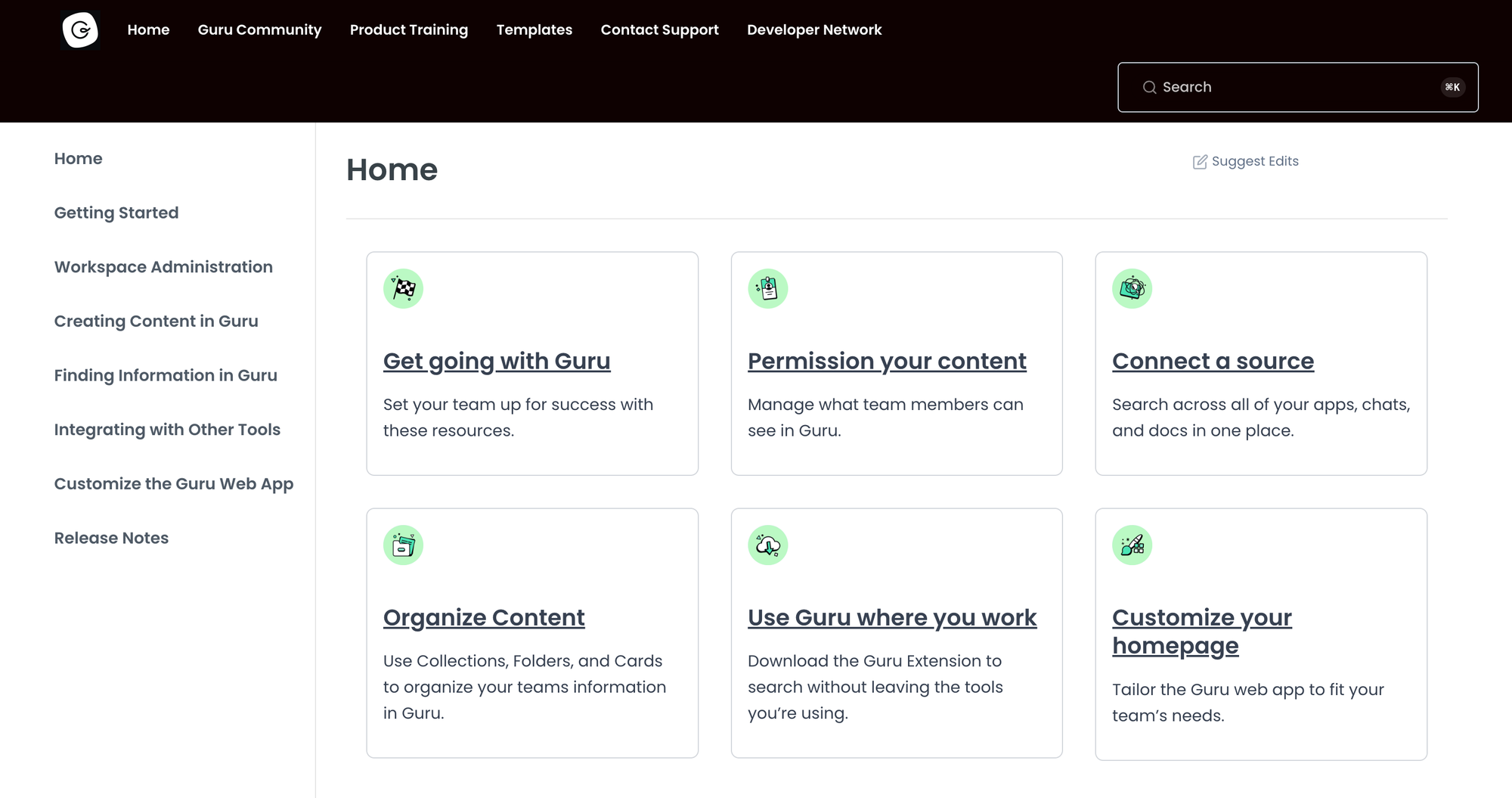
Guru is an AI-driven knowledge management platform that unifies company information and delivers reliable answers within workflows. The intelligent search and verification features make it a solid alternative to Bloomfire for organizations that need accurate, up-to-date knowledge sharing.
Top features
- AI-powered enterprise search – Connects scattered information and delivers personalized, actionable answers.
- Seamless integrations – Works with Slack, Salesforce, Jira, and other tools.
- Knowledge verification – Keeps information accurate by allowing subject matter experts to verify and update content.
- Browser extension – Provides quick access to knowledge without leaving the current web page.
- Analytics and reporting – Tracks knowledge usage and engagement to help teams improve resources.
How it’s better than Bloomfire: Guru’s AI-driven search and verification system ensures teams always have accurate, up-to-date information, reducing time spent searching for answers.
Pricing: Guru’s pricing starts at $25/seat/month billed annually (or $30/seat/month billed monthly), while Enterprise uses custom pricing.
3. Confluence
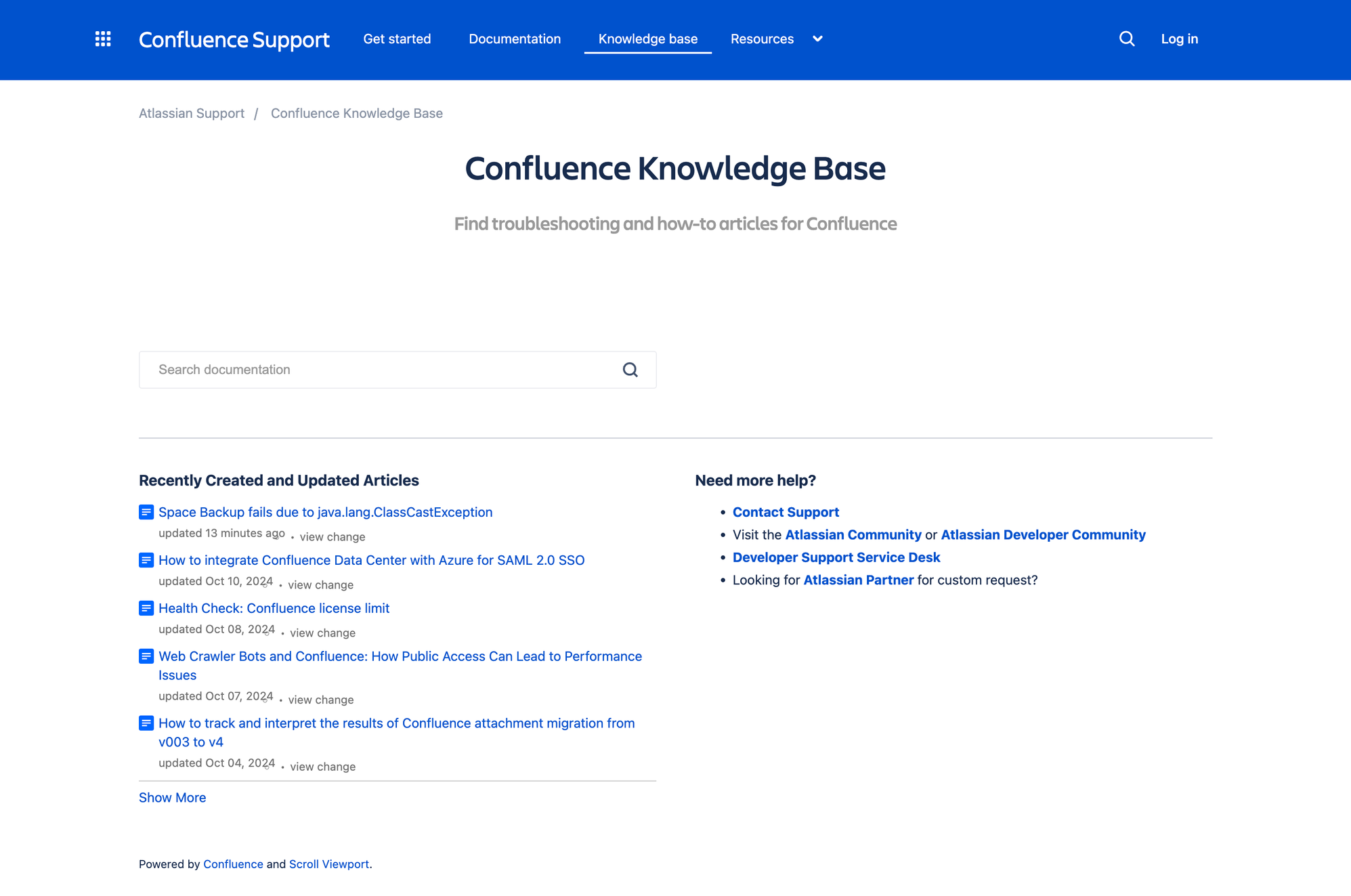
Confluence by Atlassian is designed to help teams create, share, and manage content efficiently. Its great integration capabilities and structured content organization make it a strong alternative to Bloomfire for organizations seeking a comprehensive collaboration platform.
Compared to some other tools, you may find it has a slightly steep learning curve, but its user interface and team collaboration features more than make up for it.
Top features
- Real-time editing – Allows multiple users to edit pages simultaneously.
- Customizable templates – Provides a variety of pre-built templates for meeting notes, project plans, and more.
- Advanced search functionality – Enables users to quickly locate information across pages and attachments.
- Integration with Atlassian tools – Seamlessly connects with Jira and other Atlassian products, facilitating unified project management and documentation.
- Permission management – Offers granular control over user access to spaces and pages.
How it’s better than Bloomfire: Confluence's deep integration with Atlassian's toolset and its extensive customization options provide a more unified and flexible environment for teams managing complex projects.
Pricing: Confluence has a Free plan for up to 10 users, with paid plans starting at $5.42/user/month for Standard and $10.44/user/month for Premium.
You can also check out our Confluence pricing blog for a more detailed breakdown.
4. Document360
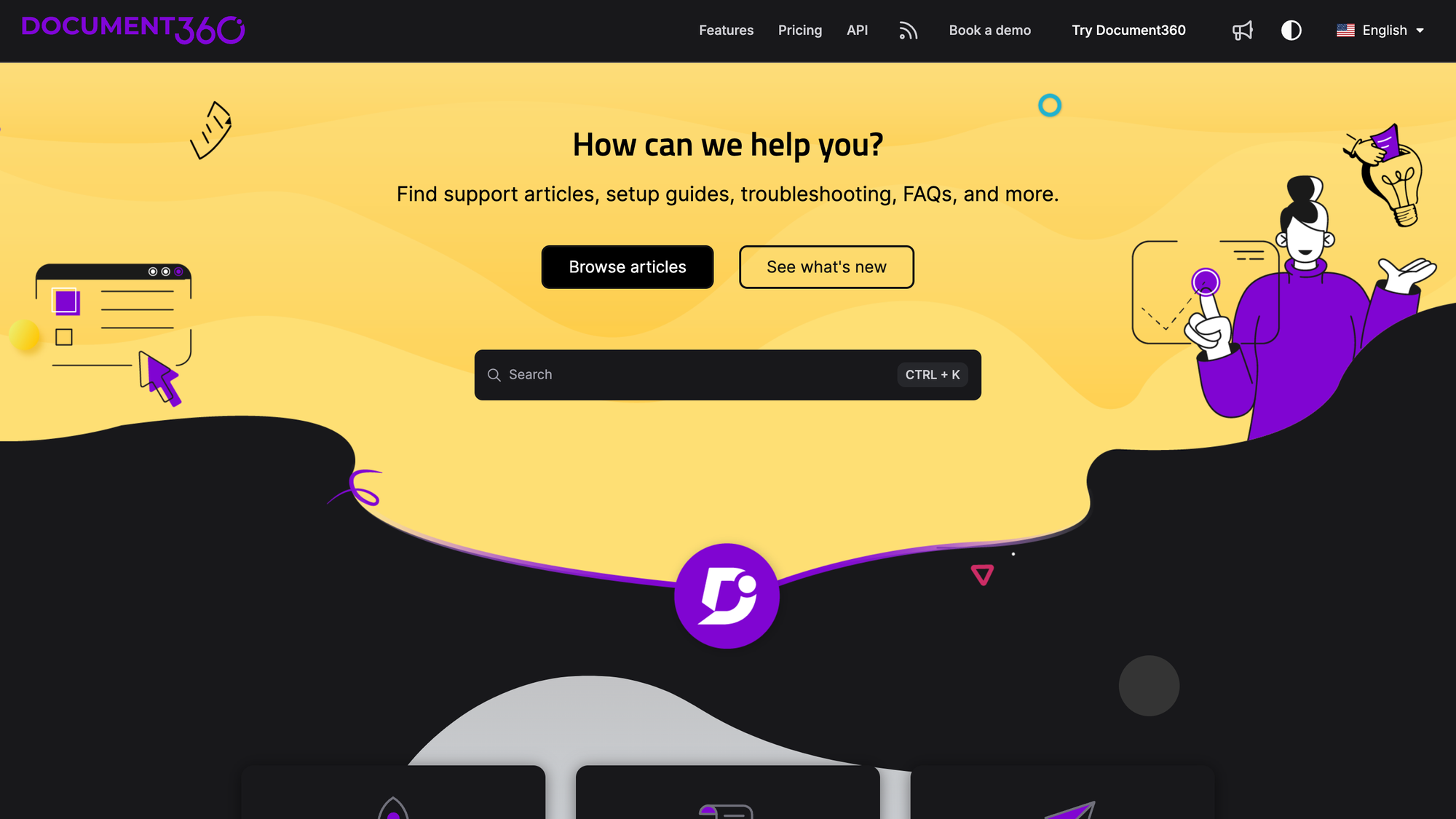
Document360 is a specialized knowledge base platform designed to help organizations create, manage, and share self-service documentation for internal teams and external customers. Its comprehensive feature set and user-friendly interface make it a decent alternative to Bloomfire.
Top features
- Multiple editor options – Offers both Markdown and WYSIWYG editors, catering to technical and non-technical writers alike.
- Version management – Supports article-level versioning, allowing teams to track changes and revert to previous versions.
- Category management – Enables content organization into hierarchical categories with up to six levels.
- Advanced analytics – Provides insights into user engagement, article performance, and search behaviors.
- Extensive integrations – Connects with various third-party tools, including Slack, Microsoft Teams, and Zendesk.
How it’s better than Bloomfire: Document360's specialized focus on knowledge base creation, flexible editing options, and robust version control offers a more tailored and controlled documentation experience than Bloomfire.
Pricing: Document360 uses custom pricing, so you’ll need to request a quote.
5. Notion
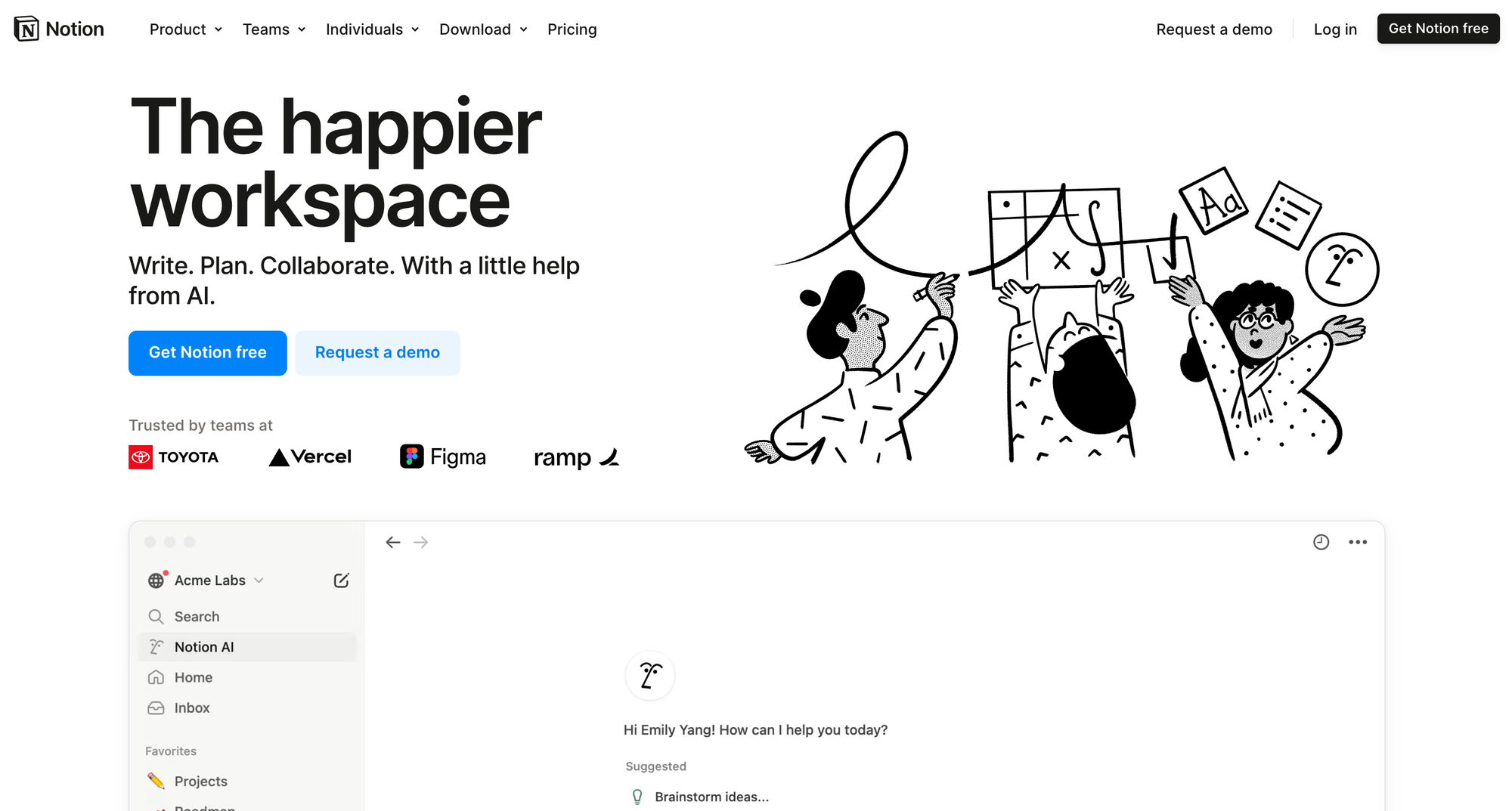
Notion is an all-in-one productivity platform that combines note-taking, task management, and knowledge sharing into a customizable workspace. Its versatility and integration capabilities make it a compelling alternative to Bloomfire for teams seeking a unified collaboration and information management solution.
Top features
- Flexible page organization – Allows users to create pages within pages, enabling a hierarchical structure that adapts to various organizational needs.
- Databases and views – Supports the creation of databases with multiple views, such as tables, lists, boards, and calendars, facilitating diverse data management approaches.
- Real-time collaboration – Enables multiple users to edit and comment on documents simultaneously, promoting seamless teamwork.
- Integration with external tools – Connects with applications like Slack, GitHub, and Google Drive.
- Notion AI – Incorporates artificial intelligence to assist with tasks like content generation, summarization, and translation, enhancing productivity.
How it’s better than Bloomfire: Notion's extensive customization options and ability to integrate various productivity tools provide a more adaptable and comprehensive environment for managing projects and knowledge.
Pricing: Notion has a Free plan, with paid plans starting at $10/member/month for Plus and $20/member/month for Business, while Enterprise uses custom pricing.
6. KnowledgeOwl
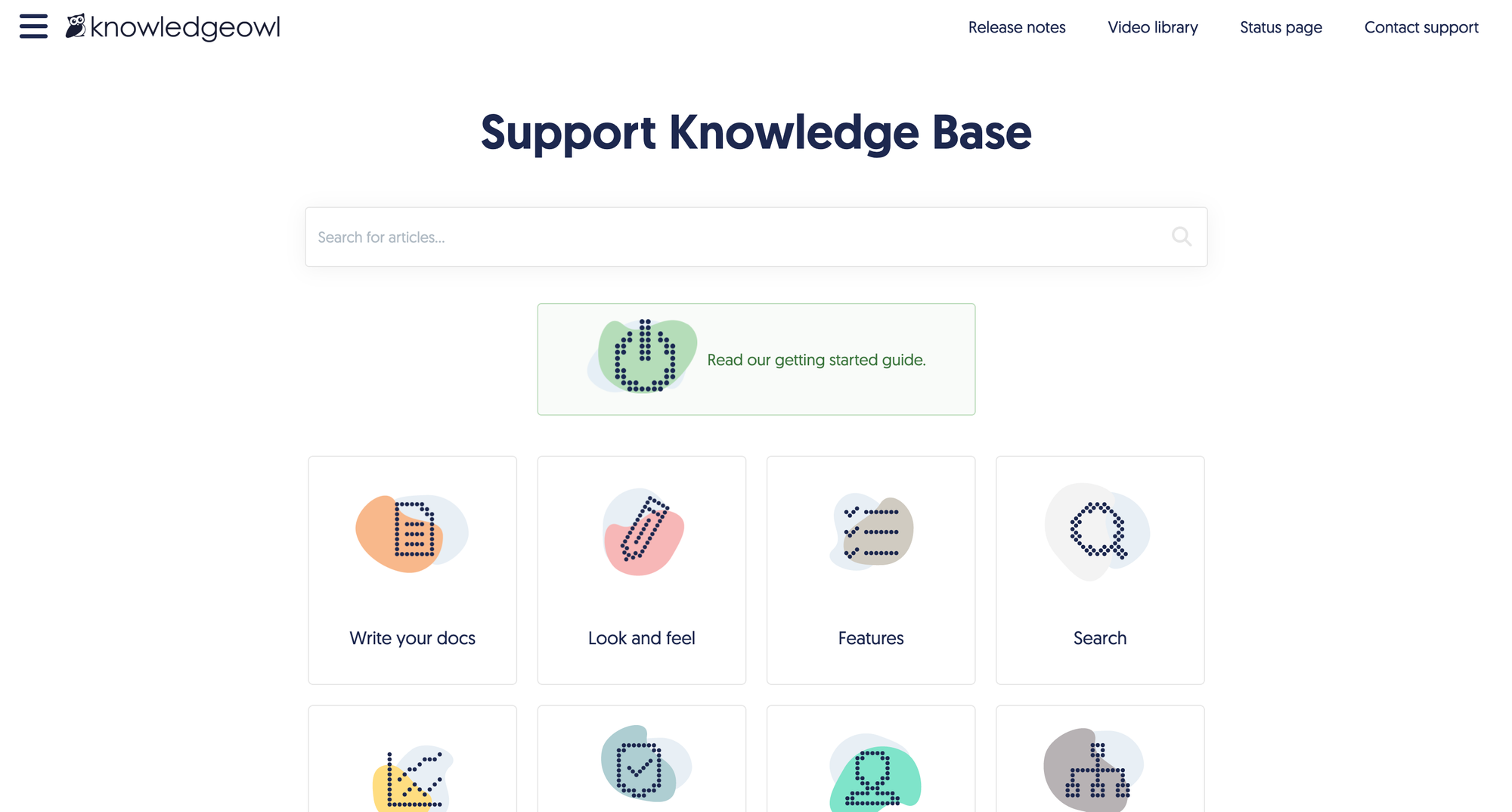
KnowledgeOwl is a dedicated knowledge base software designed to help organizations create, manage, and share public and private documentation. Its focus on customization and user-friendly features makes it a strong alternative to Bloomfire for teams seeking a tailored knowledge management platform.
Top features
- Intuitive WYSIWYG editor – Allows users to create and edit content easily without requiring technical expertise.
- Advanced access controls – Offers granular permissions to manage who can view or edit specific content, enhancing security.
- Customizable branding – Enables organizations to align the knowledge base's appearance with their brand identity for a cohesive look.
- Robust search functionality – Provides full-text search capabilities, ensuring users can quickly find relevant information.
- Reader feedback options – Incorporates features like comments and ratings to gather user insights and improve content quality.
How it’s better than Bloomfire: KnowledgeOwl's emphasis on customization and its user-friendly interface give organizations greater flexibility in customizing their knowledge base to specific needs.
Pricing: KnowledgeOwl starts at $100/month for Basic, with higher-tier plans at $250/month for Pro and $500/month for Business. Enterprise pricing starts at $13,500/year.
7. SharePoint
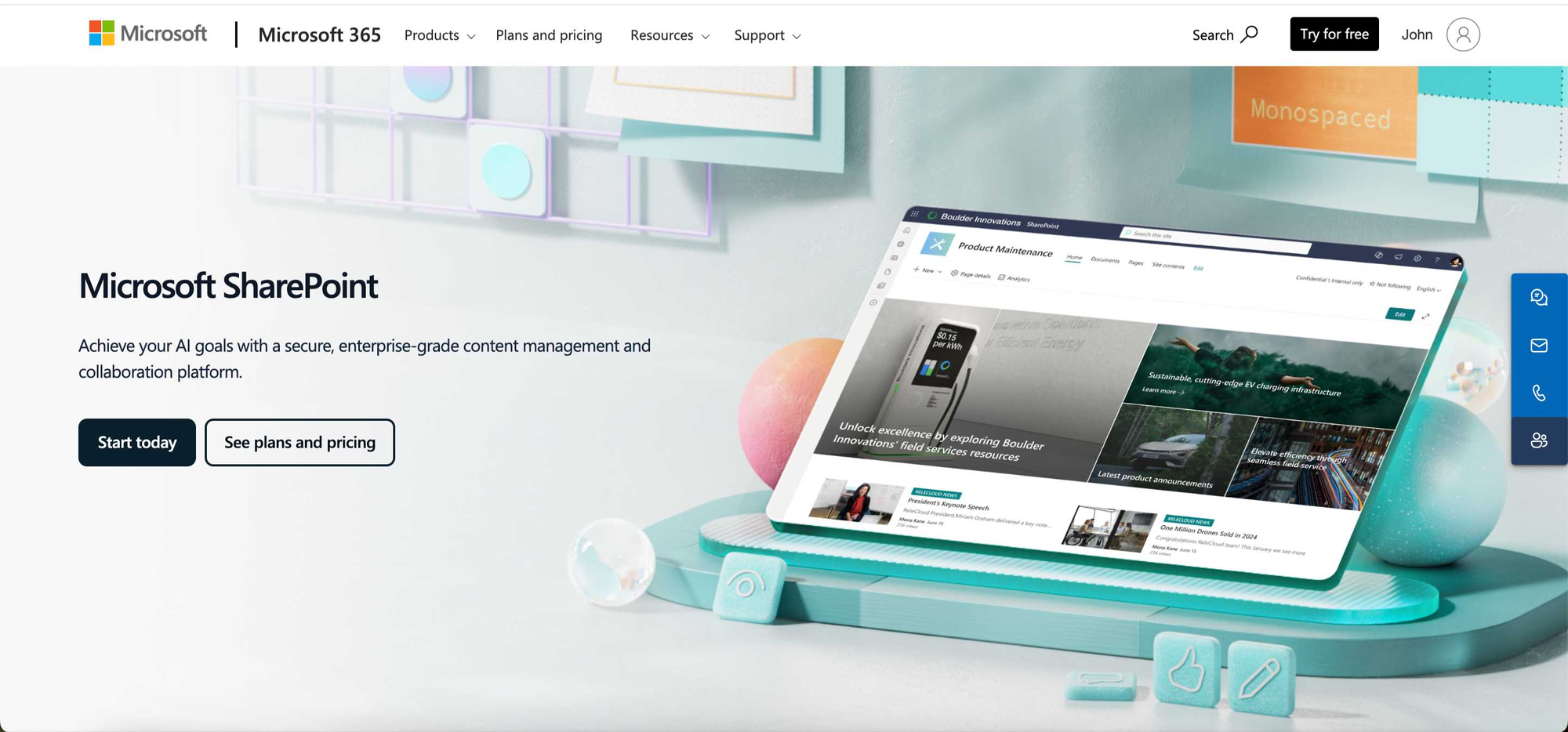
Microsoft SharePoint is a web-based content management and collaboration tool that helps organizations securely store documents and organize and share information. Its deep integration with Microsoft 365 makes it a strong alternative to Bloomfire for teams that need a scalable and customizable knowledge management system.
Top features
- Document management and storage – Securely store, organize, and collaborate on files with version control and permission settings.
- Team and communication sites – Create dedicated sites for departments and projects to centralize collaboration.
- Integration with Microsoft 365 – Works seamlessly with Outlook, Teams, and OneDrive.
- Advanced search functionality – Quickly find documents, lists, and content across the organization.
- Customizable workflows – Automate approval processes and repetitive tasks with built-in workflow tools.
How it’s better than Bloomfire: SharePoint offers deeper integration with Microsoft 365 and more extensive customization options, making it better suited for large enterprises managing complex knowledge and collaboration needs.
Pricing: SharePoint is included in Microsoft 365 plans, which start at $6.00/user/month billed yearly, with higher tiers at $12.50 and $22.00/user/month.
8. eXo Platform
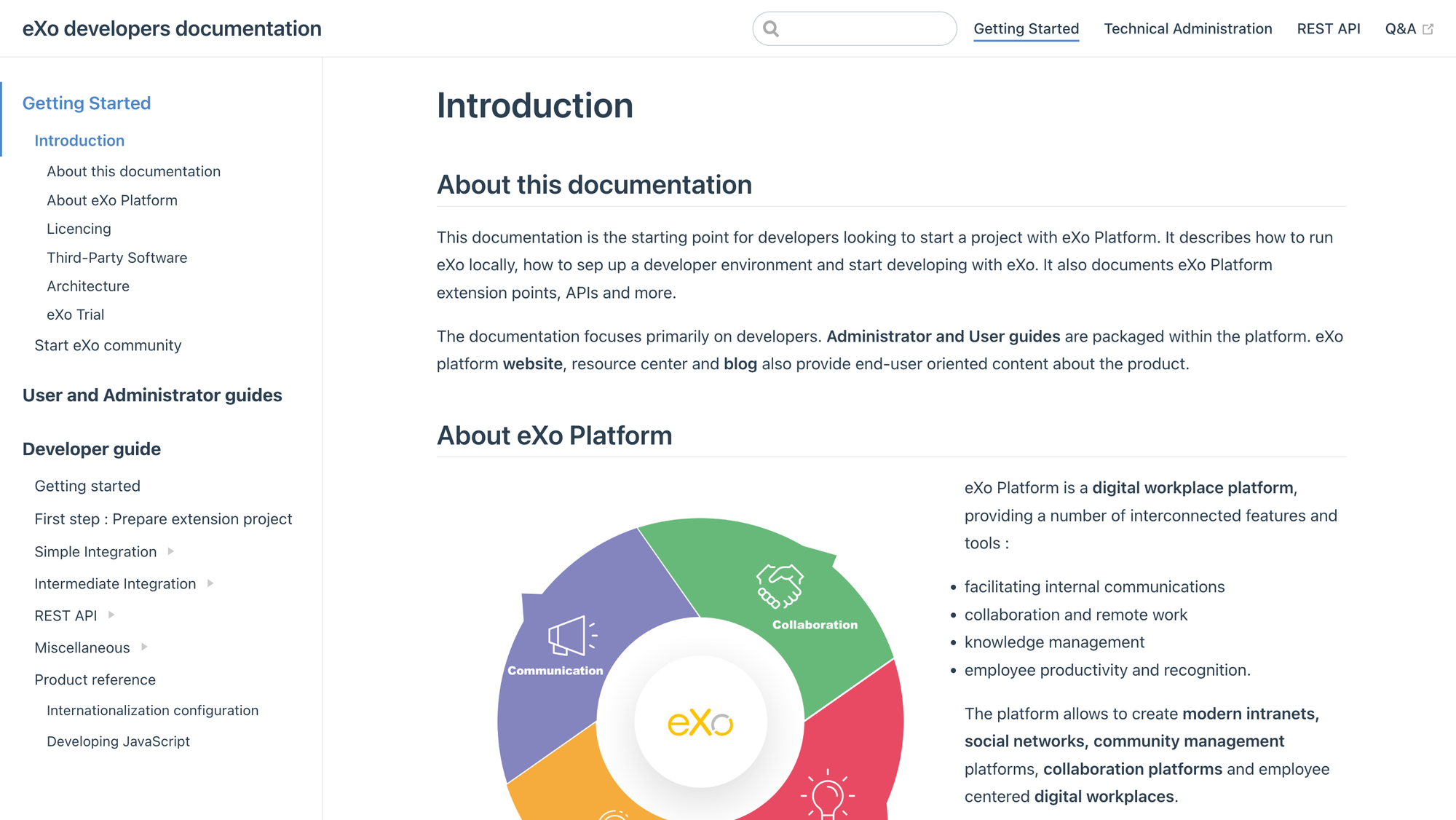
eXo Platform is an open-source digital workplace that combines communication, collaboration, knowledge management, and employee engagement in one interface. Its broad feature set makes it a strong alternative to Bloomfire for teams that need more than just a knowledge base.
Top features
- Enterprise social networking – Provides activity streams, forums, and communities to improve company-wide communication.
- Document management system – Enables secure storage, sharing, and collaboration on documents.
- Project management tools – Includes task management, shared calendars, and workspaces to support team projects.
- Integrated chat and video conferencing – Offers real-time messaging and virtual meeting capabilities.
- Customizable dashboards and analytics – Tracks user engagement and platform activity with built-in reporting tools.
How it’s better than Bloomfire: eXo Platform provides more customization options, built-in project management tools, and real-time communication features, making it a more comprehensive workplace solution.
Pricing: eXo Platform uses custom pricing and does not list public plans on its website, so you’ll need to request a quote.
9. HelpJuice
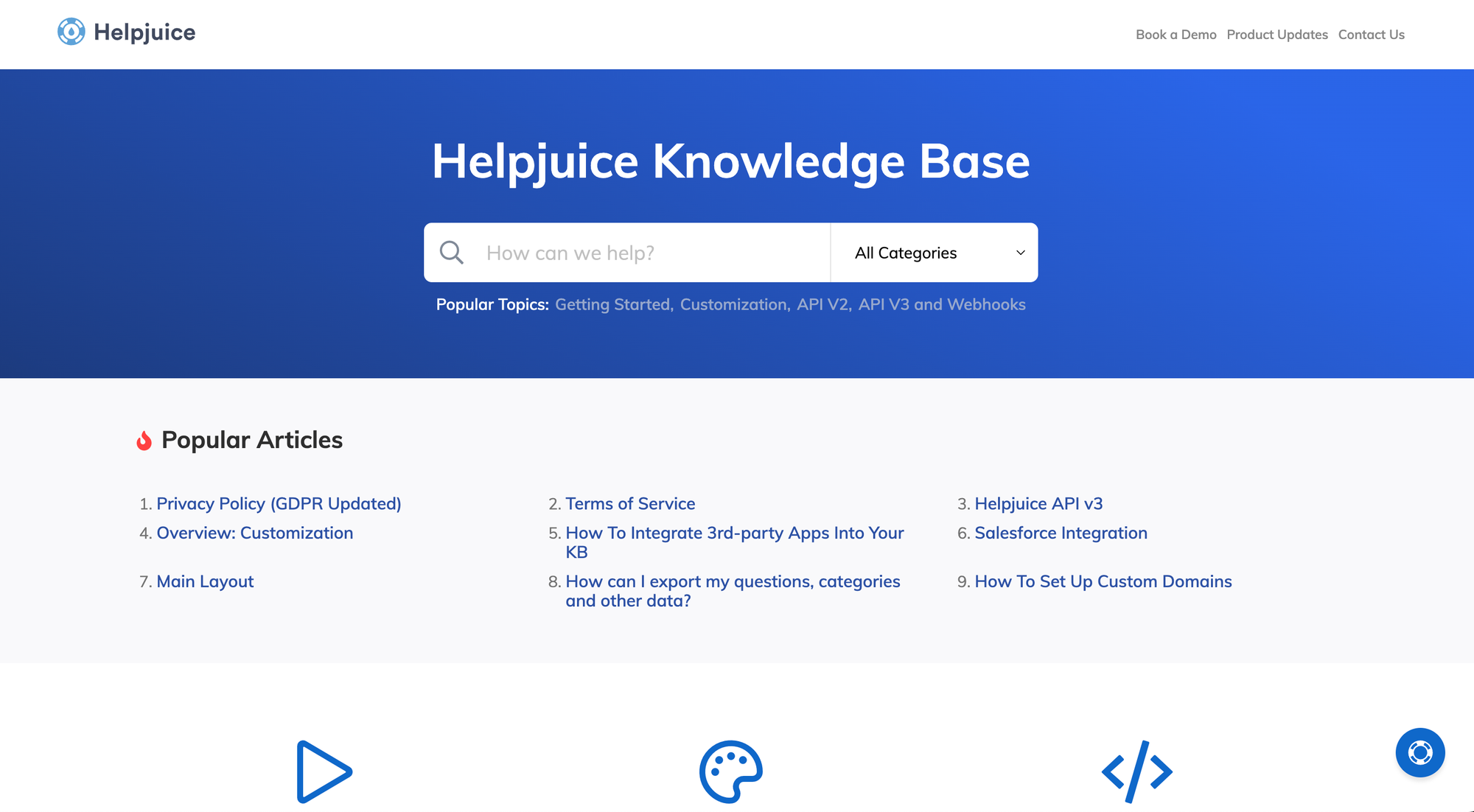
HelpJuice is a cloud-based knowledge management solution designed to help organizations create, manage, and share internal and external knowledge bases. Its focus on customization and analytics makes it a strong alternative to Bloomfire for teams seeking a tailored and insightful documentation platform.
Top features
- Customizable design and branding – Allows organizations to tailor the appearance of their knowledge base to align with their brand identity, providing a cohesive user experience.
- Advanced analytics – Offers detailed insights into user engagement, article performance, and search behaviors, enabling data-driven improvements to content.
- AI-powered search – Utilizes artificial intelligence to deliver accurate and relevant search results, enhancing user satisfaction and reducing time spent searching for information.
- Collaborative editing – Supports real-time collaboration among team members, facilitating efficient content creation and updates.
- Multilingual support – Provides AI-powered translation and localization features, allowing organizations to easily cater to a global audience.
How it’s better than Bloomfire: Helpjuice offers more extensive customization options and advanced analytics, allowing organizations to create a branded knowledge base and gain deeper insights into content performance.
Pricing: HelpJuice pricing starts at $249/month for its Customized Knowledge Base plan, with higher-tier AI-powered plans at $449/month and $799/month.
10. Archbee
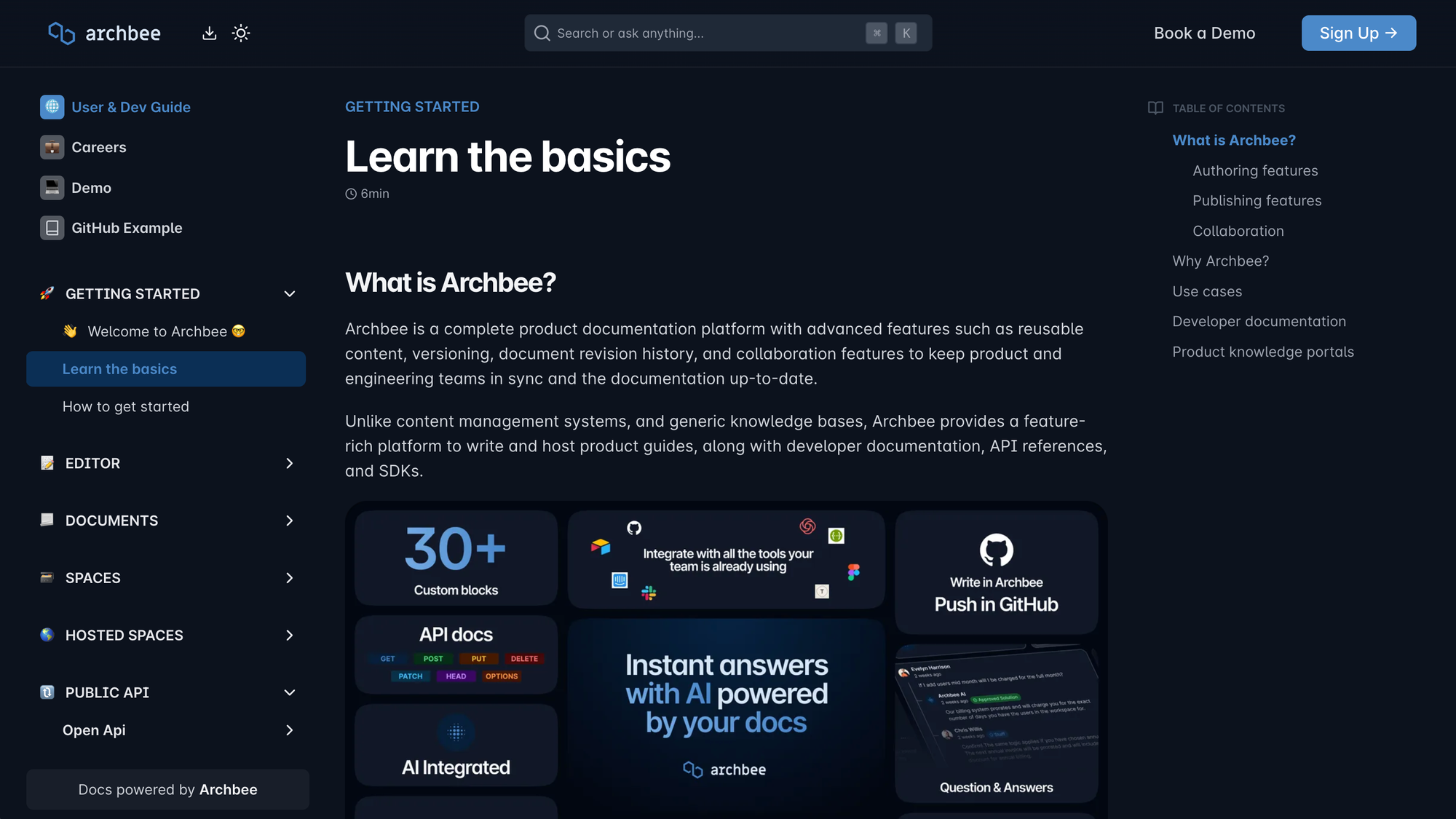
Archbee is a centralized documentation platform for teams managing product and engineering knowledge. Its collaborative editing, structured templates, and technical documentation support make it a strong alternative to Bloomfire for teams that need a more developer-focused solution.
Top features
- Real-time collaboration – Multiple users can edit and contribute to documents simultaneously.
- Customizable templates – Includes pre-designed templates to standardize documentation and speed up content creation.
- Advanced search functionality – Helps users quickly find relevant information across all documents.
- Seamless integrations – Connects with tools like GitHub, Slack, and Jira to keep documentation connected to workflows.
- API documentation support – Provides specialized tools for managing API references, making it ideal for development teams.
How it’s better than Bloomfire: Archbee, as an alternative, offers real-time collaboration and API documentation features, making it a better choice for technical teams managing complex knowledge.
Pricing: Archbee's paid plans start at $80/month for Growing and $350/month for Scaling. Enterprise pricing is custom.
11. ProProfs Knowledge Base
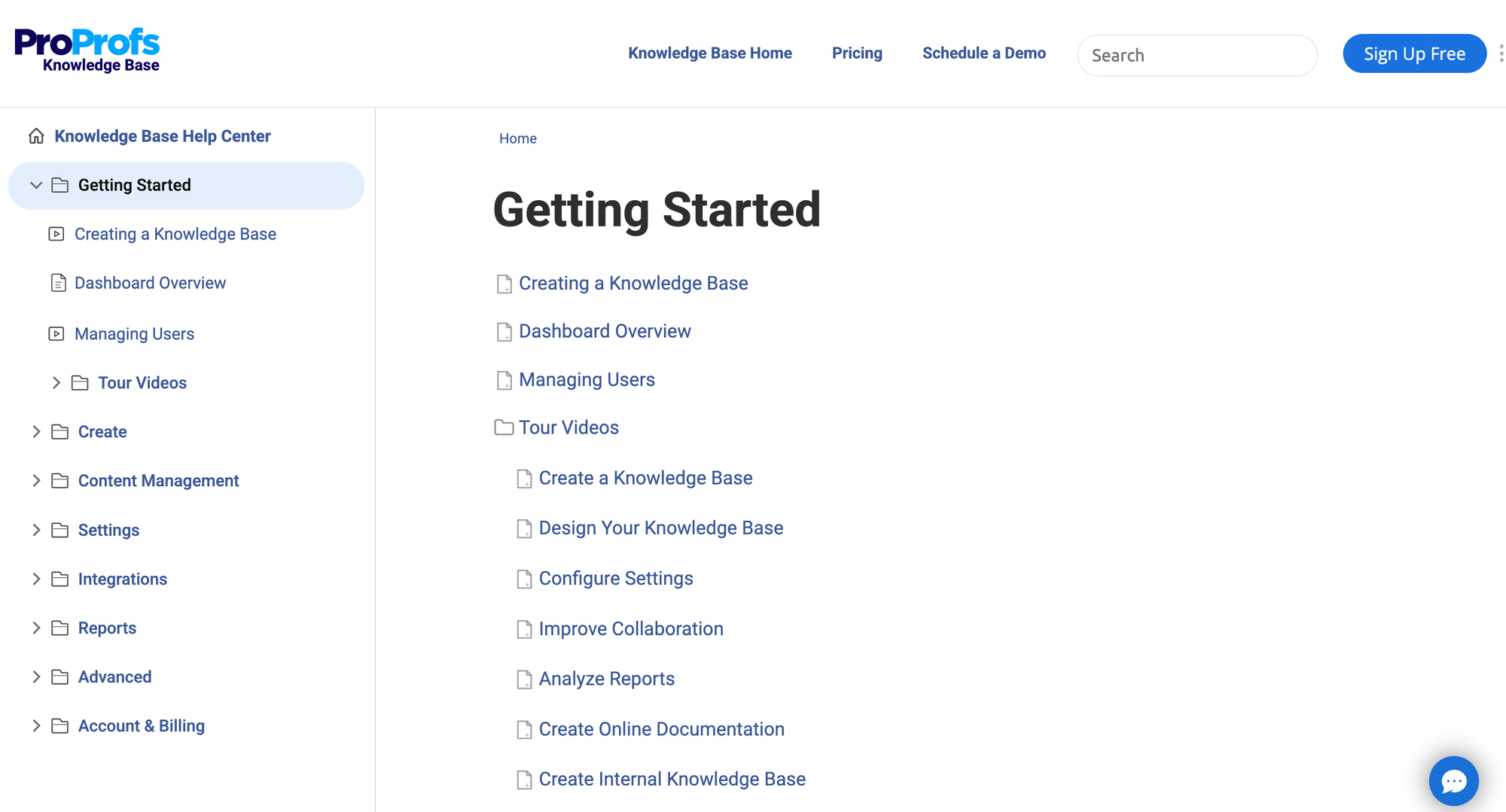
ProProfs Knowledge Base is an online documentation platform that helps businesses create FAQs, manuals, and internal knowledge repositories. Its structured approach and flexible access controls make it a strong alternative to Bloomfire for teams needing better knowledge base control.
Top features
- Content authoring and management – Includes an intuitive editor and customizable templates for organizing knowledge efficiently.
- Access controls and permissions – Allows admins to set user roles and manage content access for different team members.
- Advanced search functionality – Helps users quickly find the most relevant information through a powerful search engine.
- Analytics and reporting – Provides insights into user engagement, popular articles, and search trends.
- Seamless integrations – Connects with tools like Google Analytics, Zendesk, and Salesforce to embed knowledge into workflows.
How it’s better than Bloomfire: ProProfs Knowledge Base offers more control over user permissions and a broader selection of integrations, making it easier for businesses to manage and distribute information securely.
Pricing: ProProfs Knowledge Base offers a Free plan for 1 author and up to 25 pages, while larger teams need a business plan with custom pricing.
12. Kipwise
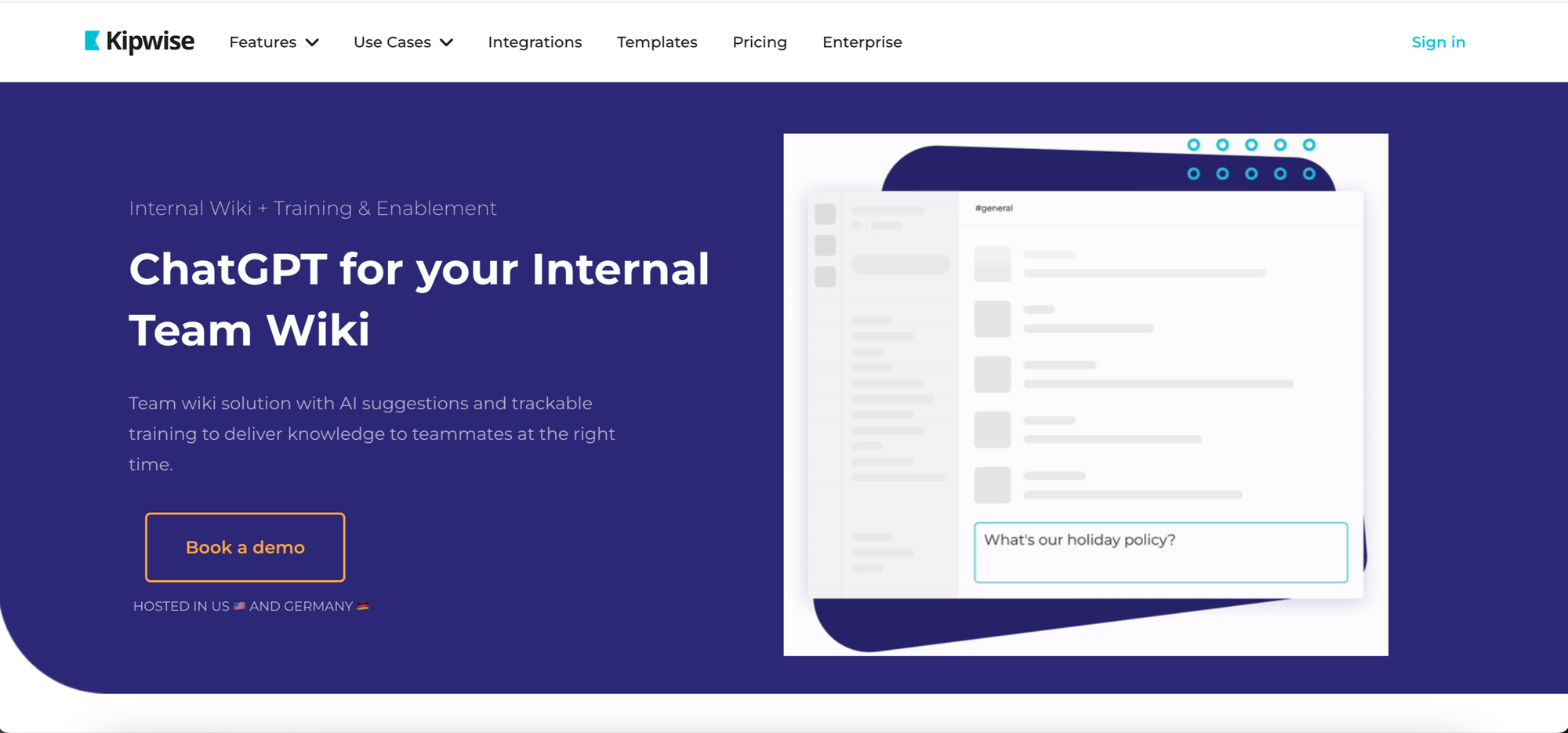
Kipwise is a team knowledge management platform that makes information easy to access and use within daily workflows. Its integrations and real-time collaboration features make it a strong alternative to Bloomfire for teams looking to keep knowledge organized and actionable.
Top features
- Real-time collaborative editor – Multiple team members can edit documents simultaneously.
- Powerful search functionality – Quickly find relevant information across Kipwise pages and connected tools.
- Seamless integrations – Connects with Slack, Google Drive, and Trello.
- Built-in workflows – Makes sure content is reviewed and verified regularly to keep information accurate.
- Customizable templates – Provides structured templates to make documentation more consistent and organized.
How it’s better than Bloomfire: Kipwise has stronger integrations with collaboration tools and real-time editing features, making it easier for teams to keep knowledge updated and accessible.
Pricing: Kipwise starts at $6.3/user/month for Premium and $12.6/user/month for Branded, with a 20-user minimum on both plans. Enterprise pricing is custom.
The best Bloomfire alternative for modern teams
Bloomfire can work well for some teams, but it won’t be the best fit if you need better search, more customization, or a more modern help center experience. If that sounds like your situation, one of the alternatives in this list will likely serve your team better.
Featurebase✨ is a modern and powerful help center platform built for teams that want fast AI search, flexible branding, internal and external documentation, and in-app help widgets. It also includes feedback, surveys, roadmaps, and changelogs, so you can support users and improve your product from one place.
It comes with affordable pricing and a Free plan, and the onboarding is quick. We can also help make the migration from your current knowledge base smooth. 👇
✨ Create a beautiful Help Center with Featurebase for free →