Blog ComparisonsIntercom Knowledge Base: Top Alternatives for 2026
Intercom Knowledge Base: Top Alternatives for 2026
Thinking of Intercom (now Fin) for your knowledge base? Its help center lacks flexibility, customization, and modern AI features. Here's why it falls short - and the best alternatives to use in 2026.



Intercom is a well-known customer service tool, but a lot has changed lately. It rebranded to Fin, put its AI agent front and center, and in June 2026 agreed to be acquired by Salesforce for around $3.6 billion.
So should you build your knowledge base on Intercom (now Fin)? Probably not. Its help center is expensive, hard to customize, and light on the modern AI features you'd expect today.
Below, we break down why Intercom falls short as a knowledge base tool and what to use instead in 2026. 👇
Key takeaways:
| Tool | Best for | Starting price | Free plan | AI search |
|---|---|---|---|---|
| ✨Featurebase | Modern AI-powered help center + support inbox | Free / $29 per seat + $0.49 per AI resolution | Yes | Yes |
| Zendesk | Large support teams needing enterprise KB + ticketing | $55 per agent/mo (Suite Team) | No | Yes |
| Helpjuice | Branded, analytics-rich internal knowledge base | $249/mo (up to 30 users) | No | Yes |
| Guru | Verified answers inside Slack, Chrome, and Teams | $25 per user/mo (10-seat min) | No | Yes |
| Document360 | Structured, scalable documentation with governance | Quote-based (~$199/project/mo) | Limited | Yes |
| Slab | Elegant collaborative internal wiki | $6.67 per user/mo | Yes | Yes |
| BookStack | Self-hosted, hierarchical open-source wiki | Free (self-hosted) | Yes | No |
| Notion | Flexible all-in-one docs, databases, and collaboration | $10 per user/mo | Yes | Yes |
Top reasons not to use Intercom for a knowledge base
If you already use Intercom for your customer support efforts, it may make sense to create a self-service knowledge base in this tool too. But even then, this is not the ideal tool for a knowledge base use case. Here's why:
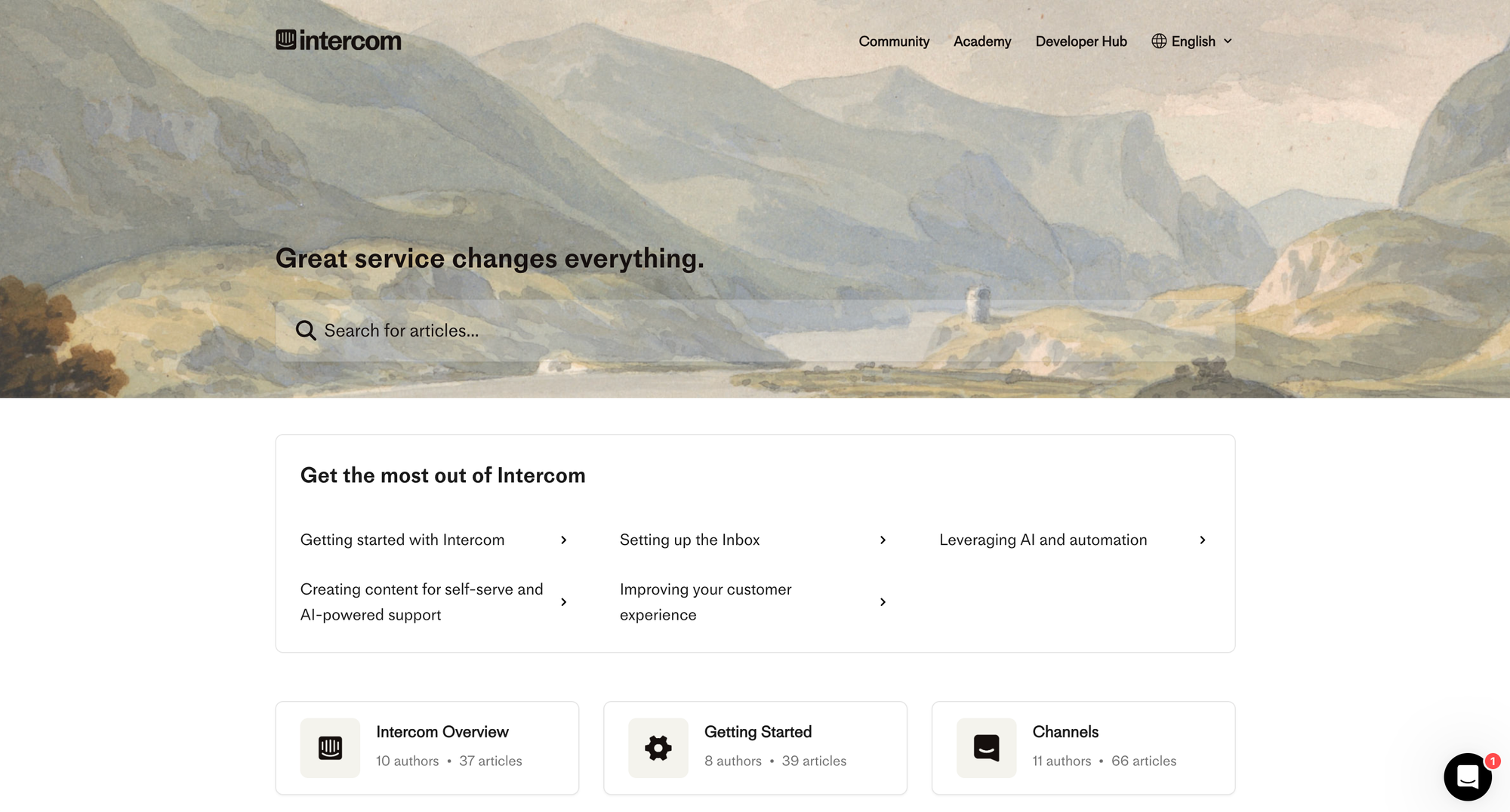
1. Intercom is expensive
Intercom's pricing is based on seats, and while it may initially seem affordable, your monthly Intercom bill can quickly amount to thousands of dollars. If you plan to use Intercom in your customer support team and the knowledge base function is secondary, this can make sense.
However, if you need a standalone knowledge base, Intercom is very expensive compared to almost every knowledge base platform out there.
2. No AI-powered search
The basic premise of a self-serve knowledge base is that customers can find answers on their own, without needing to contact your support team. This requires a strong search feature, which is not Intercom's strongest side.
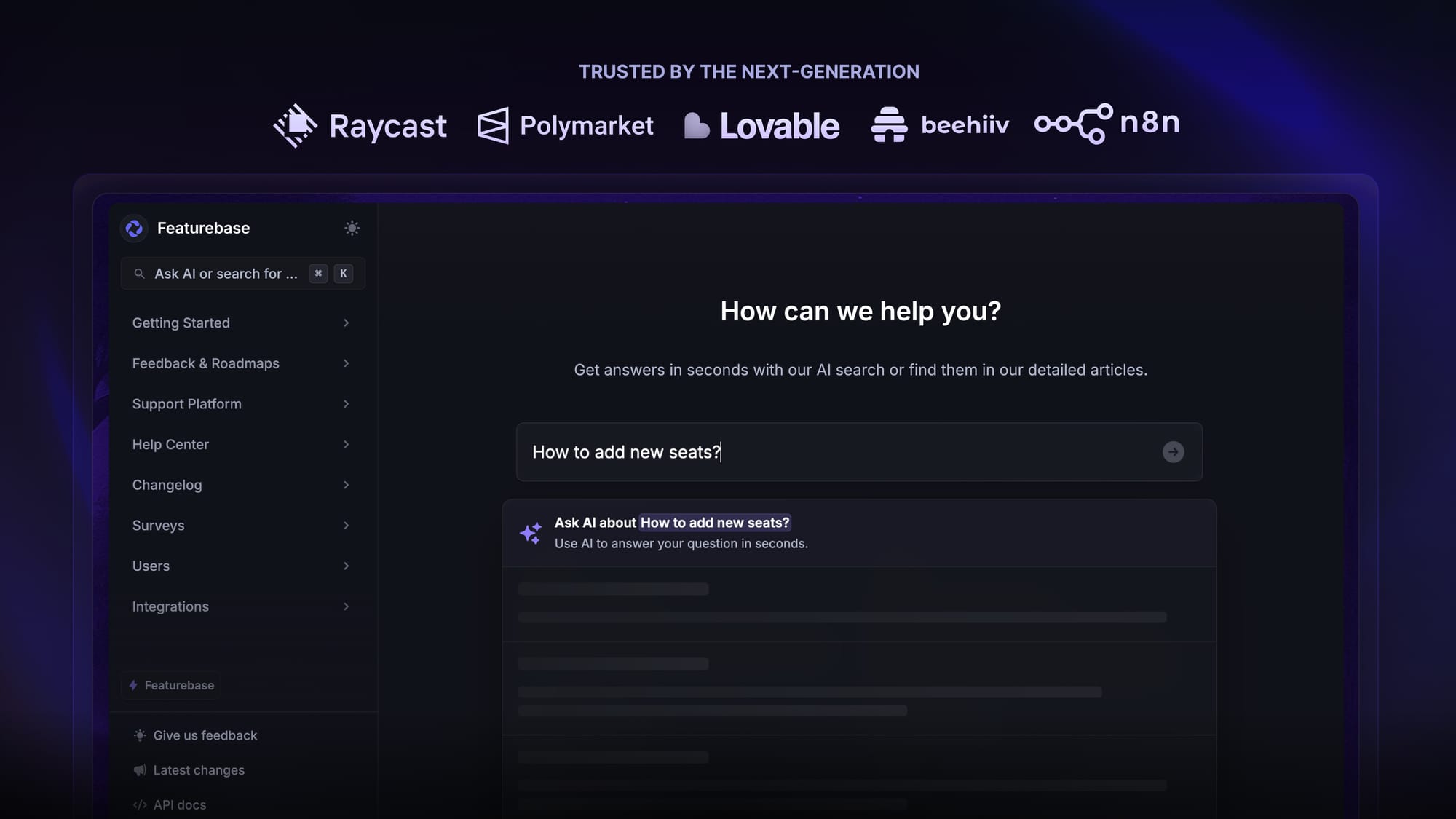
In 2026, most modern help center tools, like Featurebase, provide AI-powered summaries directly in the search bar for the best user experience. Intercom does not.
Moreover, users often mention that search relevance in Intercom's help center is not as strong as in Intercom's alternatives. This can lead to frustration if articles aren't consistently found, especially as your content library grows.
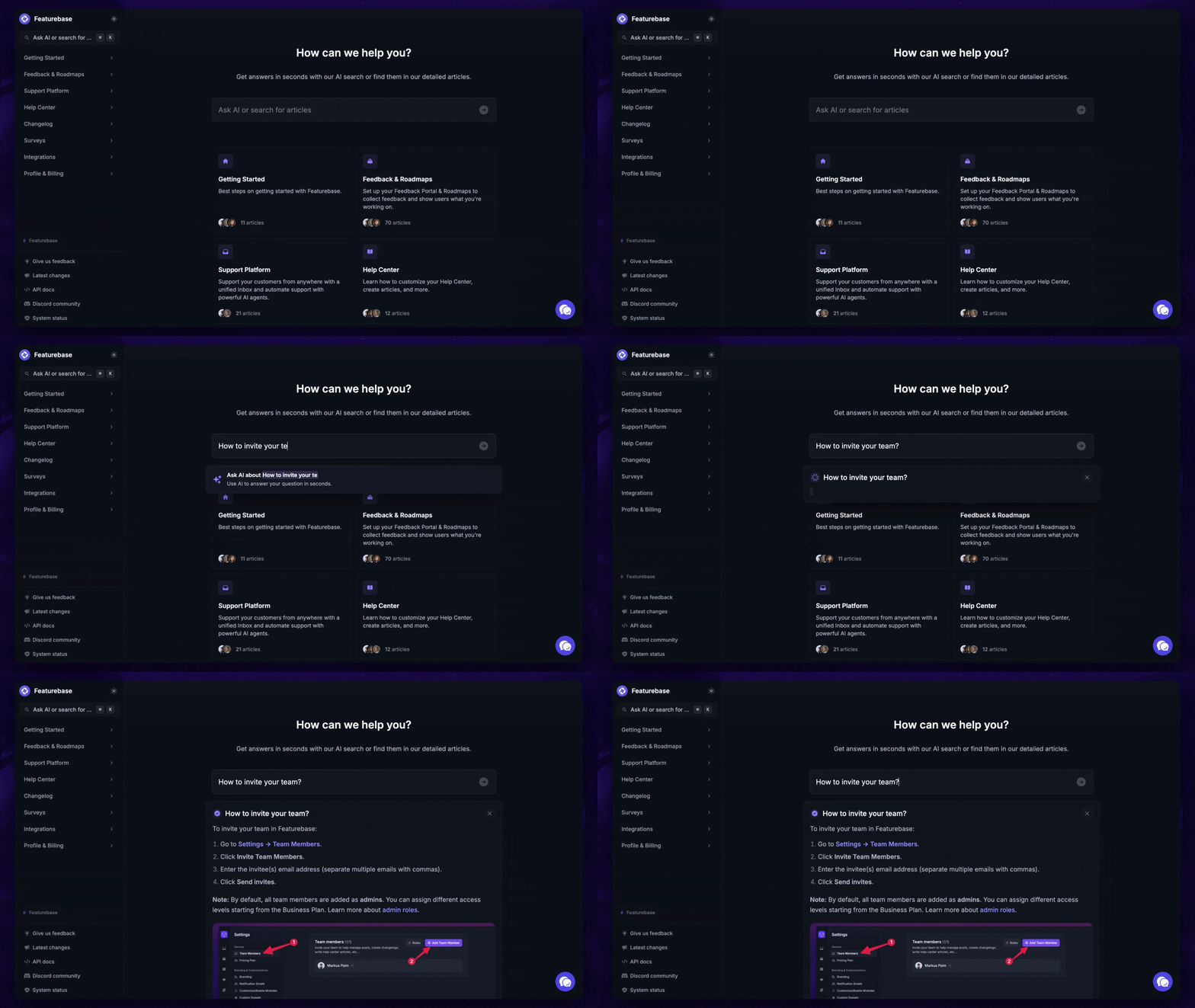
3. You can't customize the knowledge base
Intercom’s knowledge base design is fairly rigid. You can brand it to match your colors and logo, but you can’t deeply customize layouts, navigation structure, or content modules without developer involvement or workarounds.
In short, you'll never get the knowledge base to look and feel like a part of your website or product, which can affect the user experience.
4. Weak offline and export support
There’s no native way to export your entire knowledge base to a file format like PDF or HTML for offline use or archiving. This can be a problem for compliance, audits, or clients in low-connectivity environments.
In other words, customers need to be online to get the information they're looking for, which is not ideal for all audiences.
5. No advanced features
Features like version control, article staging, advanced permissions (like reviewer/editor roles), or content tagging and filtering across multiple dimensions are not strong in Intercom.
You can find these even in the most basic, open-source knowledge base tools.
6. You're tied to the rest of the Intercom ecosystem
While you can technically use Intercom's knowledge base standalone, it's clearly built to work within the broader support suite (chat, inbox, and its Fin AI agent). If you're only looking for documentation, you may end up paying for and managing features you don't need.
That's even more true now. Intercom has rebranded to Fin and put its AI agent front and center. Fin is also priced differently from the legacy support suite: instead of a per-seat license, it now uses outcome-based pricing, charging roughly $0.99 each time it produces an "outcome" (a resolution, a handoff, or a disqualification) rather than a flat per-resolution or per-agent fee.
The agent resolves around 76% of support conversations on its own by the company's own numbers, as of 2026, and the product is now heading into a Salesforce acquisition. So the knowledge base increasingly exists to feed that AI agent (and its per-outcome bill), not to be a best-in-class standalone docs tool.
Or maybe you don't like Intercom's whole suite and want something equivalent, but more modern and powerful.
The best alternatives to an Intercom knowledge base in 2025
Don't want to overpay for features you'll never use? Here are some of the best knowledge base tools that give you features that Intercom won't. 👇
1. Featurebase ✨
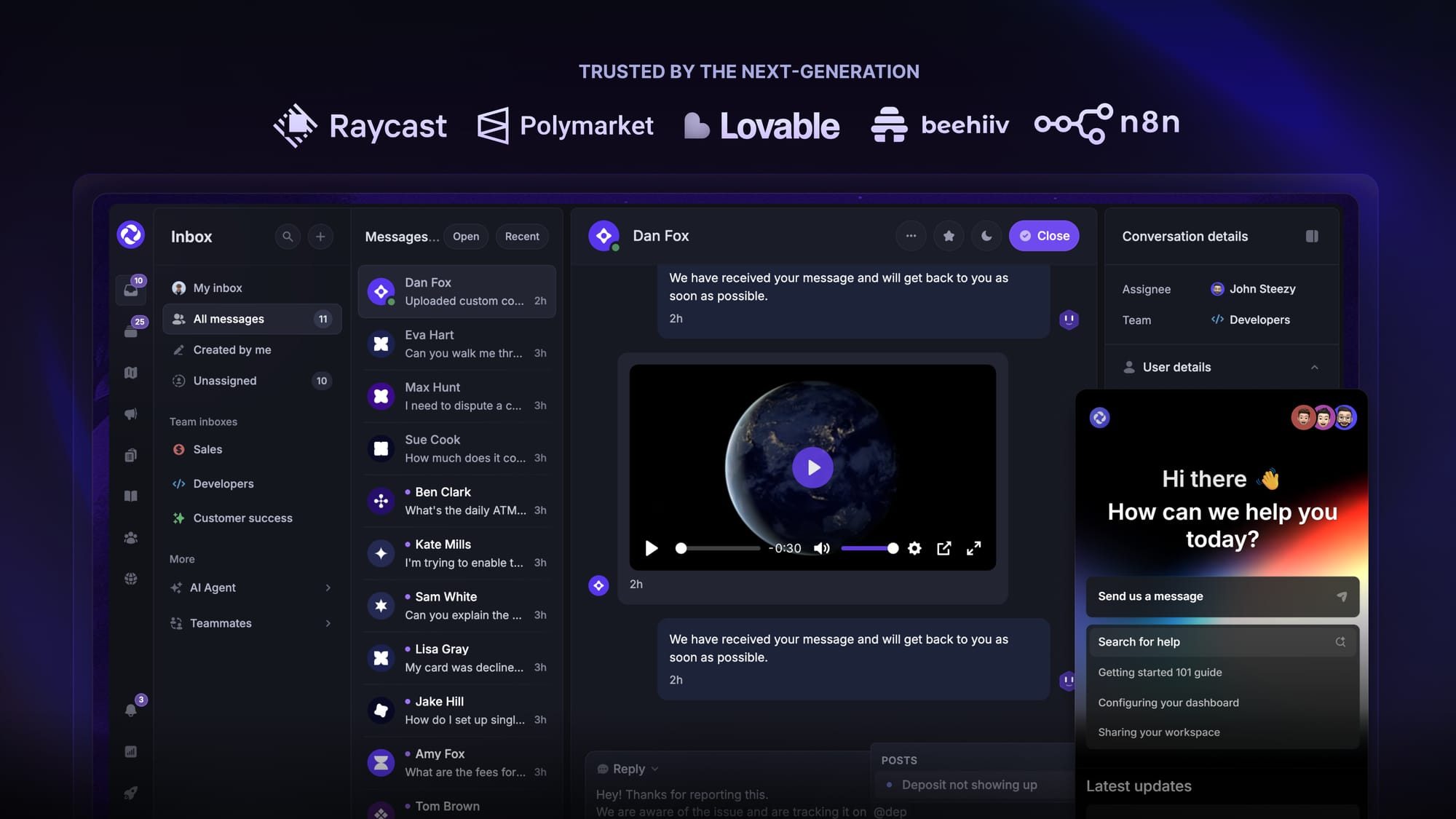
Featurebase is an AI-powered Intercom alternative built for modern SaaS teams. It comes with a knowledge base, AI chatbots, human inbox, feedback collection, email support, and much more. It's loved by thousands of support teams from companies like Lovable, Polymarket, and Beehiiv. 💫
Top features
- AI-powered knowledge base – a branded knowledge base with instant AI answers and your own domain
- Embeddable in-app widget – Serve help articles directly within your app & provide AI and human support via live chat
- Unified inbox – Provide live support via chat and email from a powerful unified inbox
- AI agent & automations – fully automate your support with AI and endless custom workflows, like extending trials, offering discounts, qualifying leads, etc.
- Multilingual support – Automatically display content in your users' native language
- Article reactions & analytics – Let users rate the helpfulness of articles and track views, search terms, and user engagement metrics.
- SEO optimization – SEO optimized out of the box to ensure your knowledge base ranks high in search results
- Powerful editor – Rich text formatting, embeds, tables, and code blocks in a polished editor.
- Integrations – Slack, Linear, Jira, Discord, Hubspot, and many more
- Plus, feedback collection, product roadmaps, release notes, and customer surveys – all in one place
Pricing: Featurebase offers a generous Free plan. The paid plans start at $29 per user per month + $0.29 per successful AI resolution. You can migrate your existing Intercom help center with one click, so there's no downside to trying it. 👇
✨ Switch from Intercom and get the fastest AI-powered inbox & knowledge base →
2. Zendesk
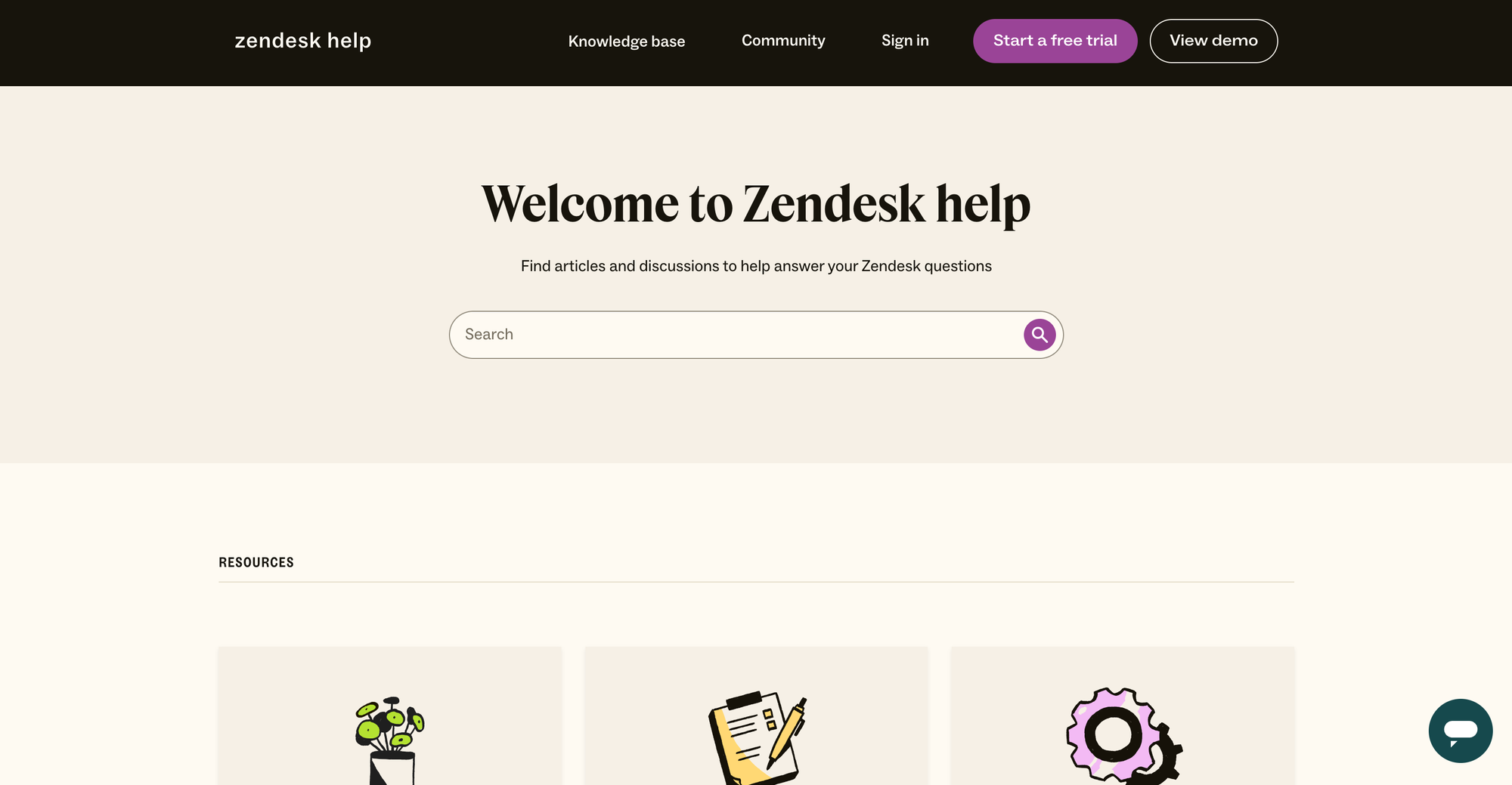
Zendesk Guide is part of Zendesk’s service suite and supports internal knowledge alongside customer support tools. It offers structured content, AI helpers, access controls, and engagement analytics.
Top features
- Customizable help center – internal KB can be separated from public pages.
- AI-powered search and Answer Bot – suggests articles in context.
- Access control by user segments – gate content by team or role.
- Integration with support and chat tools – connect KB to support workflows.
- Reporting and analytics – monitor article use and relevancy.
Why it’s better than Intercom Knowledge Base: Zendesk Guide combines robust internal knowledge base features with support tools, AI helpers, and user management, offering deeper control than Intercom’s basic KB.
Pricing: Zendek's pricing has multiple different tiers. Internal KB is available starting with the Suite Team plan at $55/agent per month (annually).
3. Helpjuice
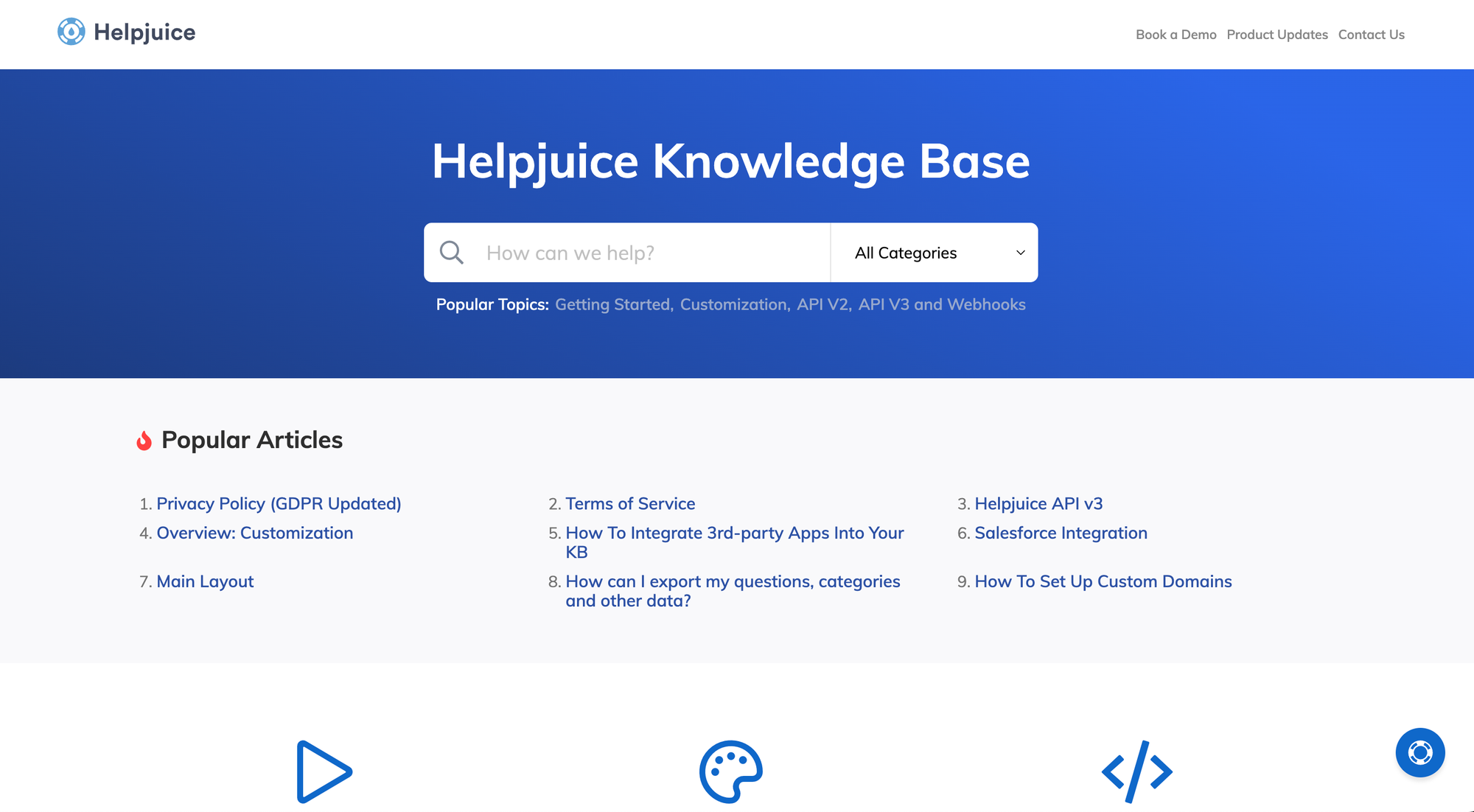
Helpjuice is a fully featured knowledge base platform designed for internal use. It offers advanced search, analytics, and access control and is built for teams that want a highly customizable and data-driven internal documentation system.
Top features
- AI – customize design and templates without AI coding tools.
- AI-assisted search – delivers relevant results even with typos or incomplete queries.
- Granular permissions and SSO – control access with robust user management.
- Usage analytics – track article views, searches, and user engagement.
- Revision tracking – manage updates and restore previous versions.
Why it’s better than Intercom Knowledge Base: Helpjuice offers stronger internal search, analytics, and customizable structure, offering more control and insight than Intercom’s standard KB.
Pricing: Starts at $200/month for 16 users.
4. Guru
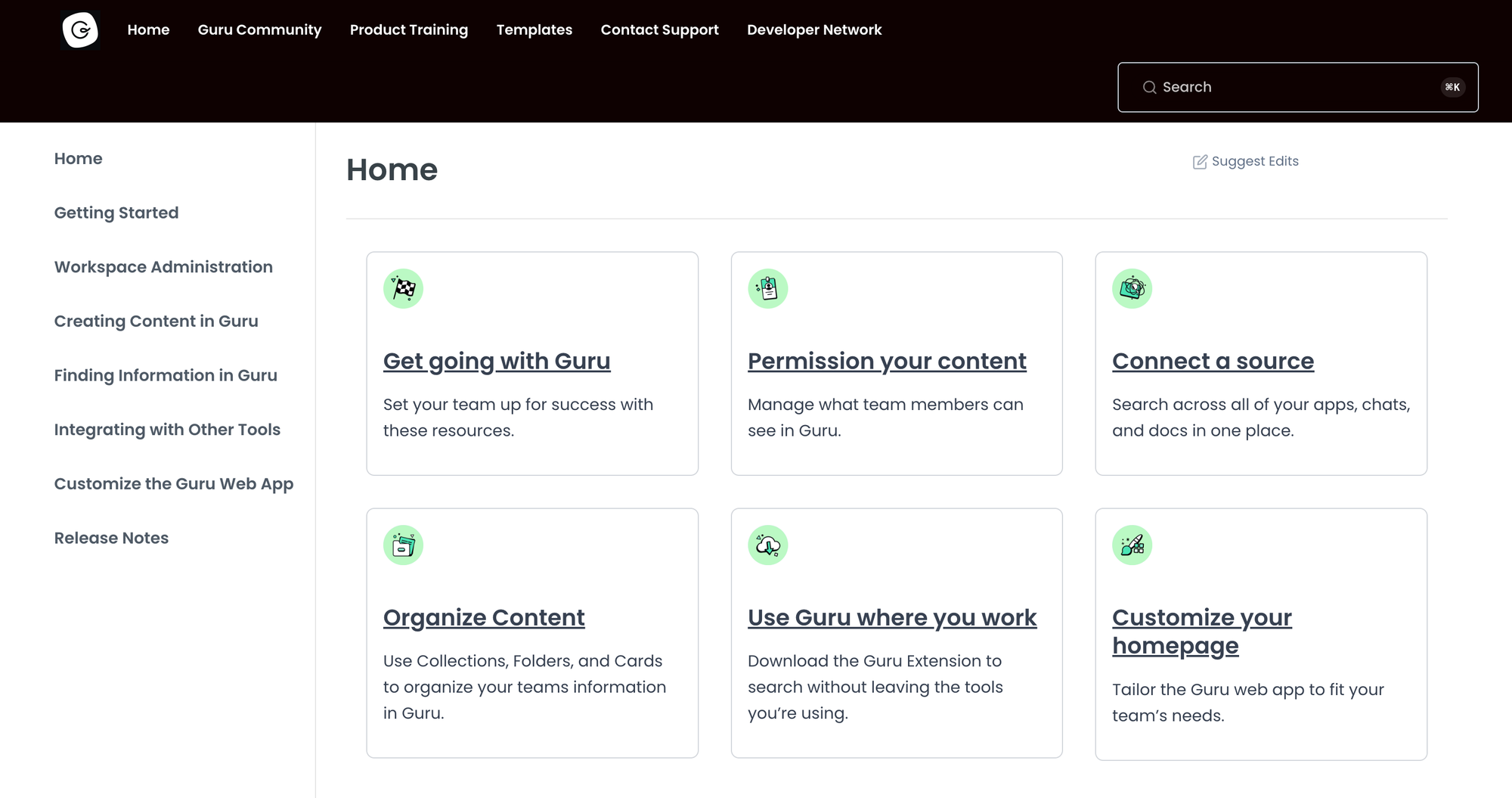
Guru is a smart knowledge platform that delivers verified, contextual answers through browser extensions and tools like Slack or Microsoft Teams. It's optimized for internal teams who need accurate, up-to-date answers right where they work.
Top features
- Knowledge cards – modular units for easily accessible, updatable info.
- In‑context browser extension – answers appear without leaving your workflow.
- Verification reminders – keep content current with scheduled review prompts.
- AI-enhanced search – find relevant information quickly across all cards.
- Integrations & analytics – embed in tools like Slack and track usage trends.
Why it’s better than Intercom Knowledge Base: Guru provides smarter search, verification workflows, and integration into daily tools. On the other hand, Intercom's KB doesn’t offer that level of real-time internal support.
Pricing: Paid plans start at $15/month per user.
5. Document360
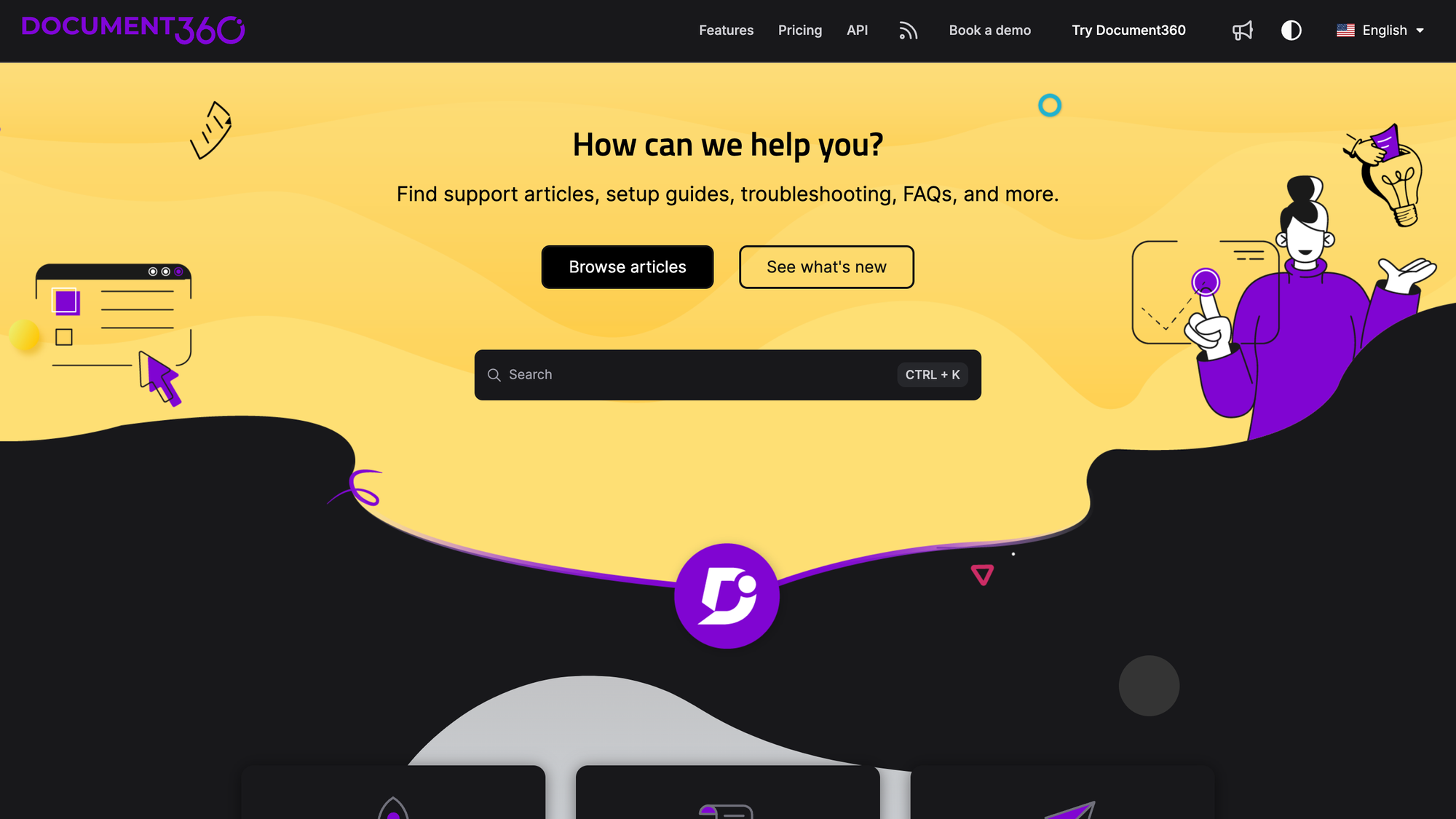
Document360 is a documentation platform built for teams needing a scalable, organized internal knowledge base with advanced formatting, taxonomy, and analytics. It supports Markdown and a wide range of features, such as rich-text editing, AI-powered search assistants, granular access controls, and audit-ready versioning.
Top features
- Markdown and WYSIWYG editors – work in your preferred format for content creation.
- AI-powered search (Ask Eddy) – users get natural-language answers instantly.
- Role-based access control – define which part of your target audience can view, edit, or publish content.
- Custom branding and domain support – align internal docs with your company’s identity.
- Revision history and rollback – restore earlier versions of any article.
Why it’s better than Intercom Knowledge Base: Document360 delivers a more sophisticated structure, AI search, and internal permissions, making it better suited for comprehensive internal documentation than Intercom’s more customer-focused AI knowledge base.
Pricing: Not available publicly.
6. Slab
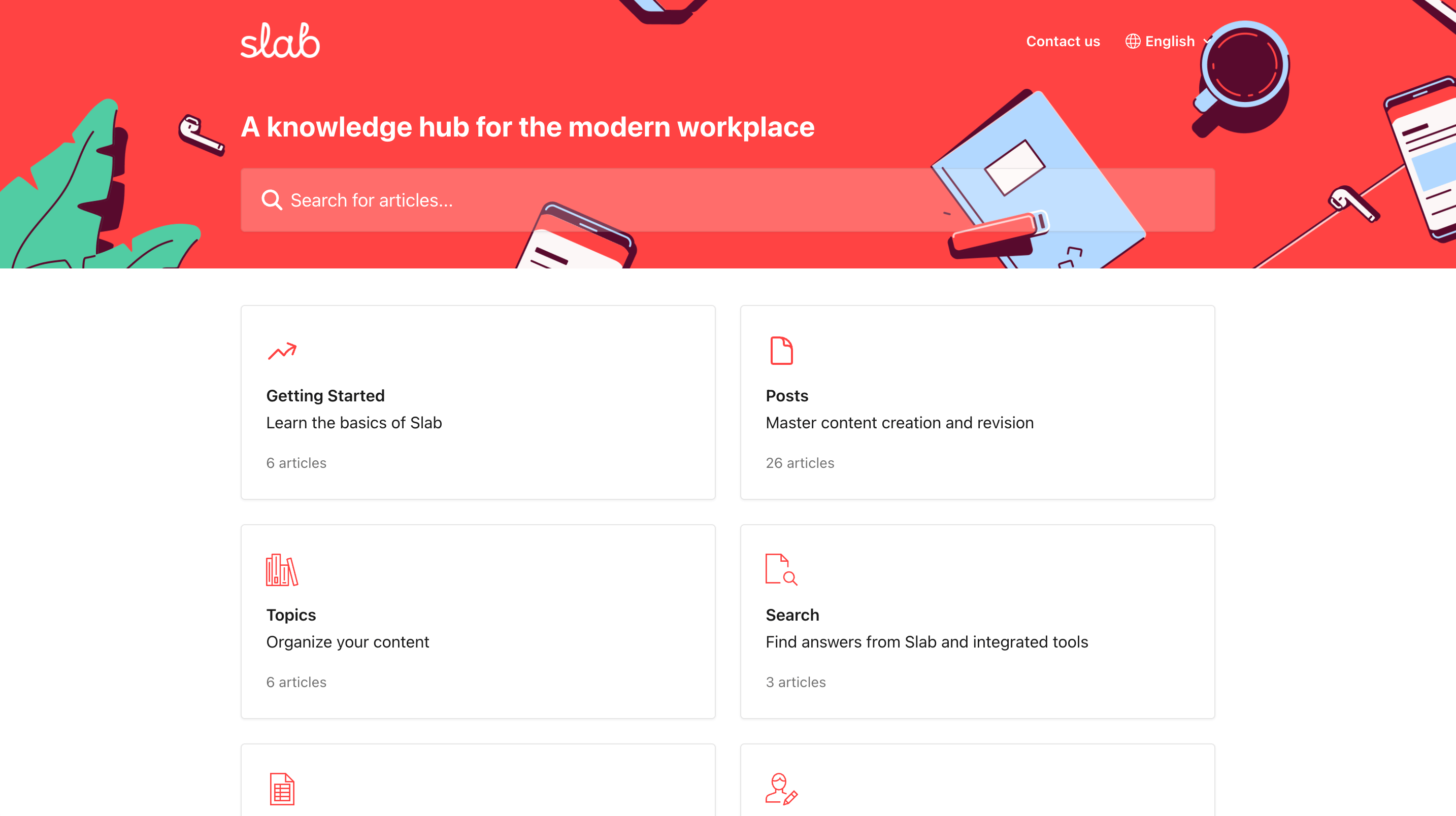
Slab is a modern internal knowledge base tool built for team documentation and discovery. Its focus is on clean design and smart search. It’s favored by engineering and growth teams that want to provide accessible internal documentation around a product or service.
Top features
- Structured editor – write documentation with keyboard shortcuts and intuitive formatting.
- Unified search – search across Slab and connected apps like Slack, Drive, and GitHub.
- Organized by topics – nest docs under topic headings for a clear structure.
- Collaborative editing & comments – work together on content with inline discussion.
- Integrations – sync with Slack, GitHub, and G Suite for easy access.
Why it’s better than Intercom
Slab offers a richer internal knowledge base with team collaboration, structure, and intelligent search, while Intercom's is more focused on public help content.
Pricing: Starts at $6.67/month per user, and a free plan is available.
7. BookStack
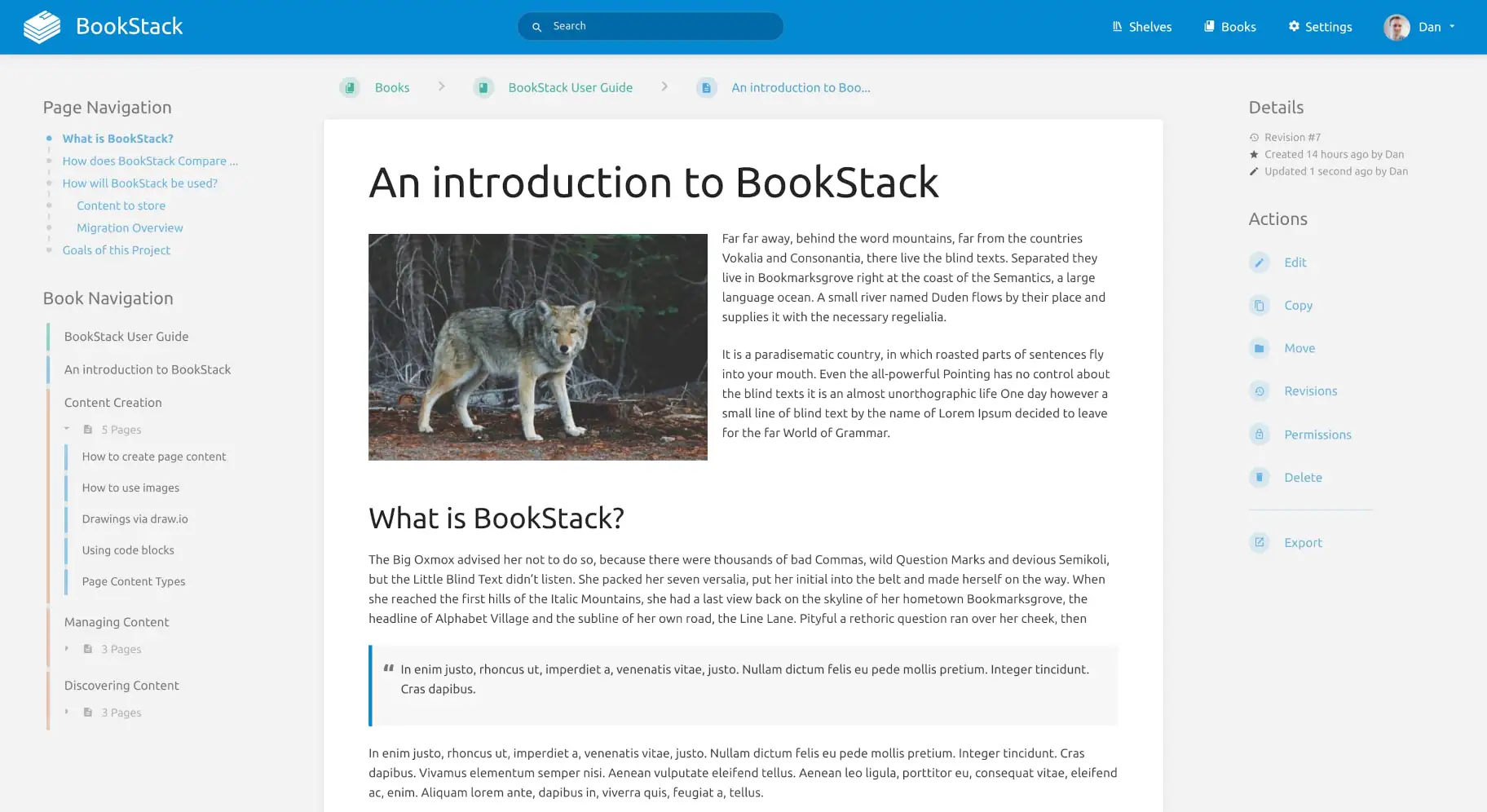
Bookstack is a free, open-source, self-hosted wiki platform built around a book/chapter/page structure for clear documentation. It’s popular with developer teams and organizations seeking a structured, on-premise knowledge system.
Top features
- Book‑based hierarchy – content organized into shelves, books, chapters, and pages.
- WYSIWYG + Markdown editors – choose your preferred editing style.
- Built-in diagram integration – embed diagrams via diagrams.net.
- Revision history – track edits and restore previous versions.
- Role-based permissions – manage viewing and editing by user role.
Why it’s better than Intercom
Bookstack provides greater control and structure, with self-hosting and a clear hierarchy. Intercom doesn't have this depth and customization for internal documentation.
Pricing: Free and open-source; self-hosted (hosting costs depend on your setup).
8. Notion
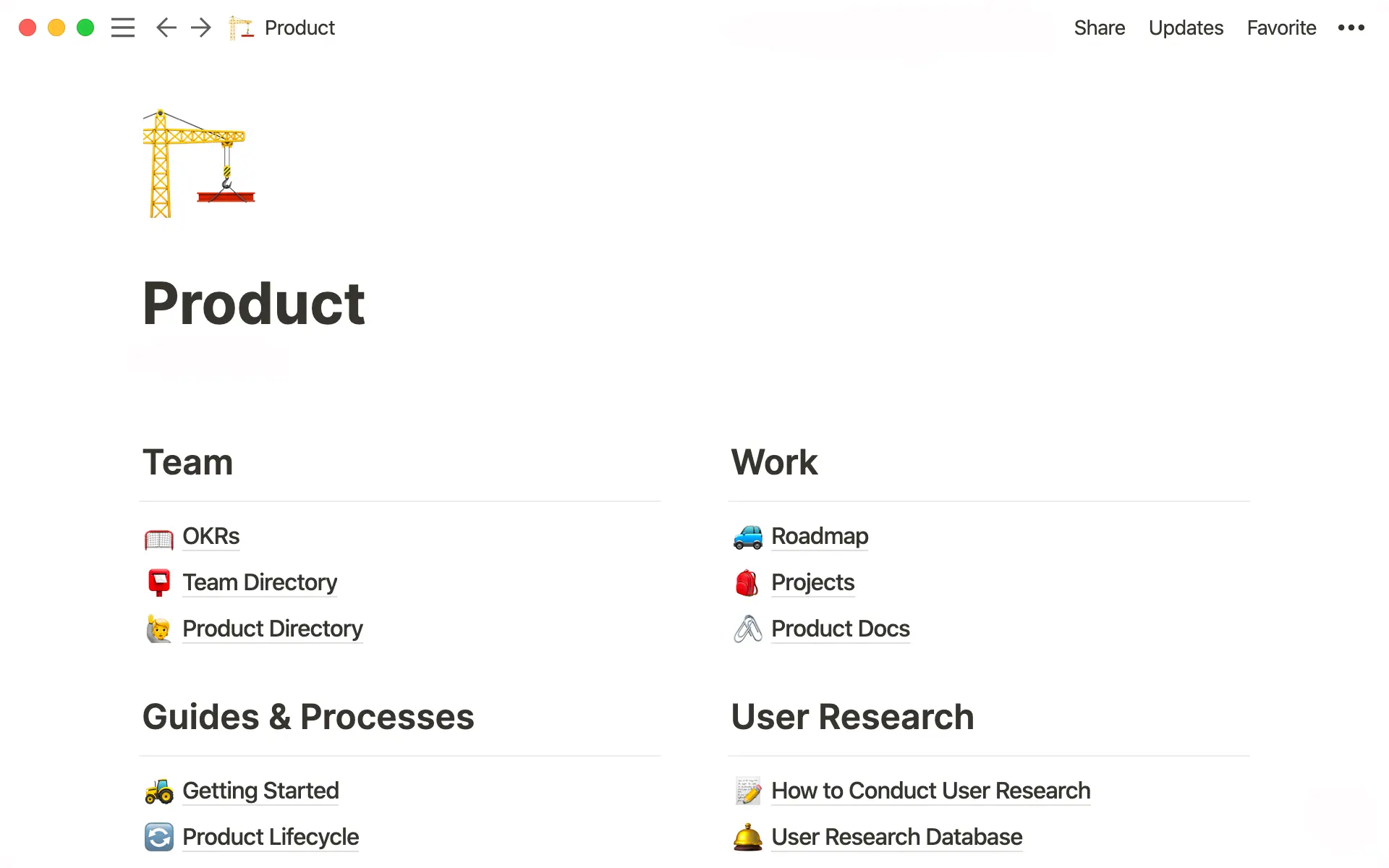
Notion is a flexible all‑in‑one workspace that combines documents, databases, and wikis in a single collaborative hub. Startups and cross-functional teams use it for building internal knowledge bases, SOPs, and project documentation.
Top features
- Rich content blocks – add text, images, embeds, tables, checklists, code snippets, and more.
- Hierarchical pages and databases – structure your content flexibly with nested pages and database views.
- Real-time editing and comments – collaborate live, leave comments, and mention teammates.
- Powerful search and backlinks – quickly locate information and connect related content.
- Integrations & templates – supports Slack, GitHub, Google Drive, plus ready-made templates.
Why it’s better than Intercom
Notion offers a more robust platform for internal documentation, supporting hierarchy, collaborative editing, and database-driven organization. Intercom’s knowledge base is more limited in structure and depth.
Pricing: Starts at $10/month per user, and a free plan is available.
Wrapping up
Intercom is just an okay solution for a knowledge base, and that's if you're already using their customer support tools. For any other situation, almost every knowledge base tool will do a better job. But why settle for anything when you can get the best?
Featurebase is a modern Intercom alternative for a powerful AI-powered knowledge base & support inbox. It comes with native ticketing, custom automation, workflows, and much more. It's loved by thousands of companies like Lovable, Polymarket, and Raycast.
What's best is that it comes with a Free plan, and the onboarding is super simple, so there's no downside to trying it out! 👇
✨ Switch from Intercom and get the fastest AI-powered inbox & knowledge base →
FAQs
Does Intercom have a knowledge base?
Yes. Intercom (now Fin) includes a help center and its Knowledge Hub, where you can create public articles and internal content that feeds its AI agent. It works well if you already use Intercom for support, but it's limited on customization, export, and advanced permissions compared to dedicated knowledge base tools.
Is Intercom the same as Fin now?
Intercom rebranded to Fin in 2026 to reflect its focus on its AI customer service agent, also called Fin. The underlying support products, including the help center and Knowledge Hub, still exist, but the company and its flagship offering now sit under the Fin brand.
What happens to Intercom's knowledge base after the Salesforce acquisition?
In June 2026, Salesforce agreed to acquire Fin (formerly Intercom) for around $3.6 billion, with the deal expected to close pending regulatory approval. Existing products keep running for now, but roadmaps and pricing often shift after an acquisition, which is a good reason to evaluate alternatives before you commit long-term.
Is Intercom's knowledge base good enough on its own?
For a secondary, customer-facing help center attached to Intercom's support suite, it's serviceable. As a standalone knowledge base, it's expensive per seat, hard to deeply customize, and missing features like offline export, article staging, and granular editor roles that dedicated tools include.
What's the best Intercom knowledge base alternative?
It depends on your use case, but Featurebase is a strong all-in-one pick because it combines an AI-powered help center, a support inbox, and feedback tools on a free-to-start plan, with one-click Intercom import. Zendesk suits large support teams, while Notion and BookStack fit internal documentation needs.
Can you migrate off Intercom's knowledge base easily?
Yes. Most modern knowledge base tools support importing existing articles, and Featurebase offers a one-click Intercom help center import so you can move your content over in minutes. Exporting from Intercom itself is more limited, so it helps to pick a destination tool that handles the import for you.
More comparisons: