Blog Comparisons8 Best Helpshift Alternatives for Customer Support in 2026
8 Best Helpshift Alternatives for Customer Support in 2026
If Helpshift is too pricey or difficult to use, we have just what you need: a curated list of the very best Helpshift alternatives for customer communication and support.


Looking at Helpshift but feeling discouraged by the pricing? There are plenty of reasons why Helpshift may not be for you, from the basic reporting to the steep learning curve, but for many potential customers, pricing takes the cake.
There is just one publicly available pricing plan, and the rest are hidden. On top of that, you have to pay for every conversation, and not just the resolved ones.
If that's enough to get you to reconsider your choices, here is the ultimate list of Helpshift alternatives to try in 2026. 👇
TL;DR - the best Helpshift alternatives in 2026
- ✨ Featurebase: Best for modern teams that want AI-assisted customer support, knowledge management, changelogs, and more to resolve customer issues
- Salesforce Service Cloud - Best for large organizations that need CRM-centric customer service with advanced routing, reporting, and enterprise-scale workflows
- Hiver - Best for teams that handle customer support mainly through shared email inboxes and want to stay inside Gmail
- Zendesk - Best for growing and large support teams that need multi-channel ticketing with mature automation and reporting
- Zoho Desk - Best for teams already using Zoho products that want a customizable help desk without enterprise complexity
- Crisp Chat - Best for businesses that focus on real-time website chat and proactive customer conversations
- EngageBay - Best for small teams that want support tickets, CRM, and basic marketing tools in a single platform
- Freshdesk - Best for teams that want a general-purpose help desk covering email, chat, and socials
Why look for alternatives to Helpshift in the first place?
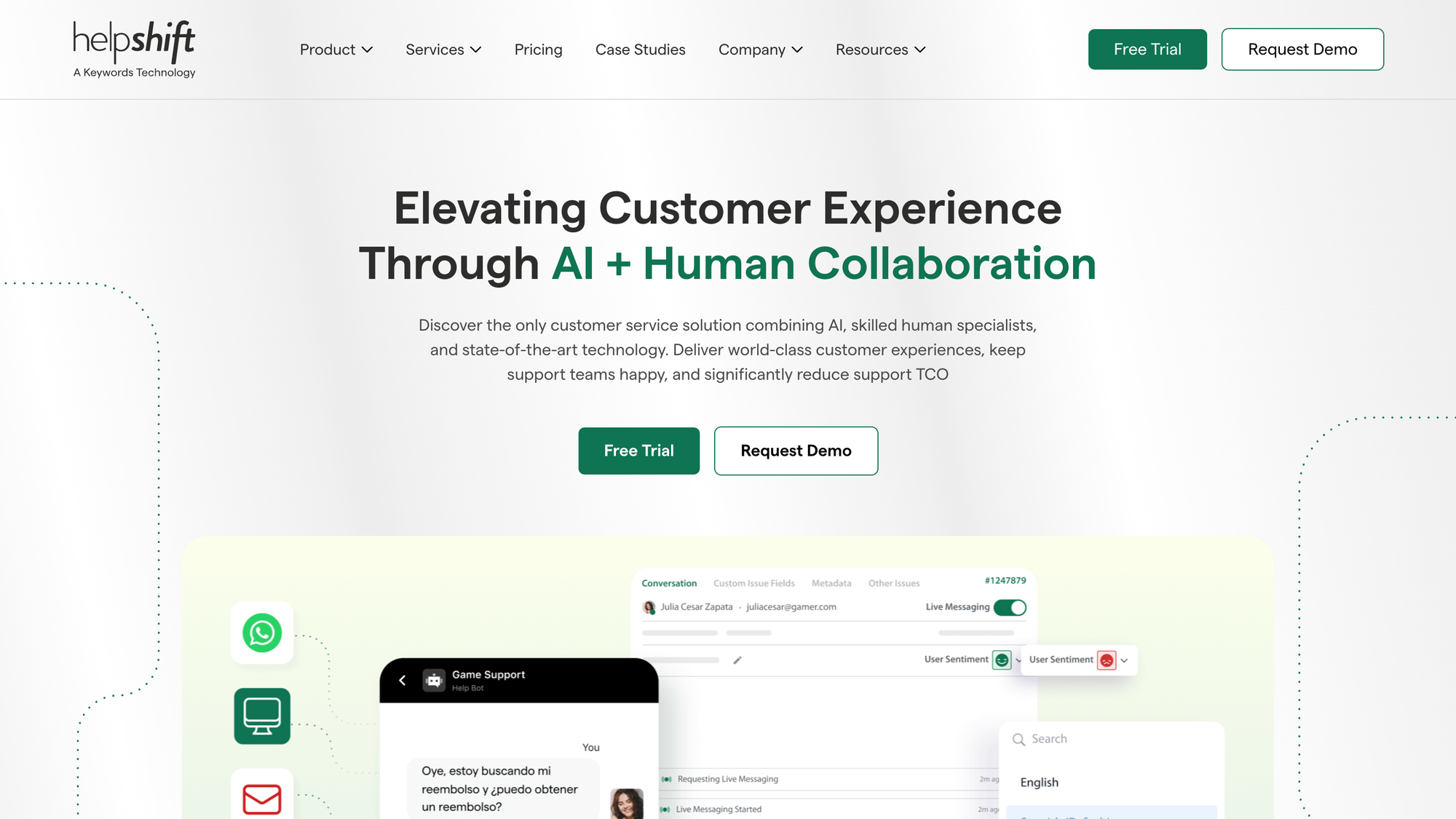
Helpshift is a solid piece of customer service software, but plenty of users have found downsides that made them look for alternatives for managing customer conversations. Based on our own research, here are some of the most commonly mentioned Helpshift negatives.
1. The learning curve can be steep
Just like any other customer support software, Helpshift tried to cram in as many features as possible in one platform. And like with all other tools (e.g., Zendesk, Intercom), this has a major downside: learning how to use Helpshift can be time-consuming. Or simply put, mastering the more advanced features is going to require a time investment up front.
Or as one user put it:
- "The pros I mentioned can be time-consuming and complex to set up. It's just a matter of understanding and getting deep into the flow of information. You need to ensure you understand how your customers experience your support." - G2 review
2. The reporting tools could be better
Reports are the bloodline of customer support operations, helping you spot the most important customer interactions and agents doing most of the work. If you want to track customer engagement or agent productivity through Helpshift, you'll realize that the reporting features are subpar.
As one of their customers said:
- "Reporting features could be more detailed, especially for tracking agent performance and customer satisfaction trends" - G2 review
3. Helpshift is expensive
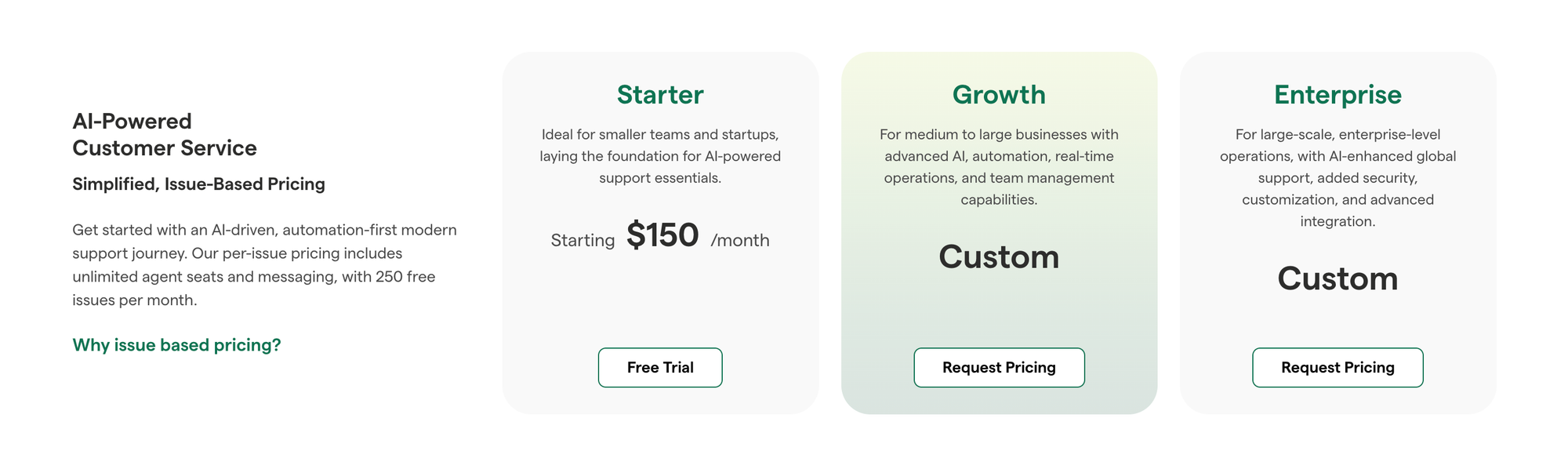
You don't need to analyze customer reviews to find out that Helpshift is considerably more expensive compared to popular customer service software.
Helpshift pricing plans start at $150 per month, which gives you 250 free "issues". The important distinction is that an issue is not a resolution, but merely a customer support ticket created in Helpshift. So, you get 250 free conversations in this customer support platform, and for everything extra, you have to upgrade your plan.
This is unfortunate because the pricing for the rest of the plans is not public, and you have to get in touch with Helpshift to learn more. For small customer service teams, 250 tickets may be fine. For large teams, they can run through this limit in a day. The biggest problem, however, is the issue-based pricing that doesn't revolve around resolutions.
For example, tools like Featurebase charge per seat, meaning you get unlimited customer conversations.
The best Helpshift alternatives to improve customer satisfaction in 2026
Looking for a customer service solution that is easy to use and doesn't cost a fortune? Here are some of the best Helpshift alternatives to consider in 2026 and beyond.
1. Featurebase ✨
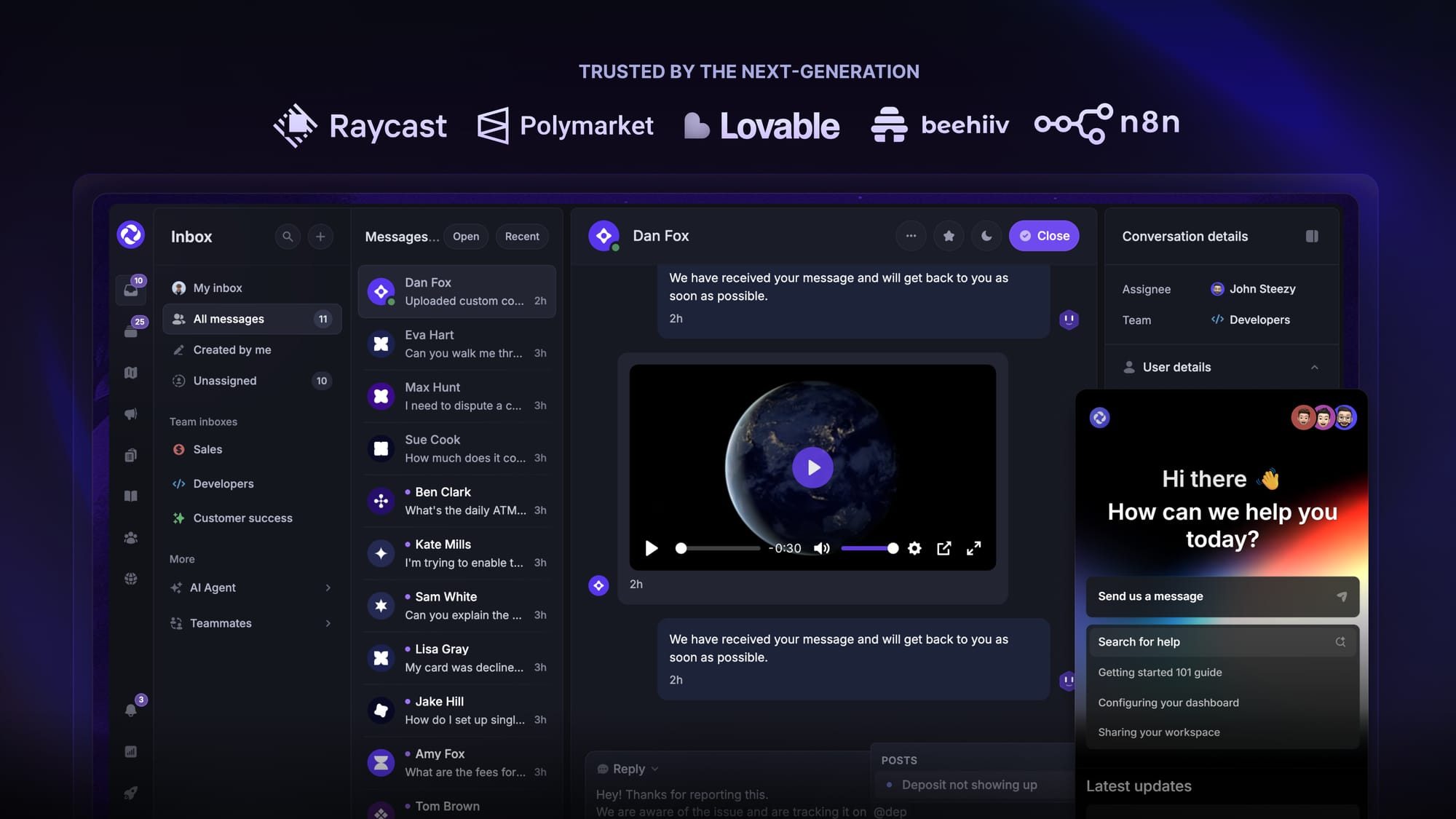
Featurebase is an AI-powered support platform built for modern teams that want fast automated responses and AI-assisted ticket handling with transparent usage pricing. It is designed for support teams that want to reduce manual workload and focus on resolving real customer issues without spending thousands per month.
Top features
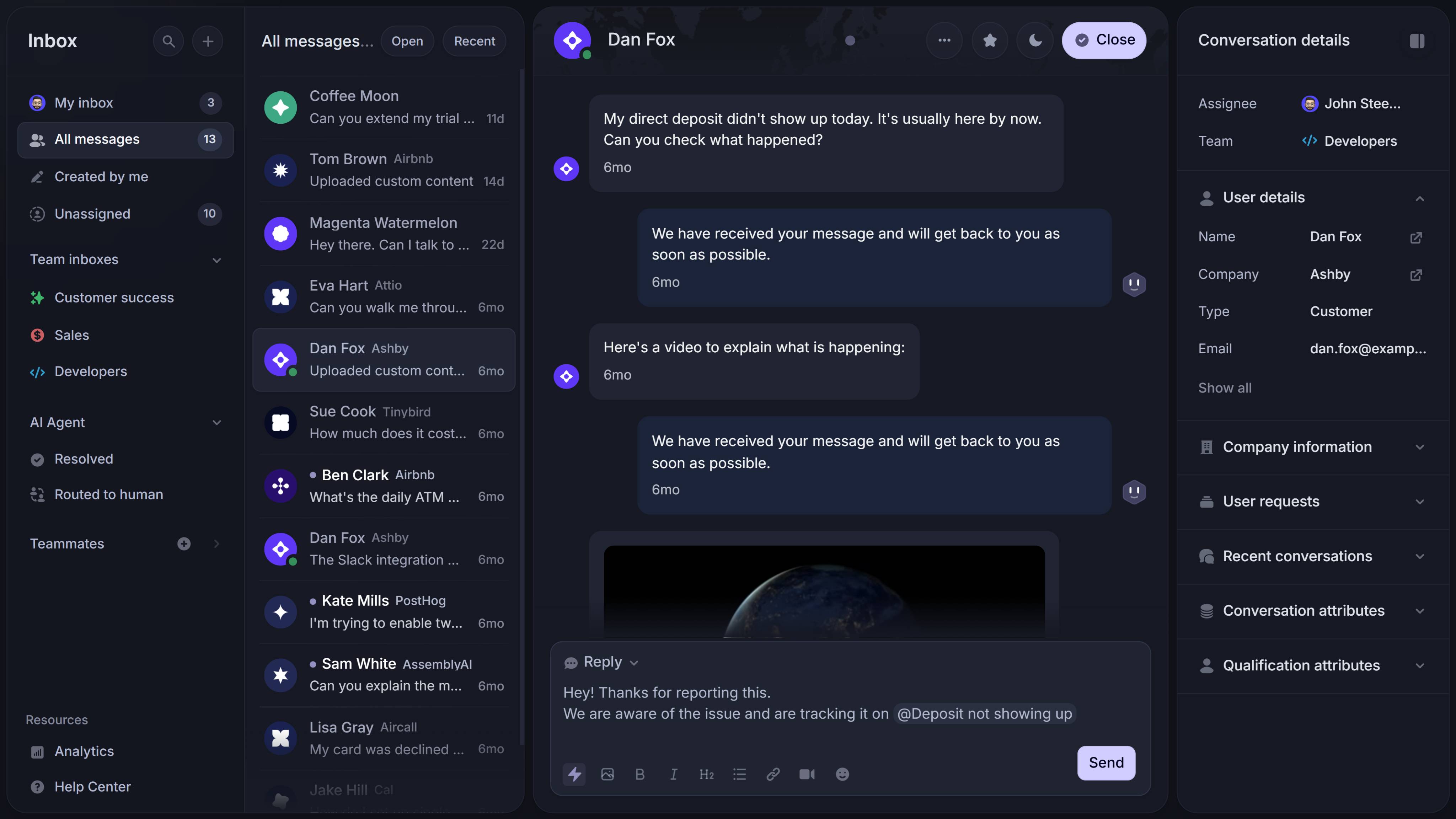
- Omnichannel inbox – Manage chat, email, and Slack conversations from one AI-powered view
- AI agent & automations – Automate tasks like trial extensions, refunds, and lead qualification
- Help center with AI search – Provide instant, multilingual self-serve answers
- Mobile app – Respond to customers, receive notifications, and unblock users on the go
- Messenger widget – Deliver AI and human support in-app or on your website
- Feedback & roadmap tools – Collect feature requests and close the loop with updates
- Product updates – Publish release notes with a changelog page, in-app widget, and emails
- Integrations – Connects with Slack, Linear, Jira, HubSpot, and more
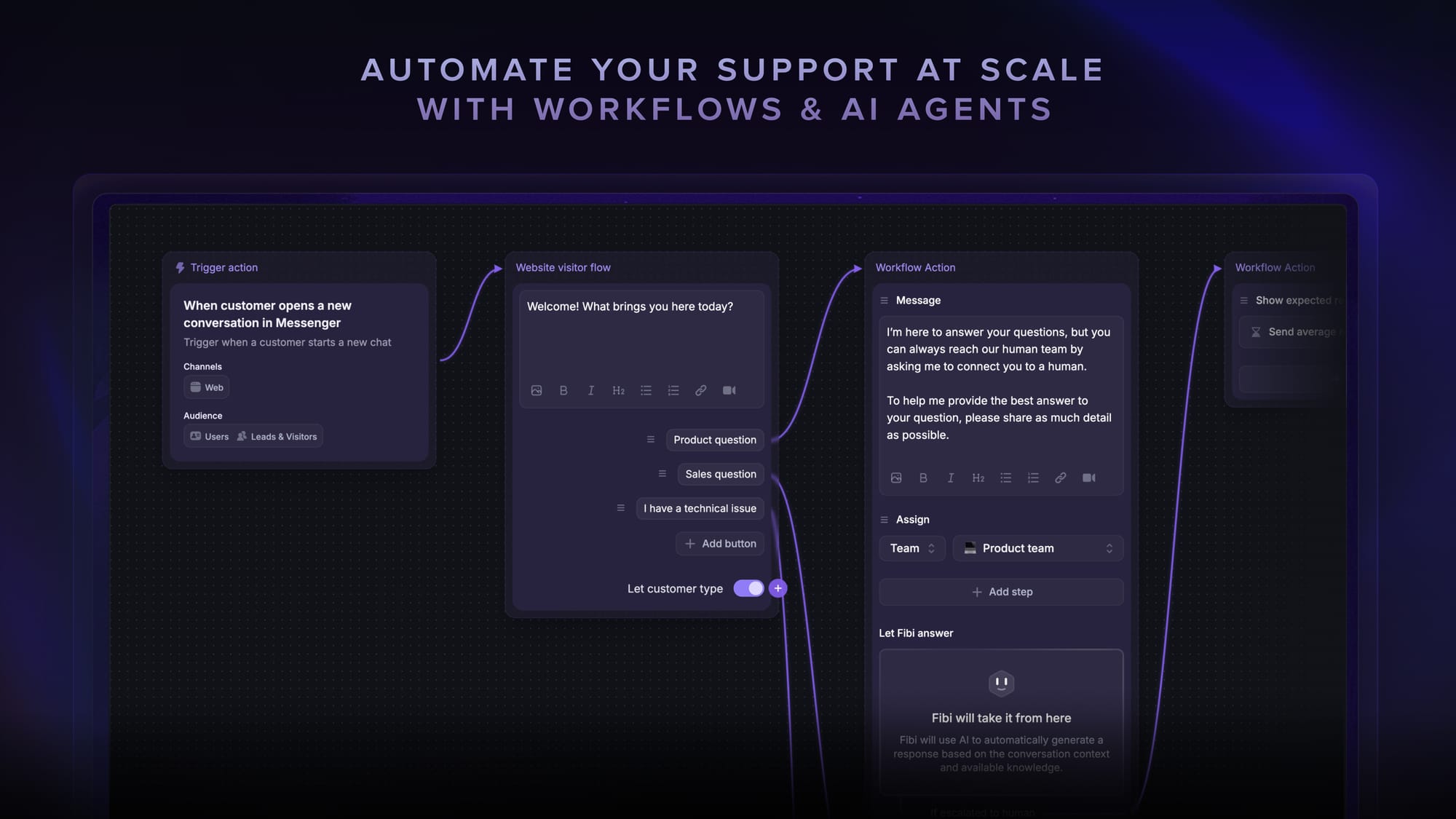
How it’s better than Helpshift: Featurebase is the best alternative to Helpshift because it combines strong automated support with a usage-based pricing model that only charges for successful resolutions. It comes with AI automations, a mobile app, and multiple channels (email, live chat, Slack, etc.).
Pricing: Free plan available with unlimited conversations. Paid plans start at $29/seat/month with $0.29 per AI resolution. The onboarding is super fast, and doesn't require a credit card, so there's no downside to trying it. 👇

Get the fastest AI-powered Support Inbox today
Support your customers from anywhere with an AI-powered omnichannel inbox
2. Salesforce Service Cloud
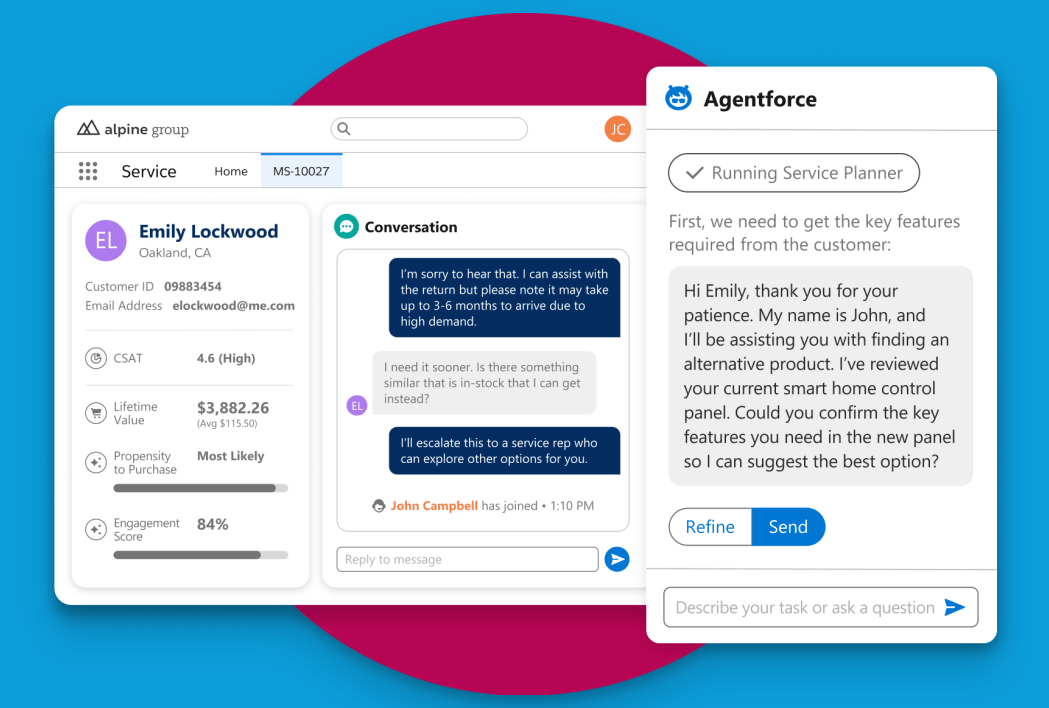
Salesforce Service Cloud is a customer service and support solution built on the Salesforce platform for customer support teams that need a seamless integration with their CRM and enterprise-grade tools to manage complex service operations.
Top features
- Case and ticket management that tracks customer issues from first contact to resolution, with full visibility into case history
- CRM integration that links support cases with customer records, sales history, and account data for a richer context
- Omnichannel routing that directs inquiries from all channels to the right agents based on skills and availability
- AI-powered suggestions that provide recommended articles and responses to help agents resolve cases faster
- Advanced analytics and dashboards that let teams measure service performance with customizable reports and metrics
Pricing starts at $25 per user per month
How it’s better than Helpshift: Salesforce Service Cloud is a customer service platform that offers deep CRM integration capabilities and enterprise-grade tools that support complex service processes across all channels, while Helpshift focuses on in-app mobile support. This makes Service Cloud a stronger option for organizations that need advanced routing, reporting, and integration with wider business systems.
3. Hiver
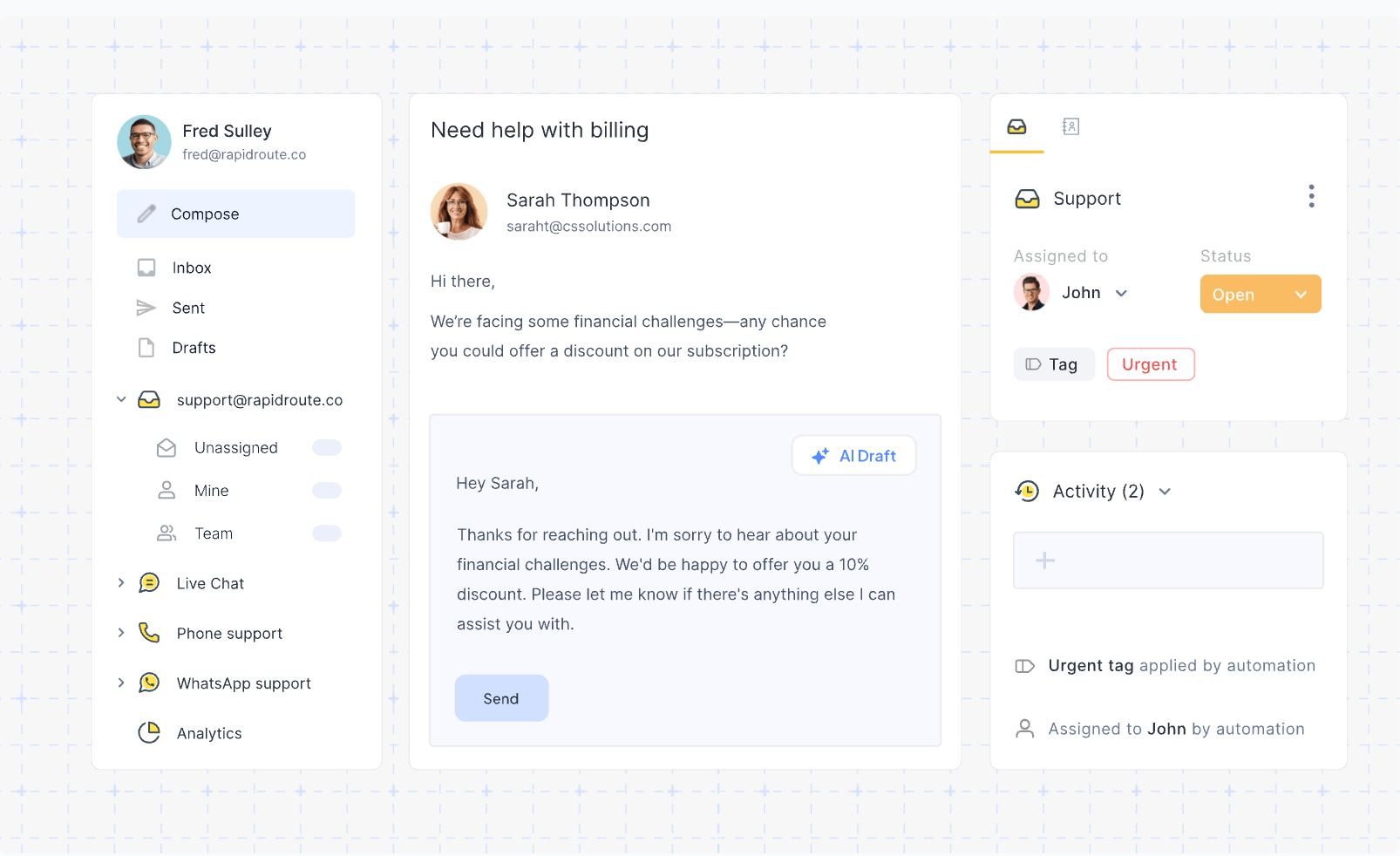
Hiver is a help desk solution that lives inside Gmail, built for teams who rely on email for customer support and want to manage shared support conversations without leaving their inbox.
Top features
- Shared inboxes that let teams manage support@ and other shared email accounts together, so replies are coordinated
- Collision detection that shows when another agent is viewing or replying to a conversation, helping you automate repetitive tasks and remove duplicate work
- Email notes and internal comments that let agents discuss context without leaving Gmail or copying threads externally
- Task management that lets teams assign and track follow-up tasks directly from support conversations
- Basic reporting that shows help desk activity, like response times and ticket counts, so managers can track performance
Hiver pricing starts at $25 per user per month.
How it’s better than Helpshift: Hiver is better for teams that primarily support customers through email because it integrates directly into Gmail and simplifies email collaboration, while Helpshift focuses mainly on in-app and mobile support. This makes Hiver a more straightforward choice for email-first support teams.
4. Zendesk

Zendesk is a customer support and ticketing platform built for teams that need to manage customer conversations across email, chat, and social with scalable tools for workflow and reporting.
Top features
- Unified support tickets that collect requests from all channels into one queue so agents can handle all inquiries in one place
- Macros and automation that let teams set rules and reusable responses to speed up ticket handling
- Help center and community forums that let customers self-serve and find answers without contacting support
- Multichannel messaging that supports live chat messaging and social interactions for flexible engagement
- Advanced analytics and reporting that show ticket trends, agent performance, satisfaction ratings, and more for team insights
Zendesk pricing starts at $19 per agent per month.
How it’s better than Helpshift: Zendesk provides broad support capabilities across multiple customer contact channels and strong automation and reporting that suit larger, diverse support teams, while Helpshift centers on in-app and mobile support. This makes Zendesk more flexible for traditional customer service setups that need growth and scalability.
See the full Helpshift vs Zendesk comparison.
5. Zoho Desk
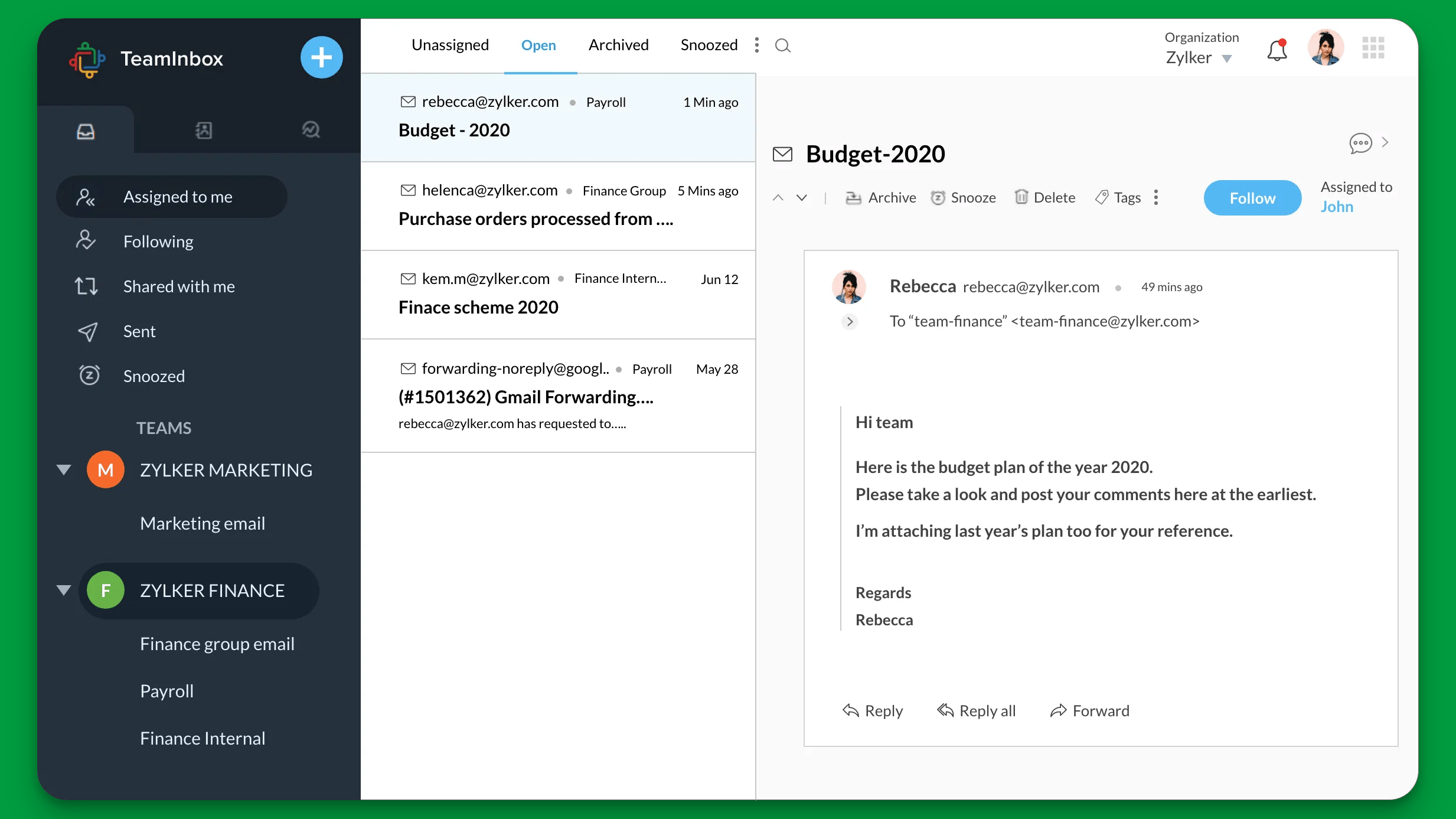
Zoho Desk is a help desk and support ticketing platform for support teams that need to manage customer conversations across email, chat, phone and social media channels with context around customer history.
Top features
- Multichannel ticketing that brings in support requests across channels and networks to one place so agents can stay on top of volume and answer customer queries in one place
- Contextual customer profiles that show previous interactions, purchases, and notes, so support reps understand the full customer history
- Automation and workflow rules that route, assign, and escalate tickets based on criteria you set to keep work flowing
- Self-service portals and a knowledge base that let customers find answers on their own, which lowers the incoming ticket count
- Reporting and dashboards that visualize key support metrics like response times, ticket load and agent productivity
Zoho Desk pricing starts at $14 per agent per month if you want the AI features.
How it’s better than Helpshift: Zoho Desk is better for support teams that handle both digital and traditional channels because it unifies email and chat conversations, phone, and social support with rich customer context and automation. Helpshift focuses on in-app support, so Zoho Desk gives wider support coverage and more customization for general help desk needs.
6. Crisp Chat
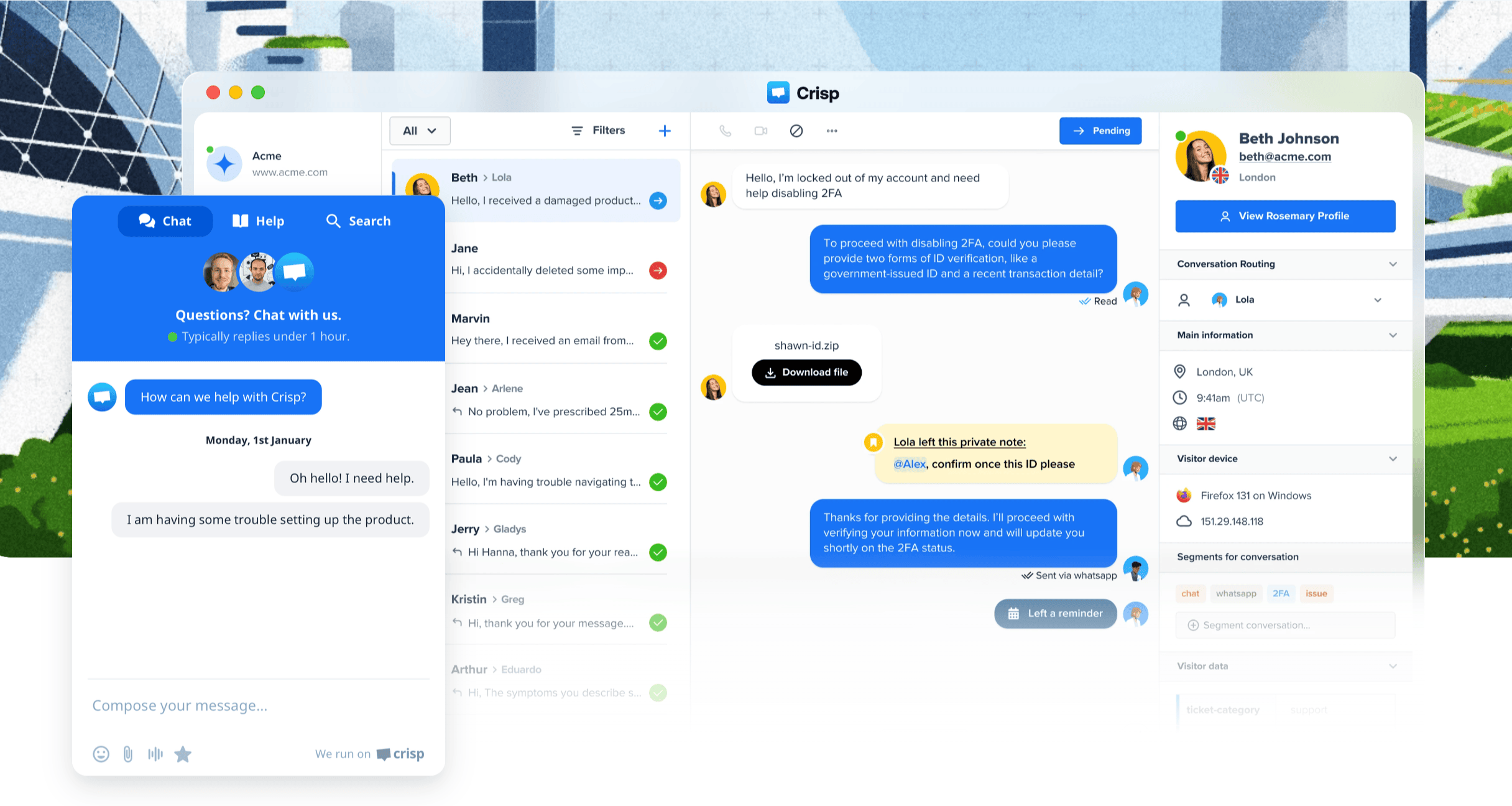
Crisp Chat is a live chat and customer messaging platform designed for businesses that want to communicate with customers in real time across web, mobile, and social channels with integrated support tools.
Top features
- Live chat widget that lets you chat with visitors on web and mobile in real time and respond instantly
- Shared inbox that consolidates messages from chat, email, social platforms, and messaging apps for easier support
- Automation and chatbots that handle common questions and qualify conversations before agent involvement
- Knowledge base and help center that lets you publish FAQ articles and help content for self service support
- Visitor tracking and triggers that show who is on your site, and can automatically prompt chats based on behavior
Crisp Chat pricing starts at 45EUR per workspace per month.
How it’s better than Helpshift: Crisp Chat offers more real-time live chat and multi-channel messaging outside of in-app support, giving businesses a unified place to talk to customers across web and social platforms, while Helpshift is mainly focused on in-app mobile support. It also includes automation and visitor insights that help teams engage earlier in the customer journey.
7. EngageBay
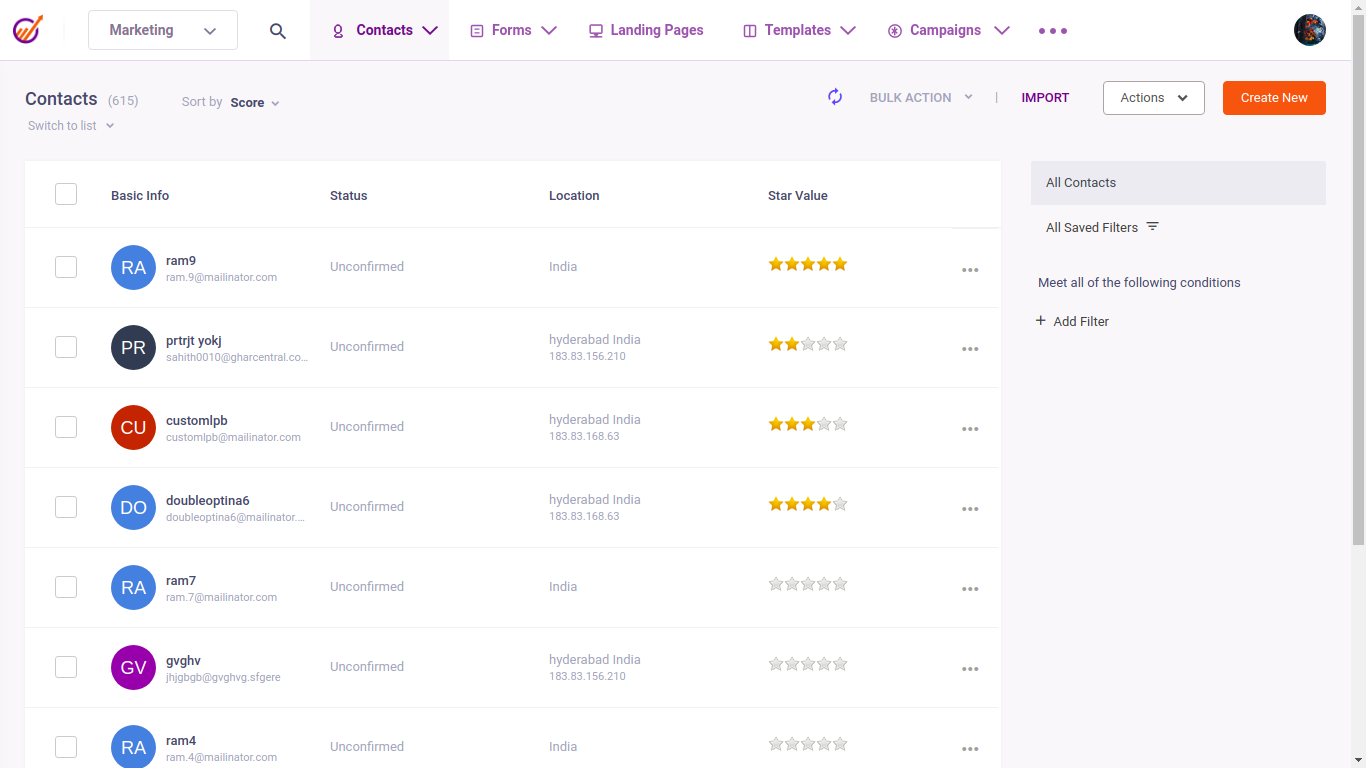
EngageBay is an all-in-one CRM and customer support platform built for small and growing teams that want to manage support tickets alongside sales and marketing activity without juggling multiple tools.
Top features
- Shared support inbox that collects customer emails and messages in one place so agents can reply faster and stay organized
- Ticket automation that assigns, prioritizes, and updates tickets automatically based on rules you define
- Customer profiles that show conversation history, contact details, and past interactions in one view
- A knowledge base that allows teams to publish help articles and reduce repetitive support questions
- Reporting tools that track ticket volume, response times, and agent activity for better visibility into support performance
Pricing starts at $12.74 per user per month
How it’s better than Helpshift: EngageBay is better suited for small teams that want support tickets, CRM, and basic marketing tools in one system, while Helpshift focuses mainly on in-app support for mobile products. It also offers a lower entry price and broader business features outside of customer support alone.
8. Freshdesk
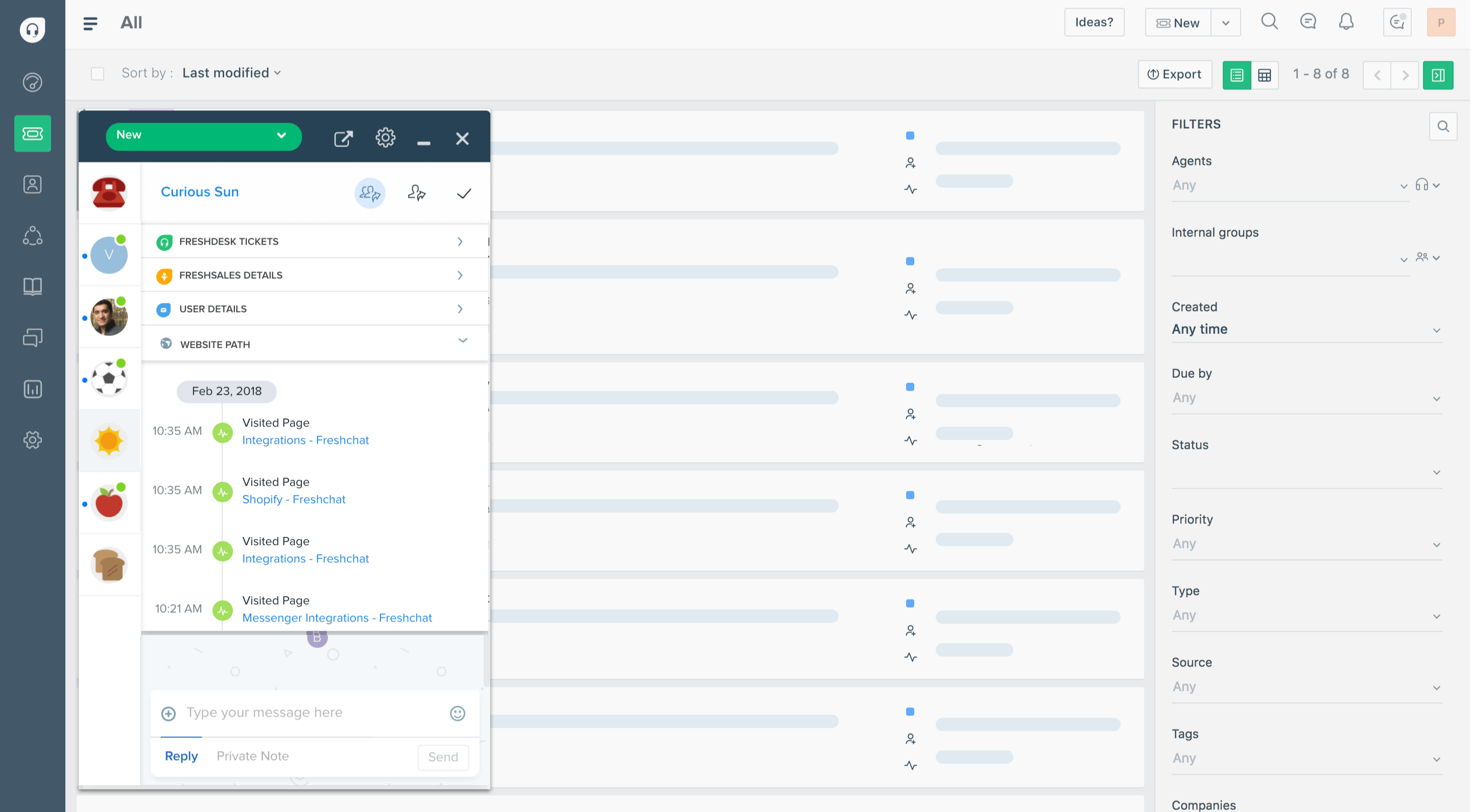
Freshdesk is a customer support platform built for support teams that handle customer conversations across multiple channels and need a structured way to manage tickets, collaborate internally, and track support performance.
Top features
- Unified ticketing system that brings email, chat, phone, and social messages into one shared workspace so nothing gets missed
- AI and Automation rules that route, prioritize, and tag tickets automatically to reduce manual work for agents
- Self-service knowledge base that helps customers find answers on their own and lowers incoming ticket volume
- Team collaboration tools, such as private notes and ticket ownership, to support handoffs and shared resolution
- Reporting and analytics that show ticket volume, response time,s and agent performance in clear dashboards
Freshdesk pricing starts at $19 per agent per month.
How it’s better than Helpshift: Freshdesk's ticketing system works better for teams that support customers across messaging platforms and social channels, while Helpshift is mainly focused on in-app and mobile support. It also offers broader ticketing and reporting features that suit general customer service teams rather than app-first support setups.
Conclusion
Providing exceptional customer service starts with choosing the right tech stack. While Helpshift can help you manage customer queries effortlessly, that comes at a price. On top of the questionable ease of use is the actual price, which is not transparent and punishes businesses that have a lot of customer inquiries.
Featurebase is the best overall Helpshift alternative for modern AI-powered support. It combines AI automations, omnichannel ticketing, help center, and feedback tools in one platform - all at a simple, transparent price. Unlike Helpshift, Featurebase includes a mobile app, advanced automations, and much more.
What’s best is that it comes with a Free plan and 1-click import from other tools, so there’s no downside to trying it out. 👇
✨ Automate your customer support with the fastest AI omnichannel inbox today →