Blog ComparisonsShould You Use a Zendesk Knowledge Base? Top Alternatives in 2026
Should You Use a Zendesk Knowledge Base? Top Alternatives in 2026
Is Zendesk the right tool for your knowledge base? While great for support, its rigid structure and high costs make it a poor fit for documentation. In this guide, we’ll explain why and share 10+ better alternatives for building a modern help center.



Zendesk is a highly popular tool for customer service, recognized for its omnichannel support, extensive AI-powered features, and relatively high costs. Did you know that you can also use it to host your own knowledge base?
You can, but that doesn't mean you should. Today, we take a look at Zendesk knowledge base and show you some reasons to stay away from it, as well as some alternatives to try instead. 👇
TL;DR
- ✨ Featurebase - Best modern support platform with AI-powered knowledge base, feedback collection, and changelogs.
- Proprofs Knowledge Base – Best for larger businesses that need an affordable, easy-to-use help center with contextual support
- Helpjuice – Best for growing organizations that need a fully branded, analytics-rich internal knowledge base with advanced customization
- Document360 – Best for technical documentation teams that need version control, markdown support, and structured content organization
- Intercom – Best for customer-facing teams that want a chatbot-first knowledge base integrated into a live support system
- Confluence – Best for internal documentation and team collaboration, especially for teams already using Atlassian tools
- Guru – Best for fast-paced teams that want verified, browser-based knowledge delivery with AI assistance and Slack/Chrome integration
- Bloomfire – Best for companies with large support or sales teams that need searchable content hubs with media and Q&A functionality
- Nuclino – Best for small, agile teams looking for a lightweight knowledge base with fast editing and visual content linking
- Notion – Best for teams that want a highly customizable all-in-one tool that blends internal documentation, wikis, tasks, and databases
- Stonly – Best for high-volume customer service teams who need a knowledge platform that works equally well for support reps and customers.
Reasons why you should not use Zendesk for your knowledge base setup
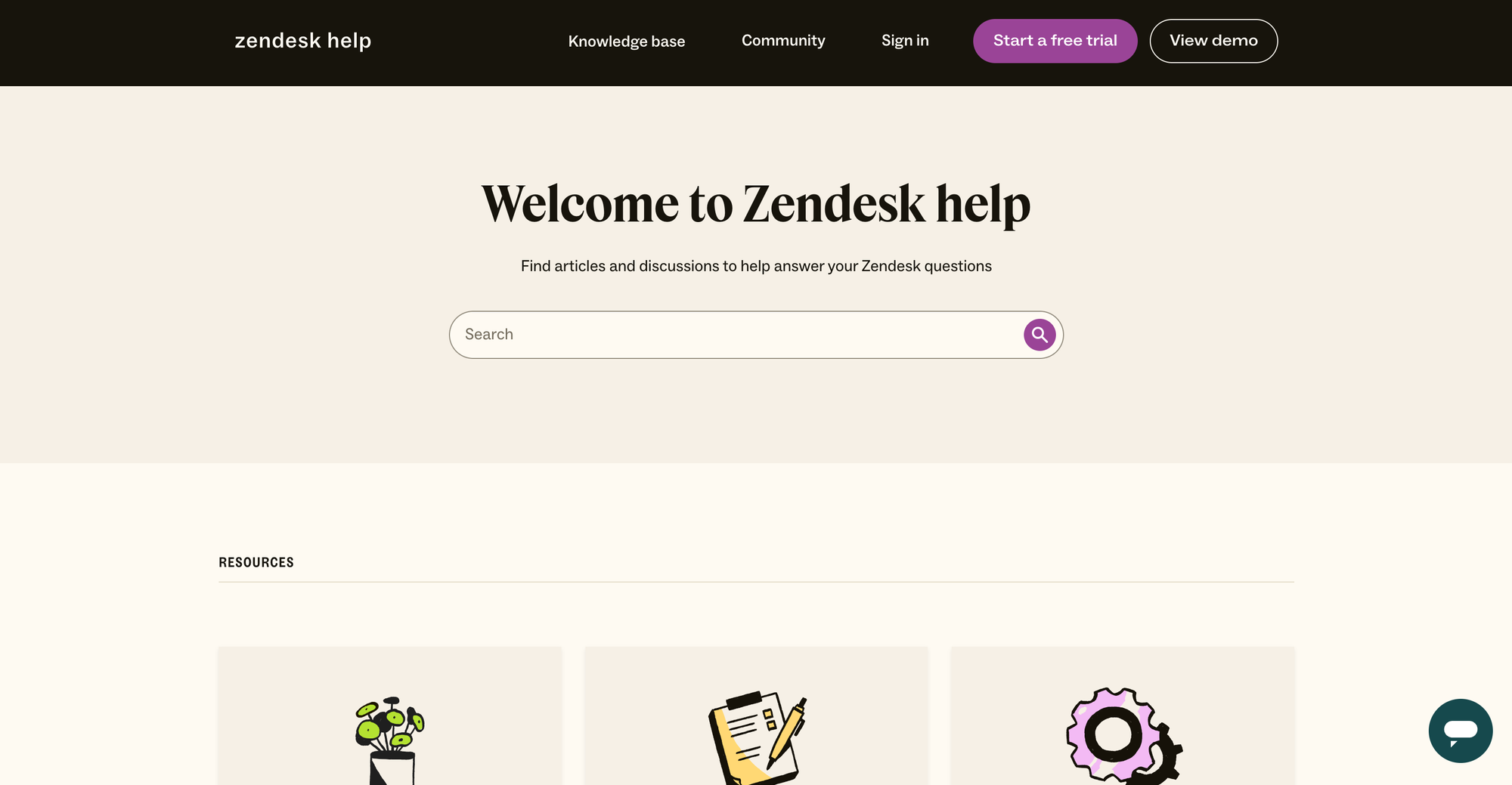
Zendesk is primarily a customer support tool, and using it for knowledge base articles isn't ideal. If you've tried it, you'll know exactly why.
But if not, here are some reasons why your knowledge base content should not reside in Zendesk:
1. The content structure is rigid
A typical Zendesk knowledge base relies on a fixed three‑level hierarchy: Categories, Sections, and Articles. Even on the most expensive plan, the structure of the knowledge base is pretty firm.
If you need more flexibility in organization, you're going to run into a wall very quickly, no matter your budget.
2. Keeping content up-to-date requires frequent manual updates
In the lower Zendesk plan, the version control options are fairly limited. To keep your articles up to date, you'll have to manually track what you updated and when, and who was behind it. With a large knowledge base, this creates a burden for your business and support team.
3. There is a steep learning curve for admins
Most Zendesk products require some learning, and the knowledge base is no different. It will take some time for your admins to learn how to create and update articles.
If you already use other Zendesk products, this may feel natural. But if you're starting out with knowledge base content from scratch, they'll have to spend some time learning Zendesk inside and out.
4. True customization requires developer skills
Great knowledge bases look and feel like a part of your website and product. In tools such as Featurebase, anyone can make these edits. While basic editing is possible with the Zendesk theme editor, you'll have to know some HTML, CSS, and JavaScript to customize your knowledge base to the full extent.
5. The total costs can be fairly high
Zendesk's pricing is notoriously complex and high. Advanced features such as multilingual support, detailed versioning, and forums come in the Suite Team plan, which starts at $55/month/agent. With just a few support agents, your Zendesk monthly invoice can climb pretty high.
For bigger teams and budgets, this may not be a big concern. However, this makes Zendesk a poor choice for lean teams looking to increase customer satisfaction.
✨ Looking for an affordable, AI-powered Zendesk alternative? Check out Featurebase →
6. Weak internal collaboration tools
For a knowledge base tool to be easy to use for your team, it needs to tick a few boxes. Zendesk is not that great at letting teams collaborate on relevant articles, and it's missing key features such as collaborative editing and in-app commenting.
There is no side-by-side editing or collaboration workflows with approvals, which makes it difficult for your team to track who added what and when.
7. Support team issues
Ironically, Zendesk is a customer support tool that has poor customer service themselves. You can expect the support staff to be there for you only on the higher-paid plans. If you're not paying a hefty subscription, you'll be forced to use self service to troubleshoot your problems.
Top Zendesk knowledge base alternatives to consider instead
By now, you've probably figured out that building a Zendesk knowledge base is complicated, expensive, and doesn't give your users the access or the features they need. Why not look at these alternatives for your team?
1. Featurebase ✨
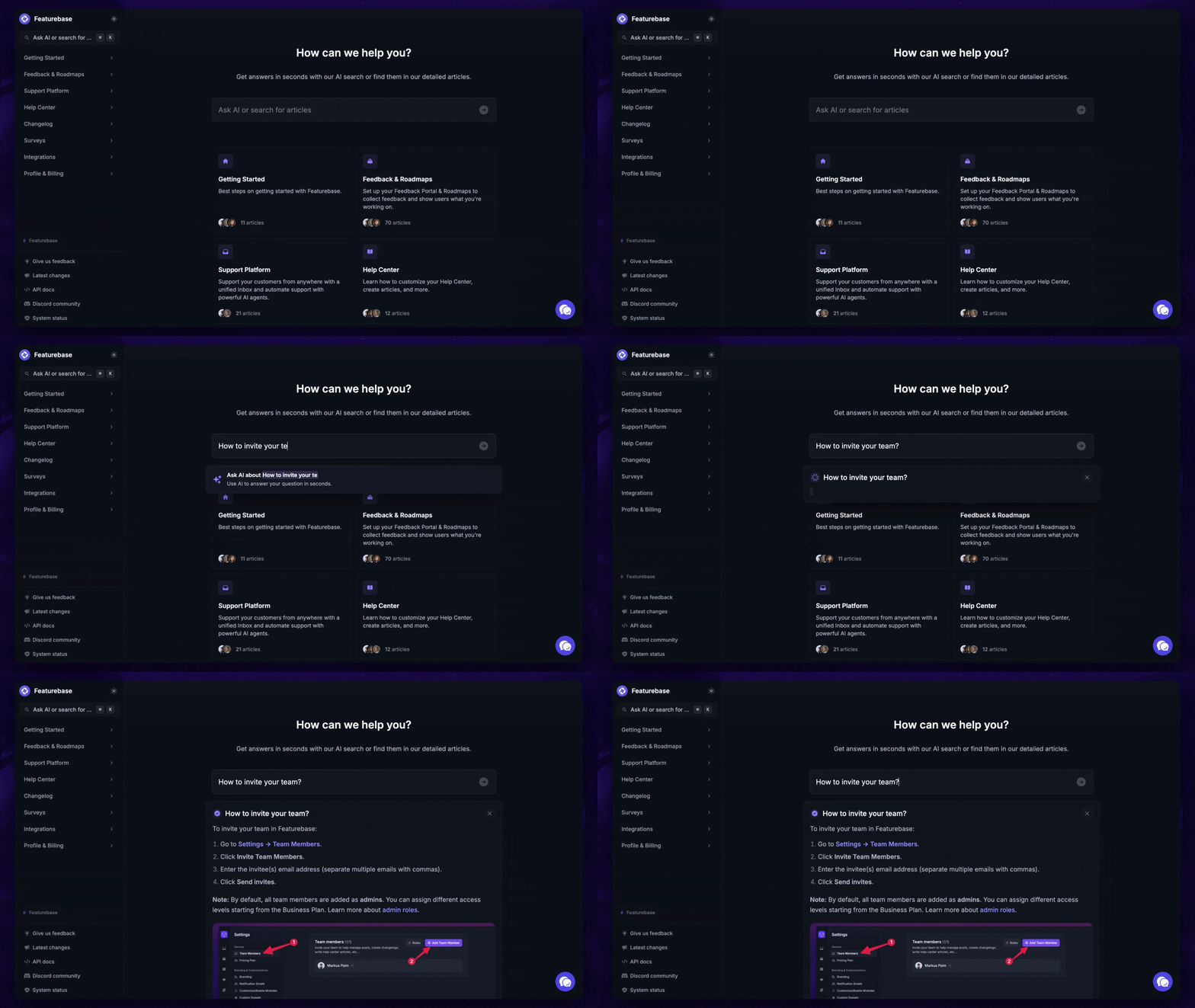
Featurebase is an AI-powered support platform built for modern SaaS teams. It comes with AI chatbots, human inbox, knowledge base, feedback collection, email support, and much more. It's loved by thousands of support teams from companies like Lovable, Polymarket, and Beehiiv. 💫
Top features:
- AI-powered knowledge base – a branded knowledge base with instant AI answers
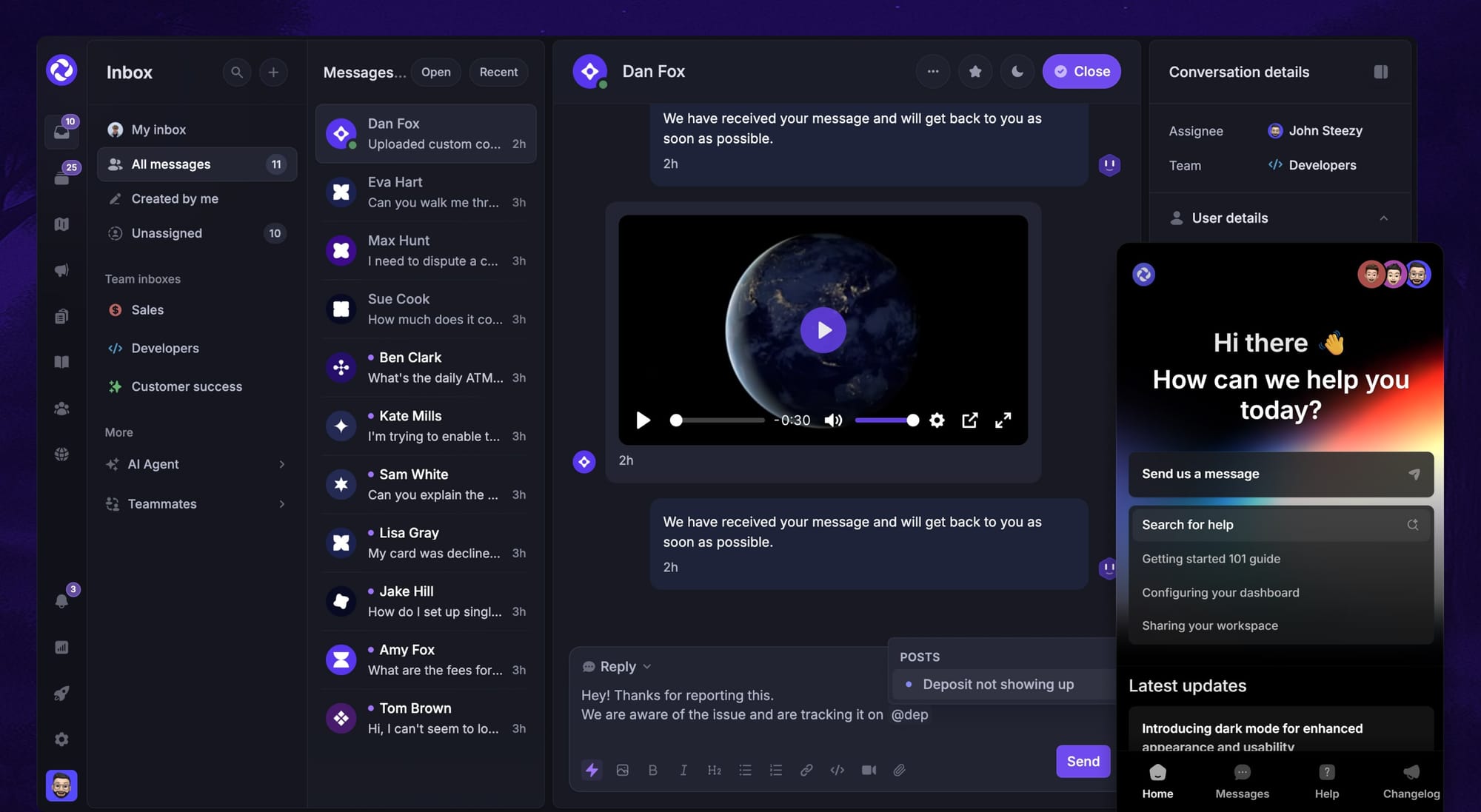
- Unified inbox – manage chat, email, and feedback in one place with internal notes and agent mentions
- Messenger widget – provide AI and human support from anywhere with a customizable in-app widget
- AI agent & automations – fully automate your support with AI and endless custom workflows, like extending trials, offering discounts, qualifying leads, etc.
- Email support – Seamlessly provide support to your customers via email sync
- Native ticketing – Centralize & keep track of all customer requests in one place
- Multi-language & custom domain support – serve content in 40+ languages with your domain and branding
- Integrations – Slack, Linear, Jira, Discord, Hubspot, and many more
- Plus, feedback collection, product roadmaps, release notes, and customer surveys – all in one place
Pricing: Featurebase offers a generous Free plan, which includes unlimited support conversations. The paid plans start at a flat fee of $29 per user per month + $0.29 per AI resolution. The onboarding is super fast, so there's no downside to trying it. 👇
✨ Switch from Zendesk and get the fastest AI-powered inbox & knowledge base →
2. ProProfs Knowledge Base
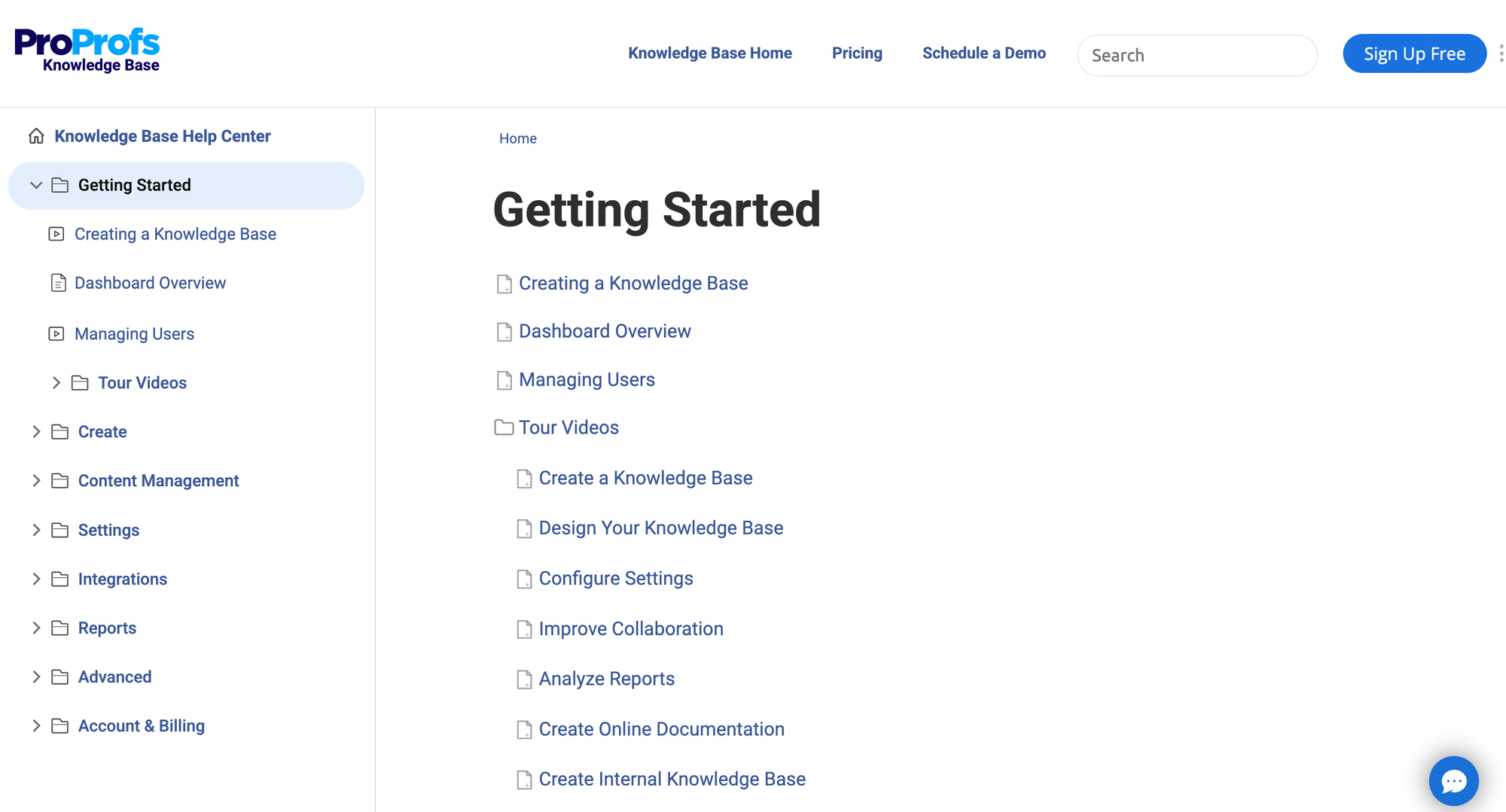
ProProfs Knowledge Base is designed for small to mid-sized organizations looking for an affordable, straightforward platform with integrated help desk and chat features. It shines with its AI authoring, contextual help, and ability to serve both internal teams and customers.
Top features:
- AI writer and search – generate and improve articles using AI-powered tools
- Contextual in-app help – deliver article suggestions directly inside web applications
- Security and permissions – define roles, enable SSO, and control access to content
- Reporting and analytics – track user engagement, search behavior, and failed searches
- Integrations and multi-language – connect with help desk, AI chatbots, CRM tools; support content in 90+ languages
Pricing: starts at $49/author per month with a 15-day free trial and a free forever plan for up to 25 articles
How it's better than Zendesk knowledge base: ProProfs offers smarter authoring, affordably priced team plans, contextual help delivery, and extensive language options, without overpaying for unused customer service features.
3. Helpjuice
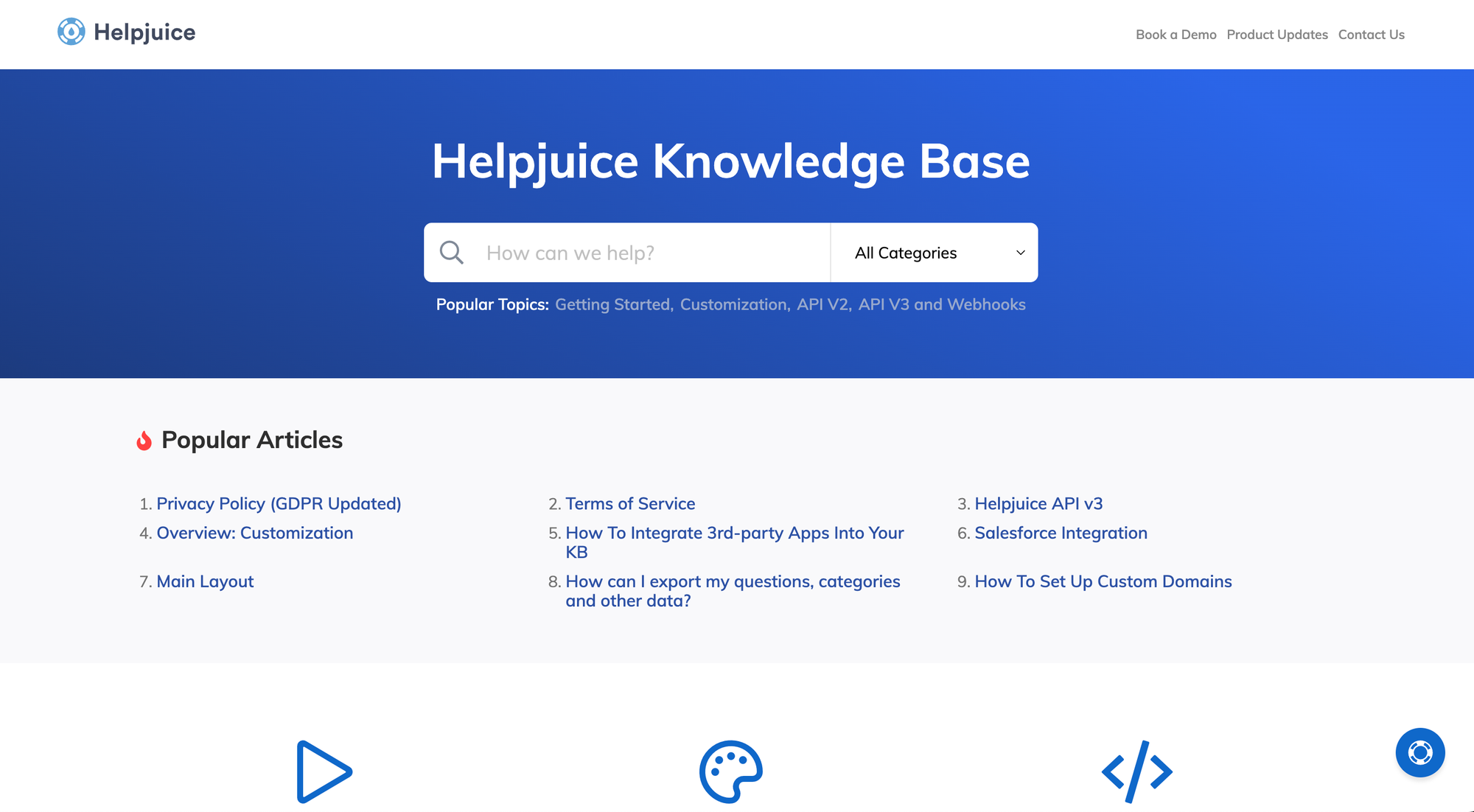
Helpjuice is built for teams that require a secure, customizable internal knowledge hub with strong analytics and collaboration capabilities. It supports multi-language articles, deep search, and enterprise-grade customization, making it ideal for customer support and internal documentation teams that need both flexibility and insight.
Top features:
- Custom branding and templates – adjust the look and feel using brand colors, logos, domains, and CSS code
- AI-powered search and chatbot – users can find answers easily even with typos, and chatbot assistance is available
- Rich text editor with version control – WYSIWYG editing, collaboration tools, media embeds, and full revision history
- Multi-language support – AI-based translation, language versioning, and a toggle for multilingual documentation
- Access controls and SSO – granular user roles and single sign-on enable secure internal sharing
Pricing: starts at $200/month for the Starter plan (up to 16 users)
How it's better than Zendesk knowledge base: Helpjuice offers far deeper branding, analytics, and multilingual control—all in a managed, standalone solution rather than as part of a larger ticketing platform.
4. Document360
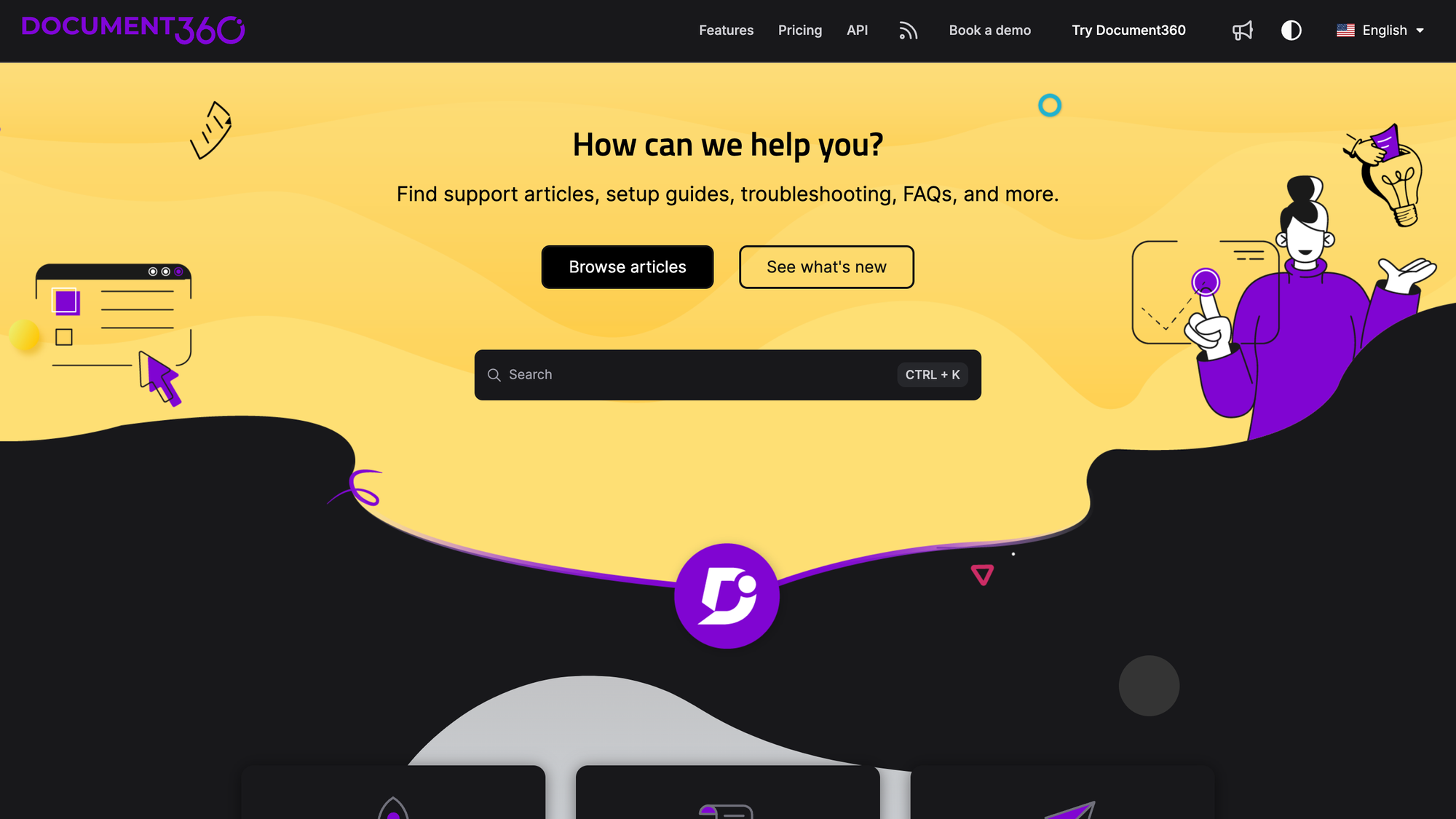
Document360 is a documentation platform tailored for both internal and external knowledge use cases. It offers advanced message structuring, AI-driven search, and granular access controls, making it ideal for technical, support, and product teams.
Top features:
- Markdown and WYSIWYG editors – flexible authoring with rich text support
- AI-powered search ("Ask Eddy") – users can ask questions and get instant AI-generated answers
- Article versioning & approval workflows – track, review, and revert changes easily
- Access controls & multiple versions – manage public/private versions and role-based permissions
- Analytics & ticket deflection – monitor content performance and reduce support load
Pricing: not available publicly.
How it’s better than Zendesk knowledge base: Document360 provides stronger internal documentation tools, such as rich editing, AI search, content versioning, and customization.
5. Intercom
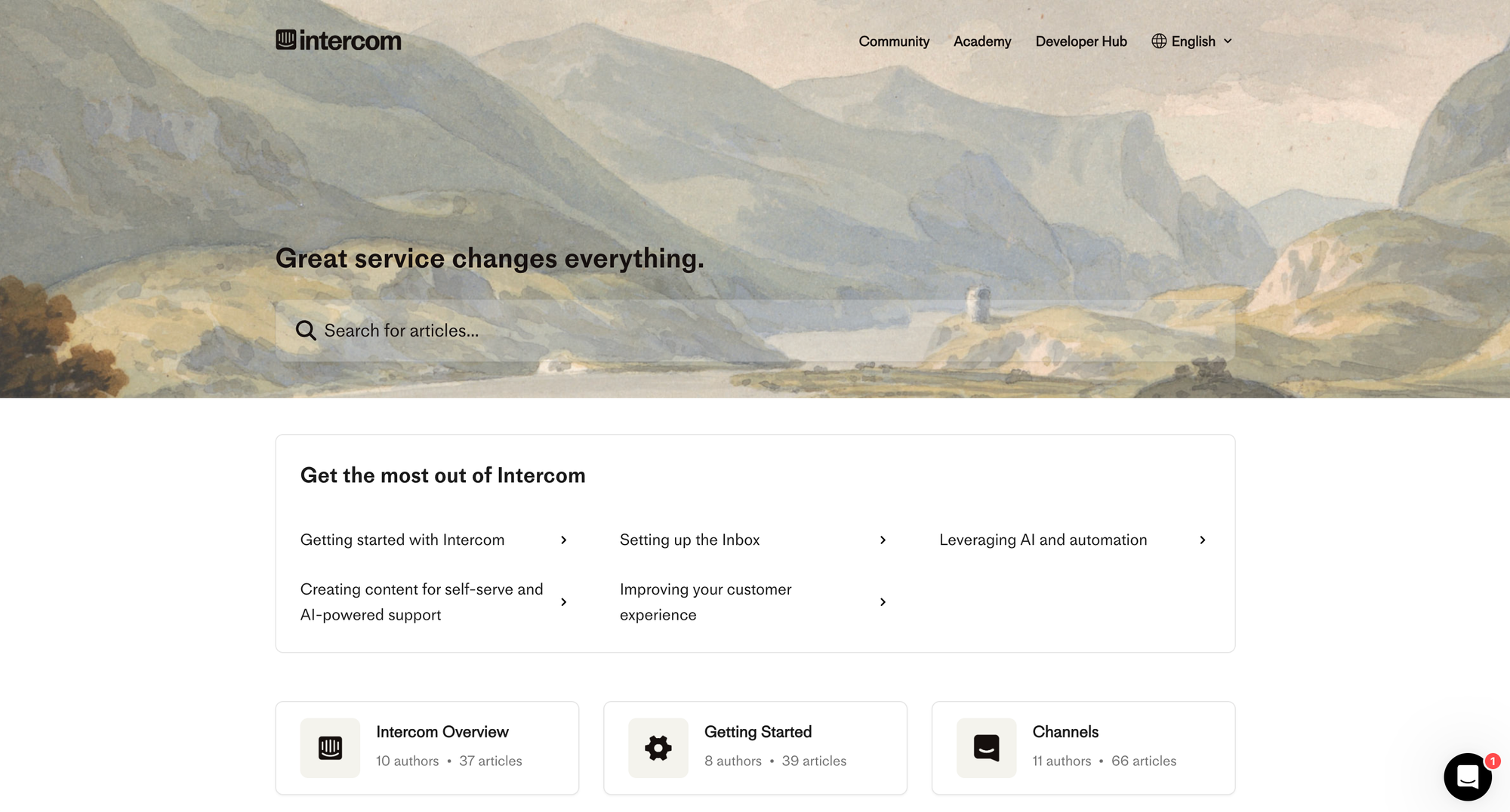
Intercom is a customer messaging platform that combines live chat, in-app messaging, and conversational bots, while also offering a help center for support documentation. It serves teams that want proactive outreach along with easily accessible support content.
Top features:
- Live chat & in-app messages – initiate chats and deliver messages directly to users
- Fin AI bot – automated chat assistance with resolution-based pricing
- Help Center documentation – publish articles integrated with chat responses
- Product tours & campaigns – deliver contextual tips and guides to users
- Contact segmentation & messaging – target users with tailored messages based on behavior
Pricing: Starts at $29 per seat per month (Essential plan; billed annually)
How it’s better than Zendesk knowledge base: Intercom places support content directly within live chat and user journeys, making help content highly contextual, unlike Zendesk’s separate help portal experience.
6. Confluence
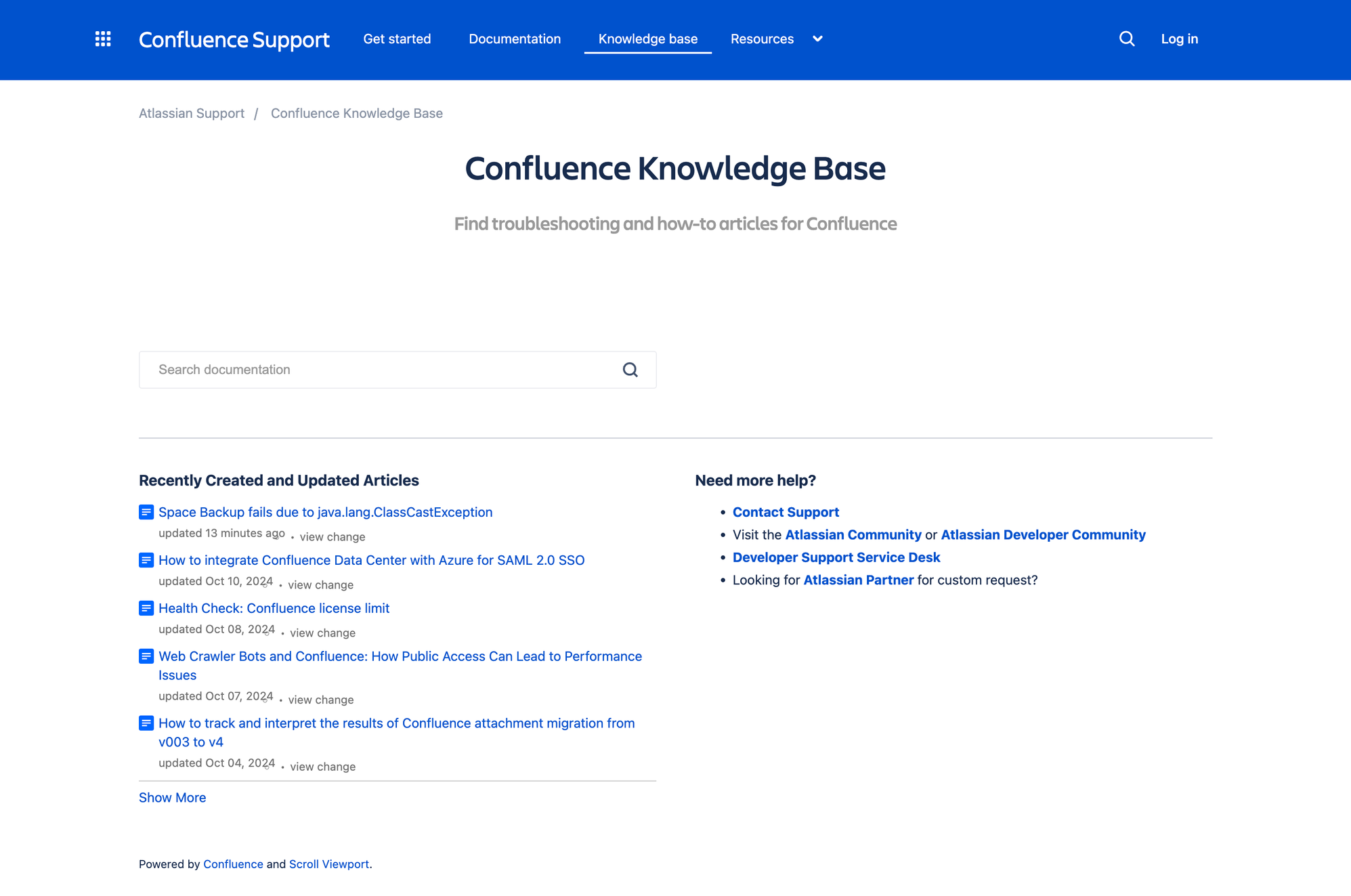
Confluence is a wiki-based knowledge management tool built for teams that need to centralize documentation, collaborate, and scale content across departments. It offers structured spaces, real-time editing, and deep integration with Jira for technical and organizational documentation.
Top features:
- Hierarchical spaces & pages – organize content into spaces, subspaces, and nested pages
- Collaborative editor – real-time editing, inline comments, and page restrictions
- Powerful search & page insights – robust search engine with usage analytics and suggested pages
- Versioning & permissions – track edits with page history and granular access controls
- Templating & macros – jumpstart content creation with templates and embed dynamic elements
Pricing: Starts at $5.16 per user per month (Standard plan; free for up to 10 users)
How it’s better than Zendesk knowledge base: Confluence offers deeper collaboration, structured content hierarchies, and stronger governance features, making it more suitable for teams publishing internal documentation than Zendesk’s external-focused KB.
7. Guru
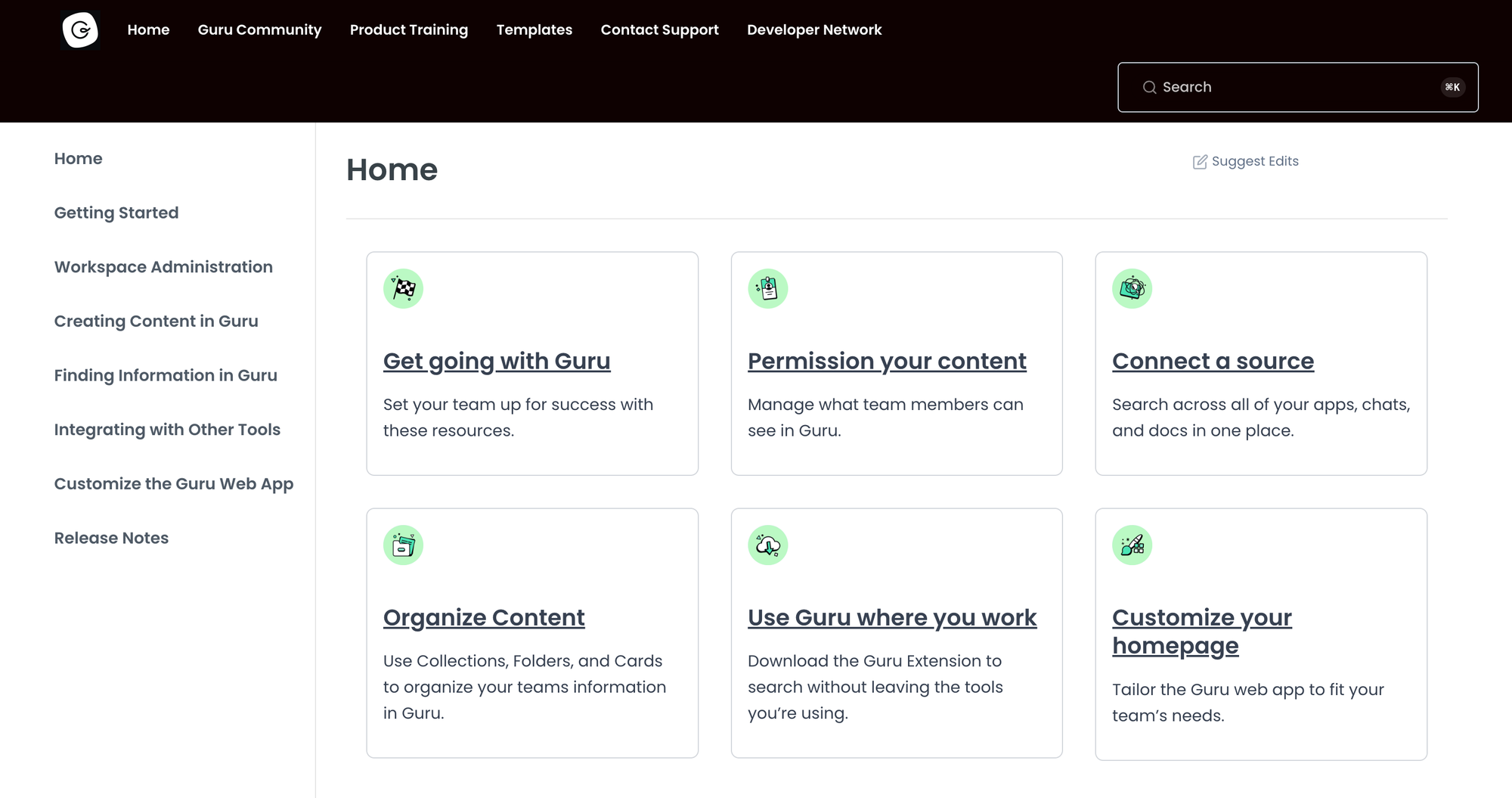
Guru is an AI-powered knowledge platform that delivers bite-sized, verified information (called knowledge cards) into tools teams already use like Slack, Chrome, or Salesforce. It’s made for teams that need accurate, context-aware answers without switching apps.
Top features:
- Knowledge cards – concise, updatable snippets for quick info access
- In-app browser extension – surface knowledge in existing workflows without leaving the tool
- Verification workflows – schedule expert reviews to ensure content accuracy
- AI-powered search & duplicate detection – find relevant cards and reduce redundant content
- Usage analytics – track card usage and identify knowledge gaps
Pricing: Guru's pricing starts at $15 per user per month, billed annually, with a 30-day free trial
How it’s better than Zendesk knowledge base: Guru injects verified, context-aware knowledge into daily workflows, making accurate information instantly accessible.
8. Bloomfire
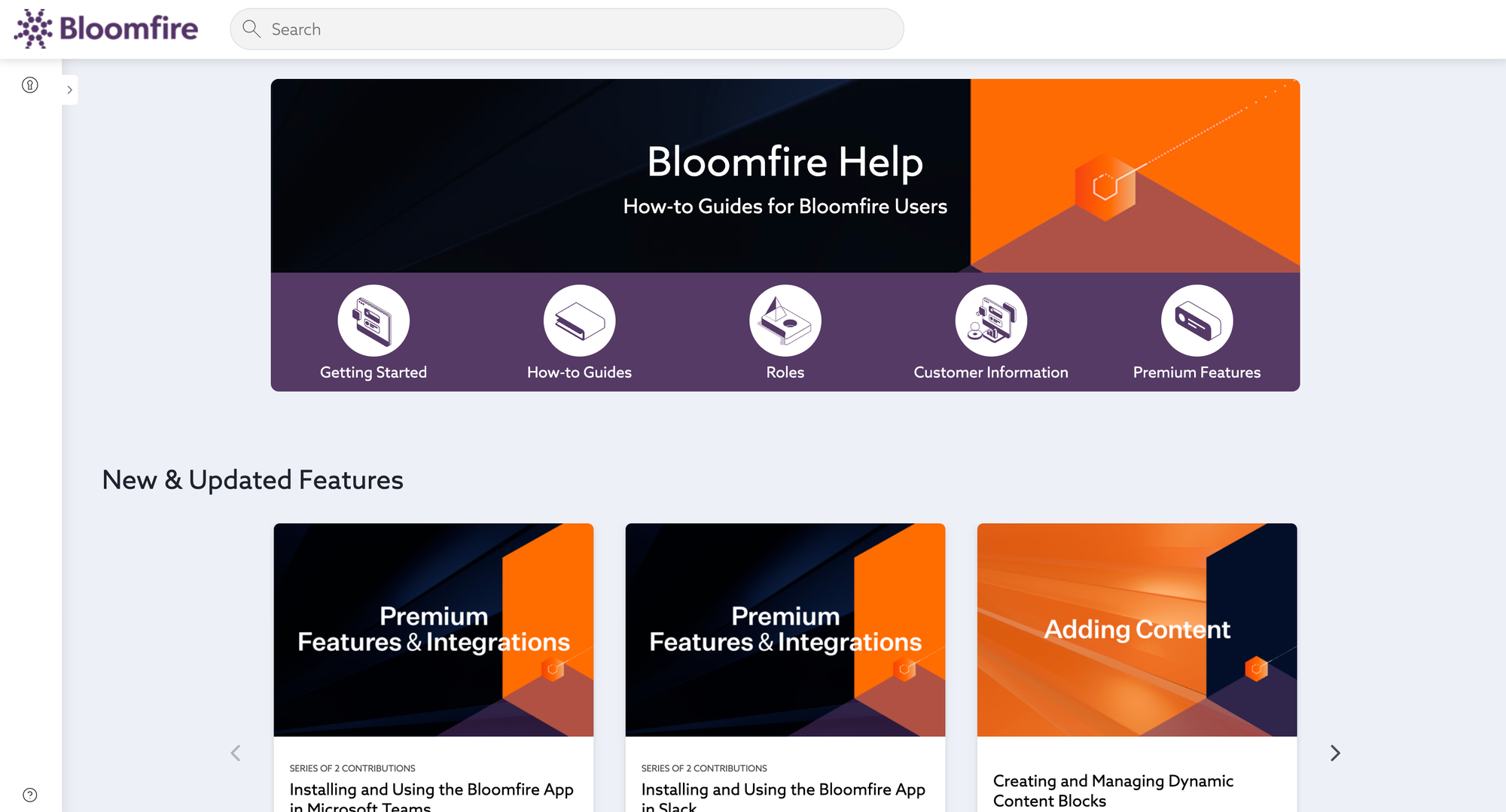
Bloomfire helps organizations manage diverse content across departments with intelligent indexing, transcription, and analytics. It’s ideal for knowledge-rich enterprises seeking a centralized, searchable knowledge hub that is easy to browse for internal and external stakeholders.
Top features:
- AI-powered search & discovery – indexes text across multiple content types for accurate retrieval
- Multimedia support – store and transcribe video, audio, image, and document content
- Unlimited data storage – no caps on content volume or repository size
- Engagement tools – build communities, newsletters, and curated homepages to drive content use
- Advanced analytics – monitor usage trends, search behaviors, and content performance
Pricing: Bloomfire's pricing comes with custom annual plans based on team scope; contact sales for details
How it’s better than Zendesk knowledge base: Bloomfire goes beyond articles by offering AI-driven search, multimedia indexing, community features, and enterprise analytics, making it a stronger fit for organizations with complex knowledge needs.
9. Nuclino
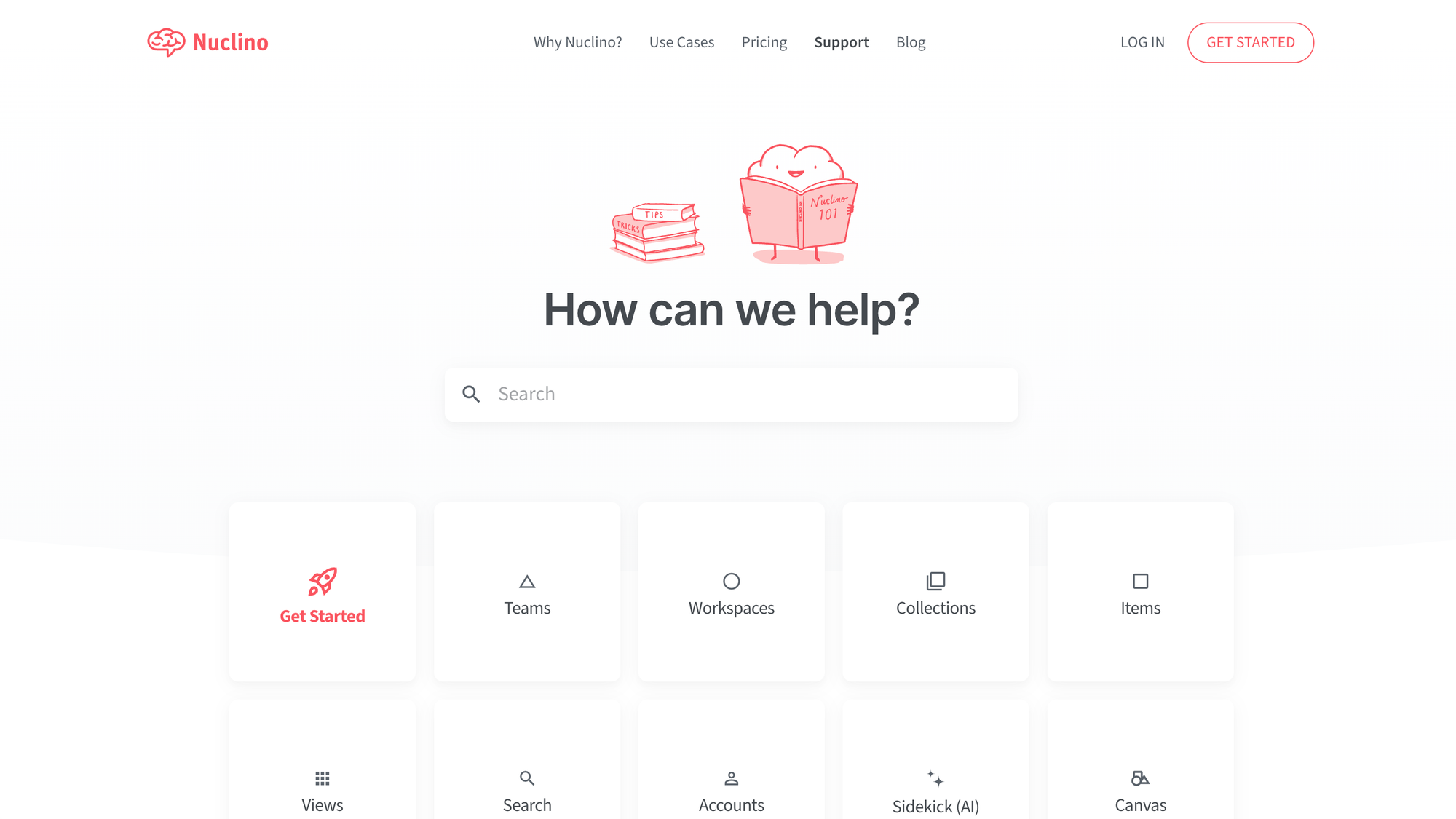
Nuclino is a clean, minimalist knowledge management tool that gives teams a fast, visual space for documentation, boards, and shared information. It suits small to medium teams or startups looking for an intuitive platform with live collaboration and AI guidance.
Top features:
- Real-time collaboration – edit and comment on documents simultaneously with live cursors
- Flexible views – choose between list, board, table, or graph to organize content
- AI-powered sidekick – ask questions and receive summaries or answers pulled from your content
- Visual canvas embedding – include diagrams, flowcharts, sticky notes, and moodboards directly inside pages
- Granular access controls – set roles and permissions at the workspace and document level
Pricing: starts at $6 per user/month for the Starter plan; free tier available
How it’s better than Zendesk's knowledge base: Nuclino delivers a more interactive and visually driven documentation experience, with real-time collaboration and AI assistance. All of this means a more engaging alternative to Zendesk’s static and less flexible knowledge base.
10. Notion
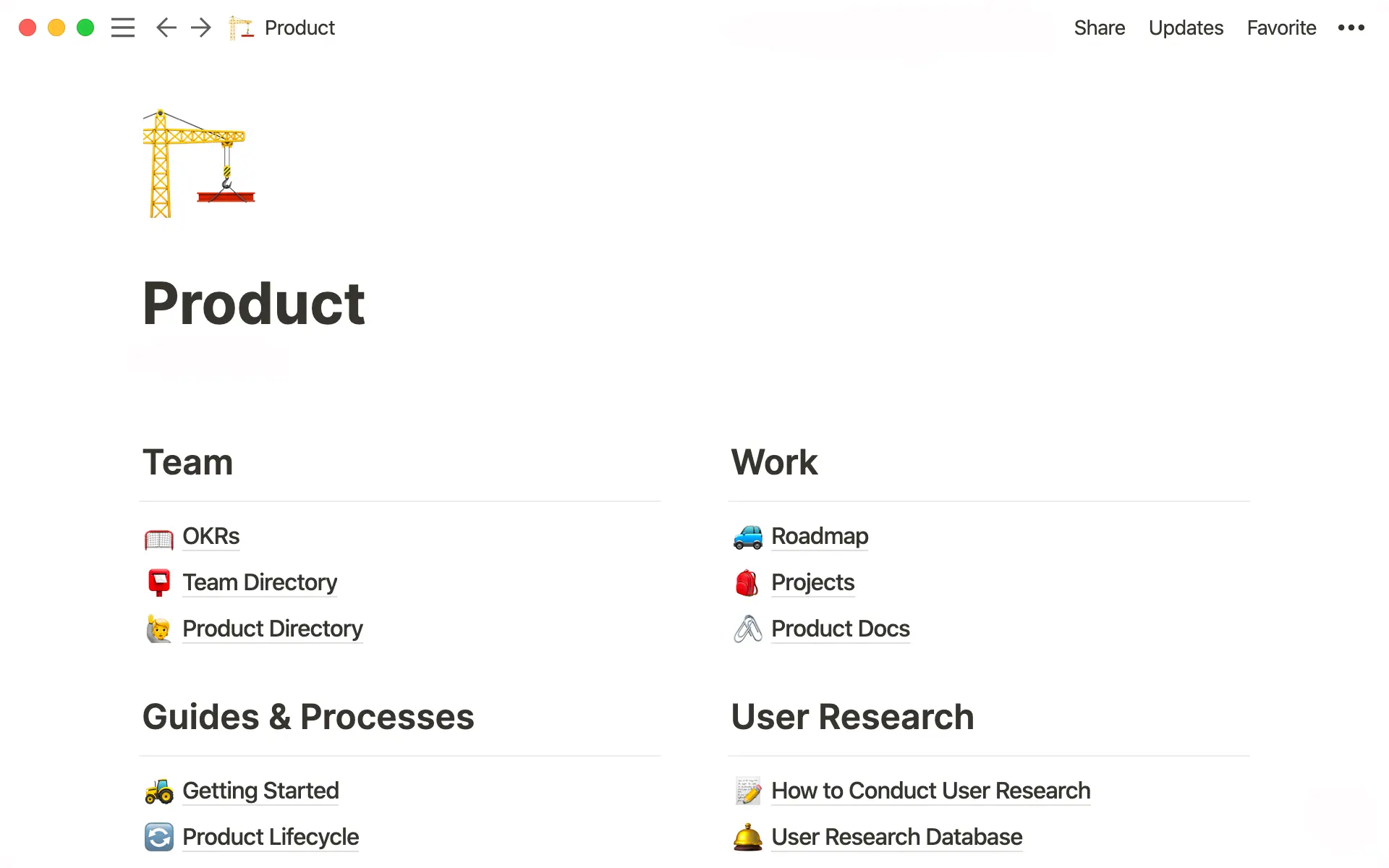
Notion is a unified workspace that combines documents, databases, and wikis, making it perfect for teams that need a versatile space for internal knowledge management and project coordination. It comes packed with features for employees and customers, and it supports both structured content and real-time collaboration.
Top features:
- Rich content blocks – mix text, embeds, tables, checklists, and code snippets for dynamic documents
- Hierarchical pages & databases – nest information in pages, subpages, and linked tables for clear and efficient organization
- Real-time collaboration – simultaneous editing, commenting, mentions, and live cursors for seamless teamwork
- Powerful search & backlinks – quick content discovery with global search and automated linking
- Templates & integrations – ready-made layouts and sync with Slack, GitHub, Google Drive, and more
Pricing: starts at $10 per user/month (Plus plan, billed annually), with a free tier available
How it’s better than Zendesk knowledge base: Notion offers richer document structure, powerful collaboration, and flexible content types. The comprehensive feature set makes all the difference for internal and external use.
11. Stonly
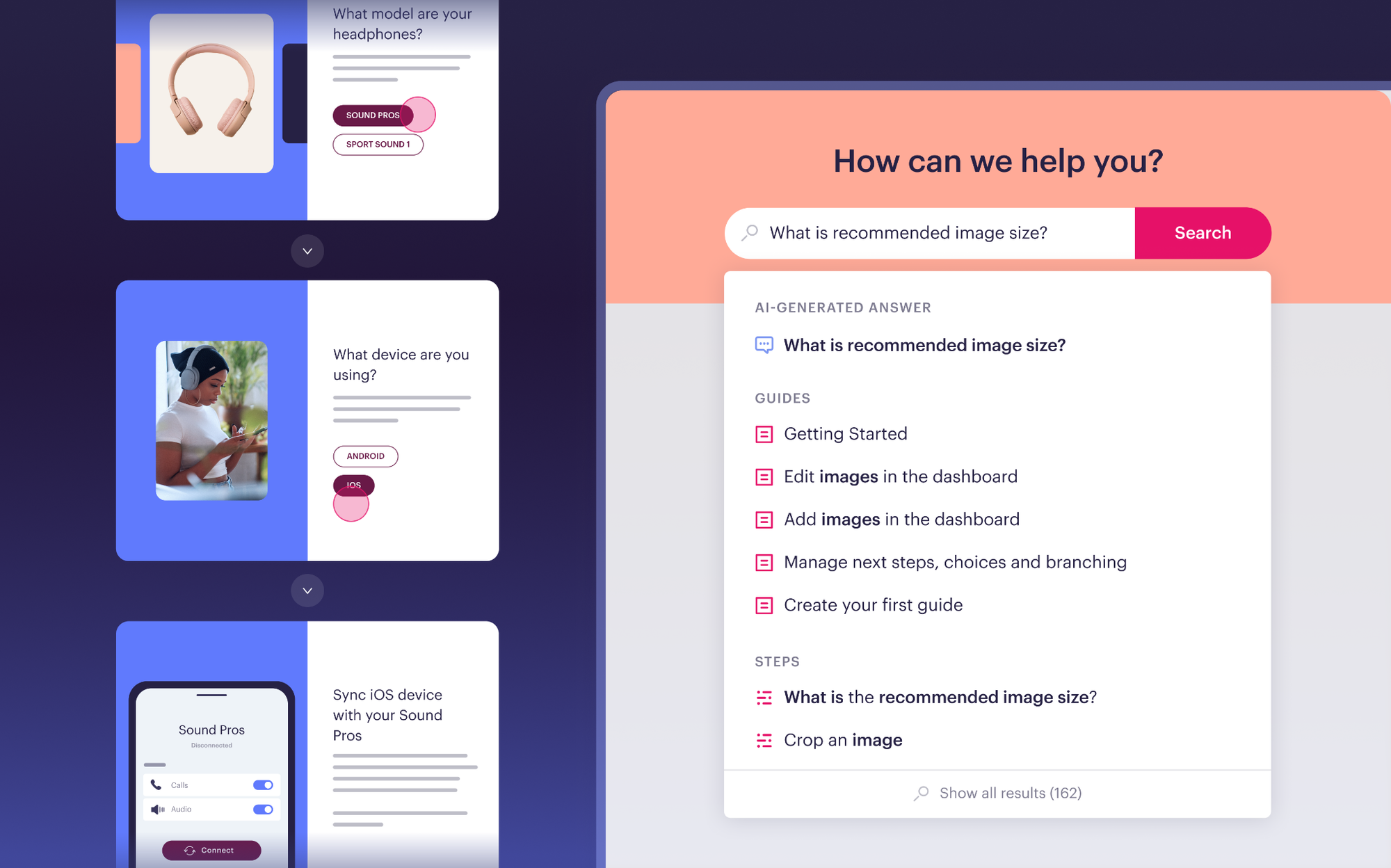
Stonly is built for high-volume customer service teams that need knowledge and AI to do more than store and retrieve information. Unlike Zendesk's knowledge base, which is primarily article-based, Stonly lets teams build both standard articles and interactive step-by-step guides that adapt to each user's situation, making it easier for customers and agents to follow processes correctly and resolve issues without confusion.
Top features:
- Interactive guides and decision trees – build structured, adaptive content that walks customers and agents through the right steps based on context and inputs
- AI answers and step-level search – deliver instant, accurate answers and get people to the right information faster
- Ticketing system integrations – surface the right knowledge for each ticket automatically inside the agent workflow
- No-code triggers – push proactive in-app support to customers at the point of need without engineering resources
- Knowledge Agents – AI that monitors your knowledge sources around the clock, spots gaps, and keeps content accurate and current
- Advanced governance – review workflows, version history, rights management, and granular targeting
Pricing: Stonly offers custom pricing for mid-market and enterprise teams. You can request a demo or get pricing details at stonly.com.
How it's better than Zendesk knowledge base: Stonly goes beyond article storage with interactive guides, proactive delivery, and AI that executes real processes rather than just surfacing links, giving support teams a more reliable and consistent experience for both agents and customers.
Conclusion
Zendesk is an excellent tool for providing customer support. But as a knowledge base platform, it falls flat when compared to just about any other tool app out there, even the open-source, free ones. If you already use other Zendesk products, it may be a decent add-on. But even then, there are plenty of better choices.
Featurebase is a modern Zendesk alternative for a powerful AI-powered knowledge base & support inbox. It comes with native ticketing, custom automation, workflows, and much more. It's loved by thousands of companies like Lovable, Polymarket, and Raycast.
What's best is that it comes with a Free plan, and the onboarding is super simple, so there's no downside to trying it out! 👇
✨ Switch from Zendesk and get the fastest AI-powered inbox & knowledge base →
More comparisons: