Ticket Prioritization: Priority Levels, Rules, and Examples
Learn how to prioritize support tickets using impact, urgency, customer context, and SLAs, with practical priority levels, rules, and worked examples.


On this page
A customer labels a small display issue “urgent.” Another quietly reports that their whole team cannot sign in. Meanwhile, an older ticket is approaching its response deadline.
Ticket prioritization gives your team a consistent way to decide what needs attention first. The decision should reflect what is happening to the customer and what you have promised them.
In this guide, I'll walk through priority levels, practical rules, and examples you can adapt to your support queue. 👇
Key takeaways
- Start with impact and urgency: Establish what work is affected and how quickly the consequences will worsen.
- Define your priority levels: Labels such as P1 and P2 only help when teammates agree on what qualifies.
- Keep deadlines visible: SLA commitments and waiting time help determine the next action within the queue.
- Review priorities when circumstances change: A working alternative, approaching deadline, or spreading outage can change the decision.
- ✨ Featurebase brings support conversations, priority markers, workflows, and SLA tracking into one platform.
What is ticket prioritization?
Ticket prioritization is the process of deciding which support requests need attention first, based on their impact, urgency, customer context, and service commitments. It helps agents choose their next action when several requests compete for their time.
A support ticket usually needs both a priority level and a place in the working queue. The level describes how much attention the issue warrants. Its position can also depend on an upcoming SLA deadline, how long the customer has waited, and whether someone can take a useful action now.
Prioritization is one decision within ticket triage, which also covers assessing the request and establishing ownership. Here, we'll focus on the priority decision. For the wider process, see our ticket handling best practices.
Define ticket priority levels your team can apply
Use a small set of levels with clear entry criteria. The following P1–P4 scheme is an example policy, not a universal standard. Some teams start at P0 or use labels such as Urgent, High, Normal, and Low.
| Level | When it applies | Expected response from the team |
|---|---|---|
| P1: Critical | A critical service is unavailable, or there is credible immediate risk of serious harm, with no adequate workaround | Activate the relevant incident or specialist response and maintain active coordination |
| P2: High | An essential customer workflow is blocked or seriously degraded, with a meaningful deadline or substantial business impact | Give the issue prompt attention and involve the necessary specialist |
| P3: Normal | The issue affects work, but the customer can continue through a usable workaround or the consequences are limited | Handle it in the regular queue within the applicable service commitment |
| P4: Low | A general question, cosmetic issue, or improvement request has little immediate effect on current work | Acknowledge it and give it a planned next action |
Write down the boundaries that matter for your product. A failure affecting one account can be critical if that account runs a business-essential process. A bug affecting many users may still be low priority if it only changes an icon's appearance.
Keep response targets in a separate policy. P1 does not automatically mean a particular response time or guaranteed fix time. Those commitments depend on your support coverage, agreements, and ability to deliver them.
7 rules for prioritizing support tickets
Apply these rules consistently, then record the reason for the decision. A teammate should understand why a ticket is high priority without reading the entire conversation.
1. Describe the business impact before choosing a label
Start with what the customer cannot do. “Export broken” is less useful than “The finance team cannot export the approved report needed for today's submission.”
Check the affected workflow, number of affected users or accounts, and consequence of the failure. User count is one input, not the whole decision. Losing access to an essential process can outweigh a widespread inconvenience.
If the scope is unclear, record the uncertainty and investigate it. A single report may be the first sign of a broader incident.
2. Judge urgency by the deadline and the workaround
Urgency describes how soon action is needed before the consequences worsen. An issue discovered today might not become disruptive until next month. Another might stop a launch happening this afternoon.
Ask whether the workaround is usable for this customer. A manual export that takes a few minutes may reduce urgency. Requiring someone to copy thousands of records by hand may leave the practical impact unchanged.
Record the relevant deadline, including its time zone. “Needed today” is too vague to support a reliable queue decision.
3. Treat urgent language as a signal to investigate
A subject line containing “ASAP” should prompt an impact check. It should not automatically assign the highest priority.
The same applies to sentiment. An angry customer needs a thoughtful response, but frustration alone does not establish a critical service failure. A calm description of a serious outage still warrants immediate attention.
Define exceptions for credible reports of data loss, exposure, or other serious risks. Use the appropriate ticket escalation process while a specialist assesses the report. Don't wait for the customer to prove the full extent of the problem before escalating.
4. Use customer context to apply the right commitment
Customer context can change the action your team owes. A support plan might include a shorter response target, dedicated coverage, or access to a particular team.
It can also explain the real impact. A feature that looks optional to an agent may be essential to that customer's daily workflow.
Keep account value separate from incident severity. A large customer's cosmetic request may require a prompt acknowledgment under their agreement, while another customer's production blocker still needs the technical team's attention first. Divide those actions when capacity allows.
5. Order comparable work by the next deadline
After handling critical exceptions, compare the next required action on tickets of similar priority. Give attention to the one closest to missing its commitment, then use waiting time to break a tie.
Know which clock you're looking at:
- First response target: When the customer should receive the initial response defined by your policy.
- Next response target: When the team should reply after a later customer message.
- Resolution or closure target: When the issue should reach the outcome specified in the agreement.
Check whether those clocks use business hours or elapsed time, and what pauses them. Improving first response time alone won't fix a queue where customers wait days for the next useful update.
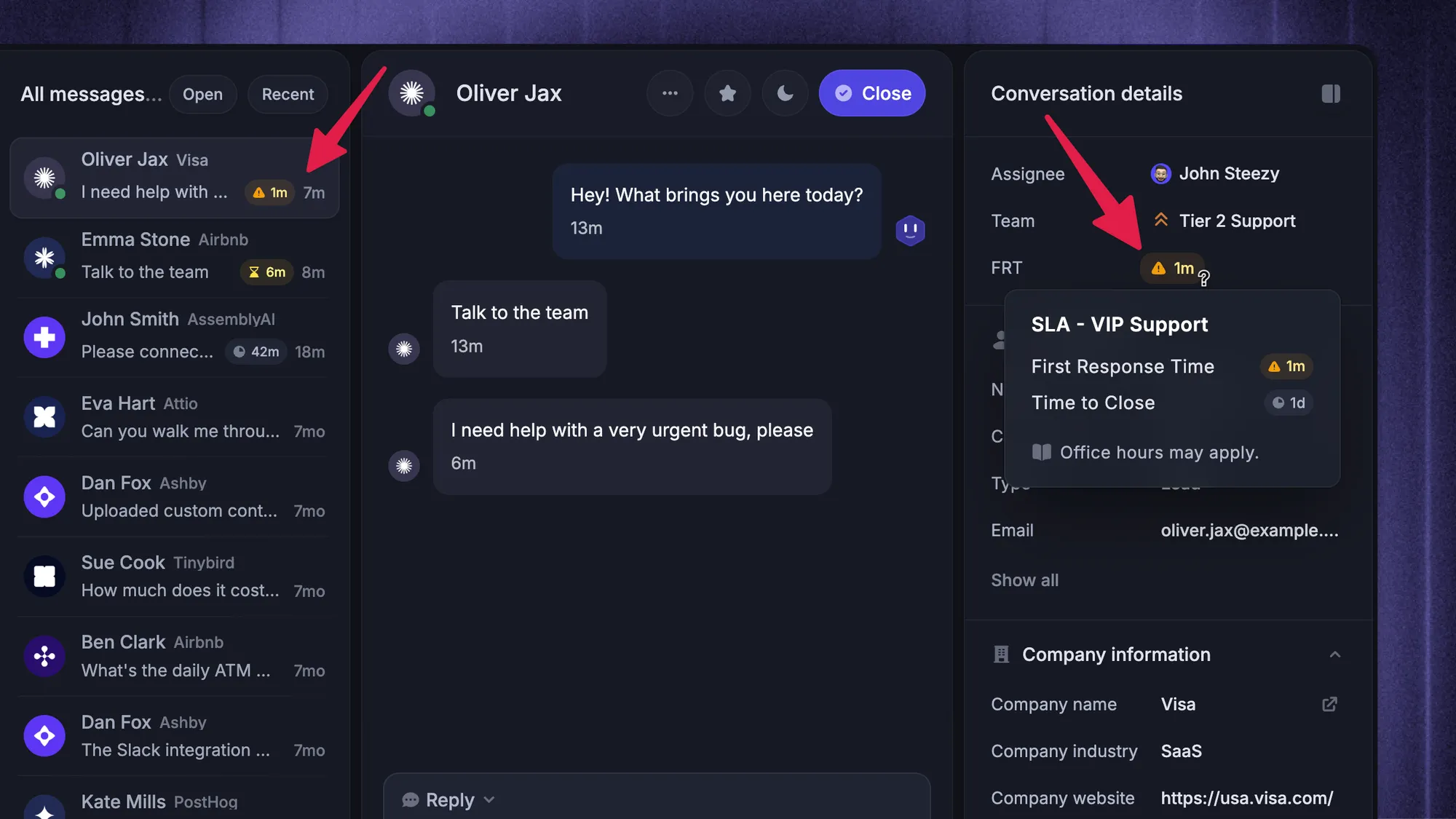
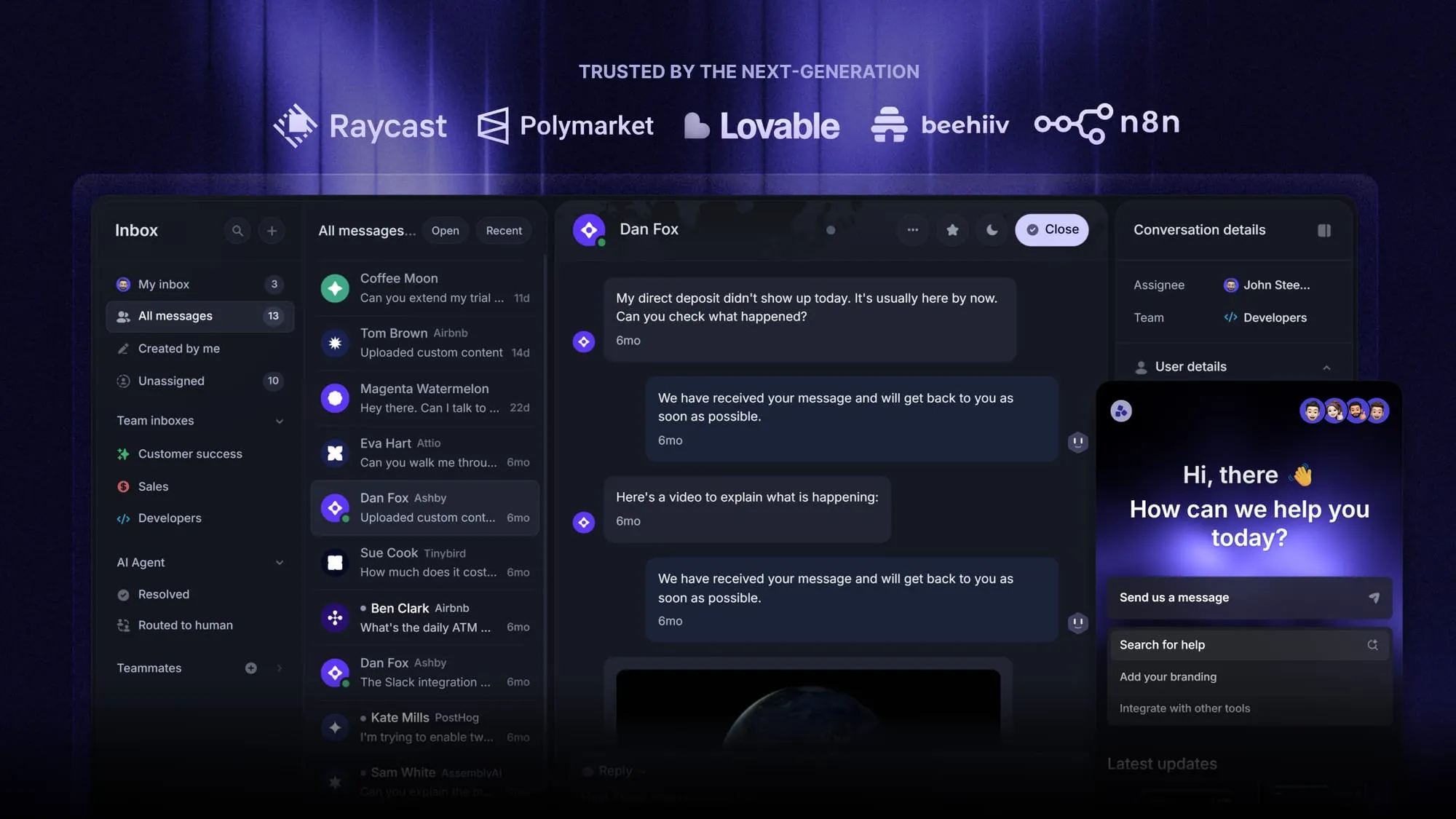
Featurebase shows the nearest SLA target in the Inbox and supports sorting by which SLA will breach soonest. That helps teammates see the next deadline alongside the conversation's context.
6. Give older low-priority tickets a planned turn
Low priority should mean a less urgent response, not an indefinite wait. Set an age threshold that triggers a review or reserve capacity for older requests.
If a P4 request has waited too long, assign its next action and tell the customer when to expect an update. You don't need to relabel it P1 to make someone accountable for answering it.
Repeatedly overdue low-priority work is a capacity or planning problem. Hiding it behind higher labels makes the priority system less useful.
7. Reassess when the facts change
Raise or lower priority when the customer impact changes, rather than treating the initial label as permanent.
A review may be needed when a workaround succeeds, a deadline approaches, more accounts report the same problem, or a previously limited issue blocks essential work. Reopening a ticket should also prompt a check of the current circumstances.
Keep a short decision note. For example: “P2 to P3: customer confirmed manual export restores today's reporting workflow. Permanent fix remains open. Review again tomorrow.” Include the owner and next review point so the downgrade doesn't end follow-up.
6 ticket prioritization examples
These illustrative cases use the P1–P4 policy above. The decisions depend on the stated facts, rather than the customer's wording or a fixed ranking of account tiers.
1. A calm report reveals a widespread outage
Several customer workspaces cannot sign in, and there is no working alternative. The first message simply says, “We're having trouble logging in.”
Decision: P1. The scope and loss of a core service justify activating the incident response. Keep related reports connected so the team investigates the incident coherently and customers receive consistent updates.
2. One customer is blocked before a deadline
A customer's finance team cannot generate a report due in 2 hours. Other accounts are unaffected, but there is no usable workaround.
Decision: P2 under this example policy. Limited scope doesn't remove the urgency. Assign the necessary specialist, check the deadline, and agree on an update time. Escalate further if new evidence meets your critical criteria.
3. A VIP request competes with a production blocker
A premium customer wants a dashboard label changed. Another customer's integration has stopped processing new orders.
Decision: P4 for the cosmetic request and P2 for the blocker, assuming substantial operational impact. Meet the premium customer's response commitment without letting account value determine the technical investigation order. An acknowledgment and a fix are different pieces of work.
4. Two high-priority tickets have different SLA deadlines
Two P2 tickets have comparable impact. One needs a customer update within 10 minutes. The other has 45 minutes remaining before its next response target.
Decision: Make the first ticket's update the next action. Its underlying priority stays P2. The closer deadline changes the immediate work order, not the definition of the issue. These times are illustrative, not recommended SLA targets.
5. An old request needs a response
A P4 documentation question has reached your team's maximum waiting threshold. New normal-priority tickets continue to arrive.
Decision: Keep P4 and schedule an owner to answer it. Use the reserved backlog time or review mechanism in your policy. If agents can never reach that work, adjust capacity or commitments instead of repeatedly pushing the date back.
6. A workaround restores the blocked workflow
A P2 export failure has a safe alternative that the customer tests successfully. They can meet their deadline while the original bug remains unresolved.
Decision: Consider P3 after confirming the remaining impact. Record the successful workaround, notify the customer of the plan, and retain ownership of the permanent fix. A proposed workaround that hasn't worked yet doesn't justify the same downgrade.
Automate ticket prioritization with reviewable rules
An automated ticketing system can apply repeatable decisions, but those decisions need clear inputs. Start with rules your team can explain and correct.
For each rule, document:
- Conditions: The evidence that must be present, such as a verified support tier or a confirmed blocked workflow.
- Action: The priority marker, service commitment, or review request that follows.
- Exceptions: What happens when information is missing or another rule conflicts.
- Owner: Who checks the outcome and maintains the rule.
Avoid making a keyword match the final judge of impact. “Urgent” can request a human review without automatically turning every matching message into a critical incident.
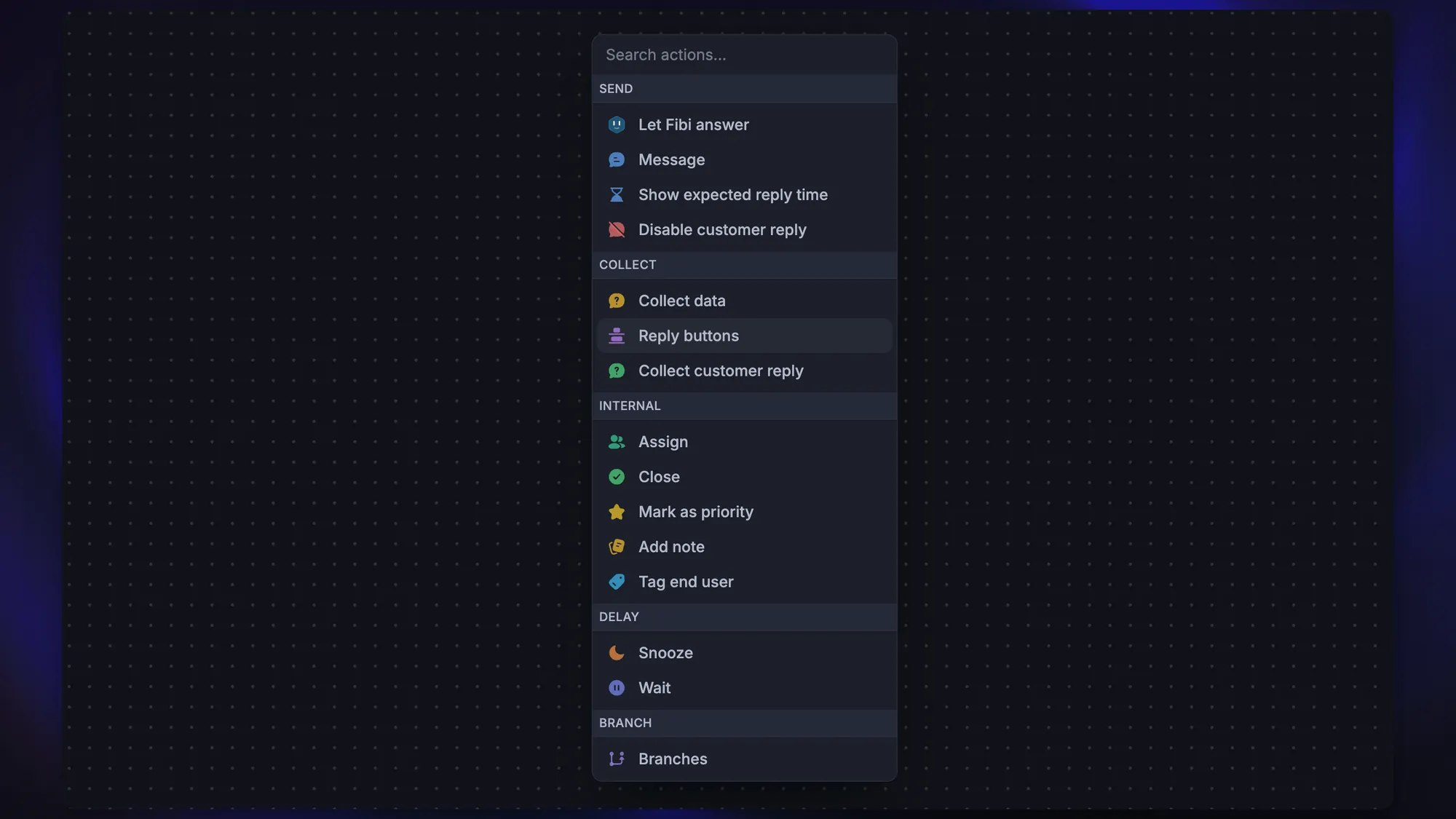
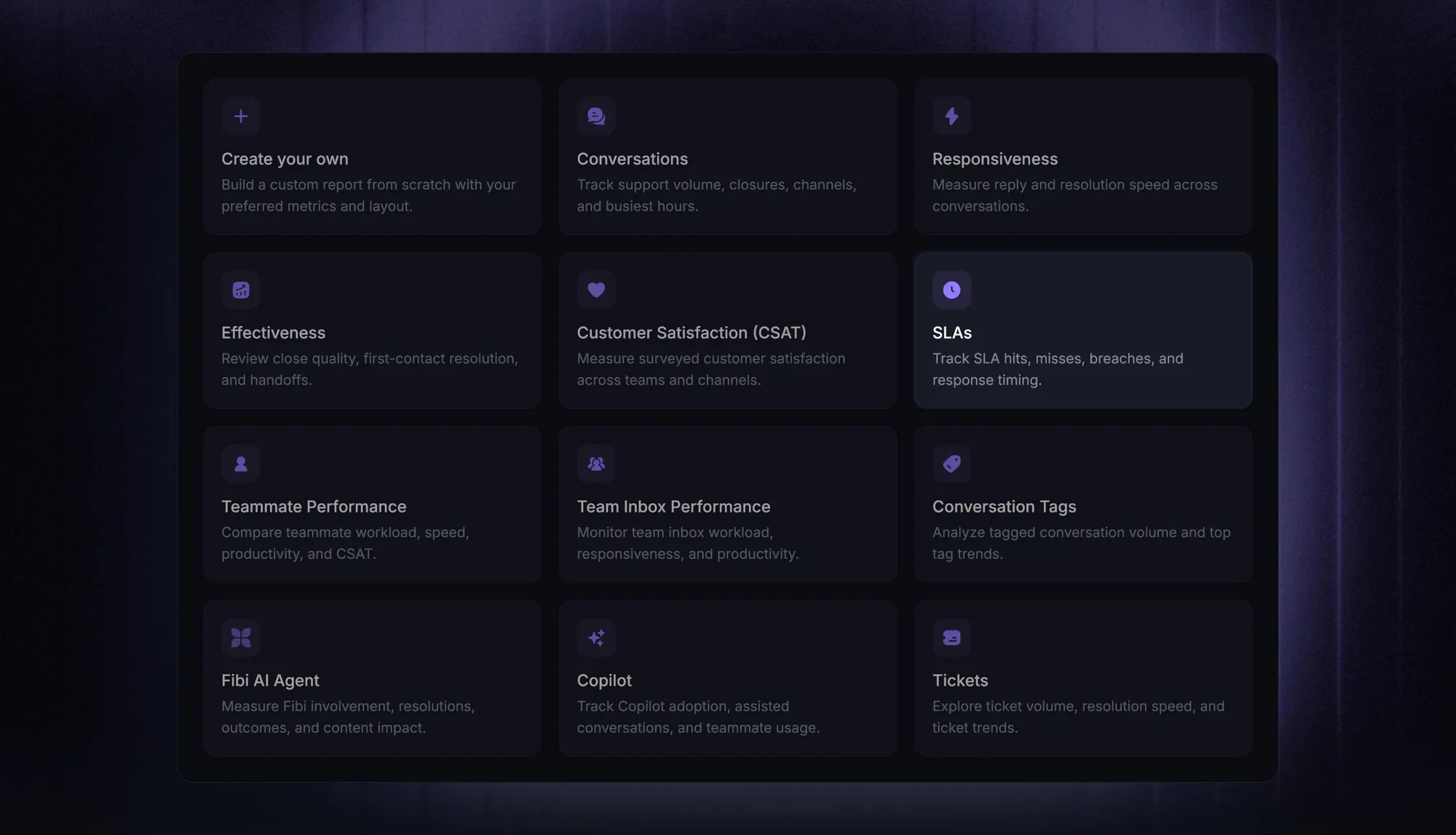
Featurebase Workflows can mark conversations as Priority, set conversation attributes, add internal notes, and apply SLAs. The Priority marker is separate from the illustrative P1–P4 policy in this article, so define how your team's categories map to the actions you use.
Test changes against past tickets before expanding them. Include calm outage reports, angry low-impact requests, incomplete descriptions, and cases where a workaround changed the decision. Review disagreements with agents and update the rule that caused them.
Check whether your priority rules are working
Review a sample of decisions alongside your customer service metrics. A fast overall average can hide poor handling of the tickets that matter most.
Track these signals by priority and customer commitment:
- SLA breaches: Separate missed first responses, follow-up responses, and resolution targets.
- Waiting time: Include the oldest unresolved requests so low-priority work stays visible.
- Priority corrections: Look at why agents changed an automated or manual assignment.
- Customer outcomes: Check whether work was restored and whether the same issue prompted another contact.
Have teammates classify the same sample independently. If their choices differ, identify the missing definition or fact. A useful policy helps people reach consistent decisions and makes exceptions understandable.
Conclusion
Good ticket prioritization makes the next action clear. Assess impact and urgency, apply the right service commitment, and revisit the decision when the customer's situation changes.
Featurebase is a modern AI customer support platform for product-led SaaS. It combines support conversations, ticketing, help content, and feedback management, with workflows and SLA tracking to help teams act on their priorities.
The Free plan includes 1 seat and unlimited conversations. Workflows and SLAs are included on Professional, starting at $59 per seat per month billed yearly. 👇
Keep priority conversations and SLA deadlines visible with Featurebase
FAQs
Severity describes how serious the issue's effects are. Priority determines how urgently your team should act, considering those effects alongside deadlines, workarounds, and service commitments. Define both terms in your policy so teammates use them consistently.
The designated support lead or incident owner should review the decision using your published criteria and any new evidence. Ask what impact or deadline the current assessment may have missed. Explain the next action and update time instead of arguing over the label.
No. A priority label does not establish coverage hours by itself. State explicitly whether critical requests receive an after-hours response, how customers reach that service, and which agreements include it.
They can share a scale if its criteria make sense for both, but service requests often benefit from separate fulfillment targets. A planned access request has a different handling process from an unexpected outage. An approaching deadline may justify faster action without turning the request into an incident.
Record the suggested priority, the corrected decision, and the evidence behind the correction. Use those cases to improve your policy, prompts, rules, or training process, then test the revised approach against a representative sample. Don't assume an agent's correction automatically retrains the AI.