Blog ComparisonsTop 9 HelpCrunch Alternatives (2026)
Top 9 HelpCrunch Alternatives (2026)
Thinking about switching from HelpCrunch? Here are the best alternatives in 2026 for live chat, shared inbox, and smarter customer support.


If you’re looking for HelpCrunch alternatives, you probably want a more modern, flexible customer communication platform for live chat, email support, and customer communication, without juggling multiple tools or stitching together a bunch of customer support tools.
In this post, I’ve rounded up the best HelpCrunch alternatives so you can find the right fit for your support team, whether you need lightweight live chat, social media integration, a shared inbox for smoother team collaboration, a stronger knowledge base for customer self-service, or modern AI agents and in-app messaging to level up customer experience across the entire journey. 😉
Short overview
TL;DR - best HelpCrunch alternatives:
- ✨ Featurebase - Best modern all-in-one solution, live chat, knowledge base, customer support, feedback, product updates
- Gleap - Best for in-app support, bug reporting, and issue capture
- UseResponse - Best self-hosted option, help desk, knowledge base, community workflows
- Intercom - Best for automation-heavy in-app messaging, proactive chat, and customer engagement
- Zendesk - Best for enterprise teams needing a robust ticketing system, phone support, and advanced workflows
- HubSpot Service Hub - Best for HubSpot ecosystem users who want support, CRM context, and email marketing automation
- Front - Best for team collaboration, true shared inbox, internal routing
- Help Scout- Best for human-first customer support, clean shared inbox, simple automation
- Freshdesk - Best value help desk, strong ticketing system, solid knowledge base
What is HelpCrunch?
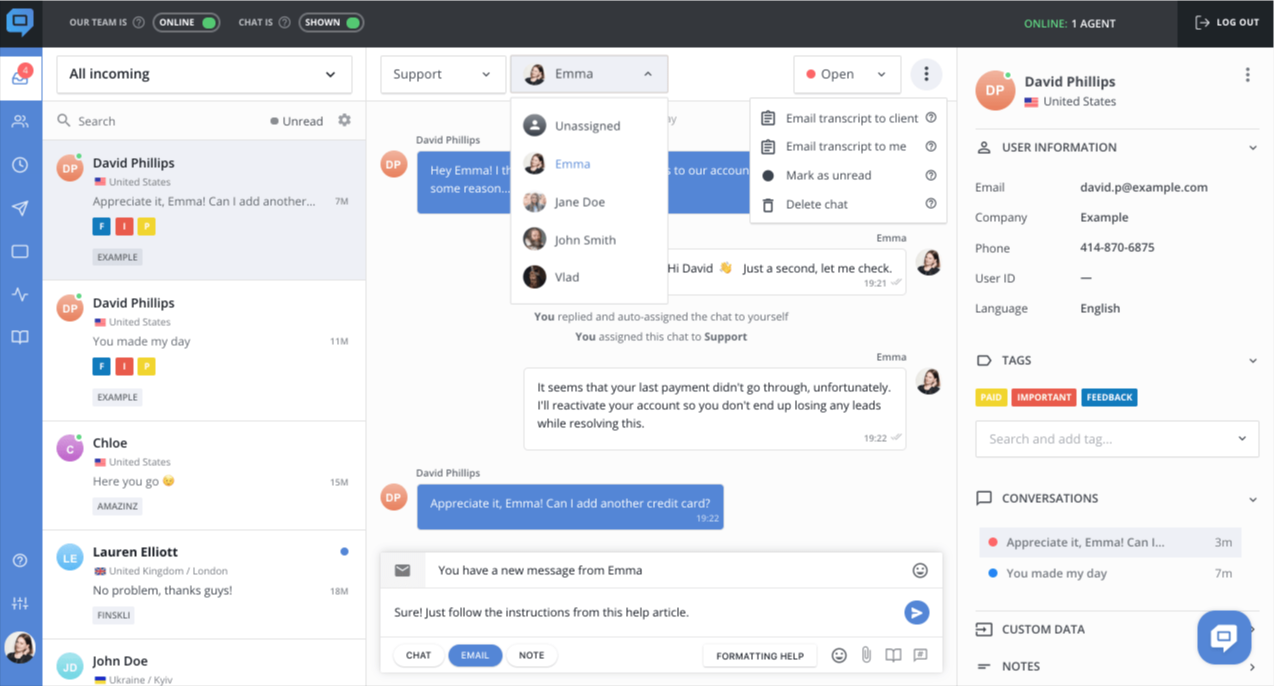
HelpCrunch is a customer communication platform that combines live chat, email automation, a knowledge base, a ticketing system, and marketing automation. It helps teams manage customer communication across multiple channels in one place.
Why look for HelpCrunch alternatives?
HelpCrunch works well for small businesses and growing teams, but many companies explore HelpCrunch alternatives when they need more modern customer support tools, stronger automation, and better customer interaction across the entire customer journey.
As support volume grows, teams often outgrow basic features and look for a more flexible platform that can handle support, messaging, and self-service without adding complexity.
Common reasons teams switch include:
- Pricing scales quickly as you scale: adding more seats, channels, or advanced features can become expensive quickly, and custom pricing tiers can make forecasting more difficult, especially for small teams entering a growth phase.
- Limited AI agents and smart automation: Many HelpCrunch alternatives offer more AI agents, smarter routing, and automation that speed up resolution while still giving human agents full visibility and control to maintain high quality across customer support conversations.
- Team collaboration and shared inbox workflows don’t scale: Once your support team grows, you need a cleaner shared inbox, assignment, internal notes, and clearer ownership, so team collaboration stays smooth even with high ticket volume.
- Customer self-service needs to do more work: to reduce repeat tickets, you need a stronger helpdesk with better organization and maintainable articles that surface the right, helpful ones at the right time.
- Live chat and in-app messaging expectations have changed: Buyers expect fast live chat, customizable chat widgets, modern in-app messaging, and features like proactive chat, so you can support users inside the product and improve customer service without sending them elsewhere.
- You want a more complete system without relying on multiple tools: Plenty of teams want customer support, feedback, and product updates in one place, so they can connect customer interactions to what the product team ships and avoid relying on many tools.
If any of these pain points hit close to home, the best HelpCrunch alternatives below are worth considering. 👇
The leading HelpCrunch alternatives
1. Featurebase ✨

Featurebase (👋 that’s us) is a modern HelpCrunch alternative and a flexible customer communication platform that’s better than HelpCrunch because it connects existing tools such as live chat, customer support, a powerful knowledge base, feedback, roadmaps, changelogs, and surveys into one platform for startups that want all their customer-facing tools in one place. Featurebase is loved by thousands of support teams from companies like Lovable, Raycast, and n8n. 💫
Featurebase’s essential features:
- Omnichannel inbox – Manage chat, email, and Slack conversations from one AI-powered view
- Fibi AI Agent - Resolve customer issues on autopilot & run custom actions like trial extensions and refunds
- Help center with AI search – Provide instant, multilingual self-serve answers
- Workflows & automations – Auto-assign tickets, route conversations, collect customer data, and more
- Mobile app – Respond to customers, receive notifications, and unblock users on the go
- Live chat widget – Deliver AI and human agents to provide personalized support in-app or on your website
- Feedback & roadmap tools – Collect feature requests and close the loop with updates
- Product updates – Publish release notes with a changelog page, in-app widget, and emails
- Integrations – Connects with Slack, Linear, Jira, HubSpot, and more
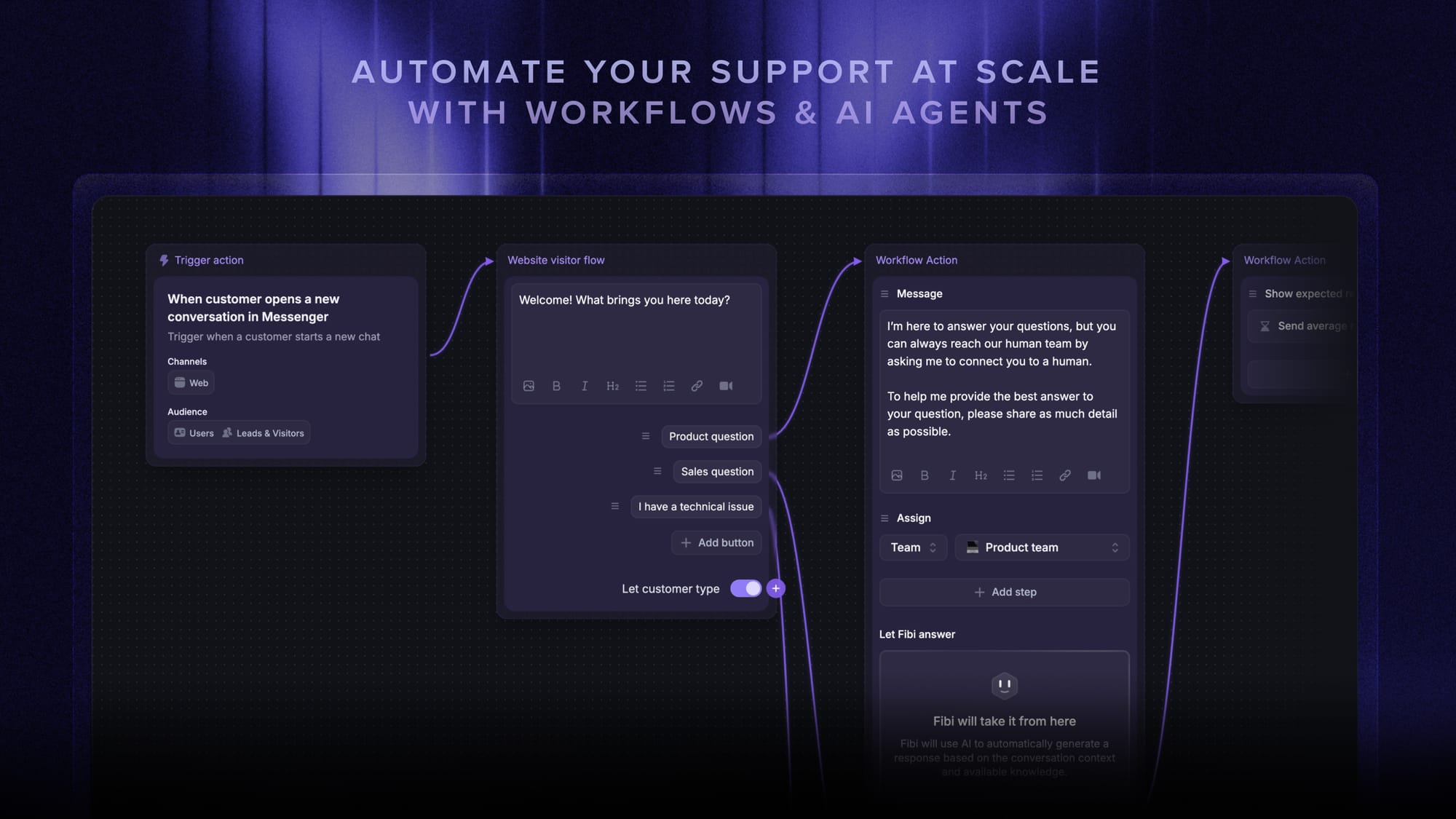
Pricing: Featurebase offers a free plan, plus paid plans starting at $29/seat/month, and scales with clear pricing structures for growing teams.
Best for: Teams that want an all-in-one solution that connects support, docs, feedback, and product updates, with live chat, email support, and modern automation.

Get the best modern HelpCrunch alternative
Automatically resolve 70% of customer requests & cut down manual support loads
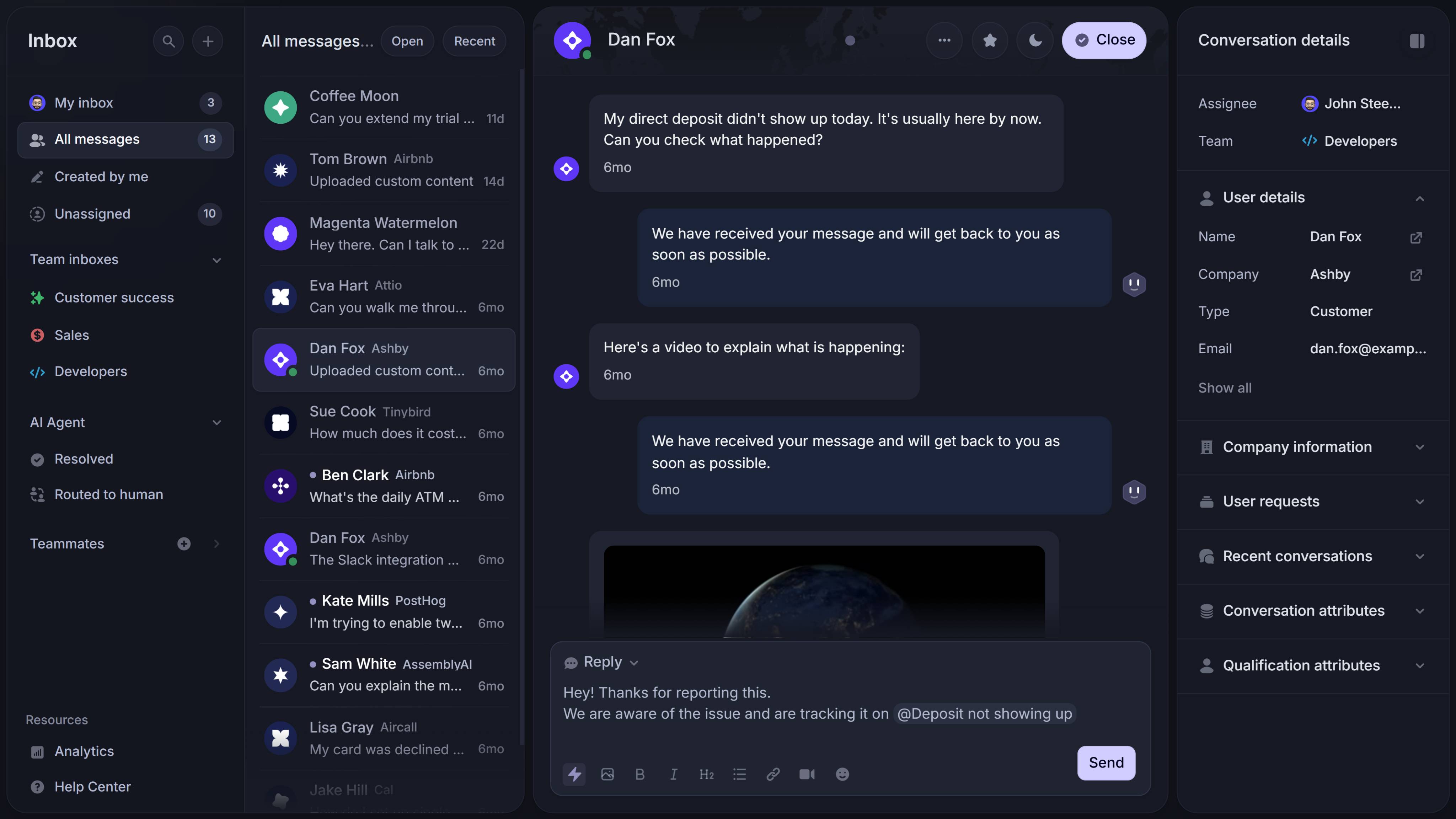
2. Gleap
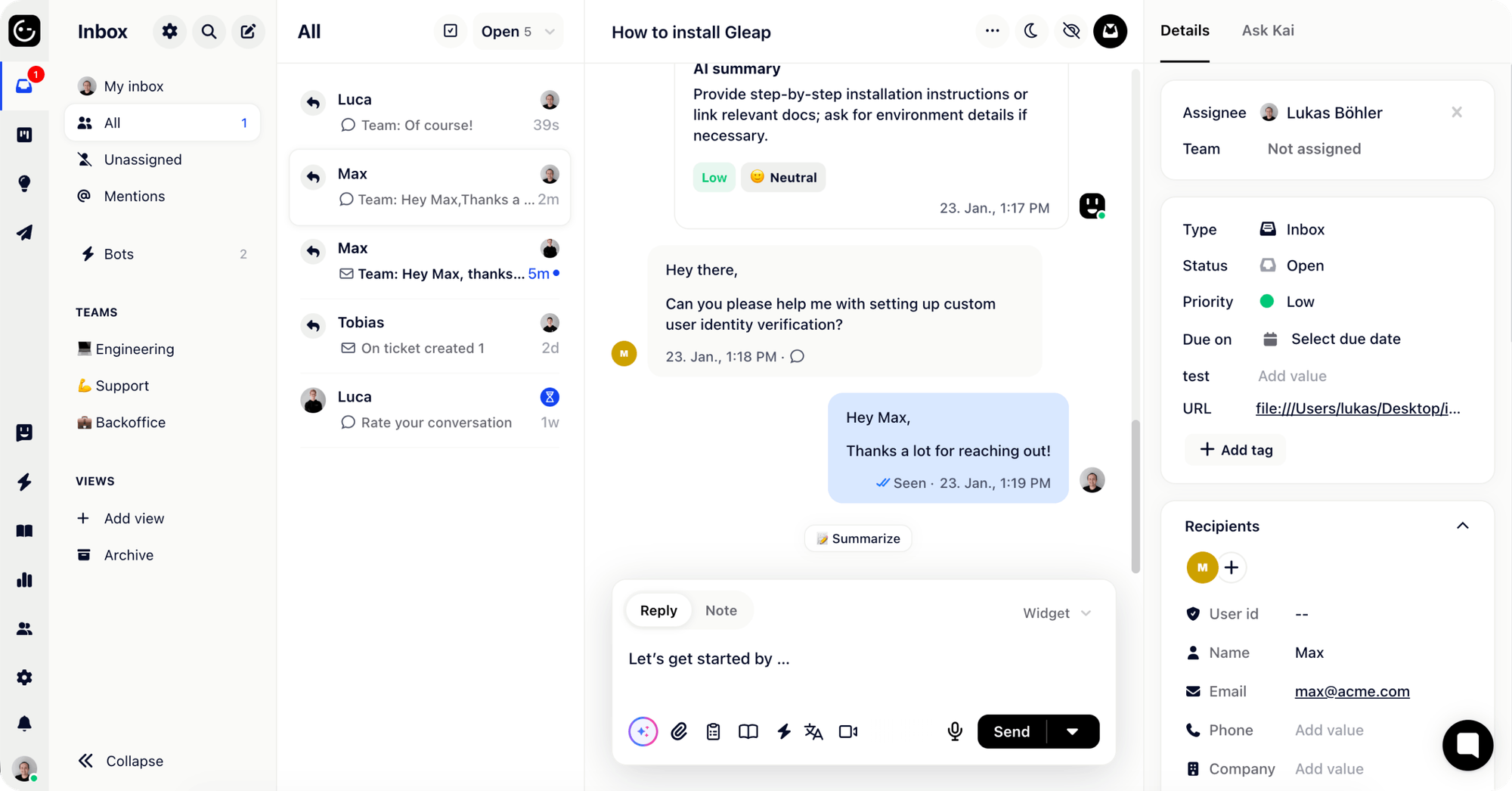
Gleap focuses on in-product support and issue capture. It’s designed for product-led teams that want conversations, bug reports, and feature feedback to happen directly inside the app, reducing friction between users and the support team.
Gleap’s key features:
- In-app widget for support + feedback collection that boosts adoption and customer communication
- Product feedback workflows + context capture across customer interactions
- Automations and support tooling that feel like a suite, with newer setups leaning into AI agents and smarter routing
- Good fit for small teams that want fast setup and a more modern experience
Pricing: Gleap pricing starts at $39/month and scales up with advanced workflows.
Best for: Small teams and product-led teams that want a modern in-app widget to capture support conversations, feedback, and issues in one workflow, plus live chat.
3. UseResponse
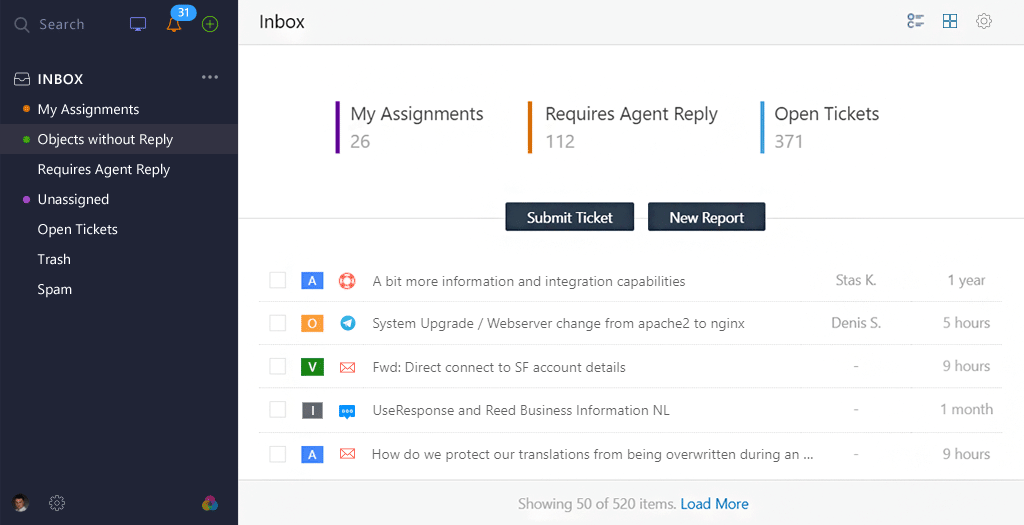
UseResponse takes a more traditional, portal-first approach. It’s structured around a centralized help desk with features and knowledge base articles, making it appealing to teams that prefer classic ticketing workflows and community-style support.
UseResponse’s key features:
- Portal and a built-in knowledge base for customer self-service
- Classic portal approach vs. in-app-first tools
- Useful if you want bundled modules and structured workflows with a ticketing system
Pricing: UseResponse pricing starts at $49 per agent/month and varies by deployment (cloud vs. on-prem), enterprise deployments sometimes include custom pricing.
Best for: Teams that prefer a traditional, all-in-one customer portal for support, help docs, and community, especially if deployment flexibility matters.
4. Intercom
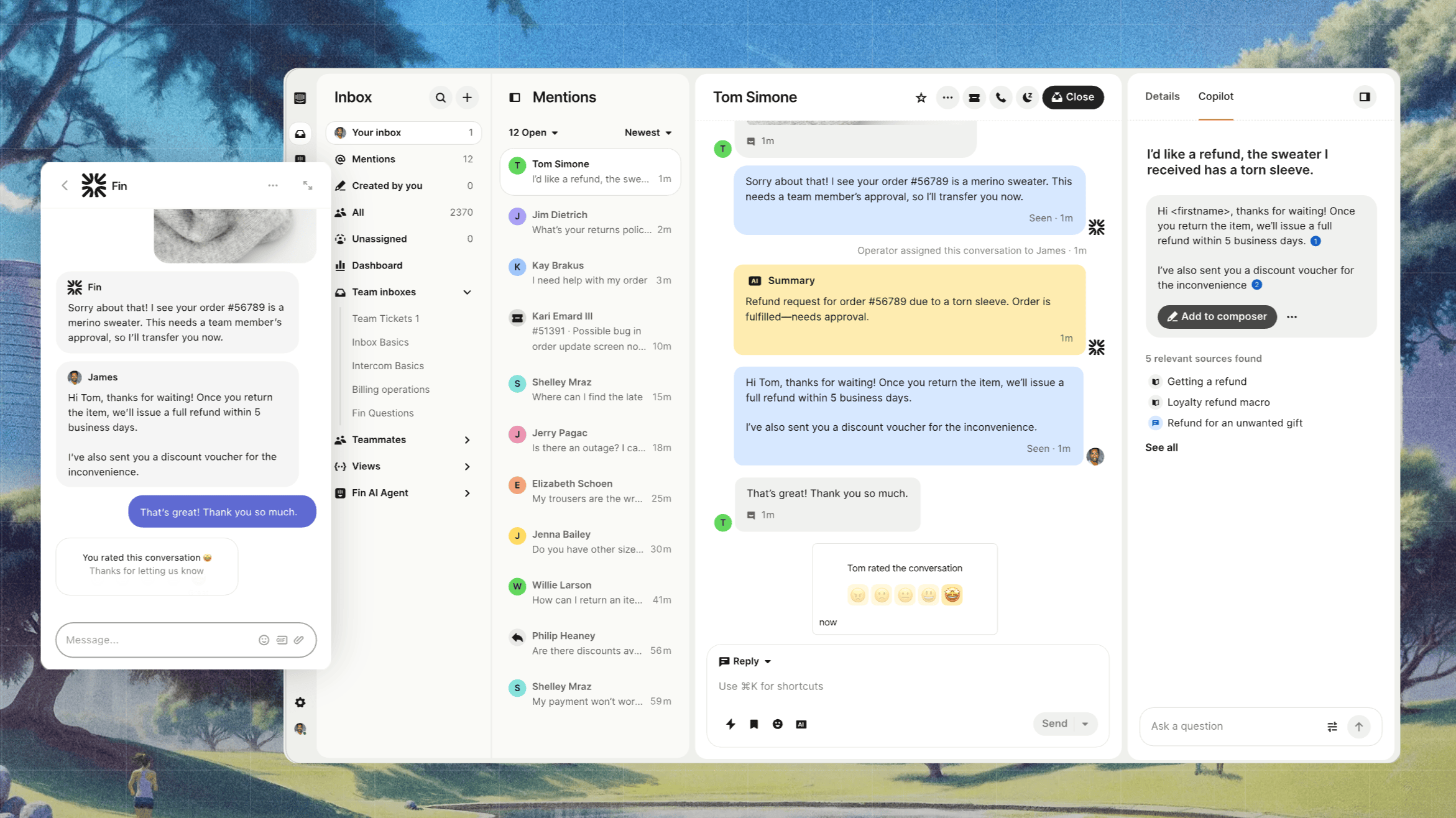
Intercom is one of the most automation-driven platforms in this category. It’s built around in-app messaging, proactive chat, and AI agents, making it especially attractive for SaaS companies focused on conversion, onboarding, and lifecycle messaging - which will help boost lead generation.
Intercom’s key features:
- In-app messaging + bots + routing for live chat and proactive workflows
- Strong automation and AI tooling with AI agents and smart routing
- A large integration ecosystem that helps scale customer communication
- Helpful for lead generation with targeted messages and qualification flows
- Help center for self-service customer support
Pricing: Essential starts at $19 per seat/month billed annually ($29 billed monthly), plus $0.99 per Fin outcome. Advanced costs $85/seat/month and Expert costs $132/seat/month, billed annually. No free plan is available.
Best for: SaaS teams and e-commerce platform teams that prioritize automation-heavy live chat and messaging and are comfortable paying more as usage and seats grow.
5. Zendesk

Zendesk is widely considered the enterprise benchmark for customer support operations. It’s designed for teams that need advanced reporting, layered permissions, multi-channel support, and a deeply customizable ticketing system.
Zendesk’s key features:
- Omnichannel support and structured ticket workflows are strong for multi-channel support
- Advanced reporting, roles, permissions, and workflow automation
- Huge app marketplace and integrations
- Knowledge base for self-serve support
- Add-ons for phone support and advanced support operations
Pricing: Zendesk pricing starts at $19 per agent/month and moves higher to Suite Enterprise plans with advanced capabilities.
Best for: Larger teams that need enterprise-grade customer support, permissions, and support operations at scale, including phone support.
6. HubSpot Service Hub
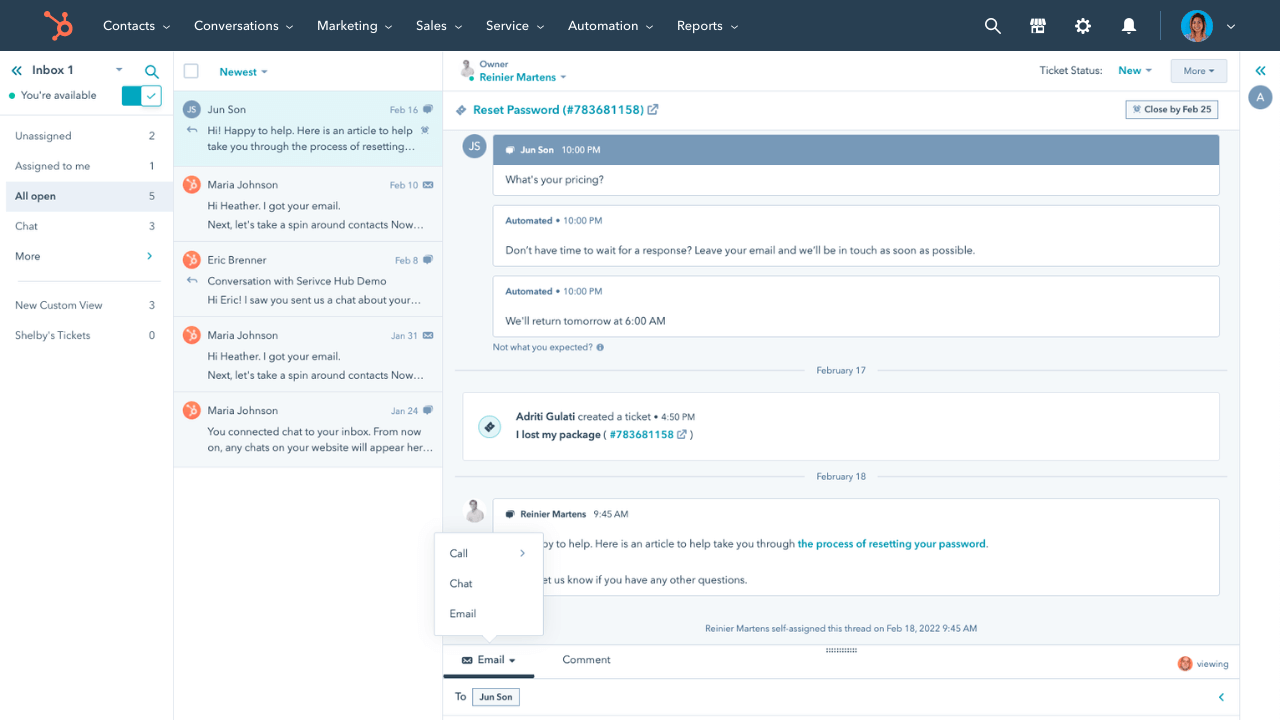
HubSpot Service Hub is ideal for companies already running their CRM and email marketing automations inside HubSpot. It connects customer support directly to lifecycle data, pipelines, and marketing workflows, creating tighter alignment across the entire customer journey.
HubSpot Service Hub’s key features:
- Ticketing workflows tied to CRM context
- Automation tied to CRM properties and pipelines
- Works best for “HubSpot-first” orgs running support + email marketing
- Strong for proactive workflows and customer engagement across support + lifecycle
Pricing: HubSpot starts at $15 per seat/month (a free plan is available).
Best for: Teams already on HubSpot that want support to live directly inside their CRM, with customer context and email marketing in one platform.
7. Front
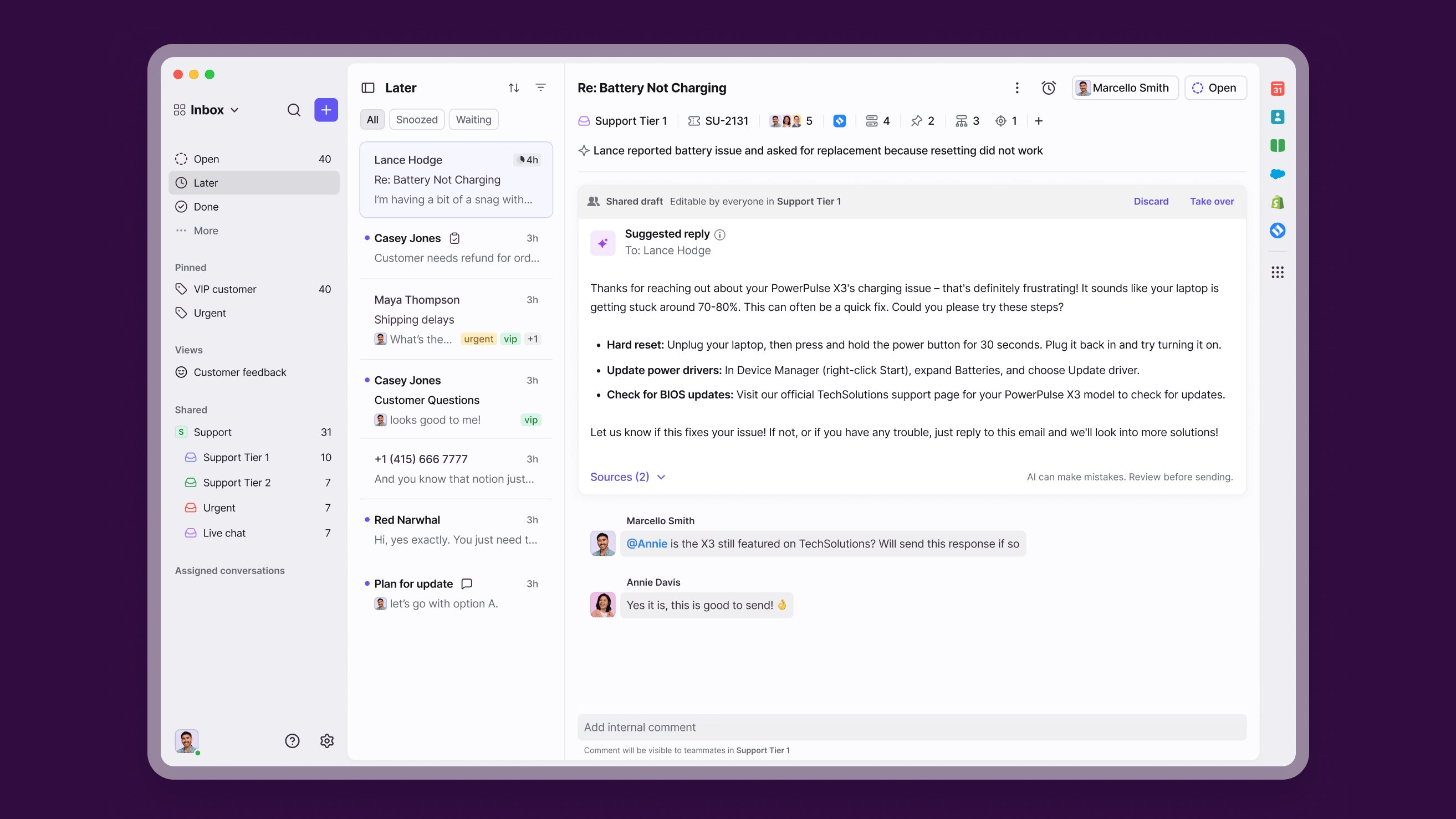
Front is an email-centric support platform. Built around a shared inbox model, it’s especially strong for teams where ownership, internal visibility, and cross-functional coordination matter as much as response time.
Front’s key features:
- Unified inbox for multi-team workflows, ownership, and accountability
- Assignment, routing, internal comments, and approvals
- Best for email-first organizations managing customer interactions at scale
- Works well with mobile apps for faster responses and on-the-go support
Pricing: Front pricing starts at $25 per seat/month, and pro plan levels get more features (no free plan available).
Best for: Cross-functional teams that want collaboration-first workflows in a shared inbox.
8. Help Scout
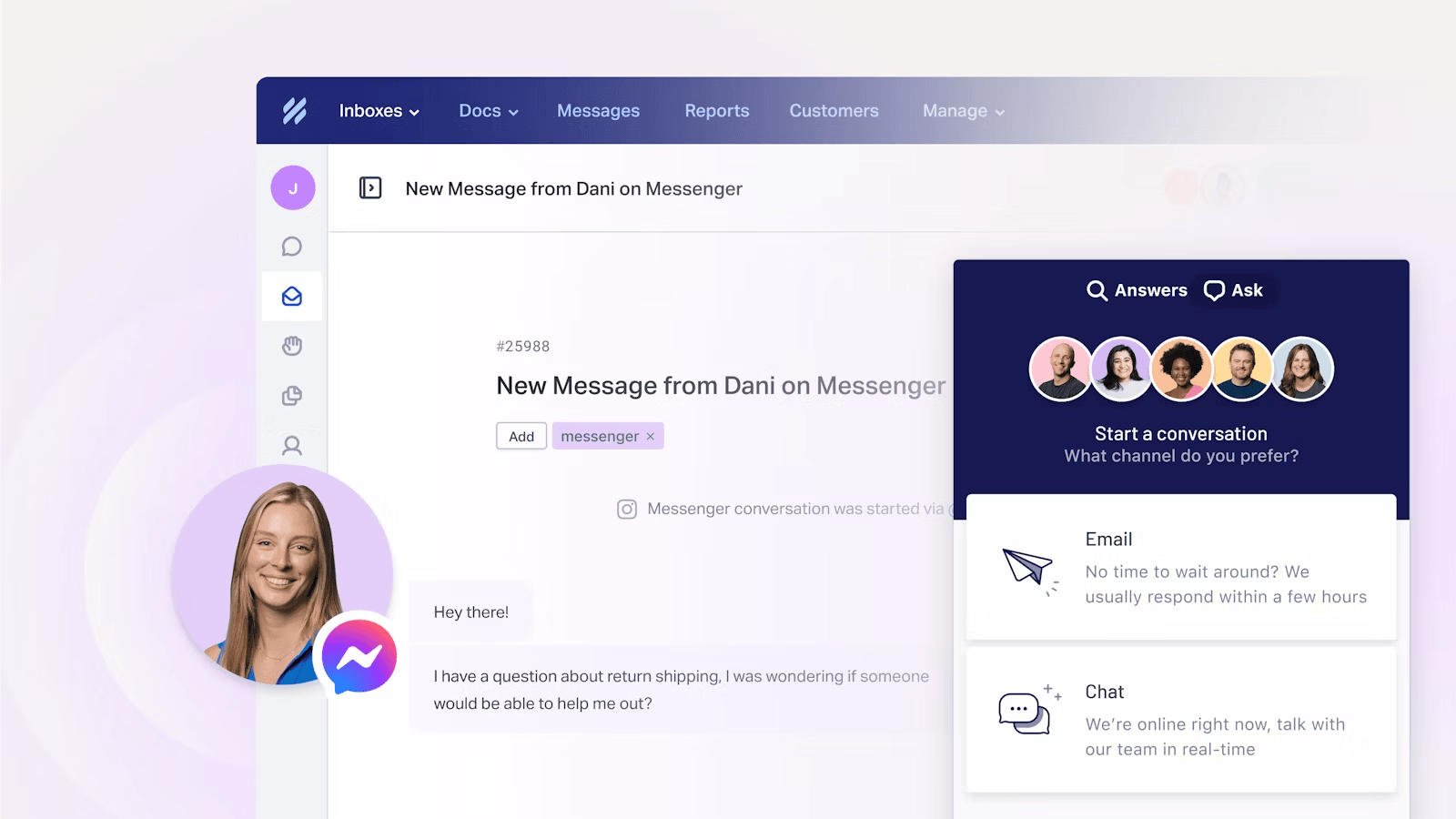
Help Scout keeps things simple and human. It’s designed for teams that want customer support to feel personal and conversational, without the operational complexity that often comes with enterprise-grade systems.
Help Scout’s key features:
- Email-centric support workflows with a clean shared inbox
- Simple automation and internal notes, solid team collaboration without bloat
- Strong fit for growing SMB support teams
- Works nicely when your knowledge base reduces repetitive questions and improves customer self-service
Pricing: Help Scout pricing depends on plan tier and feature set. Many teams start with a starter plan priced at $25 per user/month before expanding.
Best for: Growing teams that want a simple, human support inbox and predictable workflows.
9. Freshdesk
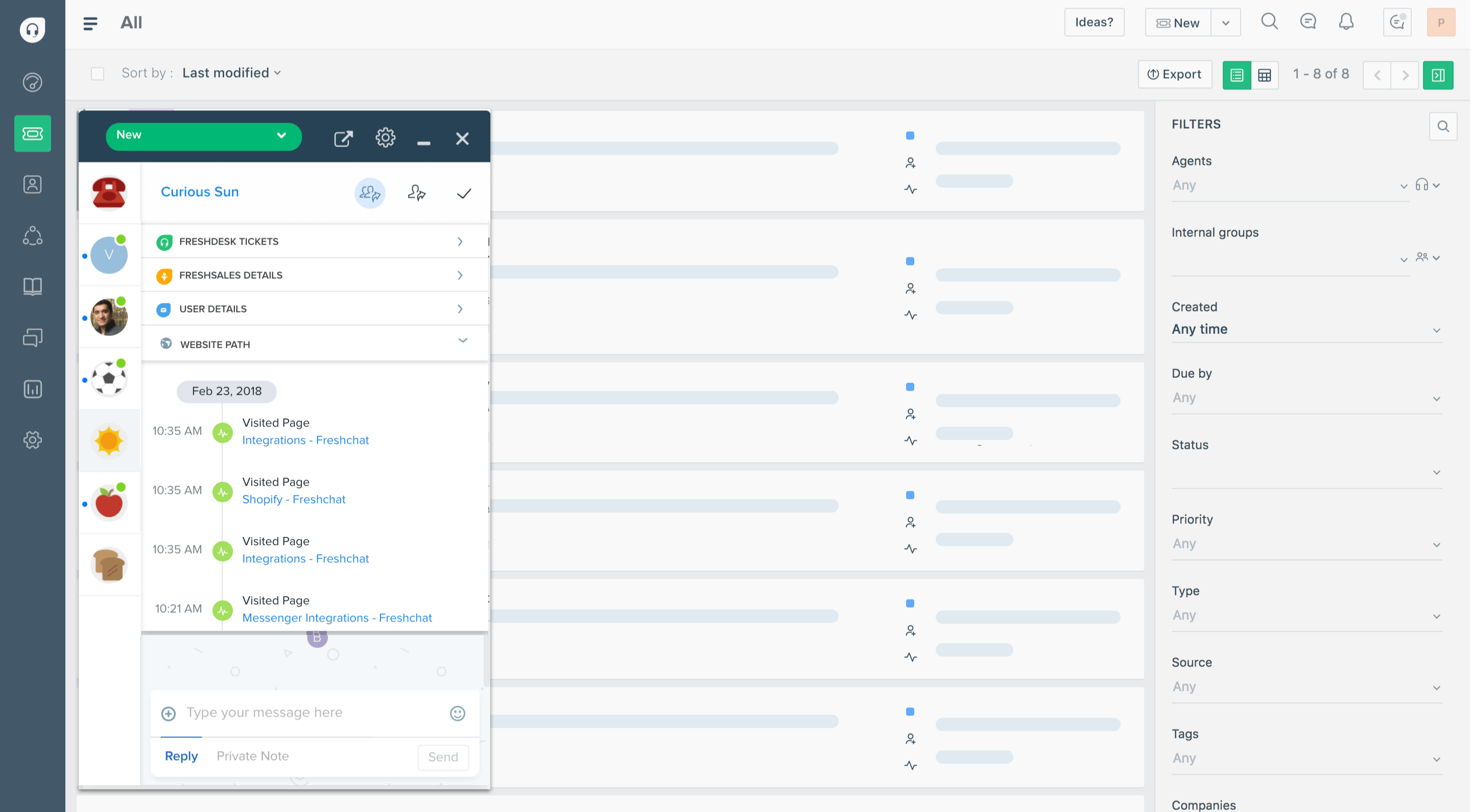
Freshdesk is a budget-friendly HelpCrunch alternative that’s better than HelpCrunch for value-focused teams because it delivers a full help desk, a solid ticketing system, and a strong knowledge base at pricing that works well for small businesses and growing teams.
Freshdesk’s key features:
- Ticketing workflows, automation, and SLAs
- Self-service portal and help desk for customers
- Strong value for the price
- Options for phone support on certain plans
Pricing: Freshdesk pricing starts at $15 per agent/month (free plan available).
Best for: Freshdesk is best for SMBs that want a full-featured help desk, a solid self-service portal, and dependable customer support at a strong price point.
How to choose the right HelpCrunch alternative
Before you switch, it helps to match the tool to your workflow. The best HelpCrunch alternatives typically win in a few key areas:
- Live chat and speed, do you need lightweight chat or a full support workflow
- Shared inbox and ownership, especially for team collaboration across support and success
- Knowledge base quality, if customer self-service and helpful articles reduce tickets
- Automation level, from basic rules to AI agents, routing, and smart workflows
- Ticketing system needs: simple tracking vs enterprise-grade operations
- Pricing fit, predictable tiers vs custom pricing, plus whether there’s a usable free plan or starter plan
- Channel context, especially if you support users inside an app or across an e-commerce platform checkout flow (order status, returns, shipping)
Which HelpCrunch alternative is right for you?
Most teams don’t switch from HelpCrunch because it’s bad. They switch because they’ve outgrown it. As support volume grows, you need better automation, cleaner collaboration, and a system that connects support and product feedback rather than running everything separately.
Featurebase is the best modern HelpCrunch alternative for AI-powered support. It combines AI automations, omnichannel ticketing, help center, and feedback tools in one platform - all at a simple, transparent price. Unlike HelpCrunch, Featurebase includes a mobile app, advanced automations, and much more. It’s loved by thousands of companies like Lovable, Polymarket, and Raycast.
It comes with affordable pricing and a Free plan, and onboarding takes just minutes with no credit card required, so there’s really no downside to trying it with your team. 👇
✨ Automate your support with the fastest AI-enhanced Inbox today →