11 Best Survey Tools for Collecting Feedback in 2026
A practical guide to the 11 best survey tools in 2026 for collecting customer and product feedback, with pricing, best-for picks, and honest trade-offs.


On this page
Start running surveys & collecting feedback with Featurebase for free
Collecting responses is the easy part. The hard part is turning them into decisions you can actually act on.
Most survey tools are great at firing off a form and dumping the answers into a chart. Far fewer help you route that feedback to the right team, tie it to a customer, or close the loop once you ship a change.
In this guide, I'll walk through the 11 best survey tools for 2026, who each one is best for, what they cost, and where they fall short, so you can match the tool to the job. 👇
Key takeaways
| Tool | Best for | Free plan | Starting price | Main trade-off |
|---|---|---|---|---|
| ✨Featurebase | Product teams running in-app surveys tied to a feedback board and roadmap | Yes | $29/seat/mo | Built for product feedback, not heavy academic research |
| Google Forms | Simple, 100% free surveys and quizzes | Yes | Free | Thin analytics and design options |
| SurveyMonkey | General-purpose surveys with a big template library | Yes | $46/mo (billed annually) | Best features sit behind higher tiers |
| Typeform | Polished, conversational, one-question-at-a-time forms | Yes | $25/mo (billed annually) | Low response caps on cheaper plans |
| Zonka Feedback | Teams running an ongoing feedback or CX program with AI analysis built into every survey | No | Custom quote | Built for continuous CX programs, not one-off academic surveys |
| Jotform | Form-heavy workflows with payments and 200+ integrations | Yes | $34/mo (billed annually) | Lots of overlapping usage limits to track |
| Qualtrics | Enterprise CX and market research at scale | No | Custom quote | Expensive and steep to learn |
| Microsoft Forms | Teams already inside Microsoft 365 | Yes | Free (with Microsoft account) | Limited logic and customization |
| SurveySparrow | Conversational surveys and CX programs | Yes | $19/mo (billed annually) | Advanced features locked to higher tiers |
| Hotjar | On-site website and UX feedback | Yes | $32/mo (billed annually) | Surveys are basic, weak for mobile apps |
| Zoho Survey | Teams already using the Zoho ecosystem | Yes | $35/mo | Best value only if you live in Zoho |
What to look for in a survey tool
The right tool depends on what you're trying to learn and where your respondents are. Before you compare logos, it helps to weigh a few things that actually separate one survey tool from the next:
- Question types and logic: The ability to branch, skip, and pipe answers is what turns a flat questionnaire into a relevant one. Look for conditional logic so respondents only see questions that apply to them.
- Distribution: Some tools are email-first, others embed on your website, and a few fire surveys inside your product. Match this to where your audience already is.
- Analysis and reporting: Raw responses are only useful if you can filter, segment, and export them. Weak reporting is the most common reason teams outgrow a free plan.
- Integrations: Piping answers into Slack, HubSpot, Salesforce, or a spreadsheet is what keeps feedback from dying in a dashboard nobody opens.
- Free plan and pricing: Response and question caps vary wildly. A generous free tier is great for testing, but check what happens to your data when you hit the limit.
- Where the feedback goes next: A survey is a starting point, not an end. Tools that connect responses to a customer, a feature request, or a roadmap save you a second round of manual work.
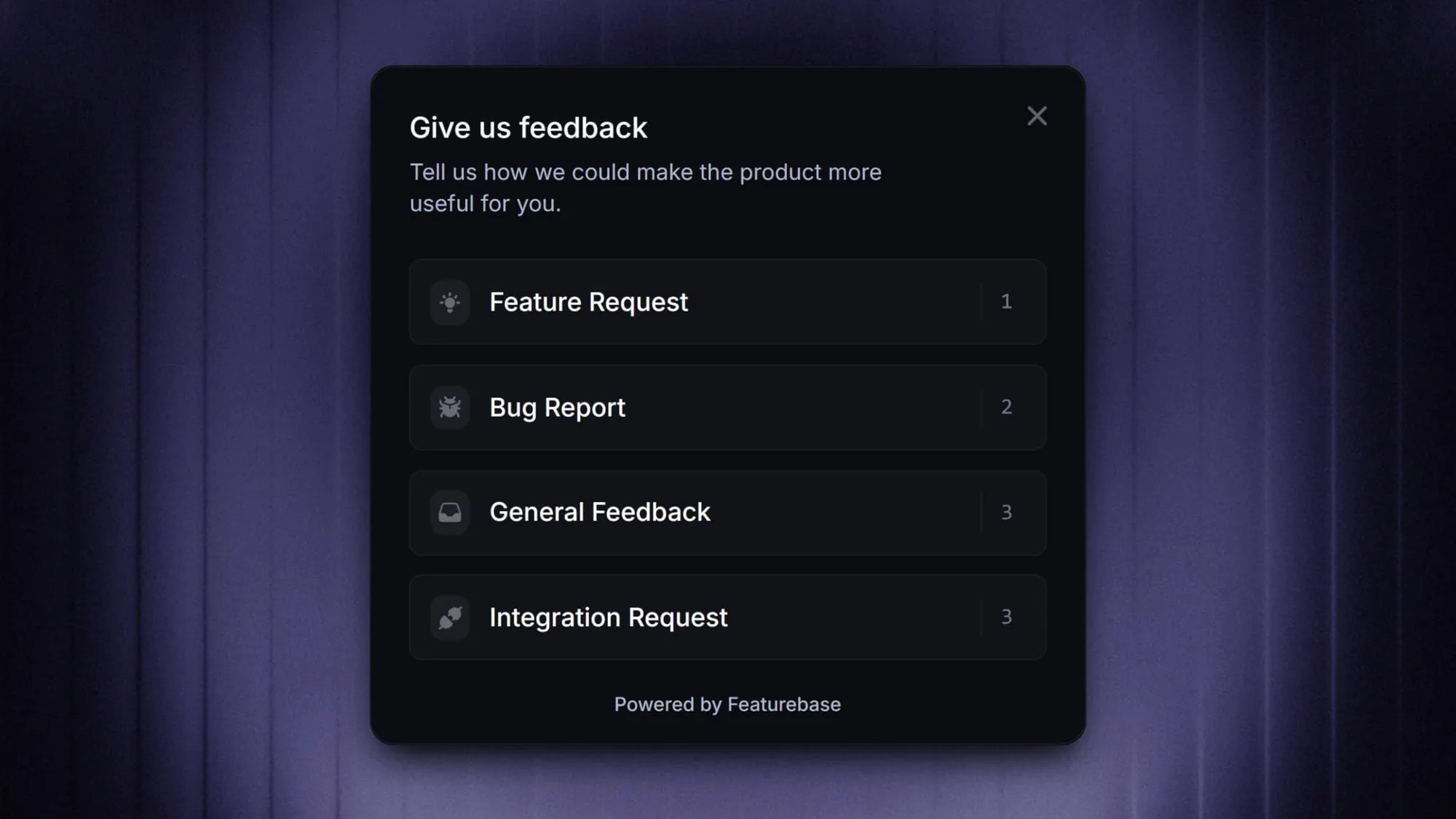
That last point is where standalone survey builders and product-feedback platforms diverge. If you want responses to feed directly into your backlog, in-app feedback surveys that fire to a targeted user segment (rather than a mass email blast) tend to capture more honest, in-context answers.
The 11 best survey tools
Here's a closer look at each tool, what it does well, and who it's the right fit for.
1. Featurebase✨
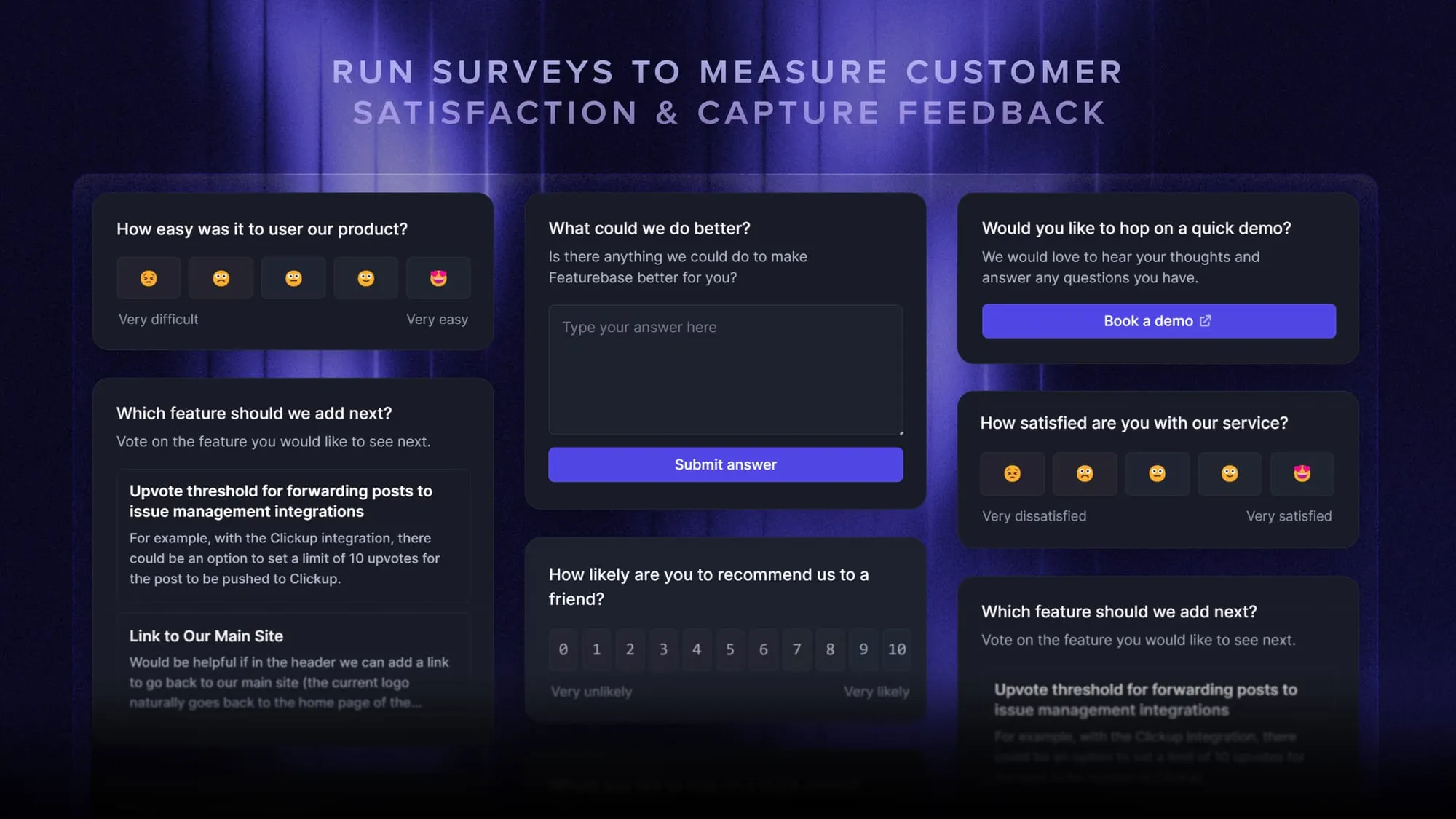
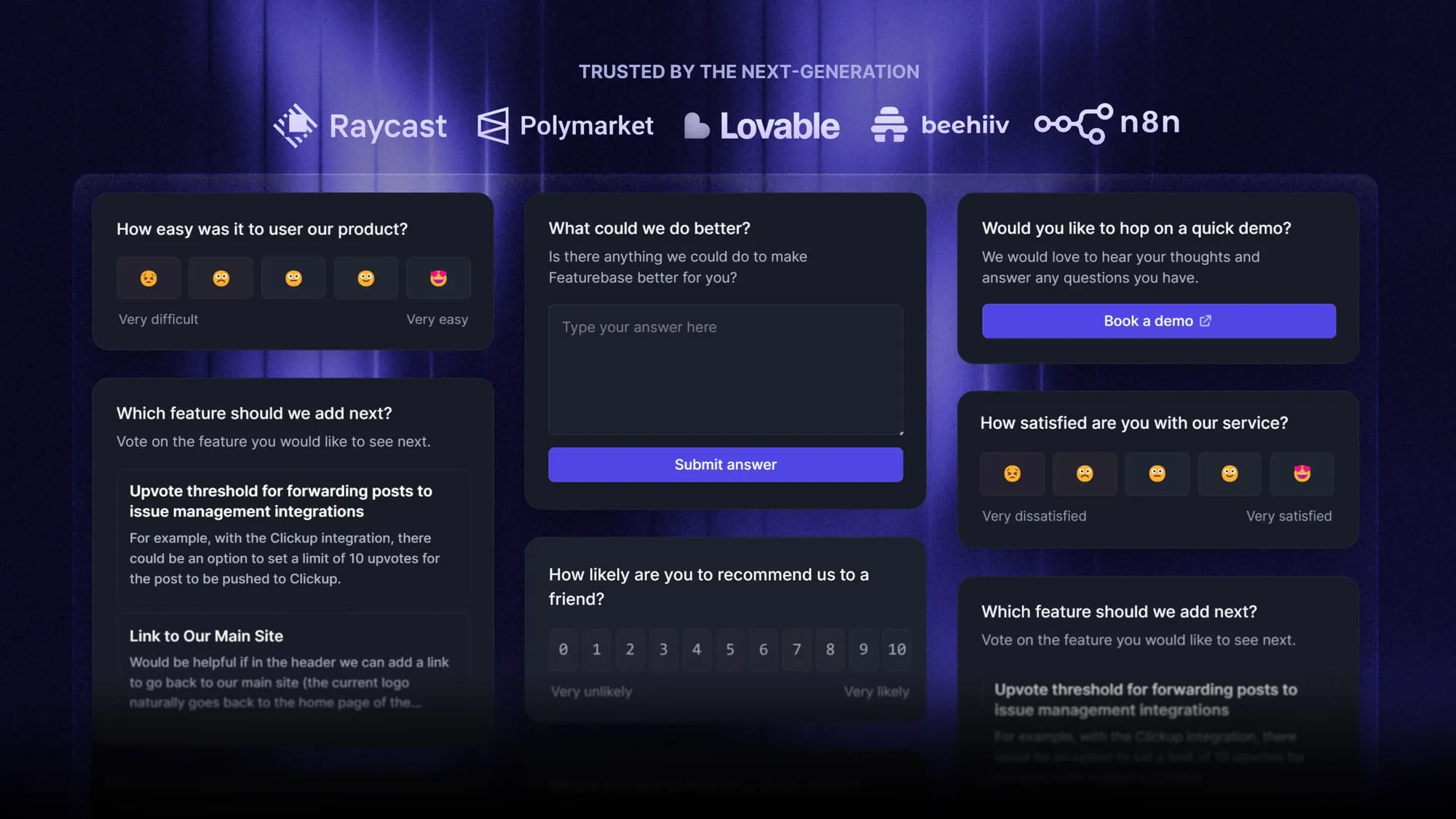
Featurebase is a modern feedback & support platform that helps product teams collect feedback through multi-step surveys, integrations, and a feedback portal, all in one place, to make better product decisions. It's loved by thousands of product teams from companies like Lovable, Raycast, and n8n. 💫
Top features:
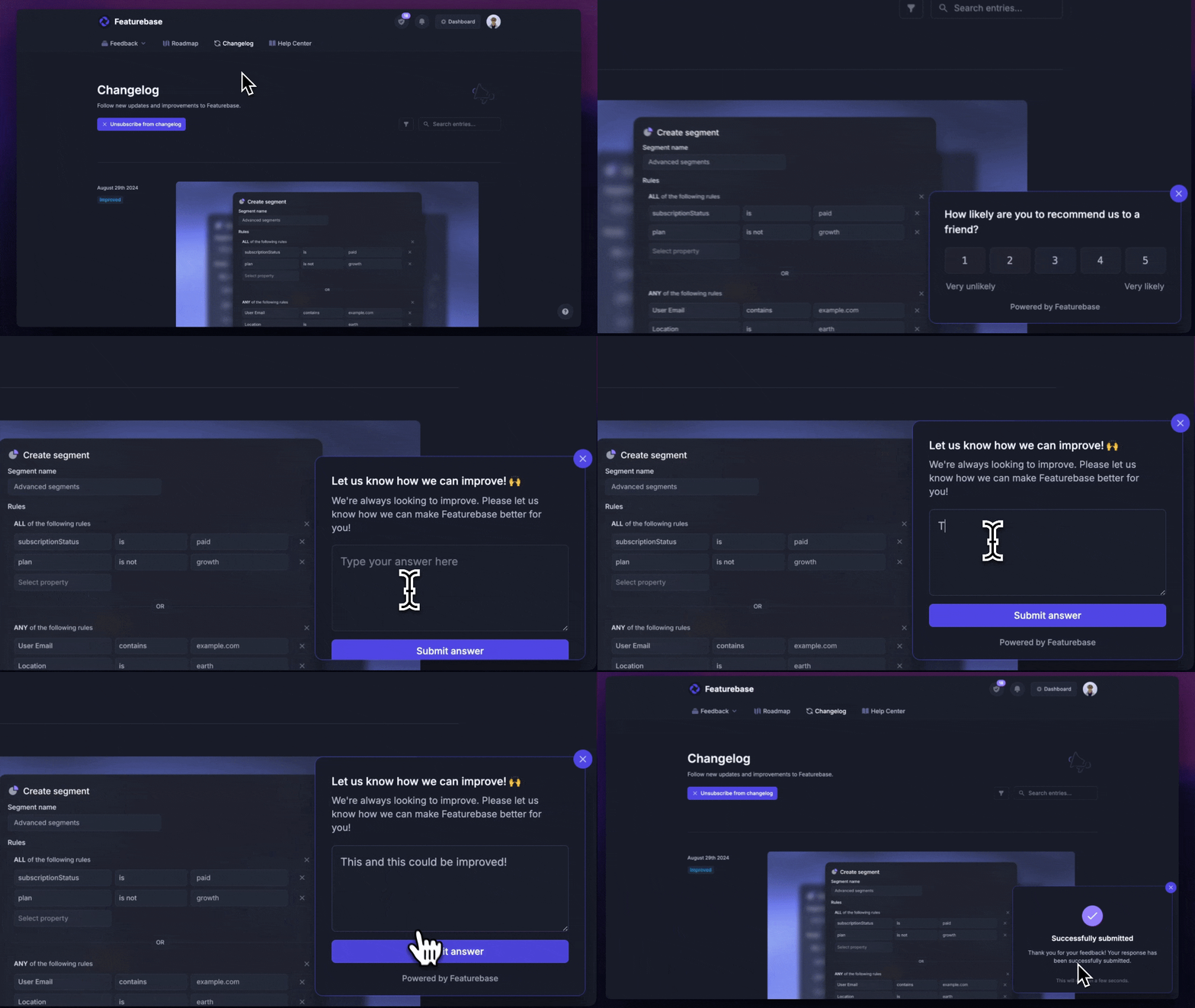
- Surveys (NPS, CSAT, etc) – Create targeted no-code surveys to ask users anything and measure customer satisfaction.
- User targeting – Target specific user segments based on properties like plan, role, location, etc.
- Conditional multi-step surveys – Ask follow-up questions based on conditional logic and users' answers
- In-app widgets – Collect ideas, bug reports, and suggestions directly from your website or webapp with interactive widgets
- Feedback forum – Public feedback forum where users can submit ideas and vote on features helping you know what customers want
- Prioritize by revenue – Link feedback with customer revenue, company size, and much more to better understand the impact of ideas
- Integrations – Connects with Slack, Linear, Jira, HubSpot, and more
- Plus, help center, product roadmaps, release notes, and customer surveys – all in one place
Pricing: Free plan available with unlimited survey responses and feedback. Paid plans start at $29/seat/mo.
Instead of having 4+ different tools, Featurebase enables you to replace all your customer-facing tools by bringing your feedback collection, product updates, support, and help center together in one place, helping you build products your users love.
Start running surveys & collecting feedback with Featurebase for free
2. Google Forms
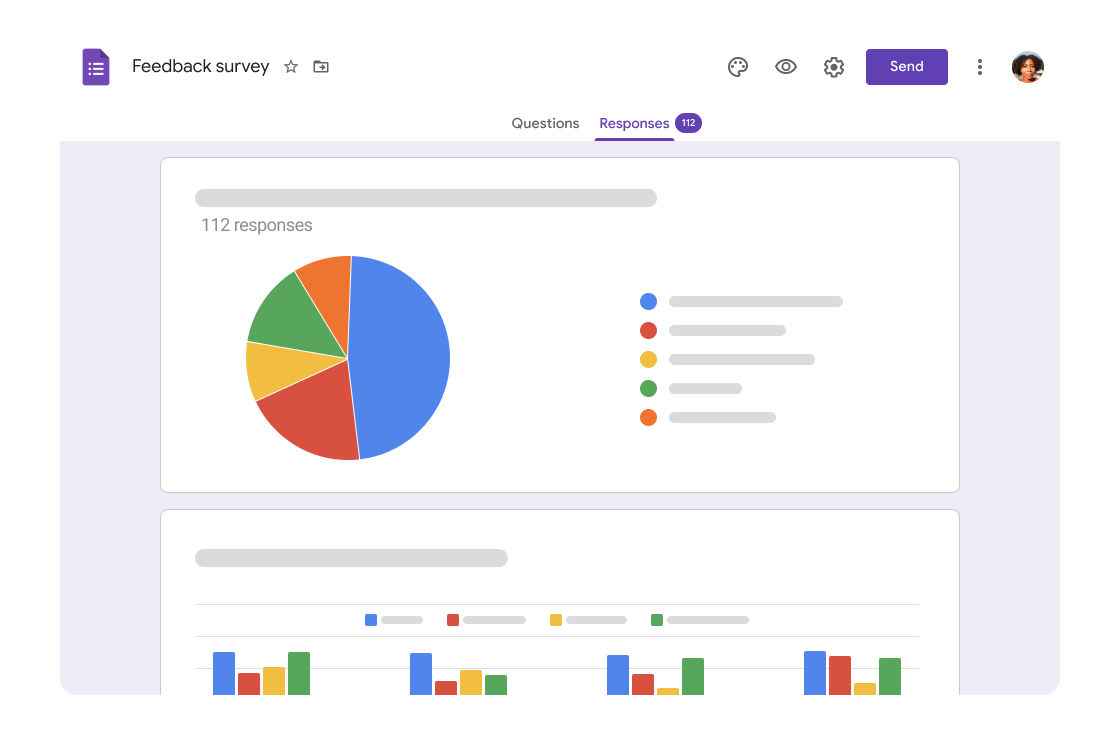
Google Forms is the default free option, and for good reason. If you already have a Google account, you can build a survey, quiz, or customer feedback form in minutes and have responses flow straight into Google Sheets.
It handles the basics cleanly: drag-and-drop question building, skip logic and page branching, and real-time results. Responses are unlimited, which almost no other free tool offers.
The trade-off is depth. Design customization is thin, there's no advanced analytics or sentiment analysis, and reporting stops at simple charts. It's perfect for a quick internal poll or a one-off survey, less so for an ongoing feedback program.
Best for: Individuals and small teams who need a genuinely free, no-frills survey tool.
Pricing: Free. Included with any Google account, with Google Workspace plans starting at $6/user/mo for more storage and admin controls.
3. SurveyMonkey
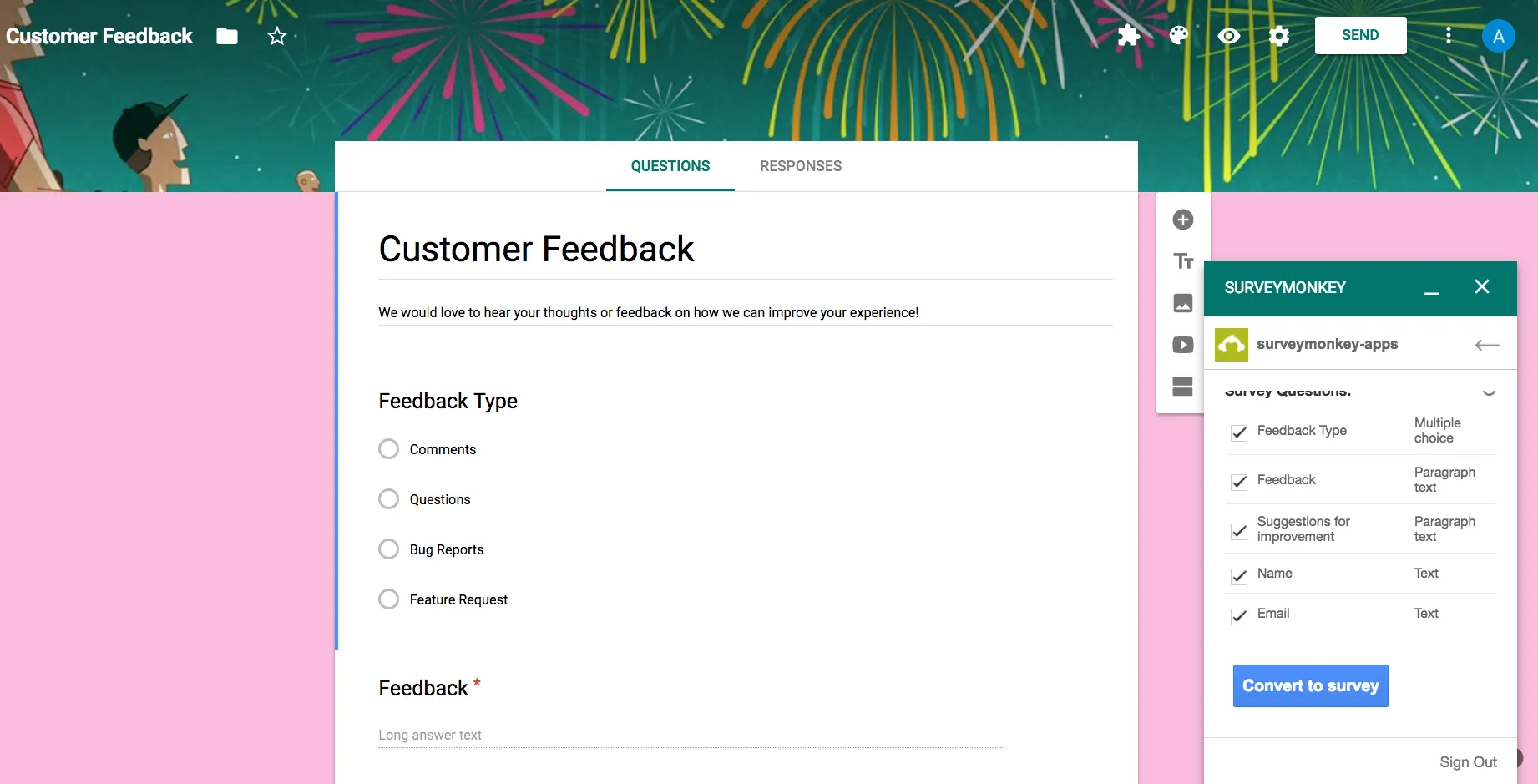
SurveyMonkey is one of the most recognized survey platforms, and its strength is breadth. It has a template library of 400+ surveys, a wide range of question types, and integrations with the tools most teams already run.
The free Basic plan is more of a taster than a workhorse: you're capped at 10 questions and 25 viewable responses per survey. To unlock unlimited questions, custom branding, and skip logic, you'll need a paid plan.
The catch is that the most useful features (advanced reporting, better logic, higher response volume) sit behind higher tiers, so the real cost climbs quickly once you're running surveys seriously.
Best for: Teams that want a proven, general-purpose survey tool with a deep template library.
Pricing: Free Basic plan. SurveyMonkey pricing for individuals starts at $46/mo billed annually (Advantage), with a Standard monthly plan at $99/mo. Team plans require a minimum of 3 users.
4. Typeform
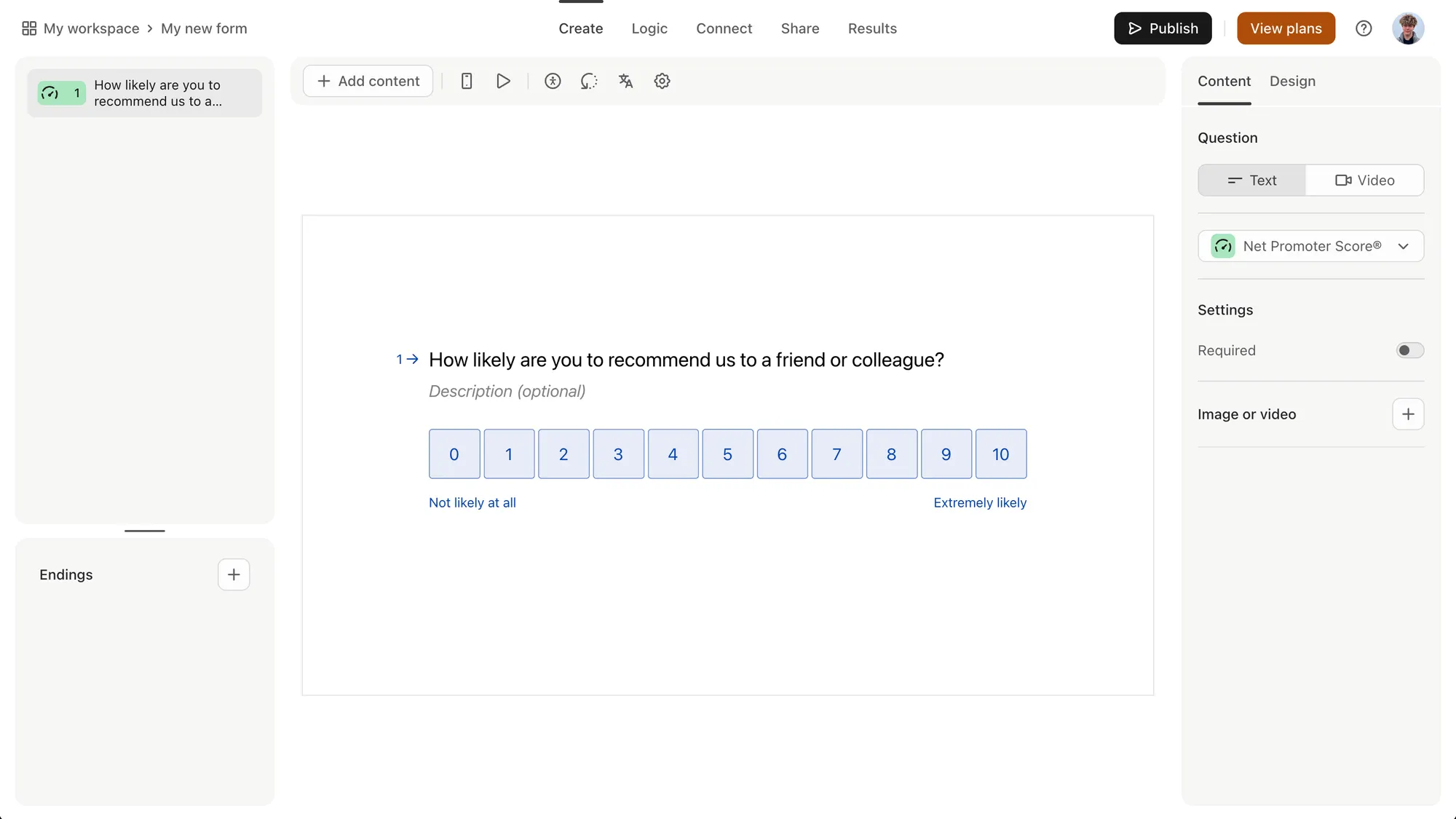
Typeform built its reputation on how surveys feel. It presents one question at a time in a clean, conversational layout that tends to lift completion rates, especially for customer-facing surveys and lead-gen forms.
It's genuinely pleasant to build in, supports logic jumps even on lower tiers, and integrates with Slack, HubSpot, Google Sheets, and Zapier. If respondent experience is your priority, few tools match it.
The catch is volume. The free plan caps you at 10 responses per month, and paid tiers are priced more around response limits than seats, so high-traffic surveys get expensive. It's also pricier than a basic form builder for what you get.
Best for: Marketing and product teams that care about polished, high-completion surveys.
Pricing: Free plan (10 responses/mo). Paid plans start at $25/mo billed annually (Basic), with Plus at $50/mo and Business at $83/mo.
5. Zonka Feedback
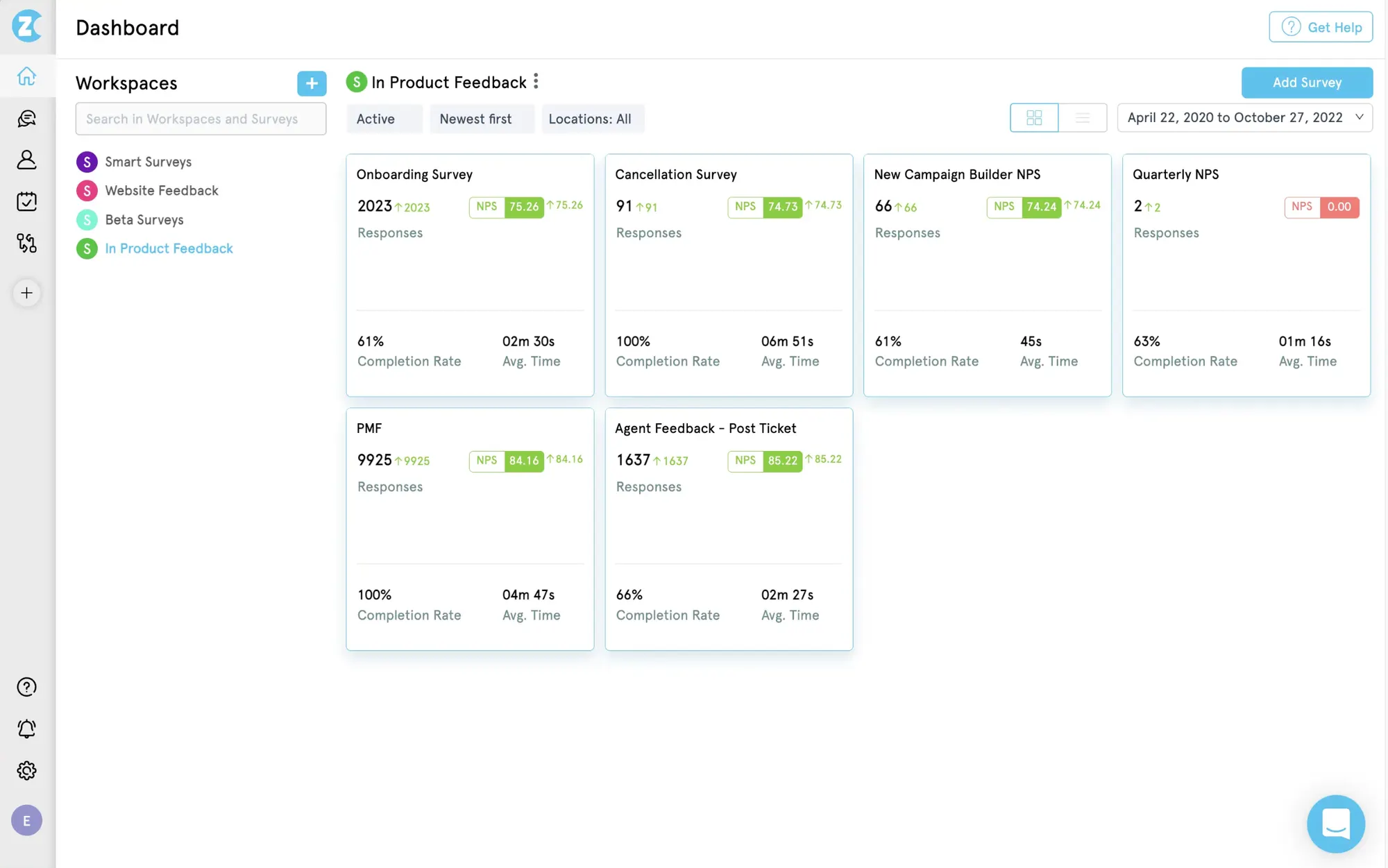
Zonka Feedback is a survey and feedback platform built for teams that want more than response collection. You can build NPS, CSAT, CES, and custom surveys with 25+ question types, branching logic, and templates, then send them across email, SMS, WhatsApp, web, in-app, and even kiosks. What sets it apart is that AI analysis is built into every survey, not sold as an add-on: open-text responses get themed and scored for sentiment automatically. The trade-off is that Zonka leans more toward ongoing CX programs than one-off academic surveys, so lighter, single-survey use cases may find it more than they need.
Top features:
- 25+ question types with logic, branching, and ready-made NPS/CSAT/CES templates
- Multi-channel distribution: email, SMS, WhatsApp, web, in-app, kiosks, and QR codes
- AI analysis of open-text responses included by default — themes and sentiment, not a separate module
Best for: Teams running an ongoing feedback or CX program that want AI analysis built into every survey.
Pricing: No public pricing. Free trial available and custom quotes based on response volume and features needed.
6. Jotform
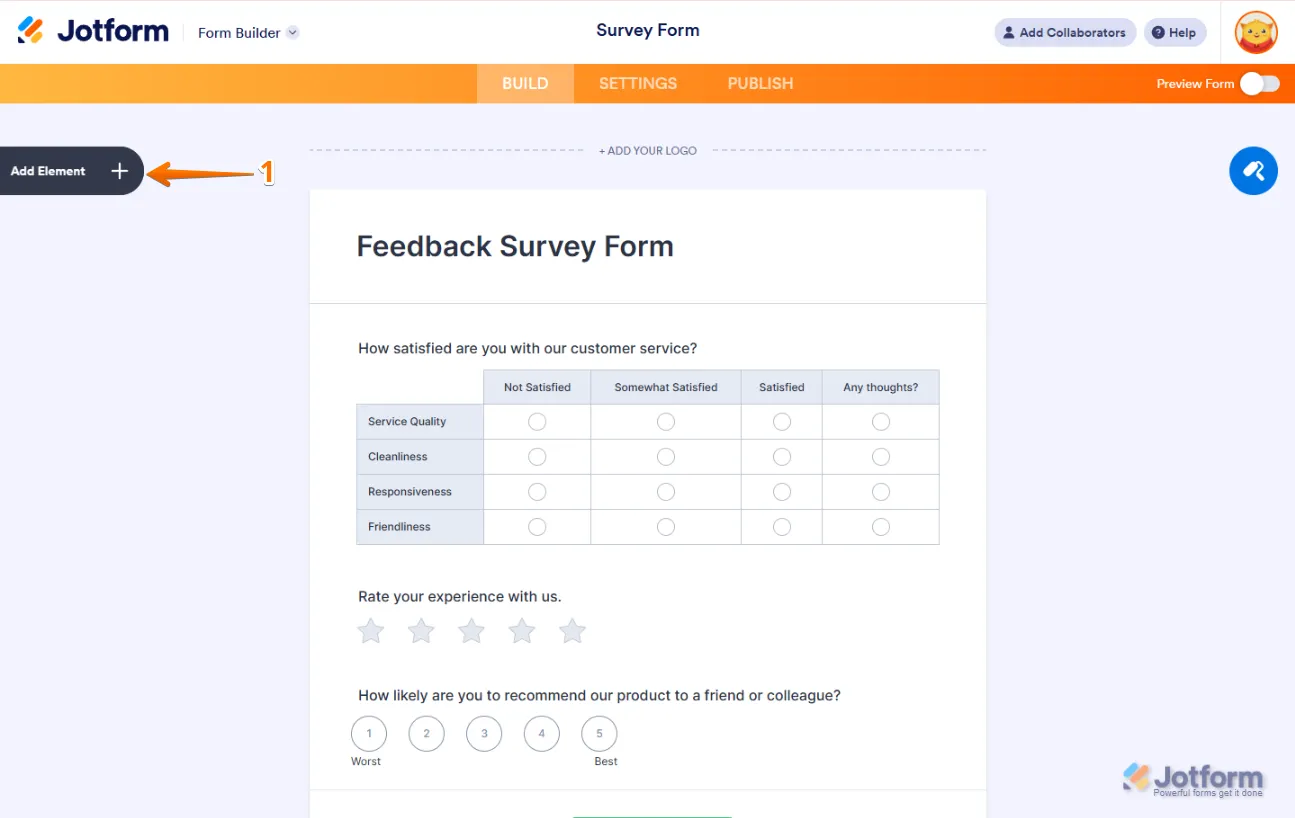
Jotform is a form builder first and a survey tool second, which is exactly why some teams love it. It's built for data collection of every kind, with 7,000+ templates, 200+ integrations, payment gateways, and conditional logic.
Its free Starter plan is one of the more complete around, allowing up to 5 forms and 100 monthly submissions with most core features intact. That makes it a strong pick when a survey is really part of a broader workflow, like intake forms, registrations, or order forms.
The complexity is the trade-off. Jotform meters usage across submissions, form views, fields, and storage, so heavy users have several overlapping limits to keep an eye on.
Best for: Teams whose surveys are tangled up with forms, payments, and approval workflows.
Pricing: Free Starter plan. Paid plans start at $34/mo billed annually (Bronze), scaling up through Silver and Gold tiers.
7. Qualtrics
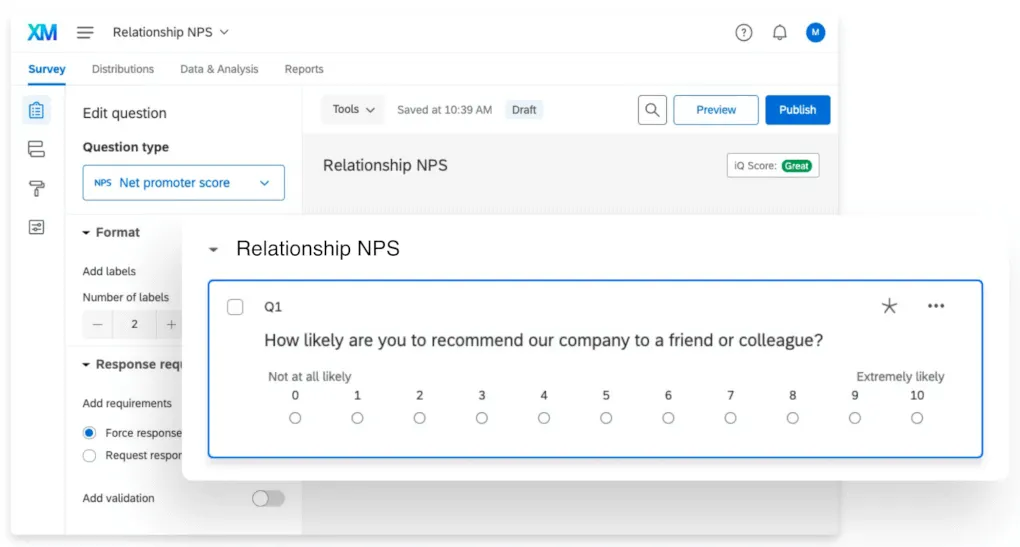
Qualtrics sits at the enterprise end of the market. It's an experience-management platform built for serious customer, employee, and market research, with advanced survey logic, AI-powered analysis, and deep integrations into CRM and BI systems.
For large organizations and academic institutions, it's hard to beat on raw capability and scale. If you need statistically rigorous research across thousands of respondents, this is the category leader.
That power comes with real friction: a steep learning curve, pricing that's out of reach for smaller teams, and reporting that often pushes you to export to a third-party tool. There's no self-serve free plan.
Best for: Enterprises and research teams that need advanced CX and market research at scale.
Pricing: No public pricing. Qualtrics is sold via custom annual quotes. See our Qualtrics pricing breakdown for what teams typically pay.
8. Microsoft Forms
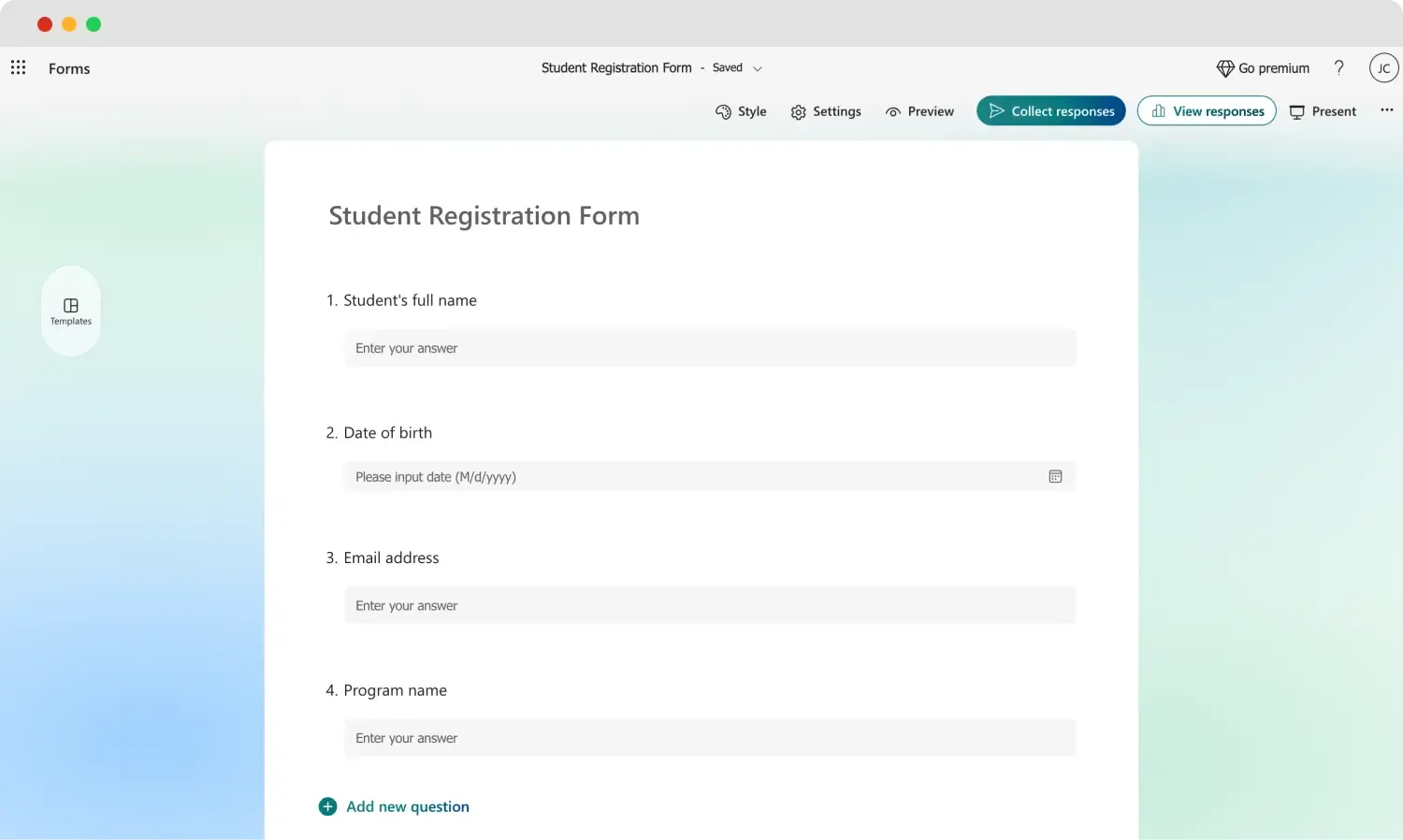
If your company runs on Microsoft 365, Microsoft Forms is the path of least resistance. It's a simple, cloud-based survey and quiz builder that plugs straight into Excel, Teams, SharePoint, and Outlook.
There's essentially no learning curve, results visualize automatically, and it's free for anyone with a Microsoft account. For internal surveys, quick polls, and quizzes, it does the job with zero setup.
Where it falls short is anything advanced: survey logic and customization are limited, and it isn't built for complex research or large external programs. It shines inside the Microsoft ecosystem and feels basic outside it.
Best for: Teams already living in Microsoft 365 who need quick internal feedback.
Pricing: Free with a Microsoft account, and included in Microsoft 365 plans (from $6/user/mo).
9. SurveySparrow
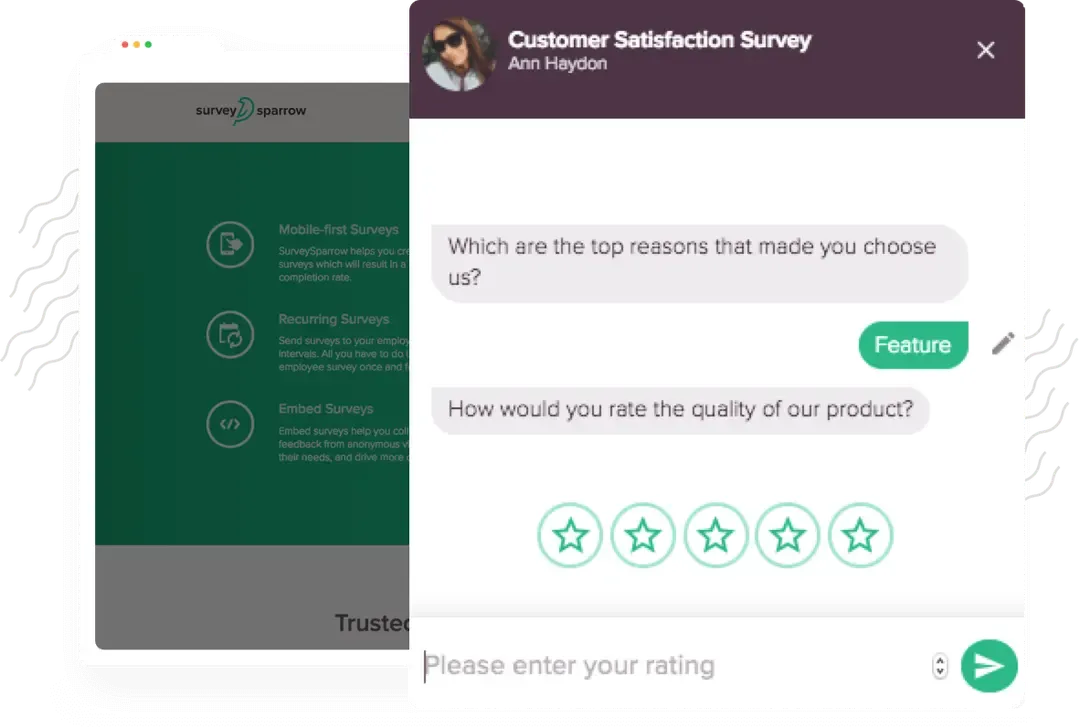
SurveySparrow turns surveys into conversations. Its chat-like, one-question-at-a-time format is designed to boost engagement, and it layers on a full CX suite for NPS, CSAT, and CES programs.
The conversational design, automation options, and responsive support win it a lot of fans, and it's often cited as better value than Typeform or SurveyMonkey for teams that want ongoing feedback programs.
The common complaint is tiering: white-labeling, custom CSS, HIPAA compliance, and some integrations are gated to higher plans, and it can get pricey for small teams as response needs grow.
Best for: Teams running recurring CX surveys that want a conversational feel.
Pricing: Forever-free plan (75 responses/quarter). Paid plans start at $19/mo billed annually (Basic), with Business at $99/mo.
10. Hotjar
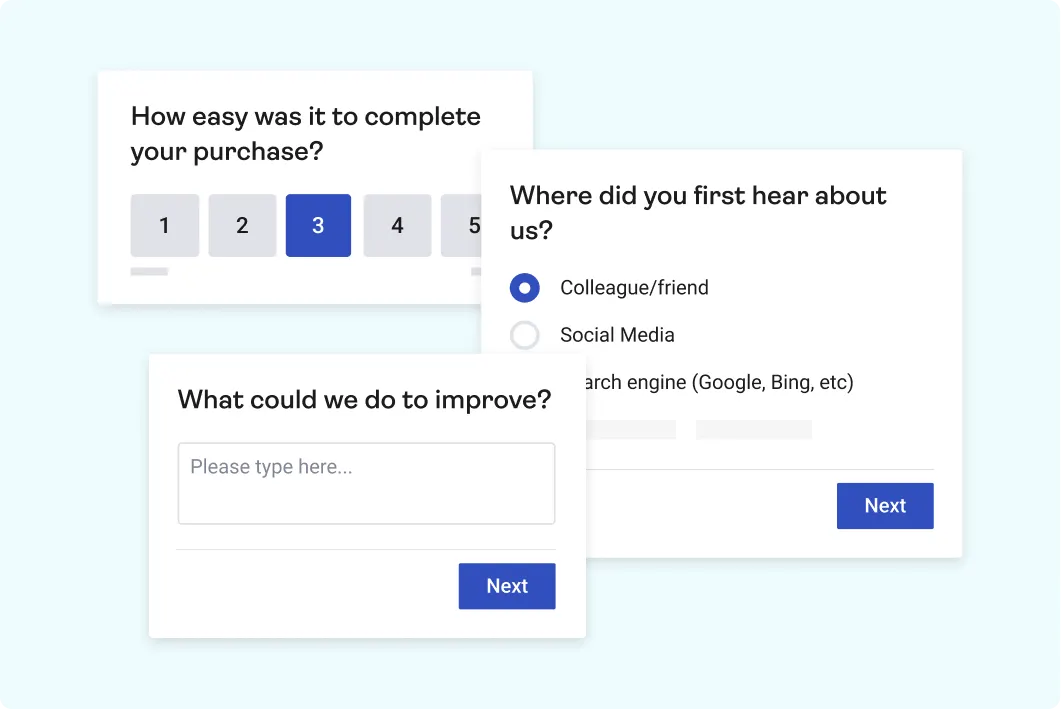
Hotjar isn't a dedicated survey tool, but it's one of the best ways to gather feedback on a website. It bundles surveys and feedback widgets alongside heatmaps and session recordings, so you can pair what users say with what they actually do.
Its on-site surveys are unobtrusive, can be triggered on specific pages or after certain actions, and the free Basic plan includes unlimited surveys and feedback widgets. For product, UX, and marketing teams, that mixed-method view is the real draw.
The survey features themselves are basic, though: limited custom reporting, little design flexibility, and weak support for mobile apps, since Hotjar is built for websites.
Best for: Product and UX teams gathering feedback directly on their website.
Pricing: Free Basic plan. Paid plans start at $32/mo billed annually (Observe Plus), with Business at $80/mo and Scale at $171/mo.
11. Zoho Survey
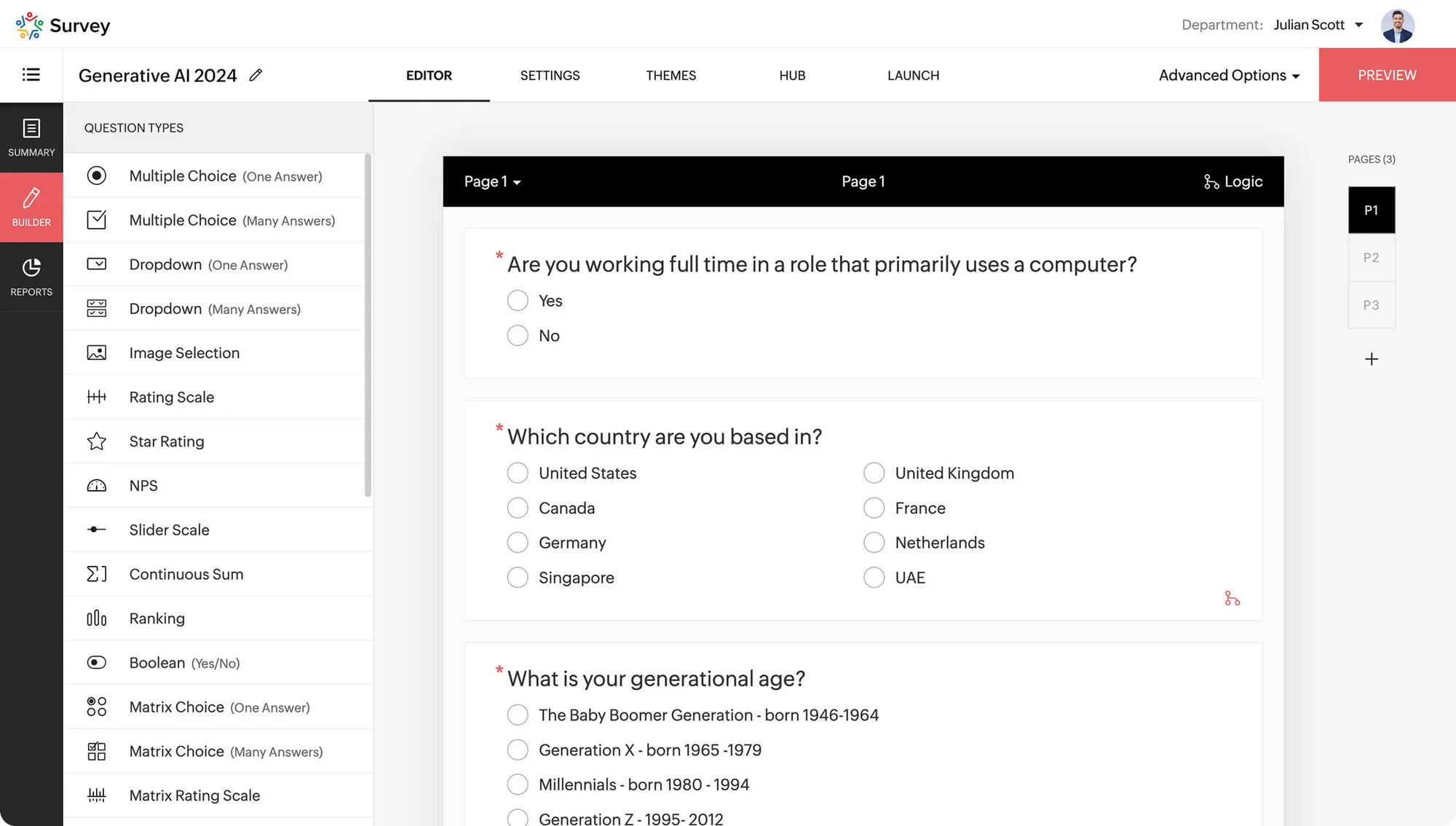
Zoho Survey is a capable, affordable builder that makes the most sense if you already use other Zoho products. It offers unlimited surveys, 250+ templates, skip logic on paid tiers, and tight integration with Zoho CRM, Analytics, and Sheet.
The free plan covers the basics (100 responses per survey, 10 questions), and paid tiers add multilingual surveys, sentiment analysis, and cross-tab reports. For existing Zoho customers, it's an easy, low-cost add-on.
Outside the Zoho ecosystem, the appeal narrows. Many of the best integrations point back to Zoho's own tools, and the free plan's logic is limited compared with some rivals.
Best for: Teams already invested in the Zoho suite who want a low-cost survey tool.
Pricing: Free plan. Paid plans start at $35/mo (Plus), with Pro at $49/mo and Enterprise at $109/mo.
How to choose the right survey tool
There's no single best survey tool, only the best one for what you're doing. A few quick rules of thumb:
- For a one-off or internal survey: Google Forms or Microsoft Forms will do the job for free, especially if you're already in Google or Microsoft.
- For customer-facing surveys where design matters: Typeform or SurveySparrow give you the polish and completion rates that a plain form can't.
- For enterprise research at scale: Qualtrics is the heavyweight, provided you have the budget and the time to learn it.
- For feedback that feeds your product decisions: a product-feedback platform like Featurebase keeps survey responses connected to feature requests, revenue, and your roadmap, so insights don't stall in a spreadsheet.
Start by writing down what you actually want to learn and who you're asking. The tool is easier to pick once the question is clear.
Conclusion
The best survey tool is the one that fits how you collect feedback and what you do with it afterward. Free builders like Google Forms and Microsoft Forms are perfect for quick, simple surveys, while Typeform, SurveySparrow, and Qualtrics each win for polish, CX programs, and enterprise research respectively.
If your surveys exist to make better product decisions, Featurebase brings your surveys, feedback board, roadmap, and product updates into one place, so an NPS score or a feature poll turns directly into a prioritized request instead of another export to sort through.
There's a free plan with unlimited survey responses and feedback, so there's no downside to trying it. 👇
Start running surveys & collecting feedback with Featurebase for free
FAQs
Focus on the features that separate tools rather than the ones everyone has. The ones that matter most are question types and conditional logic, distribution options (email, web embed, or in-app), analysis and reporting, integrations with your existing stack, and the limits on the free or entry plan. Also weigh where responses go next, since tools that connect feedback to a customer or a roadmap save a lot of manual sorting.
For most basic needs, yes. Free plans from Google Forms, Microsoft Forms, and others are perfectly capable of running short surveys and collecting responses. The catch is usually volume and depth: watch for caps on responses, questions, and reporting, and check what happens to your data once you exceed the free limit.
A survey tool is built to ask a set of questions and collect the answers, usually as a one-off. A feedback tool is built for continuous input, where responses feed an ongoing system like a feature board or roadmap. Featurebase blends the two, pairing targeted in-app surveys with a public feedback forum so what you learn turns into prioritized action.
For feedback gathered inside your app or website, look at tools built for in-context surveys rather than mass email. Hotjar is strong for on-site website feedback, while product-feedback platforms fire targeted surveys to specific user segments and tie the answers back to accounts and feature requests. These capture more honest, timely responses than a survey sent days later by email.
Most do. The common integrations are Slack, HubSpot, Salesforce, Google Sheets, and Zapier, which let you push responses into the tools your team already uses. If a specific integration like Salesforce is essential, confirm which plan tier includes it, since deeper integrations are often gated to higher plans.
Yes, measuring NPS and CSAT is a standard use case, and most tools ship ready-made templates for both. NPS asks how likely someone is to recommend you, while CSAT measures satisfaction with a specific interaction. The more useful tools let you follow up automatically based on the score, so a low rating triggers a different next question than a high one.


