What Is Ticket Deflection? Examples and Ways to Improve It
Learn what ticket deflection means, see 5 practical examples, and improve self-service with helpful content, AI answers, and clear human handoffs.


On this page
Get the modern Ticketing Inbox designed for efficiency
When the same setup, billing, and account questions keep filling your inbox, customers wait for answers your team has already written dozens of times.
Ticket deflection gives customers a faster way to get those answers through self-service and AI. The useful part is choosing which requests can be resolved that way and making the experience easy to follow.
In this guide, I'll cover how it works, with practical examples and ways to improve it. 👇
Key takeaways
- Ticket deflection helps customers resolve questions before they need an agent-handled support ticket.
- Knowledge bases, contextual help, community answers, and AI agents can all support deflection.
- Start with recurring requests that have reliable answers or clearly defined actions.
- Make it easy to reach a person when self-service cannot solve the problem. A customer leaving without an answer is still an unresolved issue.
- ✨ Featurebase brings together a help center, Fibi AI Agent, and an omnichannel inbox for self-service and human support.
What is ticket deflection?
Ticket deflection is the practice of helping customers solve a question or complete a support task through self-service before it needs a human support agent. This customer self-service can happen through a help article, an FAQ page, a community answer, or an AI assistant.
The customer still gets help. They simply get it without waiting for someone to pick up a ticket.
Support ticket deflection is one way to reduce support tickets. Broader ticket reduction also includes fixing bugs, simplifying confusing product flows, and improving onboarding so the question never arises.
It's also different from automating ticket handling. Assigning a request, tagging it, or drafting a reply can save agents time, but the request still needs a person to resolve it.
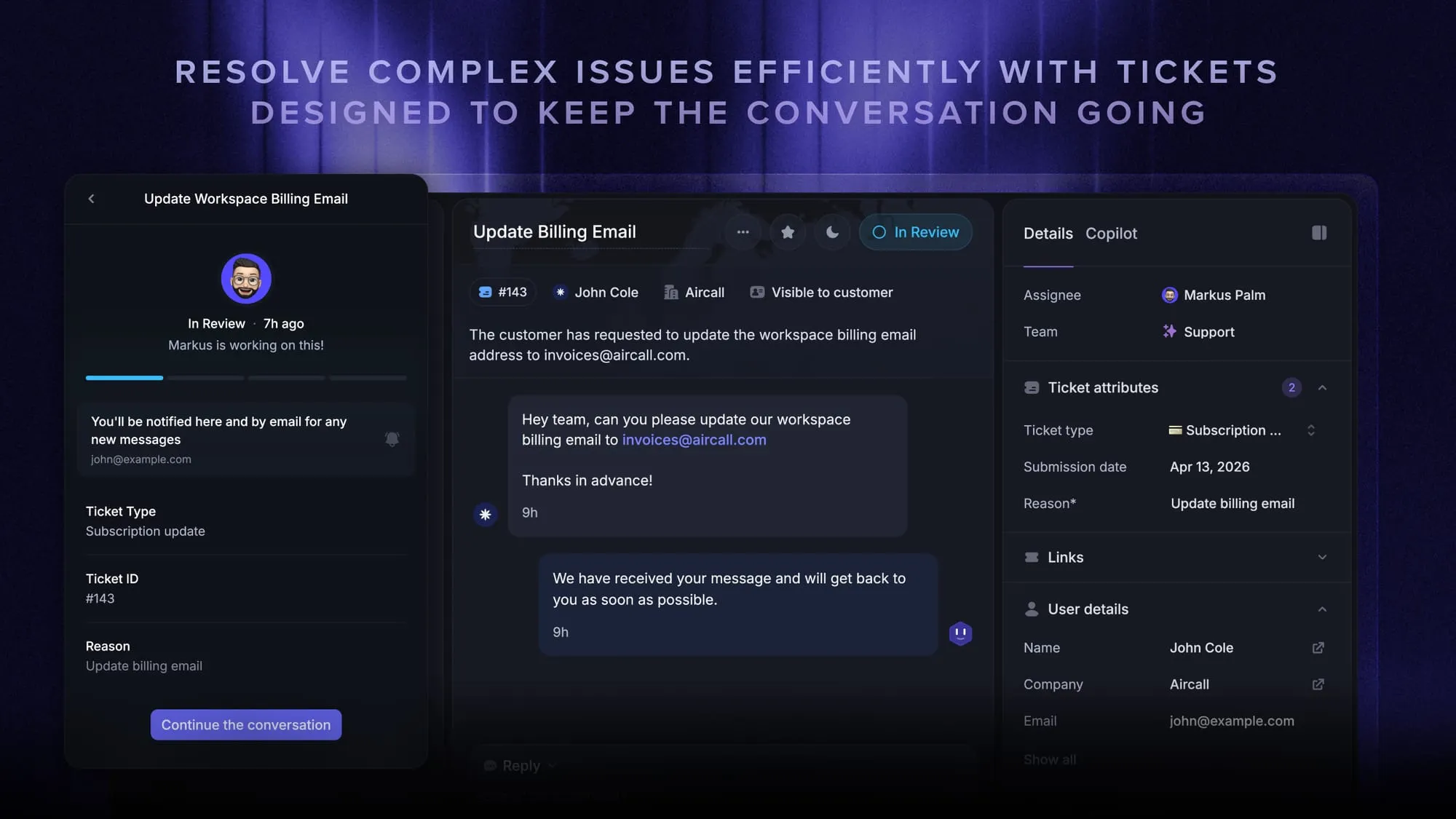
Some platforms create a conversation record as soon as an AI chat begins. There, deflection means avoiding human handling, even though a record exists. Check this distinction when comparing tools.
How does ticket deflection work?
Ticket deflection puts a useful answer or action within reach when a customer needs help. They complete the task through self-service, or continue to an agent if it doesn't work.
There are several ways to deliver that help:
- Knowledge bases and FAQs: Customers search for instructions, explanations, and troubleshooting steps they can follow independently.
- Contextual help: Relevant guidance appears inside the product or alongside a support form, close to the question that prompted it.
- Community answers: Customers find an existing solution from another user. Moderation and review help keep those answers reliable.
- AI chatbots and agents: Customers describe the problem in their own words and receive an answer, guided troubleshooting, or an approved action.
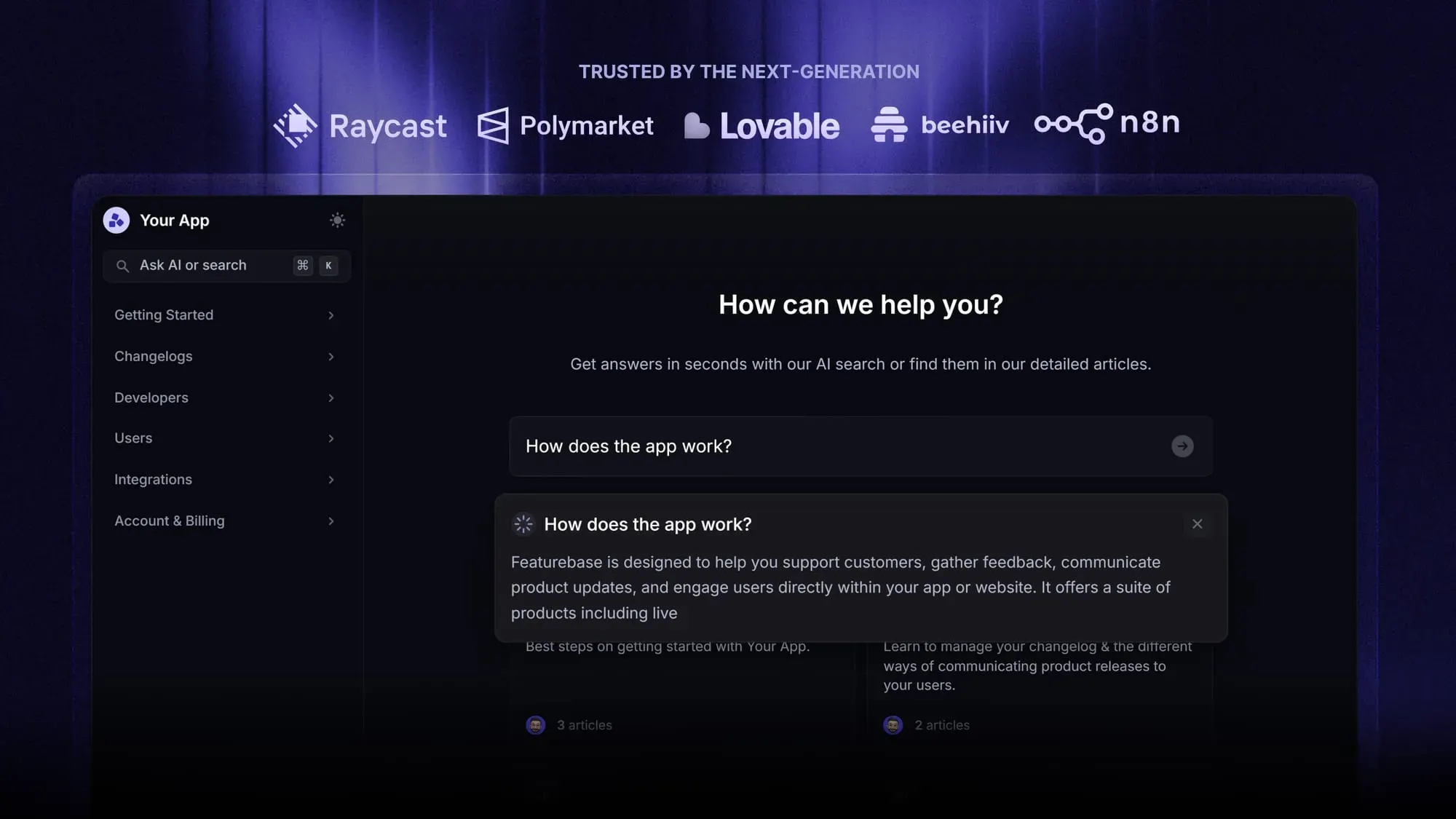
AI-powered ticket deflection adds a conversational route to self-service. An AI agent can ask a clarifying question, use relevant product knowledge, and tailor its answer to the request. When connected to the right systems, it can also retrieve information or complete a permitted task.
That depends on what you give it access to. A chatbot connected only to public help articles cannot reliably tell a customer whether their latest payment succeeded.
Why ticket deflection matters
Good ticket deflection improves the experience for customers and the team supporting them:
- Faster answers: Customers can finish a straightforward task immediately instead of waiting in a queue.
- Help outside staffed hours: Articles and automated workflows remain available when the team is offline.
- More time for complex requests: Agents spend less time repeating instructions and more time investigating issues that need their expertise.
These benefits depend on the answer being useful. A bot that repeatedly sends the wrong article creates extra work for the customer and for the agent who eventually takes over.
5 practical ticket deflection examples
These examples show how self-service can resolve common software support requests and when an agent may need to help.
1. Finding password reset instructions in a help center
A customer searches your help center for a password reset. The article explains how to request a reset email, what to check if it doesn't arrive, and how sign-in works for accounts using single sign-on.
They follow the appropriate steps and regain access without submitting a ticket. If they no longer control the registered email address, the flow directs them to your account recovery process instead of repeating the same instructions.
2. Resolving a setup error through suggested articles
A customer starts writing a support request about a failed CSV import. Before they submit it, the form suggests a troubleshooting article matching the error they entered.
The article shows the required date format and a corrected sample row. They fix the file and complete the import. If the article doesn't match their error, they can continue submitting the request without losing what they've written.
3. Getting a plan-feature answer from an AI agent
A customer asks, "Can I export reports on my plan?" The AI agent uses current plan documentation and, if available, authenticated account information to explain their options.
If it cannot identify their plan, it asks them to clarify instead of guessing. When the documented feature should be available but is missing from their account, it passes the issue to support for investigation.
4. Retrieving an invoice through an authenticated workflow
A billing administrator asks for last month's invoice. An AI agent connected to the billing system checks the user's permissions, finds the invoice for the correct account and period, and provides access through the approved billing workflow.
A disputed amount, missing invoice, or failed permission check follows a separate support path.
5. Completing a trial extension within approved rules
A customer needs more time to evaluate your product. An automated workflow checks whether the account qualifies under your trial extension policy.
For an eligible account, it applies the extension and confirms the new expiration date. A request outside the policy goes to a teammate. Here, AI ticket deflection completes the customer's task through an approved action.
7 ways to improve ticket deflection
Start with requests your team understands well. A focused rollout makes it easier to see where customers succeed and where they get stuck.
1. Choose recurring requests with clear resolution paths
Review recent support conversations and group them by the task customers were trying to complete. "Billing" is too broad. "Download an invoice" and "Dispute a charge" need different handling.
Prioritize requests with frequent repetition, a stable answer, and a clear outcome. For each candidate, record:
- The customer goal: What they need to accomplish.
- The required information: The article, policy, or account data needed to help.
- The completion signal: What shows the task worked.
- The handoff condition: When an agent needs to take over.
2. Write complete answers in your customers' language
Build knowledge base articles around the questions people actually ask. "Why won't my file upload?" is easier to recognize than an internal feature name such as "Import validation requirements."
Each article should explain the issue, the steps to resolve it, and what a successful result looks like. Include common exceptions, screenshots where useful, and a next step if the instructions fail.
Ask someone unfamiliar with the process to follow the article. If they need you to fill in missing steps, customers will probably need an agent too.
Give someone responsibility to maintain your knowledge base when the product changes.
3. Put relevant help where questions arise
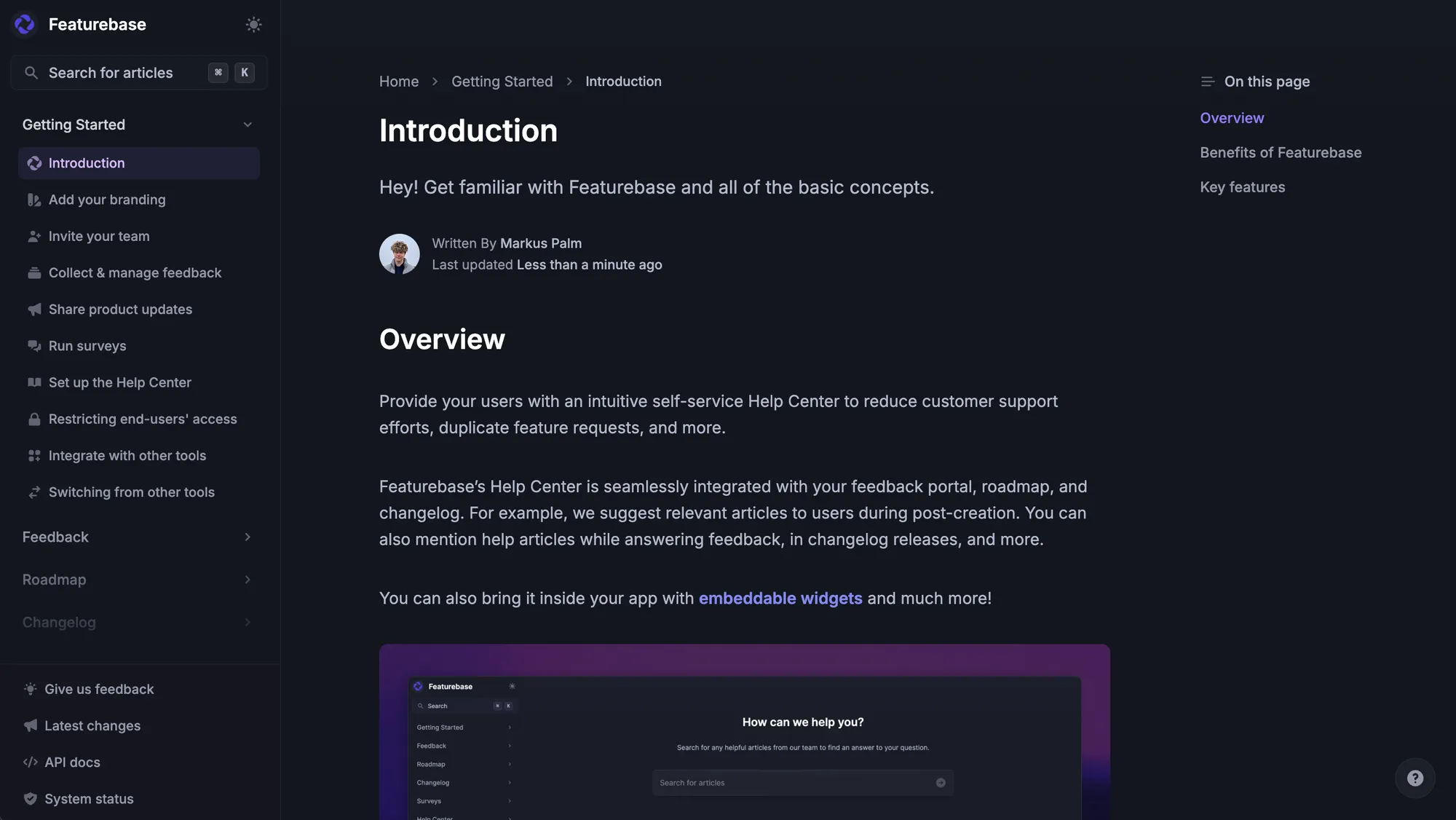
Make self-service available close to the task. Link billing guidance from the billing screen, explain an error beside the failed action, and offer relevant articles before a support form is submitted.
Discovery matters. In a survey of 5,728 customers conducted in December 2023, Gartner found that customers could not find relevant content in 43% of self-service failures. Gartner published the findings in August 2024.
Use customers' search phrases to improve article titles and navigation. A complete answer buried under an unfamiliar category can still leave someone stuck.
4. Ground AI answers in maintained product knowledge
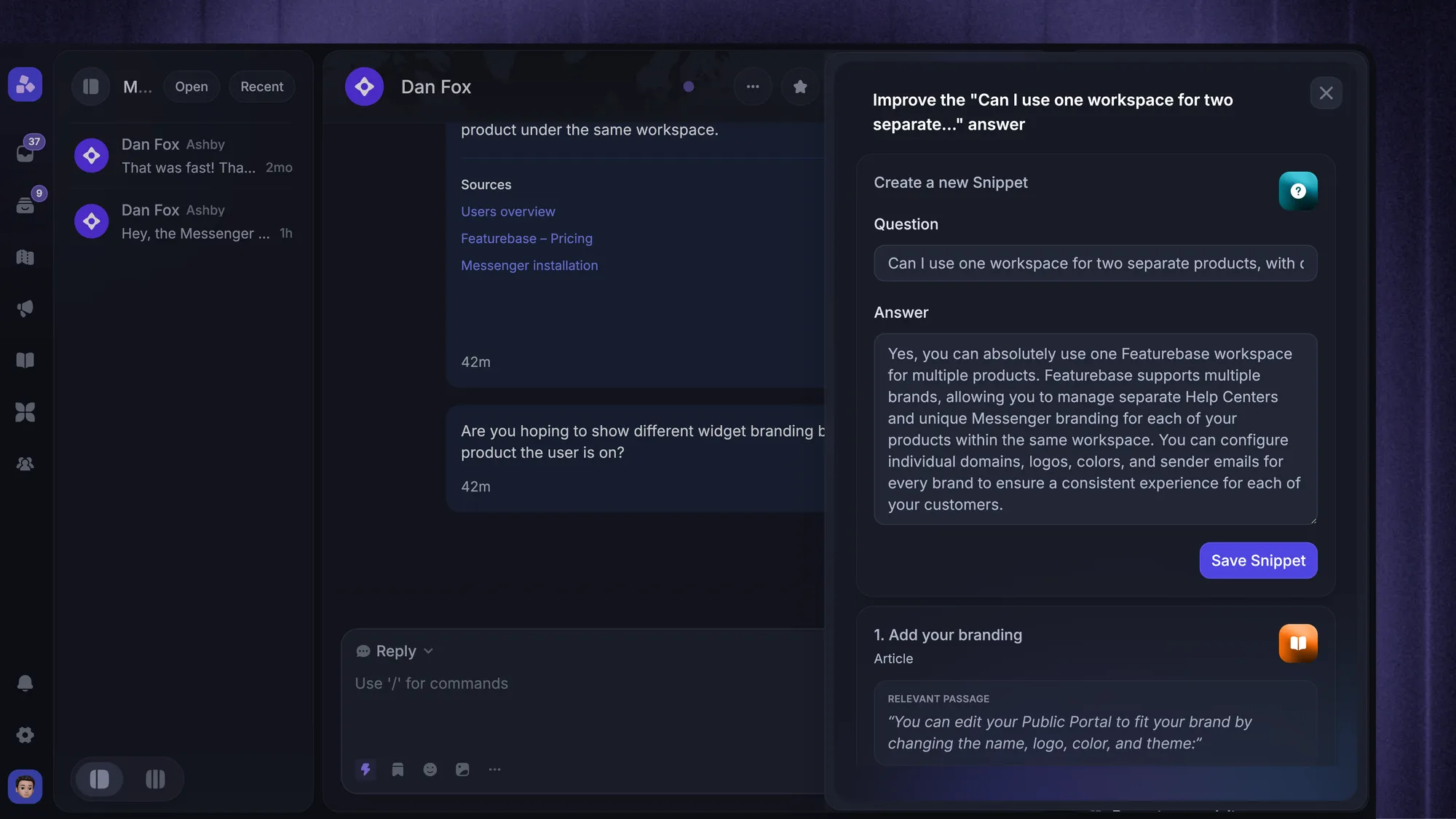
Give your AI agent accurate help articles, approved policies, and relevant troubleshooting guidance. Resolve conflicting instructions before adding more sources, and update the knowledge when features or policies change.
Test questions that use different wording, omit important details, or describe an exception. The agent should ask for missing context or hand off when it lacks a reliable answer.
For example, Featurebase's Fibi AI Agent can answer using connected help content and hand unresolved conversations to a teammate with context. That lets customers continue getting help without starting the conversation over.
5. Connect approved actions to customer systems
Some requests cannot be resolved with an article. Downloading an invoice, checking an account entitlement, or extending a trial may require access to another system.
For each automated action, define who can request it, which accounts they can access, and what the workflow is allowed to change. Verify the action succeeded before telling the customer it's complete.
Plan for failures too. If a billing connection times out, the workflow should explain that the request could not be completed and pass useful context to a teammate. It should never invent a successful result.
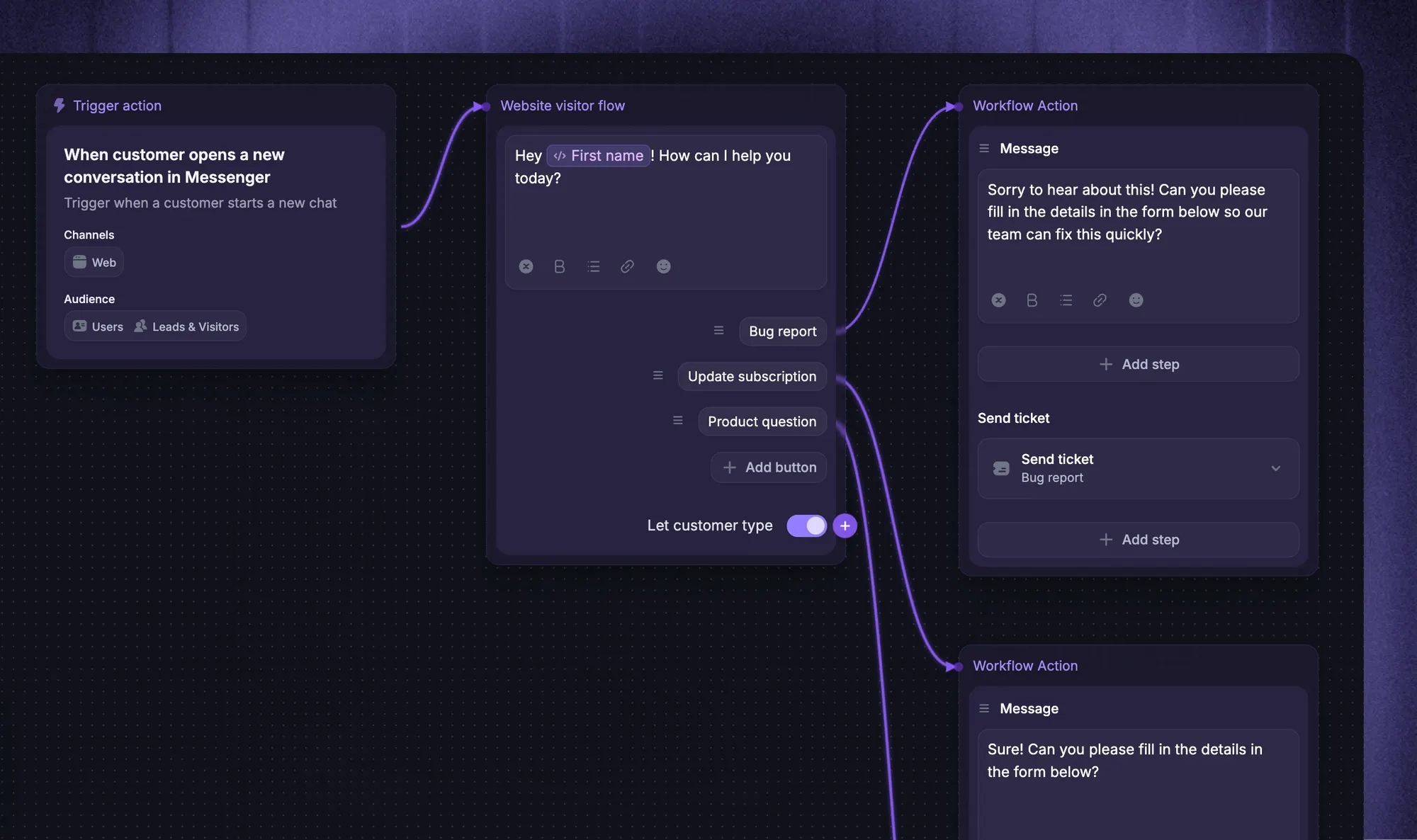
6. Make human handoff straightforward
Give customers a visible way to ask for a person. Avoid forcing them through repeated suggestions after they have already said the answer didn't help.
A useful handoff to an agent carries forward:
- The original request: What the customer wants to accomplish.
- Relevant context: The account, product area, and details already collected.
- Attempted solutions: Articles shown, troubleshooting completed, and actions attempted.
Tell the customer what happens next and when they can expect a response.
7. Test a focused rollout and improve failed journeys
Launch with a small set of request types on one channel. Test successful cases, unclear questions, policy exceptions, and unavailable integrations before expanding.
Review conversations after launch for missing knowledge, misleading instructions, and incomplete handoffs. Assign each recurring problem to someone who can fix it.
Keep the success check simple: did customers complete their task, were they satisfied, and did they return about the same issue? A rising ticket deflection rate needs those checks alongside it. A session ending without a ticket does not, by itself, prove the customer got an answer.
When should a request go straight to an agent?
Route a request to a person when resolving it requires investigation, discretion, or access the automated workflow doesn't have. Common examples include:
- Security and account ownership concerns: Suspected compromise or uncertainty about who is authorized to access an account.
- Disputes and policy exceptions: A contested charge or a request outside the approved process.
- Undocumented problems: A new bug, conflicting account data, or a failure the available guidance doesn't explain.
- Failed self-service attempts: The customer has followed the steps and remains stuck, or explicitly asks for human help.
Collect useful details so the agent can continue the investigation with less repetition for the customer.
Conclusion
Effective ticket deflection starts with a useful answer or a completed task. Choose recurring requests with clear resolution paths, make help easy to find, and improve the experience whenever customers get stuck.
Featurebase combines AI-powered support, a help center, and feedback management in one platform. Fibi AI Agent handles suitable questions, while your team can take over the conversations that need a person.
Featurebase offers a Free plan to get started. Fibi AI Agent is available on paid plans, with usage-based resolution charges. 👇
Get the modern Ticketing Inbox designed for efficiency
FAQs
The terms usually describe the same goal: resolving a request through self-service before it needs an agent. "Case" is common in CRM platforms, while "ticket" is common in helpdesks. Check the tool's reporting definition because the terminology alone doesn't tell you what counts as a successful outcome.
You may be able to add AI to your existing helpdesk through native features or an integration. Check whether it can access your knowledge, pass conversations to agents, and preserve customer context. Also consider whether maintaining a separate AI tool creates extra work for the team.
Costs can include a platform subscription, agent seats, and usage charges based on conversations or resolutions. Budget for maintaining content and connecting any systems the AI needs to use. Compare the total cost of handling your expected requests, including those that still need a human agent.
A focused launch using existing, accurate help articles needs less preparation than a workflow that changes customer account data. The work includes reviewing content, connecting systems, testing exceptions, and preparing handoffs. Set the launch date around those requirements rather than assuming every request type will be ready together.
Yes. Technical products still generate repeat questions about configuration, documented errors, and supported integrations. Keep answers specific to the relevant product version and environment, and route unfamiliar failures to technical support. A product's complexity doesn't make every individual question complex.